WEB-Panel-Logs
December 19, 2022After the client works, it will transmit the acquired data back to the server in real time, and the server will completely receive, analyze, process and record the data in the database.
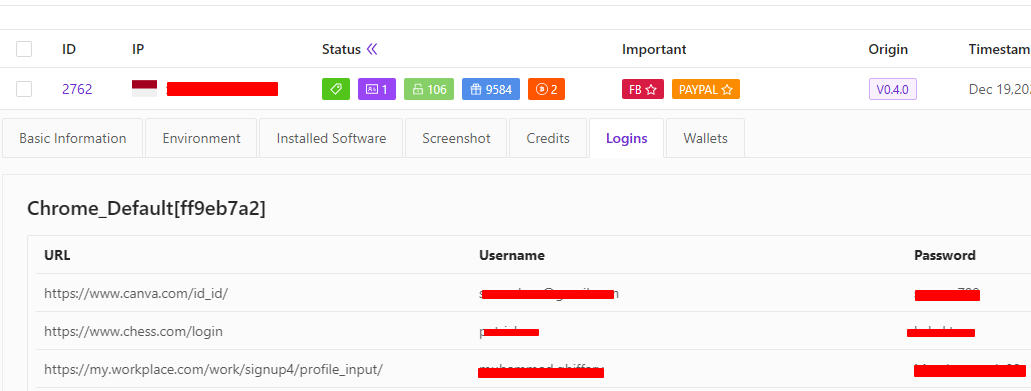
The information corresponding to each log can be obtained very clearly and intuitively on the WEB panel.

① ID: The digital number of the record. This record is an incremental record +1, which is the unique number of the log record. Records are not cleared in the library.
② IP: record the corresponding machine external network IP
③ Status: Display rough log information
1. ALL TAGS
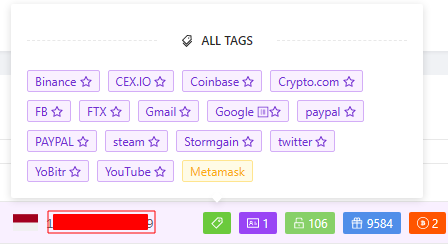
2. Credits shows that there are several information card records
3. Logins shows how many browser password records
4. Cookies shows how many cookies there are
5. The number of acquired digital currency wallets.

⓵ Click to directly download the corresponding wallet file ⓶ Copy the seed phrase of the wallet
④ Important: Display the domain name TAG set in the TAG setting that needs to be focused on
⑤ Origin: The installation source identification corresponding to the log record
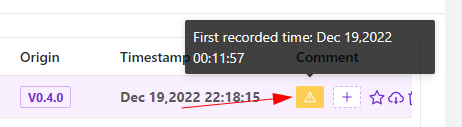
⑥ Timestamp: the time when the server receives the data
⑦ Comment: You can write corresponding notes on the log
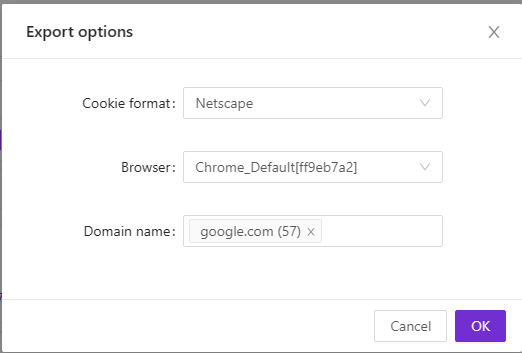
⑧ Export Cookie:
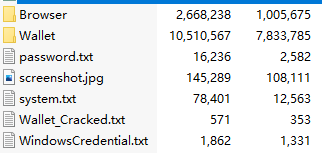
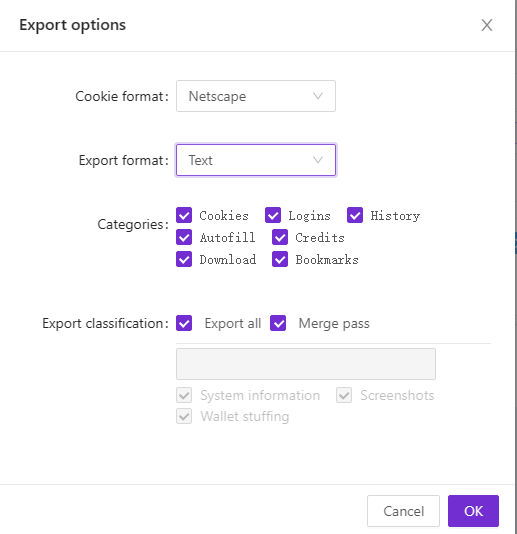
⑨ Export ZIP:
⑩ Delete: delete the currently viewed record, the deletion operation has a confirmation mechanism to prevent misoperation
⑪ More: Click to open to view log details
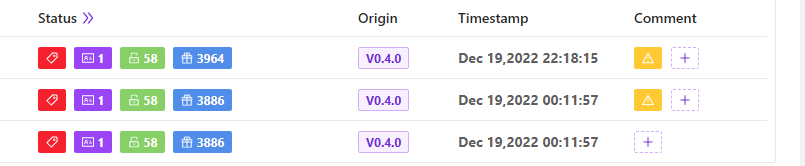
Flexible and powerful search and filter functions

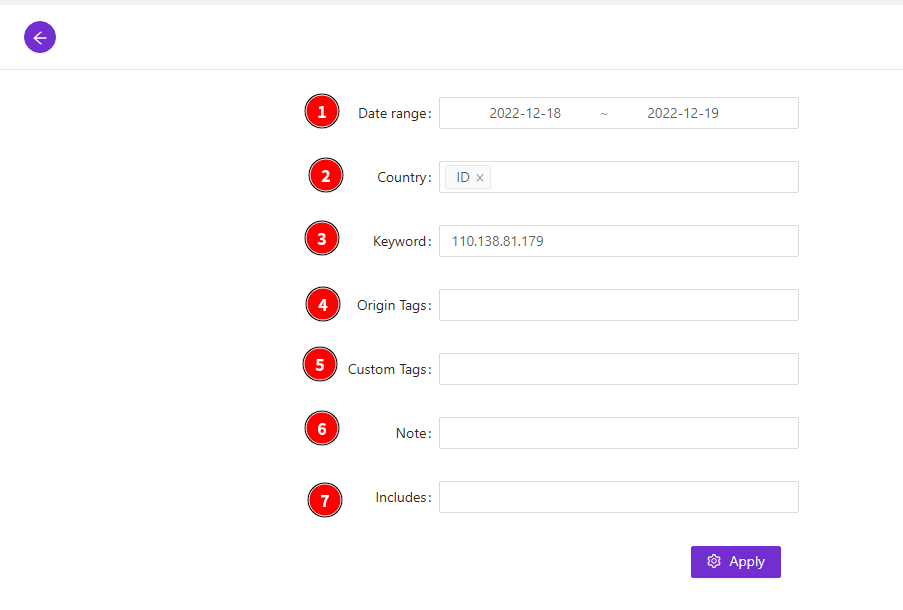
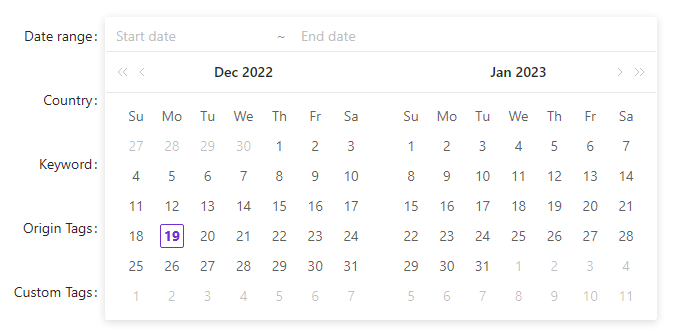
⓵ Date range: time range selection
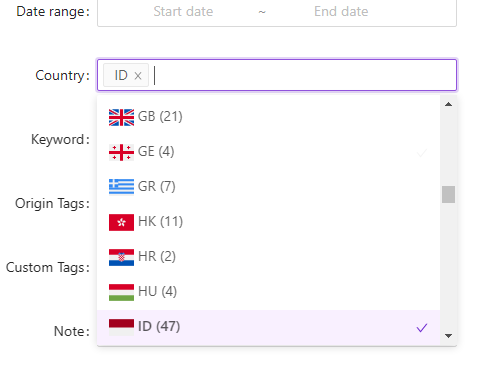
② Country: country selection
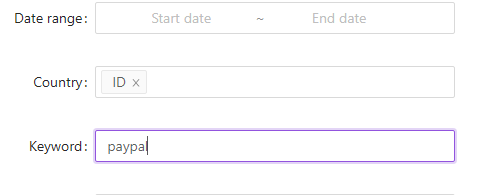
⓷ Keyword: keyword search
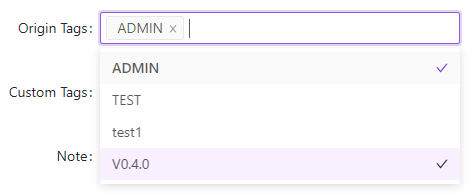
⓸ Oringin Tags: Install source tags, traffic merchant tags
⑤ Custom Tags:
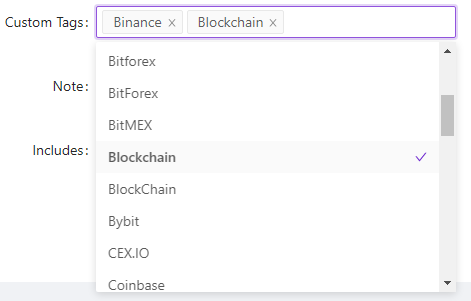
⓺ Note: The contents of the notes, support fuzzy query
⓻Includes: The built-in software category label of the program, the selection of all supported software types.
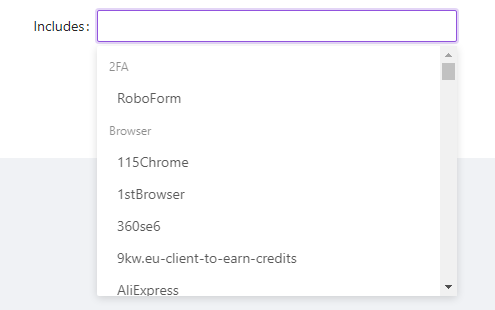
Search conditions support single or compound condition filtering query. Set filter criteria , in the absence of a reset or execution panel on the
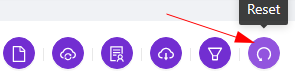
, it will always be valid, and will affect the condition settings of all export log operations. You can use this function to conveniently package and export log records of specified conditions. Example: You only need to include the logs recorded by GOOGLE. You can search and filter first, and then execute the export package function. At this time, the export function will automatically use this filter condition for log export.
Powerful log packaging and export function
On the WEB panel, in addition to single records, you can choose to download and display log records in batches. It also has a key to export all logs. Automatic sync export function.
One-click all export & high-speed download:
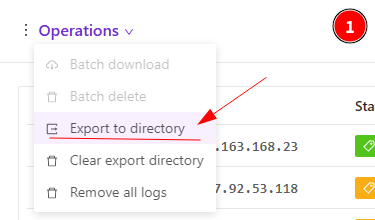
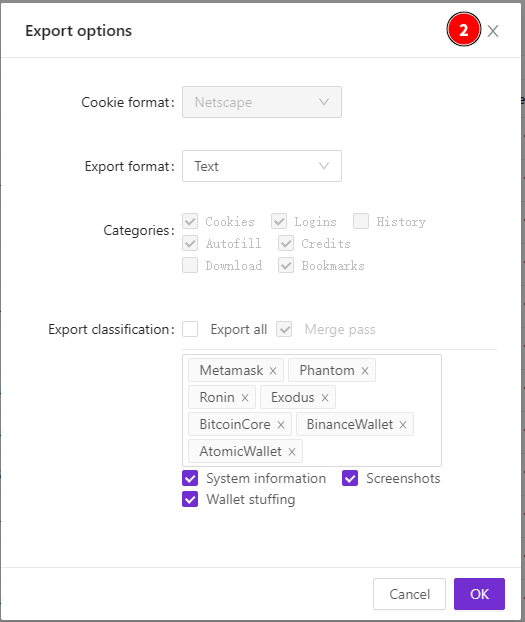
After the export work is completed, the WEB panel will be unlocked, and then the exported log file will be downloaded back. In addition to using SFTP to connect to the server for downloading, the V0.4 version provides the function of directly downloading on the WEB panel. Open WEB directory access. You can hand over the download to the IDM download tool, and download it back efficiently, quickly and safely. The operation is as follows:

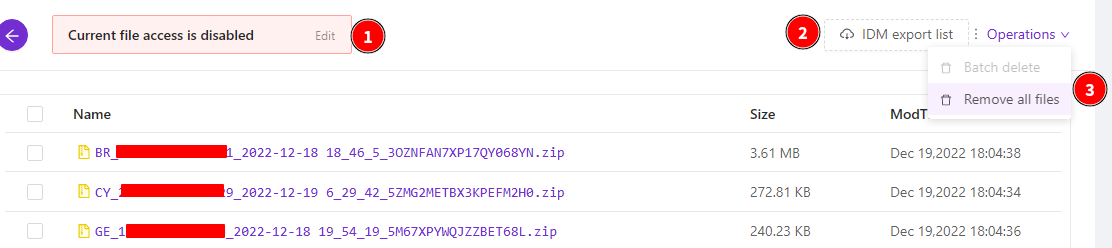
❶ If it is not on the server configuration page, open directory WEB access, it will be displayed in red, and you need to click Edit to open WEB access.
❷ You can click the log entry on the panel to download. When there are many logs, click the IDM... button, the program will generate a download list text of all logs, and you can import it into the IDM download tool for quick download.

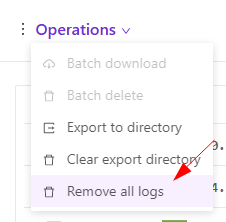
❸ When the above operations are completed, we need to delete all exported files to release the disk space they occupy, execute "Remove all file"
Automatic sync export:
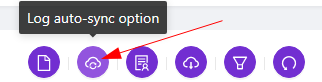
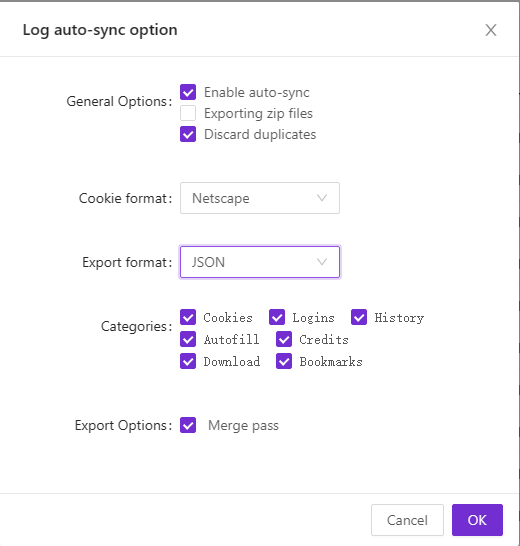
The automatic synchronization export function is a new function in V0.4, which is for the convenience of those users who have the automatic checker function. When new data is received, the new data can be automatically exported and saved in the specified directory, and you can set the directory to be the same directory as all exports.
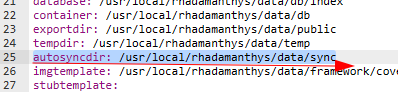
The difference here is that it does not need to choose the ZIP format. Instead, it directly exports the decompressed folder and saves it in the form of a directory. You can use SYN synchronization software to synchronize files in the server-side synchronization directory with your local system.
Export passwords as brute-force dictionary:
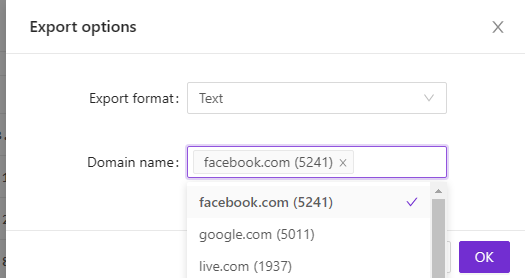
Export browser passwords:
delete all log data
https://telegra.ph/Rhadamanthys-Stealer-12-17-2
https://telegra.ph/WEB-Panel-Dashboard-12-17
https://telegra.ph/WEB-Panel-Logs-12-19-2
https://telegra.ph/WEB-Panel-grab-12-23
https://telegra.ph/WEB-Panel-Temporary-12-17-2
https://telegra.ph/WEB-Panel-Origin-12-17-2
https://telegra.ph/WEB-Panel-Custom-Tags-12-17-2
https://telegra.ph/WEB-Panel-Extension-12-17-2
https://telegra.ph/WEB-Panel-Server-12-17-2
https://telegra.ph/WEB-Panel-Telegram-Bot-12-17-2
https://telegra.ph/WEB-Panel-Task-12-17-2
https://telegra.ph/WEB-Panel-Build-12-17
https://telegra.ph/Custom-admin-panel-entry-address-01-06
Contact to buy.
Tox: 5BCB80569AC334FDA5B7806ABC05DDFE3AF8F126E08D0EA6D21DA3C13B43F164188C3EEE89E9