Rules for Sharing Telegram Stickers Externally
Markus RaThis text is meant for developers looking to publish Telegram stickers as apps for WhatsApp. For context and already available sticker packs, please see this page.
You may upload stickers made by Telegram as sticker applications for WhatsApp, if you:
- Add this button after each 10 sticker packs in your list.
- Add this sticker at the end of each one of the sticker sets.
- Make sure that at least half of the app screenshots are following the pattern set in the screenshot guidelines.
- Include this sentence in the description of your app: "The Telegram stickers in this app are published with permission from Telegram, obtained at stickers@telegram.org"
- Let us know at stickers@telegram.org when your app is published (send a link).
You can use Telegram stickers in your apps provided you follow these guidelines.
App Code
Feel free to use this open source code to create your Telegram sticker apps for WhatsApp. It includes all our requirements and fixes some of the issues in the original sample apps by WhatsApp:
Telegram Stickers for WhatsApp on GitHub
Obtaining Telegram Stickers
To extract the stickers as .webp images, simply log into Telegram Web, find a sticker you like, then save it as a .webp file.
Screenshot Guidelines
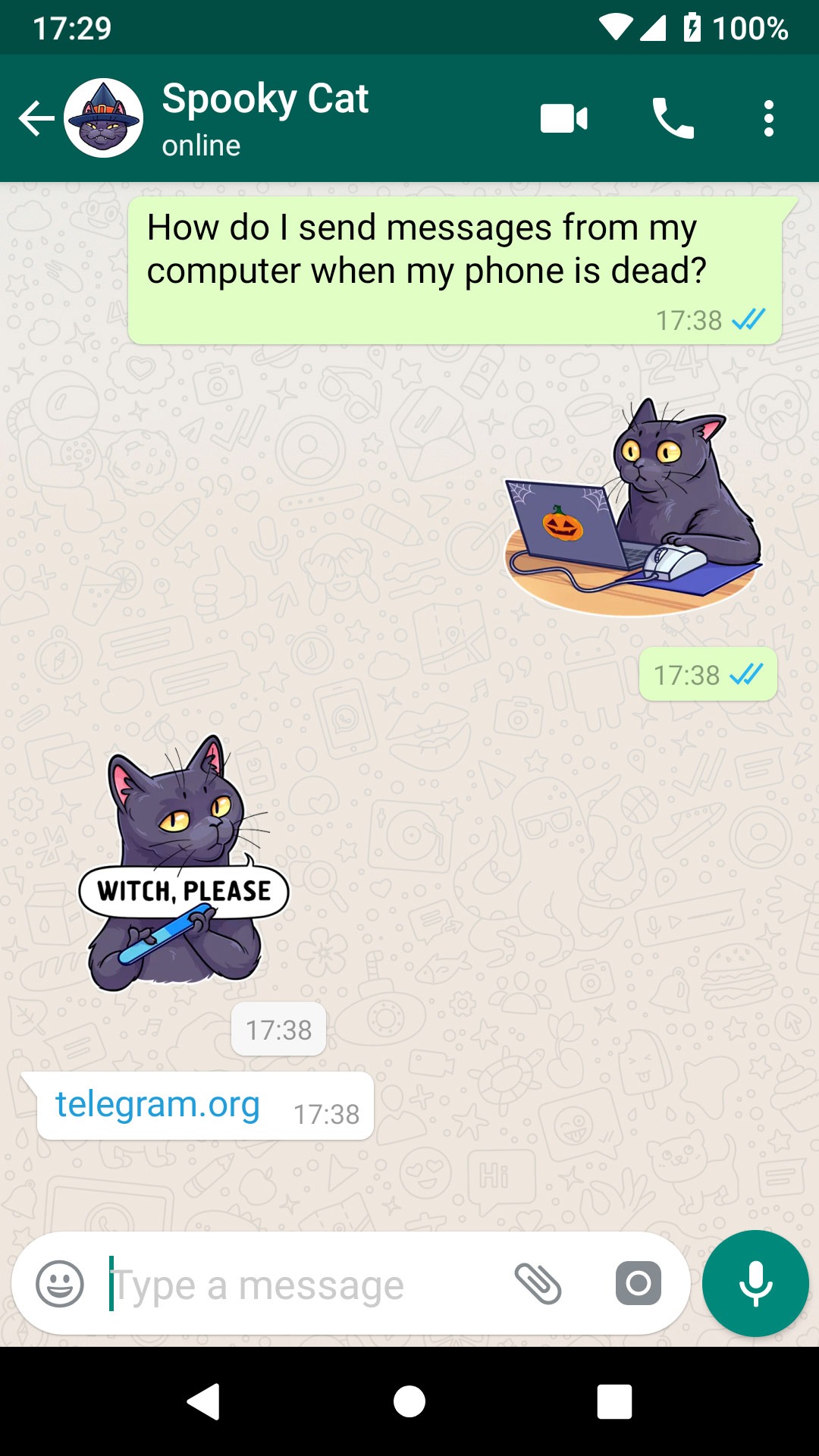
A screenshot should display at least two stickers, a question related to messaging, and an answer pointing to Telegram.
The easiest way to create such screenshots is to download these screenshot templates and paste in the matching stickers to complete the stories there.
The result will look like this: