How to root redmi note 9
Who?Overview:
Method 1: Root through custom Recovery
• Step 1 : download required files
Method 2: root through Fastboot
• Step 1 : download required files
Method 1: Root through custom Recovery
Prerequirements:
Step 1 : download required files
• Magisk or Magisk delta (kitsune)
Magisk delta is unofficial but have better hide root
Step 2 : start flash
1.install magisk app
2.Rename the Magisk.apk to Magisk.zip
3. Go to recovery mode ( hold power and vol +)
4.flash the Magisk.zip and reboot to system
5.Opening magisk for the first time required reboot from the app.
Method 2: root through Fastboot
Step 1 : download required files
• Magisk or Magisk delta (kitsune)
Step 2 : patch boot file
1.extract boot.img from ROM zip file or fastboot file(must be the same version of rom you installed )
2.copy it to device storage
3.open Magisk and go to install
4.select and patch a file
5.choose boot.img
it will be patched and saved in a location (Download folder )
6.Copy that file to platform tools folder( which you already extracted)
7.Then go to fastboot mode (hold power and vol-)
8.Then open cmd
and type :
fastboot flash boot file_name.img
file_name.img : name and format of patched boot file or drag and drop it
fastboot reboot
Reboot to system
9.now install magisk.apk and open it you now must have root access.
Here is some additional workarounds for who have problems:
Problem: uninstall magisk
How can I uninstall magisk completely:
Solution 1: open magisk and tap on "uninstall magisk"

Solution 2: find the same version of installed magisk.apk rename it to uninstall.zip and flash it from recovery
Solution 3: flash the same version of boot.img from fastboot mode ( the untouched boot.img can be found on rom zip file or fastboot images)
Problem: recovery mode cannot get correct device info

Solution: follow the method 2
Problem: Safety net / play Integrity
Solution: no general fixes, find some additional fixs on this channel
Problem: hide apps from root
Solution: If you have magisk delta, you can hide apps from the magisk settings
Problem: bootloop after flash magisk
Solution: do "format data" from recovery
Problem: bootloop with magisk modules
Solution 1: go to recovery mode , open it's file manager, go to : /data/adb/modules/
Remove the module you want.
Solution 2: If your rom was encrypted ,Open cmd on platform tools and type :
adb wait-for-device shell magisk --remove-modules
It's will remove magisk modules when the device in bootloop.
Solution 3: is for users has been flashed modules that override system apps ( like modded launcher or security)
Note that when you removed that modules you must flash "package cache cleaner" module Before Reboot otherwise you will get bootloop and you need to do Format data
If some how you doesn't get bootloop but you got black screen on home screen you need to run cmd in platform tools folder and follow this commands:
for magisk offical:
adb devices
adb shell am start -n com.topjohnwu.magisk/com.topjohnwu.magisk.ui.MainActivity
for delta:
adb devices
adb shell am start -n io.github.huskydg.magisk/com.topjohnwu.magisk.ui.MainActivity
After that the magisk app will open and you will flash the package cache cleaner module and reboot.
Problem: dm-verity corrupted
Solution 1: Plug your phone in fastboot mode to PC and open command prompt in platform tools and Type:
fastboot oem cdms
fastboot reboot
Solution 2: flash the vbmeta.img from fastboot
fastboot flash vbmeta vbmeta.img
Or
fastboot flash --disable-verity --disable-verification vbmeta vbmeta.img
The second command is not recommended as it cause problems for some users
Problem : update magisk
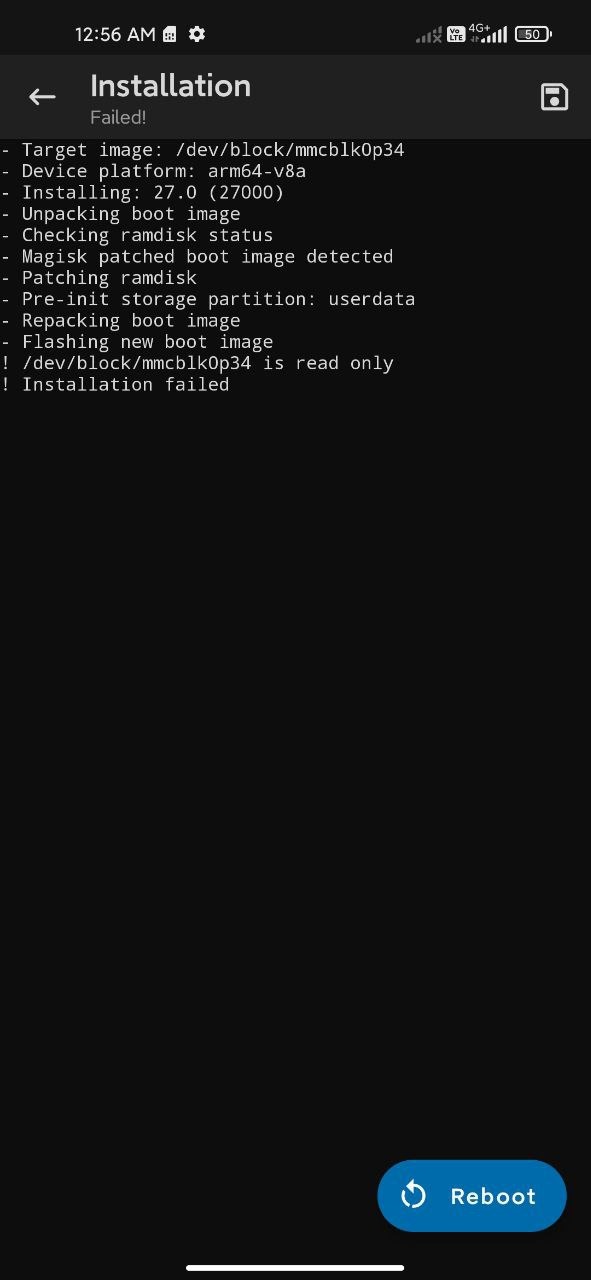
Solution : flash newer version of magisk from recovery!( Same as installation steps on the top of page )
•••
Articles:
• Root with magisk ( you are here)