Experimental Settings
insta_leaks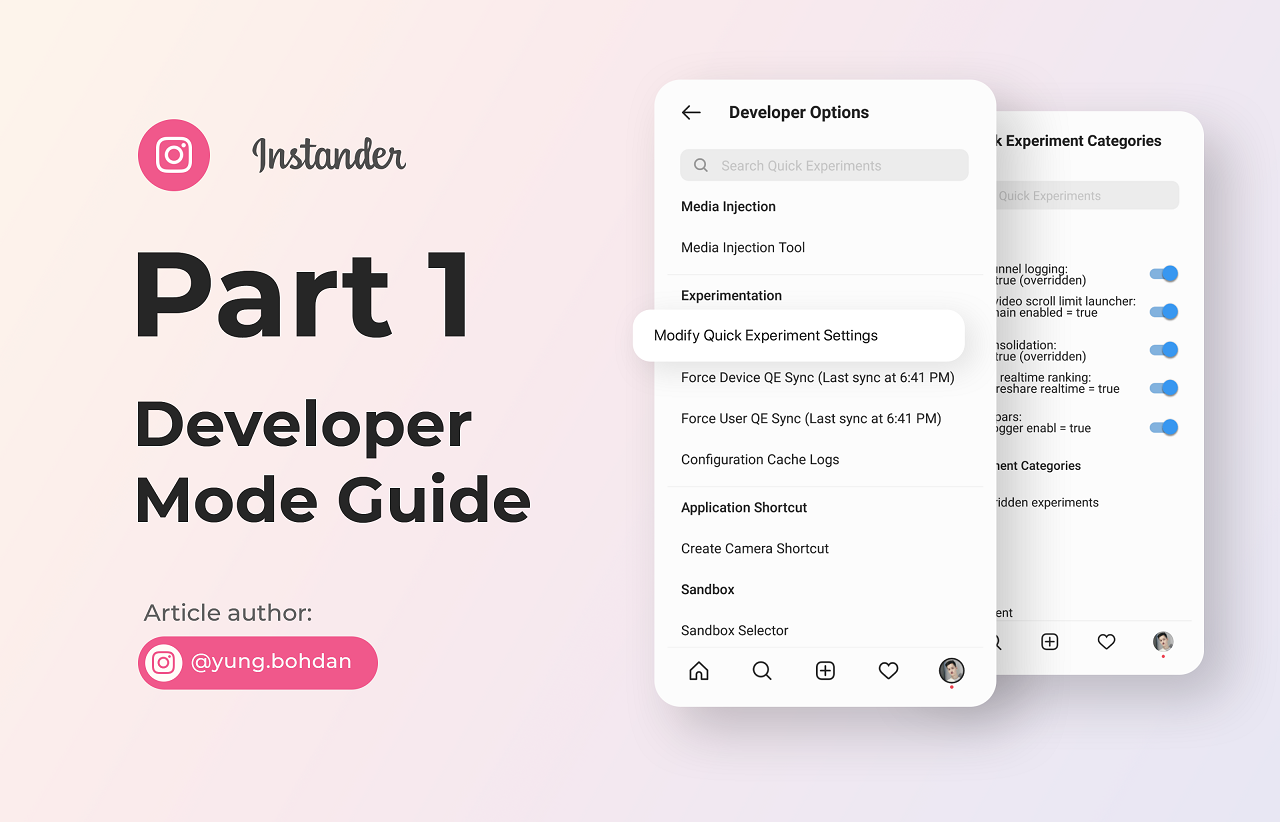
На русском
The article has exceeded the content limit, so the article is divided into parts — Part 2 here.
🔥 A private chat with new developer settings on alpha versions of instagram with a full changelog of changes + ads free
Attention
All article materials belong to the author of the article, the author does not give permission to use these materials without the knowledge and permission of the author.
If some of the settings don't work, just disable them. All the features in the article were created by instagram, if something does not work, we will not fix it.
For other questions, @instanderchat_en
All settings were checked on instander 11, mod creator — the_dise
If you're wondering what's new in the latest versions of Instagram — @insta_leaks
Last article update 26.11
- Remove recommended accounts from your profile
- Shortcut to open the selected account
- Stories icon style in the main feed
- Pinch to Zoom in Stories gallery
Later
- Voiceover and Mix audio
- Crop cover image
- Share Reels to Feed
- Mentions with rounded edges
- Color filters
- Super Reaction
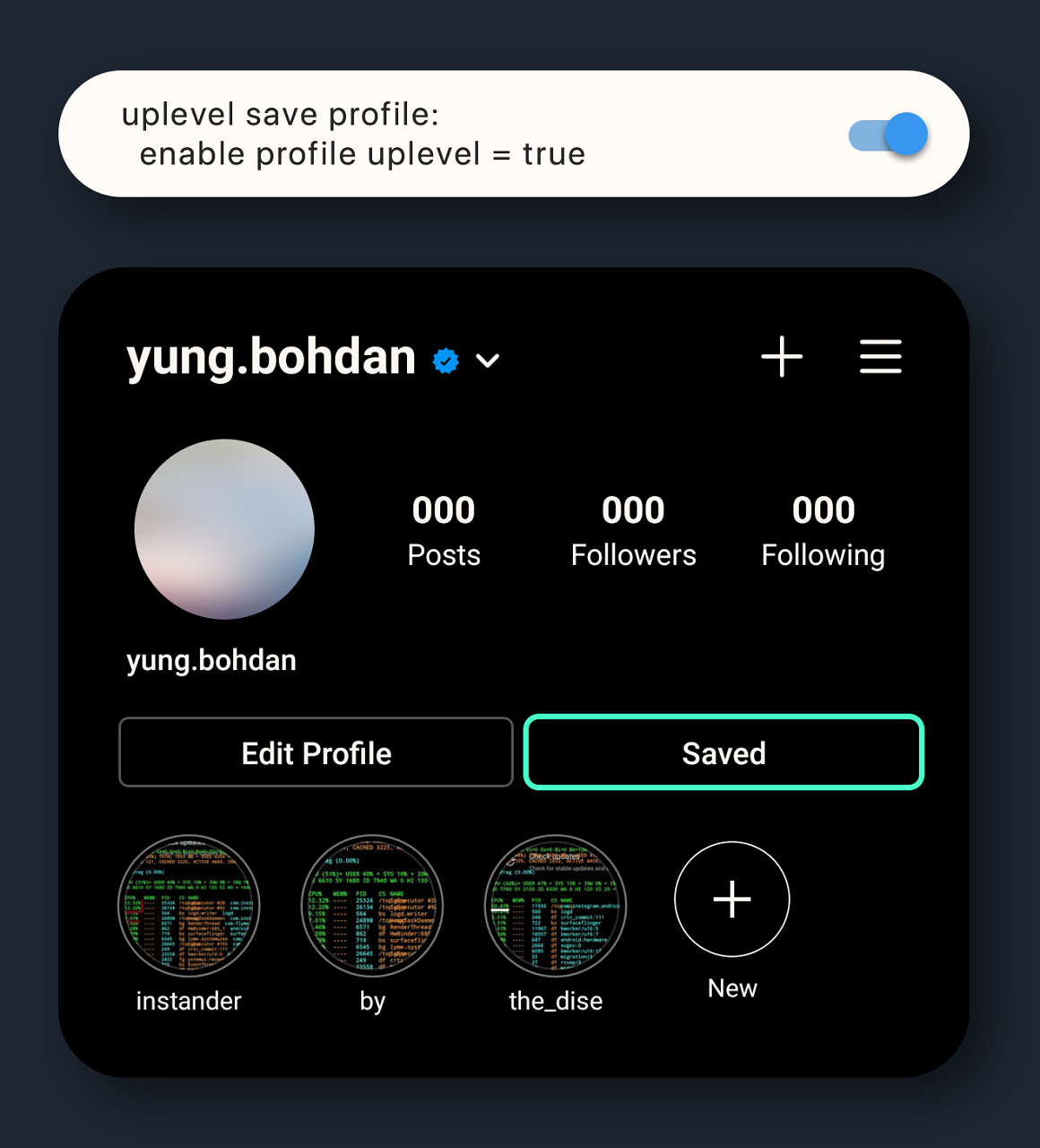
- "Saved" button in profile
How to enter the developer option?
Long tap on the "Home" button in the lower dock. Next, tap the "Modify Quick Experiment Settings" category. When searching, case is important, so all characters must be lowercase.
Navigation
To back up — click on the top bar with the inscription Telegraph
Quility
- Selecting compression parameters and resolution of uploaded photos
- Increase photo resolution in stories up to 1440
Direct
- Animated messages in Direct
- Gradient messages and themes in Direct
- Set a colour and theme of gradient
- Set the number of columns in the new gallery
- Forward direct message
- Emoji Reactions for Direct Messages
- Online direct tab
- Stories for Direct chat
- Recent sticker tab on Direct
- Redesign tab of gifs and stickers
- Old Direct Icon
- Shows how long ago interlocutor read messages
- Super Reaction
UI
- Highlight pinning
- New animations (second revision)
- Preview on Stories
- Enable notifications
- New loading spinner
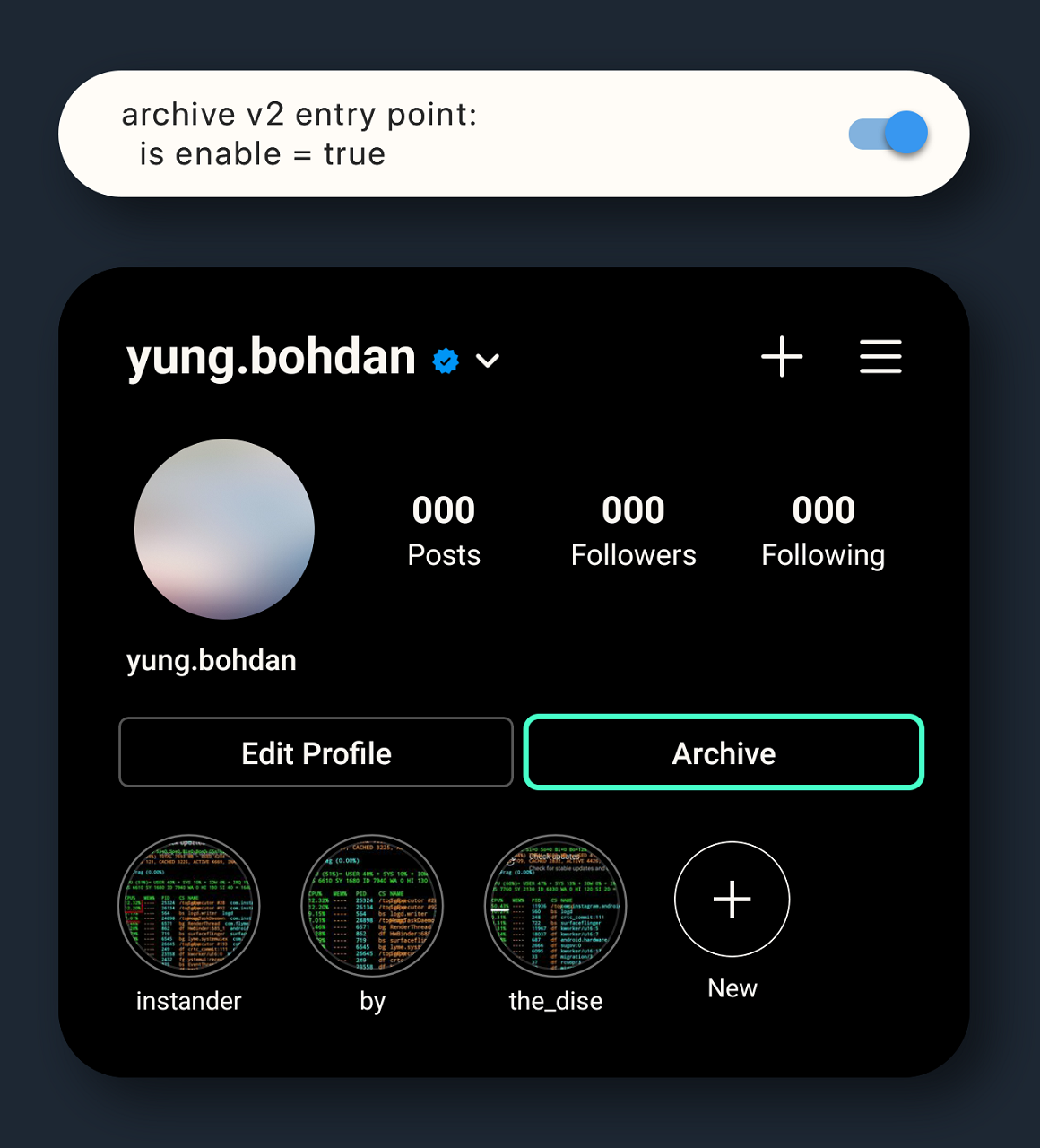
- Entrance to the archive in your profile
- "Saved" button in profile
- Stories icon style in the main feed (new!)
- Shortcut to open the selected account (new!)
- Remove recommended accounts from your profile (new!)
IGTV
Selecting compression parameters and resolution of uploaded photos
photo creation
Instagram by default compresses the photo resolution for the user's screen, so in addition to mods, users with QHD screens will see the resolution of 1440. But do not put the value above 1440, in this case Instagram will show a photo in 1080 for all users.
You can set the compression parameter to 100, but the value above has no effect anymore.
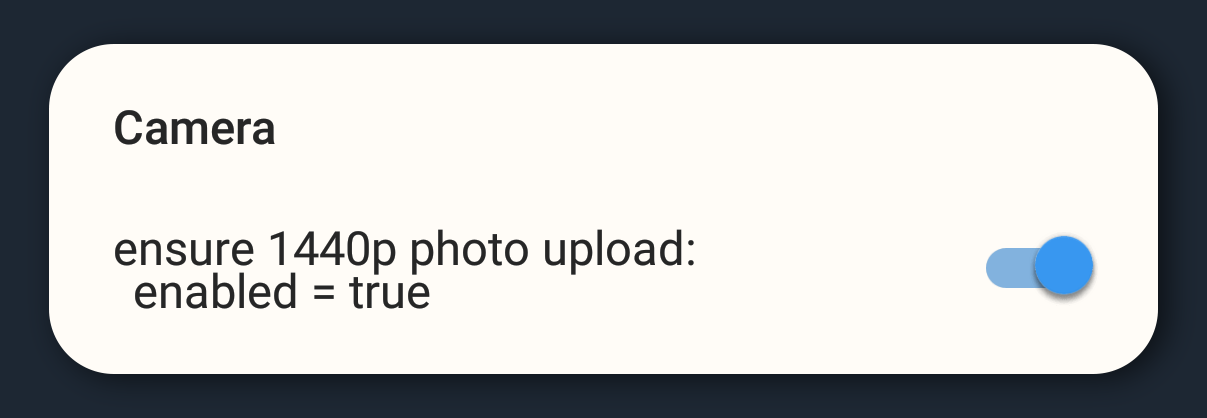
Increase photo resolution in stories up to 1440
ensure 1440p
Photos that you send to Stories are 1080 by default. Enabling this toggle increases the resolution to 1440 on the smallest (bottom) side.
Visible to users with QHD screens
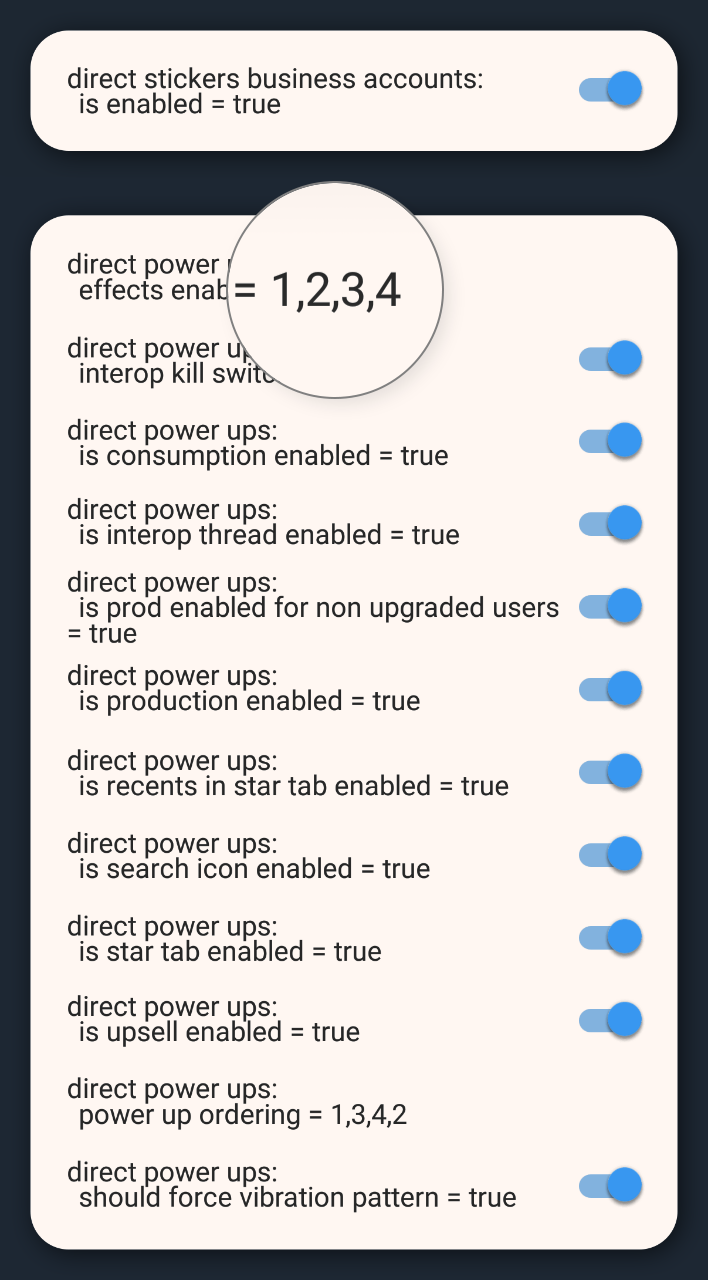
Animated messages in Direct
direct power ups
*messages with a gift, hearts ect.
Pay attention to first toggle, if you have a business acc, it must be enabled
Gradient messages and themes in Direct
direct android bubble system
To enable gradient messages, just enable two toggles. The rest have no influence on anything yet.
Set a colour and theme of gradient
theme customization
Enter the name and turn on all the toggles. Numbers of them may vary from version to version, so we enable everything.
Even if you have a new Direct enabled by default, still check all the toggles, some theme may be disabled.
Themes "Instander by the_dise" and "yung.bohdan" do not exist.
Set the number of columns in the new gallery
column
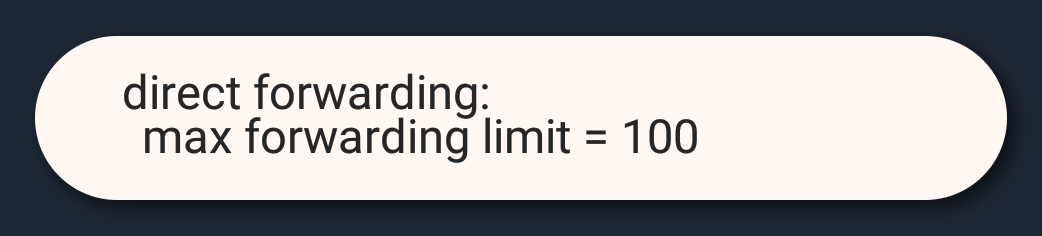
Forward direct message
direct forwarding
Turn on all the sliders, it is important one setting, which is located at the very low down. Its values must be nonzero.
Emoji Reactions for Direct Messages
direct message reactions
Input name of setting and turn on all toggues
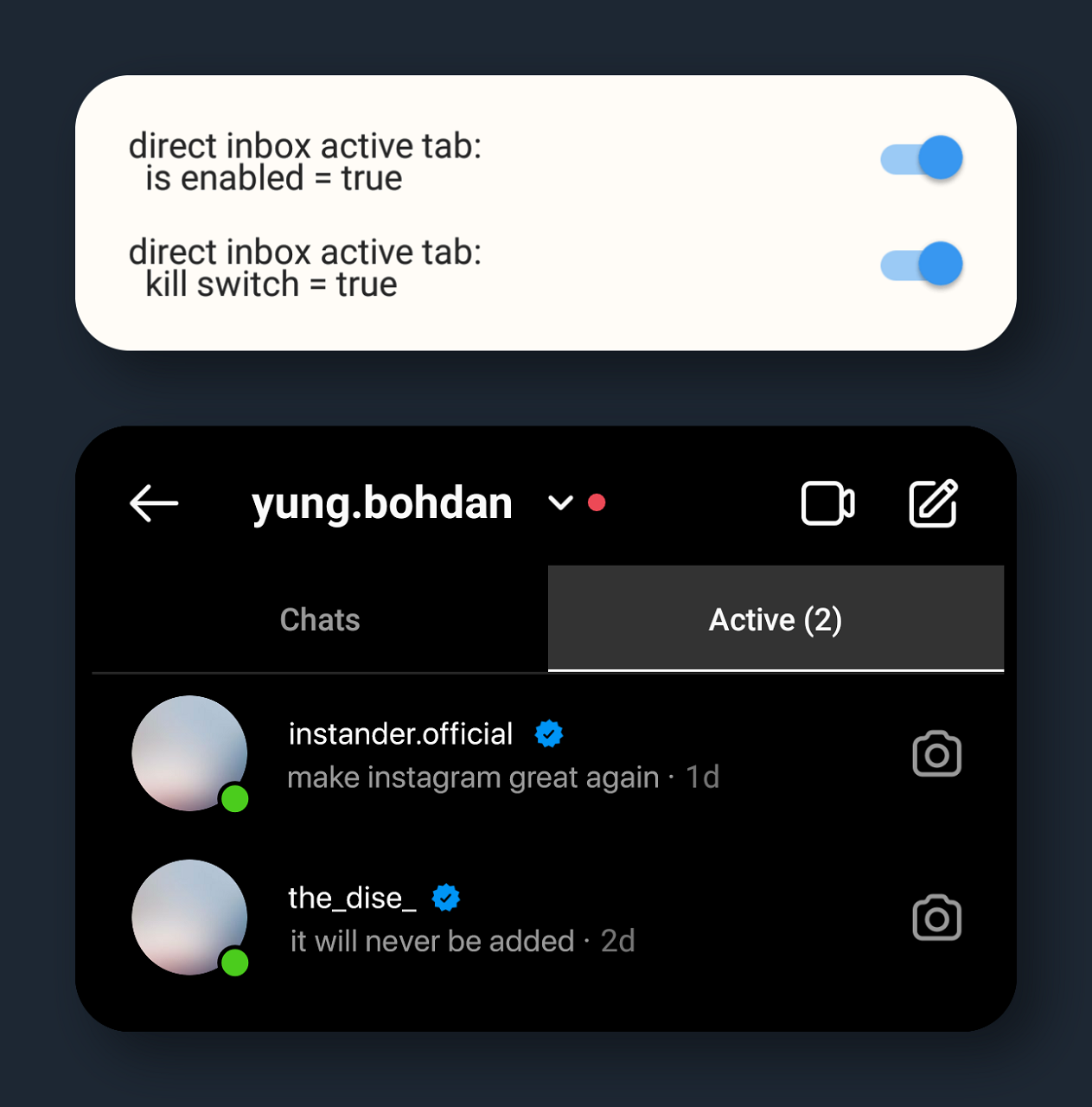
Online direct tab
direct inbox active tab
Attention! Works only on personal (not business or other) accounts
Stories for Direct chat
stories project eclipse
Allows you to upload stories which might see only chat members.
Recent sticker tab on Direct
direct android recent sticker tab
Redesign tab of gifs and stickers
direct sticker business accounts
Old Direct Icon
direct interop rebrand
Shows how long ago interlocutor read messages
direct seen states
Super Reaction
direct super react
Highlight pinning
highlights pinning
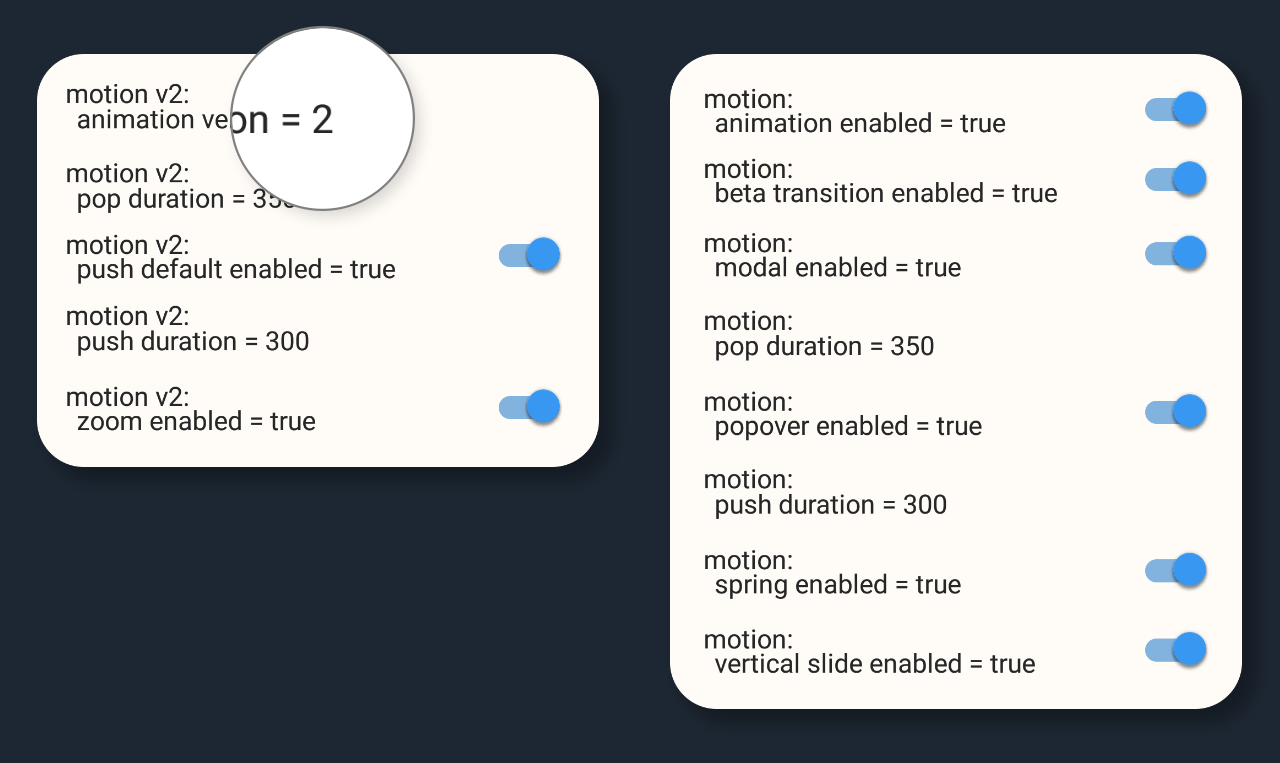
New animations (second revision)
motion
We turn on everything stupidly. The ones that are v2 are just new transition animations, you can mix them with the old ones.
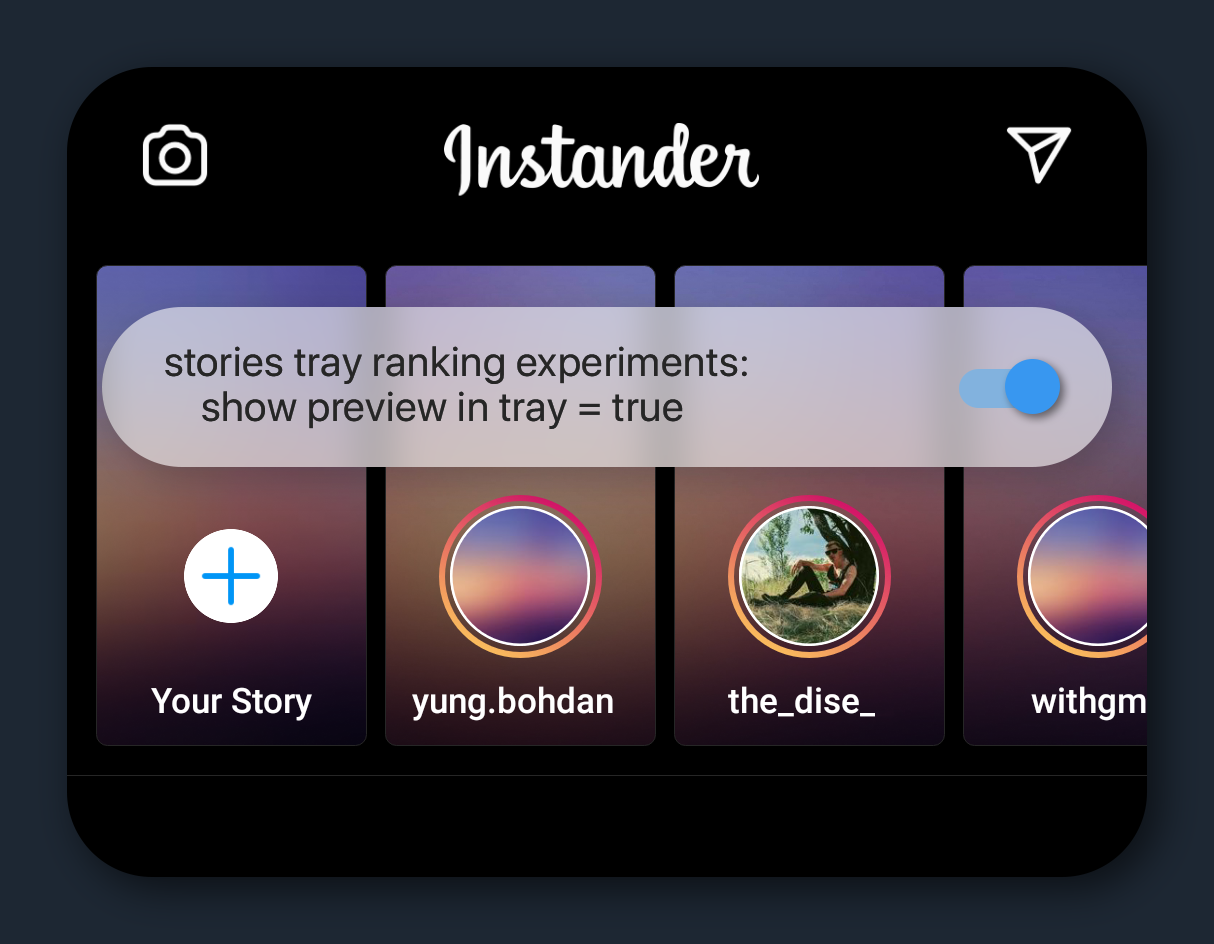
Preview on Stories
show preview in tray
Enable notifications
upsell notifications
New loading spinner
ptr spinner
Enter and turn everything on.
Attention! This setting creates problems with scrolling "carousel" posts, as well as in the "explore" tab, posts with videos will be played by tapping them.
Entrance to the archive in your profile
archive v2 entry point
Saved button in profile
uplevel save profile
Stories icon style
stories tray permanent camera entry point
Shortcut to open the selected account
dedicated account app icons config
If you have more than one account, this option creates a shortcut on your desktop that allows you to quickly open the account you need
Remove recommended accounts from your profile
self profile chaining enabled
For basic accounts (not Business or Creator), Instagram automatically shows recommended accounts when you go to your profile
Disabling this setting removes this annoying feature
Picture-in-picture in IGTV
igtv pip
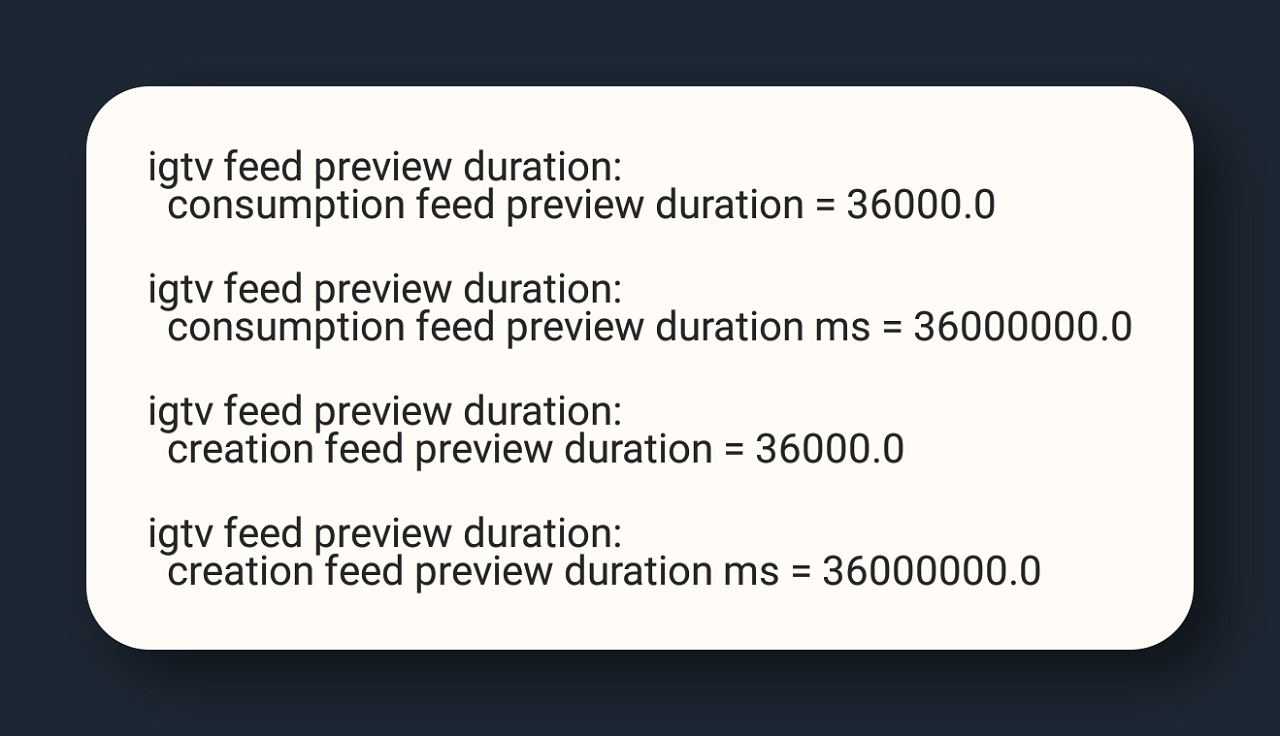
Disable IGTV preview time limits in the feed
igtv feed preview duration
You won't have to go into IGTV mode when viewing in the feed
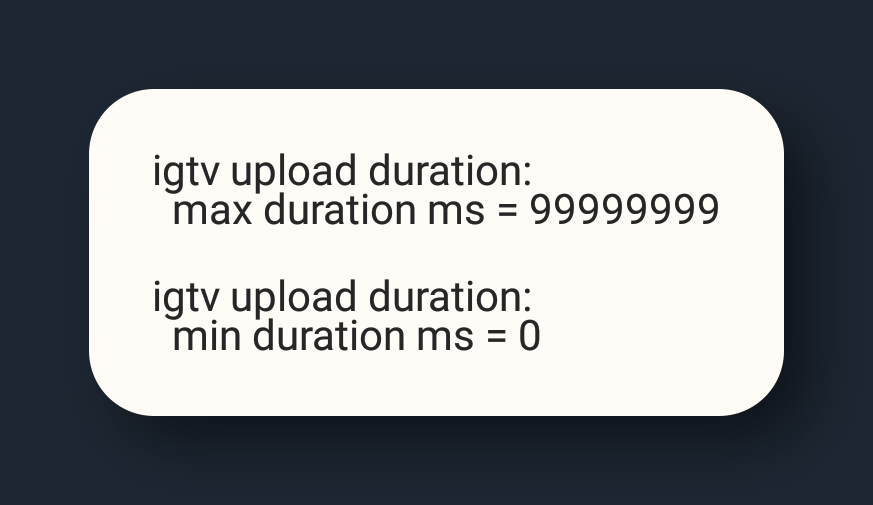
Remove restrictions on IGTV upload
igtv upload duration
Remove the minimum and maximum duration of the video in IGTV.