How to Import a Wallet Address from Trust Wallet, Coinbase Wallet or Any Other Wallet to Metamask
CryptosnakeWe always recommend using the Metamask wallet to play Cryptosnake. We are working to ensure that the game is correctly synchronized with all popular wallets, but for now, Metamask is the best option.
This guide will help you import a wallet address from Trust Wallet or any other wallet to Metamask. In this way, you will get access to SNK and NFT gaming tokens, which are stored in your wallet address.
If you don’t have NFT or SNK tokens on your wallet yet, our other instructions will suit you:
- How to purchase SNK tokens (read first)
- Guide for playing Cryptosnake (read after the tokens have already been purchased)
The first steps are the same as the usual creation of a wallet. You need to download the Metamask browser extension and go through the registration steps. It will be fast.
Why an extension and not a mobile app? Because Cryptosnake is a browser-based computer game. Therefore, it will be easier and more convenient for you.
Step 1: Downloading Metamask Extension
Find the Metamask extension in the browser extensions directory. Below is an example of how to find this extension in the Google Chrome directory. The steps may differ slightly if you are using a different browser.
We go to the browser menu (three dots in the upper right, slightly lower than the browser close button). Go to More tools - Extensions.
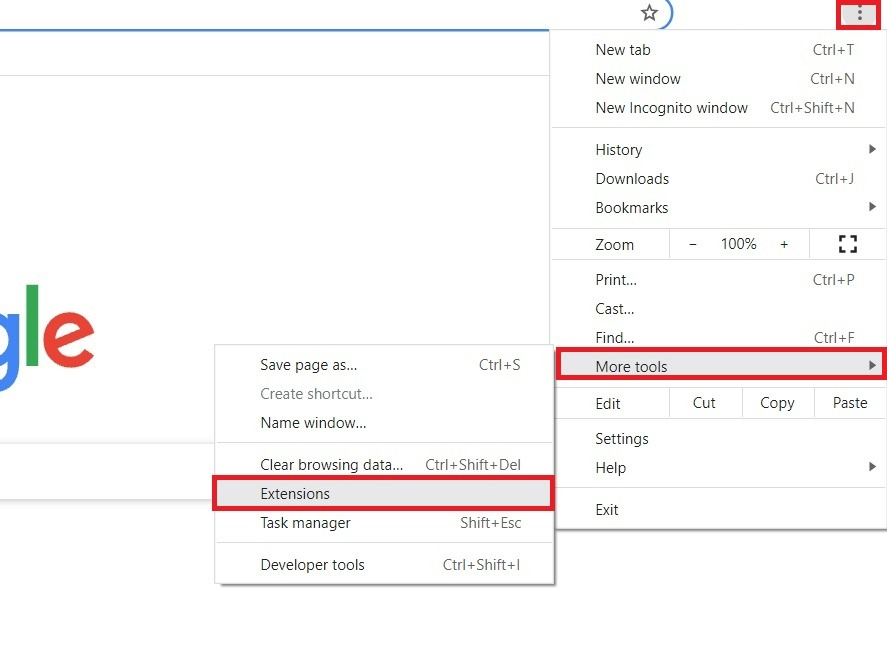
Click on the three stripes at the top left.
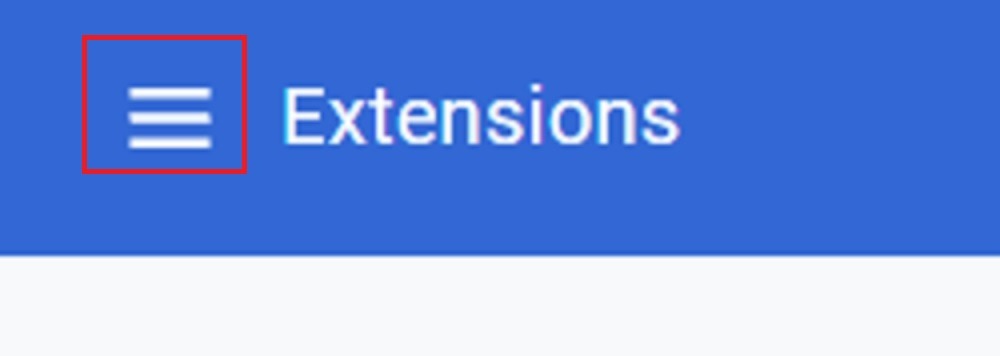
Click on the Open Chrome Web Store (at the very bottom left).
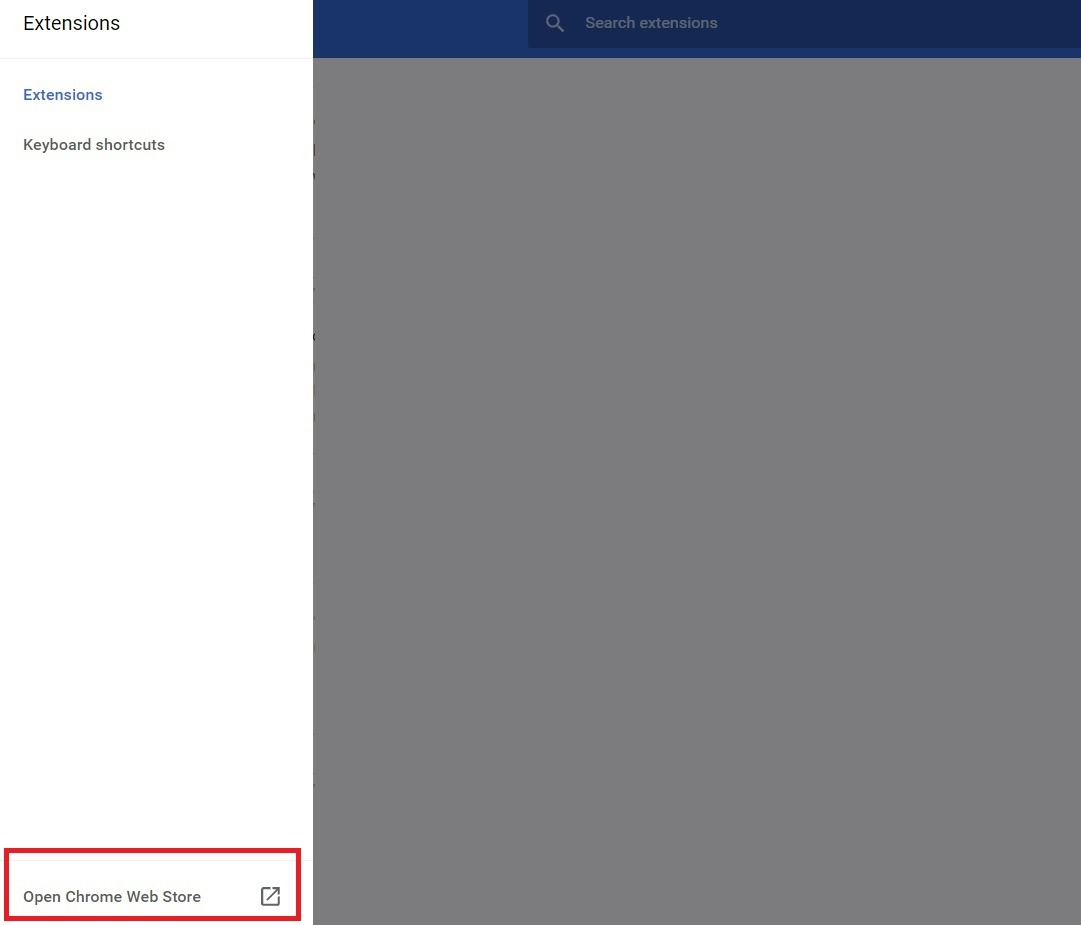
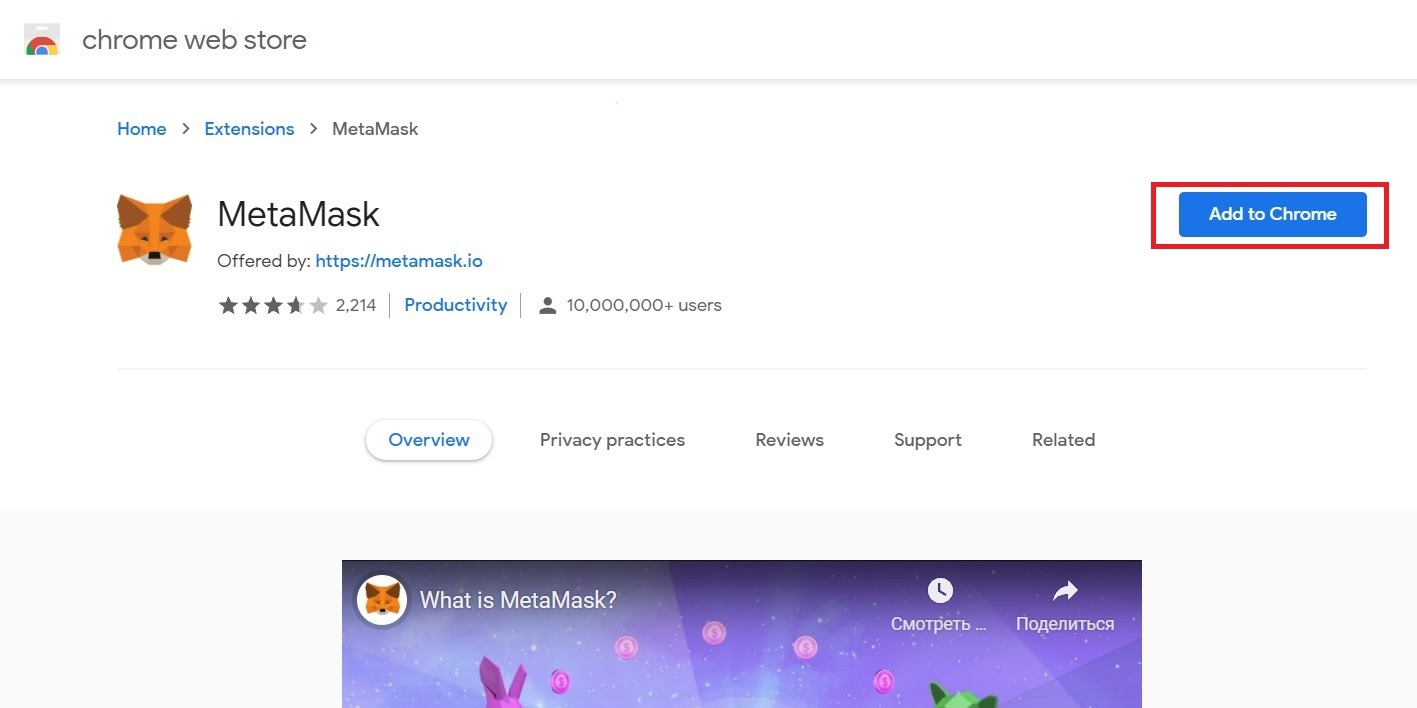
Enter "metamask" in the search. Click on the first fox extension - it's simply called MetaMask.
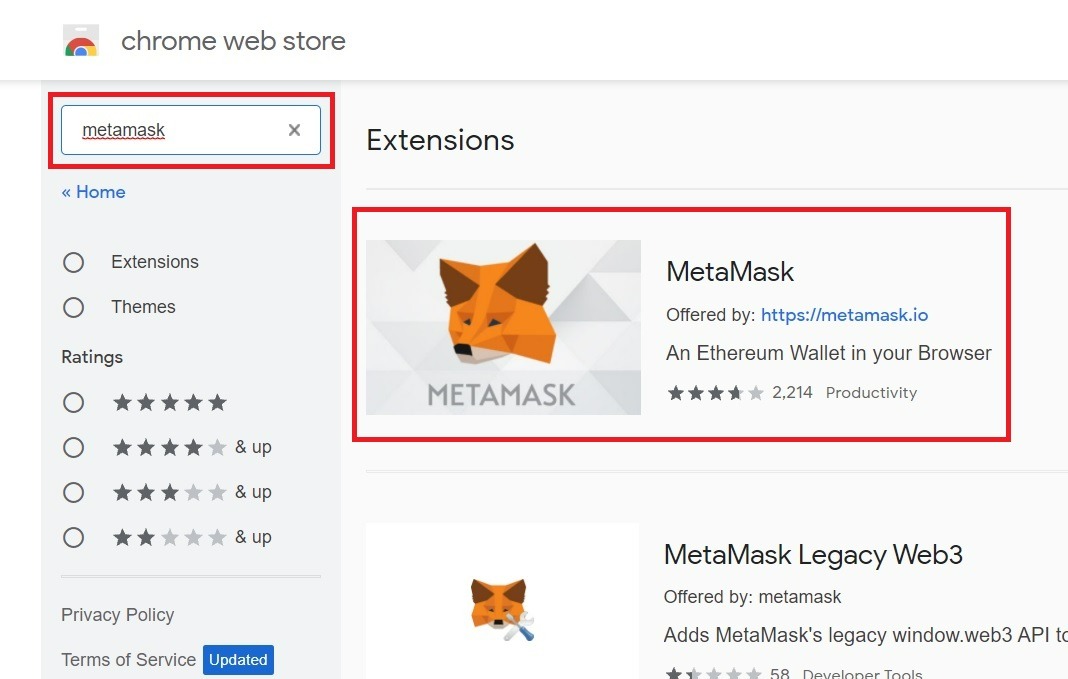
Click Add to Chrome. If you see a notification window, confirm the installation of the extension by clicking Add extension.
The extension window should open automatically. There will be a fox head that follows your cursor and a welcome text. Just click on the blue Start button.
Step 2: Import wallet address from Trust Wallet or Coinbase Wallet to Metamask
Next, Metamask will offer you a choice. You can import a wallet or create a wallet. In our case, you need to select wallet import (on the left).

You will be prompted to enter the Secret Recovery Phrase. This is not a wallet address or password, but a set of words that you received when you created your wallet on Trust Wallet. Phrase example:
horse diesel cereal icon staff menu wasp inflict rabbit drastic peace basket
The phrase from the example above does not need to be copied. This is just an example. Your words will be different.
Importing Trust Wallet
You can see the secret phrase in the Trust Wallet app or extension. It can be found by the info button near the wallet in the Wallet section, as in the screenshot:

Many wallets ask you to enter your wallet password before viewing the Secret Recovery Phrase. We hope you remember your password and can easily access the phrase.
Click the Show Recovery Phrase button.

The wallet will ask you if you really want to see the phrase and if you are aware of the risks. Check the box and click Continue.

There you will see a secret phrase.
Importing Coinbase Wallet
If you have Coinbase Wallet, then you can find this phrase in the settings. Open the Coinbase Wallet mobile app and click Settings. Then click on Recovery Phrase and enter your password or biometrics to access the recovery phrase.

And if you do not have Trust Wallet or Coinbase Wallet, but another wallet, then the secret phrase may be stored elsewhere, or it may even be secretive. But in any case, you need to find this phrase. Without it, you won't be able to import the wallet.
Paste the recovery phrase into Metamask
So, in the app or extension of your old wallet, you have received the Serret Recovery Phrase. Copy the phrase and paste it into Metamask. You will also need to come up with a new password to log into your Metamask account. There is also an option to connect Face ID in the application, but this is not required. In addition, we recommend using the Metamask browser extension, since Cryptosnake is a browser game.

Enter the data and click Import. Ready! Now the wallet on Metamask is synchronized with the wallet on Trust Wallet. You don't have to completely switch to Metamask and abandon Trust Wallet. You can use these two wallets in parallel. For example, connect Metamask to play Cryptosnake, but continue to use Trust Wallet for trading other cryptocurrencies.
Good game!
Related: How to play Cryptosnake