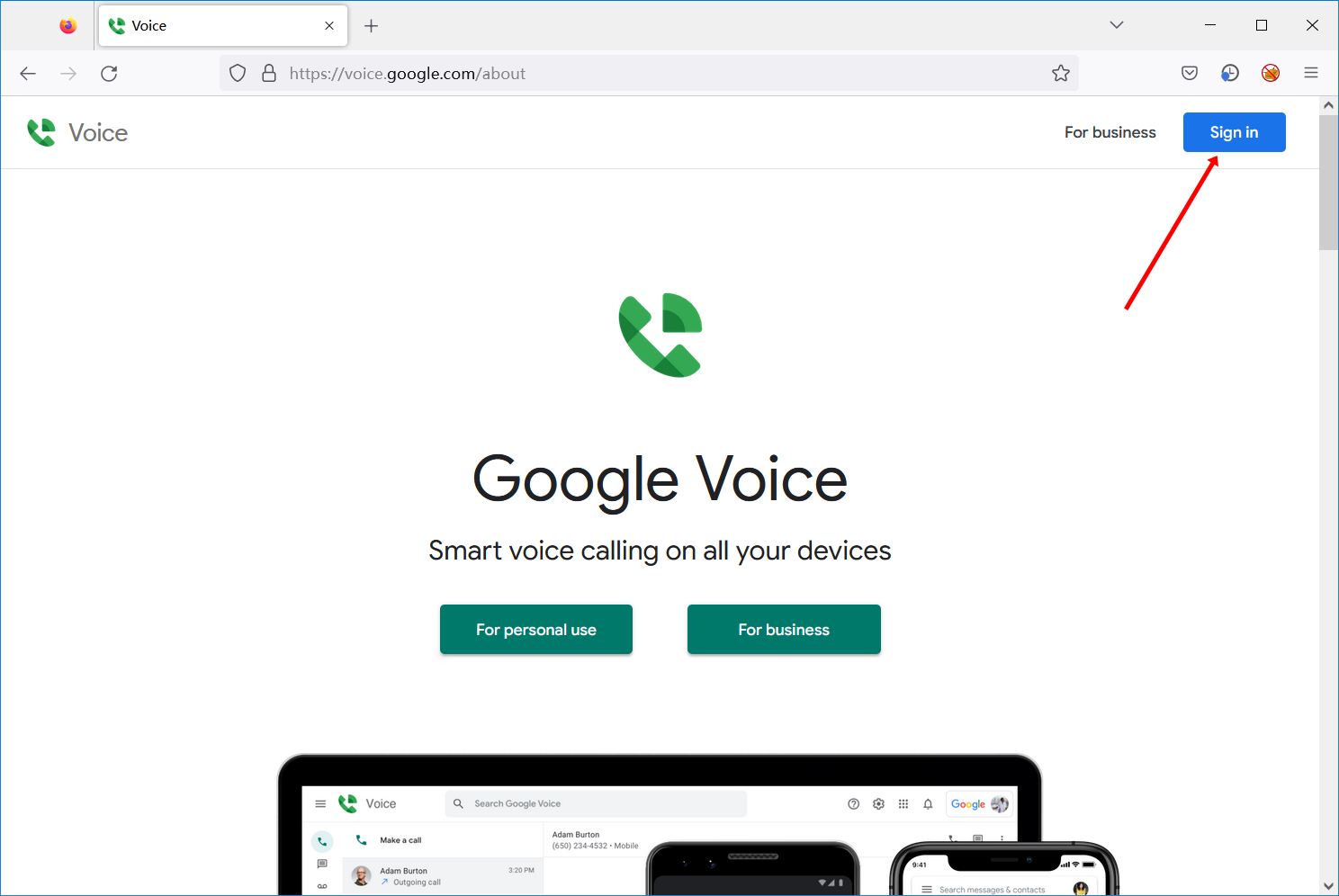
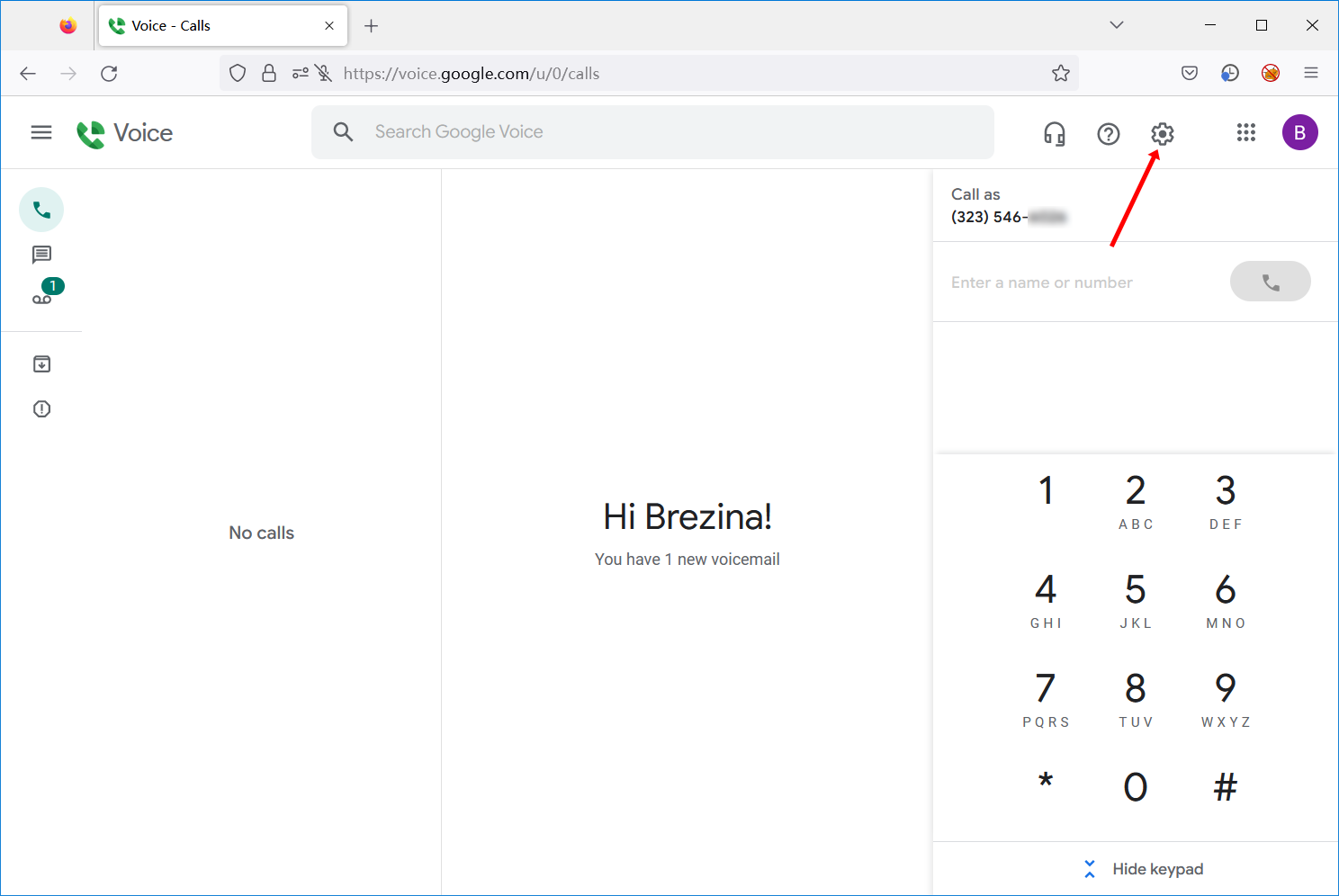
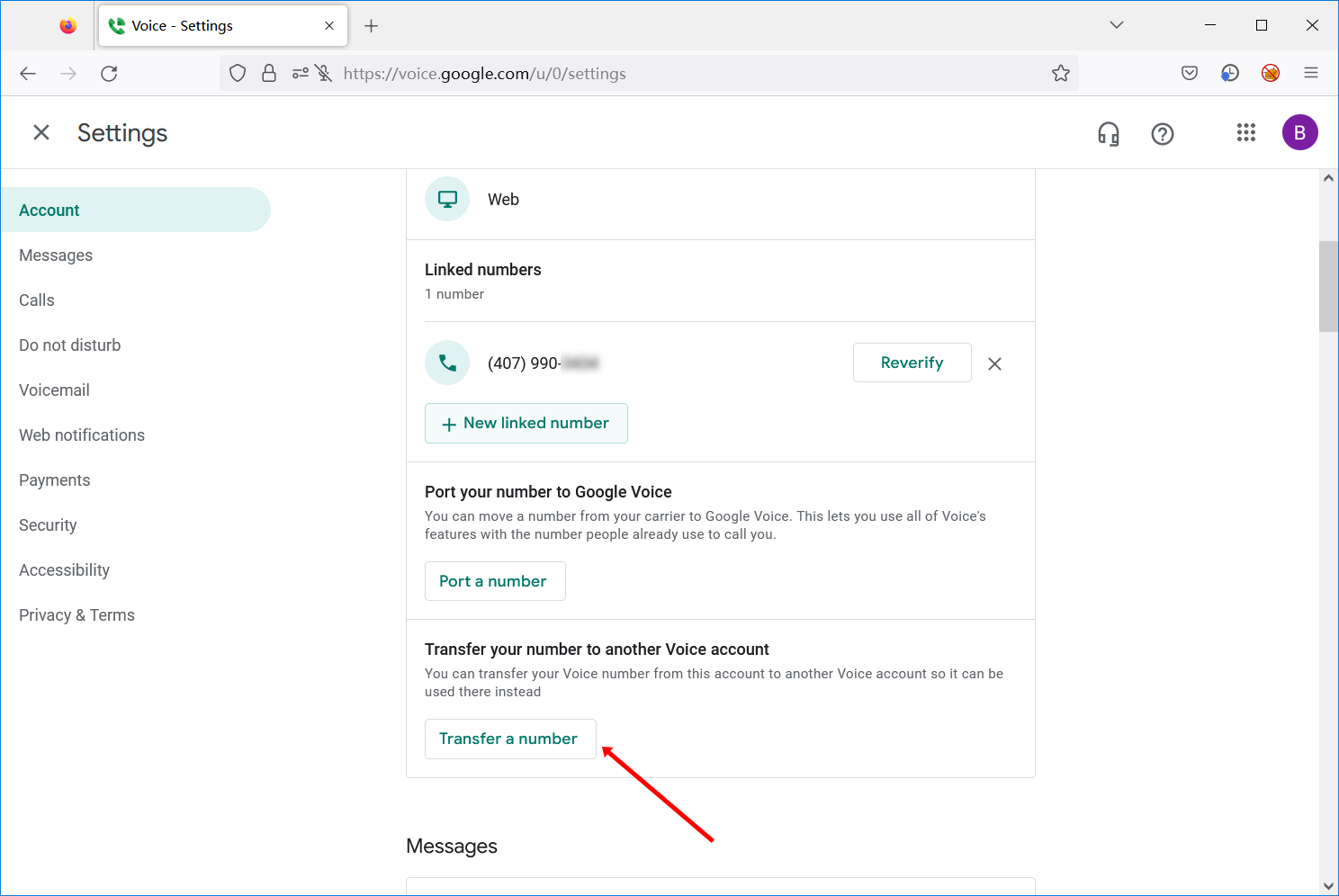
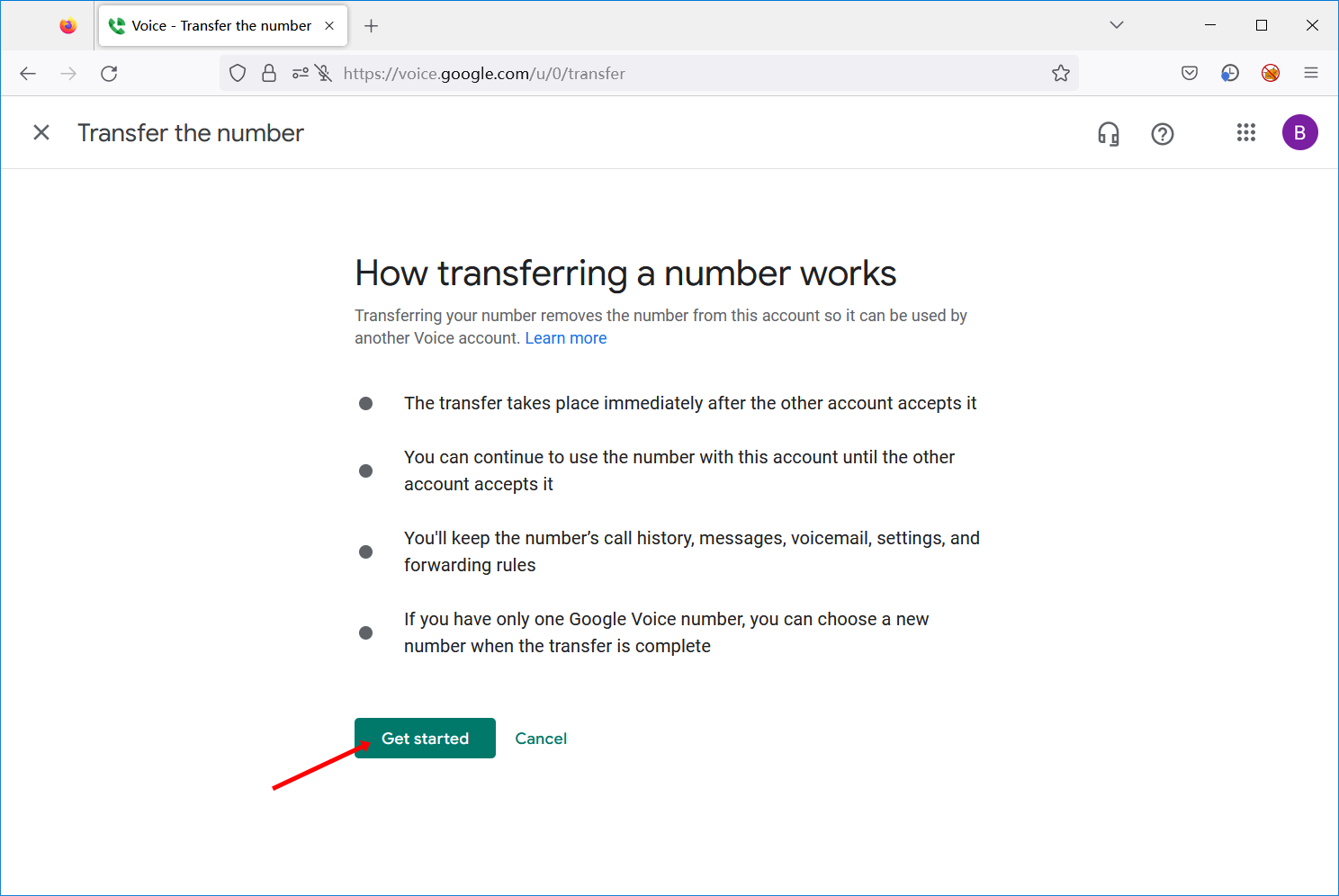
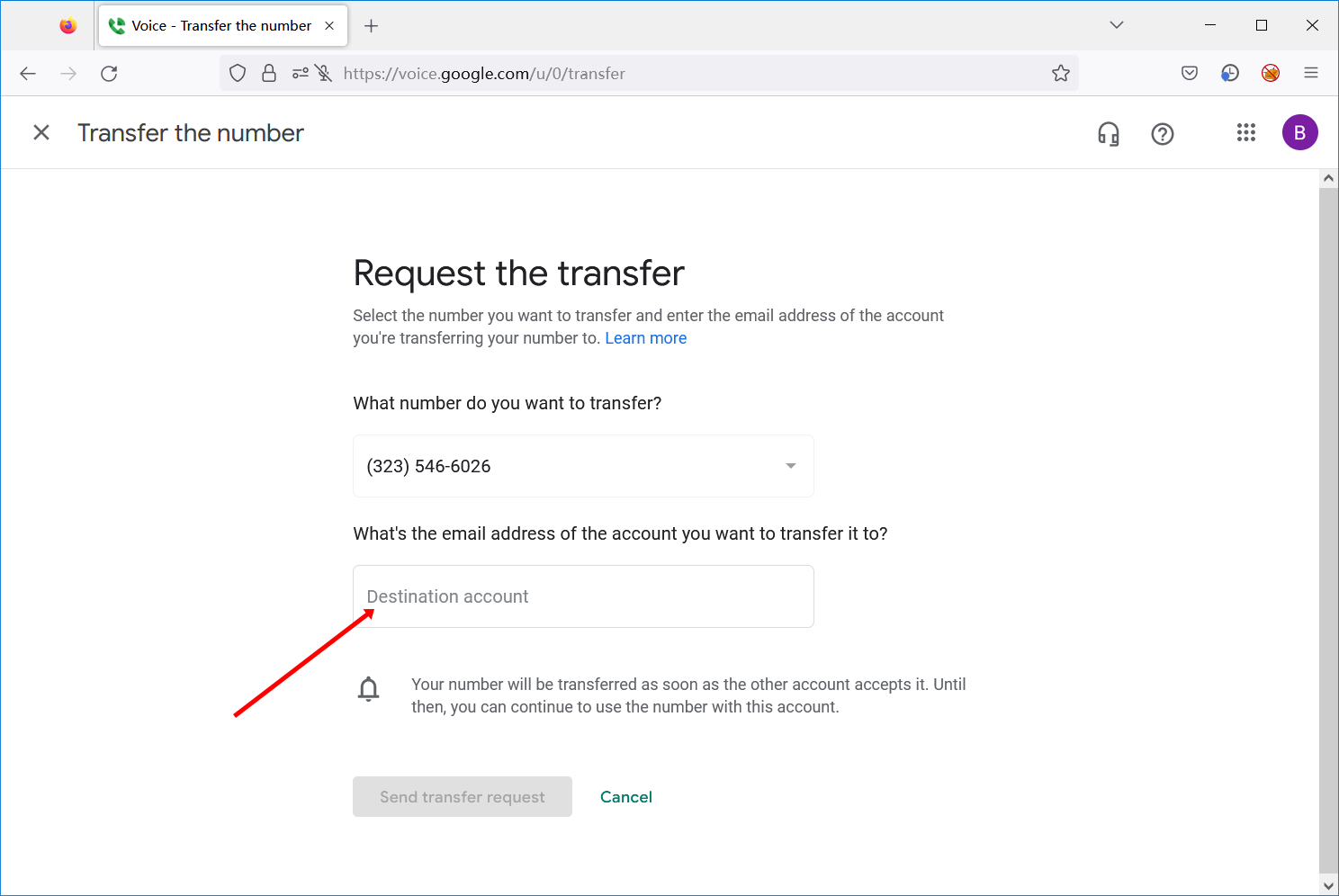
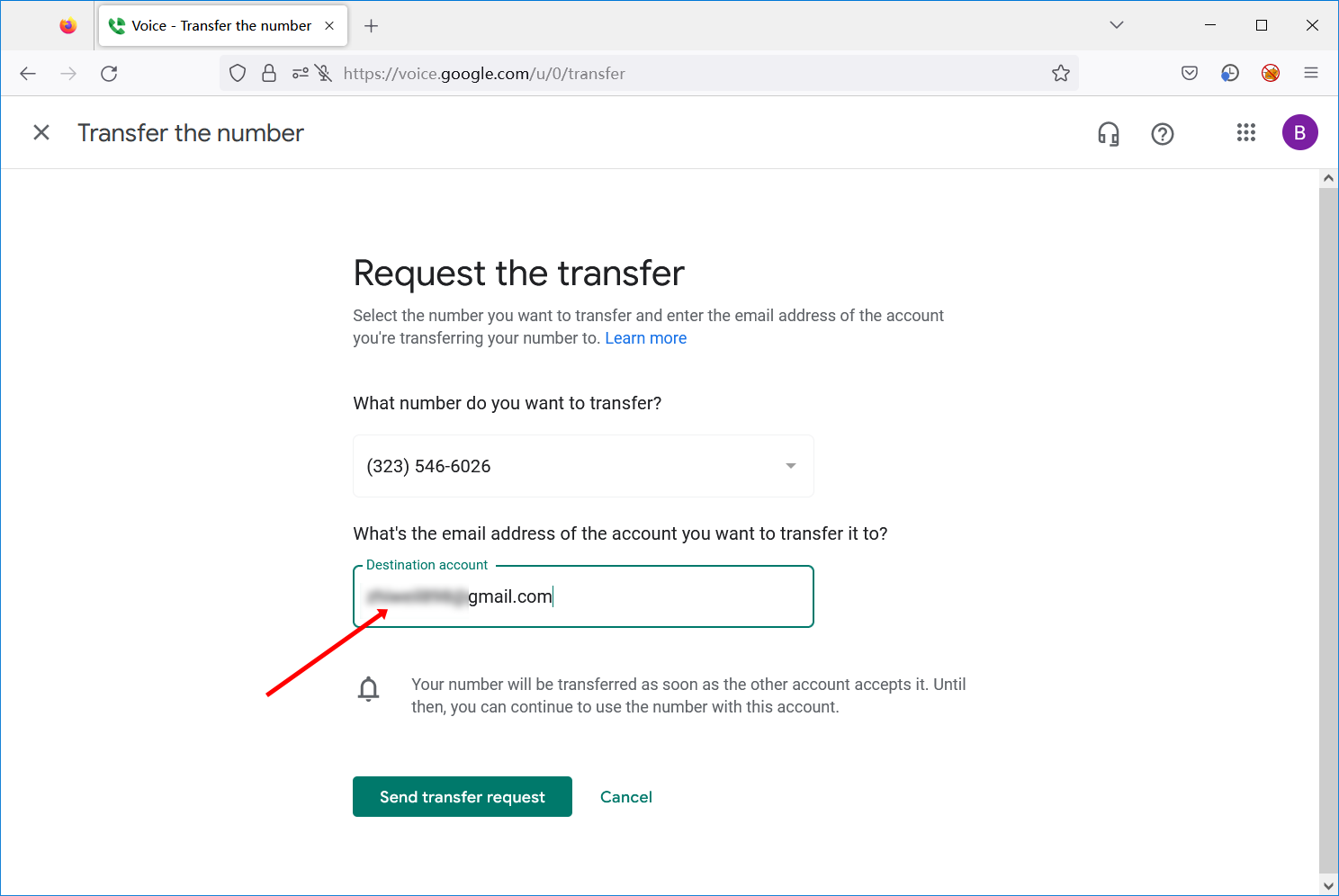
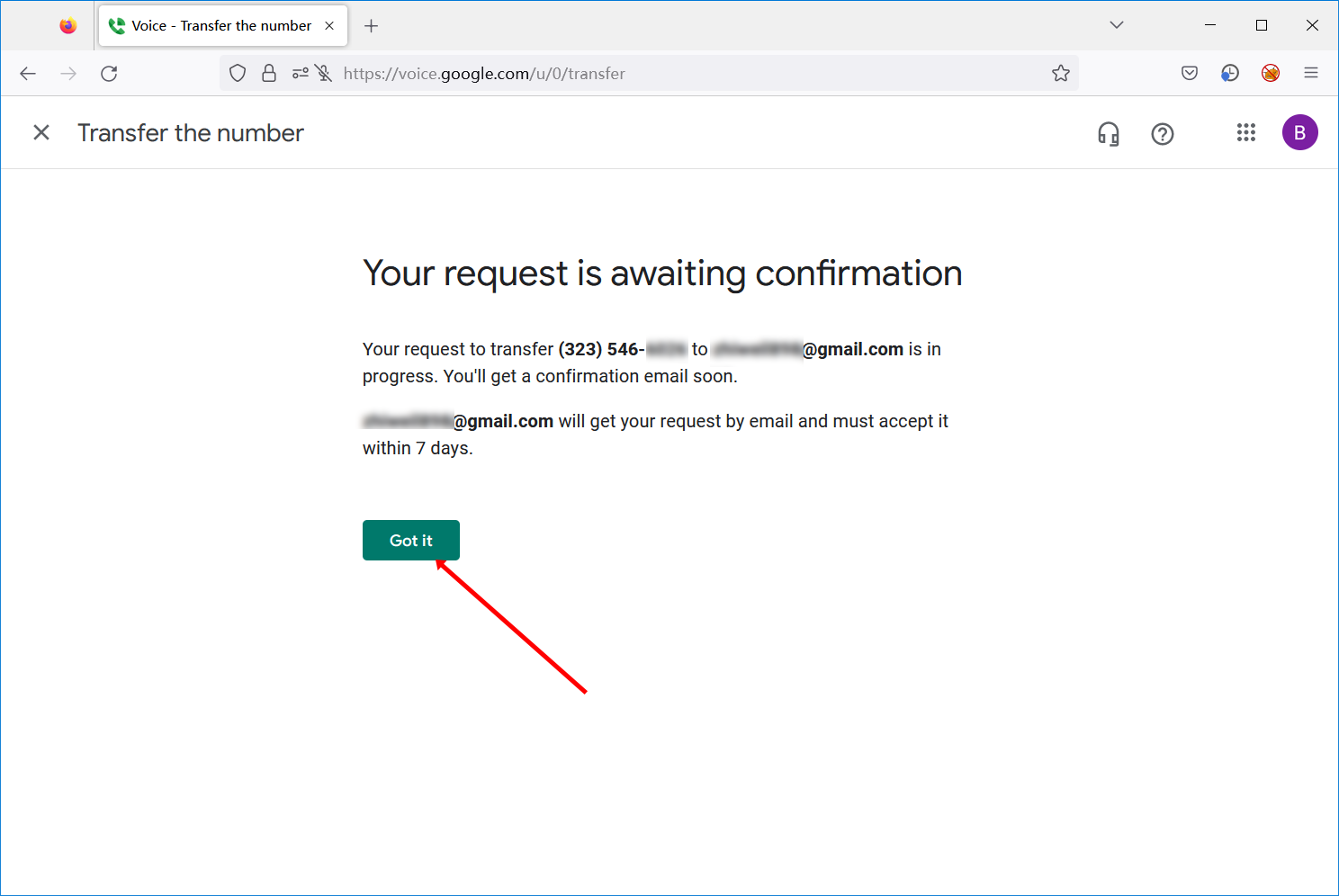
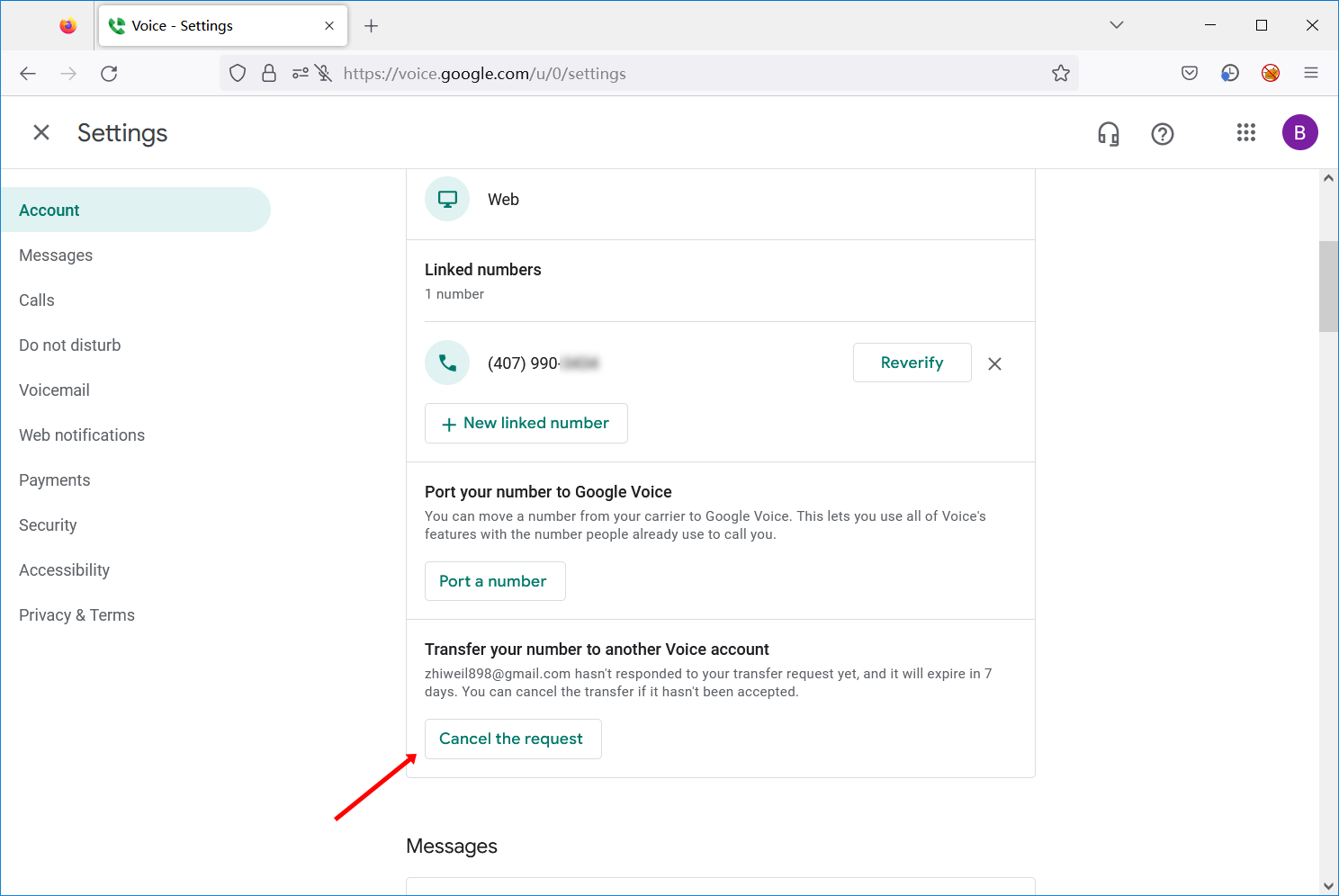
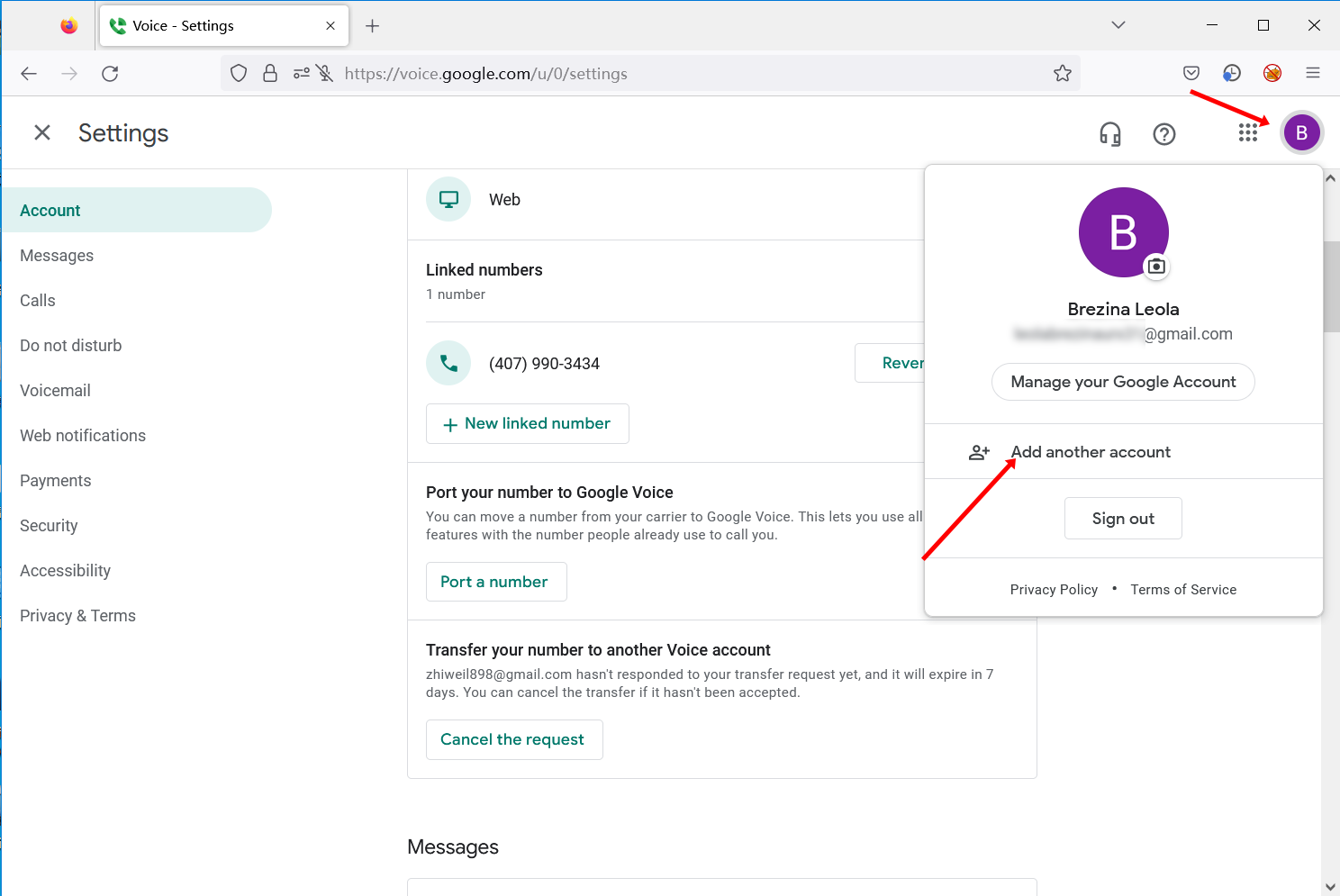
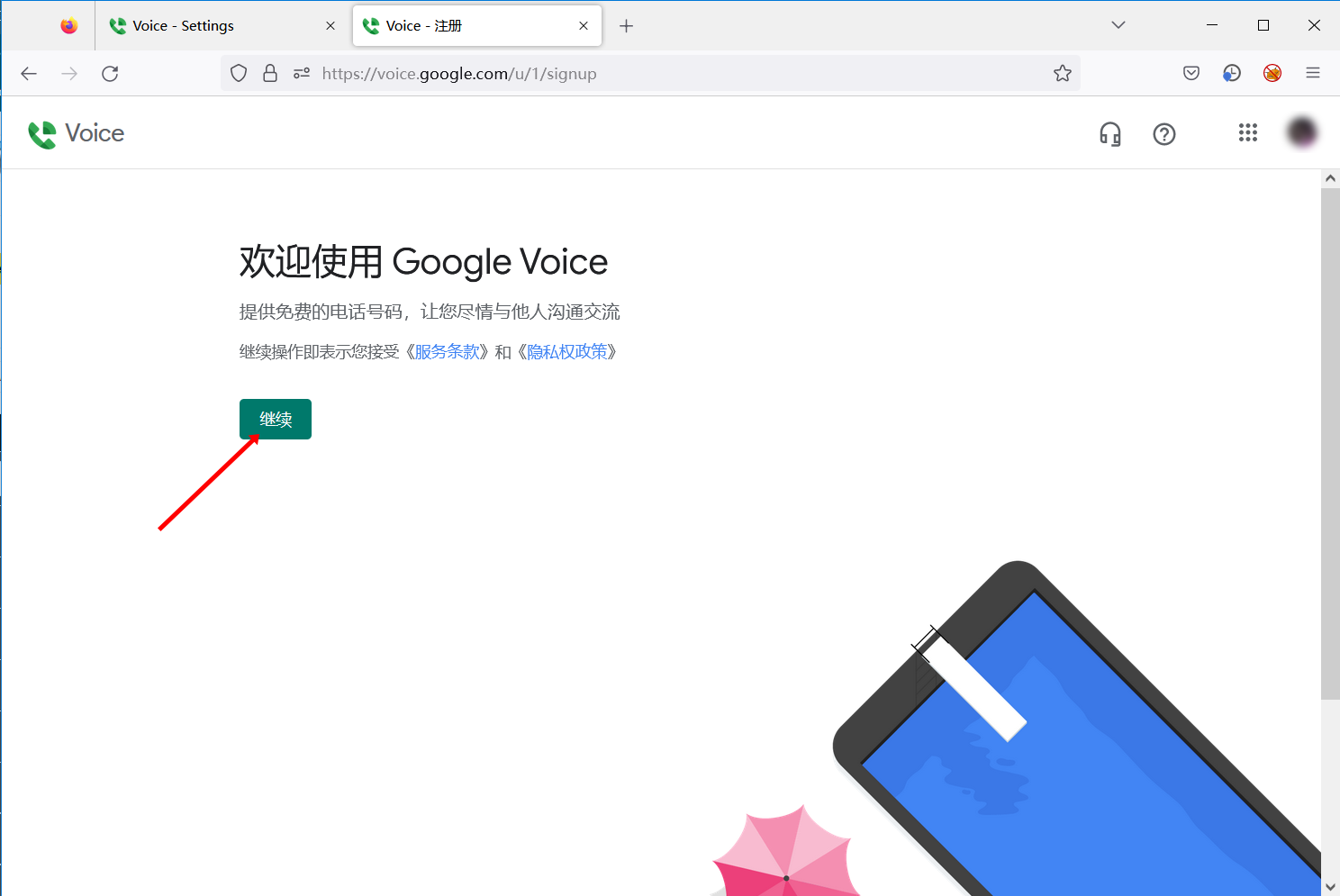
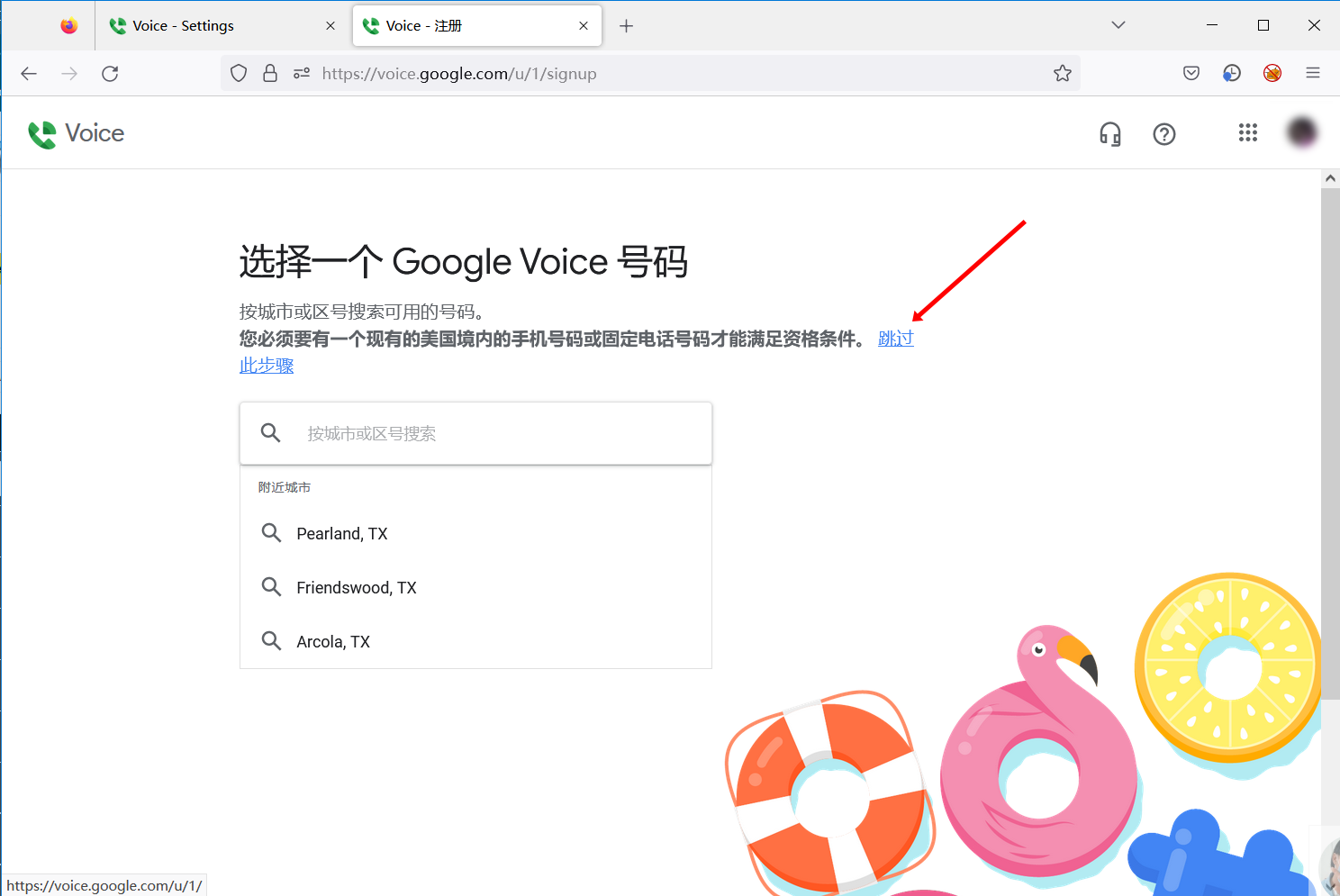
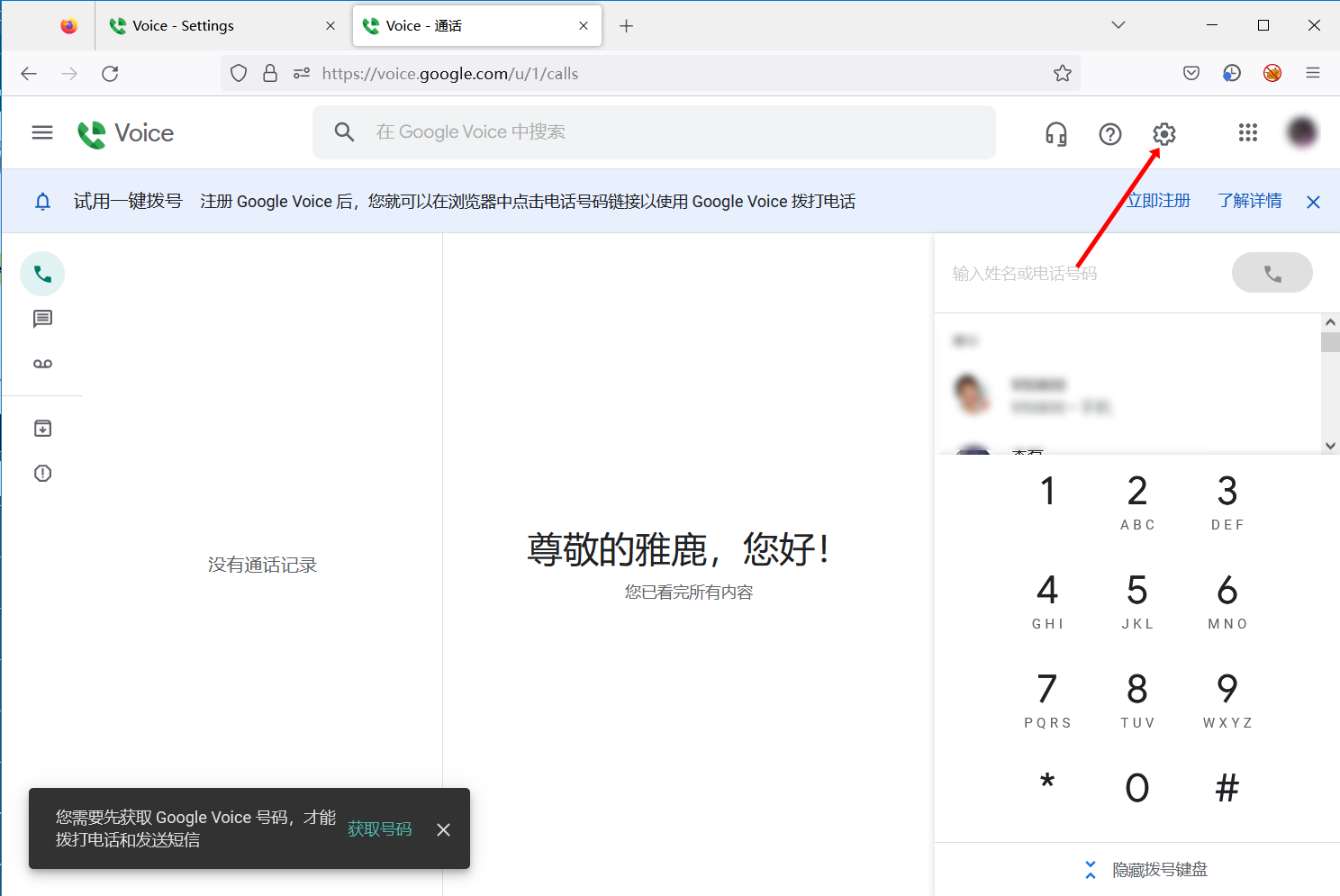
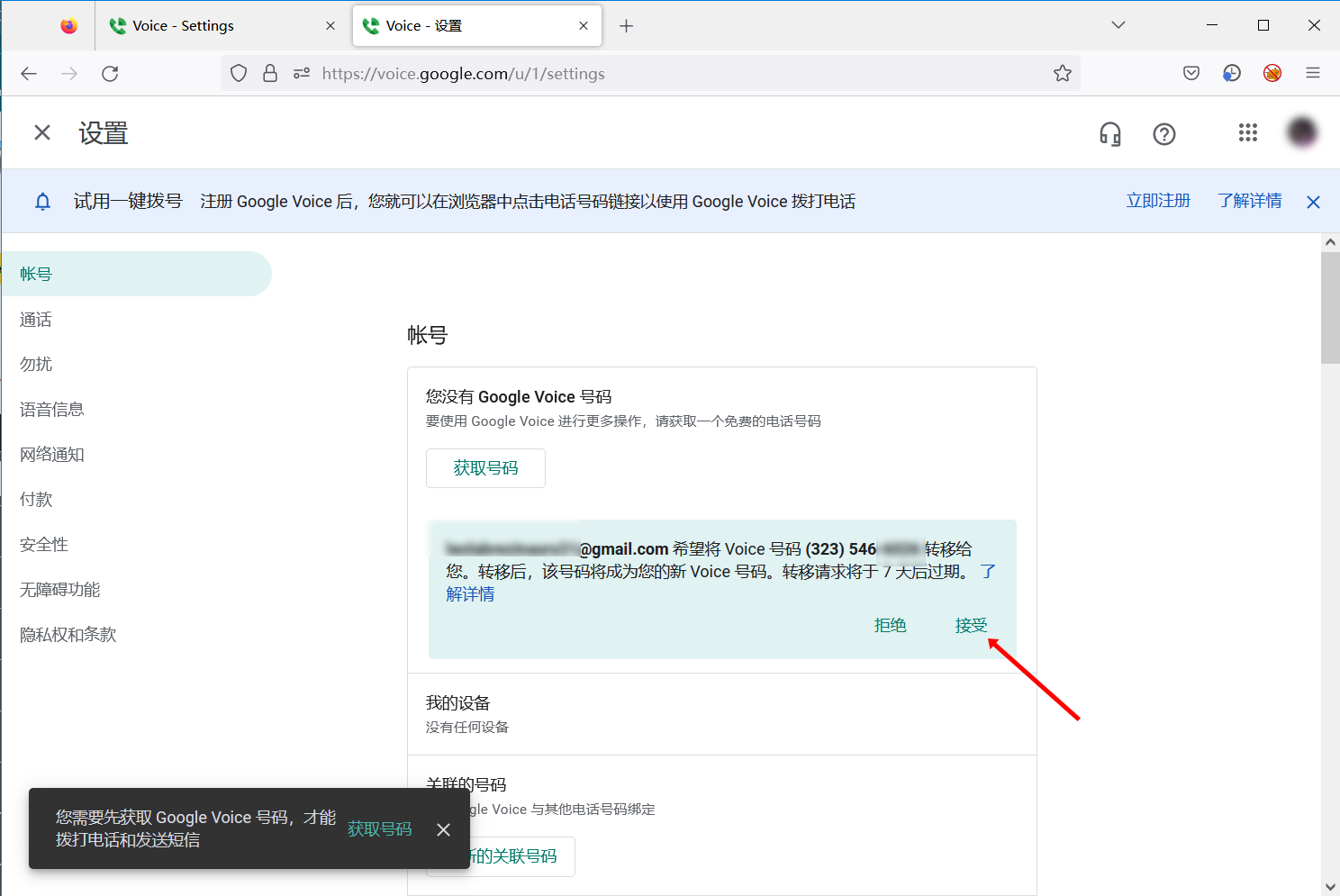
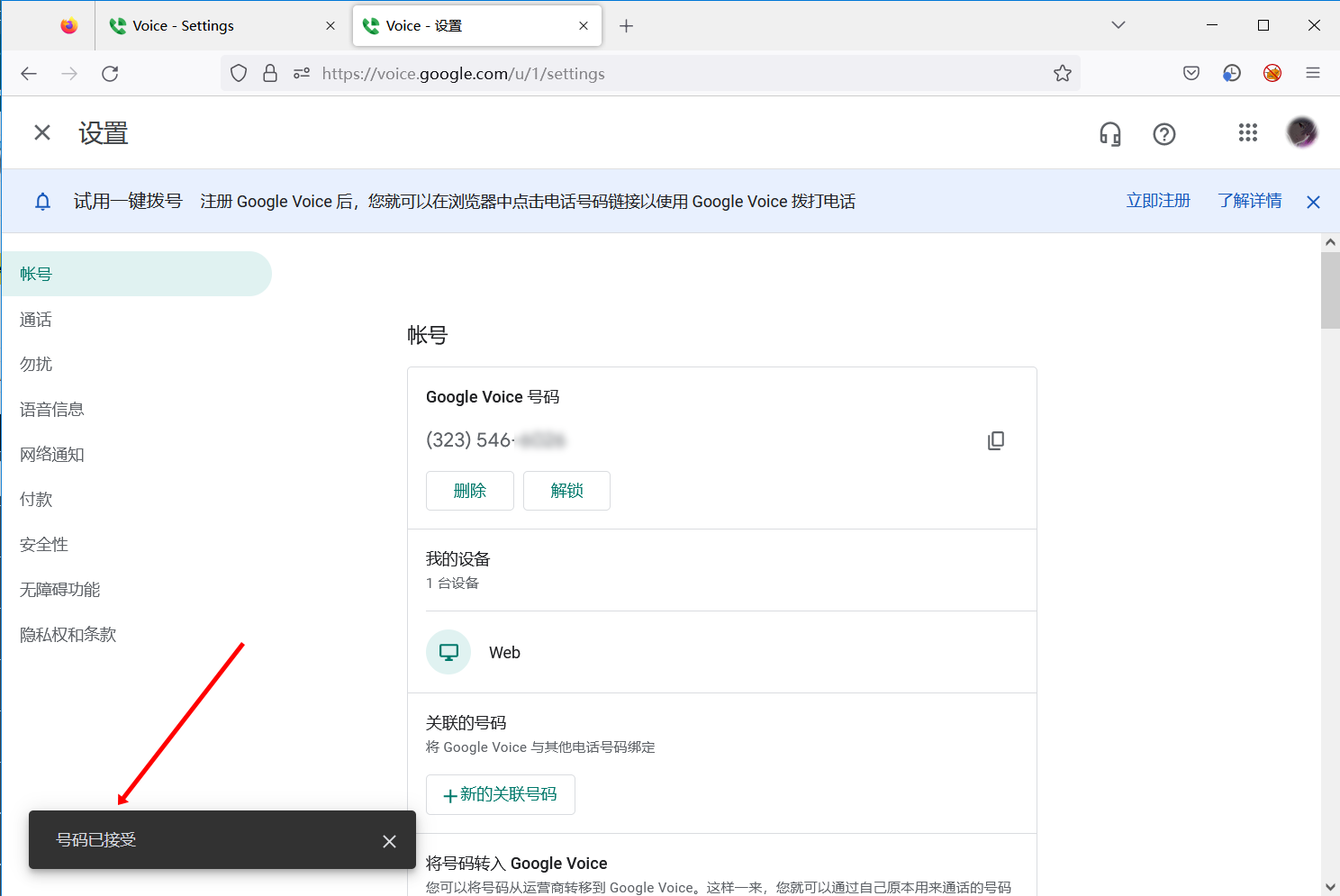
Google Voice号码转移教程Cola 🅥打开Google Voice官网https://voice.google.com登录你的谷歌账户点击右上解登录点击右上解齿轮按扭往下拉点击transfer number按扭点击get started在框中输入接收的邮箱点击 send transfer request点击got it出现cancel the request说明号码等待接收点击右上解头像图标,登录接收的账户如果有注册过googlevoice的账户需要同意一下服务条款,点继续即可点击跳过再点在上解齿轮会提示有一个googlevoice号码转移给你,点击接受等待几秒钟左下解出现号码已接收,说明转移成功购买可以转移的gv🛒奇迹商城 https://qij.me 💎靓号频道 @xuanhaoma