FILE UPLOADS ON PROXY SOCKS 5 THROUGH XMPP
@nokiapps40« FILE UPLOADS ON PROXY SOCKS 5 THROUGH XMPP »
we are going to find in the screenshots that the location was definitely the wrong one, now in the correct way that I will explain they will upload the files and if the client will read the directory and files (but as long as it is only uploaded by the transport created for this through bombusmod if you know of another client who uploads files I would like to know
down in blogger comments).
1) Download Bombusmod from this link:
https://vk.com/doc-183584809_572258503
(if it works in another client, do not hesitate to let us know)
2) Register in a transport compatible with upload to cloud that has this capacity with the file upload,
you can use the jabbim transport:
disk.jabbim.cz
(which has a file upload space of 101MB)
ℹ Amongst the optional shit from below I prefer this...
And disk.moobi.jabbercity.ru which has a 200GB file upload.
ℹ It is not recommended to use disk.moobi.jabbercity.ru the administration there blocks sooner or later
The union to transport is the same as when you join a common transport.
How do I join?
Follow the explanation with the screenshots.
menu
> tools>
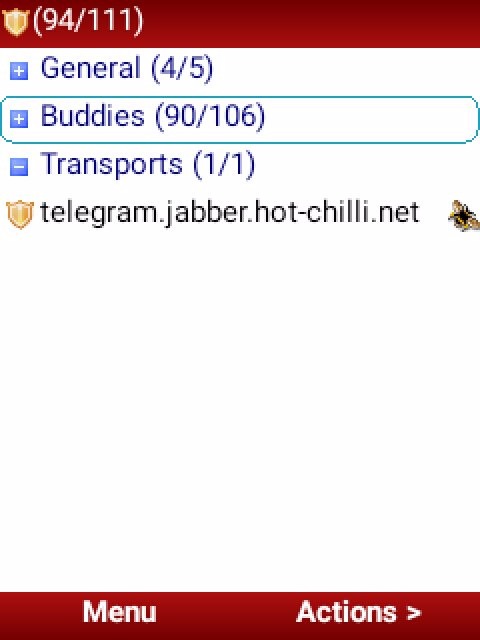

Service discovery >
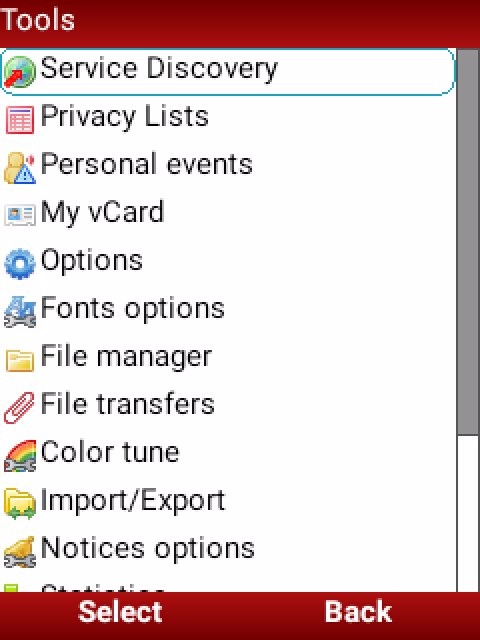
Menu >
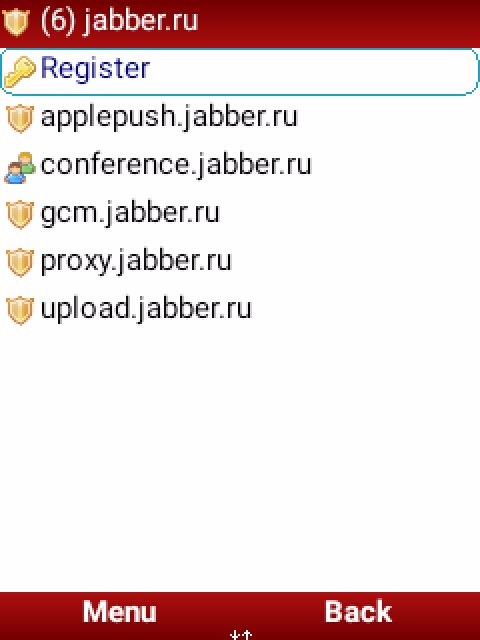
Server>
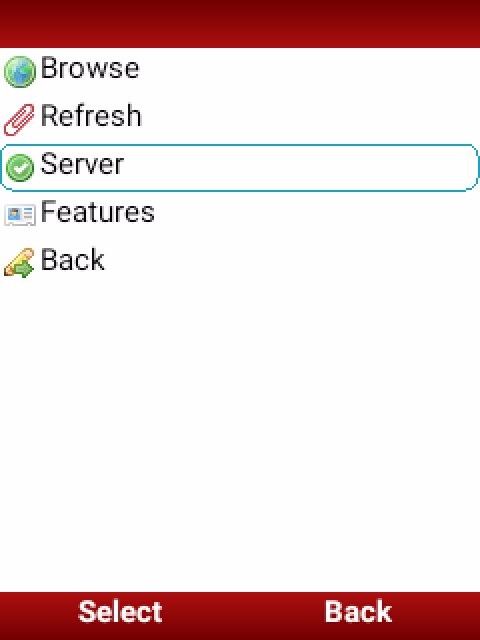
Open the blank menu and write one of the 2 transports to upload to the cloud:
1) disk.jabbim.cz
2) disk.moobi.jabbercity.ru
Followed by "OK" key.
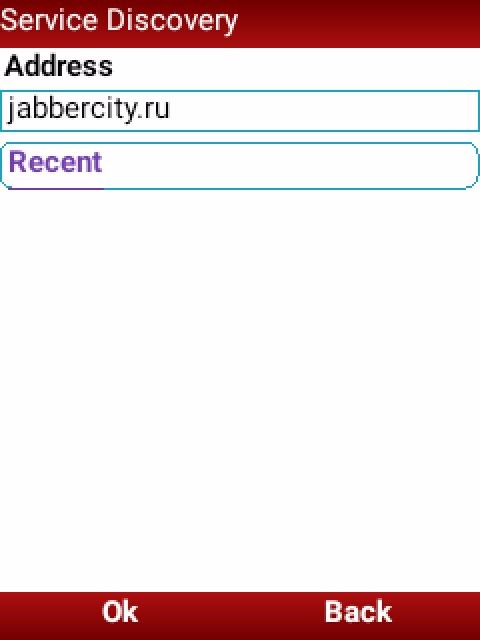
Register
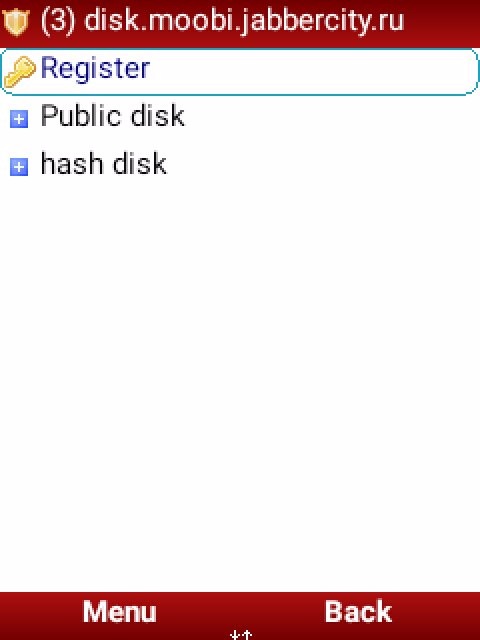
> "check the squared box" > "send"
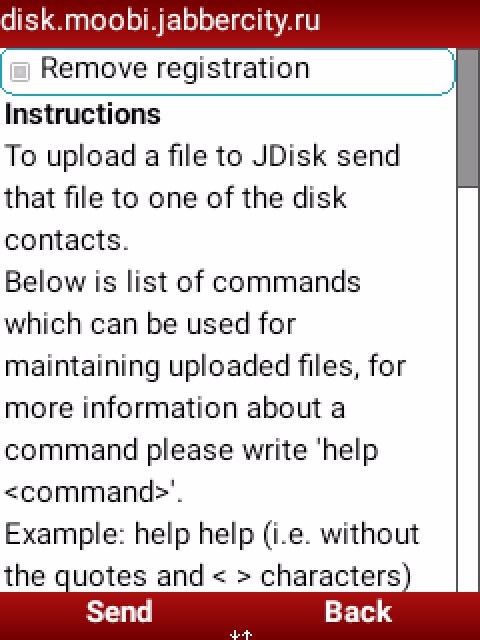
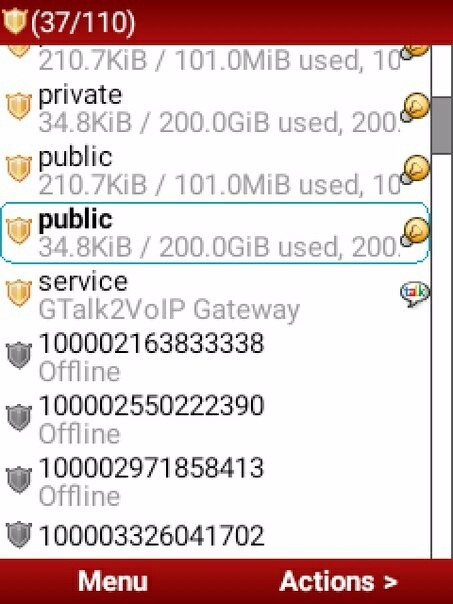
(After this in the main menu of your jabber account 3 folders will be created)
* public
* album and
* private

to use, each of the folders that are different paths to the cloud disk on the jabber server that keep the range of private, public or common album folder),
3) finally (YOU ENTER INTO OF THE TRANSPORT) you give for each one menu> authorize
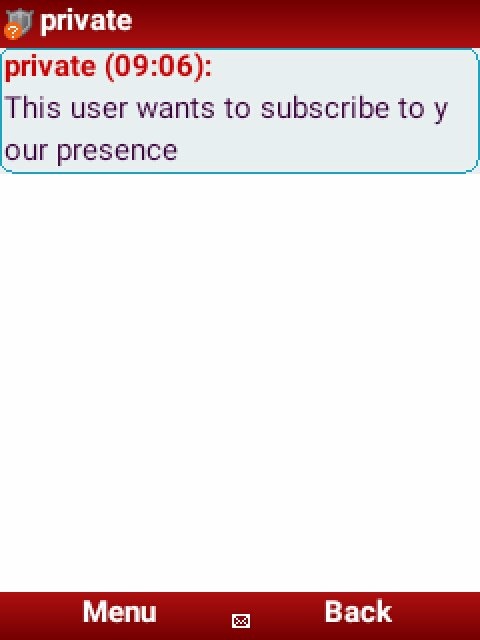
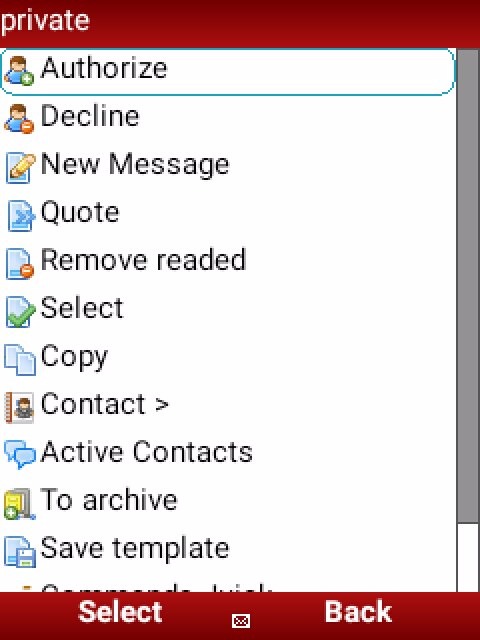
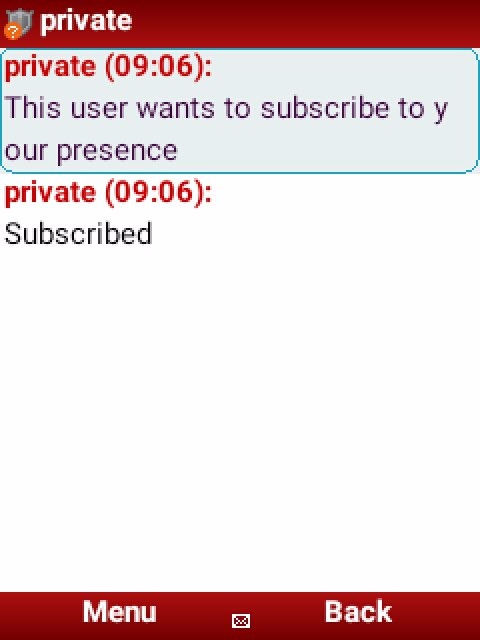
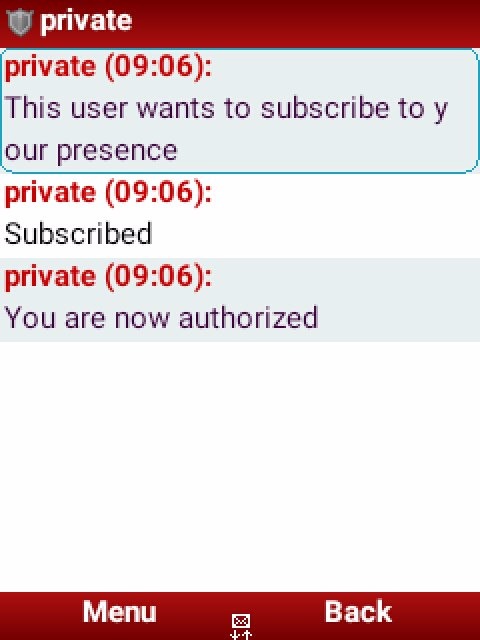
and thus authorize the 3 folders to upload files each one separately)
4) You for upload files It is not necessary to create a folder but if you want you can ...
How create a folder in one of the 3 albums?
before uploading a file first:
To create folder use in one of the 3 album first to upload a file enter:
MKDIR ➡ MKDIR (folder name)
Example:
"mkdir album"
(The name you want to give it to the album) you remember that each album has the privacy range name set so you know where to put your files, if in private public or album)
I'll go on to explain ..
How to upload files?
5) Once the folder has been created within the same transport, you will:
menu> contact >
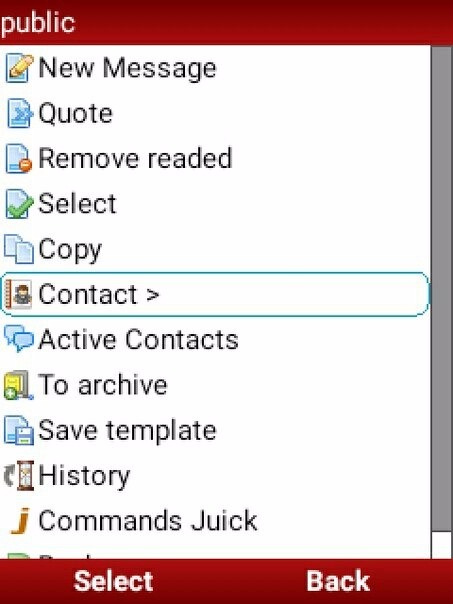
Send file >
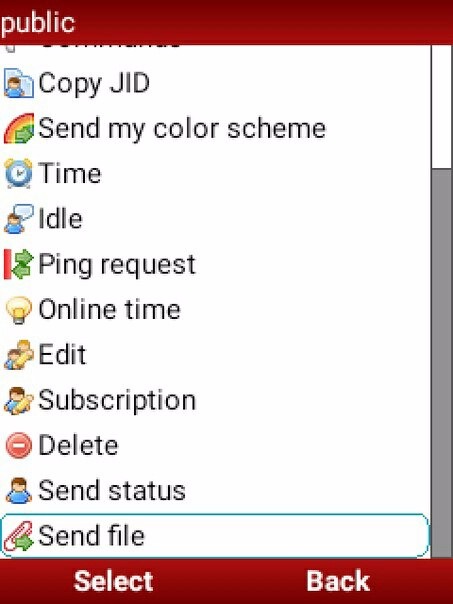
select file > (you choose the "file" to load)
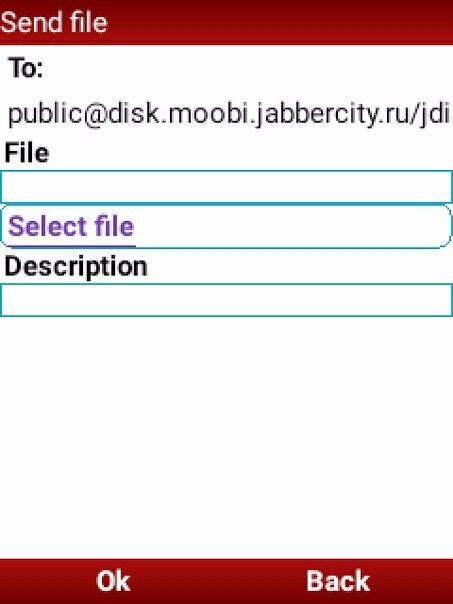

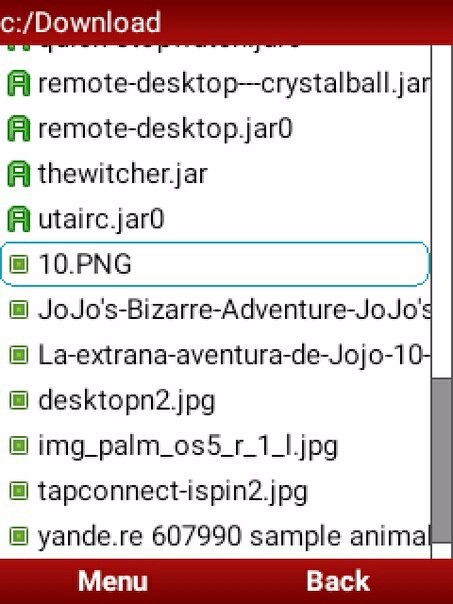
And finish uploading the file by clicking "OK".
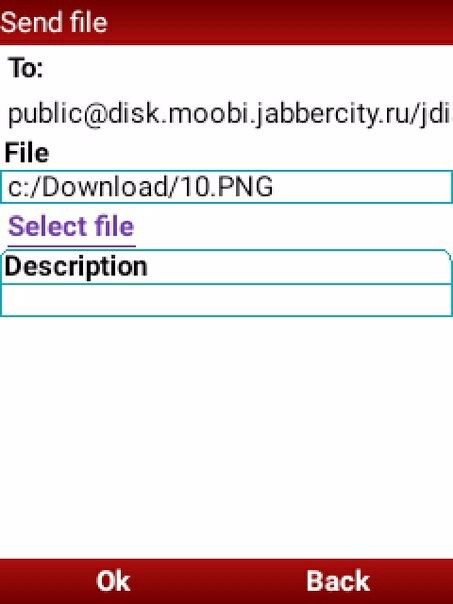
And i will start uploading to the jabber transport server
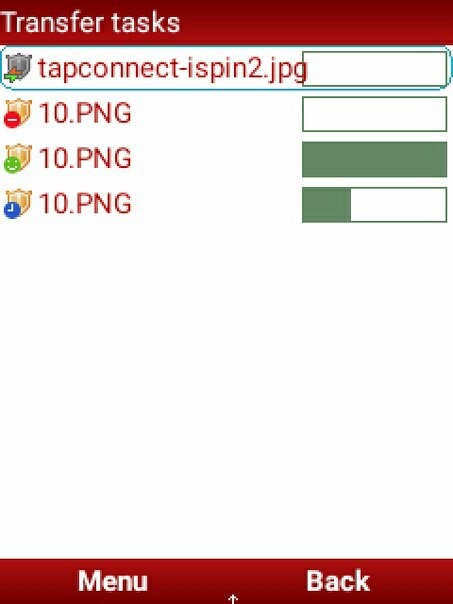
when the file you chose is finished uploading, the same transport will give you a direct upload link witch you can share with your friends.

How to copy the link of the file to send to a friend in jabber?
(If something else comes out, I'll share it here)The other commands:
For
Available commands: get, cd, help, intro, hash, rm, du, mkdir, lang, pwd, ls, link, send, mv
For you to take into account what they are used for:
GET ➡ GET (folder name) to load the file, with this it opens the directory path)
Example: "get album"
HELP ➡ command help (help followed by command name to get information for each command)
Example: "help get"
RM ➡ RM (followed by the folder name) is used to delete a folder.
Example:
"RM album"
ls ➡ know the folder information
Example: "ls album"
LINK➡ make a file link visible
Example: "link https://disk.moobi.jabbercity.ru/titominue@jabber.ru/megaxlr.jpg"
SEND ➡ SEND JID @ JABBER DOMAIN (ALBUM NAME) To send the file to another user.
Example:
"Send titominue@jabber.ru
album"
THANK YOU FOR READING THE ARTICLE