Shard.Zone Market Tutorial
Official channel: https://t.me/TonShardZone
Official chat: https://t.me/TonShardChat
Get help: https://forms.gle/rNktGmU1341oj7V56
In case you encounter any issues fill in the form in the link above, but don't forget to read this article first until the end
FAQ
Q: I have created a lot, but it did not appear on my profile page
A: Cancel the order via the second option as described later in this document and create it once again
Q: I have created a lot, it appears on the profile page, but it's status is pending for more then 20 minutes
A: Cancel the order via the second option as described later in this document and create it once again
First steps
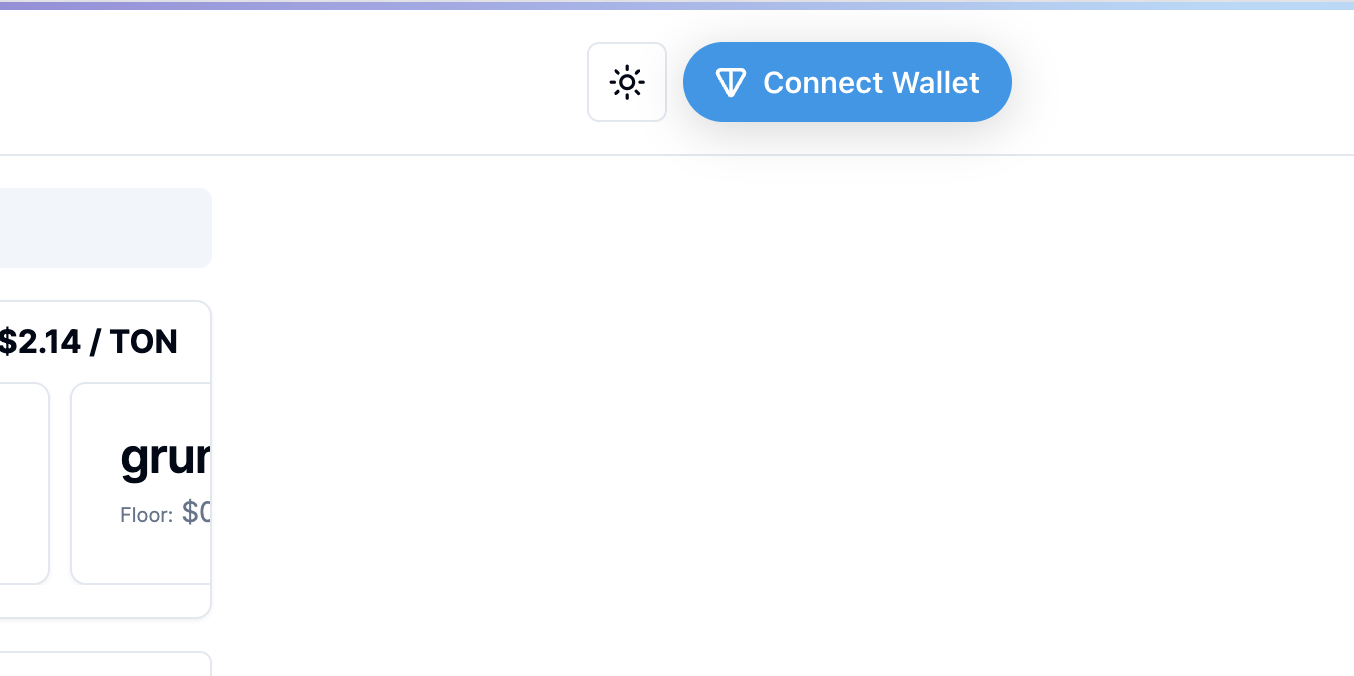
First of all you should connect your TON wallet via Connect Wallet button
It may be found at the top right corner of the website
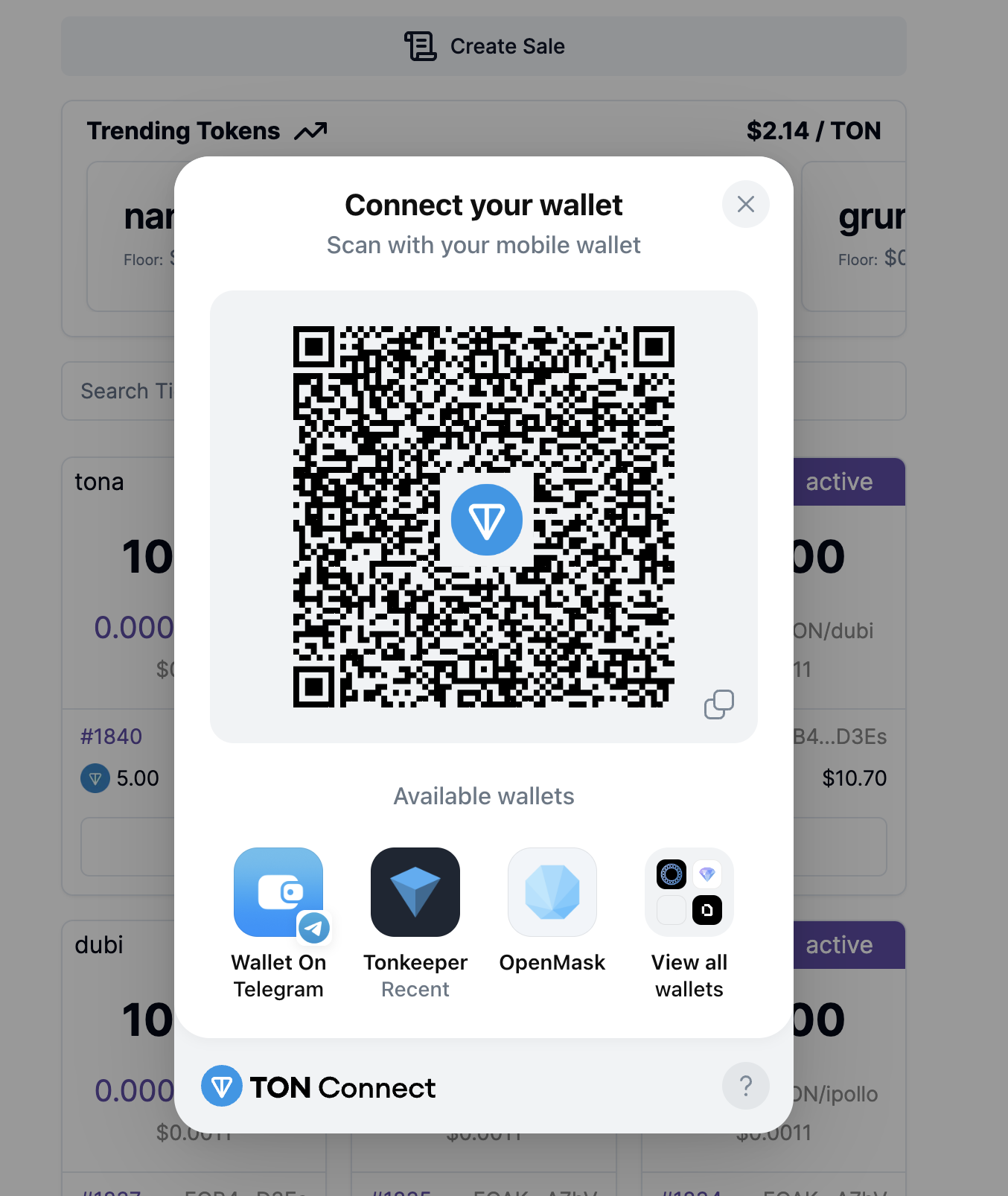
Next you should pick wallet of your choice and connect it
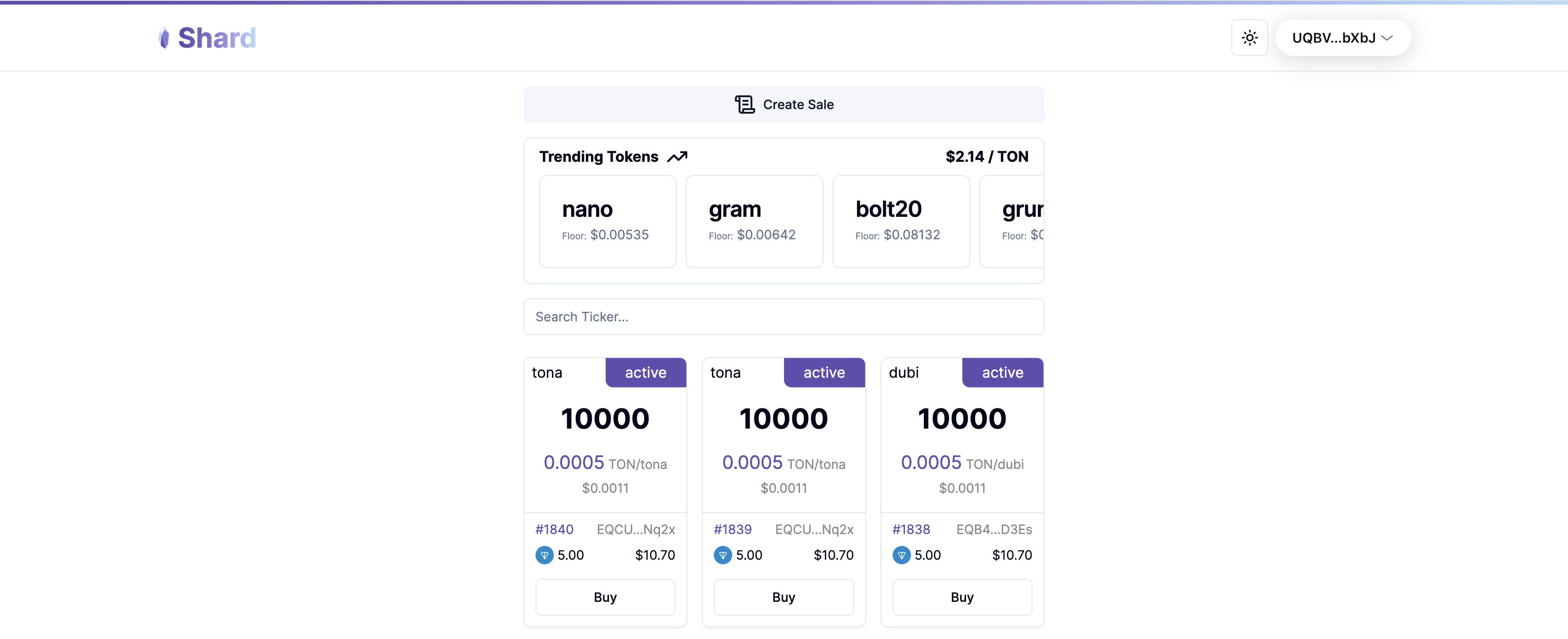
Now you are set to go!
Creating sell offer
To create a lot on the marketplace click on the Create Sale button, that may be found at the top of the center of the screen
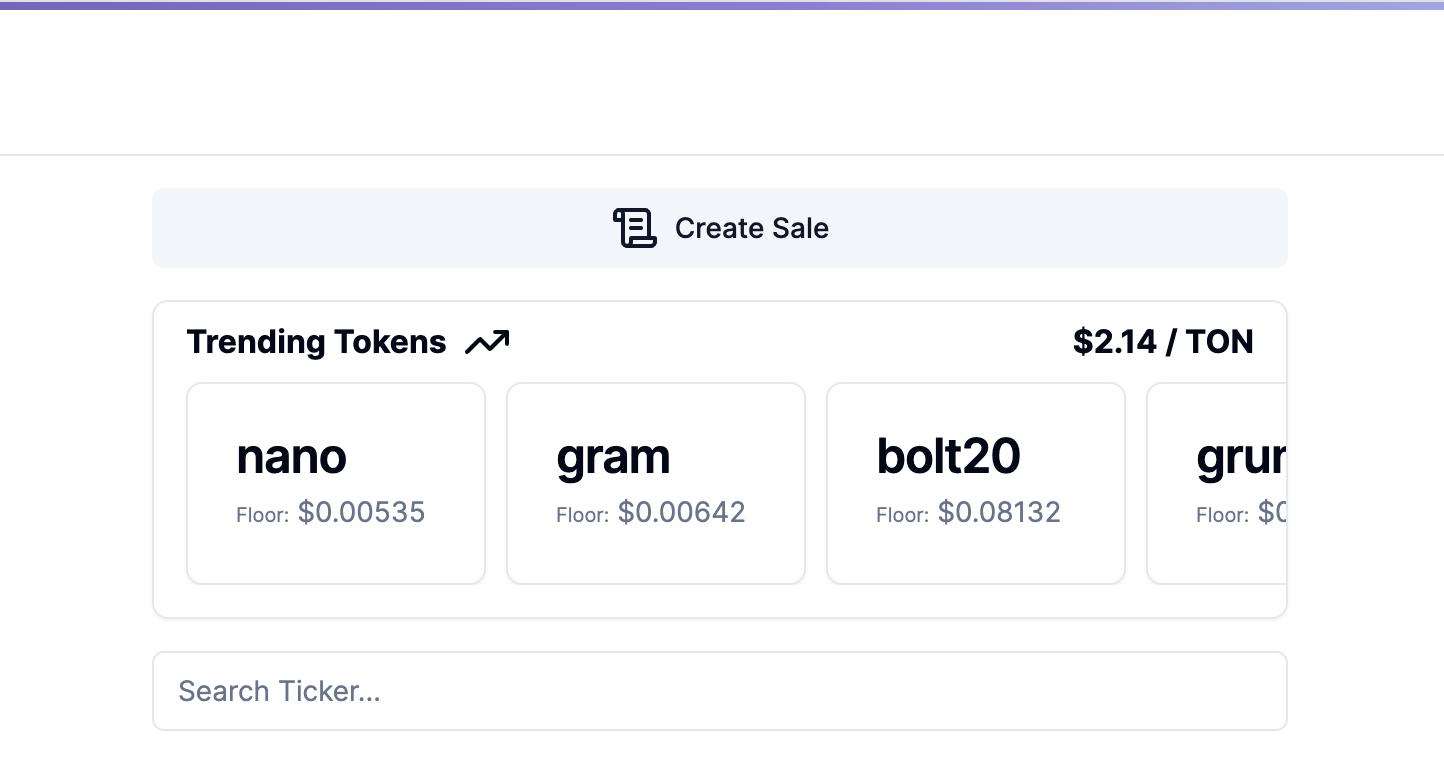
Next fill in required data needed for sale creation
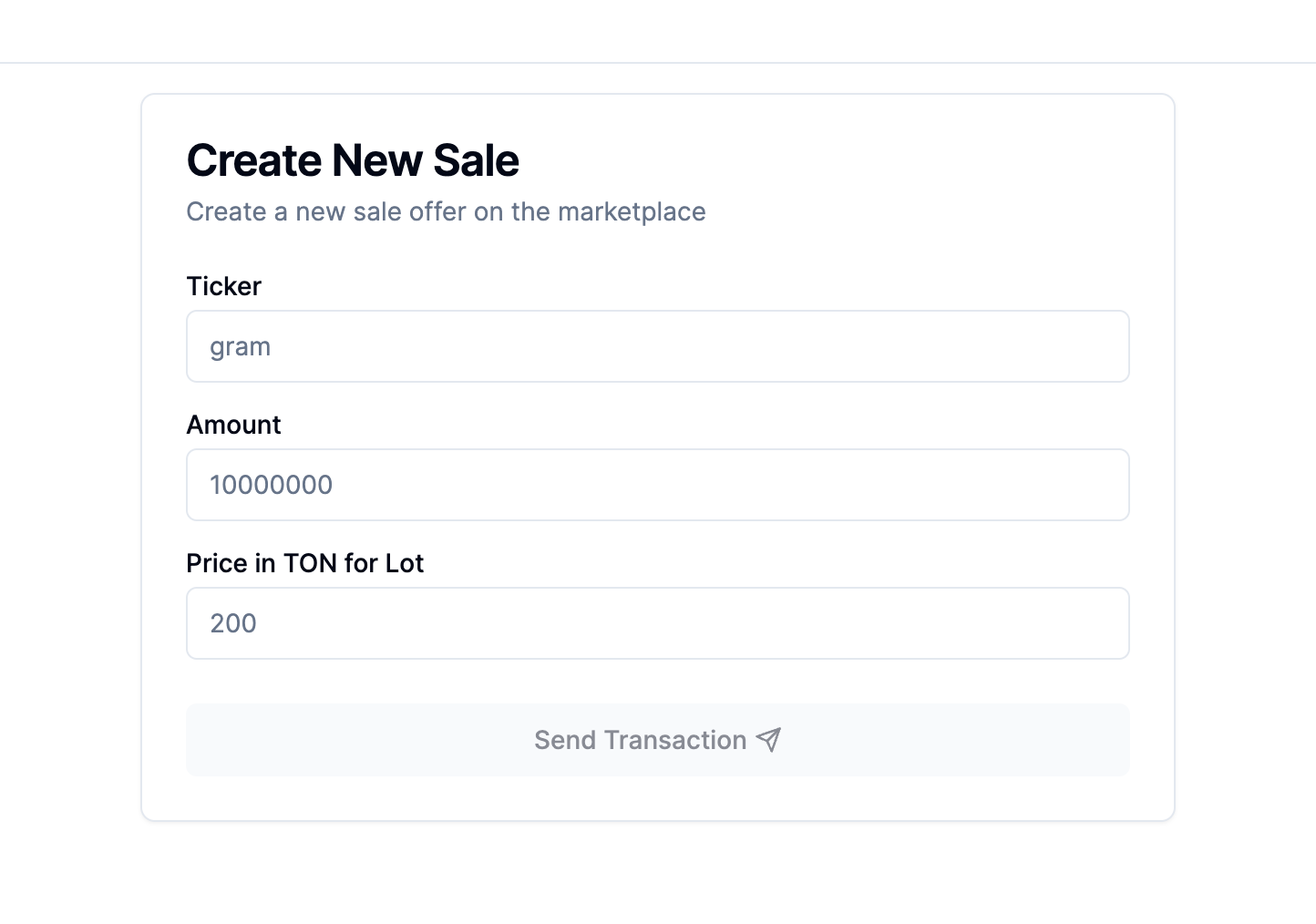
Keep in mind that minimal price in TON is 0.1
Ticker name may use only ASCII symbols
https://www.cs.cmu.edu/~pattis/15-1XX/common/handouts/ascii.html
After you've filled in everything press the Send Transaction button and confirm lot creation in your wallet (TON Keeper is used in the example)
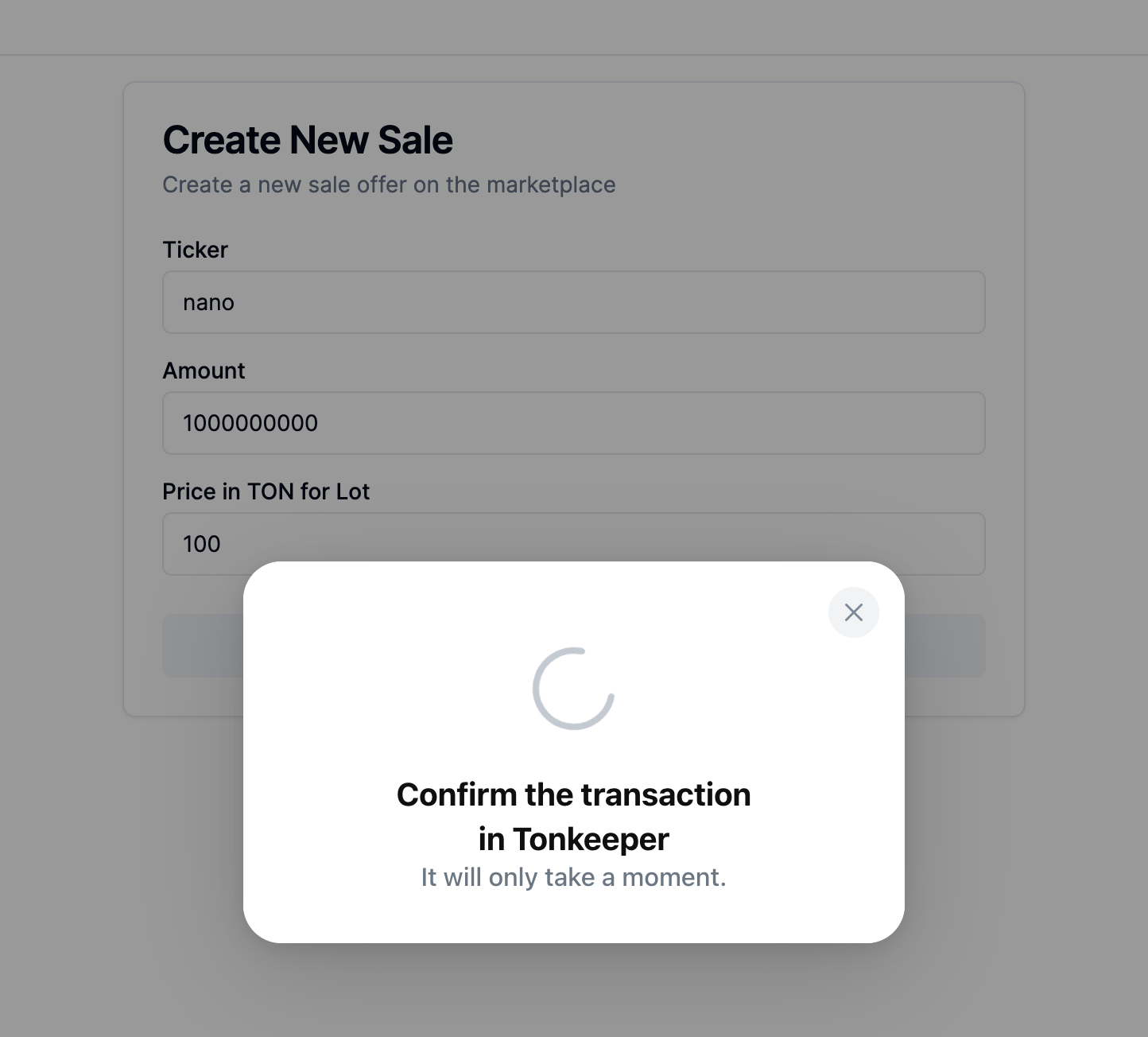
After you've confirmed the lot creation in the wallet be patient and wait a bit for the lot to appear on the marketplace it may take up to 10 minutes. You may see all your lots and their statuses on your profile page
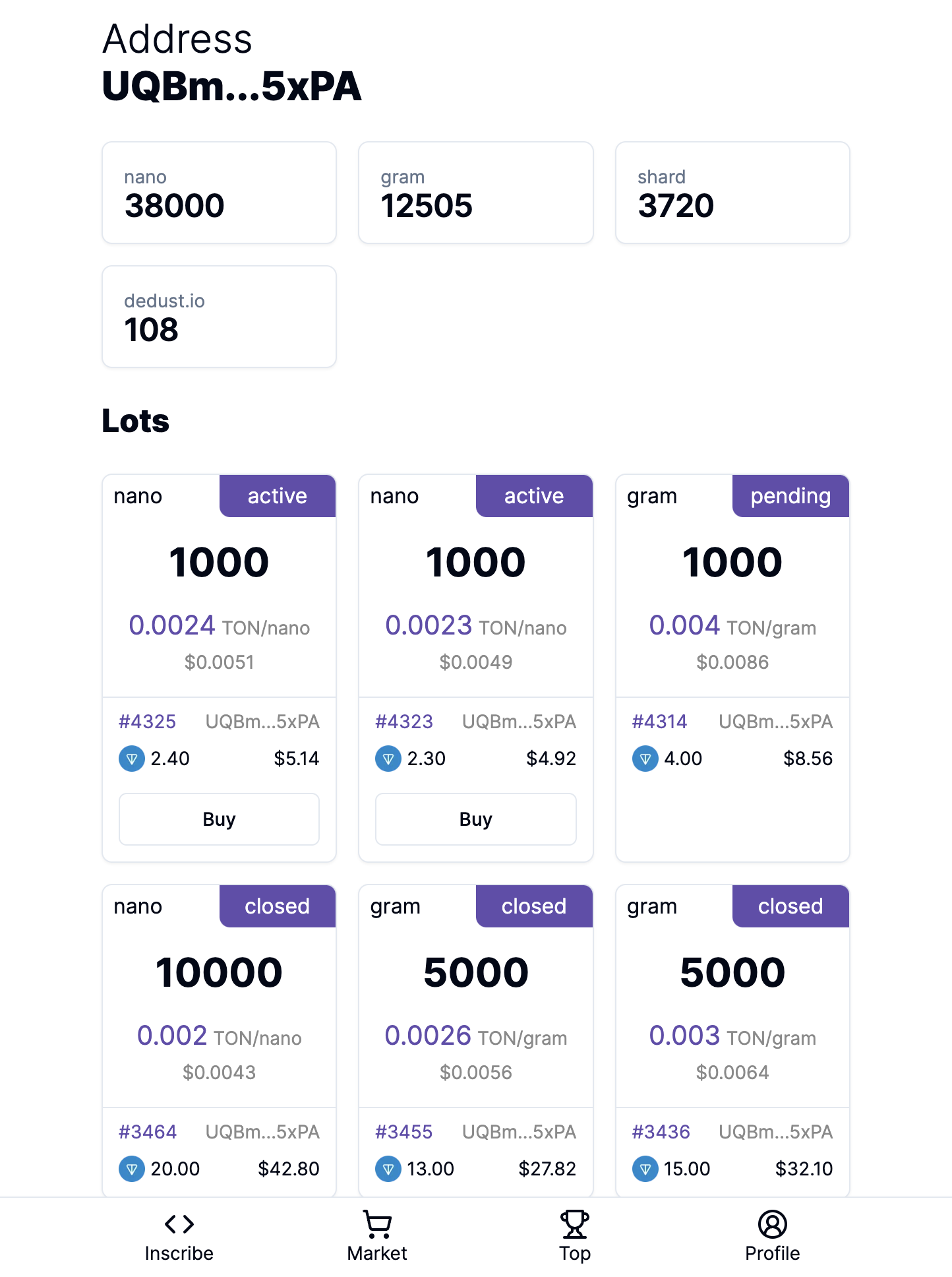
Canceling the lot
There are 2 options
First option
Is to click the X button in the upper right corner of the lot card
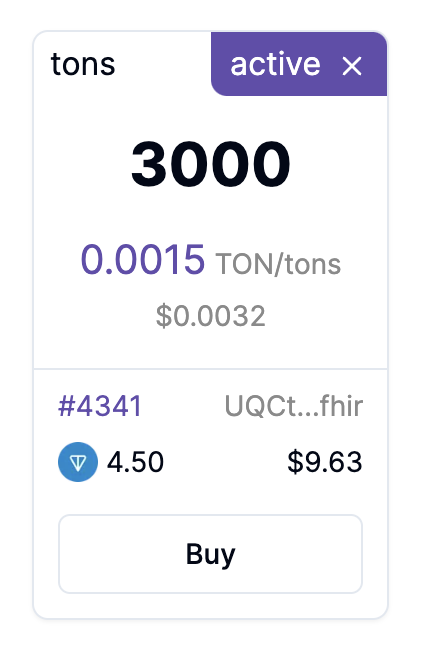
It will prompt you to send cancel message to the contract and get it's balance back
Second option
Is to manually send a cancel transaction to the lot contract address. Address may be found in your history of transactions. The transaction in which you've deployed the contract
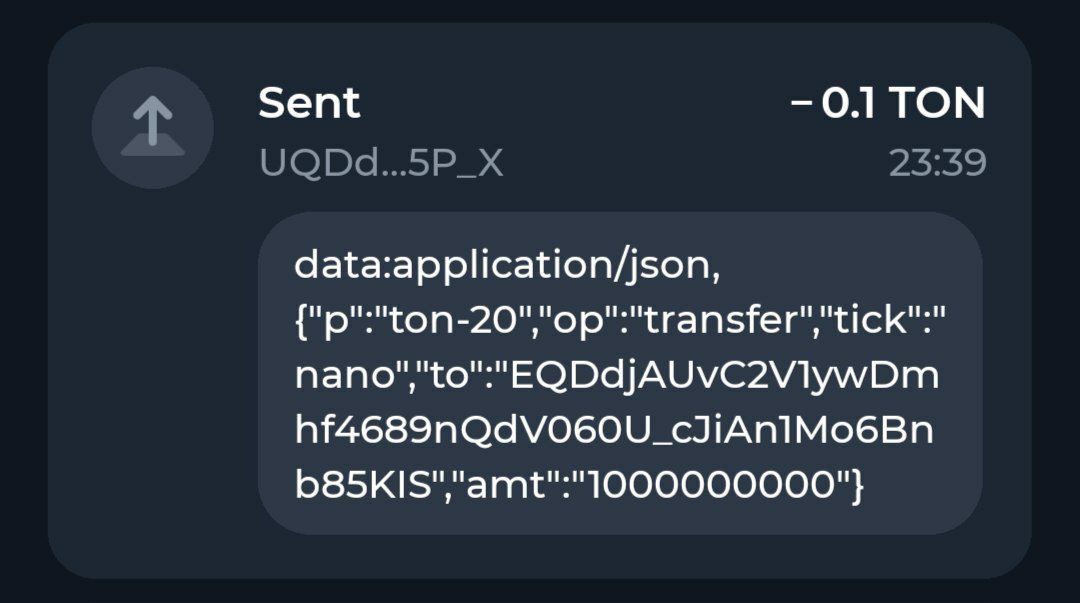
You should copy that address and send a transaction to it

Make sure that you've typed in cancel in the message. It's case-sensitive

Check data and confirm transaction
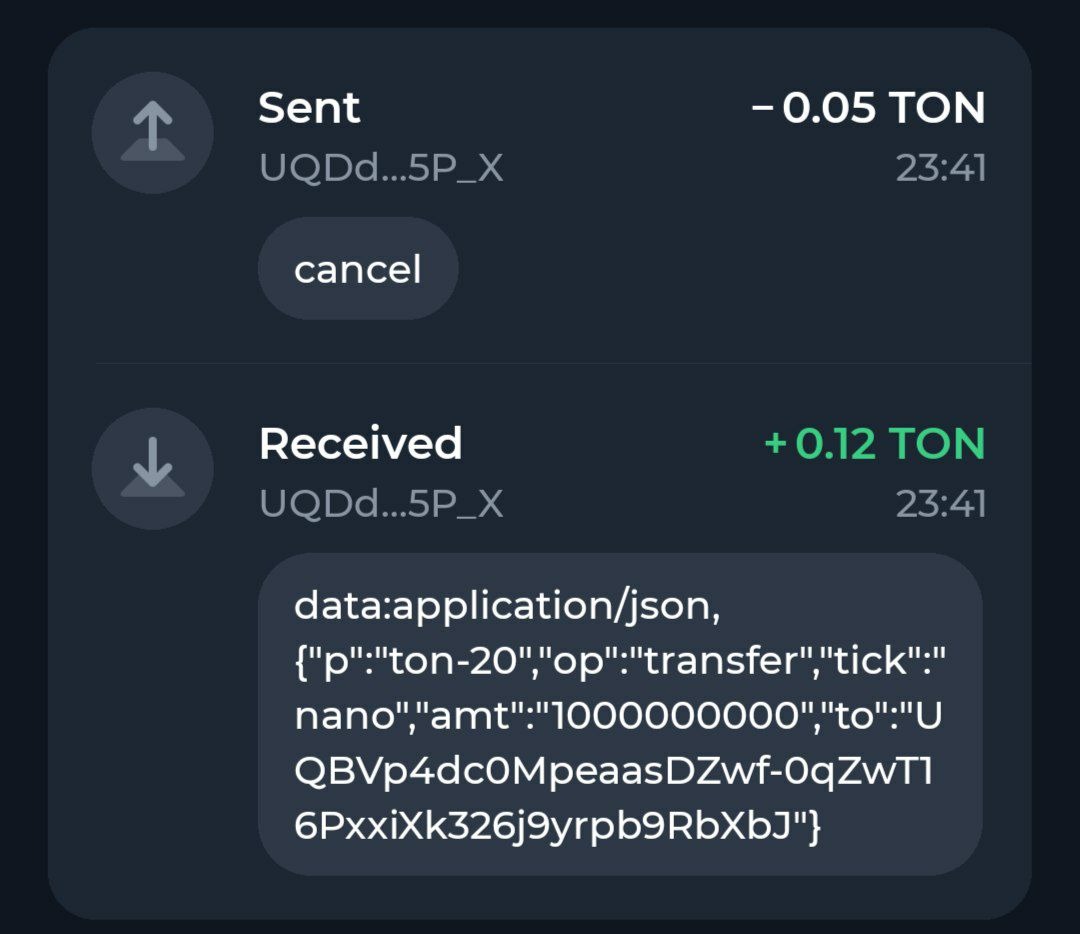
After that you should get back balance from the contract