Zenon Testnet Airdrop
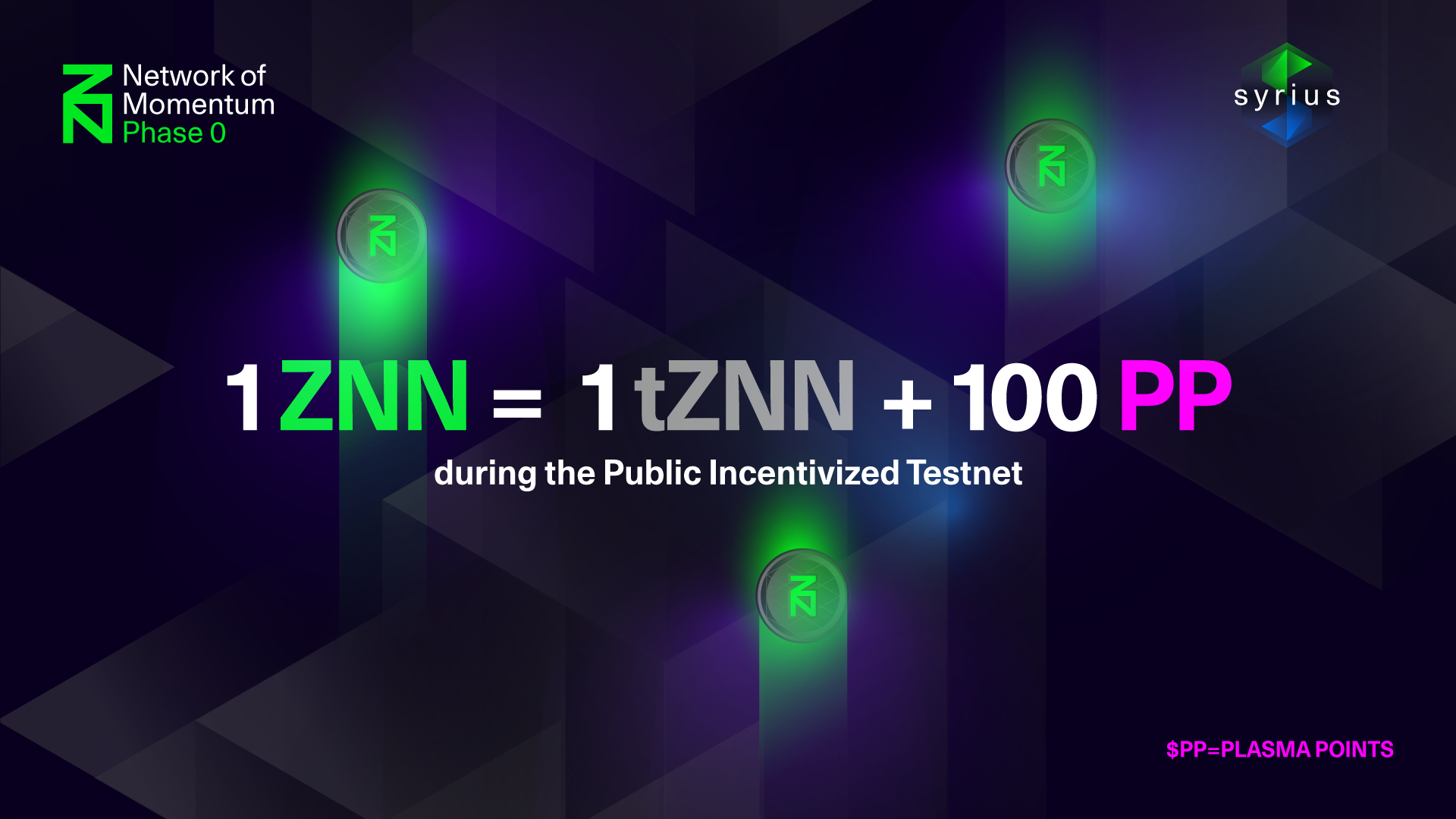
Join Telegram: https://telegram.dog/Earn_With_Crypto_Looters
The Zenon Wallet Is Supported Only On Laptops 💻 (MacOs/ Windows / Linux)
1) Go To https://testnet.znn.space/#!downloads.md And Download The Software As Per Your Operating System
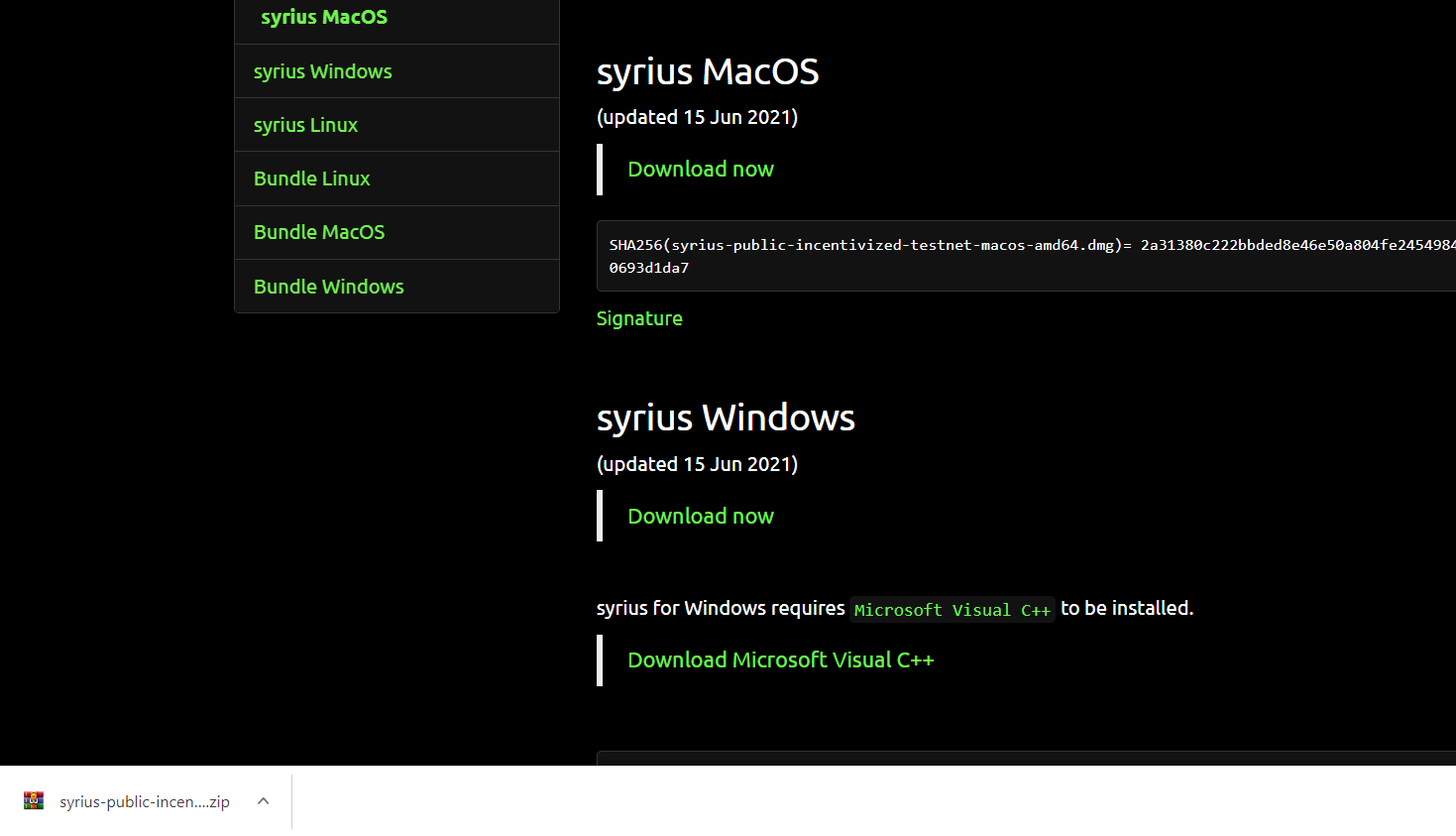
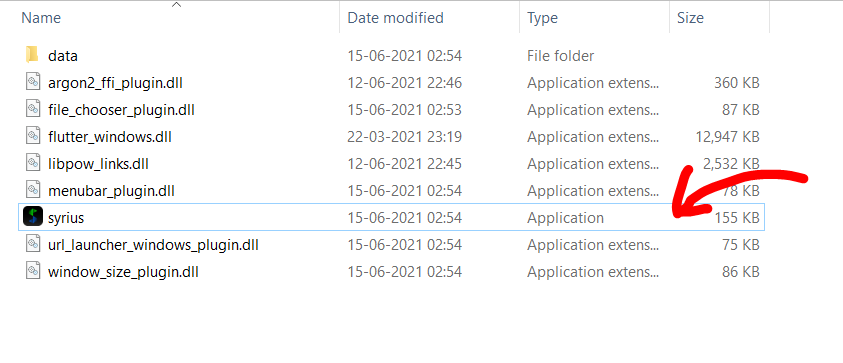
2) Now Extract The Zip File And Open The .exe file
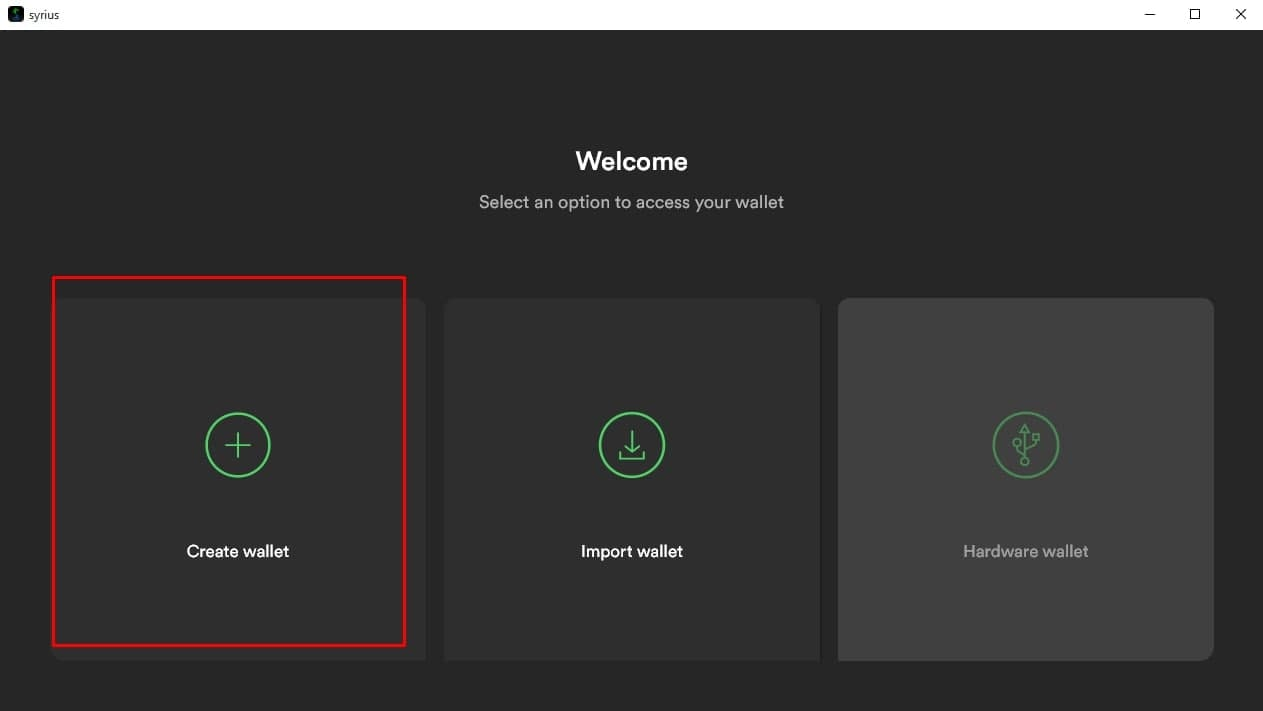
3) Now Click On Create Wallet
4) You Can Choose Between 12/24 Words Seed Phrase
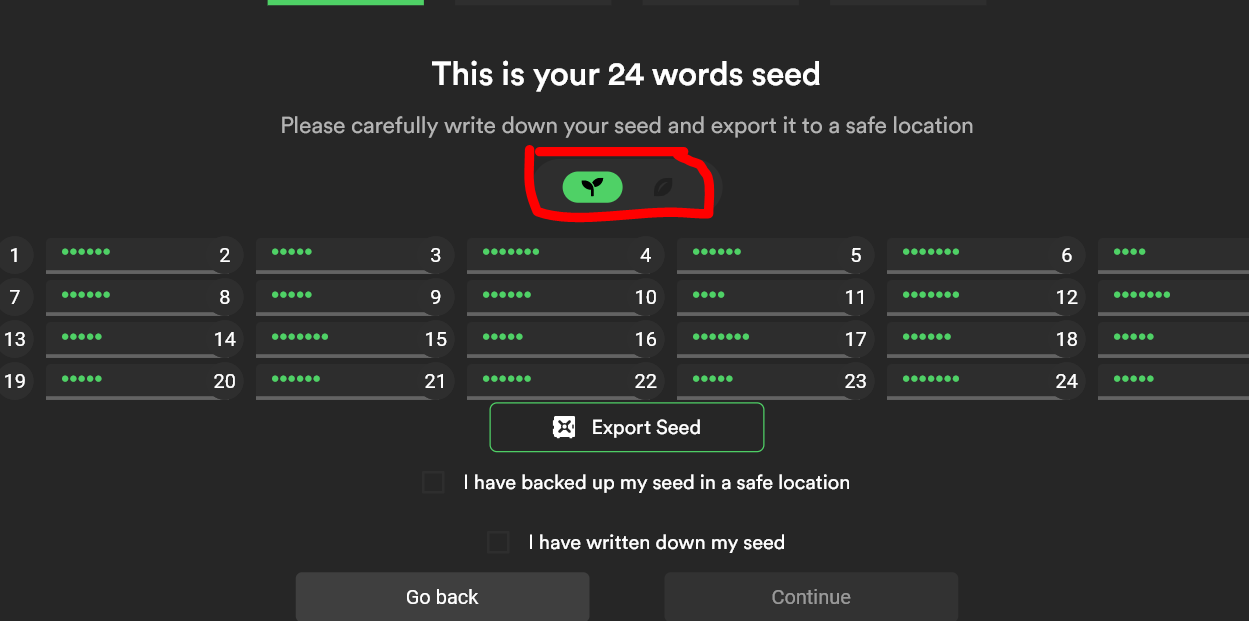
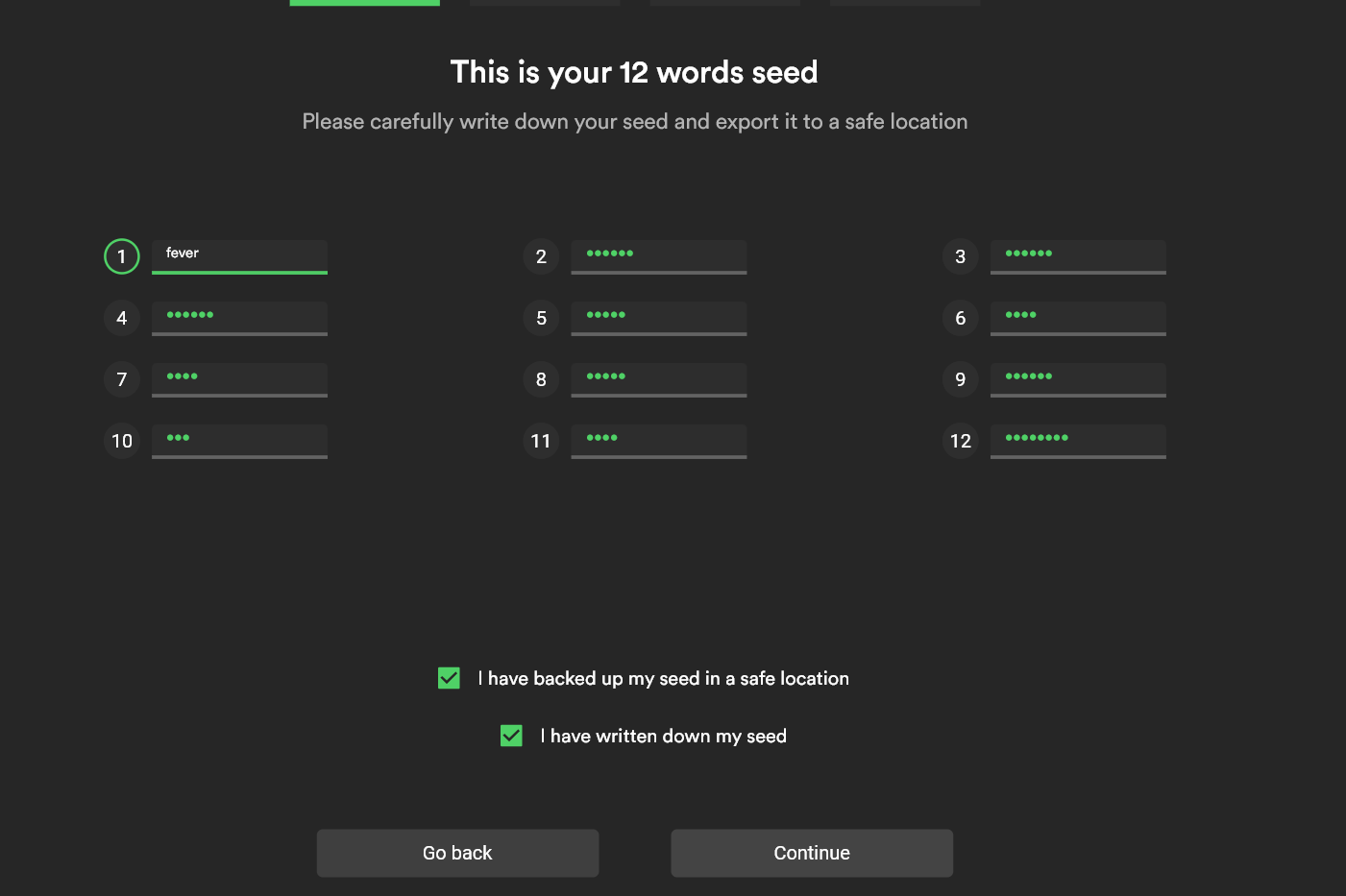
5) Click On Each Word And Save It Somewhere. After That Verify Your Phrase
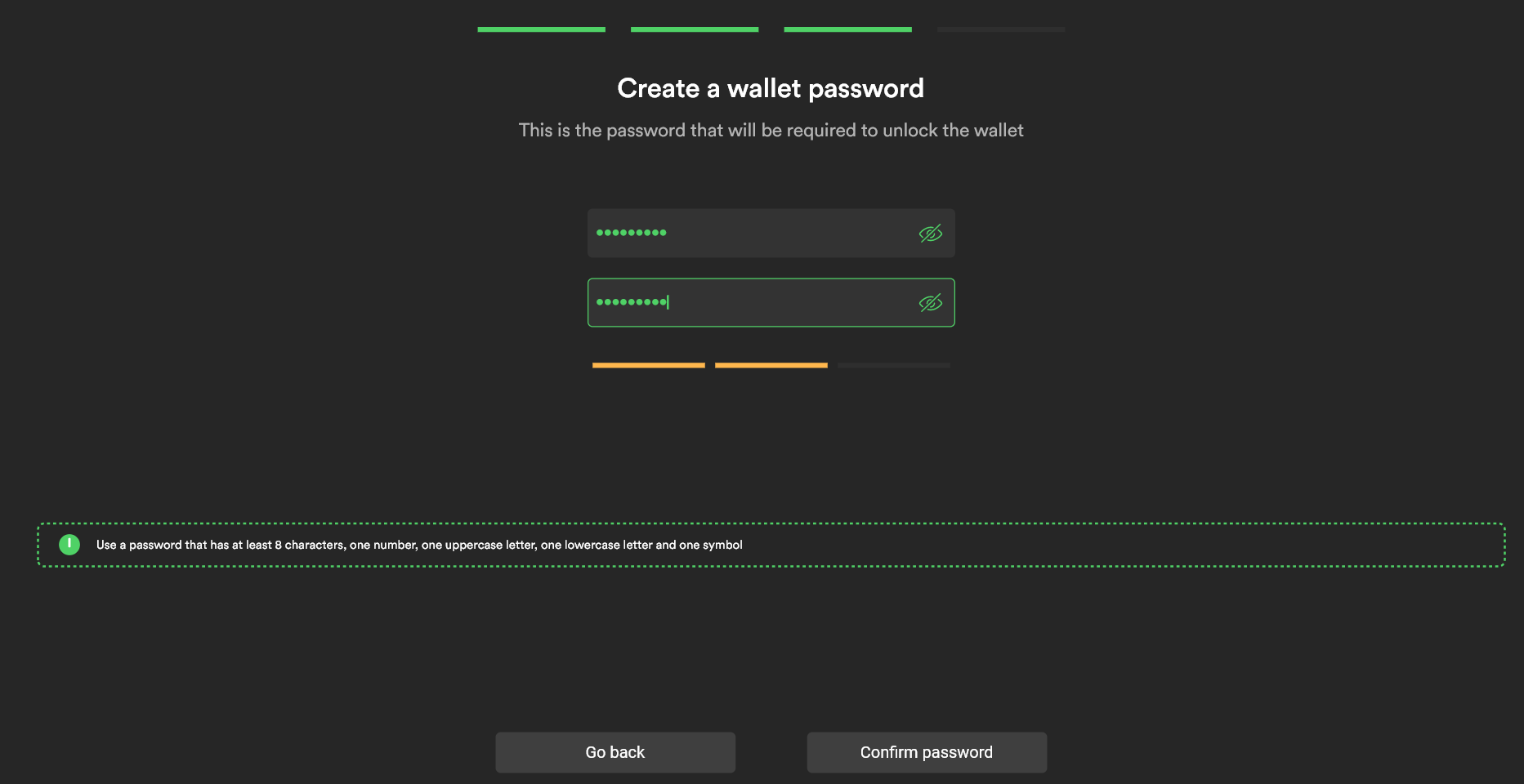
6) Now Setup A Wallet Password And Then Click On Confirm Password
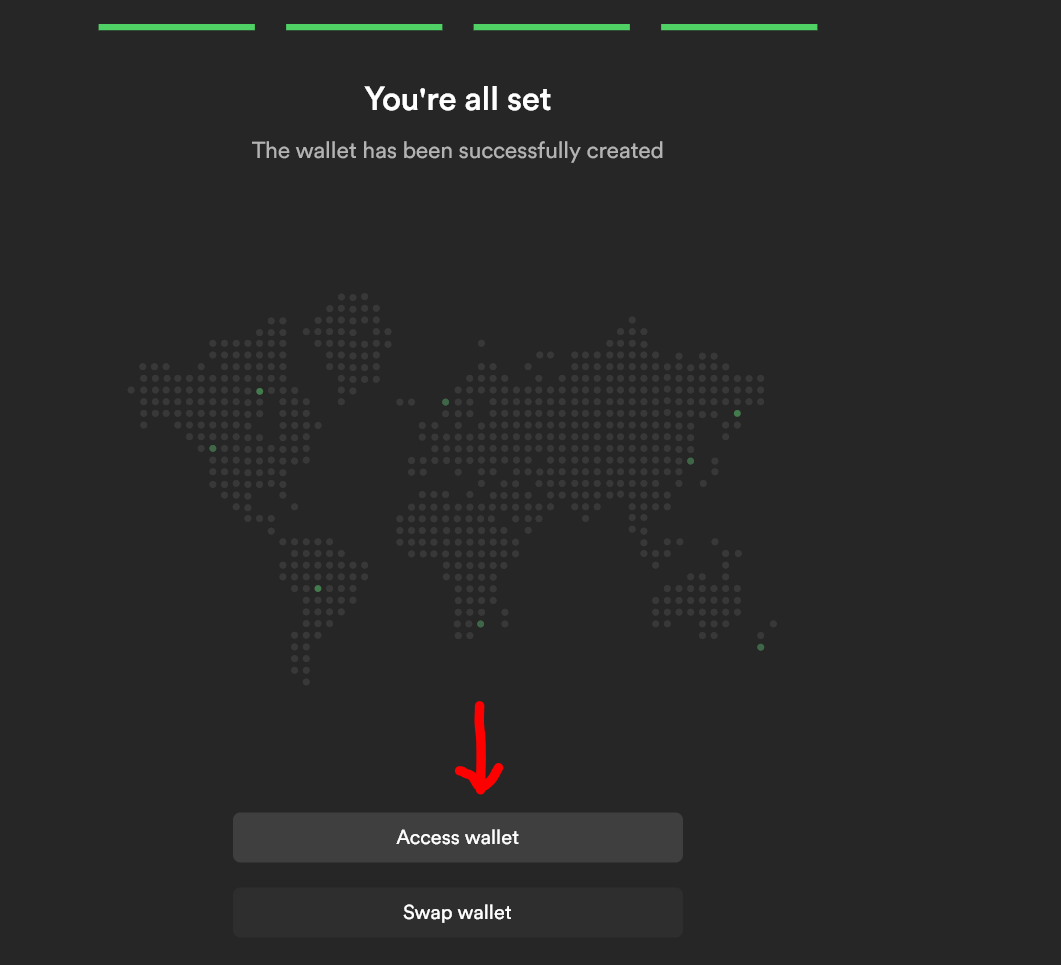
7) Now Click On Access Wallet
8) Now Click On Incentivized
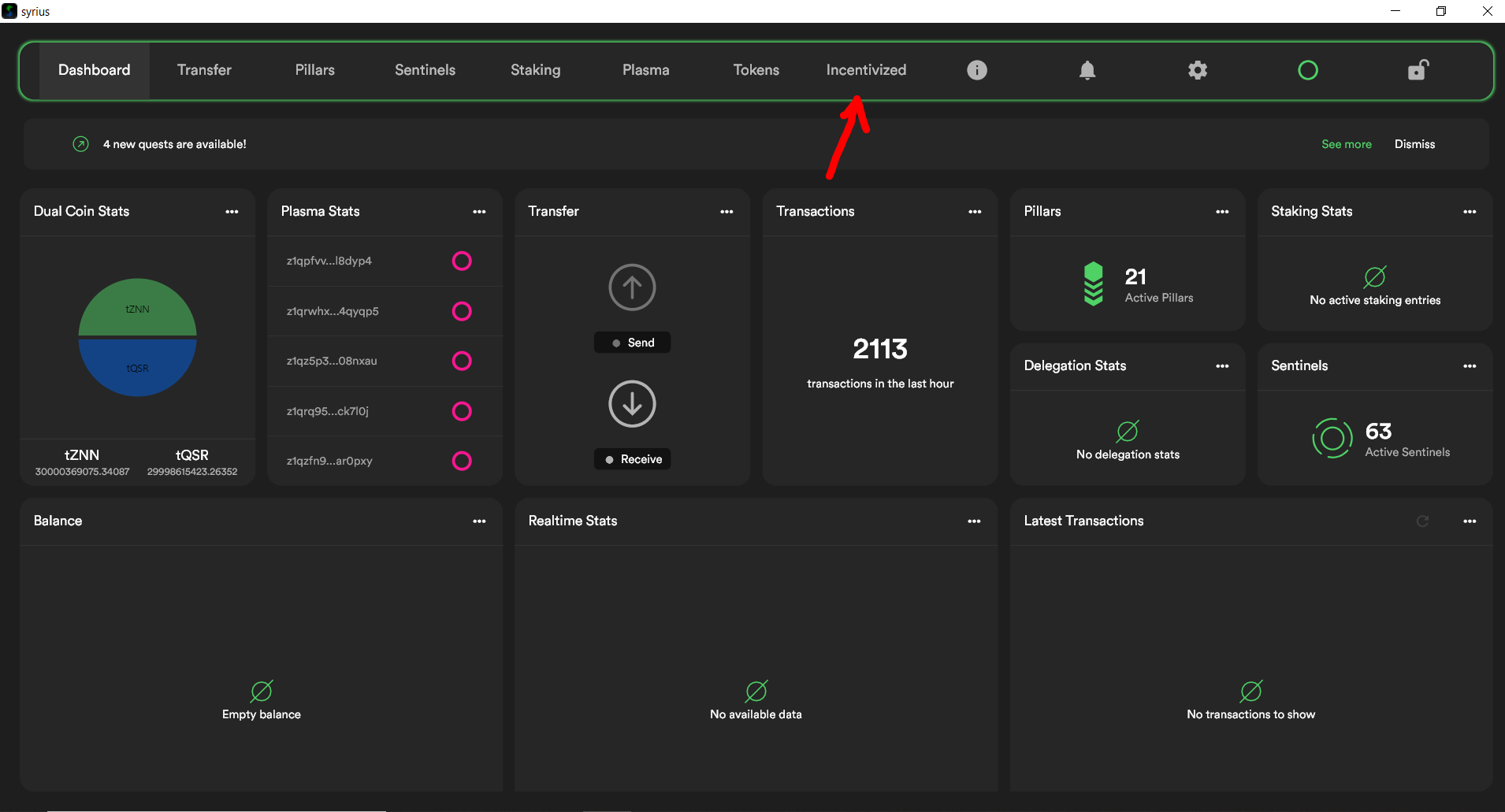
9) Now Click On Start And Then Enter Your Twitter Profile Link Or Username.
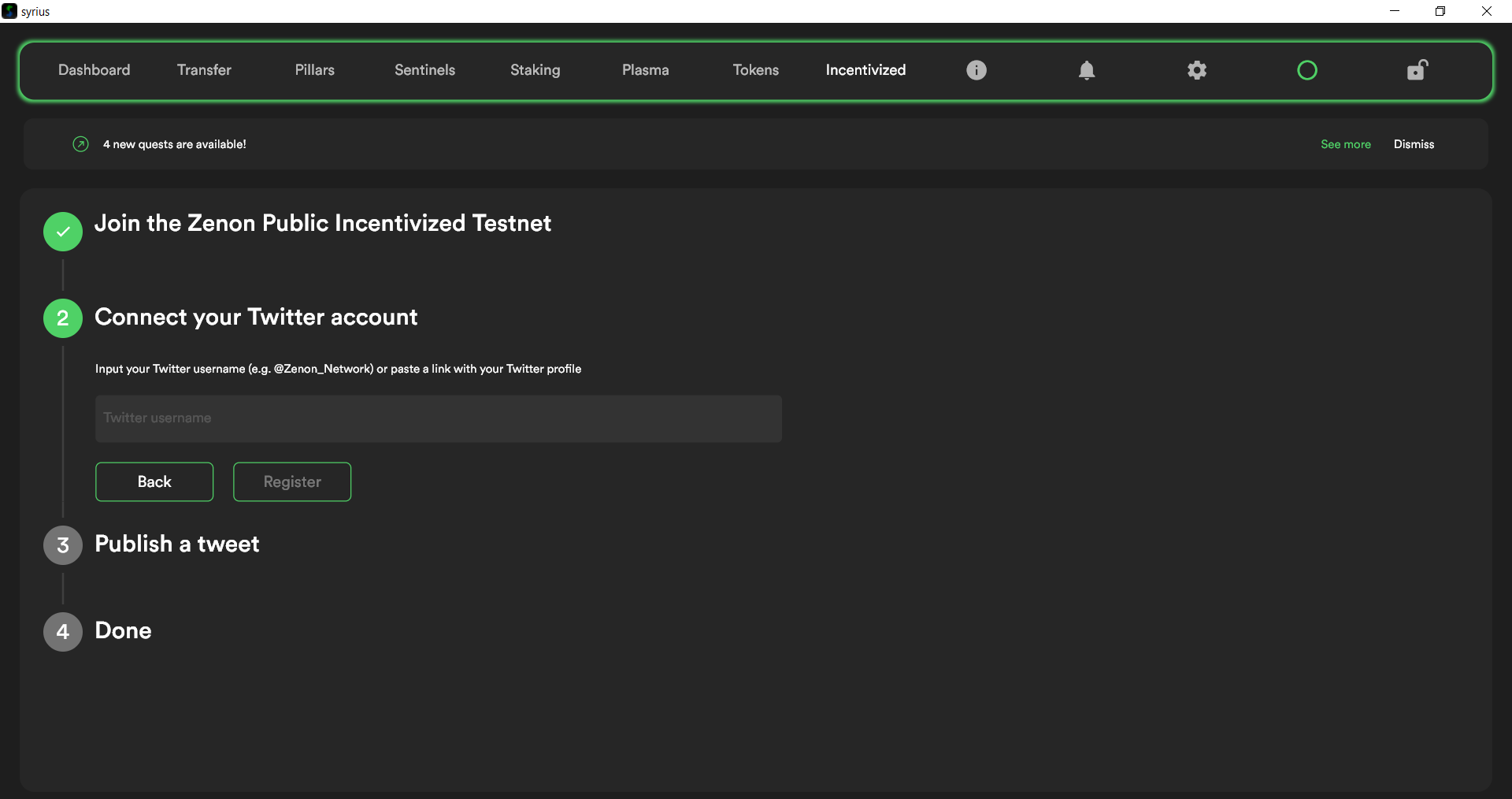
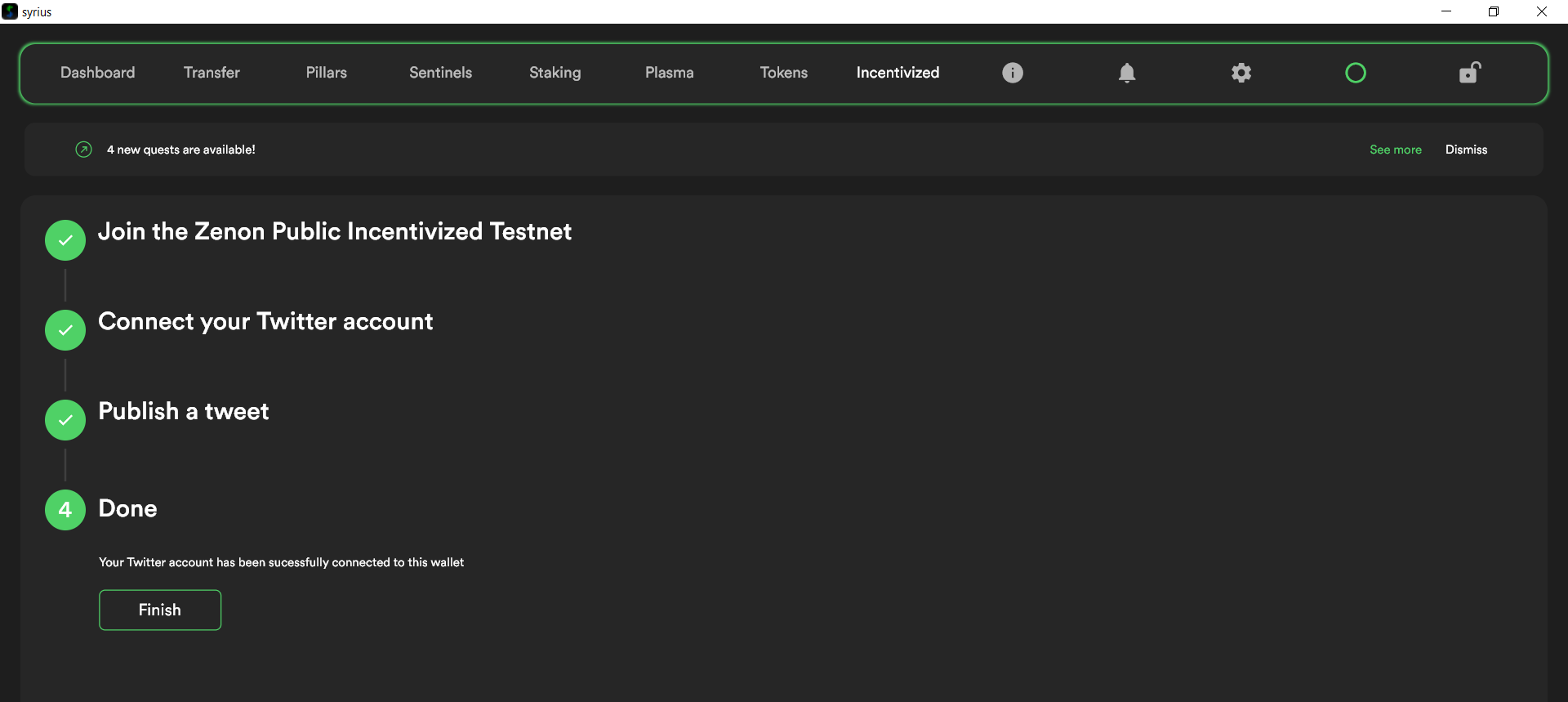
10) After Doing This You Will Be Asked To Tweet, Do That And Click On Finish
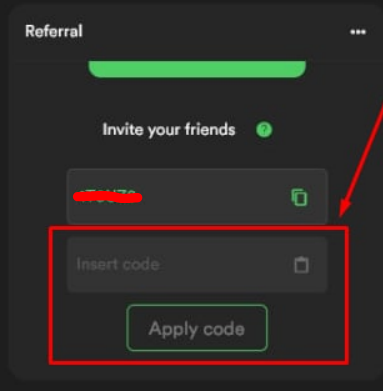
11) Now Use The Code: L8DYP4 To Get 1000 Plasma Points
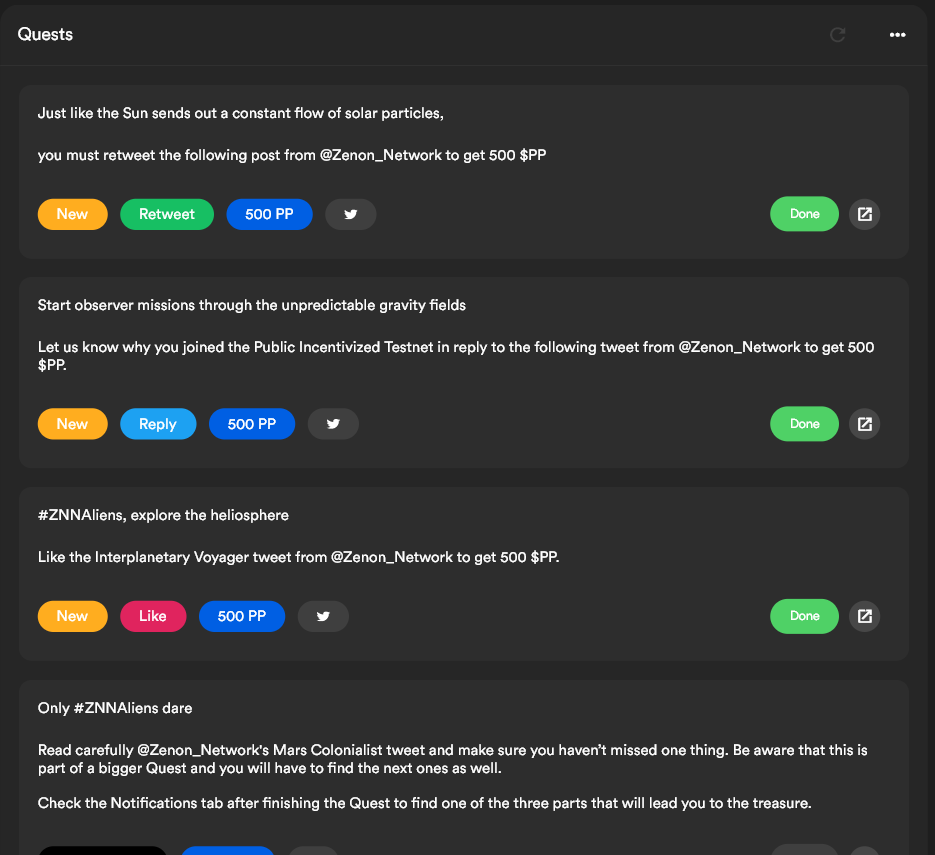
12) Do All The Quest Tasks And Collect More Plasma Points
Join Telegram: https://telegram.dog/Earn_With_Crypto_Looters