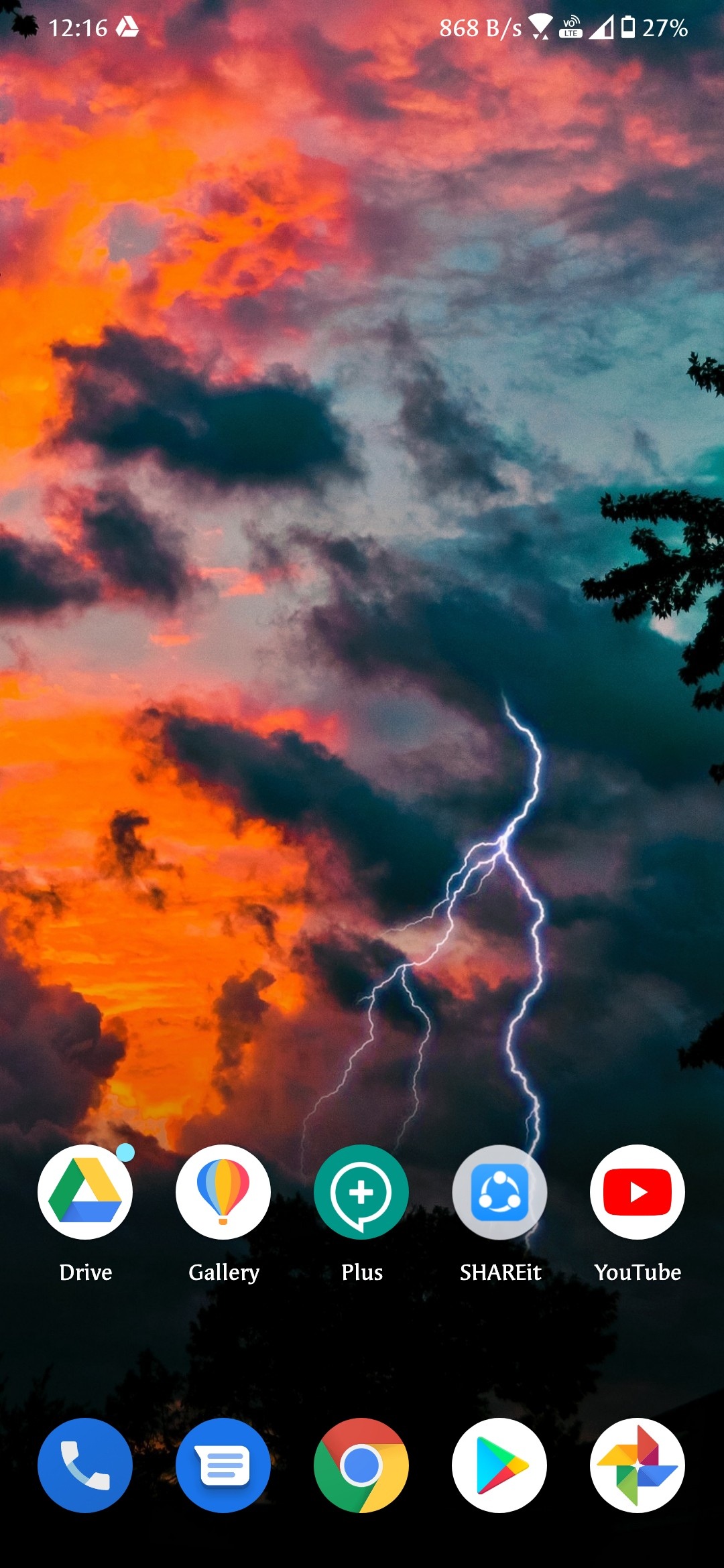
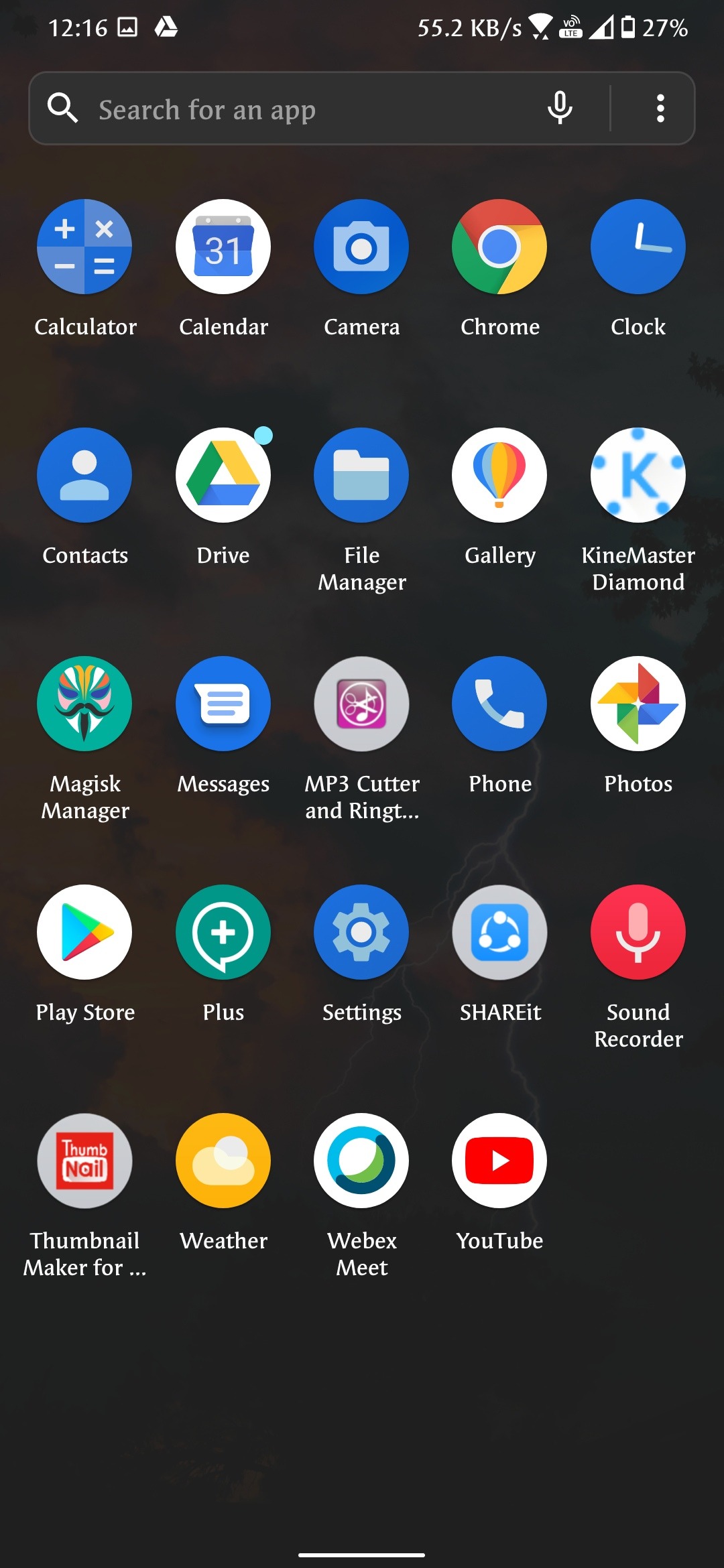
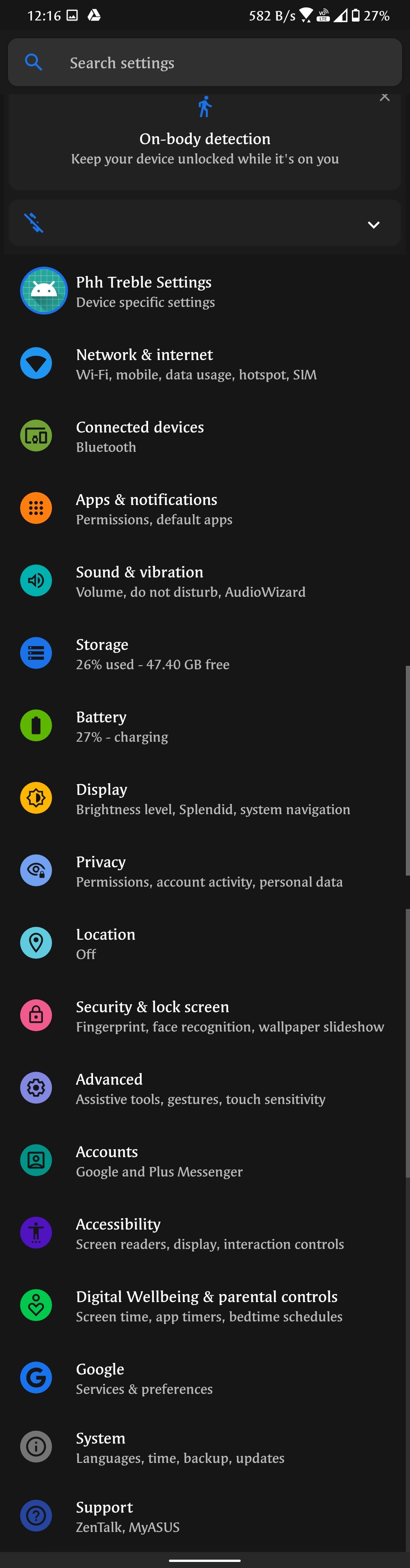
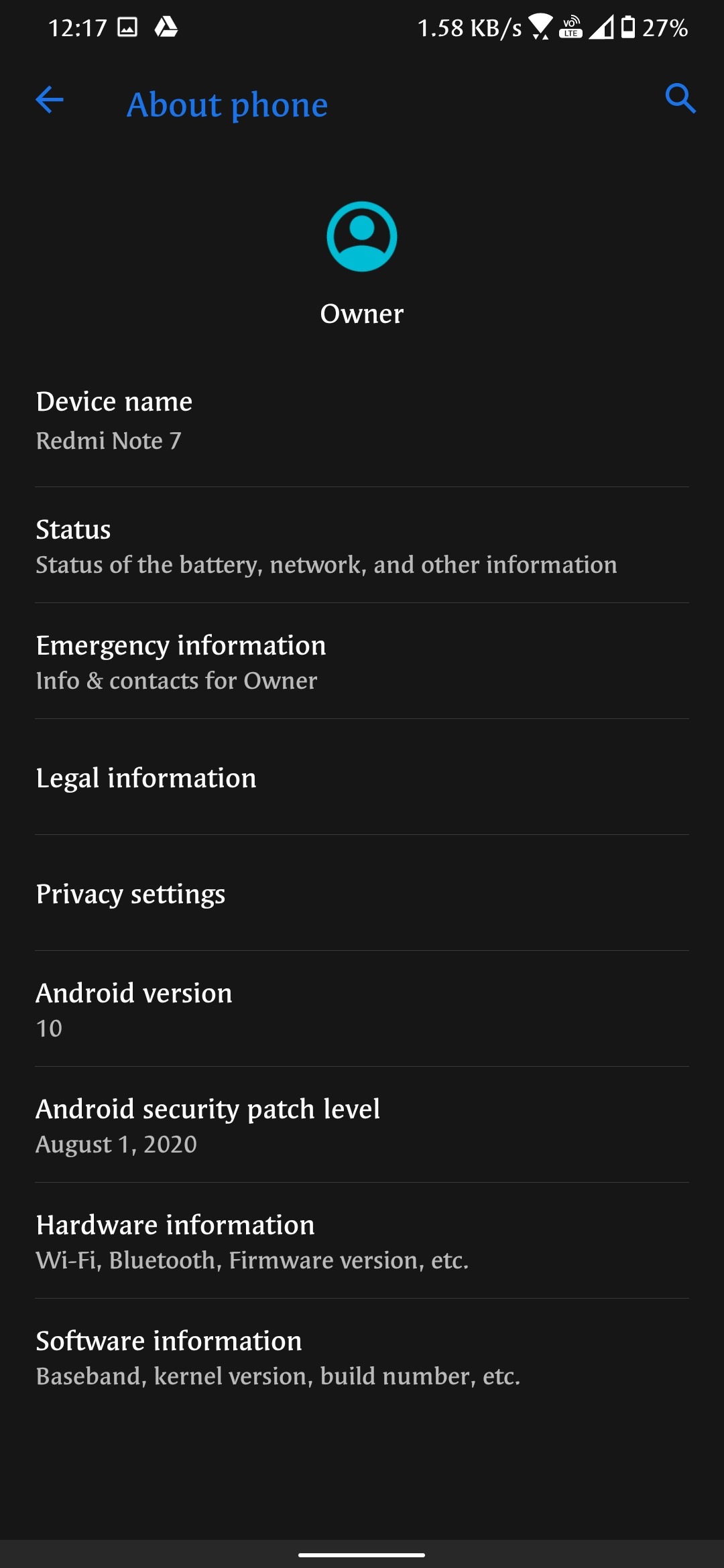
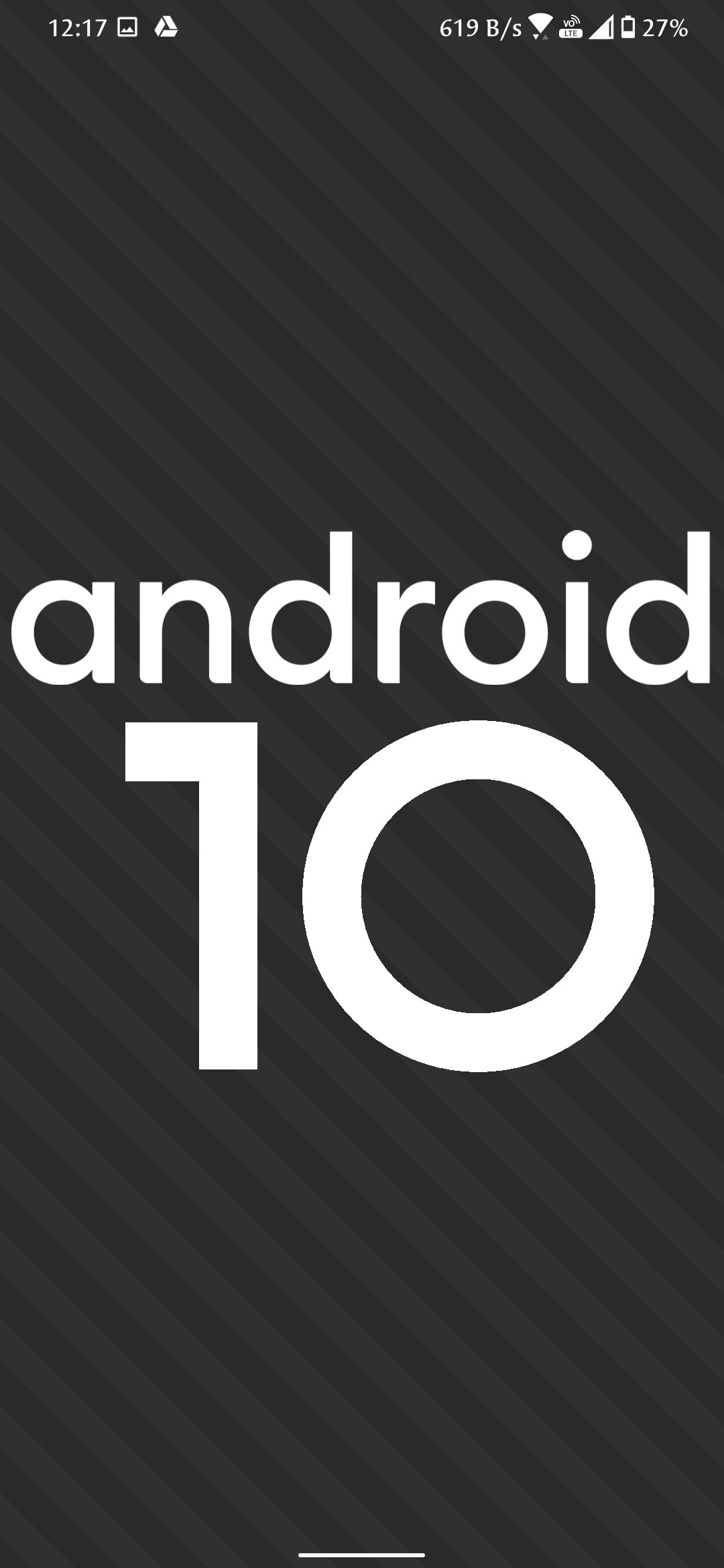
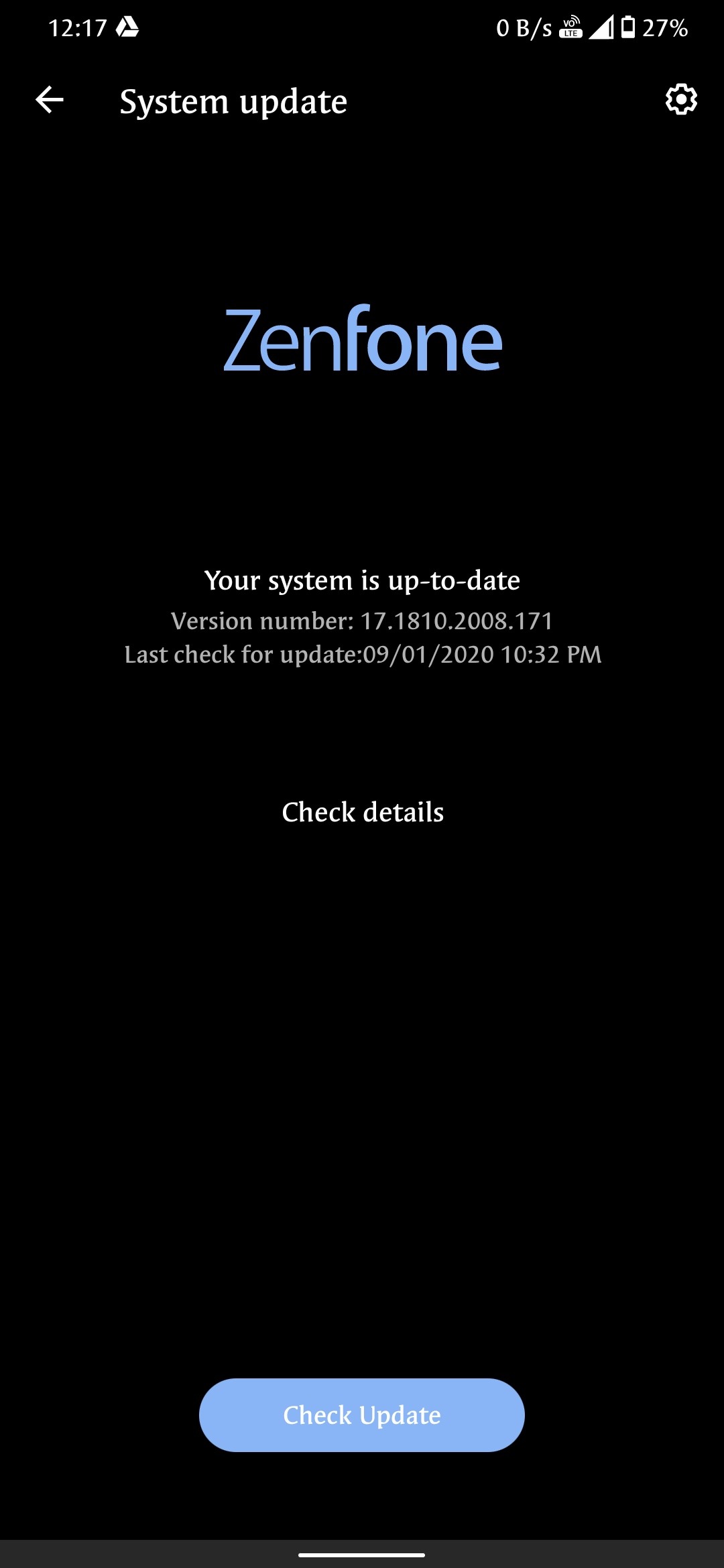
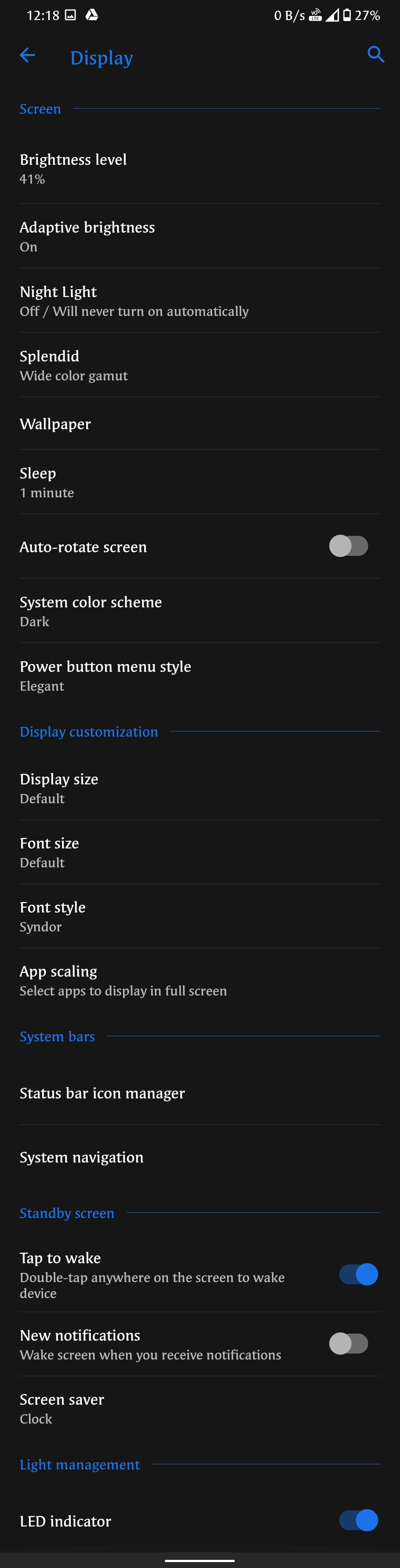
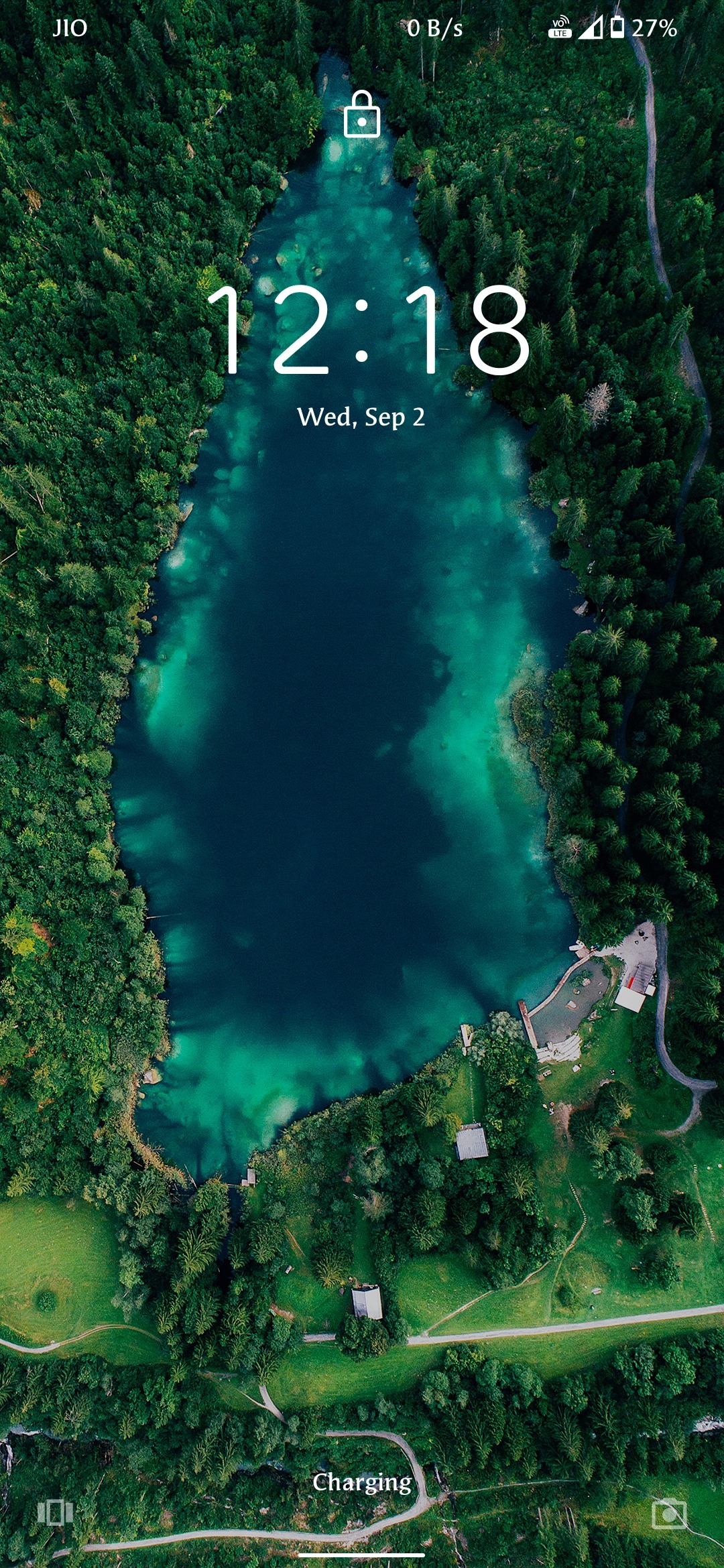
ZENUI6 GSI From ASUS ZENFONE
MSDian ForeverI am not responsible for your bricked devices ,dead sd cards and do this on your own risk
@gsitutorials @gsitutorials_discussions @lavenderreviews
Important:if u can't understand the flashing steps watch video 👇👇👇
👉👉👉 Video link
Flashing steps:
1.flash lineage latest weekly rom as vendor
2.flash ZENUI as system.img...the file is in 7z format extract it
ZENUI gsi link◾Gdrive2◾Alternative
3.format data and reboot to system
4.wait for sometime to settle the GSi
5.reboot to recovery
6.mount vendor and flash Brightnessfix (only for lavender)
7.flash Playstore_fix
8.flash magsik 20.3 only (20.4 will give you bootloop)
9.mount system and place this Telephonyrescommon.apk in system/product/overlay
10.mount vendor and go to vendor/overlay.
In that overlay floder leave this one file named as 👇👇frameworkres_auto_generated_ro.vendor.apk and delete everything (Don't delete total overlay floder like coloros)
11.reboot to system and update Google play services and give all permissions
12.battery backup with stock kernel upto 9 hrs for normal usage..but with custom kernel will get more bb
Bugs:
1.stock camera is not opening so use gcam or anx camera
2.bluetooth headset is connecting but no audio in headset ( I will fix it later)
3.if your facing any issues like freezing and rebooting just reflash the GSi
4.call recording bug
5.wait for 5 to 10 mins to settle the ui
6.sorry for my bad English(it's a bug for me😝)
Thanks for gaming test by: @jeyaprasanna
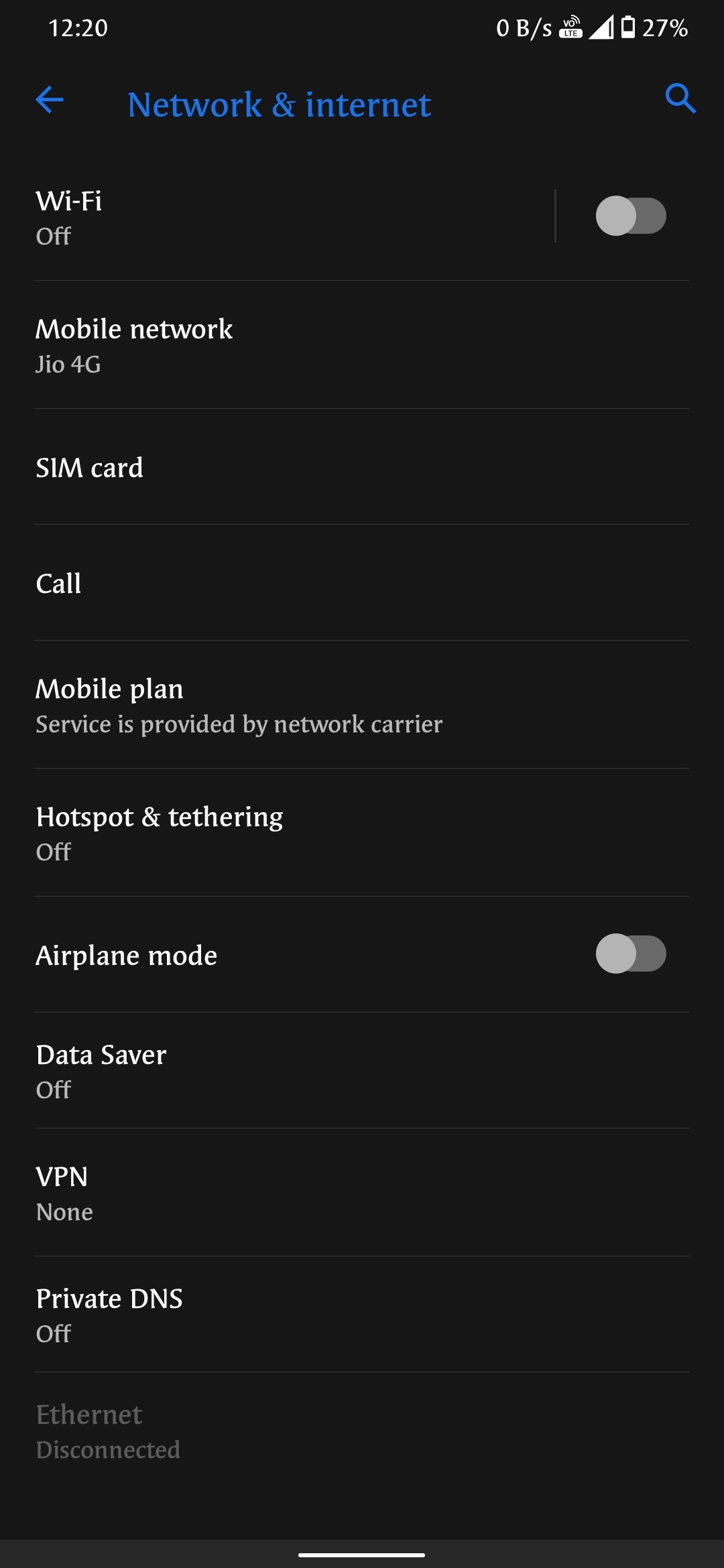
Screenshots: