ZDSimulator 60.2 — “Toward Commuter Rail”. Part 1
ZDSimulator Team
Update 60.2 “Toward Commuter Rail” is one of the largest comprehensive ZDSimulator updates in recent times.
This time, the main focus is on the development of commuter rail operations. The two centerpiece additions of the release are the new ER9E electric multiple unit and the full version of the Shepetivka — Lviv route.
Alongside them, the ZDSimulator add-on catalog is expanding with another major release — the Košice — Uzhhorod route, released as a separate DLC. It introduces an international railway connection between Slovakia and Ukraine while also expanding the simulator’s geographical scope. To ensure full compatibility, ZDSimulator also introduces support for Slovakia (SK), including the corresponding signaling system, while the route itself is built in the SRT format.
The already familiar Kyiv — Vasylkiv-2 route is also being released as a separate DLC, with the possibility of adding a multiplayer control panel in the future.
As a result, version 60.2 significantly expands ZDSimulator’s route lineup at once: Shepetivka — Lviv becomes one of the update’s key new directions, Košice — Uzhhorod launches as a new international DLC, and Kyiv — Vasylkiv-2 moves into the catalog of standalone route add-ons.
But version 60.2 is about far more than just new rolling stock and routes. At the same time, extensive work has been carried out on the simulator’s core systems, including train physics, couplers, pneumatic systems, sound, multiplayer, traffic, the passenger information system, graphics, lighting, locomotive configurations, world streaming, and content creation tools.
ER9E — The Main Highlight of the Update
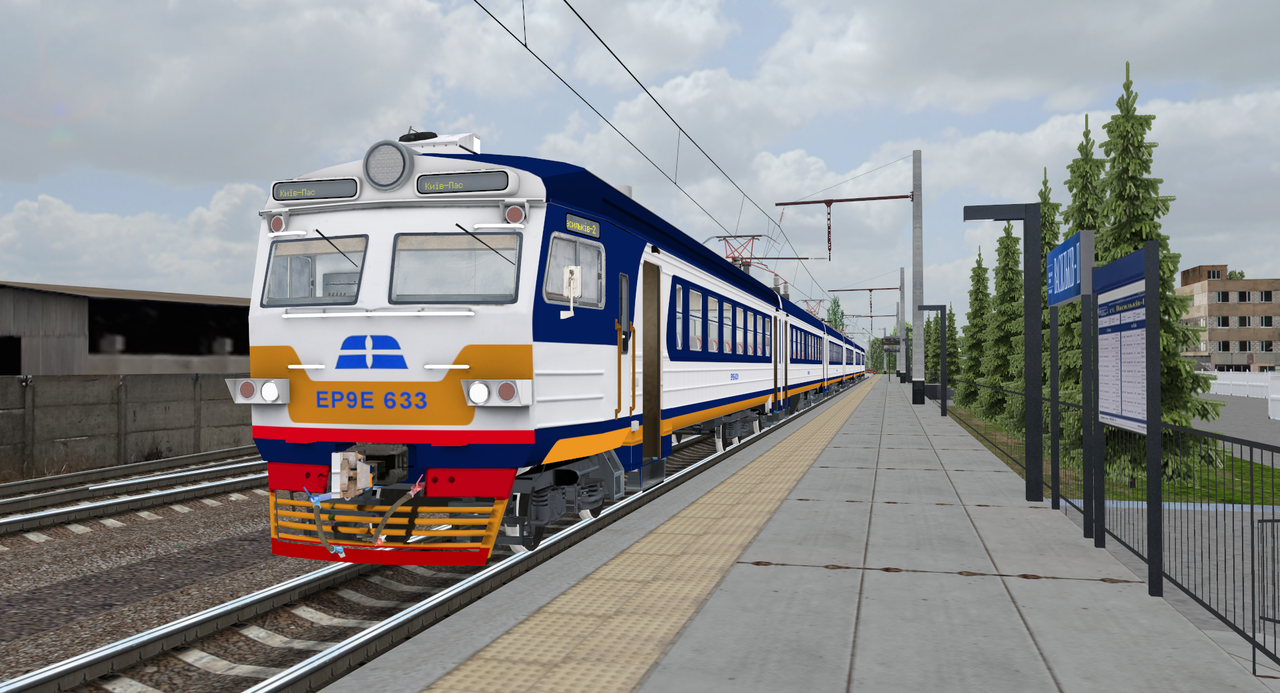
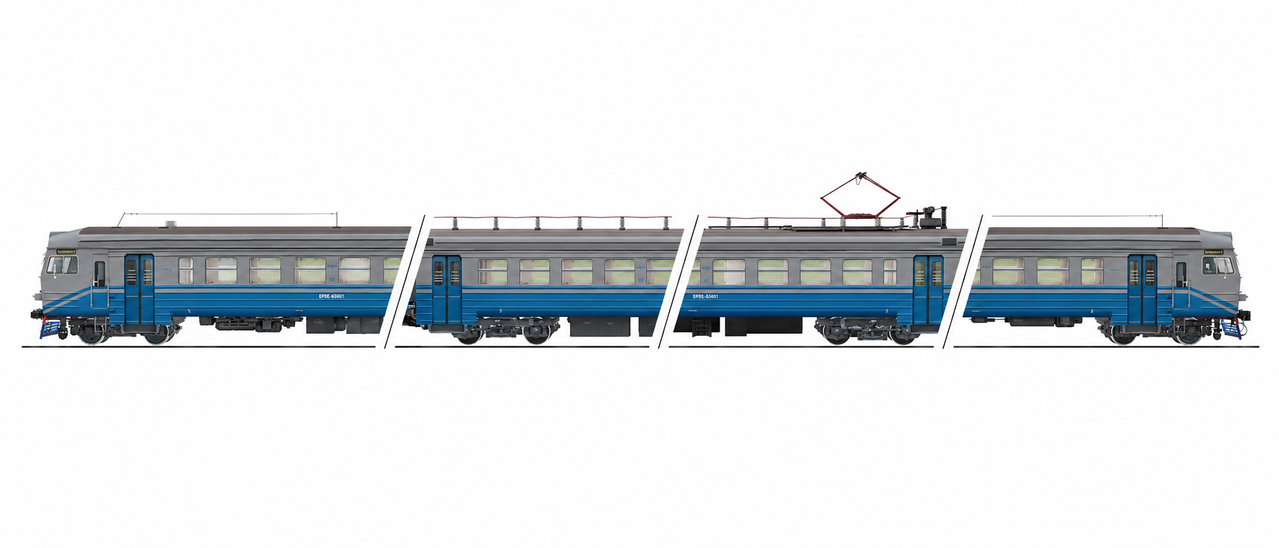
The main highlight of version 60.2 is the ER9E electric multiple unit, which is being officially added to ZDSimulator for the first time and will be available as a separate DLC.
The ER9E was developed with the simulator’s latest technologies in mind and became one of the key areas of focus during the development of this update.
The electric train features:
- a new unique model;
- a new cab;
- 3D controls;
- interactive indicator lamps and switches;
- single-click support for two-position switches;
- fully modeled 3D passenger interiors;
- glazed passenger cars;
- animated doors;
- nighttime interior lighting;
- front marker lights and rear tail lights;
- rotation of all wheelsets;
- dedicated pantograph models;
- a route display that changes depending on the direction of travel;
- a passenger information system;
- support for AI traffic operation;
- an LOD system.
The ER9E is more than just a new train — it also serves as a showcase of how electric multiple-unit rolling stock will continue to evolve in ZDSimulator.
Shepetivka — Lviv Route
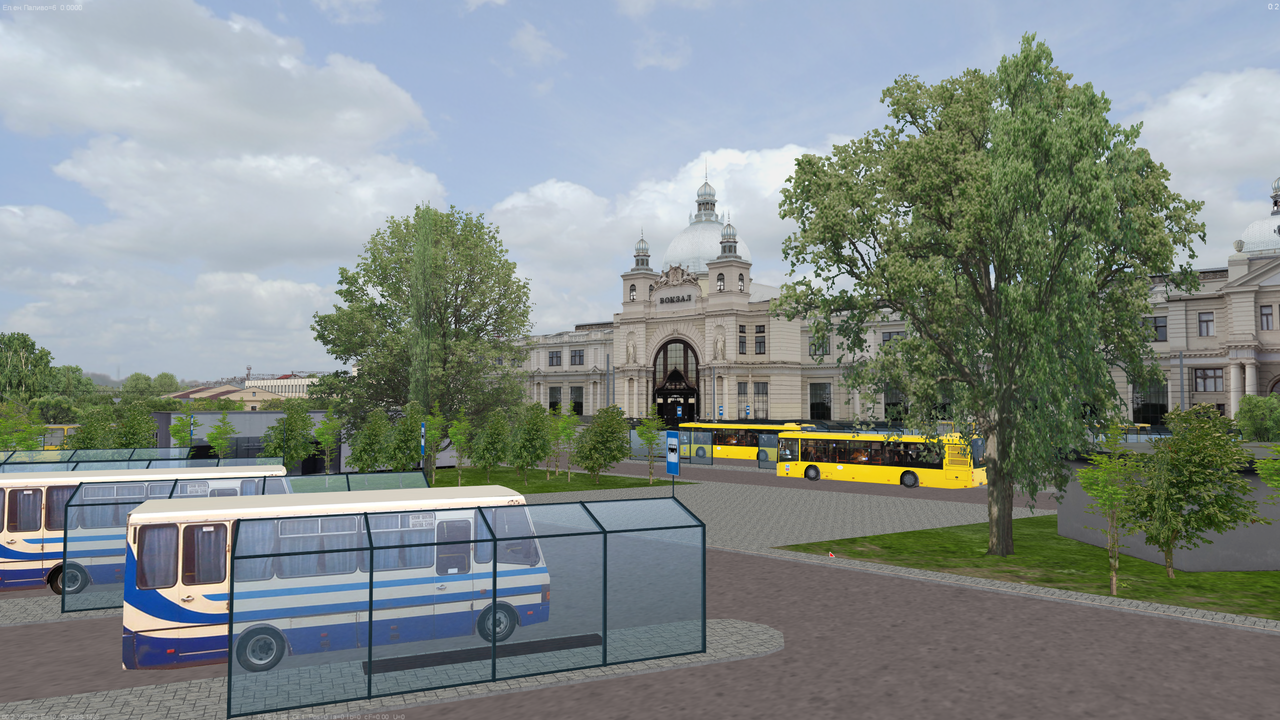
The second major highlight of version 60.2 is the full Shepetivka — Lviv route.
The existing Shepetivka — Krasne route receives a major extension all the way to Lviv. A dedicated set of route assets and the necessary supporting content have been created for the new section.
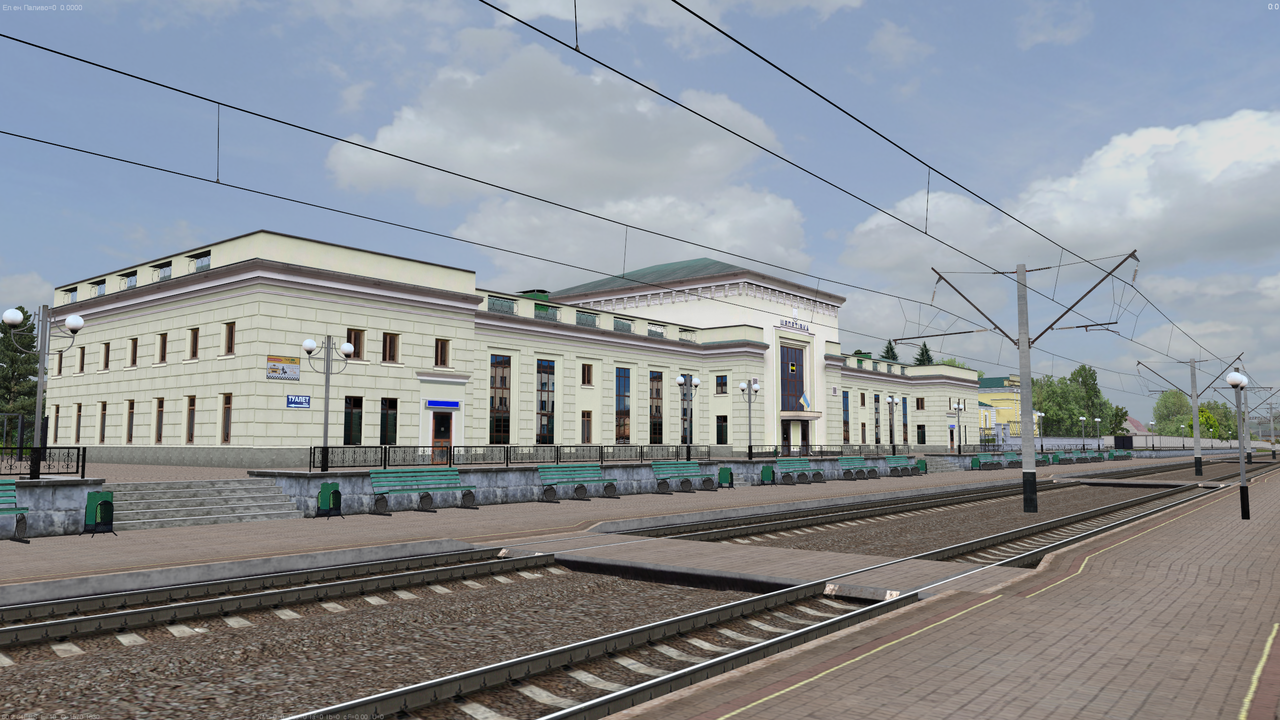
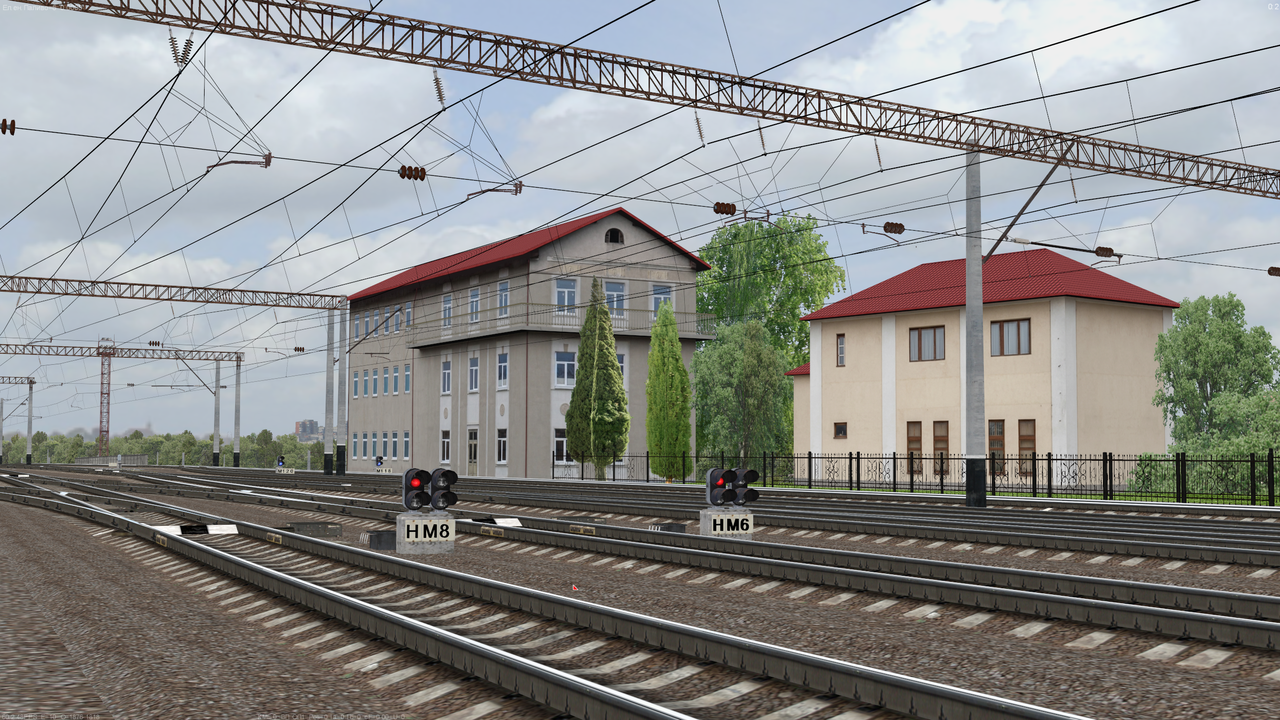
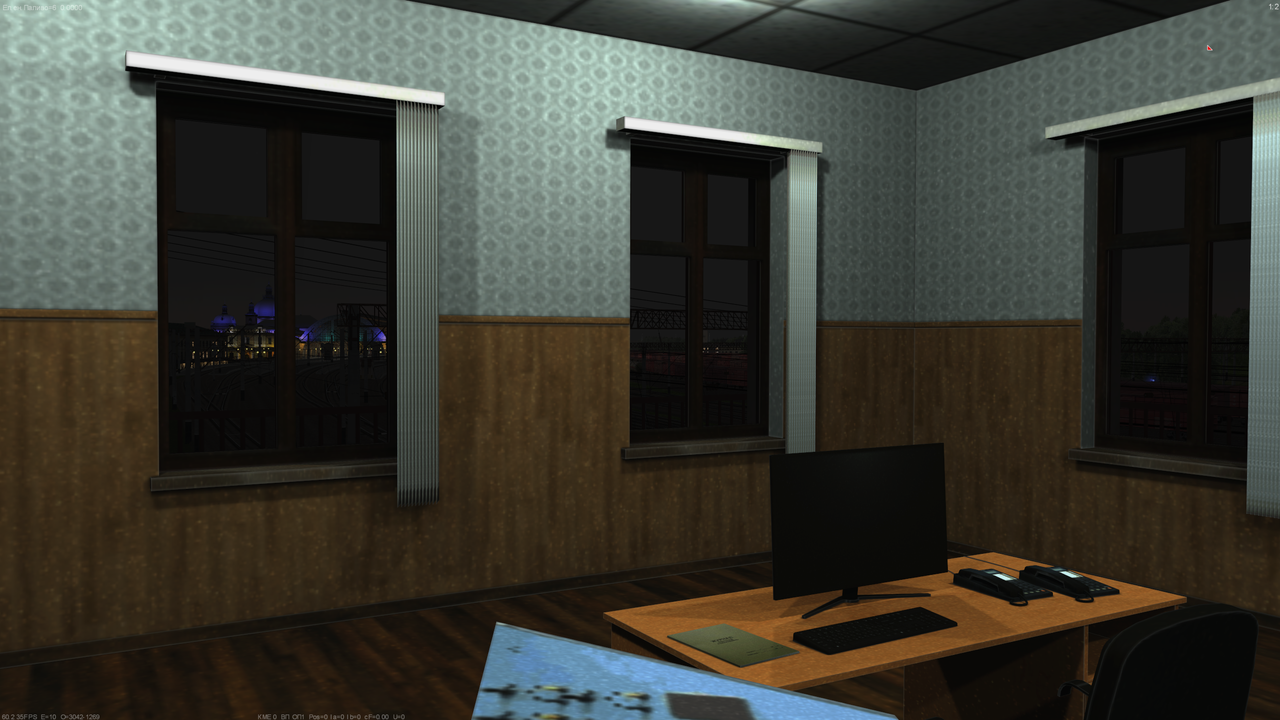
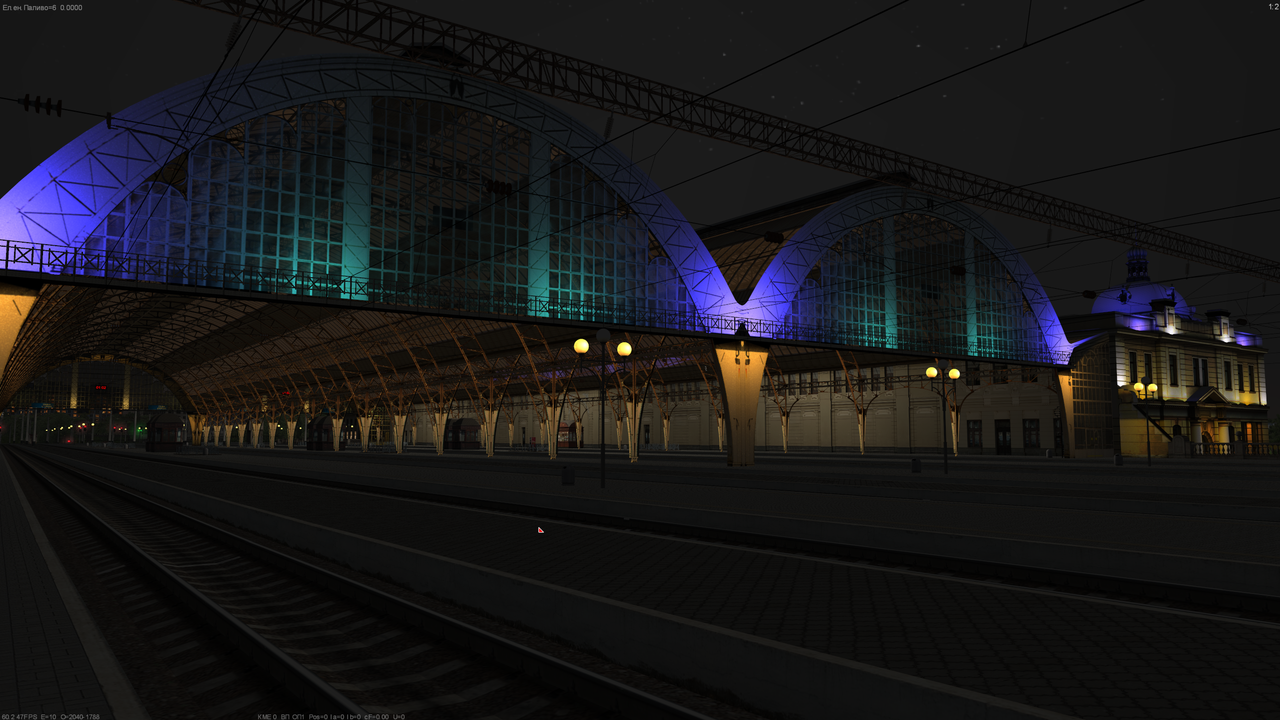
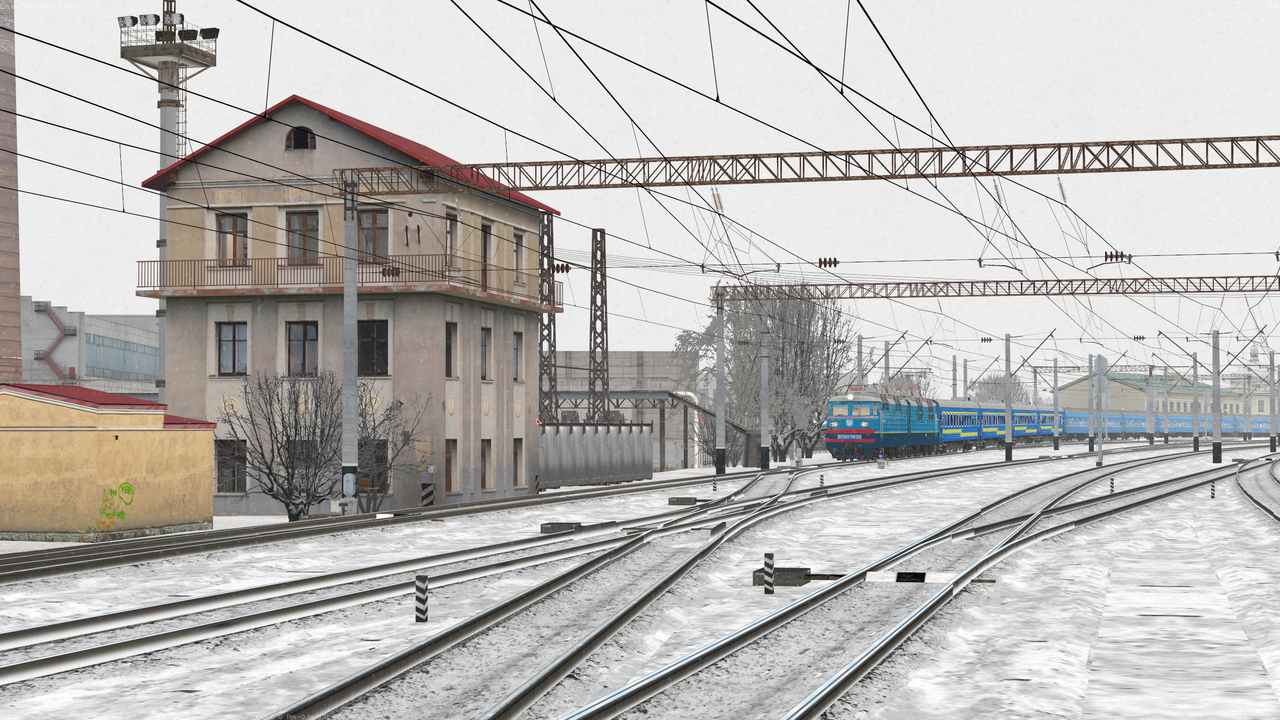
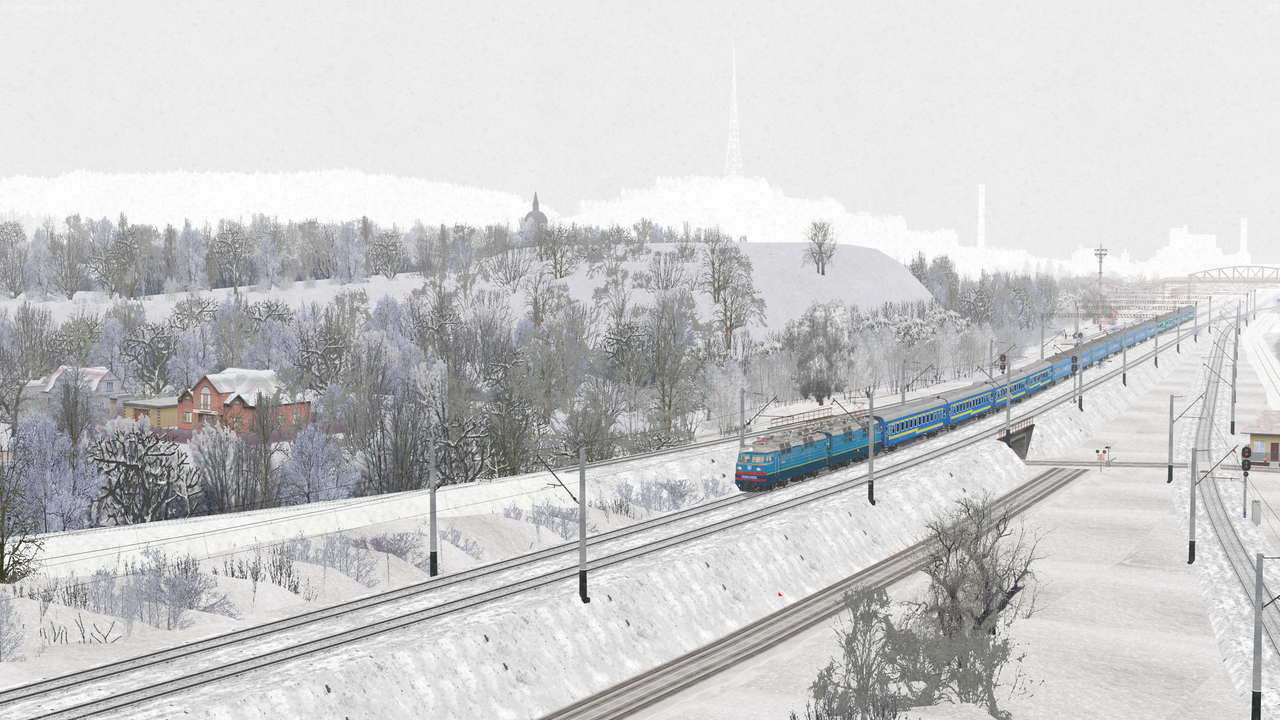
As a result, instead of a separate route section, players will receive a complete route:
Shepetivka — Lviv.
Owners of the previous version will receive an automatic upgrade.
If a user already owns all required DLCs, the Shepetivka — Krasne route will automatically be upgraded to the full Shepetivka — Lviv version.
Kyiv — Vasylkiv-2 Is Released as a DLC
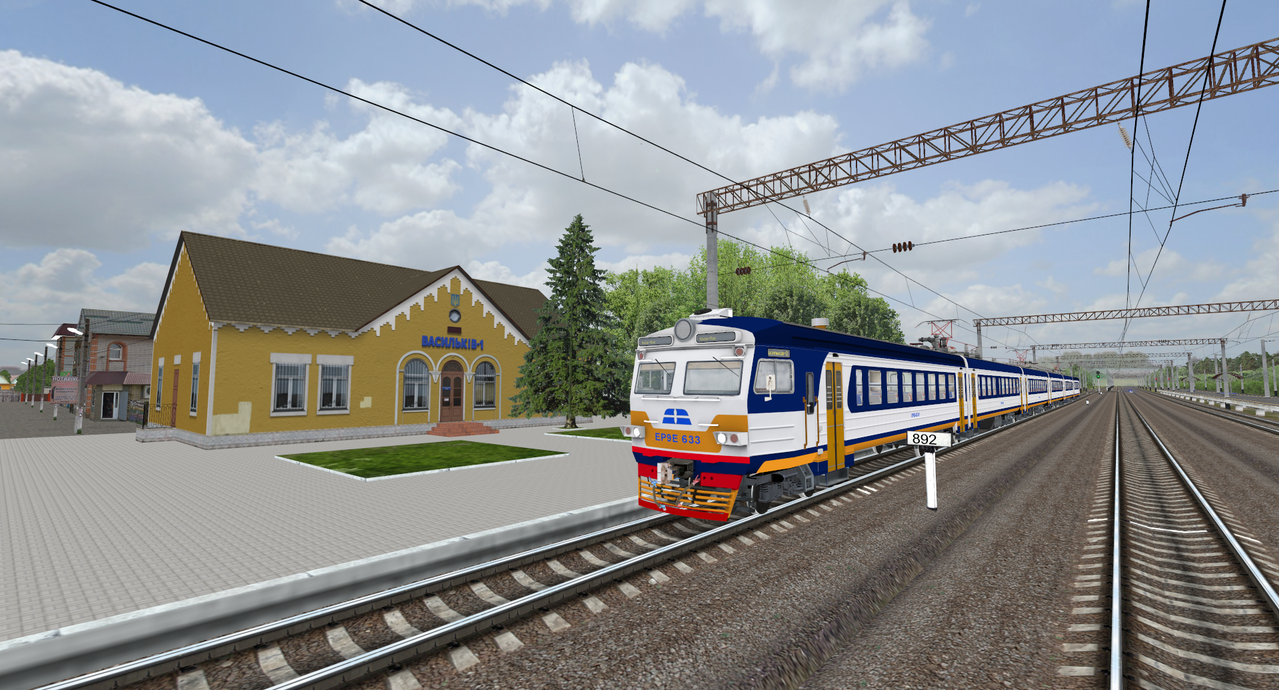
Another important change is the release of the existing Kyiv — Vasylkiv-2 route as a separate DLC.
Within the context of update 60.2 “Toward Commuter Rail”, this route fits especially well with two commuter EMUs at once — the new ER9E and the updated ED9M.
By its nature, Kyiv — Vasylkiv-2 is well suited for multiple-unit operations. The route features a passenger information system, while the new ER9E and updated ED9M complement it naturally and help showcase the commuter rail theme of the update more fully.
The route may also receive additional functional development in the future.
In particular, there are plans for the possible future addition of a multiplayer control panel, which would allow Kyiv — Vasylkiv-2 to be used more extensively for online operations and dispatching.
New DLC — Košice — Uzhhorod
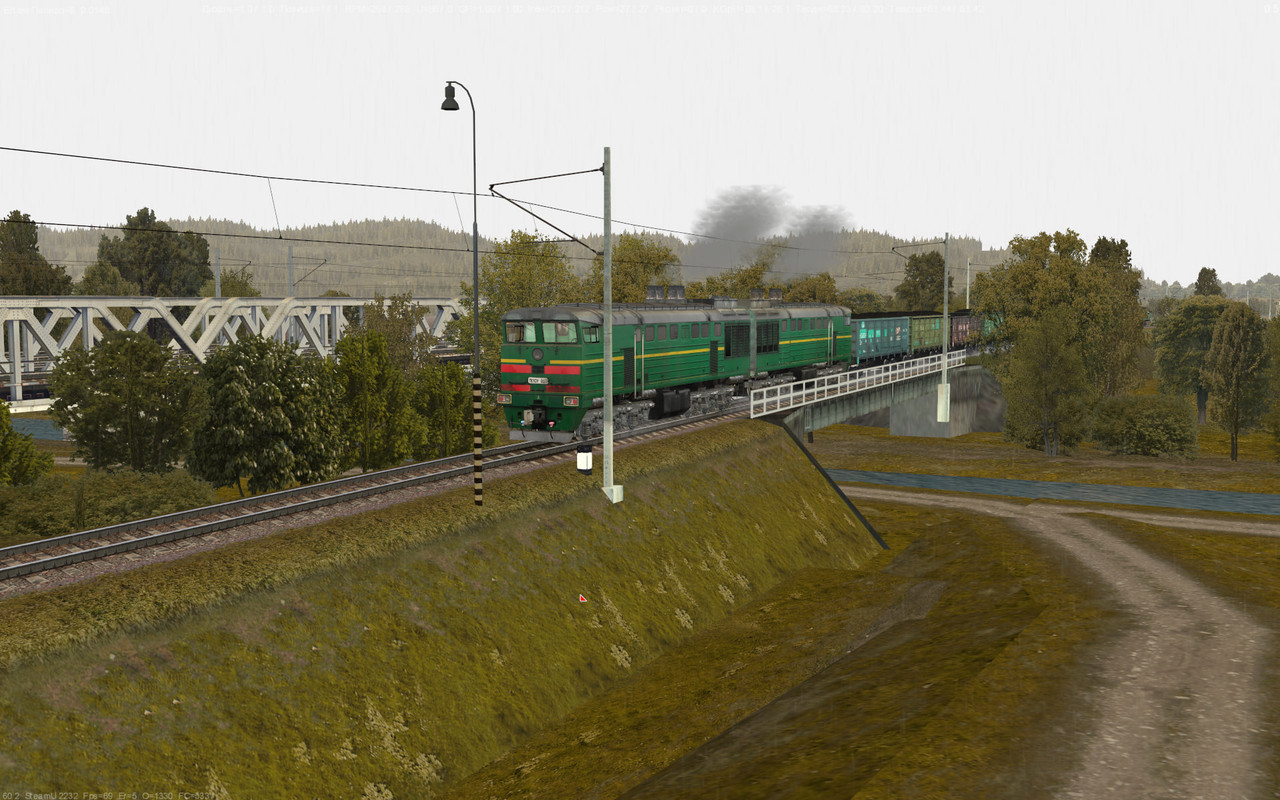
Alongside the release of ZDSimulator 60.2 “Toward Commuter Rail”, the add-on catalog is expanding with another route — Košice — Uzhhorod, released as a separate DLC.
The route is built in the SRT format and covers the international section between Uzhhorod-2 station in Ukraine and the steelworks in Haniska in Slovakia.
It recreates a cross-border railway corridor between Ukraine and Slovakia in ZDSimulator, expanding the simulator’s route geography beyond Ukraine.
The Košice — Uzhhorod scenarios have also been updated for the release, and the route has been prepared to work with the current systems introduced in version 60.2.
With version 60.2, Košice — Uzhhorod becomes a new official ZDSimulator route DLC, recreating a distinct international SRT corridor between Uzhhorod-2 and Haniska.
Маршрут Київ — ім. Тараса Шевченка
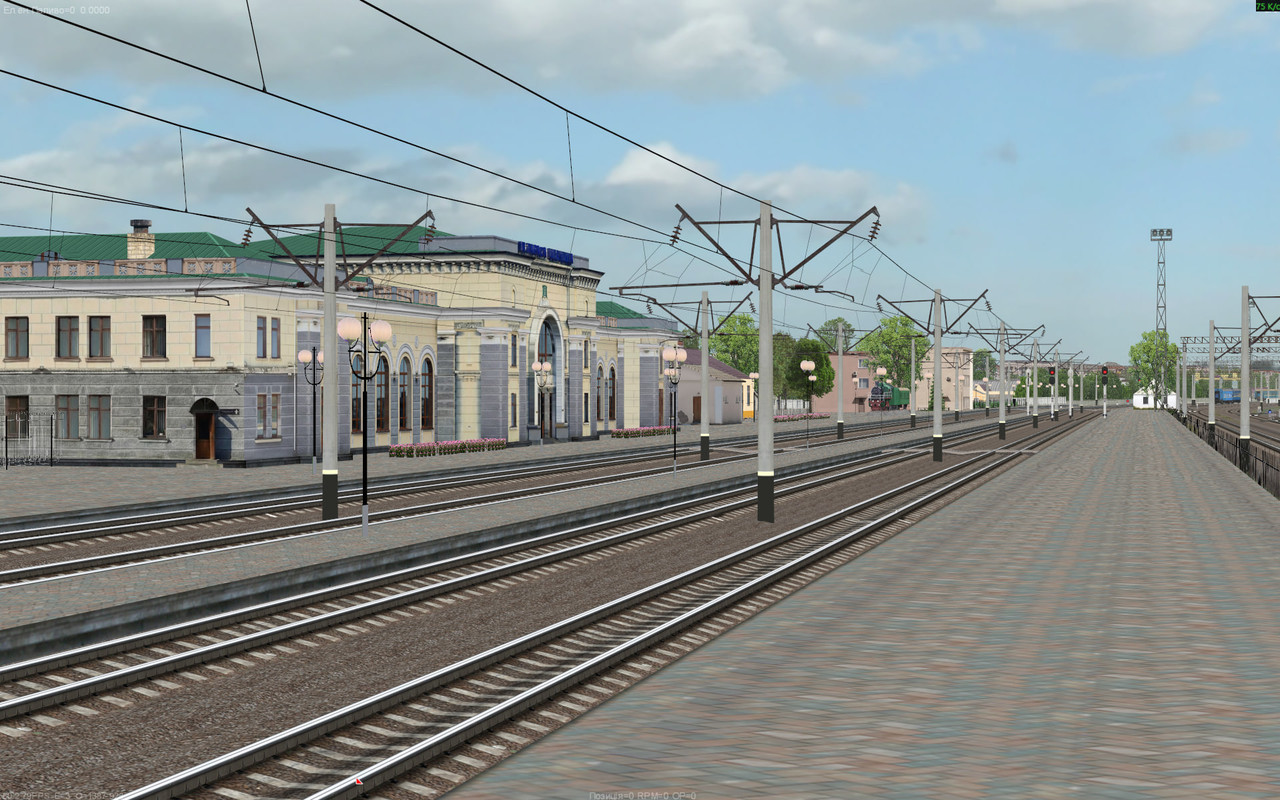
Taras Shevchenko Station has been significantly rebuilt to provide more complete functionality in multiplayer.
Four operational passenger tracks at the Southern Station are now available, along with two tracks in the freight yard and a separate departure track from the northern freight yard.
The station buildings in both yards have also been updated, along with part of the development around Protasiv Yar and the infrastructure near Korsun Station.
Kyiv — Zhmerynka Route
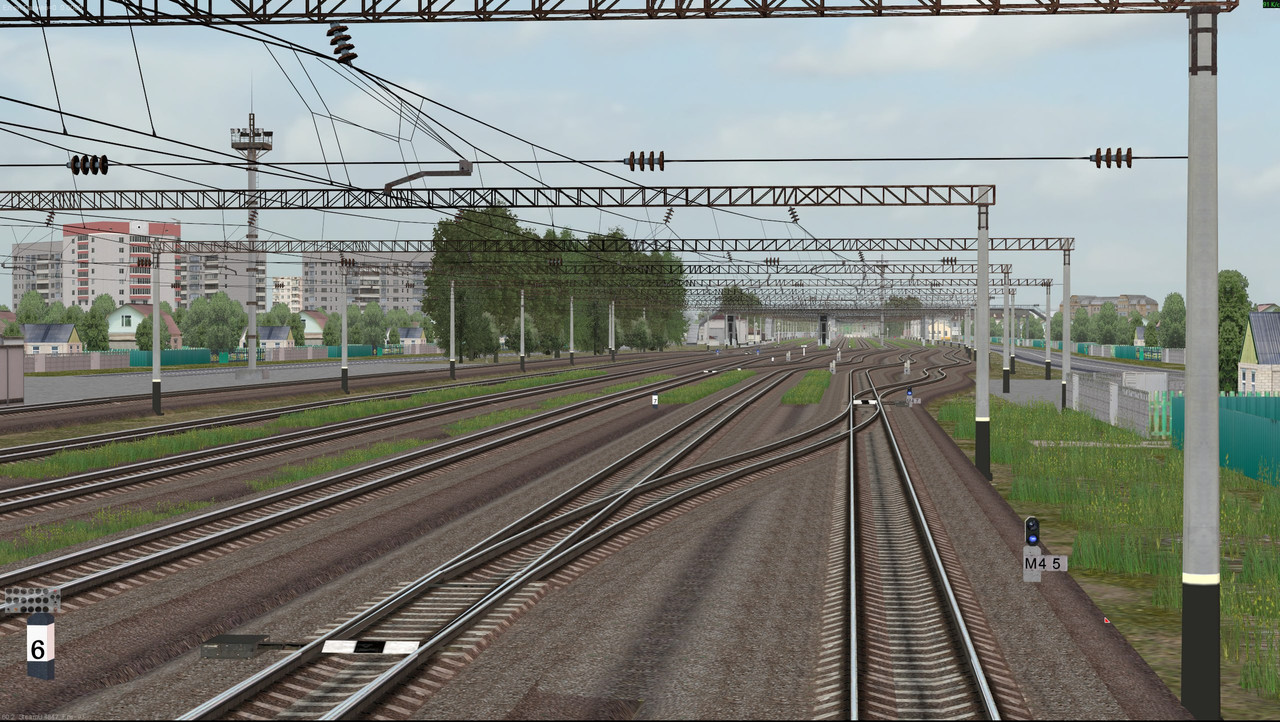
A significant number of stations along the route have been rebuilt to increase the number of operational tracks available in multiplayer.
The most substantial changes were made to Vyshneve, Fastiv-1, Koziatyn-1, and Vinnytsia.
The placement and names of several signals have also been updated.
Dnipro — Piatykhatky
The placement and names of several signals along the route have been updated. All route scenarios have also been fixed.
Development of the ED9M and Other Multiple-Unit Rolling Stock
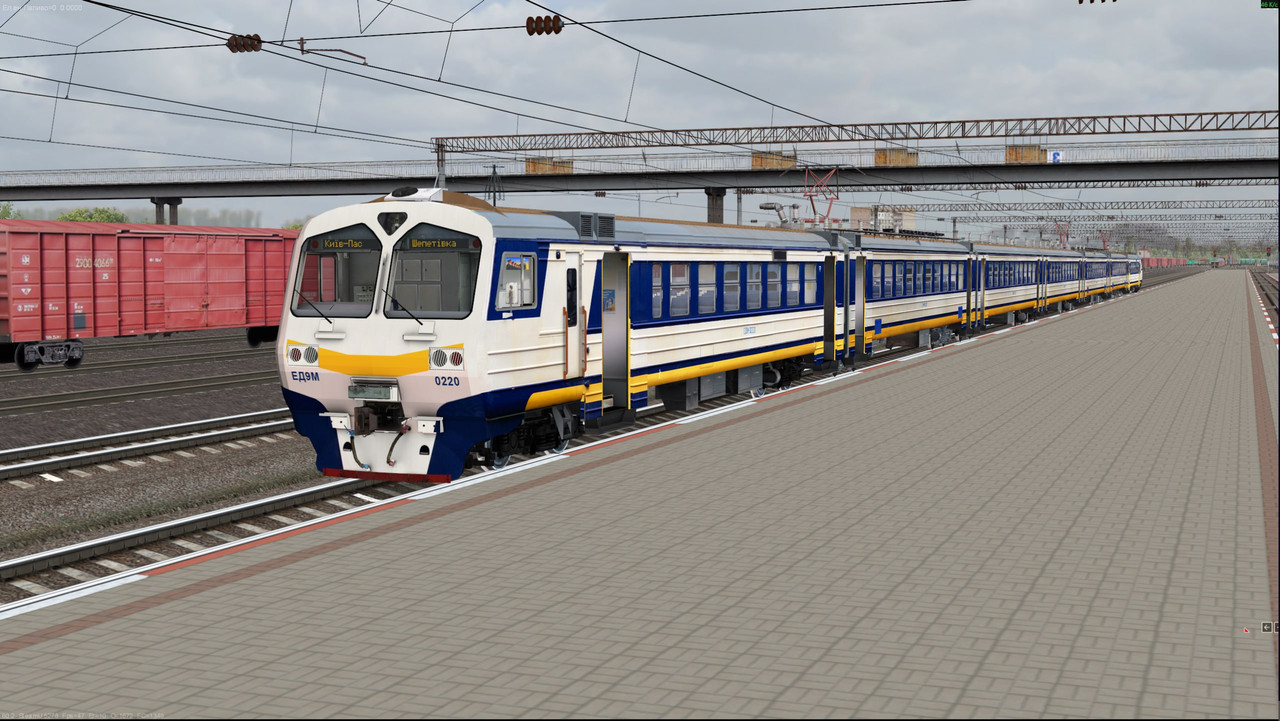
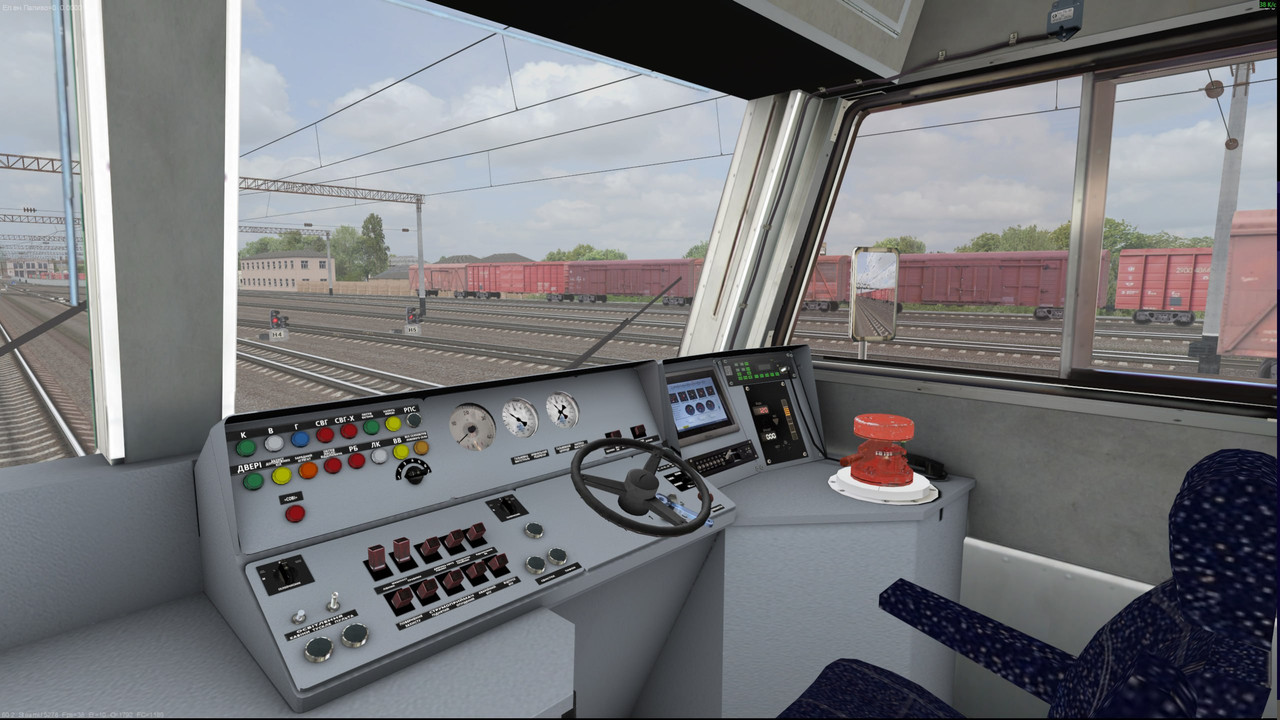
The commuter rail focus of version 60.2 is not limited to the new ER9E.
The ED9M has received a substantial set of improvements. These include dedicated ALS-MU panels, updated cab variants, 3D controls, fully modeled 3D passenger interiors, glazed cars, animated doors, nighttime interior lighting, route displays, wheelset rotation, and dedicated pantograph models.
All multiple-unit rolling stock now supports changing the active driving cab using the Ctrl + Shift + C key combination.
A horizontal ALS-MU display and illuminated pressure gauges have been added for the ER9/ED9 series, along with updates to selected cab indicator lamps.
For the ED9M, EPG and reverser operation have been corrected. On the ED9M, the rheostatic brake lever and the loss of electrical power while passing through a neutral section have also been fixed.
For the ED2T/ED4M series, compressor operation in the leading car has been updated, while the ED4 has also received improved glazing.
Across multiple-unit rolling stock as a whole, the swaying behavior has been reworked, the braking system has been updated, traction motor calculation has been revised, and the cab-changing system has been improved.
When a yellow-over-green signal aspect is displayed, the maximum permitted speed for multiple-unit rolling stock is now 60 km/h.
Future versions are planned to bring the ED2T and ED4M up to the same level of detail and functionality as the ER9E and ED9M.
New Passenger Information System
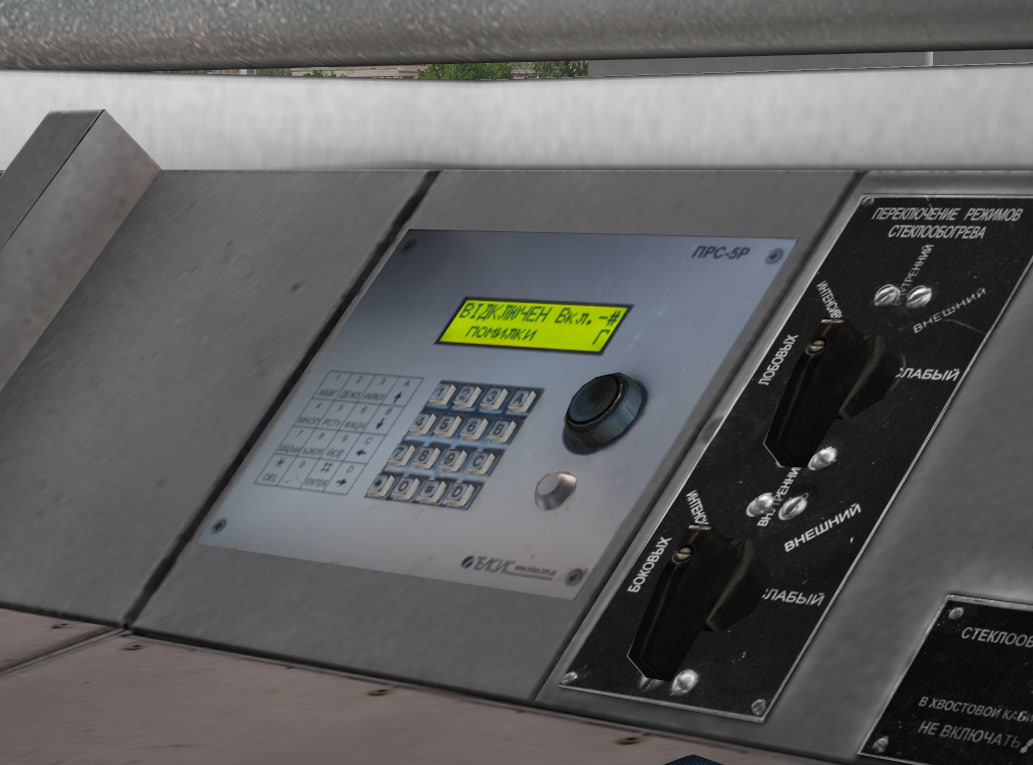
Another major focus of version 60.2 is the passenger information system.
Its primary purpose is to reproduce station announcements and other passenger messages directly during the journey.
The passenger information system is selected before launching the simulator. A new “Passenger Information System” field has been added to the route tab in the launcher, allowing the user to choose the required announcement set.
The system supports two modes: SOVI and SOVI TWS.
SOVI
In the classic SOVI mode, .ini files located in the following directory are used:
routes/<route>/sound/informator/
After selecting the passenger information system, the user can navigate through the available entries and manually trigger the required announcements.
Controls:
Num1 — Num9 — plays the corresponding quick-access sounds.
service_1.wav — service_9.wav.
Num * — switches to the next passenger information system .ini file.
Enter — the first press loads the selected .ini file; subsequent presses play the currently selected announcement.
Num + — next item.
Num - — previous item.
SOVI TWS
The second mode is SOVI TWS.
In this mode, .tws files from the following directory are used:
TWS/SOVI_INFORMATOR/Info/<route>/
The required .tws file is selected from the passenger information system list in the launcher.
Controls in TWS mode:
Num 4 — previous item.
Num 6 — next item.
Num 5 — play the currently selected item.
The name of the selected announcement is displayed at the top of the screen.
New in 60.2
Along with the introduction of the new system, support has been added for TWS passenger information sounds in WAV format, file headers, announcement chains, and sound sequences.
Individual sound files can now be combined into a sequence using ,, allowing more complex announcements to be assembled from multiple parts.
Separate station lists can now be used for multiple-unit and freight rolling stock:
start_kilometers_EMU
start_kilometers_freight
The launcher now automatically detects available passenger information systems, while the Content Editor has gained support for importing TWS informators.
Content creators can also load passenger information systems directly through the editor.
The route_direction information field and the Delay parameter have also been added. The service sound chain used by the passenger information system has been fixed as well. In addition, the previous change that moved hot informator samples into global has been reverted.
Passenger Information System Service Sounds
By default, the service buttons use service_*.wav files. If necessary, they can be overridden at the beginning of the passenger information system configuration, for example:
service_1=\sound\informator\announcement.wav,\sound\informator\doors_is_closing.wav
service_2=\sound\informator\announcement.wav,\sound\informator\passengers.wav,\
\sound\informator\be_careful_train_movement.wav
service_3=\sound\informator\announcement.wav,\sound\informator\rules.wav
Service announcements and examples of this configuration have been added to the demonstration routes.
The complete control scheme for the passenger information system can be found in the official ZDSimulator documentation: passenger information system user guide.
Passenger Information System, Station Announcements, and Sound Events
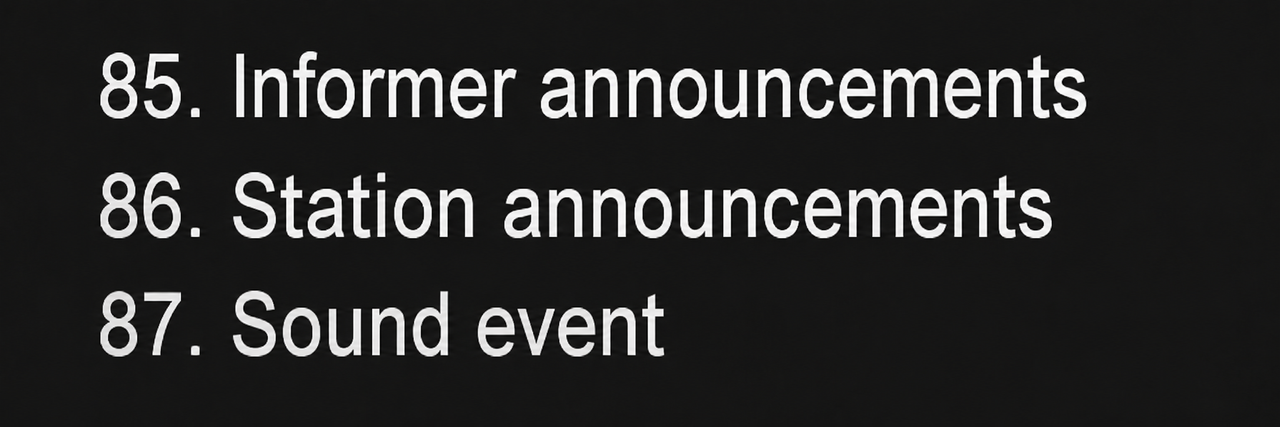
The passenger information system is also integrated with the new route sound system.
Version 60.2 introduces three new sound events:
85 — passenger information announcement. The sound is played inside the train cars.
86 — station announcement.
87 — custom 2D sound event.
This makes it possible to use announcements not only manually from an electric multiple unit, but also as part of a scenario or route.
Route Sounds
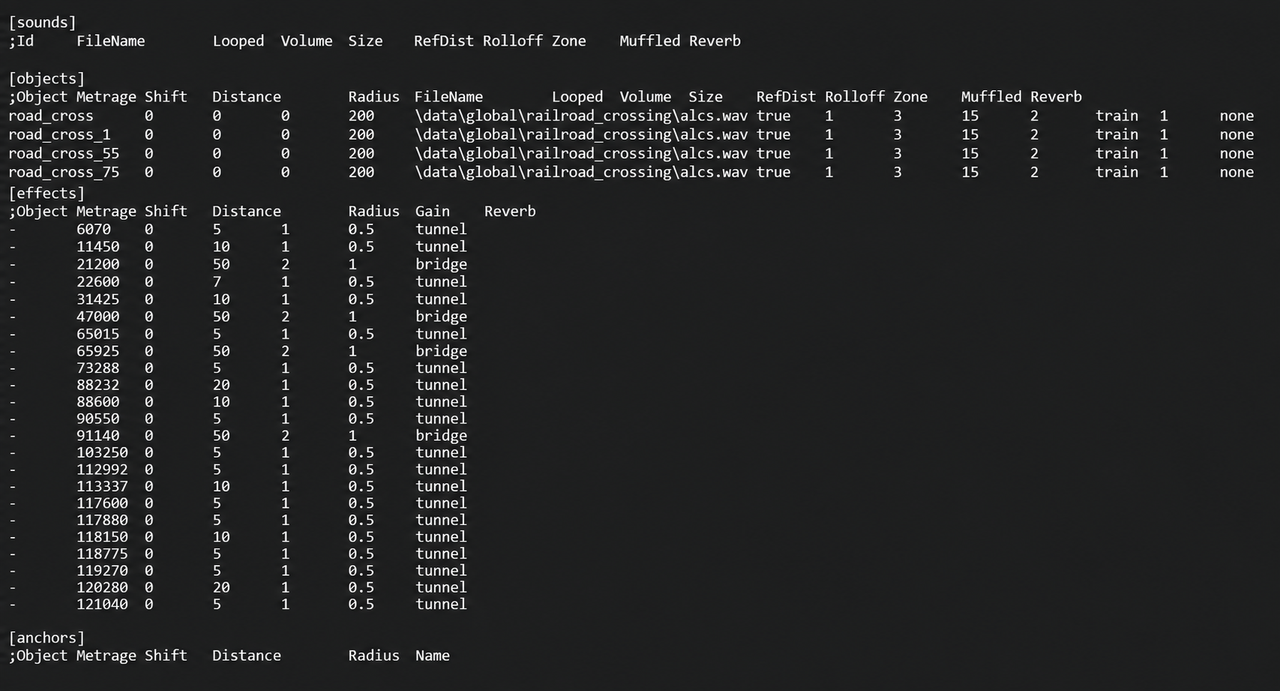
In version 60.2, routes now receive their own sounds.ref file.
A sound event can be linked either to a specific object or to a particular point along the route based on mileage.
The system supports positioning route sounds relative to the beginning of the route, marking station announcements, and adding environmental sound effects.
Test configurations have already been prepared for two demonstration routes: Kyiv — Kyiv-Demiivskyi and Dnipro — Amur.
Echo effects can be used on bridges.
The sounds.ref format has also been standardized, while the Muffled parameter range has been converted to values from 0 to 1.
Route sounds.ref files use tab characters as separators, allowing sound file names to contain spaces.
Major Overhaul of the Sound System
Version 60.2 introduces one of the most extensive sound system overhauls in recent updates.
Each sound source now creates an independent sound instance. This is especially important for long trains, where every car, locomotive section, or individual mechanism can have its own actual position in 3D space.
Sound distances and source sizes have been reworked, along with reference distance, radius, start/stop crossfading, muffling, and reverb types.
A Doppler effect has also been added.
External sounds are now muffled inside the cab, while the cab itself uses its own reverb settings.
In tunnels and on bridges, the overall soundscape can change through amplification and echo effects.
Sound source positions are updated more frequently, while for long trains the active effect can be determined based on the point of the consist closest to the listener.
A side-barrier effect has also been added.
HRTF has been disabled to bring the overall sound character closer to that of previous simulator versions.
Train Cars and Passing Train Sounds
The sound of the train itself has undergone a major overhaul.
wagon_rolling and wagon_rolling_freight have been updated, along with brake friction and brake release sounds, wheel joint sounds, and the air sound of the end cock.
The sound of a passing train now changes depending on its speed.
The system takes wheelset positions into account when generating rail joint sounds. The pitch of the wheel clatter has also been configured separately.
Several wagon sound variations are used to provide smoother and more natural audio.
Wagon sounds inside the cab have been amplified, including a separate configuration for single-section locomotives.
Brake friction sounds now use decorrelation so that identical samples played by different cars do not sound perfectly synchronized.
A limit has been introduced on the number of coupler impact sounds that can be played simultaneously.
For a derailed train, the normal wheel-running sound is no longer played.
A bug has also been fixed where, after uncoupling from the cars and continuing to move the locomotive light, wheel clatter and adverse-weather movement effects would continue to play from the stationary consist left behind.
Sounds of Oncoming and Passing Trains in Multiplayer
The multiplayer sound environment has received another major update.
Oncoming and passing trains are no longer limited to a universal set of sounds.
Supported locomotives now use their own distinctive horns and whistles, specific to each model.
Wagon sounds, audio behavior while passing through curves, and the overall soundscape of multiplayer traffic have also been updated.
As a result, train speed, rolling stock type, and position now have a much greater influence on how an oncoming or passing train is perceived.
Rolling Stock Sound Updates
Alongside the global sound system overhaul, the sound sets of several locomotives have also been updated.
For the ChS4KVR, the fan and compressor sounds have been updated.
For the ChS8, the compressor sound has been updated.
The VL80 series has received revised sound design.
For the VL82, the overall volume balance has been adjusted.
For selected locomotives, traction motor and fan sounds are now handled separately for each section.