You Can Use DuckDuckGo Extension to Block FLoC, Google’s New Tracking Method in Chrome
@geekocde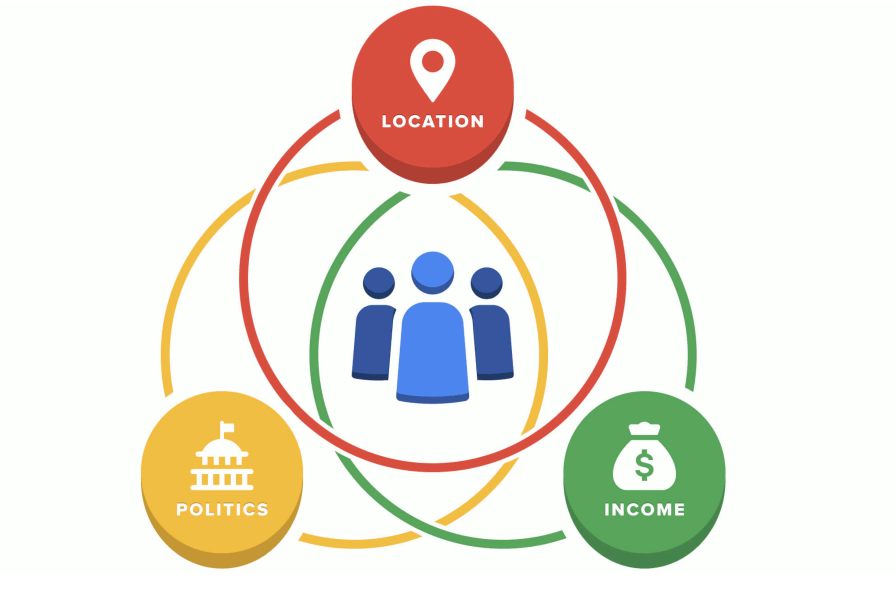
What just happened?
If you're a Google Chrome user, you might be surprised to learn that you could have been entered automatically into Google's new tracking method called Federated Learning of Cohorts (FLoC). It groups you based on your interests and demographics, derived from your browsing history, to enable creepy advertising and other content targeting without third-party cookies. After a short trial period, Google decided not to make this new tracking method a user choice and instead started automatically including millions in the scheme. If you're reading this in Chrome while logged in to a Google account, yes, that likely means you too, and if not now, then eventually.
As a user, what can I do to avoid this?
The criteria for being opted into FLoC are somewhat hidden and conflicting, but there are three methods for blocking FLoC:
- Don't use Google Chrome! Right now FLoC is only in Google Chrome, and no other browser vendor has expressed an intention or even interest to implement it. There are various browsers that are free to download, and we recommend some in our guide to Google alternatives. On iOS or Android we suggest you use our own mobile browser, which offers best-in-class privacy protection by default when searching and browsing.
- Install the DuckDuckGo Chrome extension. In response to Google automatically turning on FLoC, we've enhanced the tracker blocking in our Chrome extension to also block FLoC interactions on websites. This is directly in line with the single purpose of our extension of protecting your privacy holistically as you use your browser. It’s privacy, simplified. (If you use a non-Chrome browser, you can get our extension here.) The FLoC blocking feature is included in version 2021.4.8 and newer of the DuckDuckGo extension, which should auto-update, though you can also check the version you have installed from the extensions list within Chrome.
- Change your Chrome and/or Google settings, which we recommend you do in any case if you continue to use Chrome. It seems (but Google isn't very clear about this so we aren't certain) that if you perform any of the following, then Google will exclude you from FLoC, at least for the time being. And as there are still many unknowns and things are changing rapidly, the effectiveness of these steps may change in future.Stay logged out of your Google account;
- Don't sync your history data with Chrome, or create a sync passphrase;
- In Google Activity Controls, disable “Web & App Activity” or “Include Chrome history and activity from sites, apps, and devices that use Google services;”
- In Google Ad Settings disable “Ad Personalization” or “Also use your activity & information from Google services to personalize ads on websites and apps that partner with Google to show ads.”
Note that even if you change these settings, we also recommend installing the DuckDuckGo Chrome extension to get holistic privacy protection when using Chrome, including private search, tracker blocking, Smarter Encryption, and Global Privacy Control. For non-Chrome desktop browsers, you can get our extension.
What is FLoC anyway?
With browsers dropping support for third-party cookies, FLoC is Google's approach for replacing them. It's being developed in the open and is claimed by Google to be good for privacy. However, it has received widespread criticism from privacy experts, including from EFF who say it's a "terrible idea" and implored Google "please don't do this." We agree with their assessment, and, in a world where it does exist, it should be explicitly opt-in for users (free of dark patterns). In addition, while Google isn’t phasing out third-party cookies in Chrome until at least 2023, FLoC is already live today in 2021.
@geekcode
https://t.me/geekcode/