Why You Should Use a Free Website Accessibility Checker in 2025
Creating an inclusive online experience is more important than ever. Whether you run a personal blog, a business site, or an e-commerce platform, ensuring your website is accessible to everyone—including people with disabilities—is both a legal and moral responsibility. A free website accessibility checker can be a powerful tool to help you meet accessibility standards without incurring additional costs.
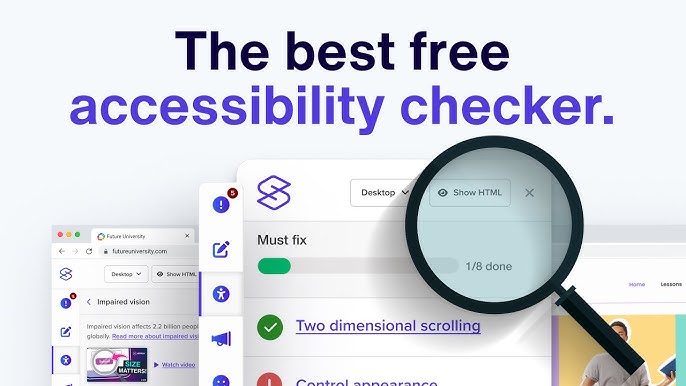
What Is a Free Website Accessibility Checker?
A free website accessibility checker is a digital tool that evaluates your website's design and content against the Web Content Accessibility Guidelines (WCAG). These guidelines are the global standard for web accessibility and help ensure your website is usable by people with visual, auditory, motor, or cognitive disabilities.
Free checkers typically scan your website and highlight any areas that may not comply with accessibility requirements—such as missing image alt text, poor contrast ratios, or issues with keyboard navigation. While they may not offer as many features as paid solutions, they’re an excellent starting point for identifying and fixing basic accessibility issues.
Key Benefits of Using a Free Accessibility Checker
- Cost-Effective Compliance
- If you're a small business or startup, budget constraints can make accessibility feel out of reach. Free tools provide a practical way to begin making your site accessible without any financial investment.
- Avoid Legal Risks
- Web accessibility lawsuits are on the rise. Using a checker to identify and resolve issues can help you avoid potential legal trouble and demonstrate your commitment to inclusivity.
- Better User Experience
- Accessibility improvements benefit all users—not just those with disabilities. Features like clearer navigation, improved readability, and faster loading times enhance the overall user experience.
- SEO Advantages
- Many accessibility features align with SEO best practices. For example, proper use of header tags, alt text, and semantic HTML can help improve your search engine rankings.
Popular Free Website Accessibility Checkers
Here are a few trusted tools you can start using today:
- WAVE by WebAIM: Offers an easy-to-use interface that visually displays accessibility errors.
- axe DevTools (Free Version): Ideal for developers, this browser extension provides in-depth insights into WCAG violations.
- Google Lighthouse: Built into Chrome DevTools, it audits your website for performance, SEO, and accessibility.
- Accessibility Spark: A great starting point that lists and compares the top accessibility checkers available online.
Each of these tools offers unique features, and using a combination can provide more comprehensive results.
Tips for Using Accessibility Checkers Effectively
- Scan Regularly: Websites evolve. Frequent checks help you maintain compliance as you add new content.
- Prioritize Critical Fixes: Focus first on high-impact issues, such as missing form labels or poor color contrast.
- Combine with Manual Testing: Automated tools are helpful, but they can't catch everything. Manual checks ensure full coverage.
Conclusion
A free website accessibility checker empowers you to take the first steps toward a more inclusive digital presence. By identifying and fixing common issues, you not only enhance the user experience for all visitors but also position your brand as ethical, forward-thinking, and compliant with modern standards.
Don’t wait—start checking your website today and build a web experience everyone can access.