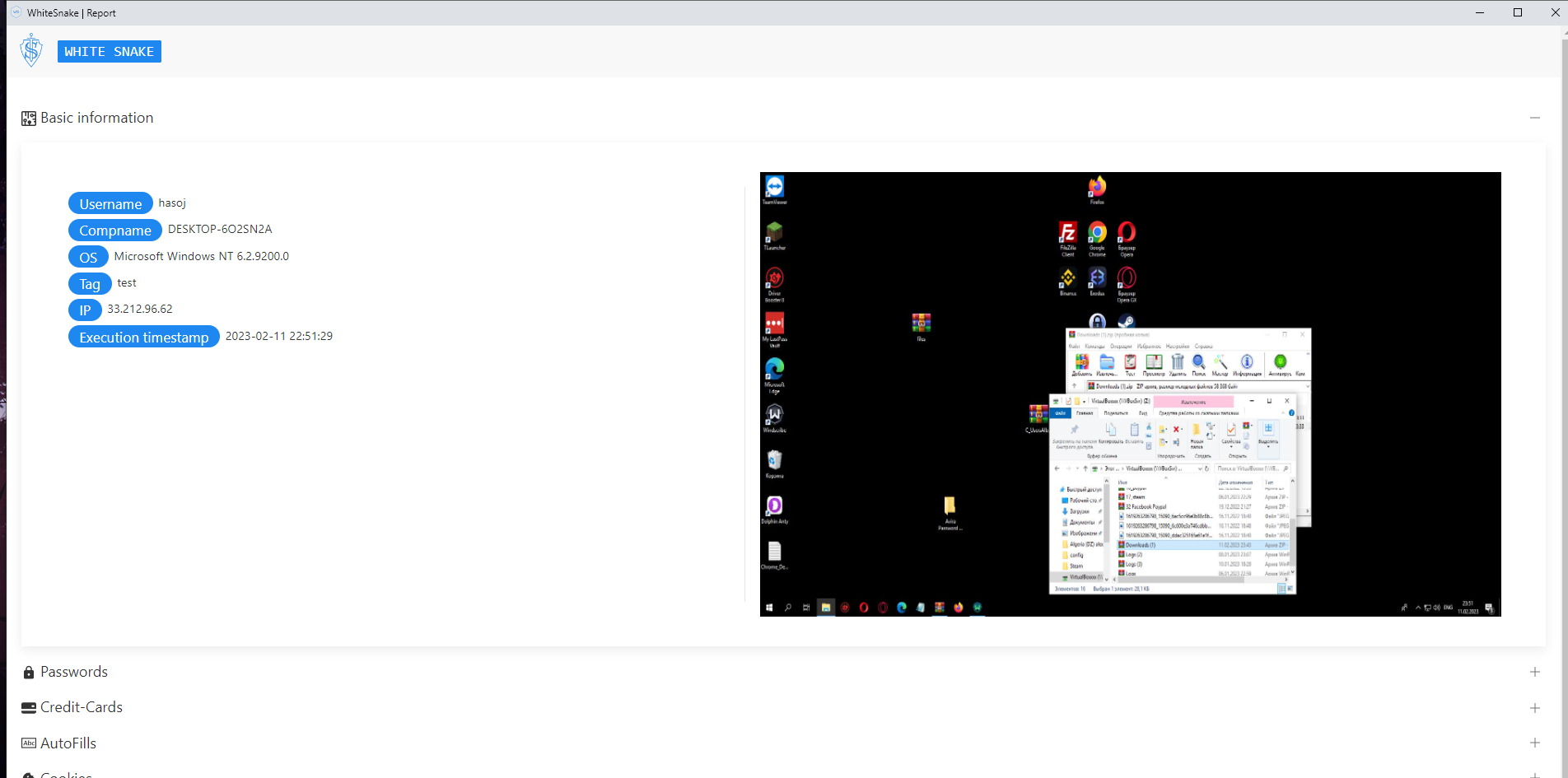
WhiteSnake installation guide
@WhiteSnake_Support- Run install.cmd file
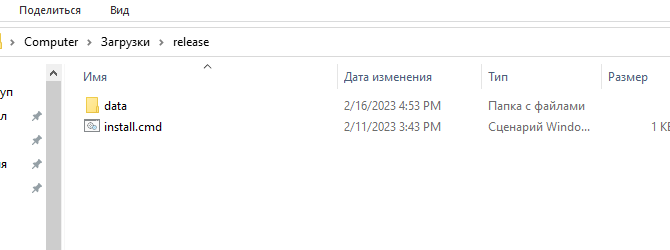
2. Send identifier to @WhiteSnake_Support
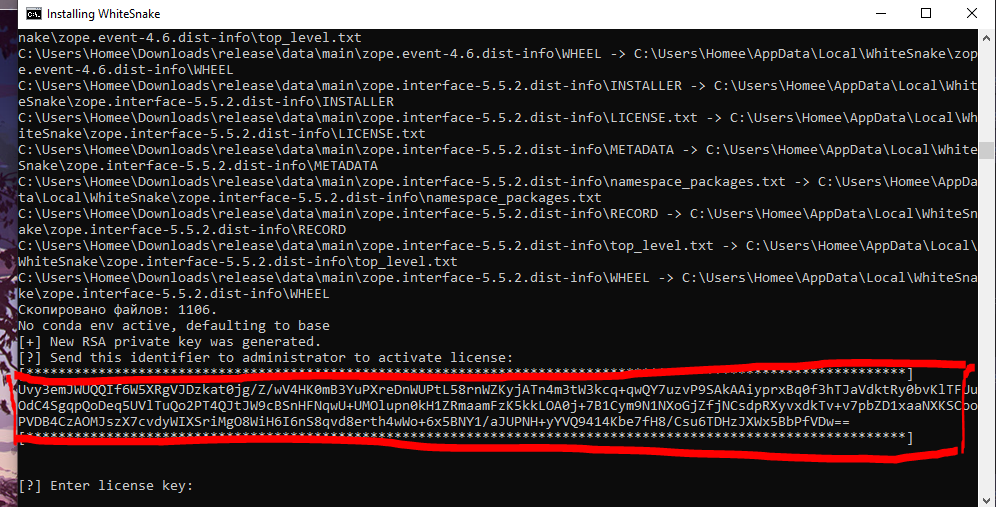
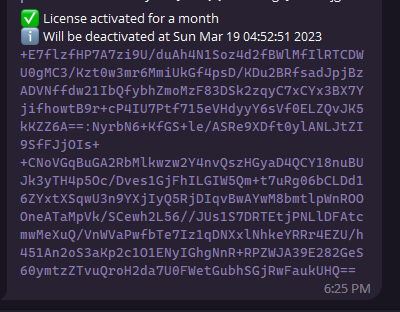
3. Paste license key from seller and hit enter button.
4. Run builder by desktop icon.

5. Create new telegram bot in @BotFather
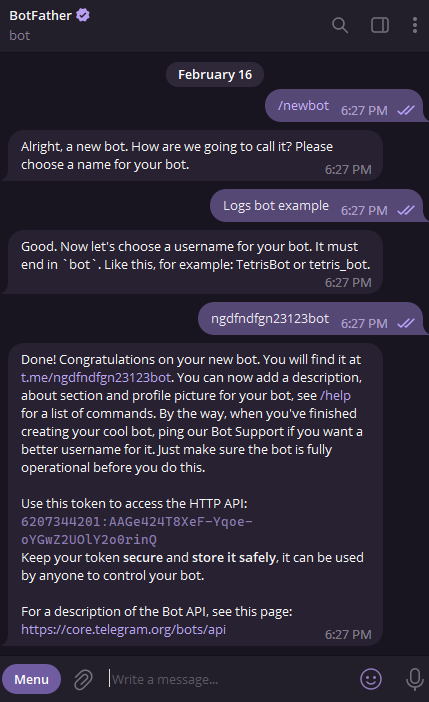
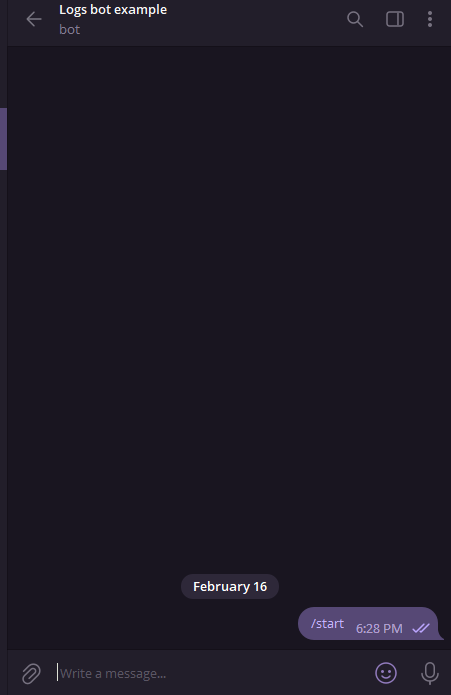
6. Write /start to bot (bot will send nothing, but it's required to init API)
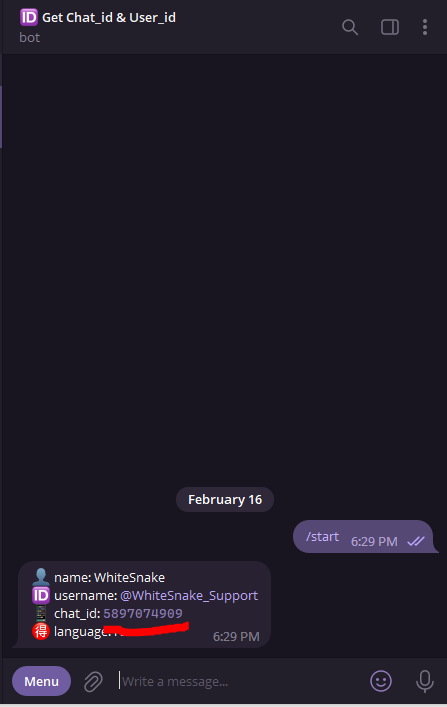
7. Write to @chatIDrobot to receive your chat id.
8. Paste your bot token and chat id into builder.
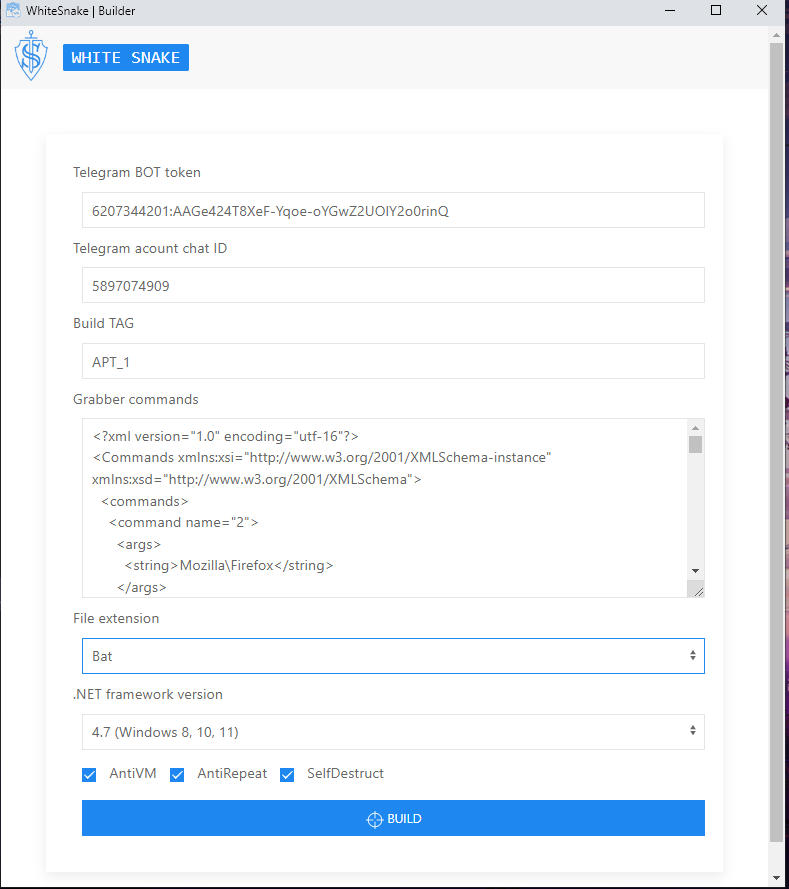
Also you can extend software functionality by editing "Grabber commands" field. Write to seller to ask for new software.
AntiVM - Function prevents execution on virtual machines, sandboxes and etc.
AntiRepeat - Prevents second stealer execution on computer.
SelfDestruct - File will be removed after sending report.
9. Hit build button.
10. Crypt your build. (I recommend @Crypt_0x00_V2 crypter)
11. Run build somewhere.
12. Open log from telegram bot.
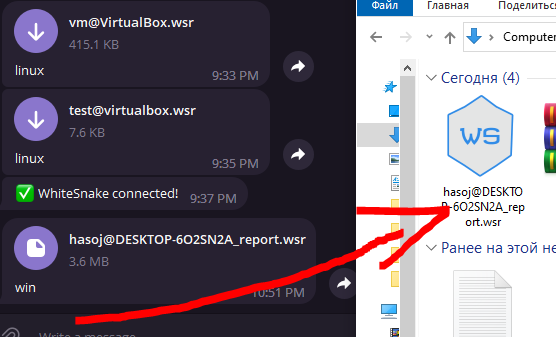
13. You will see credentials from victim pc.