Walmart 2FA BYPASS iOS Safari
Note:2FA bypass is 100% but you'd better find clean device to log in without cookiesWhen you purchased account you'll get line like
- mail:pass |Account info | Cookies link
2. Try to login as usual using mail:pass
3. If you're getting error like that your device/ip blocked by walmart
iOS bypass Safari
1.Download app
https://apps.apple.com/us/app/cookie-editor/id6446215341
2. Open installed app then go to ios settings
3. Find Safari

4. Tap on Extensions and turn on Cookie-Editor

2.1 Open Safari and go to walmart.com
2.2 Click on extensions and open cookie editor
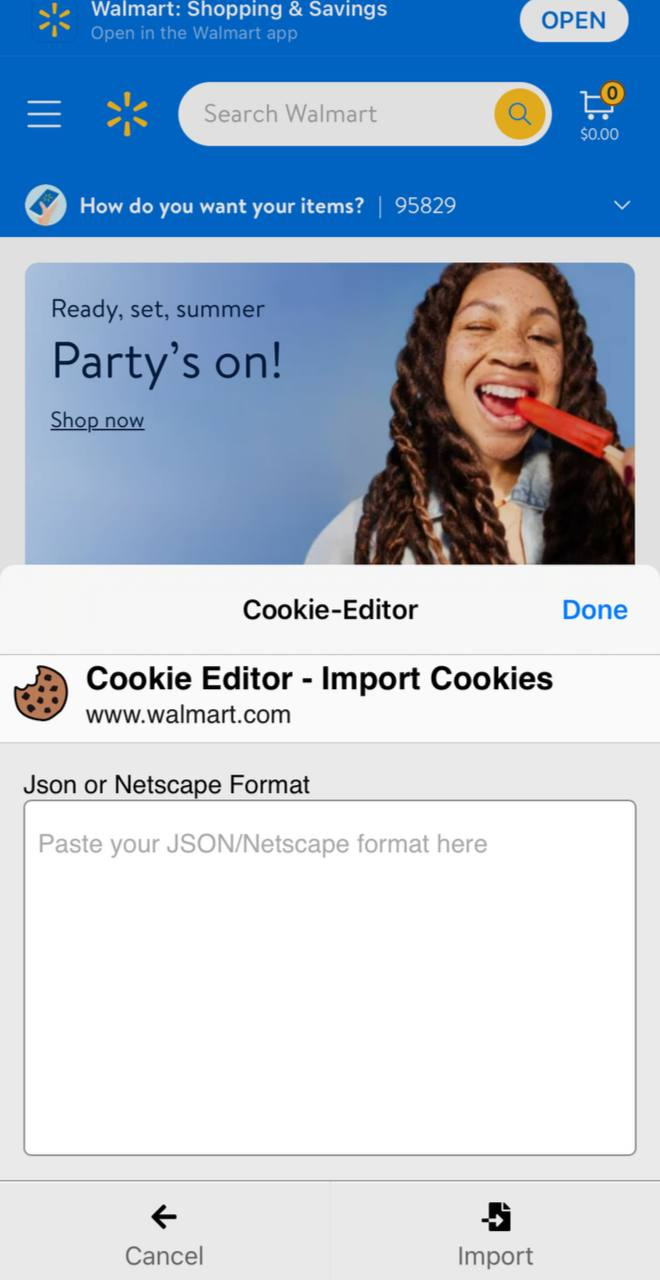
2.3 Click import
2.4 Open in new tab link which you've received with your purchase
2.5 Click copy all button
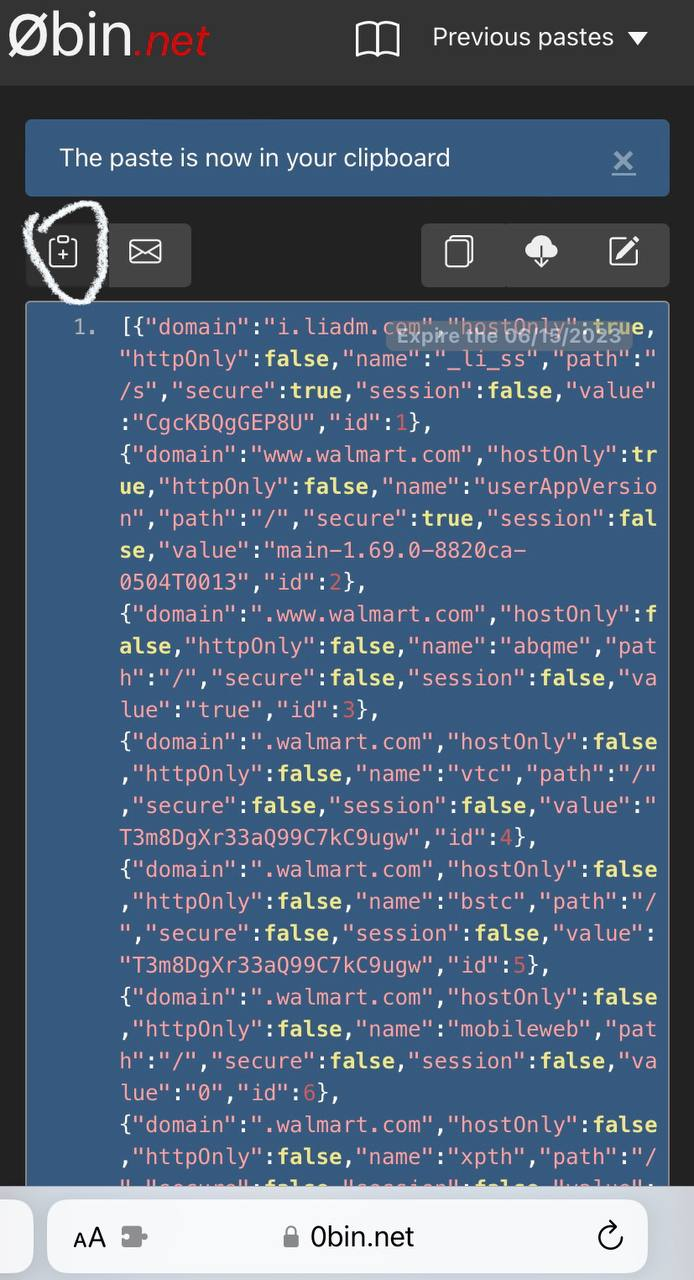
2.6 Insert copied cookies into cookie editor in previous tab than click import
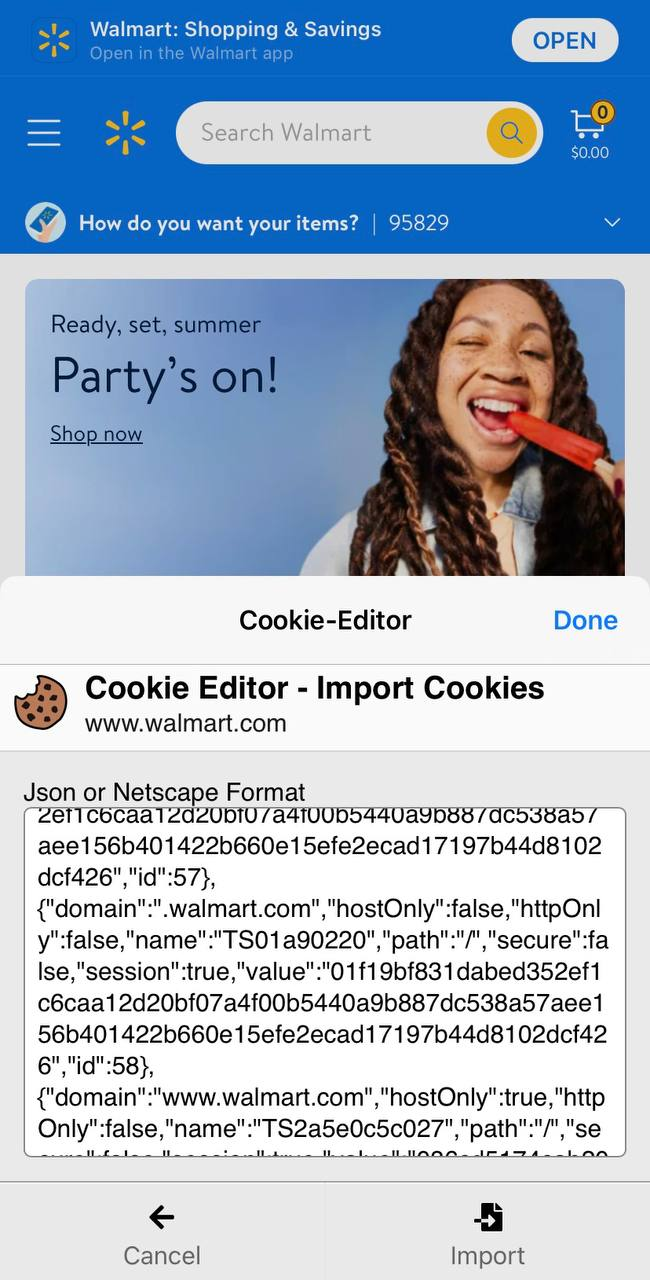
3. Refresh page and you're already logged in
Now you are able to log in to any purchased at drift.atshop.io walmart account with your safari just don't forget to delete cookies after all
. When you've done with account don't forget to delete cookies using delete button in extension

Important note:Extension works only when you're on walmart.com page
Change browser/use antidetect/use residential socks 5 to bypass 2fa without cookies and success
Warning! Do not sign out from walmart account using "Sign out button" , you will loose access to account(cookies will be destroyed)