WCAG Screen Reader: A Path to Inclusive Digital Experiences
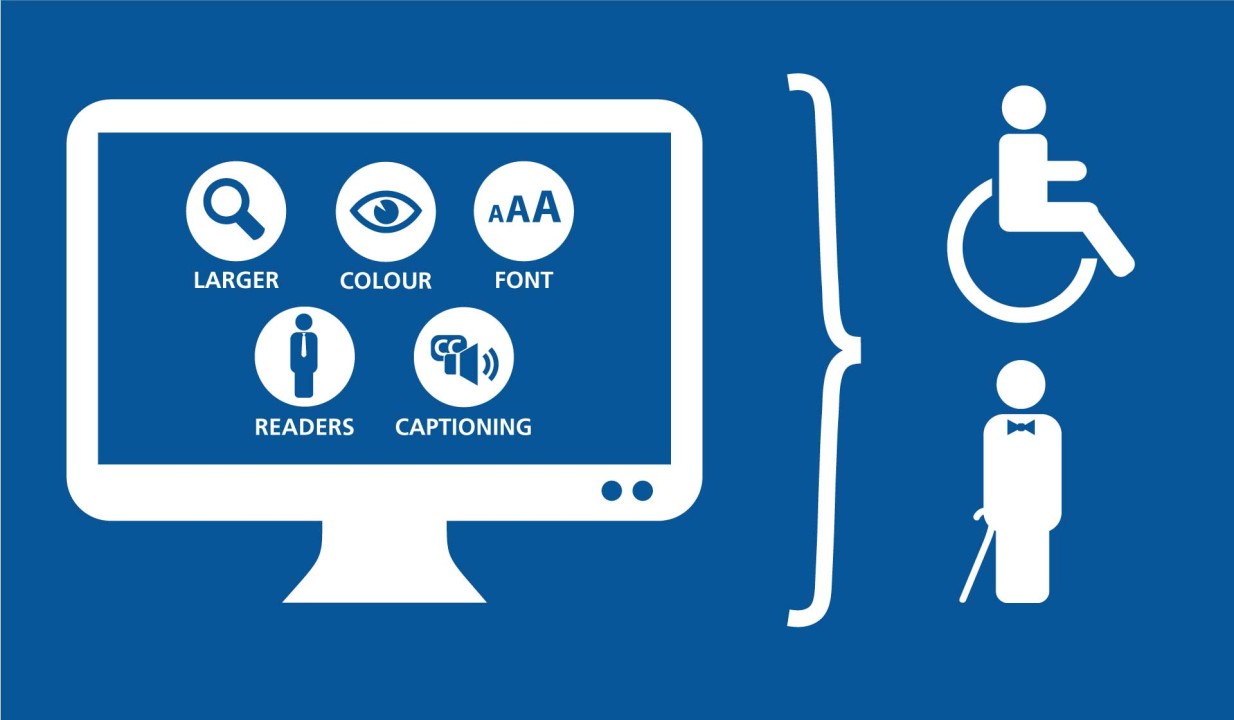
In an increasingly digital world, accessibility is paramount. The Web Content Accessibility Guidelines (WCAG) provide a robust framework for creating websites and applications that cater to individuals with diverse abilities. Screen readers, a vital assistive technology, work seamlessly with WCAG-compliant designs to enhance user experiences for people who are blind or visually impaired. This article explores the critical relationship between WCAG screen reader compatibility and its role in fostering inclusivity.
Understanding WCAG
WCAG is a set of internationally recognized guidelines developed by the World Wide Web Consortium (W3C) to make digital content accessible to everyone. The guidelines are built on four fundamental principles, collectively referred to as POUR:
- Perceivable: Information and user interface elements must be presented in ways users can perceive.
- Operable: Navigation and interface components should be usable via various input methods.
- Understandable: Content must be easy to understand and navigate.
- Robust: Content should remain accessible across current and future assistive technologies.
WCAG standards are regularly updated to address evolving technologies and user needs, with WCAG 2.1 being the latest version widely adopted.
What is a Screen Reader?
Screen readers are software tools that convert digital text into synthesized speech or Braille, enabling visually impaired users to interact with websites and applications. Popular screen readers like JAWS, NVDA, and VoiceOver are designed to interpret website content and facilitate navigation.
For screen readers to function optimally, websites must adhere to WCAG principles, ensuring the structure and content are accessible. Proper implementation of WCAG guidelines creates an inclusive environment where screen readers can effectively bridge the gap for users.
Best Practices for WCAG Screen Reader Compatibility
Achieving WCAG compliance requires thoughtful design and implementation. Here are key strategies to ensure your website supports screen readers effectively:
- Semantic HTML: Use HTML elements correctly to provide meaningful structure. For instance, headings ( to ) should follow a logical hierarchy.
- Alt Text for Images: Provide descriptive alternative text for images, enabling screen readers to convey the purpose of visual content to users.
- Keyboard Accessibility: Ensure that all interactive elements are navigable via a keyboard, as many screen reader users rely on this input method.
- Accessible Forms: Label form fields clearly and provide contextual error messages. Use ARIA (Accessible Rich Internet Applications) roles to enhance dynamic content.
- Skip Navigation Links: Include options to skip repetitive navigation, improving efficiency for screen reader users.
Benefits of WCAG Screen Reader Compliance
- Legal Compliance: Meeting accessibility standards reduces the risk of legal challenges under the ADA and similar regulations.
- Improved User Experience: Accessible websites benefit all users, enhancing usability and engagement.
- SEO Boost: Accessibility features like alt text and semantic HTML contribute positively to search engine optimization efforts.
- Social Responsibility: Demonstrating a commitment to inclusivity builds trust and reinforces your brand’s values.
Conclusion
Prioritizing WCAG screen reader compatibility is not just about meeting guidelines—it’s about embracing inclusivity and creating digital spaces that welcome everyone. By implementing best practices and aligning with WCAG standards, organizations can ensure their websites and applications serve all users effectively. Accessibility is a journey worth taking, one that benefits individuals, businesses, and society as a whole.