WADAX FAQ EN
Support⚙️ Dear customer, when you buy WADAX you get:
✔️ The server on which the account is located
✔️ Login and password
✔️ Domain that is linked to the account
⚙️ The format of the string you get looks like this:
https://server/:login:password|domain(s)
❗️ For example
https://wx01.wadax.ne.jp/:c1111111111:password|domain.jp
❗️Instructions for logging in❗️
✔️ Copy the server, paste it into the address bar of the browser, adding port :8443
⚙️ For example, you have a server https://wx01.wadax.ne.jp , then enter https://wx01.wadax.ne.jp:8443 in the address bar
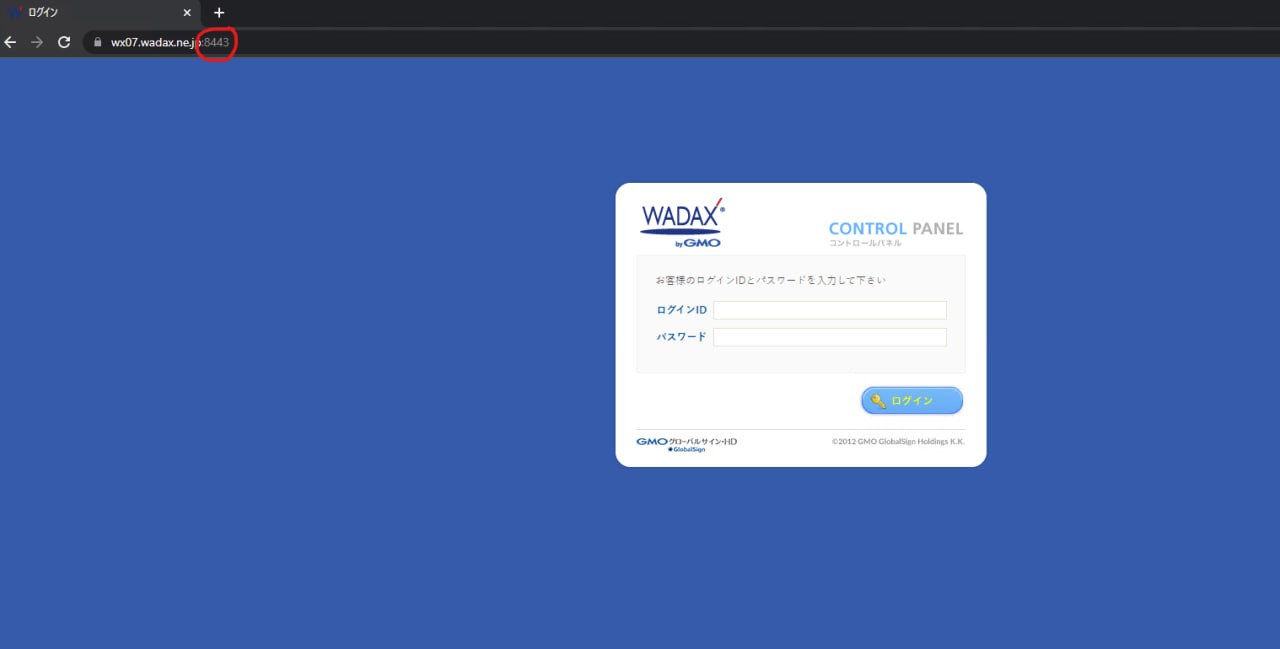
⚙️ The first line is the login, the second line is the password, then press the button with the key

✔️ After entering your account information, you should be redirected to the page with domains

⚙️ Under the number 1 you will see the name of the domain, under the number 2 the button to enter the domain
❗️Important❗️
⚙️ There can be several domains on your account, press the login button next to the domain that you are going to use at the moment.
✔️After choosing a domain, you will be taken to the control panel, where you will need to select the item where the envelope is drawn (1), and select the sub-item, which is indicated by the number 2 in the screenshot

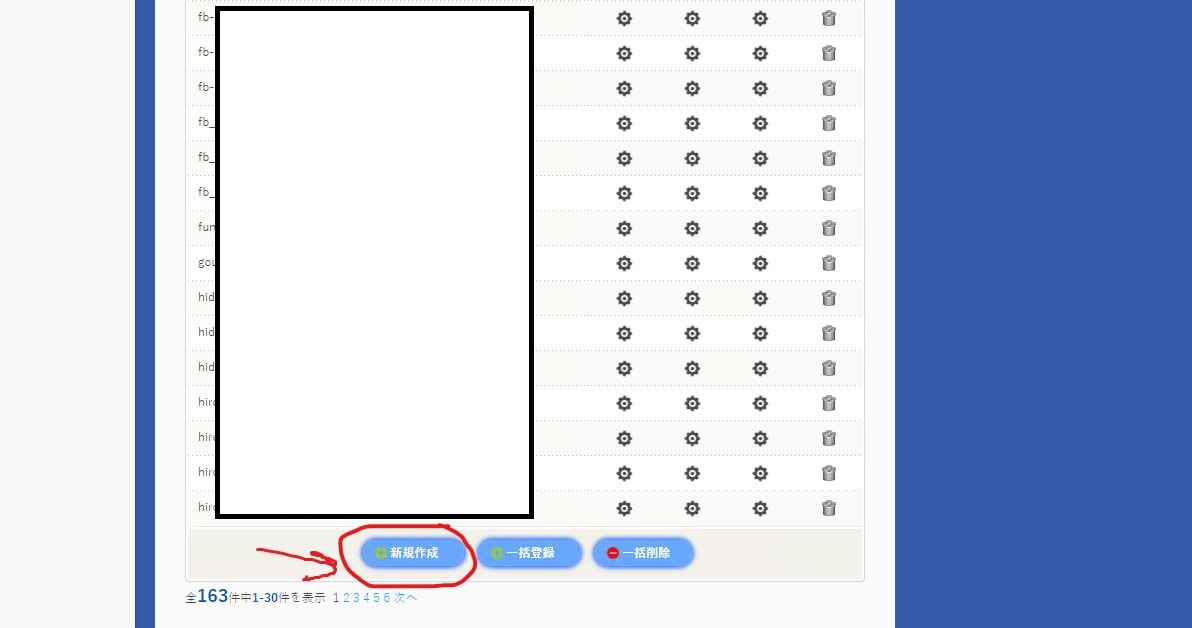
✔️ You get to the mail management menu, there will be a list of mails from which messages are sent. You need to create your own by clicking on the button indicated in the screenshot
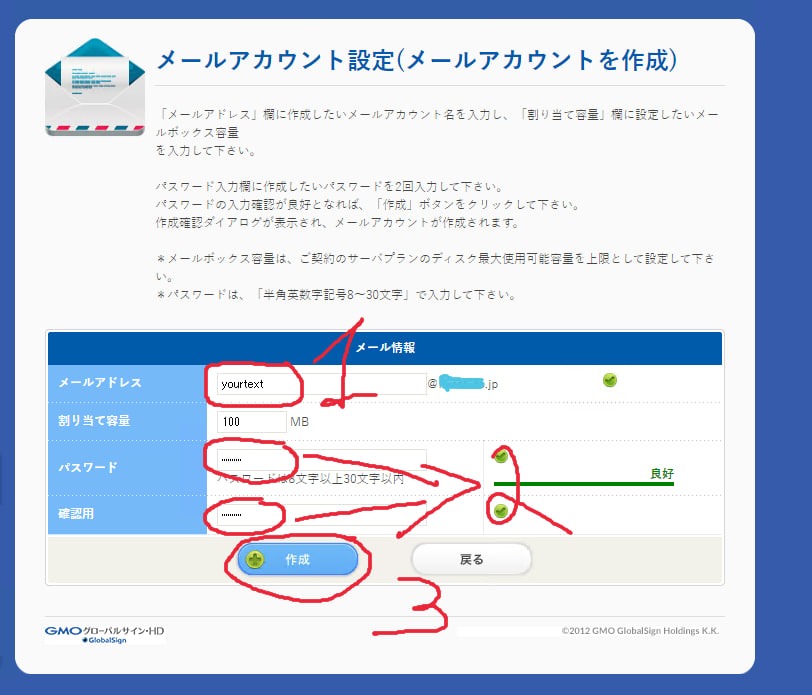
✔️Create your name for mailing (1), create a password, then enter it again to confirm (2), and press the confirm button (3)