Video Add-on (Crypton) - How do I add the same tools?
CRYPTONBy going to the mining page, you may encounter the problem of adding the same items to the mining tools at the same time,
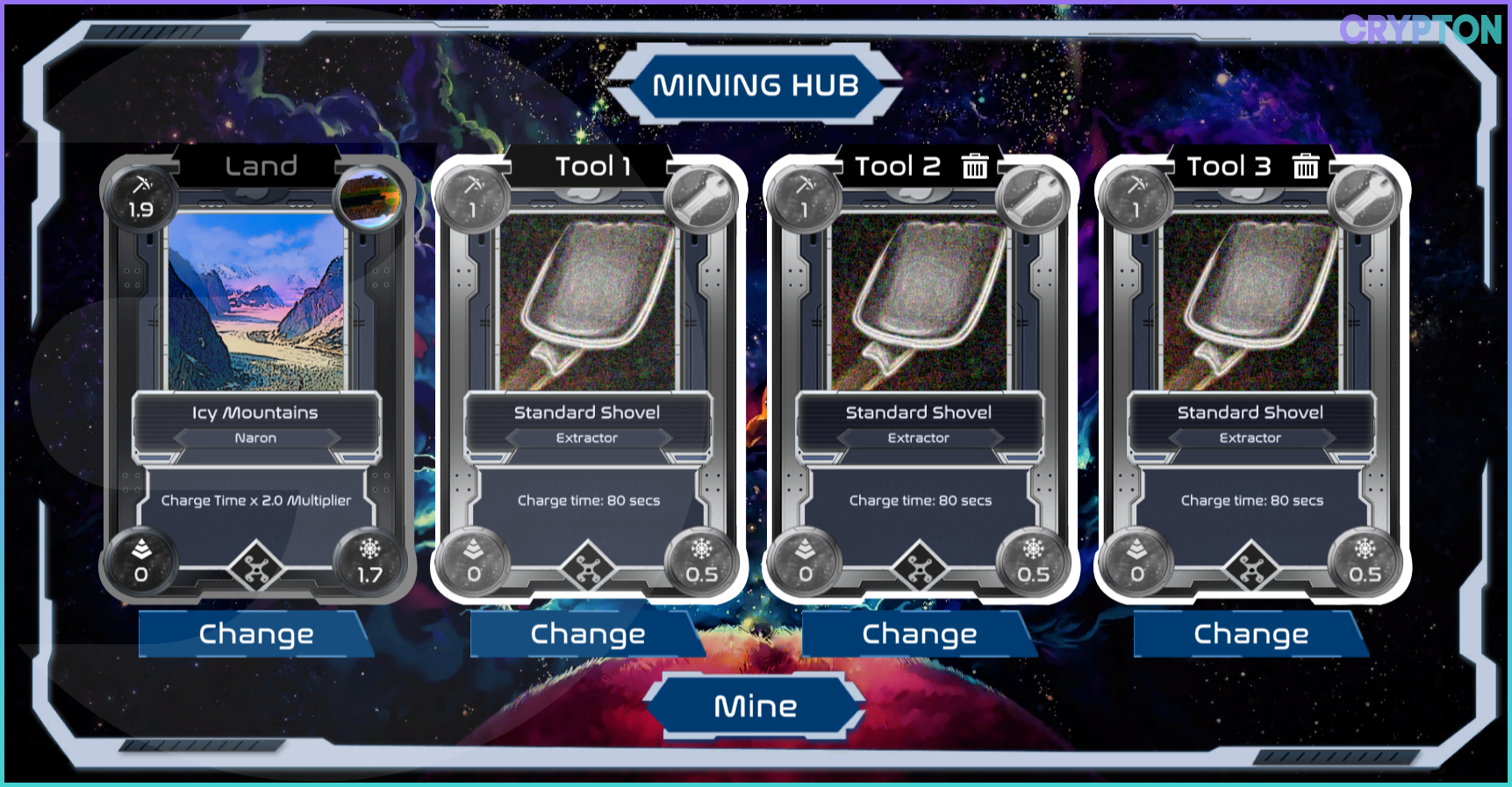
however, this problem is easily solved.
You can add two or three identical items at the same time, and I'll show you an example based on three.
To be able to add several identical items to the mining tools, you need to click on the link to the WAX contract Alien Worlds m. federation:
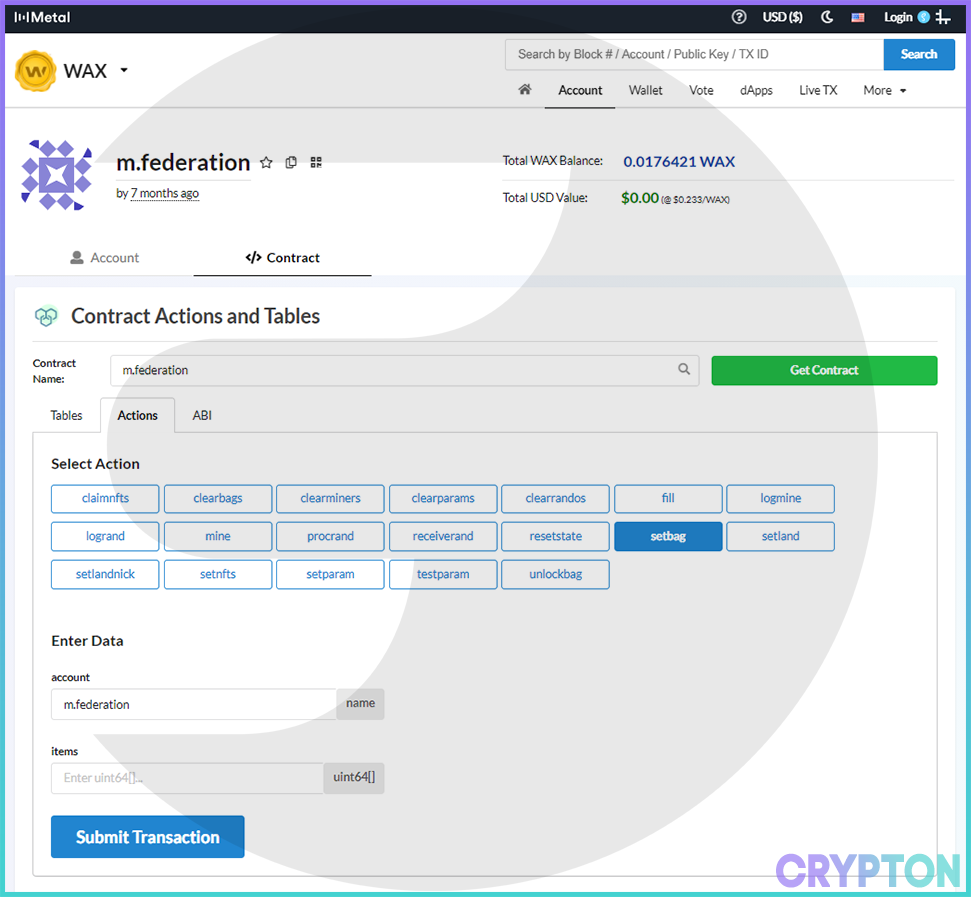
Make sure that you have the setbag action selected:

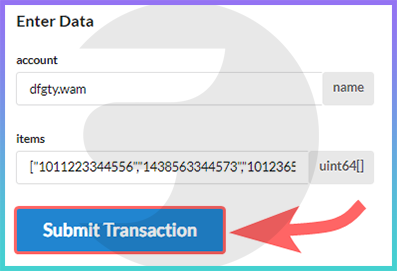
Next, we will interact with the Enter Data field:
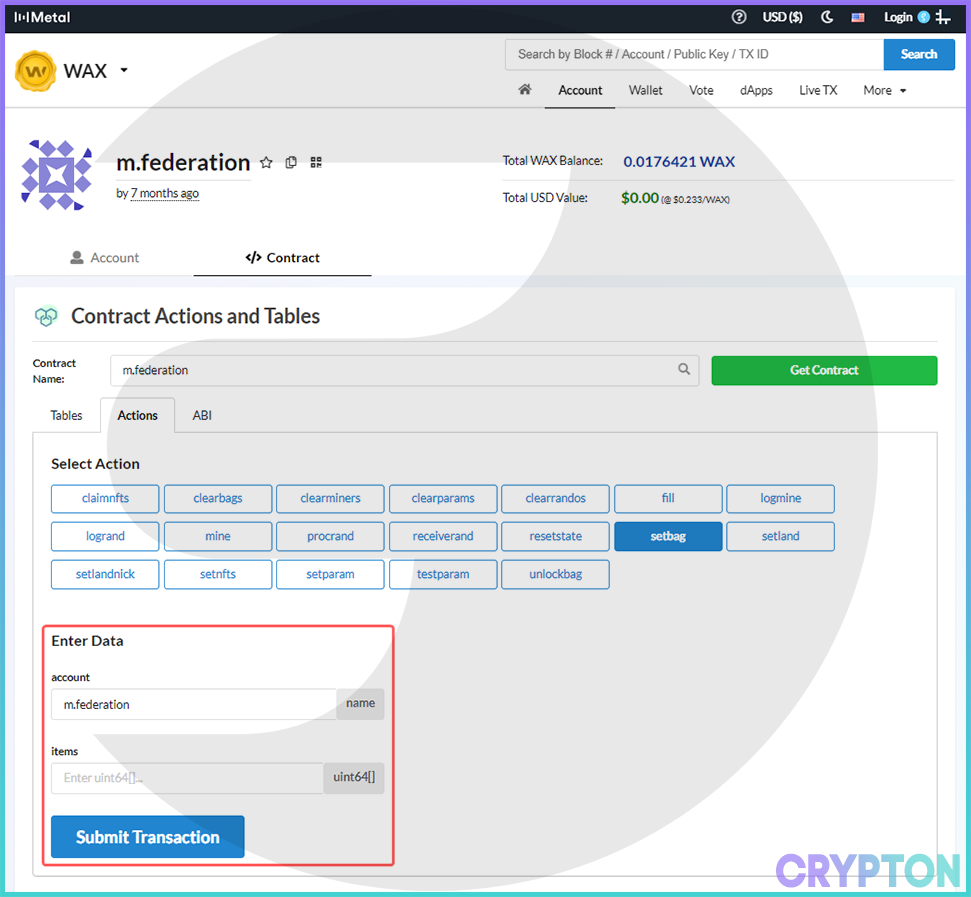
In the account field, instead of m.federation,

enter the address of your WAX account:

The address can be obtained, for example, on the main page of the WAX wallet:
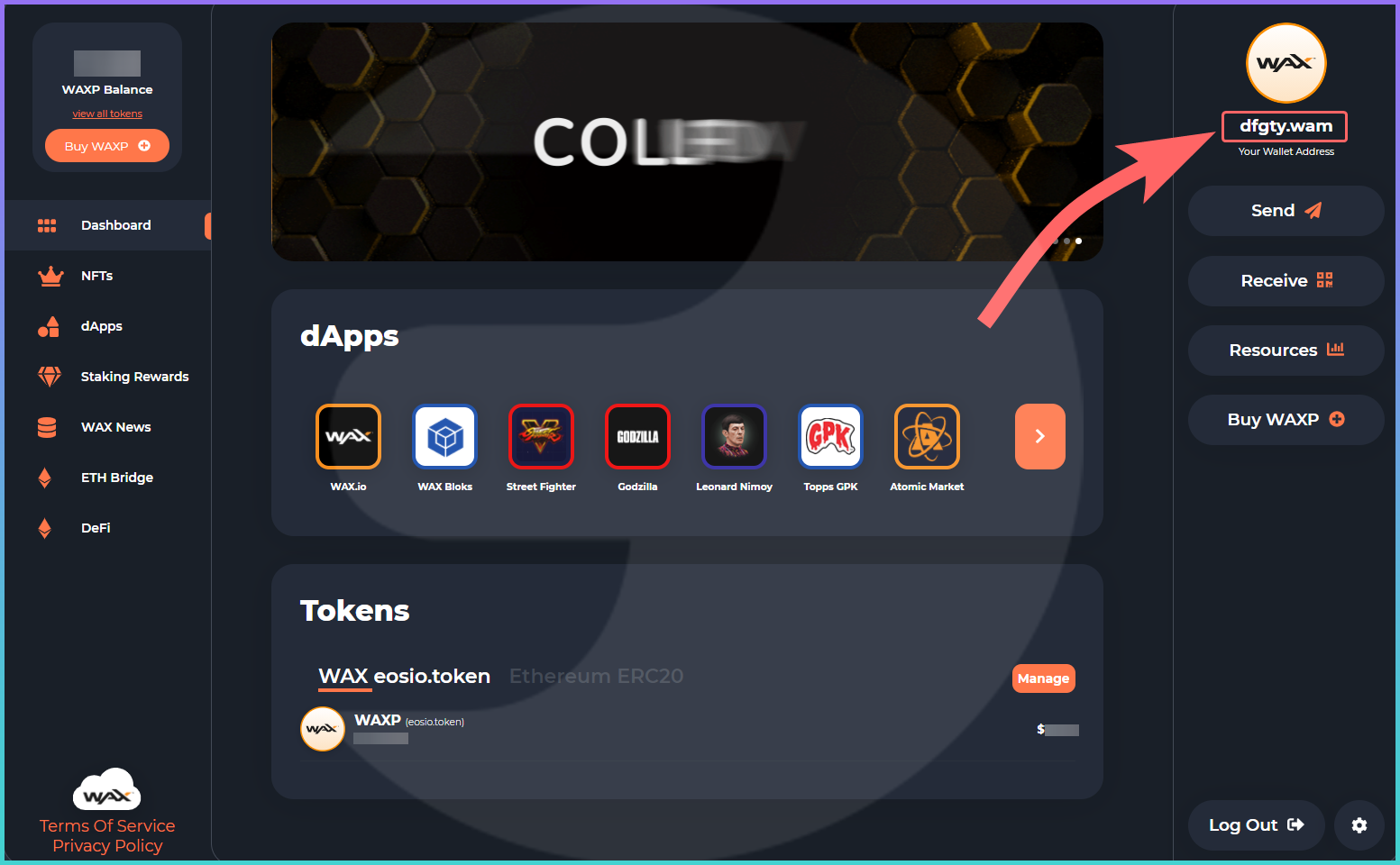
For the second field
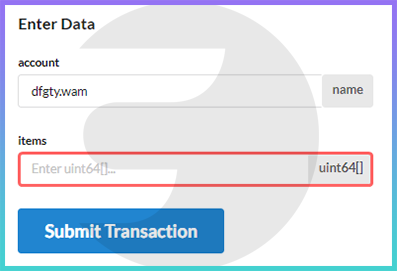
we will need to find out the ID of the same tools that you want to add at the same time. To do this, go to AtomicHub, which is already familiar to us:
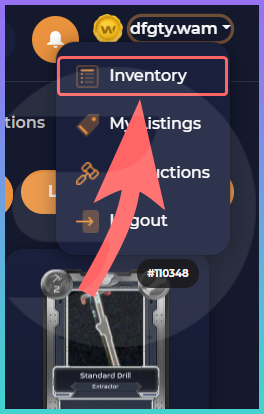
There, click on your username:

And go to the inventory by clicking on Inventory:
In the inventory you will find several of your identical items
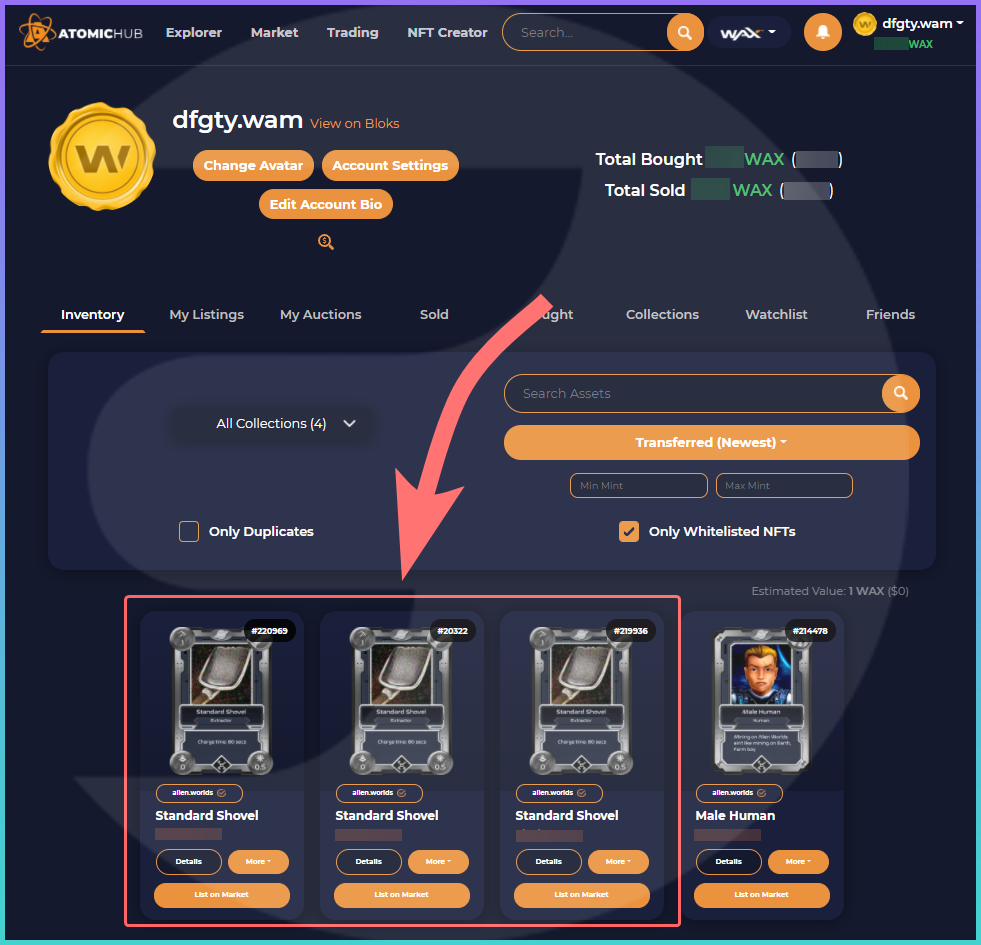
To find out the ID of each of them, click on Details:

A page opens with a detailed description of the subject, we need a similar digital code:

Now that you have the ID of the three items:
Go back to the smart contract page to the Enter Data area:
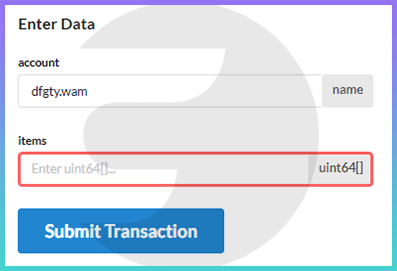
In this field, you need to enter the item ID in this form:
that is, in our case, it will look like this (without spaces!):
After you have entered the item ID in this form, click Submit transaction:
Next, log in to your WAX wallet by clicking Cloud Wallet:

Click Submit Transaction again:

And confirm the transaction

Now, if you go to your tools, there will already be the same NFT items installed, the ID of which you specified:
