VBUCKS GUIDE
Narcos NextLevel MarketThe topic presents a way to donate to Fortnite through Argentina(ARS$)
V-bucks price in arg. pesso excluding tax:
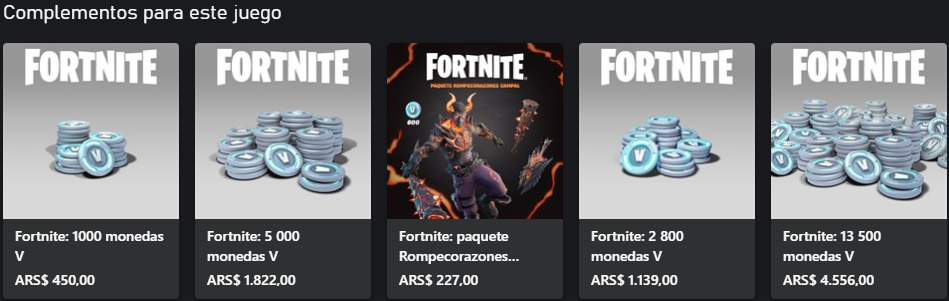
1. Argentine personal account:
We need a bank of Argentina, you can buy it here https://t.me/nnlmarket
You can can buy an account there for too cheap and high quality :) , also you're able to top-up through crypto/exchange.
dm me too @nnlsupport in telegram
2. Create or link an Xbox to an Epic Games account:
Come here, after registration you can enter any data, but be sure to indicate your date of birth. You must be over 18 years old. The account should be in argentina region. Then you should link your card to it, you should go to microsoft , search for payment methods and add the card there. You can use an address from here.
3. Next, go to the Epic Games website:
After you have logged into your account, go to your personal account and link your Xbox account (as in the screenshot)
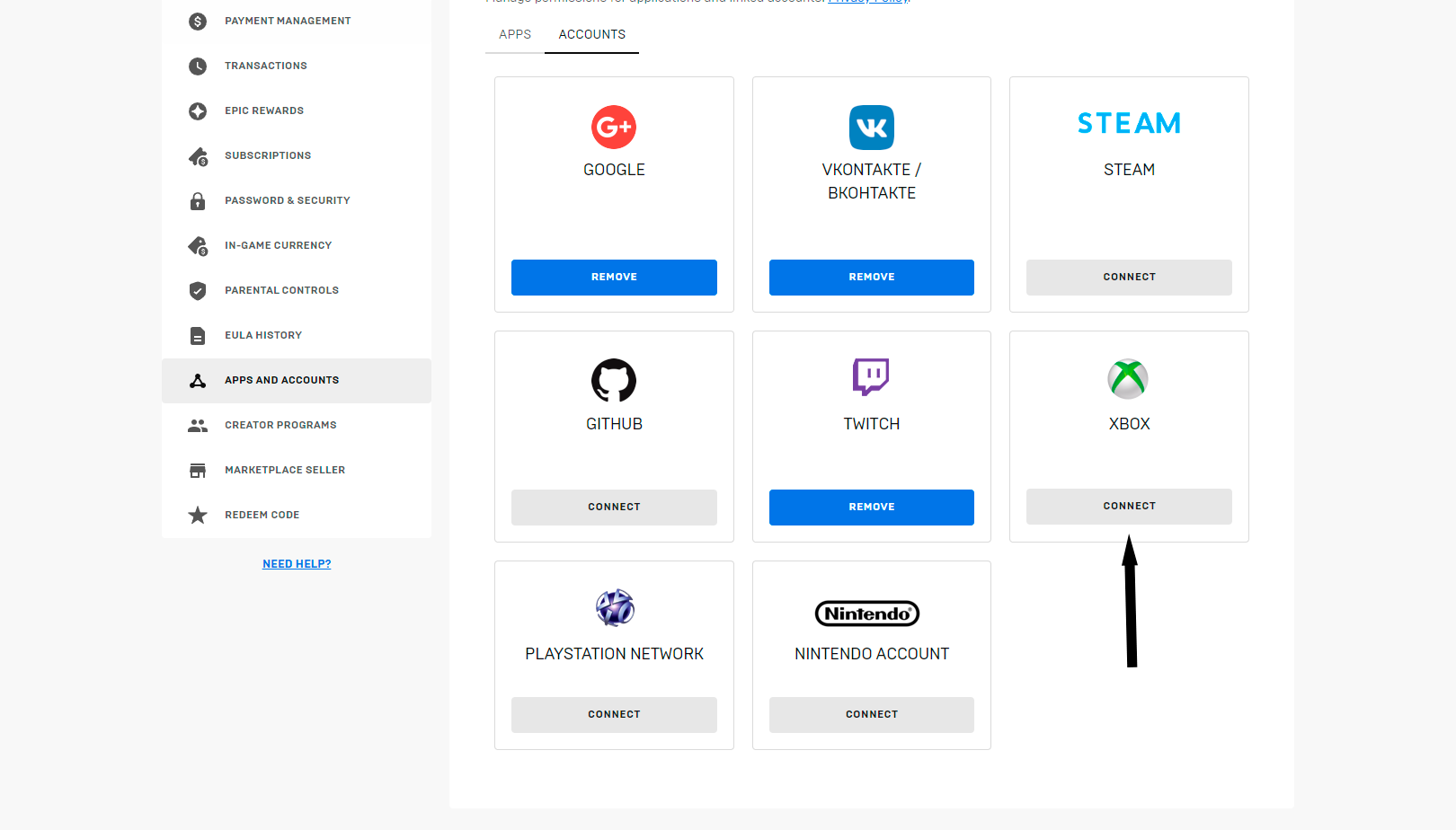
4. The payment process itself:
1) First, we need a VPN with Argentina (of your choice)
2) Go to the Argentine xbox website
3) Go lower, click on the desired number of V-bucks
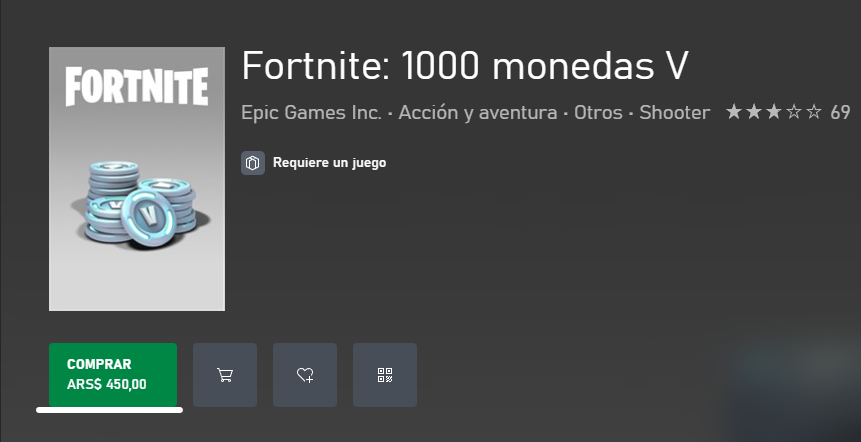
4) Click on the treasured “Comprar” button
P.s If you want to register a fortnite, go here
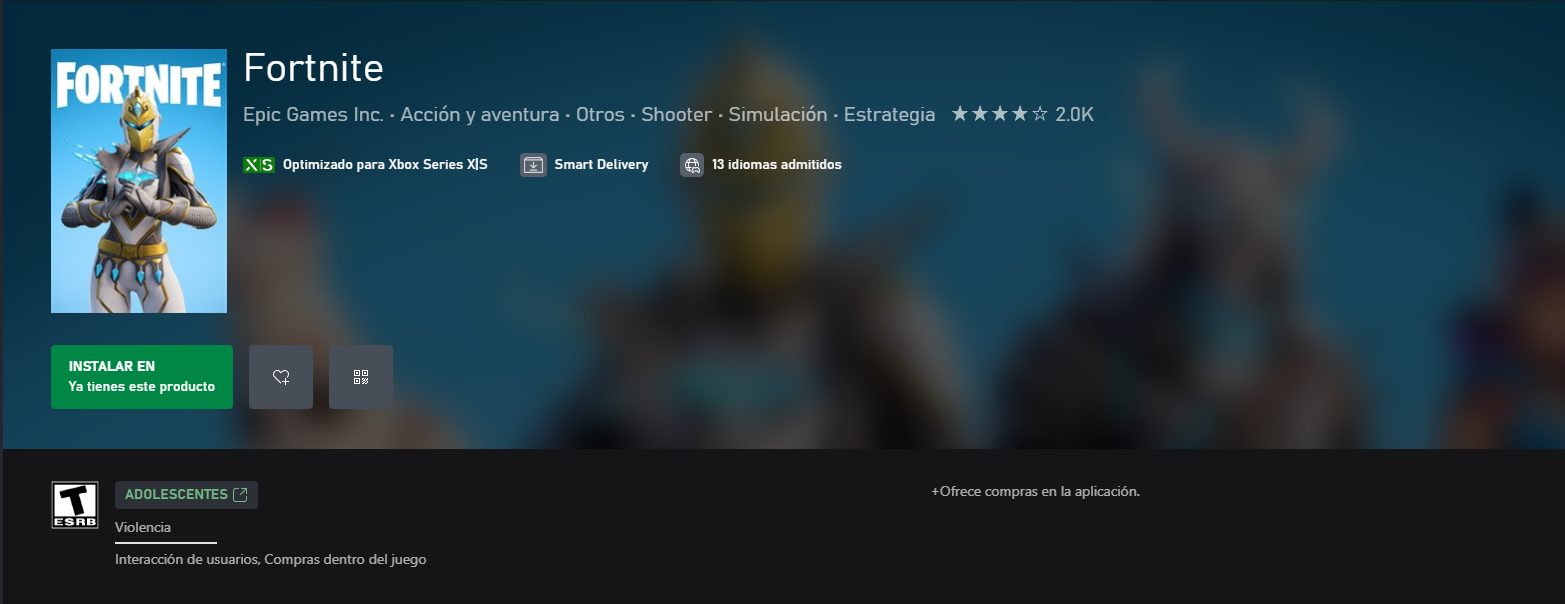
For the first purchase, we link our arg card and confirm the purchase.
5. How to activate V-bucks?! :
1) Connect to a VPN in Australia (for example Turbo VPN)
2) Go to the site
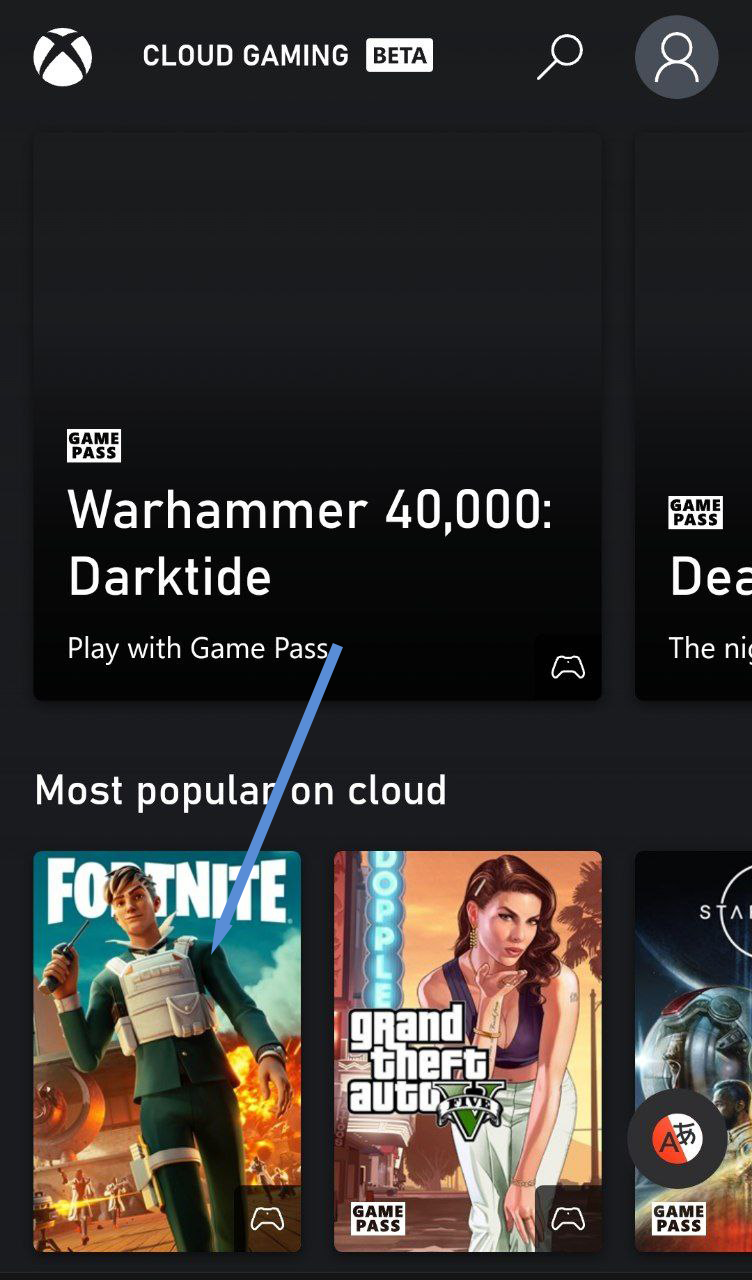
3) Click Fortnite and add the site to the home screen (Screenshot No. 1)
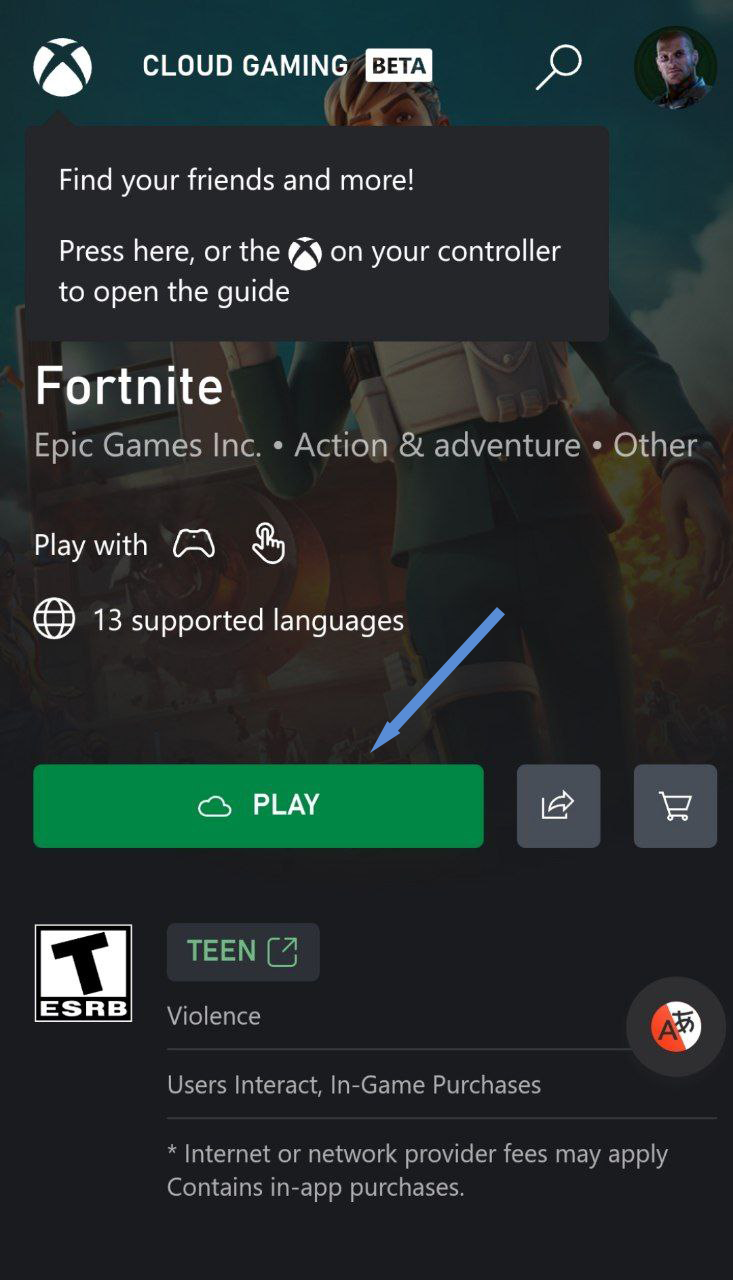
4) Go from the home screen, log into your Xbox account, select Fortnite and press “play” (Screenshot No. 2)
We are waiting for the game to load (it is also important to close Fortnite from other devices at this moment, otherwise it will not work)
No. 1
No. 2
ALL good! You can run the game from your device.
Errors you may encounter:
Unfortunately, this XBL account is already linked to another Epic Games account:
The error speaks for itself - the Xbox account you are entering is already linked to another Epic Games account.
How to solve? Sign up for a new Xbox account.
An error occurred while processing data received from a third-party authorization system.
If you see this error message, there may be 3 reasons:
You created an account using an inappropriate age. When registering, you must indicate an age over 18, otherwise you will simply not be allowed to make purchases. You can change the age in the settings (click on the profile icon and select “My Profile”, then click on “Change information in the profile” and select the appropriate age. After saving, a few minutes must pass, otherwise the error will continue to appear.
You are trying to sign in to Epic Games using a Microsoft account with an inappropriate Xbox profile. To resolve the error, you need to create an Xbox profile and then link the new account to your Epic Games account
You are in a family group. You can leave the family group by clicking on the profile icon and selecting “Account”. There will be three horizontal bars at the top left, click on them and select “Family Safety”. There you can leave the family group.