Using the Whisper Model for Farsi Language Transcription in Hugging Face

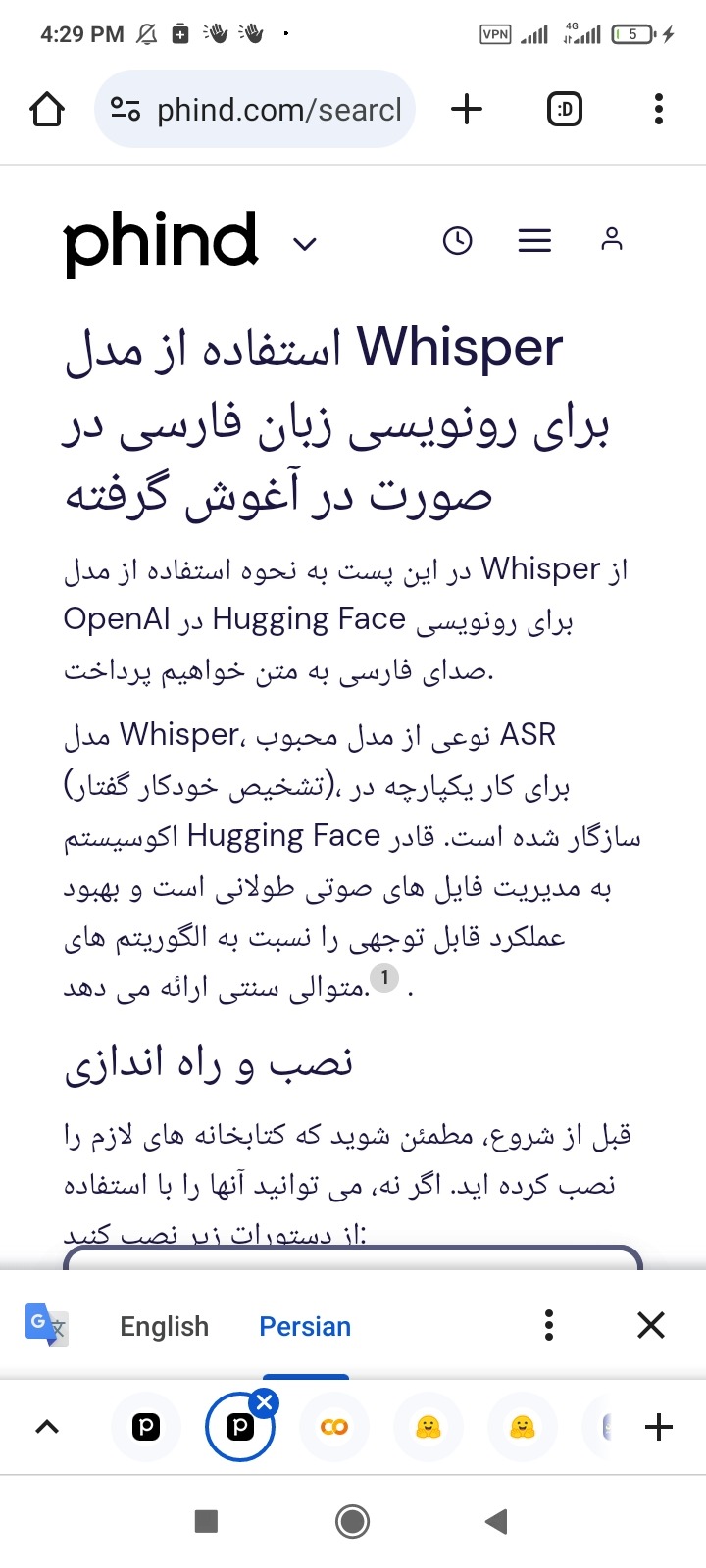
https://www.phind.com/search?cache=td87xsi809rinxgt59yr9mrl
In this post, we will discuss how to utilize the Whisper model from OpenAI in Hugging Face for transcribing Farsi voice to text.
The Whisper model, a variant of the popular ASR (Automatic Speech Recognition) model, has been adapted to work seamlessly within the Hugging Face ecosystem. It is capable of handling long-form audio files and offers significant performance improvements over traditional sequential algorithms [Source 0](https://huggingface.co/openai/whisper-large-v3).
## Installation and Setup
Before we start, ensure that you have installed the necessary libraries. If not, you can install them using the following commands:
```bash
pip install --upgrade pip
pip install --upgrade git+https://github.com/huggingface/transformers.git accelerate datasets[audio]
```
These commands will upgrade pip, install the latest version of the transformers library directly from the GitHub repository, and install the datasets library with audio support [Source 0](https://huggingface.co/openai/whisper-large-v3).
## Using the Whisper Model
Now, let's see how to use the Whisper model for Farsi language transcription. Here's a Python code snippet that demonstrates how to do this:
```python
import torch
from transformers import AutoModelForSpeechSeq2Seq, AutoProcessor, pipeline
from datasets import load_dataset
device = "cuda:0" if torch.cuda.is_available() else "cpu"
torch_dtype = torch.float16 if torch.cuda.is_available() else torch.float32
model_id = "openai/whisper-large-v3"
model = AutoModelForSpeechSeq2Seq.from_pretrained(
model_id, torch_dtype=torch_dtype, low_cpu_mem_usage=True, use_safetensors=True
)
model.to(device)
processor = AutoProcessor.from_pretrained(model_id)
pipe = pipeline(
"automatic-speech-recognition",
model=model,
tokenizer=processor.tokenizer,
feature_extractor=processor.feature_extractor,
max_new_tokens=128,
chunk_length_s=30,
batch_size=16,
return_timestamps=True,
torch_dtype=torch_dtype,
device=device,
)
dataset = load_dataset("distil-whisper/librispeech_long", "clean", split="validation")
sample = dataset[0]["audio"]
result = pipe(sample)
print(result["text"])
```
In this code, we first load the Whisper model and its associated processor. Then, we create a pipeline for automatic speech recognition using the loaded model and processor. Finally, we load a sample audio file and transcribe it using the pipeline [Source 0](https://huggingface.co/openai/whisper-large-v3).
## Fine-Tuning for Farsi Language
If you wish to fine-tune the Whisper model specifically for Farsi language, you can follow the instructions provided in the discussion threads on Hugging Face. There, users share their experiences and insights on fine-tuning the Whisper model for different languages [Source 2](https://huggingface.co/spaces/openai/whisper/discussions/6).
Remember, the success of the fine-tuning process heavily depends on the quality and quantity of the training data. Therefore, it is recommended to use a substantial amount of high-quality Farsi audio data for this purpose.
## Conclusion
In conclusion, the Whisper model provides a powerful tool for Farsi language transcription. By using Hugging Face's transformers library, you can easily integrate the Whisper model into your applications, making it easier to convert Farsi voice to text.
One of The Huggingface available model for test is shown at below:
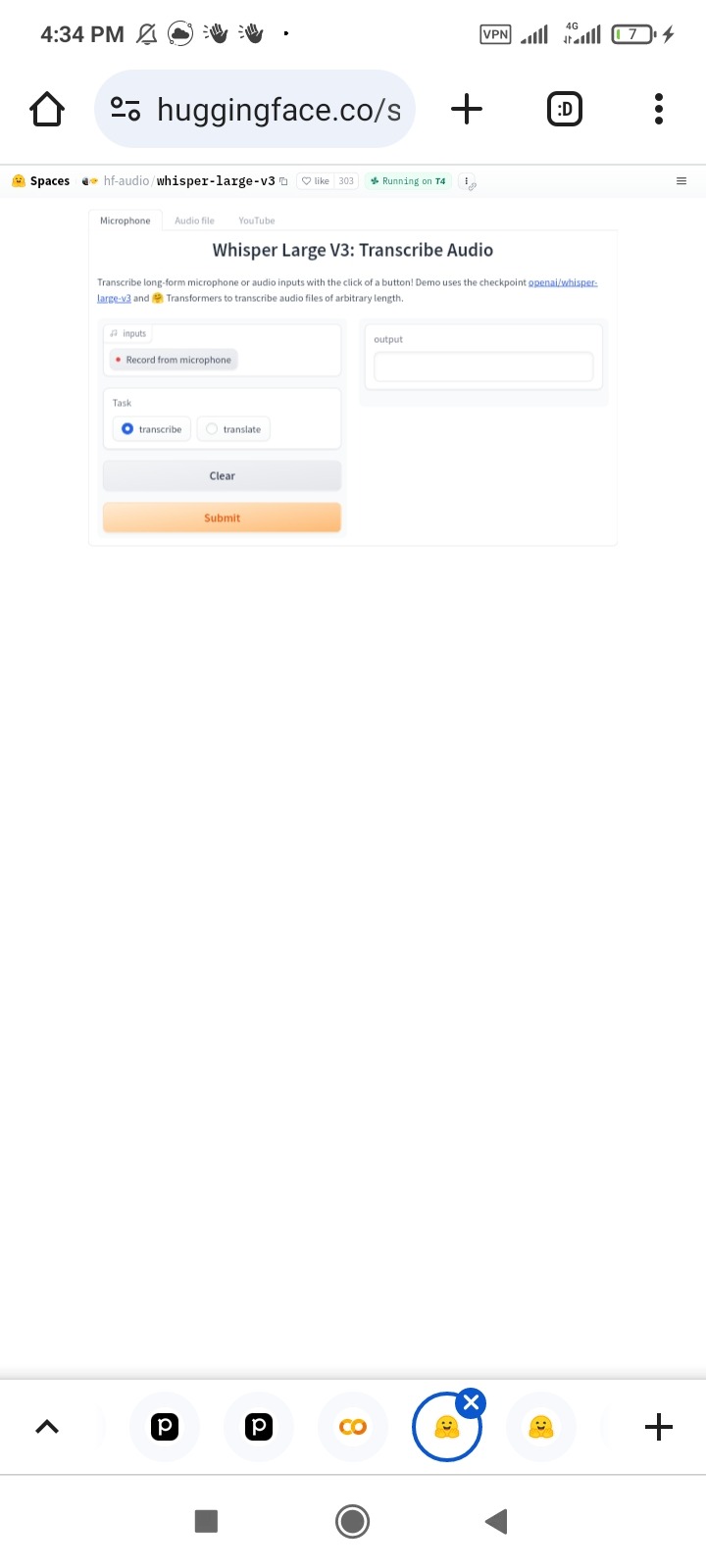
https://huggingface.co/spaces/hf-audio/whisper-large-v3
And the google colab whisper example is exist at here:
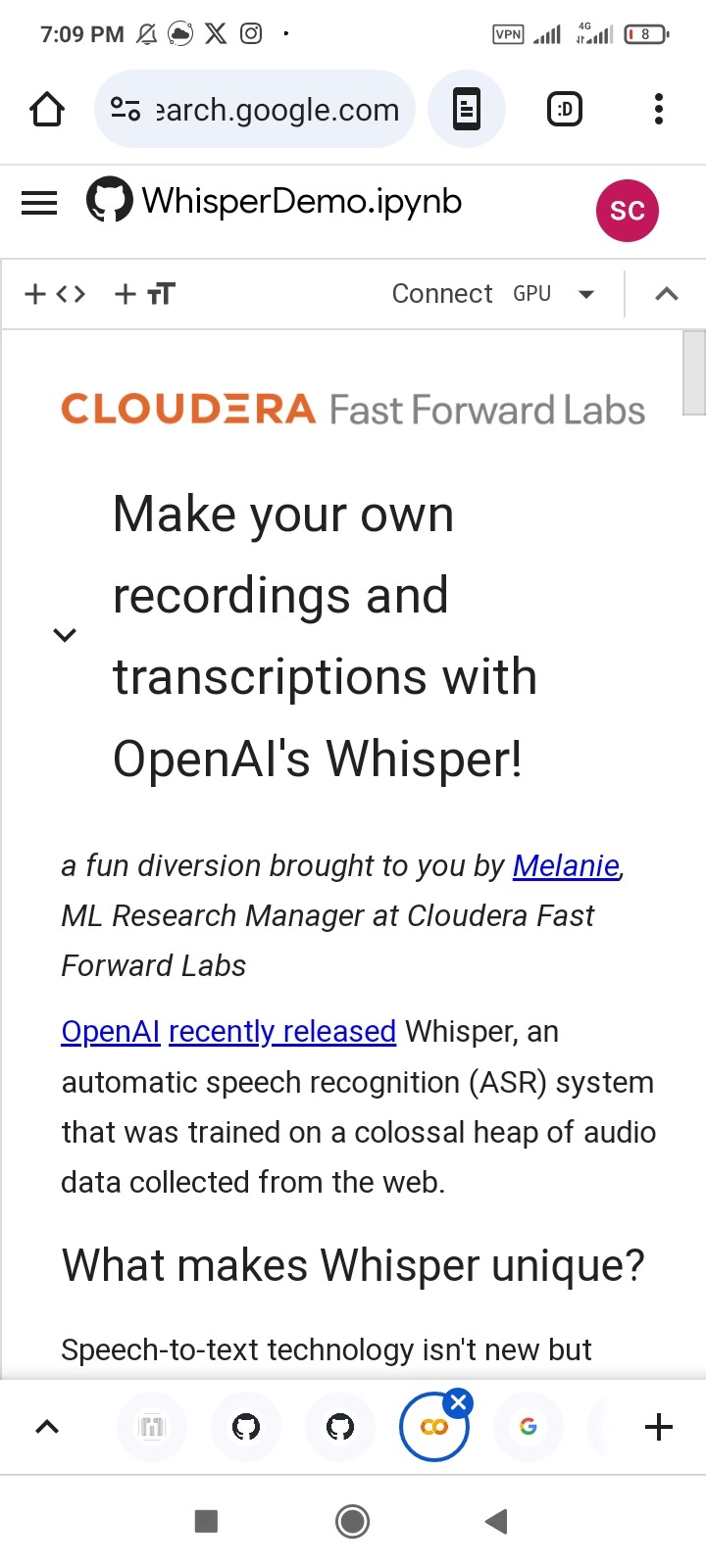
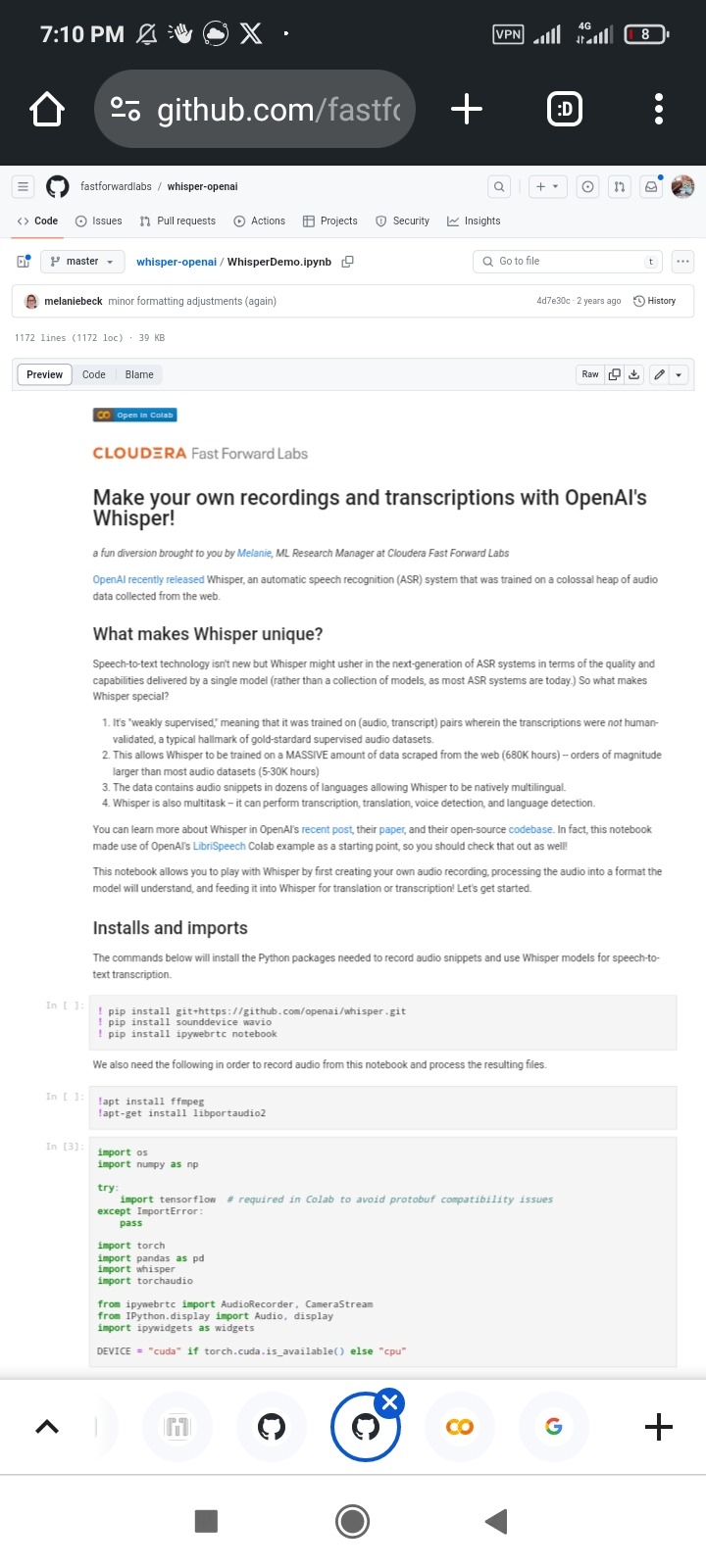
https://github.com/fastforwardlabs/whisper-openai/blob/master/WhisperDemo.ipynb
Or this interesting colab page:
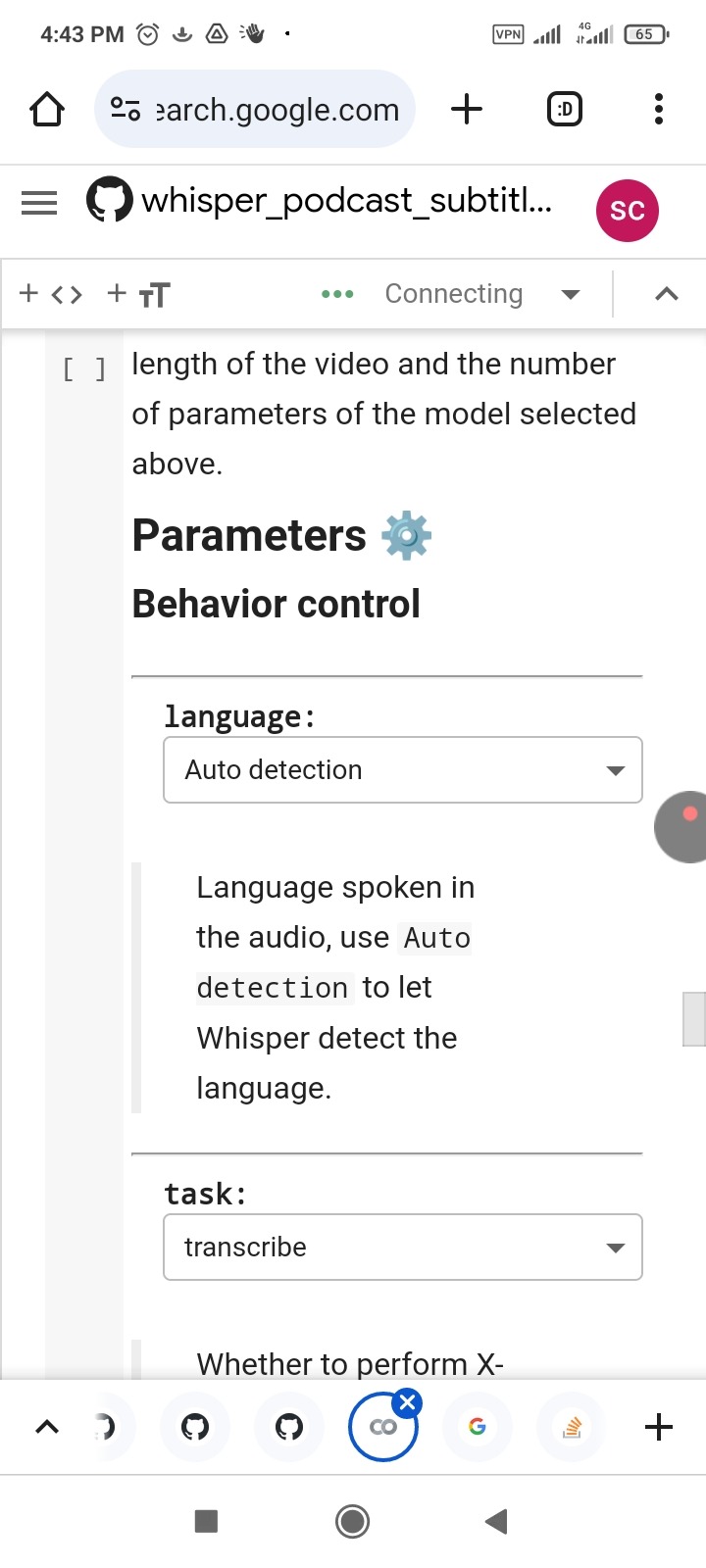
Also you can use some the free website to transcript for your voice as shown at below:
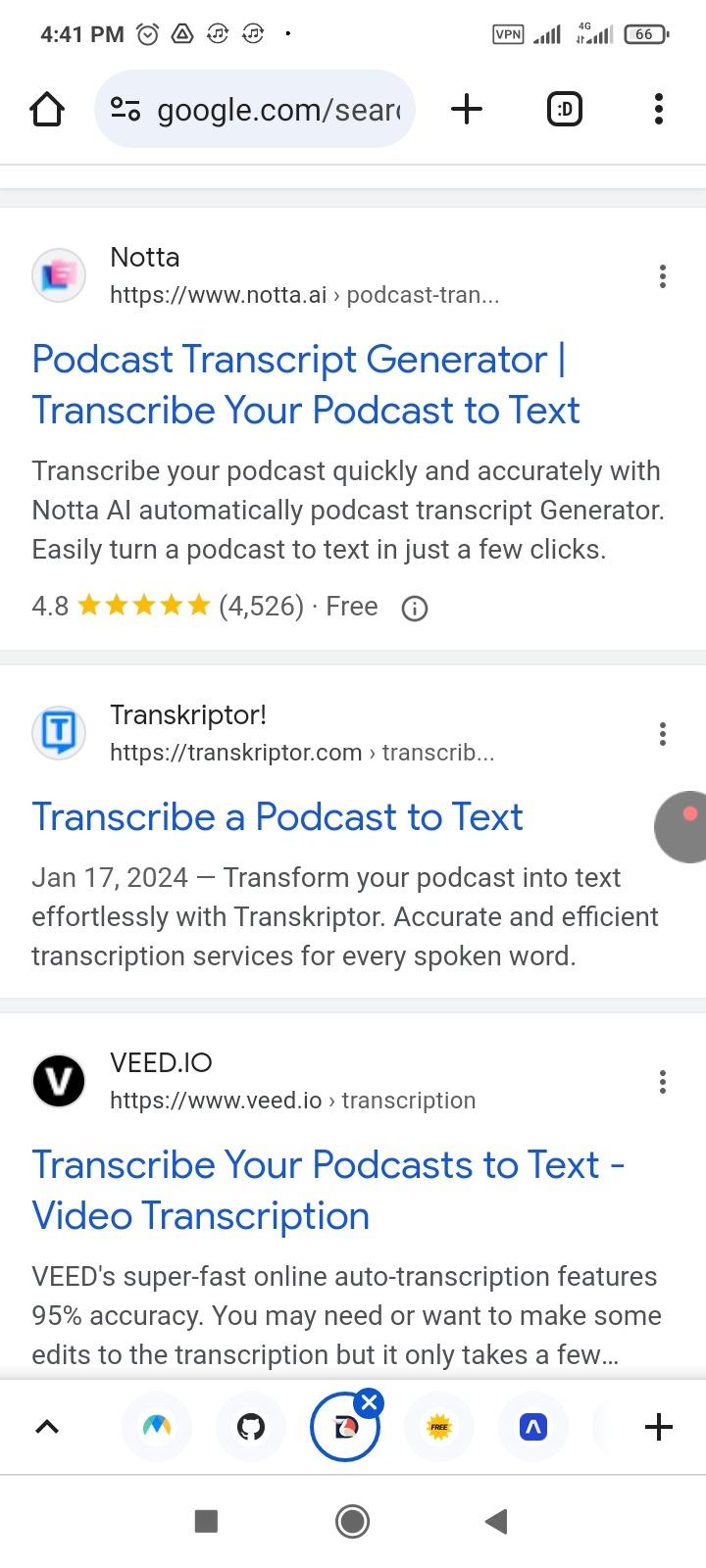
podcast to transcript online fast
Like these:
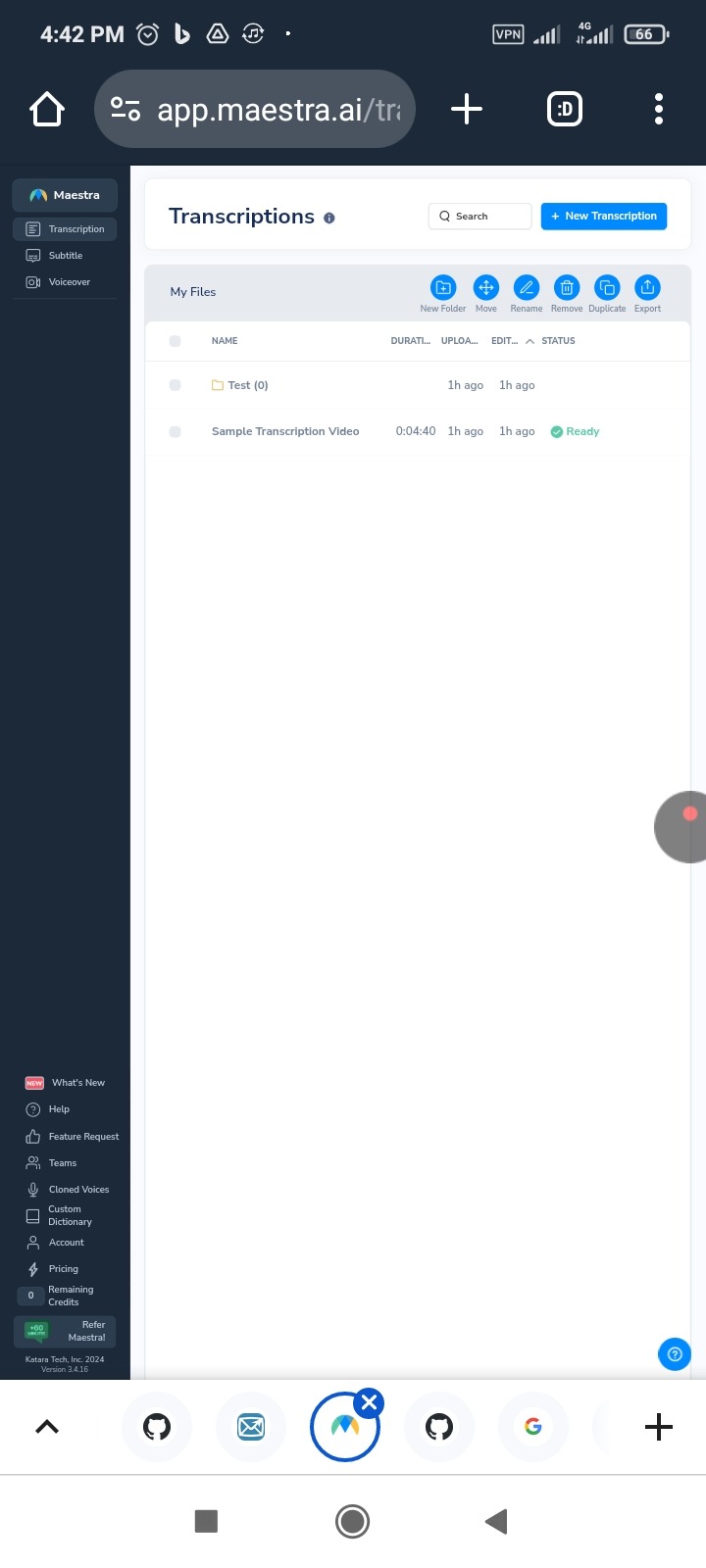
https://app.maestra.ai/transcriptions
Or
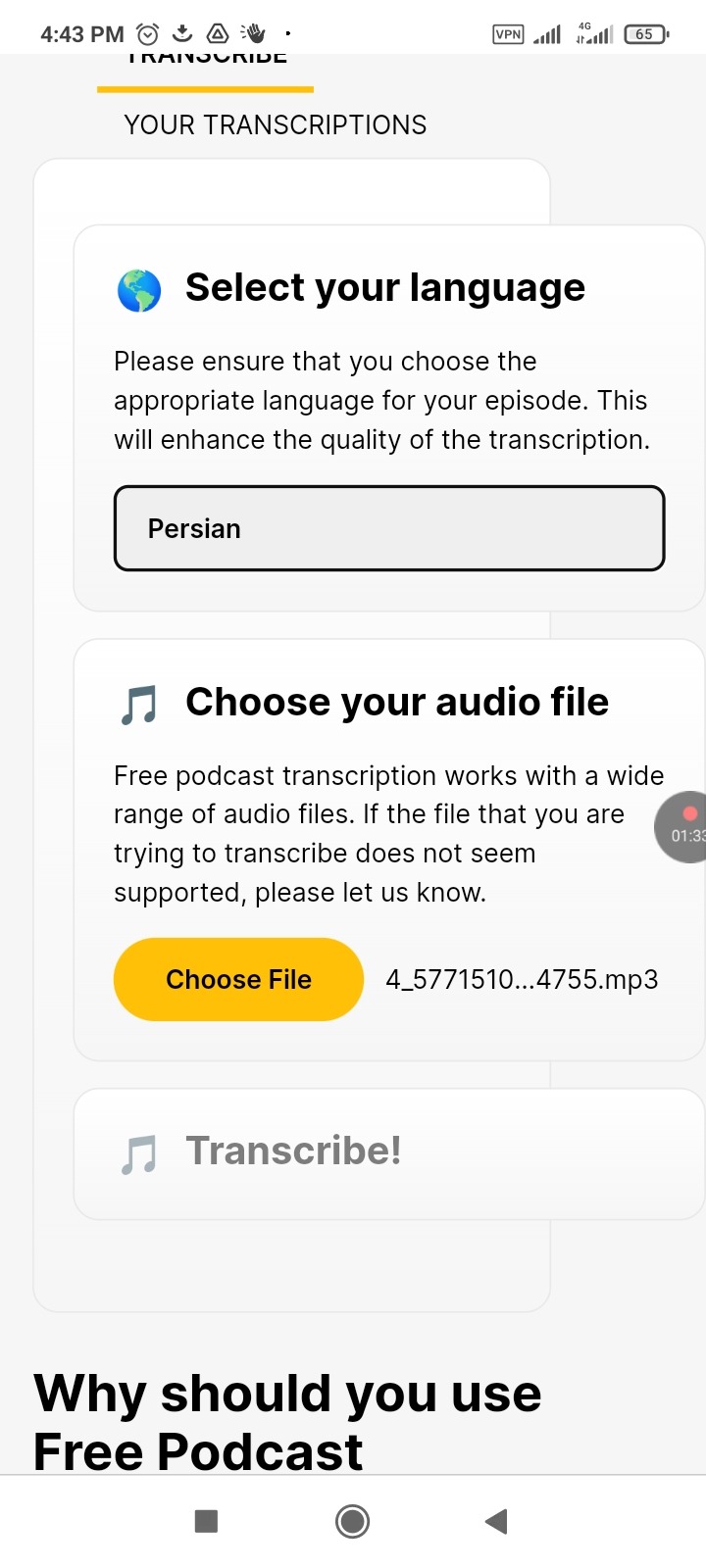
https://freepodcasttranscription.com/
Or the android application like shown below:
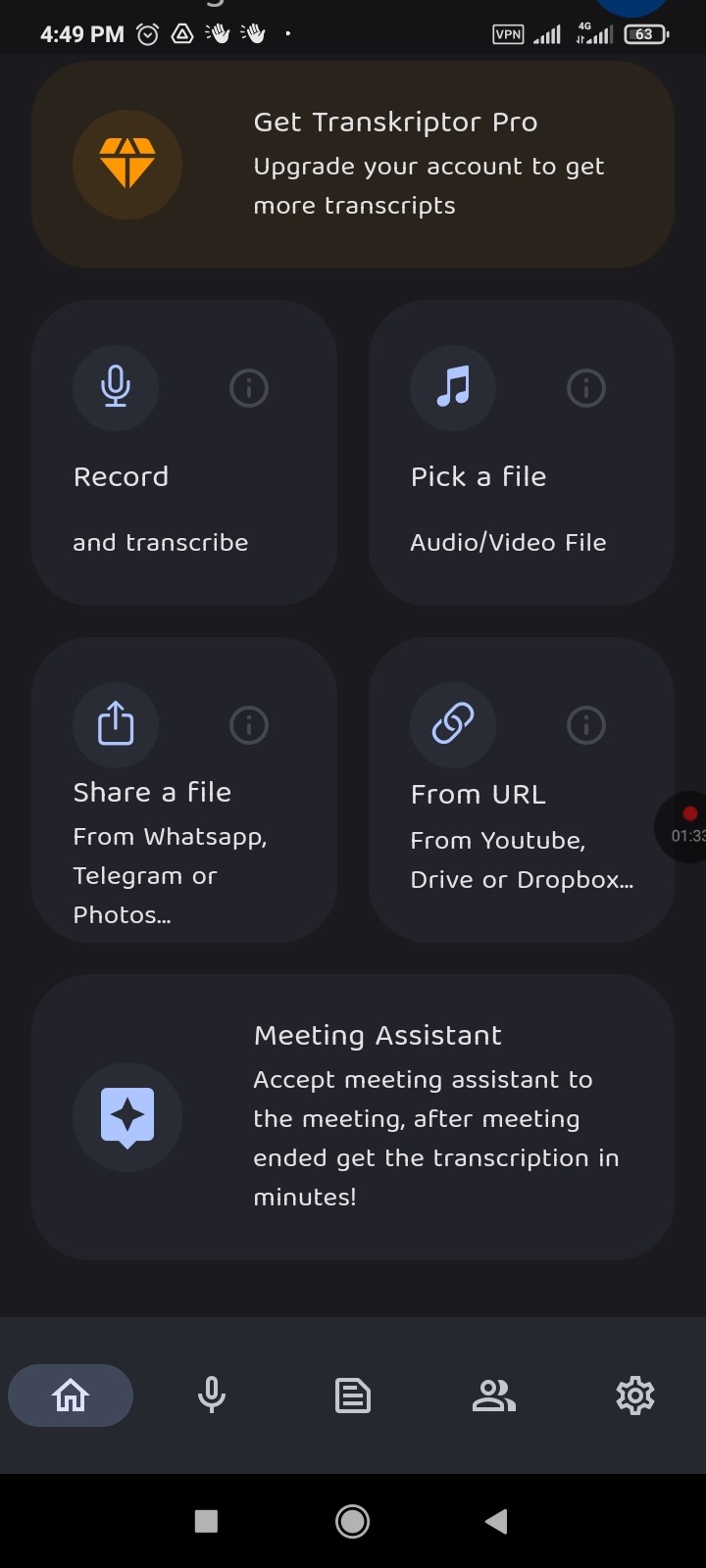
https://play.google.com/store/apps/details?id=com.transkriptor.app