Understanding Accessibility Design Guidelines: Creating Inclusive Digital Experiences
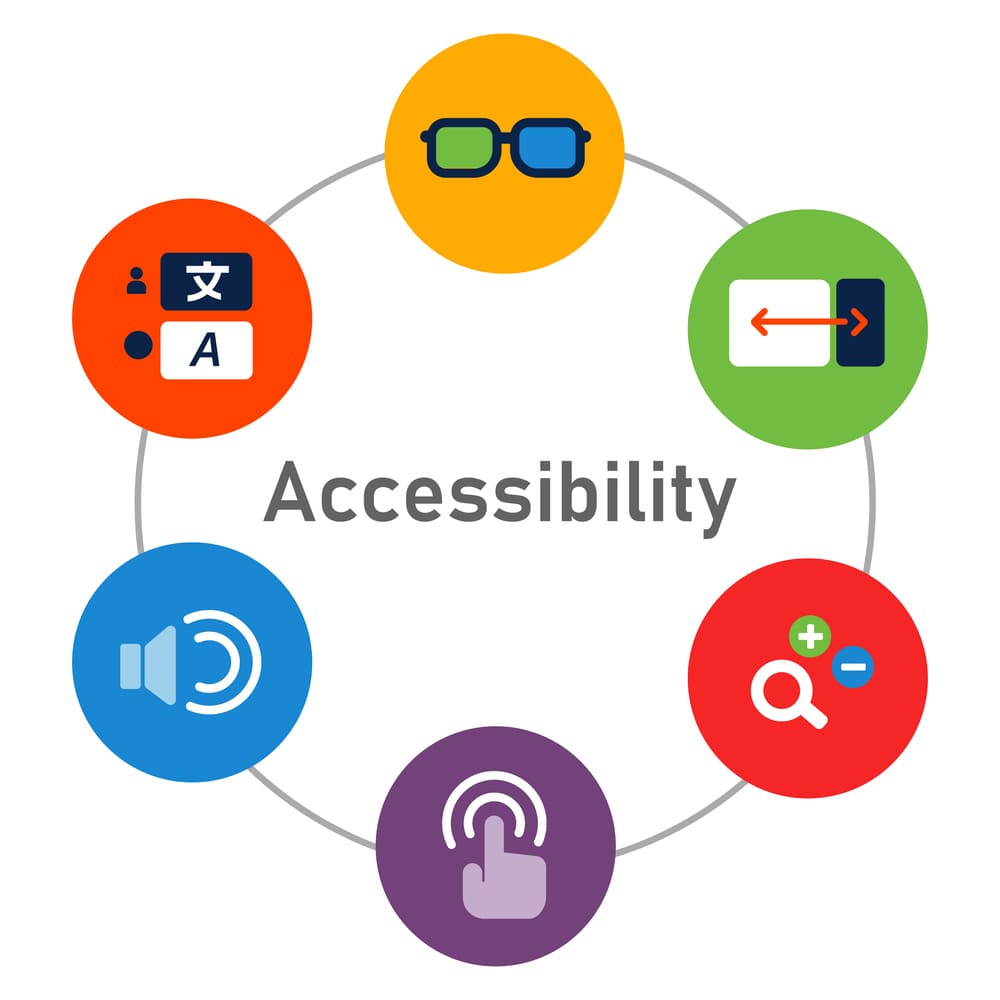
As the digital landscape continues to evolve, creating websites and applications that are accessible to all users has become a top priority. People with disabilities, whether visual, auditory, cognitive, or motor-related, should have equal access to the internet, just like anyone else. Accessibility design guidelines play a pivotal role in achieving this goal by providing a set of standards that guide web designers and developers in creating inclusive, user-friendly experiences for everyone.
In this article, we’ll explore what accessibility design guidelines are, why they matter, and the key principles that should be followed to create an accessible and inclusive digital space.
What Are Accessibility Design Guidelines?
Accessibility design guidelines are a set of recommendations and best practices that web designers and developers use to ensure their websites and digital content are usable by people with disabilities. These guidelines are based on principles from the Web Content Accessibility Guidelines (WCAG) developed by the World Wide Web Consortium (W3C). The aim is to help create websites that are not only user-friendly but also meet the needs of individuals with various impairments.
By following these guidelines, websites and applications become more inclusive and allow all users, regardless of their abilities, to interact with digital content efficiently.
Why Are Accessibility Design Guidelines Important?
- Legal Compliance: Many countries have laws and regulations, such as the Americans with Disabilities Act (ADA) in the United States, that mandate accessibility for websites and digital content. Failure to comply with accessibility standards can result in legal challenges and reputational damage. Implementing accessibility design guidelines ensures that your website is accessible and legally compliant.
- Inclusivity: Following accessibility design guidelines ensures that all users, regardless of disability, can navigate your website and access its content. This is particularly important as the global population of people with disabilities continues to grow. Offering an inclusive user experience not only helps people with disabilities but also improves overall usability for all visitors.
- Better User Experience: When a website is designed with accessibility in mind, it becomes easier to use for everyone, not just those with disabilities. Features like clear navigation, well-structured content, and easy-to-read fonts improve the overall user experience, making it more intuitive and efficient.
- SEO Benefits: Many accessibility features, such as alternative text for images, proper HTML tagging, and descriptive headings, also benefit search engine optimization (SEO). By making your website accessible, you can improve its visibility and rankings in search engines, leading to more traffic and a larger audience.
Key Accessibility Design Guidelines
- Provide Text Alternatives for Non-Text Content: Images, videos, and other non-text content should have text alternatives (e.g., alt text) that can be read by screen readers. This ensures that visually impaired users can understand the content.
- Ensure Keyboard Accessibility: Many users with motor disabilities rely on keyboard navigation rather than a mouse. Websites should be fully navigable and functional using only a keyboard. This includes all forms, buttons, links, and interactive elements.
- Use Clear and Simple Language: Content should be easy to understand, especially for users with cognitive impairments. Avoid complex language and jargon, and use clear headings, bullet points, and short paragraphs to improve readability.
- Ensure High Contrast and Legible Fonts: For users with visual impairments, high contrast between text and background is essential. Use dark text on light backgrounds or vice versa to improve readability. Additionally, choose legible fonts that are easy to read at different sizes.
- Create Descriptive Links and Buttons: Links and buttons should have descriptive text that clearly indicates their purpose. Avoid vague terms like “click here” or “read more.” Descriptive links help all users, including those with cognitive disabilities, to navigate your website more efficiently.
- Make Multimedia Accessible: Provide captions for videos and transcripts for audio content. This ensures that users with hearing impairments can fully access multimedia content.
- Design for Responsive Layouts: Ensure that your website is usable across all devices, including desktops, tablets, and smartphones. A responsive design adjusts to different screen sizes, making your content accessible to users on various platforms.
How to Implement Accessibility Design Guidelines
To implement accessibility design guidelines effectively, it's essential to conduct an accessibility audit of your website or application. Tools such as WAVE, Axe, and Lighthouse can help identify potential accessibility issues and provide recommendations for improvement. Additionally, web designers and developers can refer to the Web Content Accessibility Guidelines (WCAG) to ensure they meet the required standards.
Conclusion
In conclusion, accessibility design guidelines are vital for creating an inclusive and equitable online experience. By following these guidelines, you ensure that your website is accessible to all users, including those with disabilities, while also benefiting from improved user experience, legal compliance, and SEO advantages. Designing with accessibility in mind is not only a legal and ethical responsibility but also a smart business decision that will help you reach a broader audience.
To learn more about how to implement accessibility design guidelines on your website, visit Accessibility Spark and start creating a more inclusive digital presence today.