UP AND RUNNING WITH GOLANG(GO)
Hay their welcome so in this lesson we try to see how you can start programming with golang programming language.
its very easy to start programming in golang you can go to their official website https://golang.org/ and download a .mis or .exe golang installer it's about 110MB if your using windows, or you can install if you are using another OS like mac or Linux.
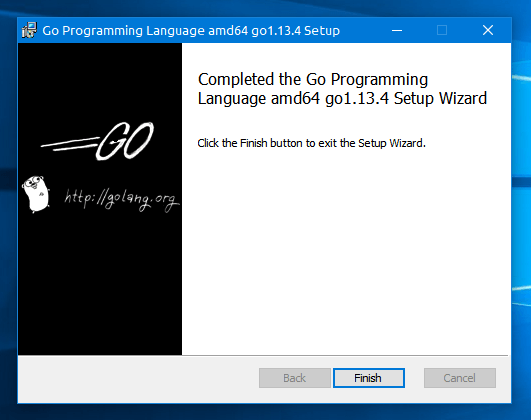
alright so we have finished installing golang on our machine what's next...
next try to type go version on your terminal
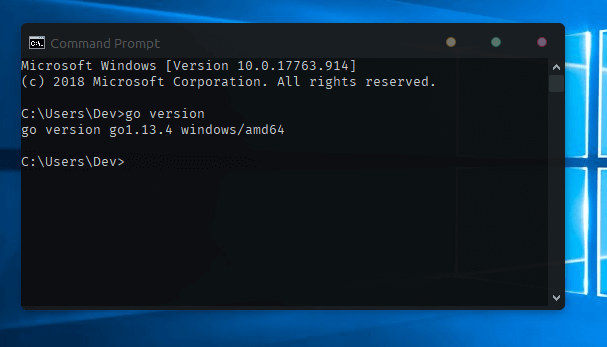
this will give you the version of golang that you have installed if you see this message well done else try to install it correctly and try this command again...
perfect so we have just installed golang on our machine, go lang as we have mentioned on the previous post it's a statistically typed language which means that when creating variables you should have to specify the data type of the variable before initializing or declaring them now if you have been working with c, c++, java or c# or any programming language its easy to get up and running with golang...
as you might know when you start any programming language or technology(framework) theirs a program called hello-word, right so we are going to wright a hello word program in golang to get you started..
so in golang we have a concept called packages and every program in golang start from the method main. we can import, export, create packages...
for this lesson we are using VS-Code (visual studio code) which is amazing coding editor.
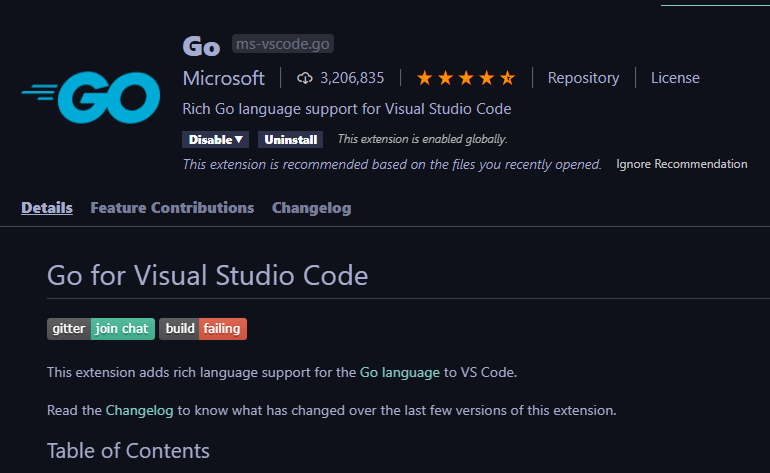
you can install this extension on vs code to get syntax highlighting and auto completion support so its not mandatory it optional but recommended when using vs-code.. you can also use other editors of you'r choice it's optional.
now let see the amazing super useful hello-word golang code :0 :) just kidding...
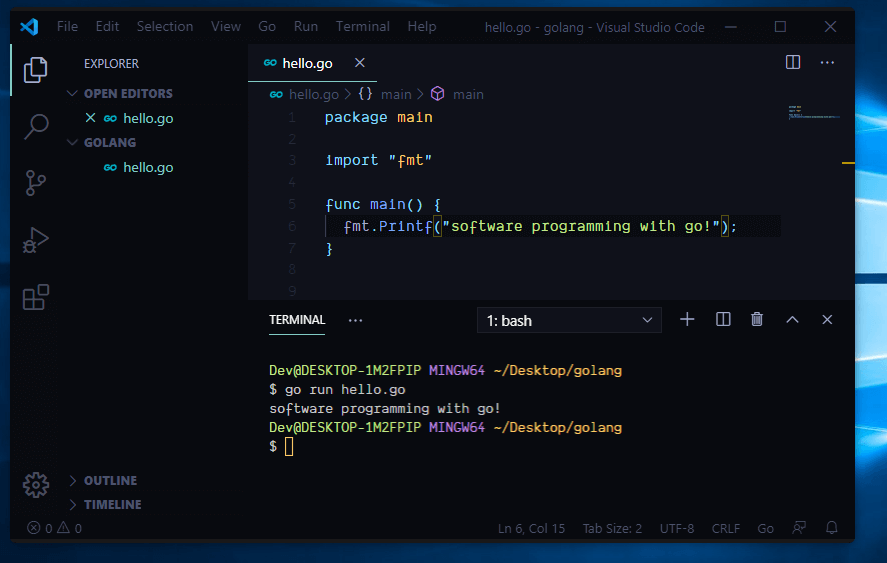
here we have created a folder called 'GOLANG' and inside that folder we have 'hello.go' golang files extension ends with .go inside their as you can see we are making this file package main if you have been programming with java it's some how the same, then their's a package called fmt which stands for formatter which is a class containing some method's to interact with the command line(CLI) one of the which is Printf() which is used to print a text on to the console.
after writing this save the file then go to the path where your folder exist which if you notice mine exists on the desktop/golang inside their type the command
$ go run hello.go
which will run you'r code inside the command line
to build an .exe file in for the program type
$ go build 'file name'
which for us it will be go build hello.go
That's it Their's a good PDF book which we have posted called go_programming which is written by tutorials-points check that out until we bring yet another tutorial on go.