Transactions Recovery Guide
The procedure is mandatory for users who already have a Neoxa wallet due to the release of an updated version of the NEOXA-QT w…Concerning users who have previously created a NEOXA wallet, once their wallets are successfully imported, transaction recovery becomes imperative to be able to restore earlier made transactions.
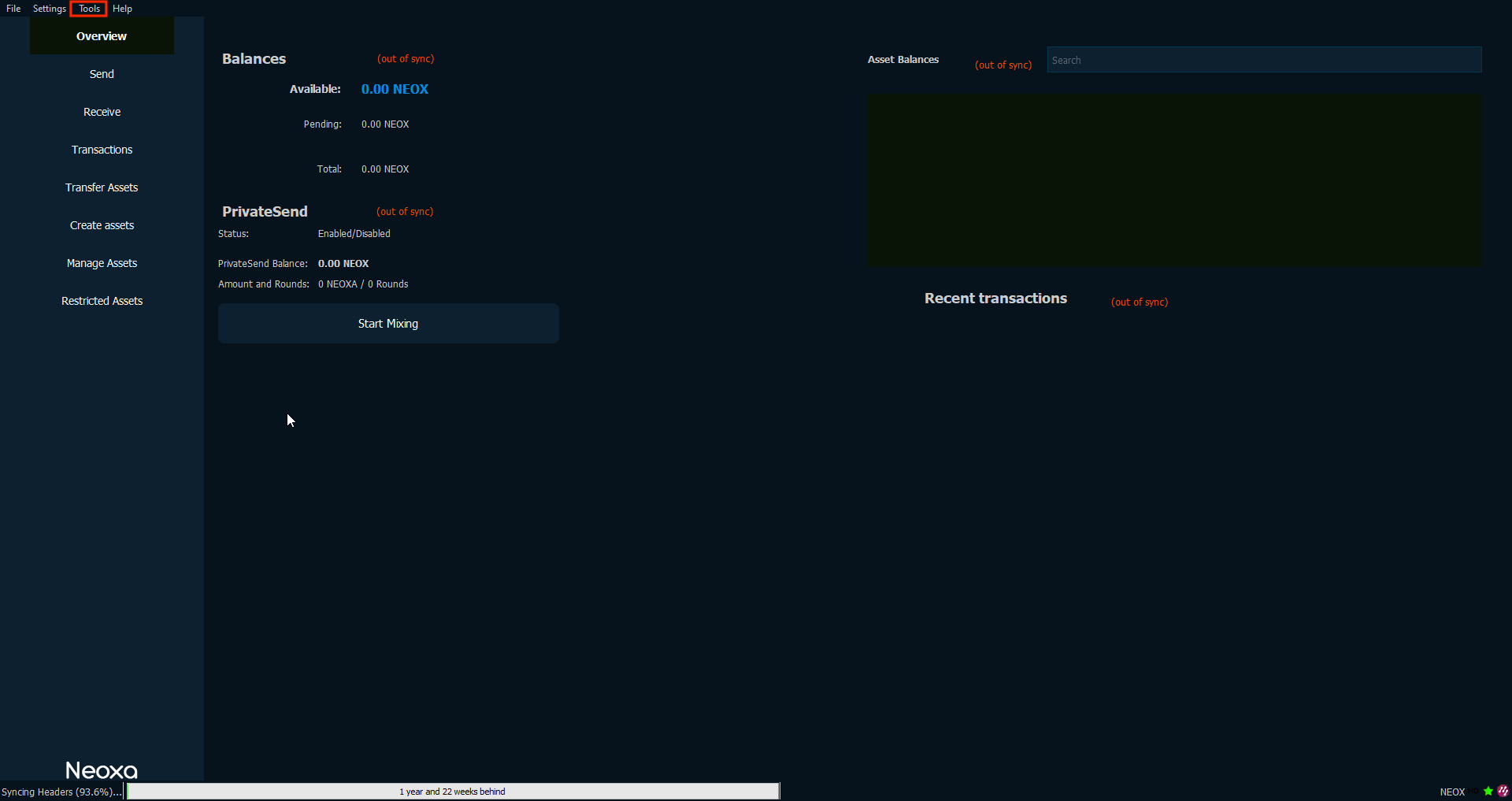
- To successfully recover transactions made, from the main menu, click on “Tools”
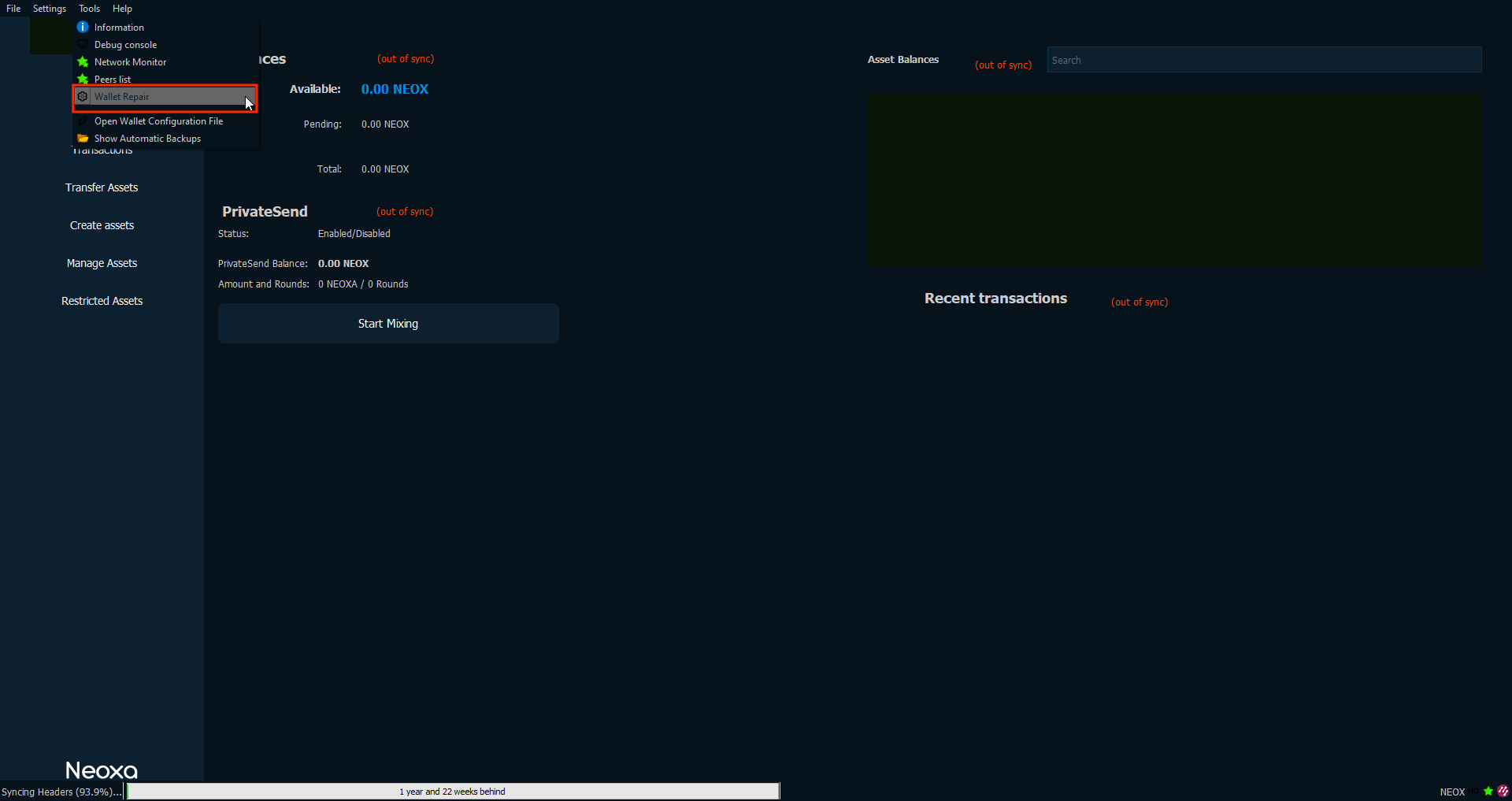
- Then click “Wallet Repair”
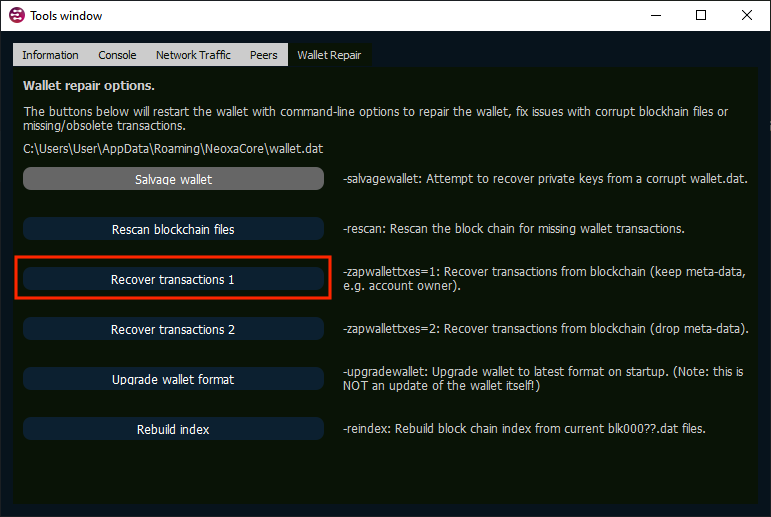
- Then click on "Recovery Transactions 1".
Congratulations your Neoxa wallet is restored.
If your balance is not displayed, it means that you have entered the Recovery Phrase/Passphrase incorrectly.
Please double-check the correctness of your input.
If you happen to forget your passphrase or recovery code, you can find both in the previous version of the Neoxa wallet.
To do this, you need to launch the old Neoxa wallet. Open "Settings". Click on View Mnemonic. You should be shown your secret phrase and also if there is a "Recovery Passphrase" it will show you what it is.