Testing blocking of websites in the CIS
Internet Censorship ResearchersDear friends,
We are Open Technology Fund fellows who investigate Internet censorship in the former Soviet Union states (CIS). We need your help to collect network data that will help us research the blocking practices in the region.
The measurements are collected with ooniprobe in Russia and neighboring CIS countries during and after the Russian presidential elections on March 18.
ooniprobe is rather easy to set up. If you decide to help this research, please follow these 3 easy steps:
Step 1. Install ooniprobe on your cell phone
* Android
* iOS
Step 2. Click on this LINK
It is made up of select URLs from the Russian block list that ooniprobe will test. Click on the link only after installing the ooniprobe! The app will launch automatically into a screen like this:
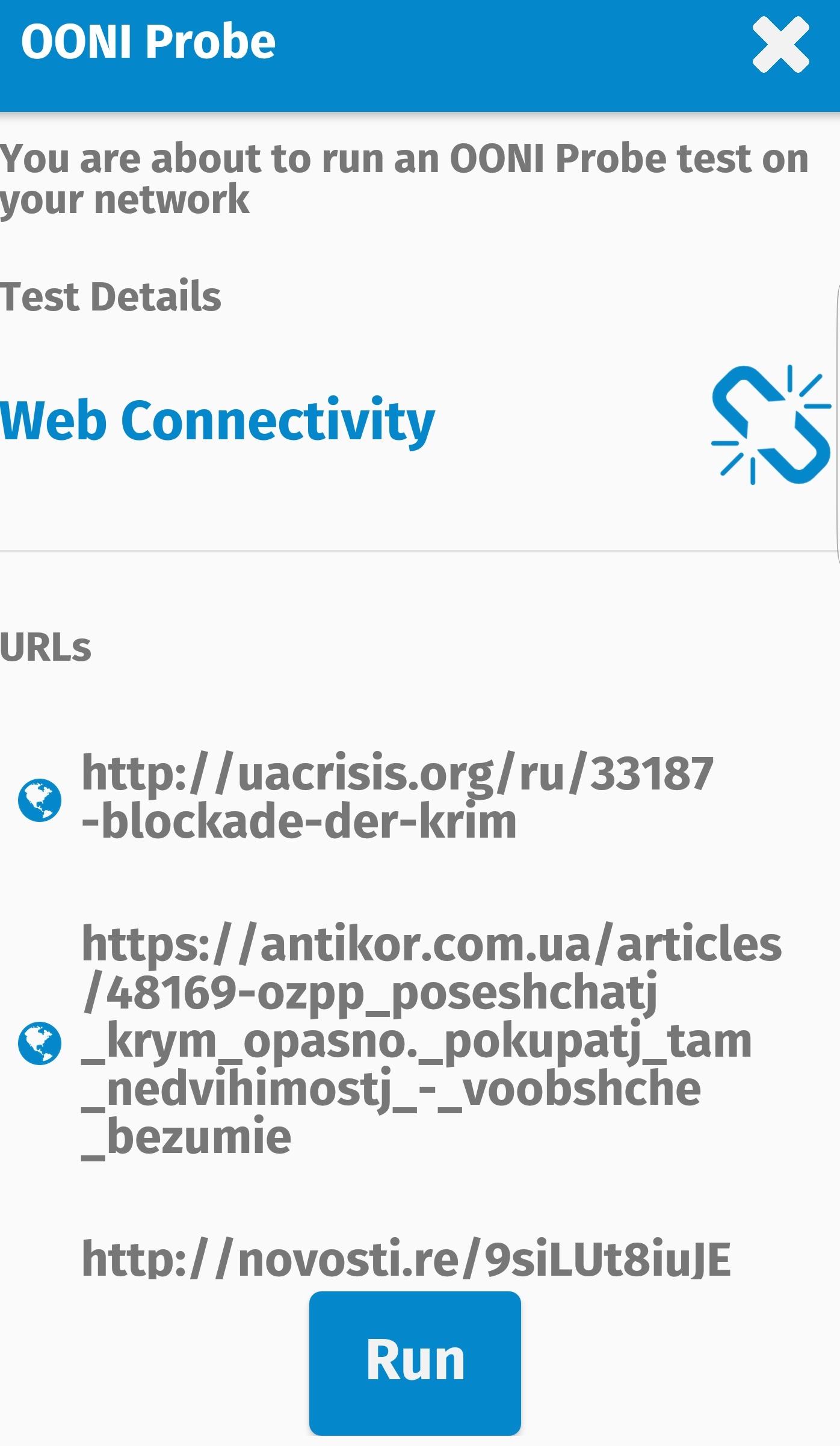
Step 3. Click on the “Run” button
Web Connectivity test will begin, probing the accessibility to URLs from the list. Shortly, the test will be finished and the app will sound a chime.
That’s it!
The results will be automatically uploaded on OONI Explorer. You can also view them on your app by clicking on the “hamburger” menu and then “Past Tests” button. You can see more detailed info about each URL beeing tested by clicking the “View” button next to it.
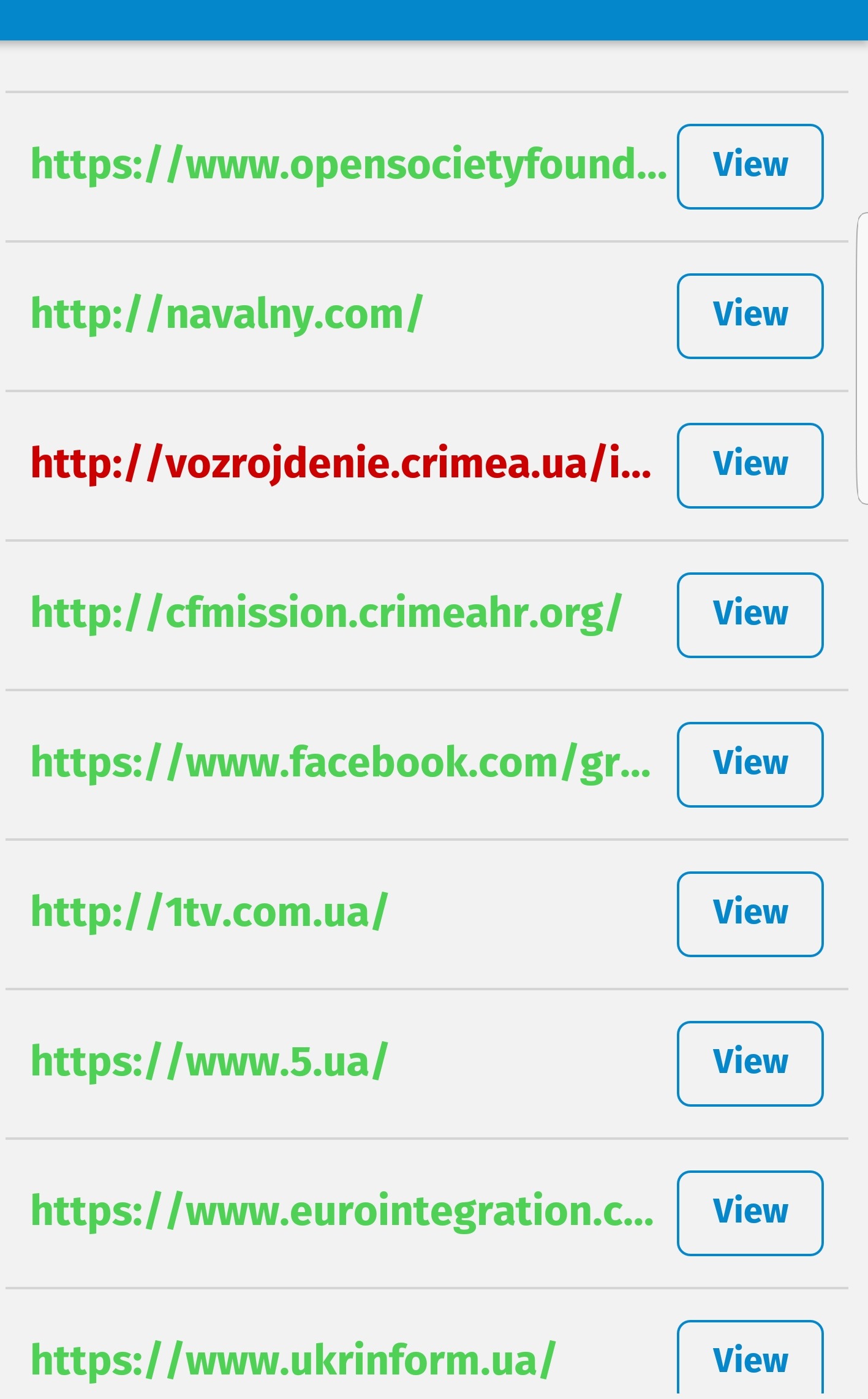
It is important that you run OONI Probe couple of times – ideally before, during and after the elections. The testing period will run up until 26 March, as website filtering occurs not only during, but also after significant political events like this.
Important: ooniprobe is not designed to protect your privacy. You may face risks for running the probe in some countries. To our knowledge, no ooniprobe user has ever faced consequences as a result of using the probe. More information about the collected by the probe network data can be found here.
Thank you for helping us investigate Internet censorship!