Termux app with background editable
Ivam3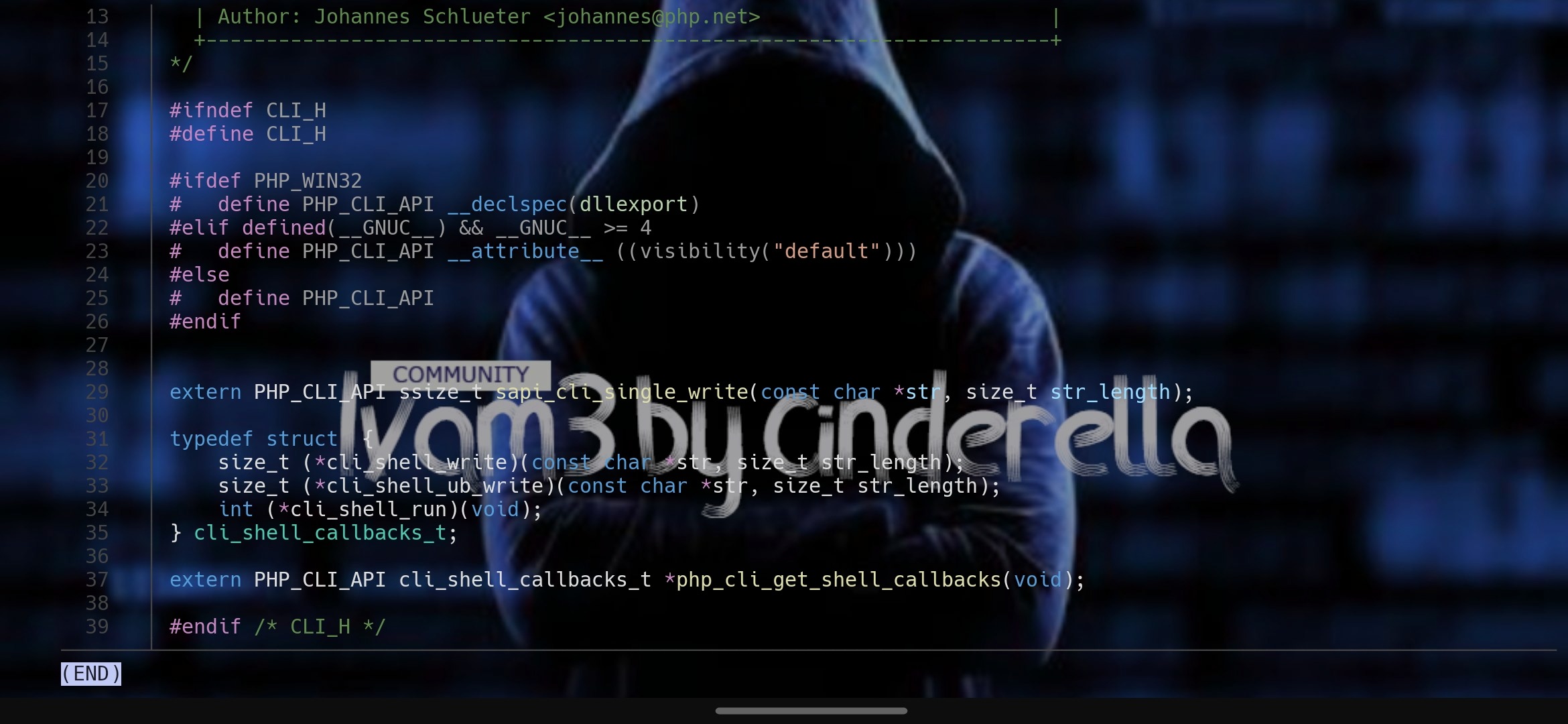
One occasion, the Termux developers gave us the option to change the background style, however, despite being liked by most users, the option was removed in the following versions so, it is currently not feasible have it in the official versions, BUT!! let's remember that termux is an open source project, therefore any of us can take it and create a different version or add it to another project.
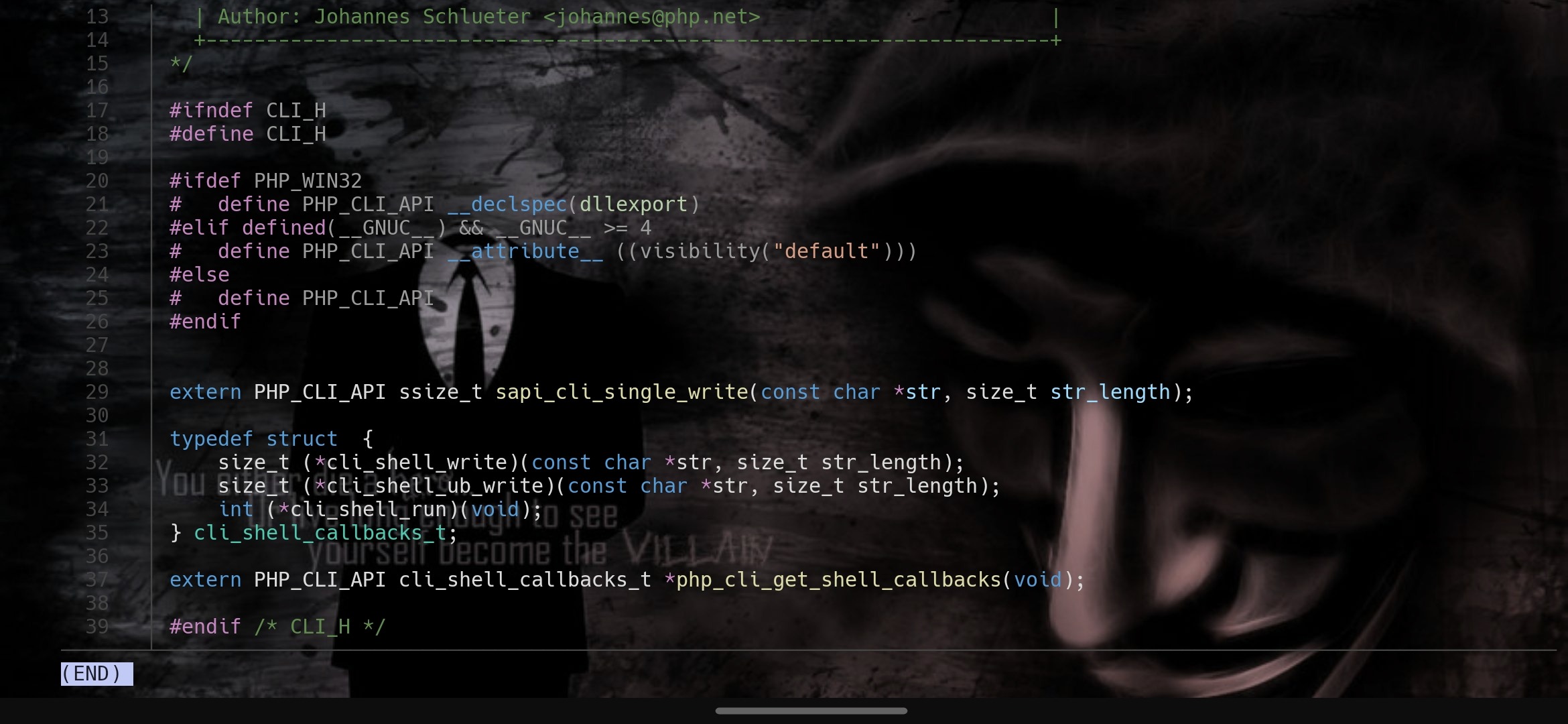
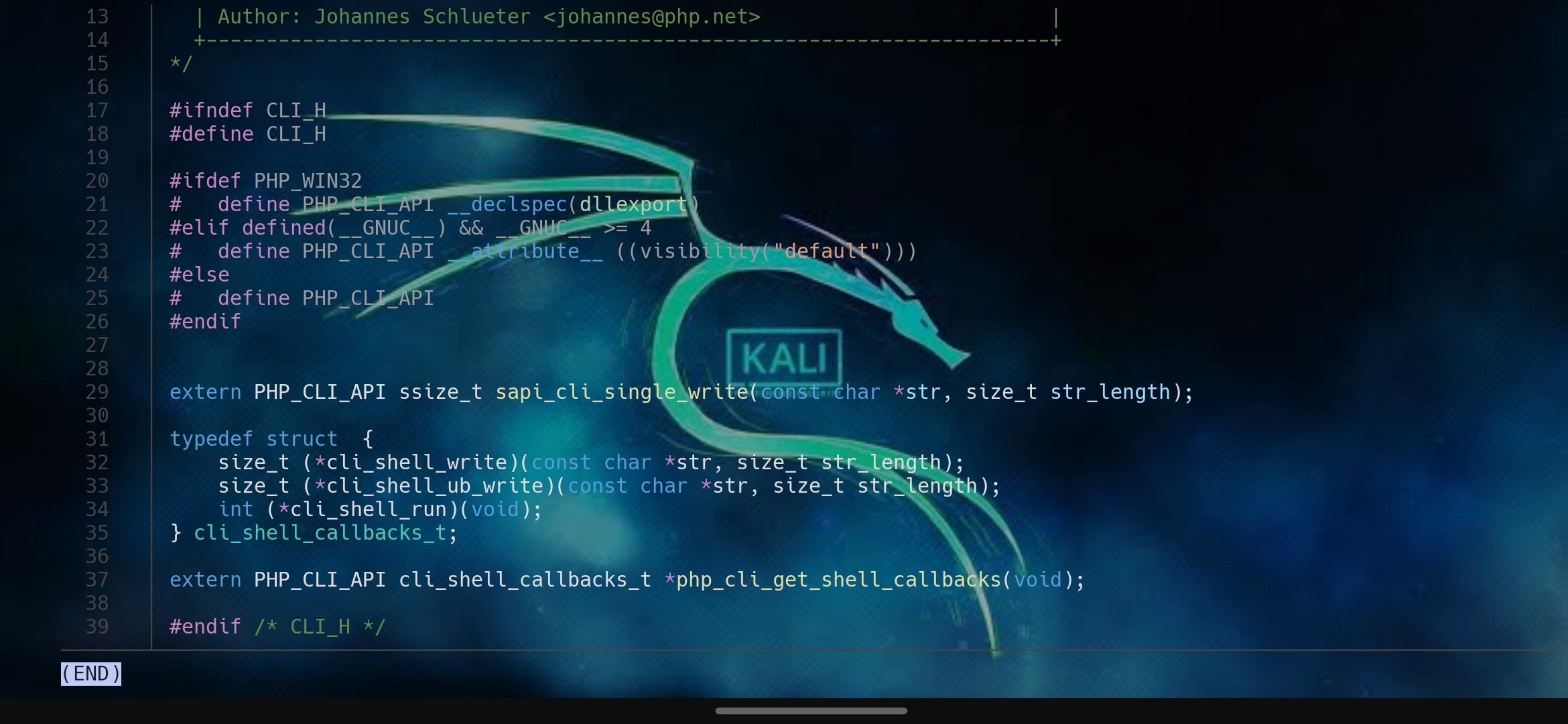
This is precisely what HardcodedCat did, reactivating, among others, the option to change the style of the Termux background. To do this, it is only a matter of installing the version of Termux based on the architecture of each Android device from HERE. Or download the universal version referring to all architectures from HERE.
Once installed, it's just a matter of pressing and holding any part of the screen in Termux to get the floating menu with the options "Copy Paste More..." (Copiar Pegar Más...).
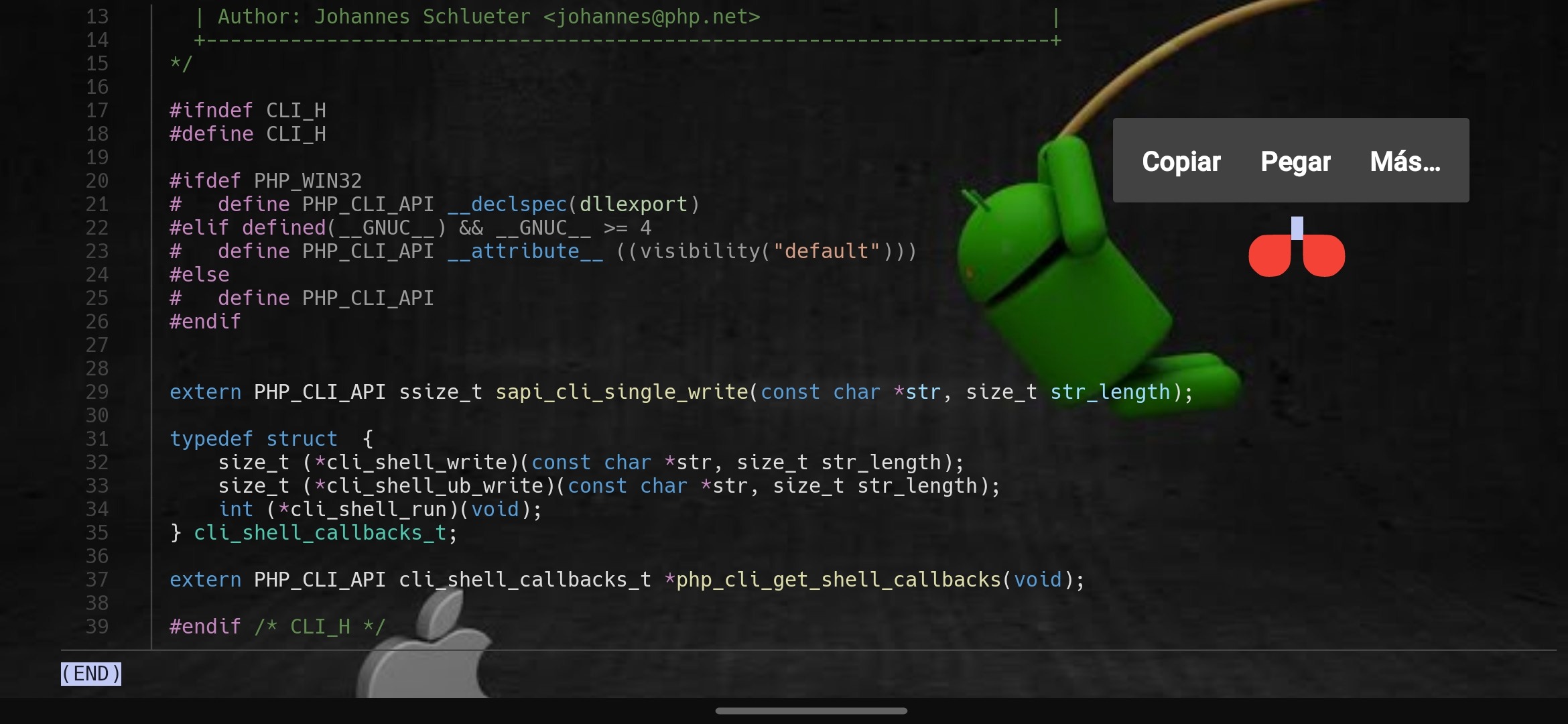
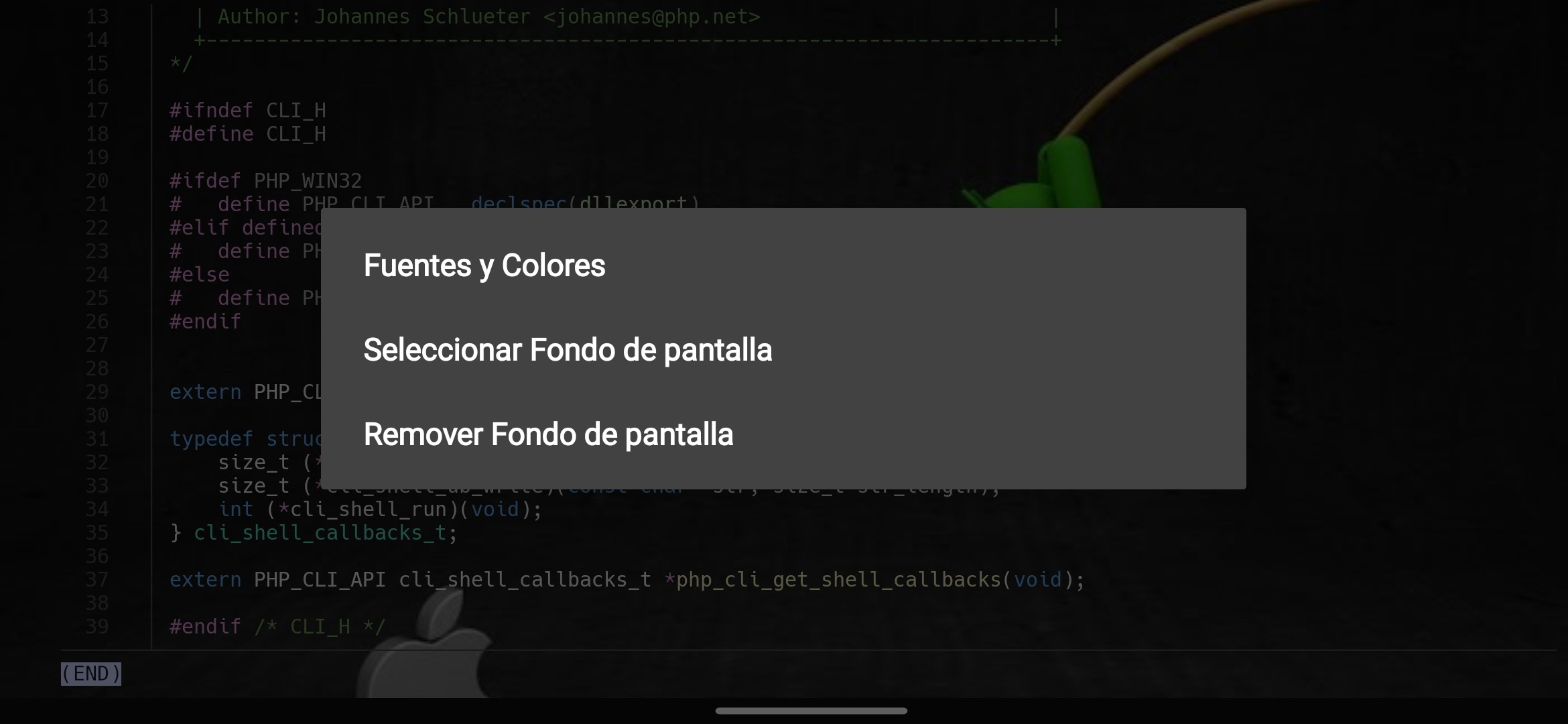
Select the "More..." (Más...) option to display the second menu, from which you must select the "Style" (Estilo) option to get the last menu.
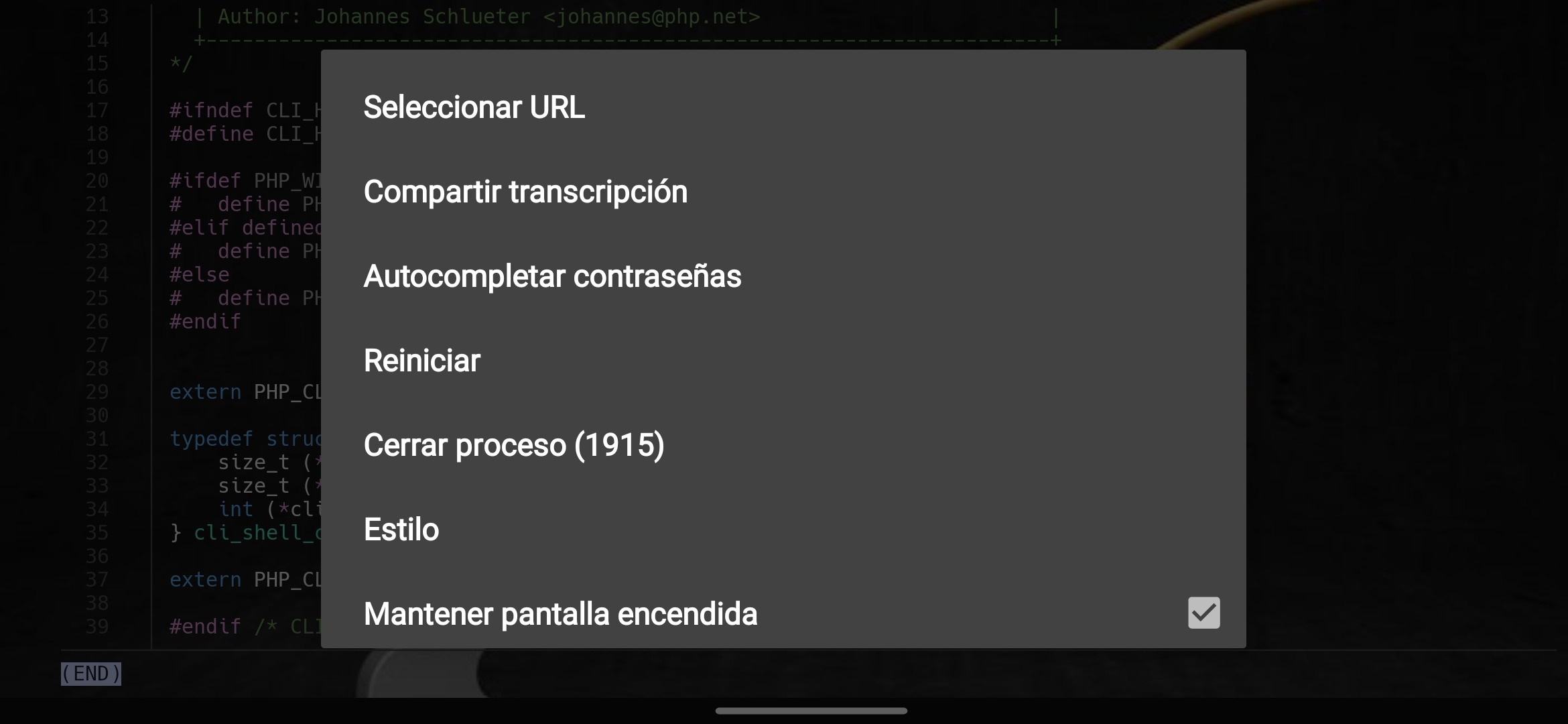
In the last menu you will see the options "Select background" (Seleccionar Fondo de pantalla) and "Remove Wallpaper"(Remover Fondo de pantalla).
If these options are not shown, it is due to the lack of the "Termux Styling" application, which you can obtain from the official Termux code on Github from HERE.
For doubts, errors or any assistance, we invite you to report it directly to the HardcodedCat Github project from HERE.
🆘️The application was analyzed by virustotal, clamav antivirus and manually by @Ivam3 as of June/06/2023. However, @Ivam3, @TeamIbyC and @collaboratesIbyC are not responsible if it were to generate ⚠️ damage and/or alterations to your operating system.
Don't forget to subscribe to our Telegram|YouTube channel and learn by practicing with us the use of #linuxShell from #OSandroid with #Termux and #TermuxWayland.
Have a nice hacking day!!