[教學] Telegram iOS/macOS官方App進入被封鎖的群組/頻道

[教學] Telegram iOS/macOS官方App進入被封鎖的群組/頻道

某凍鰻閒聊群

Telegram Desktop v1.9.3 (31.12.2019)

1.首先需要 Telegram Desktop 最新版本,登入帳號後打開 Settings➡️Privacy & Security➡️Sensitive content➡️開啟Disable filtering開關(如下圖所示)
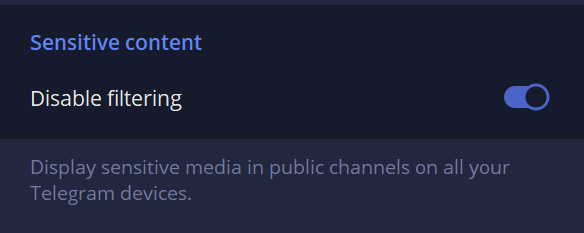
開啟Disable filtering開關

2.重新啟動最新版的 Telegram iOS / macOS 官方App。Enjoy ~😎😎


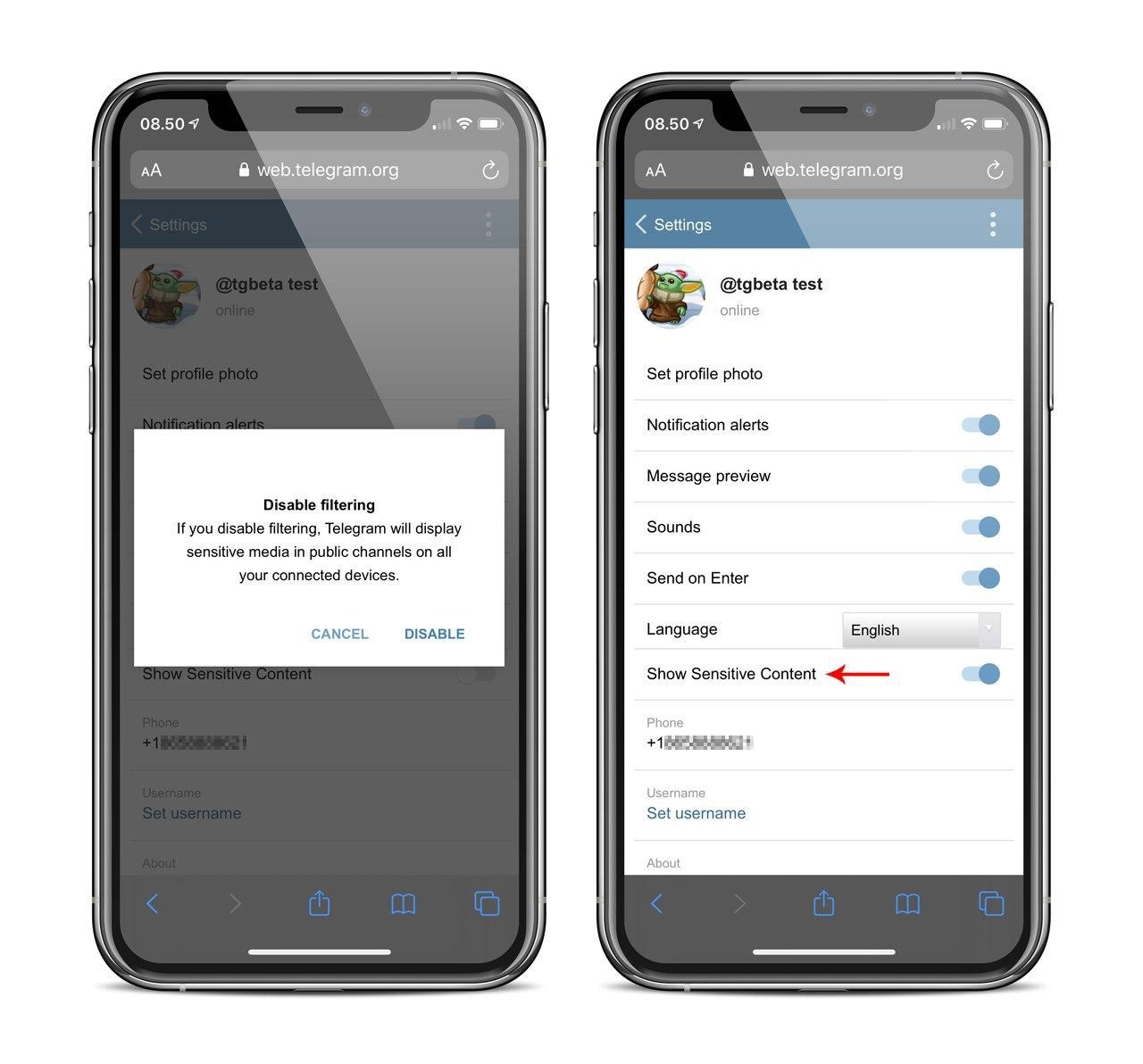
PS: 開啟 Telegram Web(電腦瀏覽器 / 手機mobile mode) 也可以進行解鎖😎(部分區域的帳號可能無此功能)
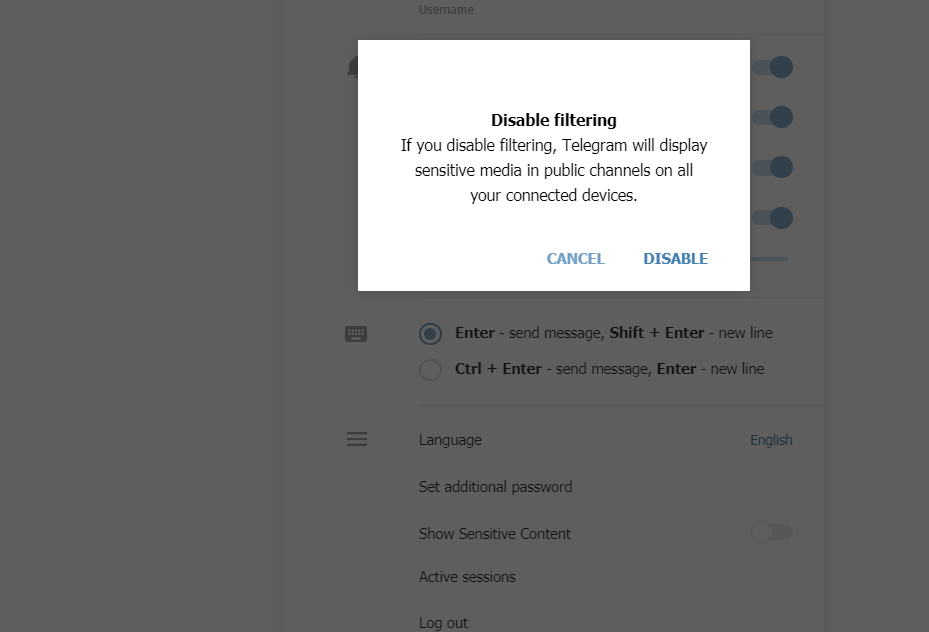
Show Sensitive content 開啟Disable filtering
If you disable filtering, Telegram will display sensitive media in public channels on all your connected devices. @Telegram #webogram v0.7.0


Report Page