Telegram Activation Tutorial - SMS Activate Bot | Pivate Phone 📱
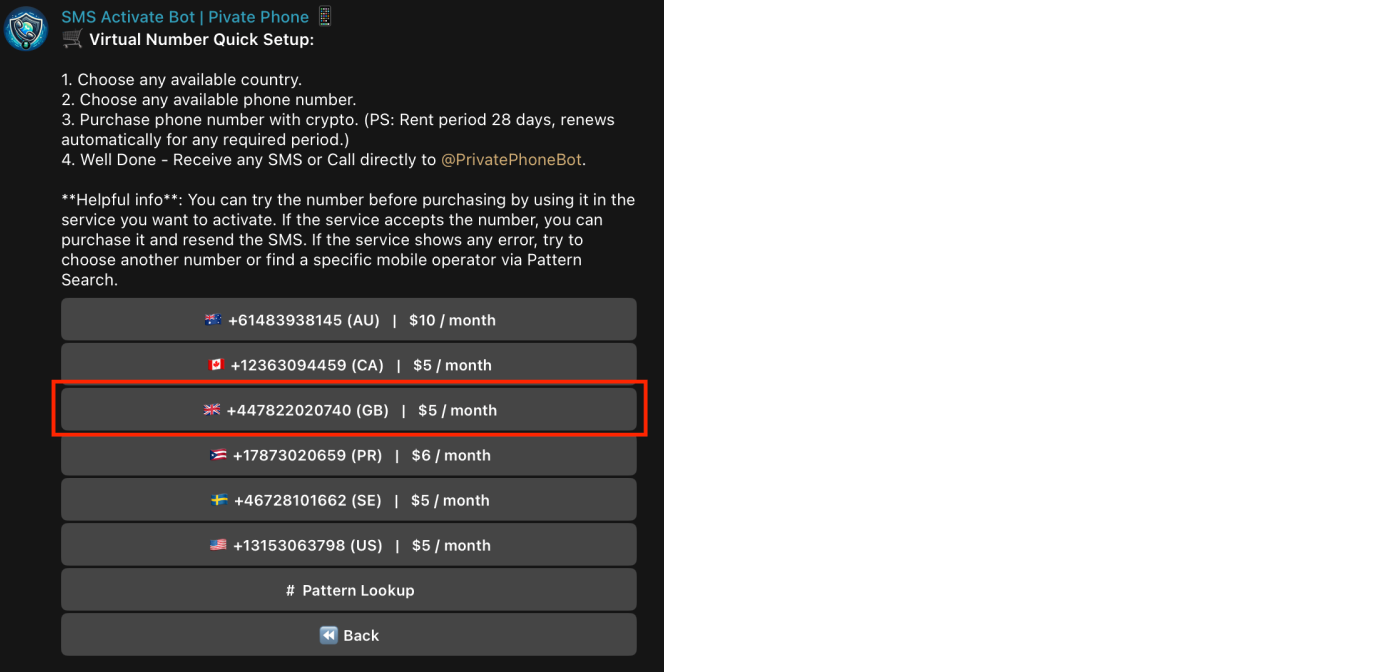
@PrivatePhoneBot1. Choose a Suitable Number.
- Open @PrivatePhoneBot and select the appropriate country from the menu. For activating Telegram, we recommend using numbers with the +44 (UK) code.
2. Verify the Suggested Number through Telegram.
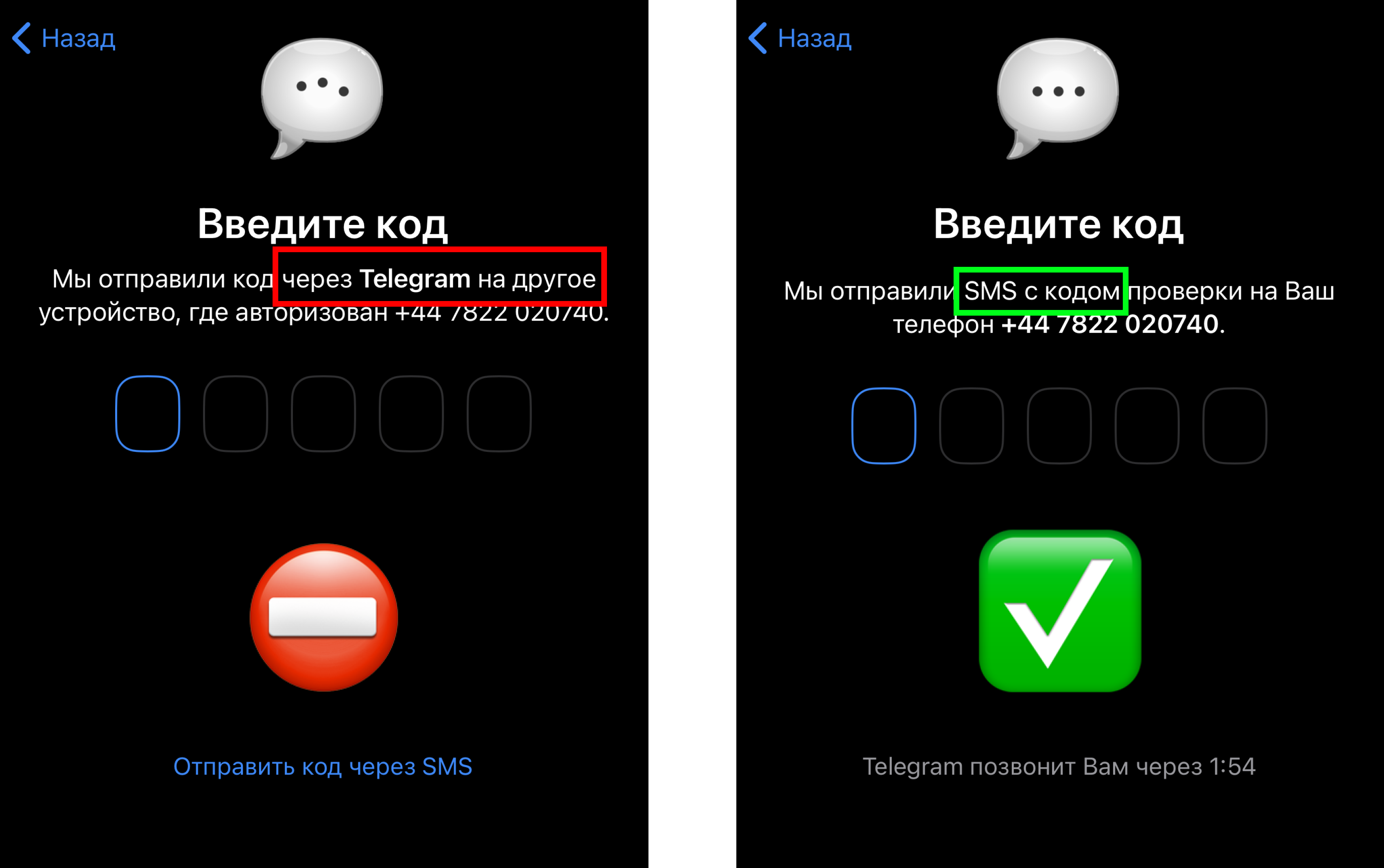
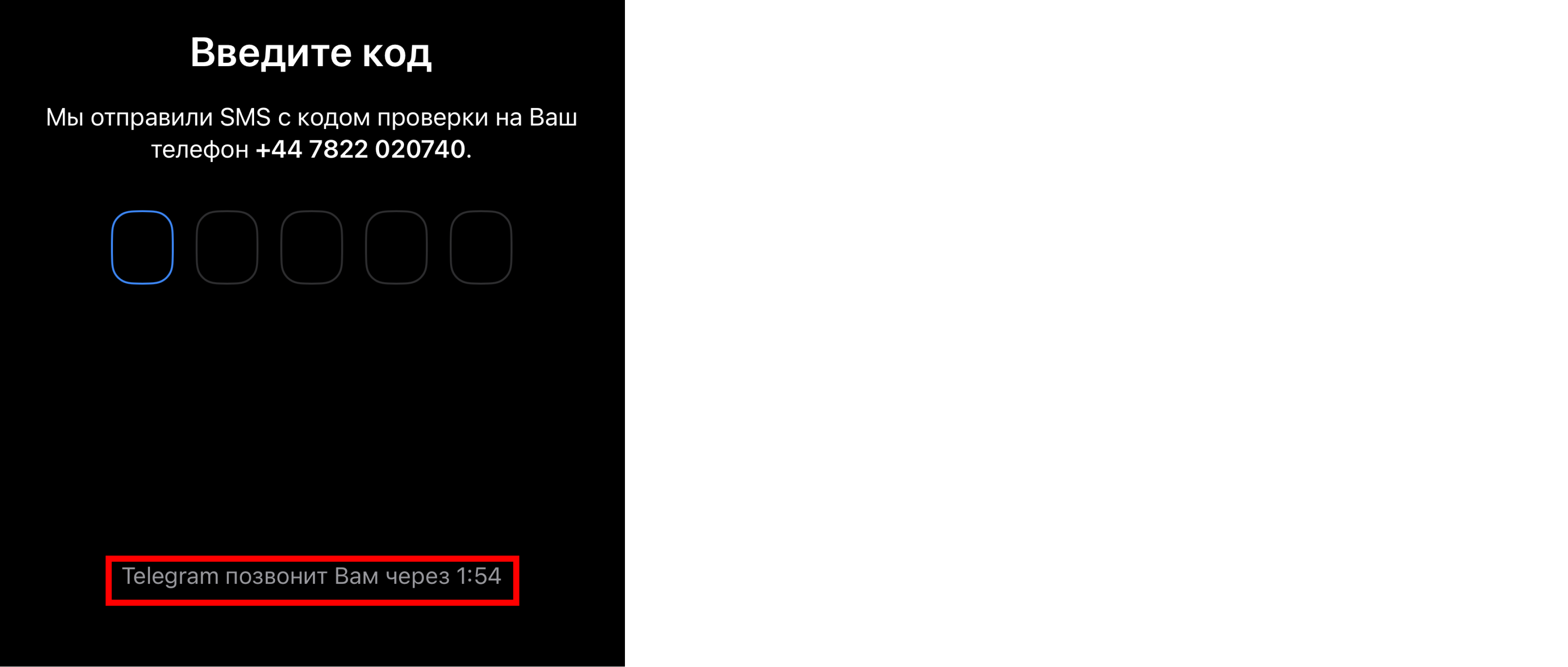
- Insert the chosen number in Telegram and click "Continue".If Telegram sends a code via SMS, rent the number, resend the SMS, and enter the received code in Telegram.
- If Telegram sends the code to another device connected to Telegram, return to the bot, click on "show full list of numbers," and select another number. Repeat the verification process through Telegram.
3. Rent the Number.
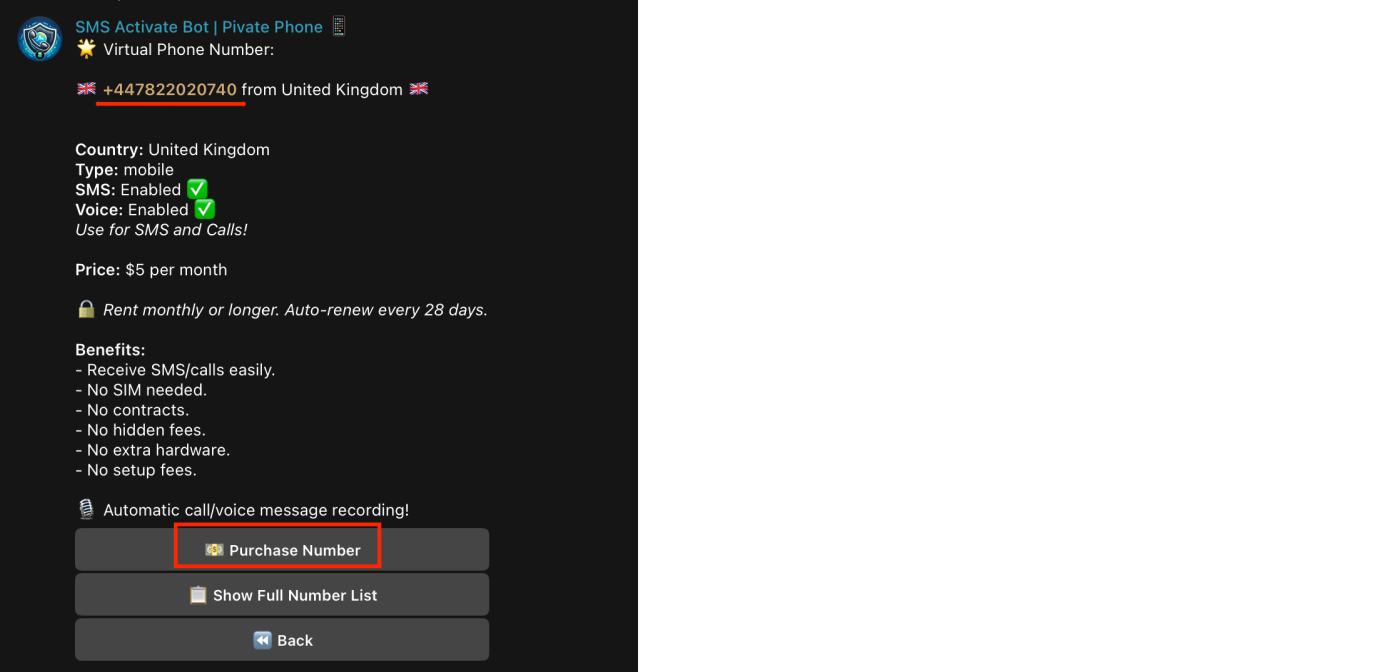
- Once a free number is found, click on it in the list to copy it. Send it as a message to the bot to see the option to rent the number.
Note:
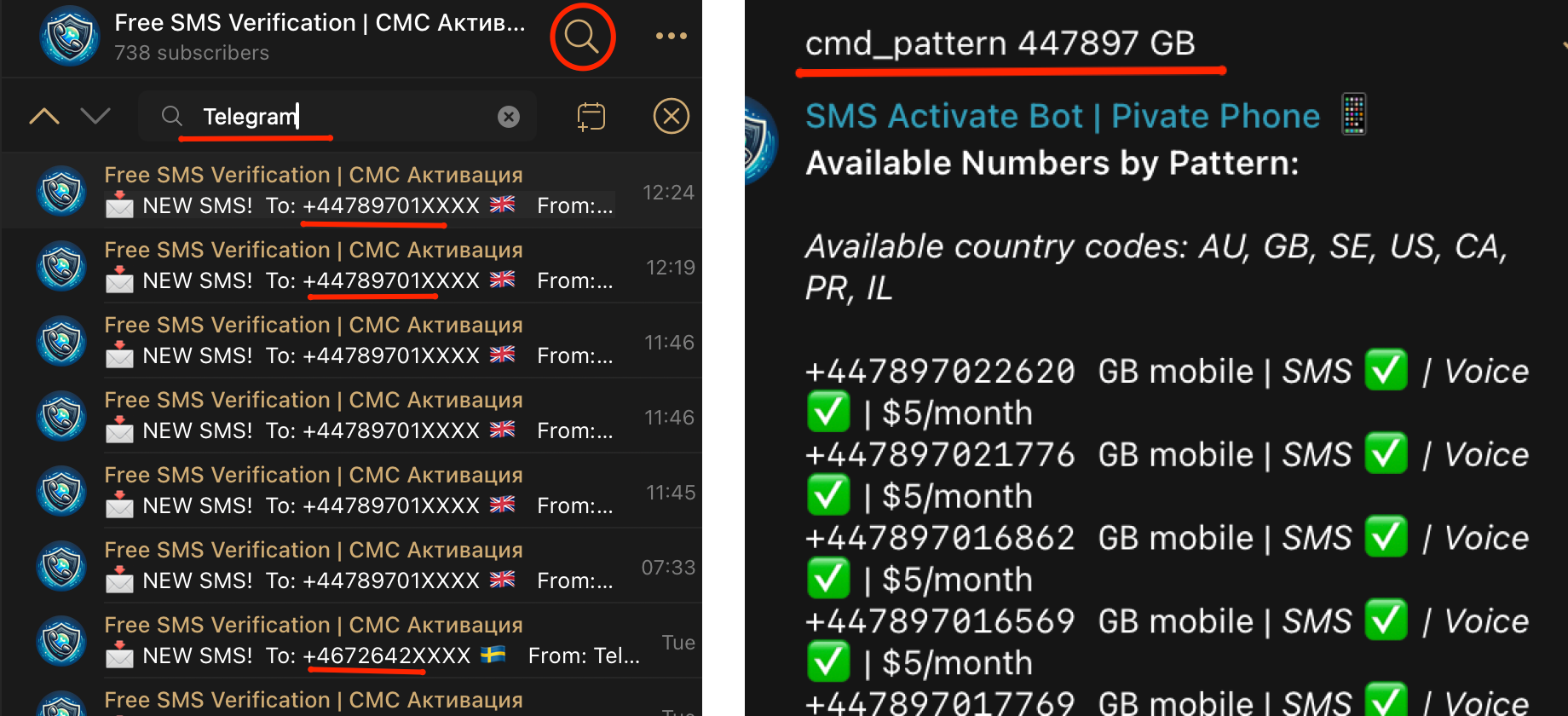
- You can also use numbers from other regions. We recommend additionally checking which numbers Telegram accepts SMS on in the free numbers testing channel. Go to the FreeSmsReceiver channel and search for "Telegram" to see where SMS have recently been received.
- Use command: cmd_pattern [pattern] [country code], for phone number lookup.
P.S.
@PrivatePhoneBot also supports receiving the registration code via a call. Choose this option if you encounter problems receiving SMS to get the code as a voice message in the bot.
This tutorial will help you quickly and easily activate a Telegram account using the Private Phone Bot https://t.me/PrivatePhoneBot