Swapler manual
Howdy pioneers! Thanks for taking interest! Let’s get to using Swapler right away!Here is what you can do as of now:
- List NFT for swapping and manage your lots
- Accept and deny incoming offers
- Send your offers to NFTs you like
- Instantly buy NFTs you like
Let’s get started!
How to connect a wallet
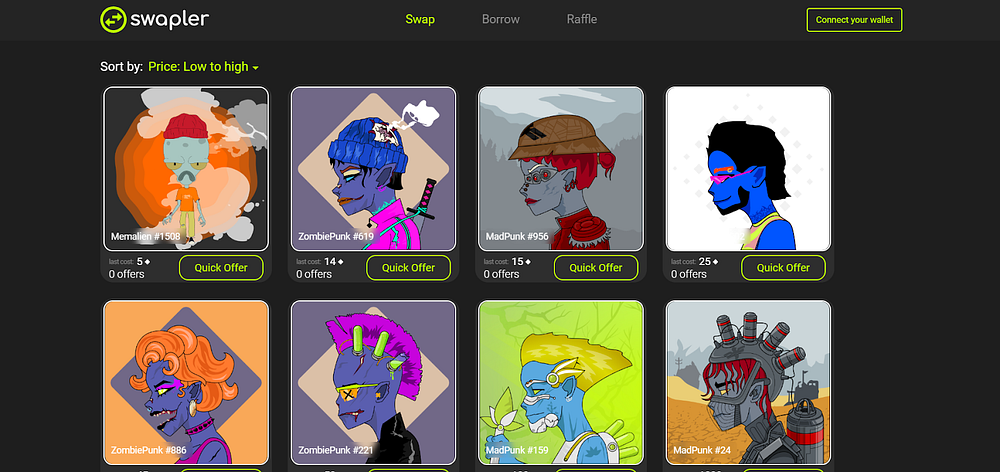
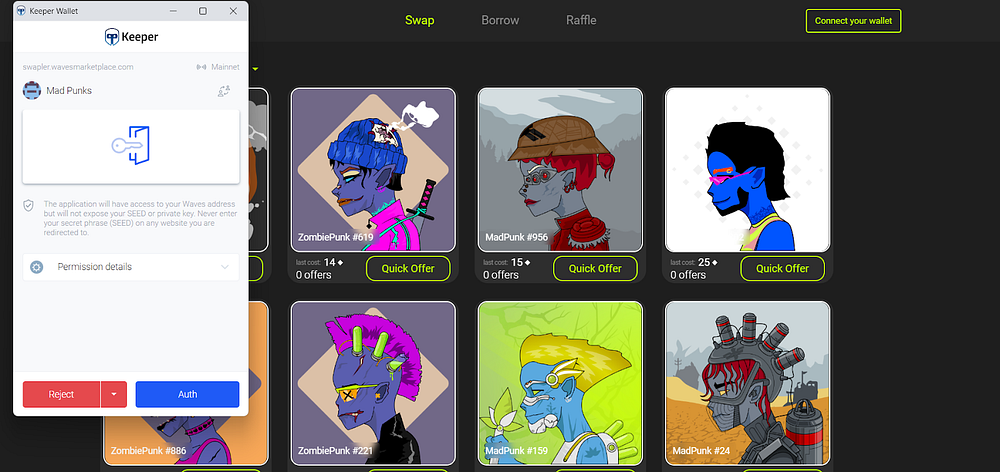
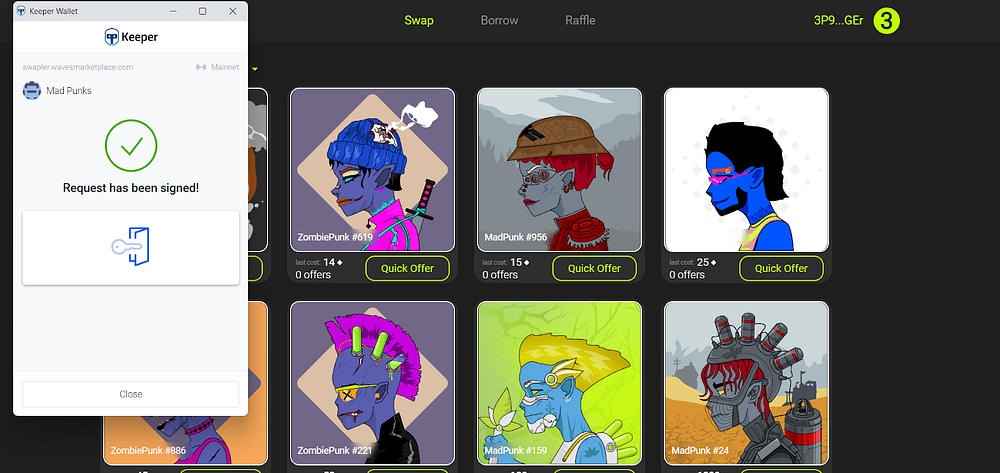
It’s quite simple! Click “Connect your wallet” in the top right corner, confirm the authentication, and that’s it!
How to list your NFT
- Click your wallet address in the top right corner
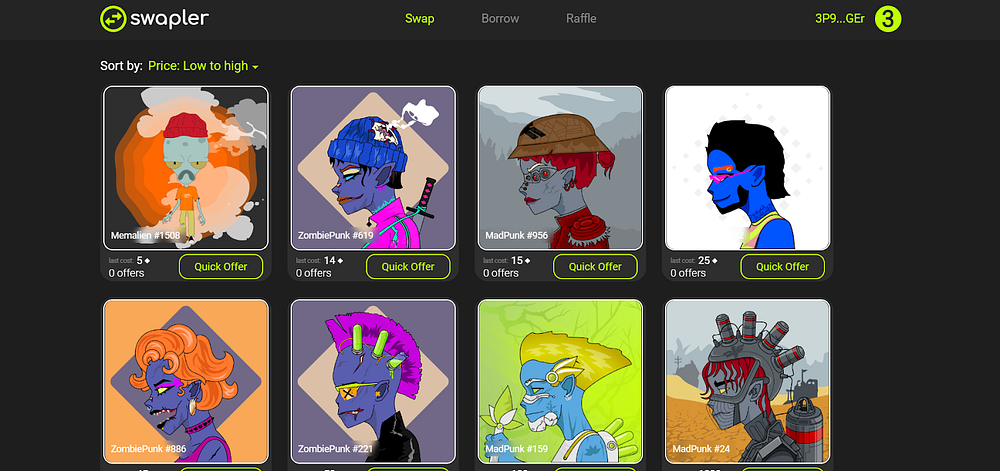
- Click “Add new lot” on the right
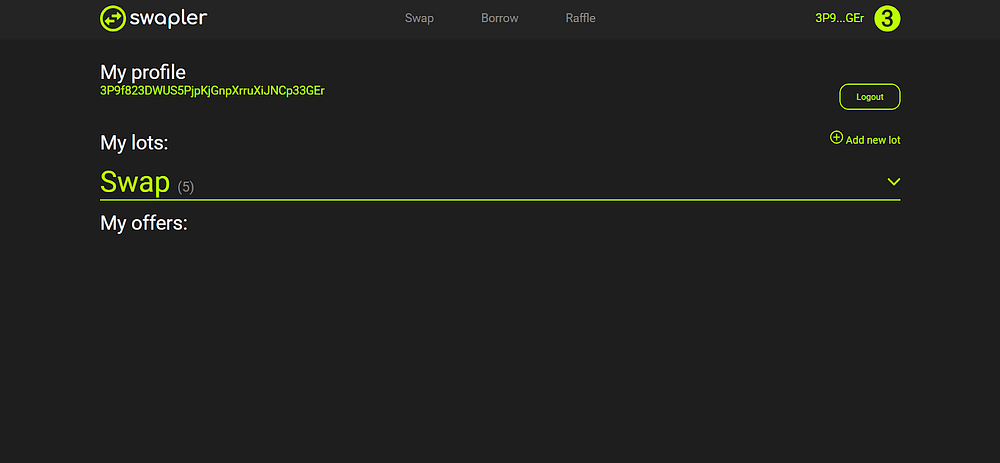
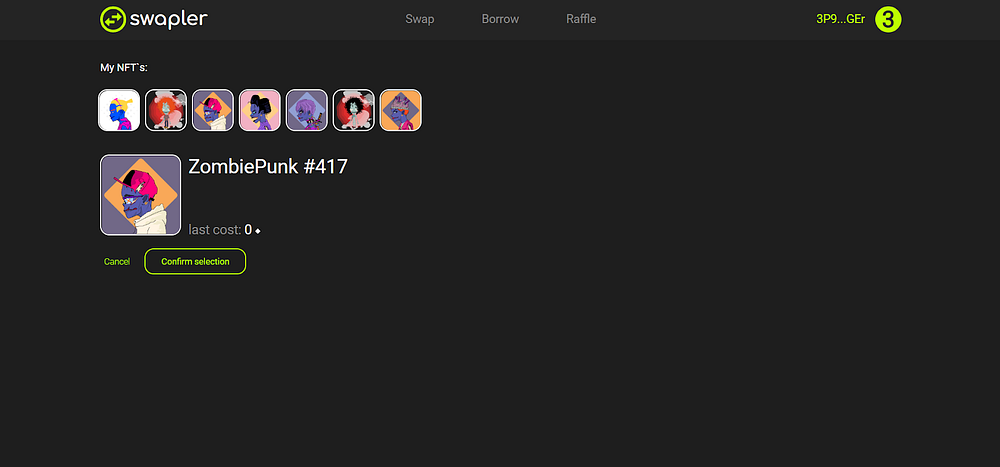
- Pick an NFT you want to list. Click “Cancel” to cancel the listing or “Confirm selection” to continue
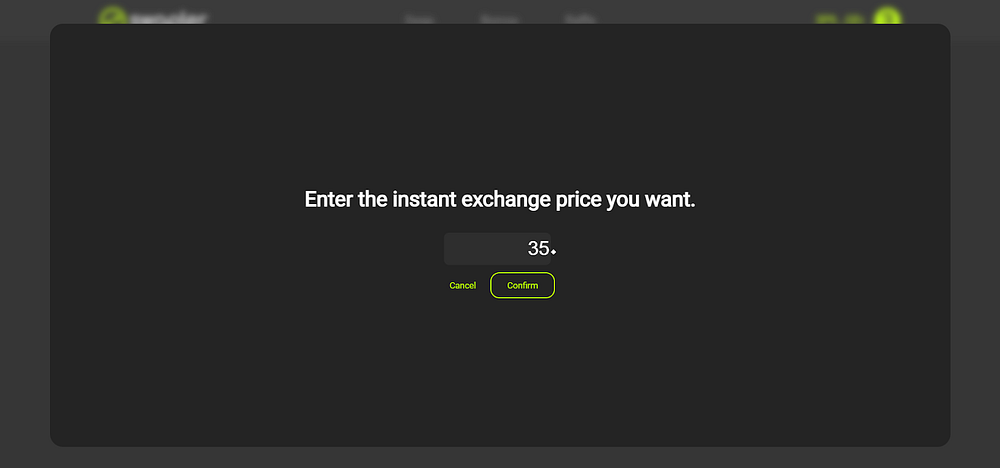
- Specify the sum of the instant purchase by clicking “Add instant exchange price”. In the new tab, you can either enter and confirm the amount or cancel the action.
- Click “Add lot”. Keep in mind, there is 0.009 Waves blockchain listing commission.
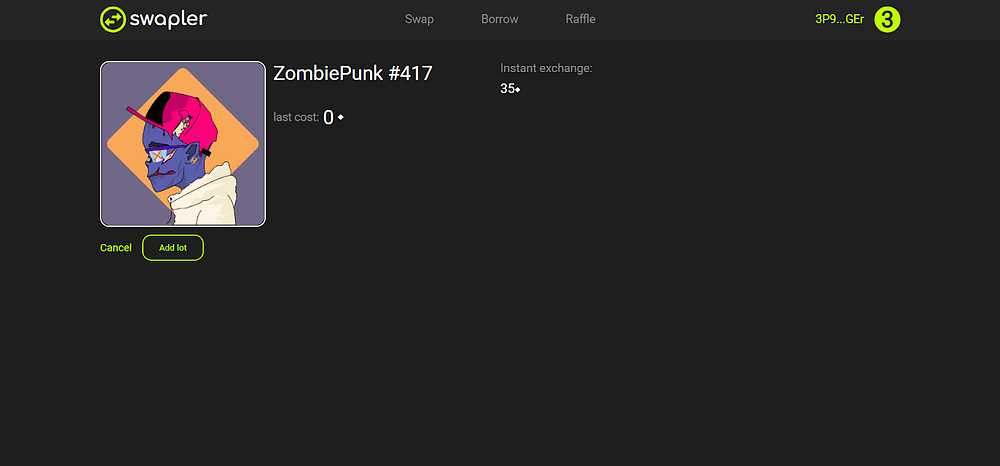
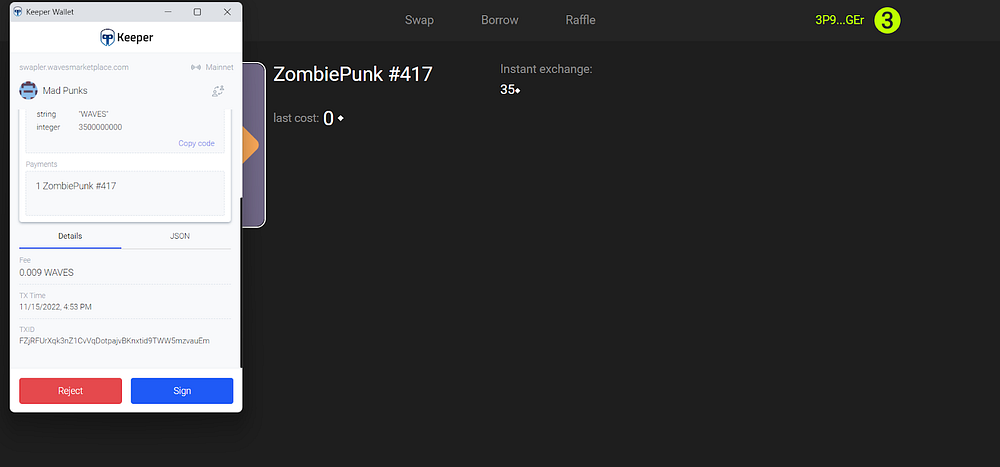
- Congrats, your lot has been successfully listed!
How to remove a lot
- Find the “Swap” tab in your personal profile (click the wallet address to enter it). Click “Swap” to make the tab drop down and view all your current lots.
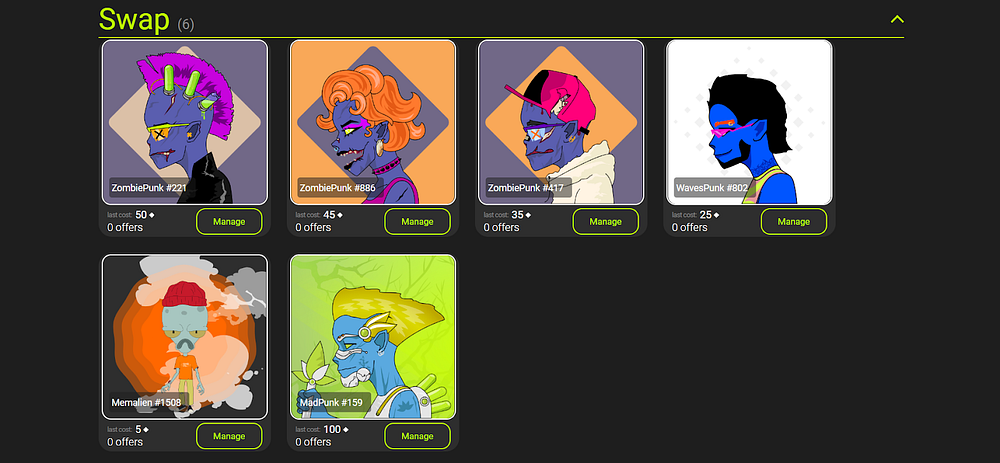
- Click “Manage” to enter the manage menu and “Cancell selling” to remove the lot. Removing the lot requires 0.009 Waves commisison
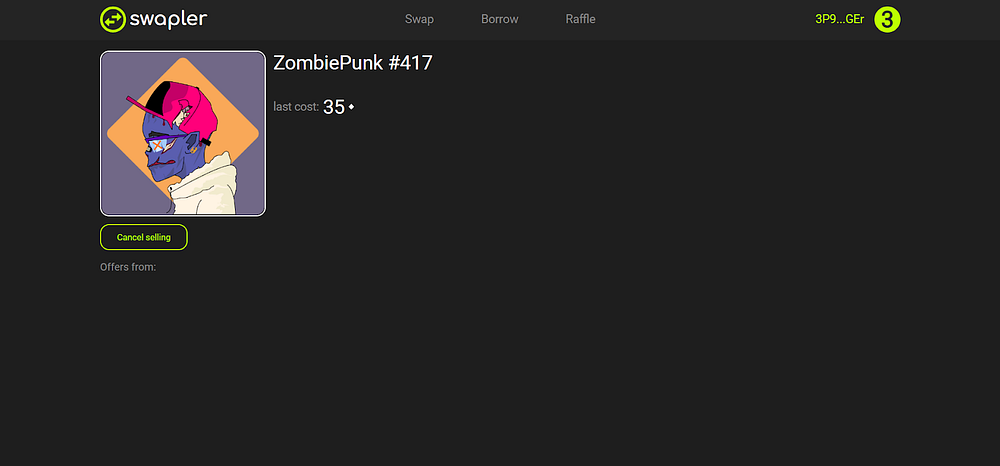
How to send an offer
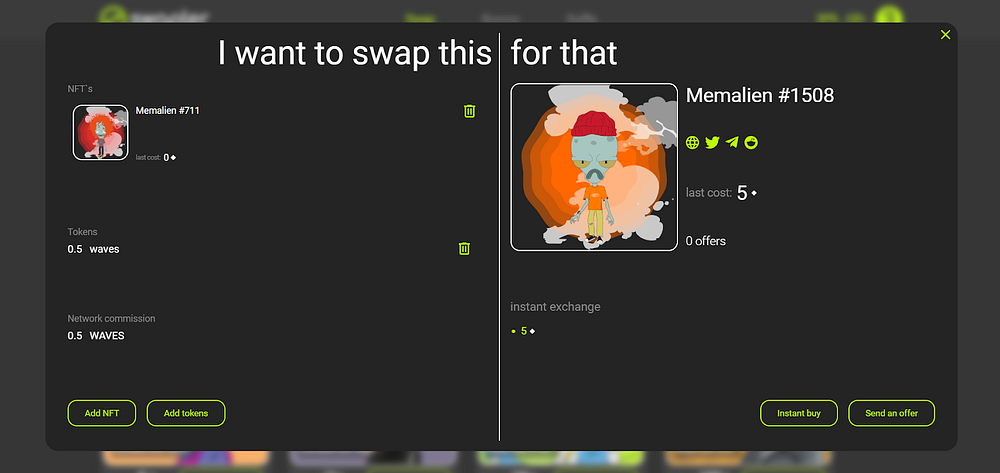
- Click “Quick Offer” under the lot you like

- Click “Add NFT” in the new menu to pick an item for swapping


- After picking an item, click “Add to offer”

- To put an offer you also need to add 0.05 Waves to it, this is the platform’s commission. It’s impossible to send an offer without it. To do this, click “Add tokens”.
P.S. use a dot, not a comma when entering the sum. If the offer has been denied, the commission will be returned to the wallet.

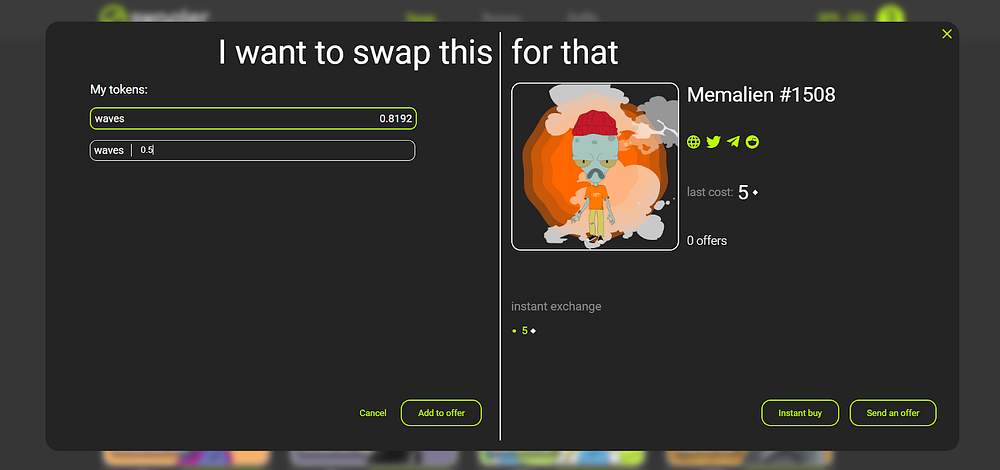
- Now, the offer is ready to be sent! Just click “Send an offer”
How to buy all at once
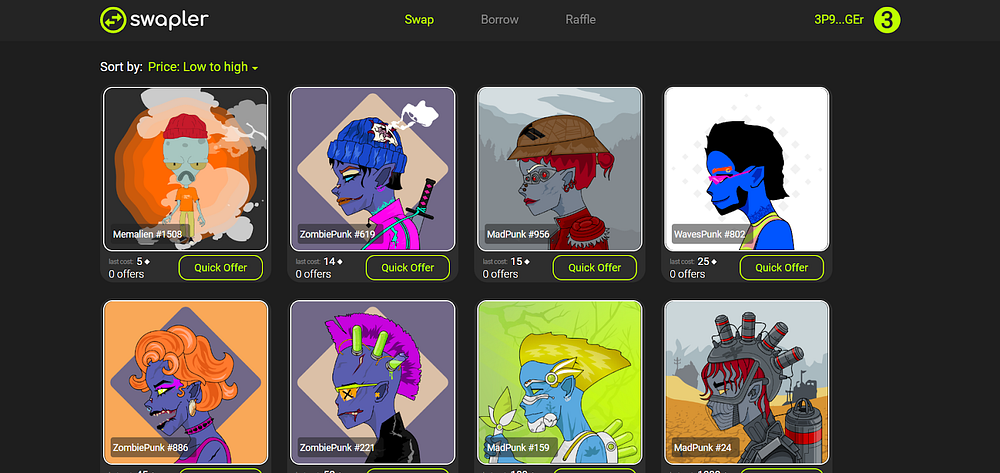
- Click “Quick Offer” under the lot
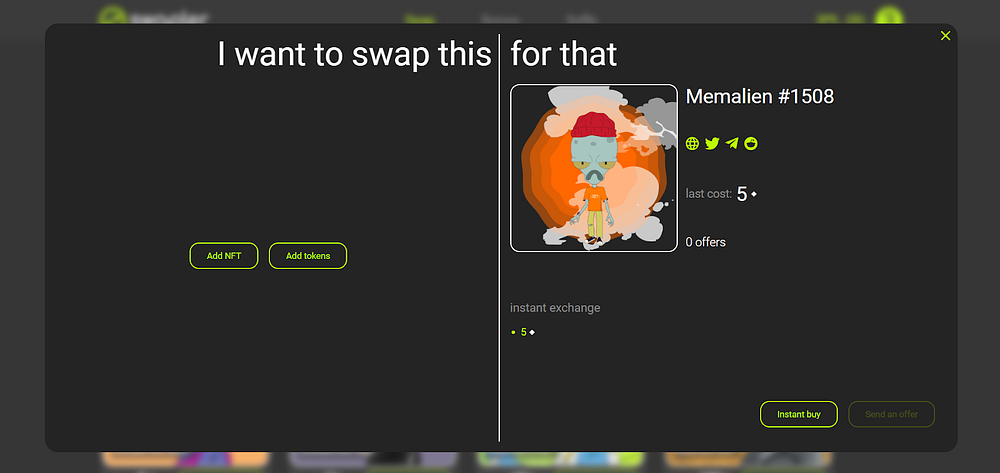
- In the new tab, click “Instant buy” instead of “Add NFT”
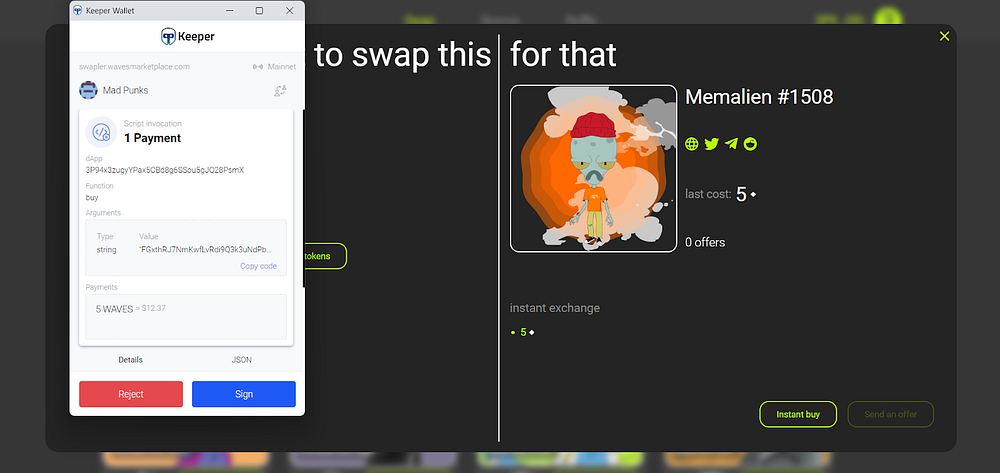
- Confirm the transaction, and the lot is yours!
How to accept/decline an offer
- Find “My offers” in the personal profile. It contains all your current offers as well as the incoming ones.
- To cancel your offer, click …
- To decline an incoming offer, click ..
- To accept an offer, click..
Have a question, suggestion, or a problem to troubleshoot, you know where to write :)
— — — — — — — — — —