Sushi Launcher
Ayra HikariHow to Install (Root)
- Download Sushi Launcher Module
- Open magisk, go to modules
- Install from storage, select Sushi Launcher, reboot
- After reboot, go to Settings > Apps > Default Apps > Home app > Select Sushi Launcher
How to Uninstall (Root)
- Go to magisk, module
- Delete Xperia Launcher module
- Reboot
In case your device was bootloop and want uninstall:
- Go to recovery
- Flash Xperia Launcher Module again
- Reboot
Warning
This module will temporarily replace your current Launcher, you will lose your launcher and their data after flashed this module.
To restore your stock launcher app (not include data), disable or remove by following this guide and reboot.
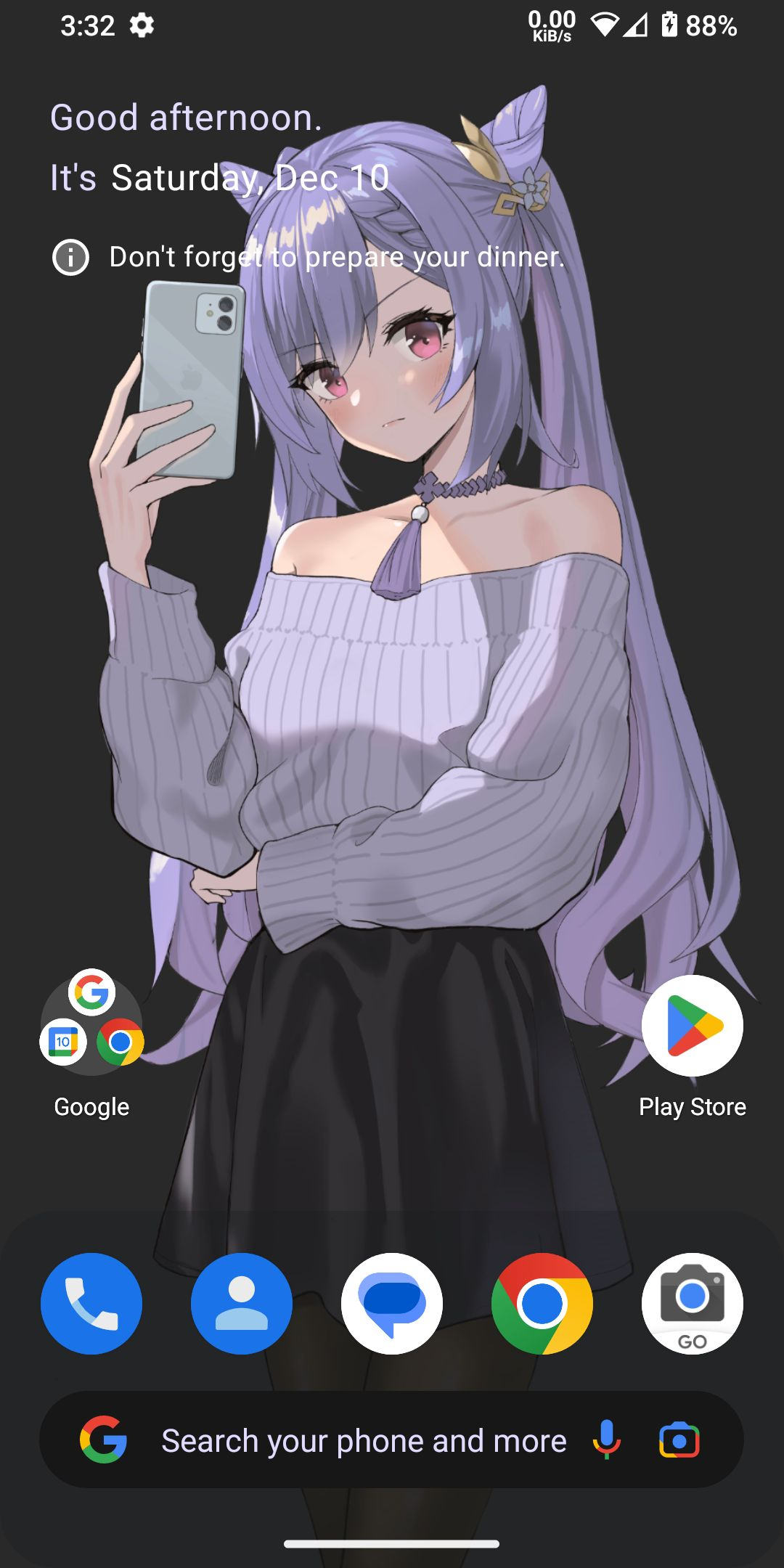
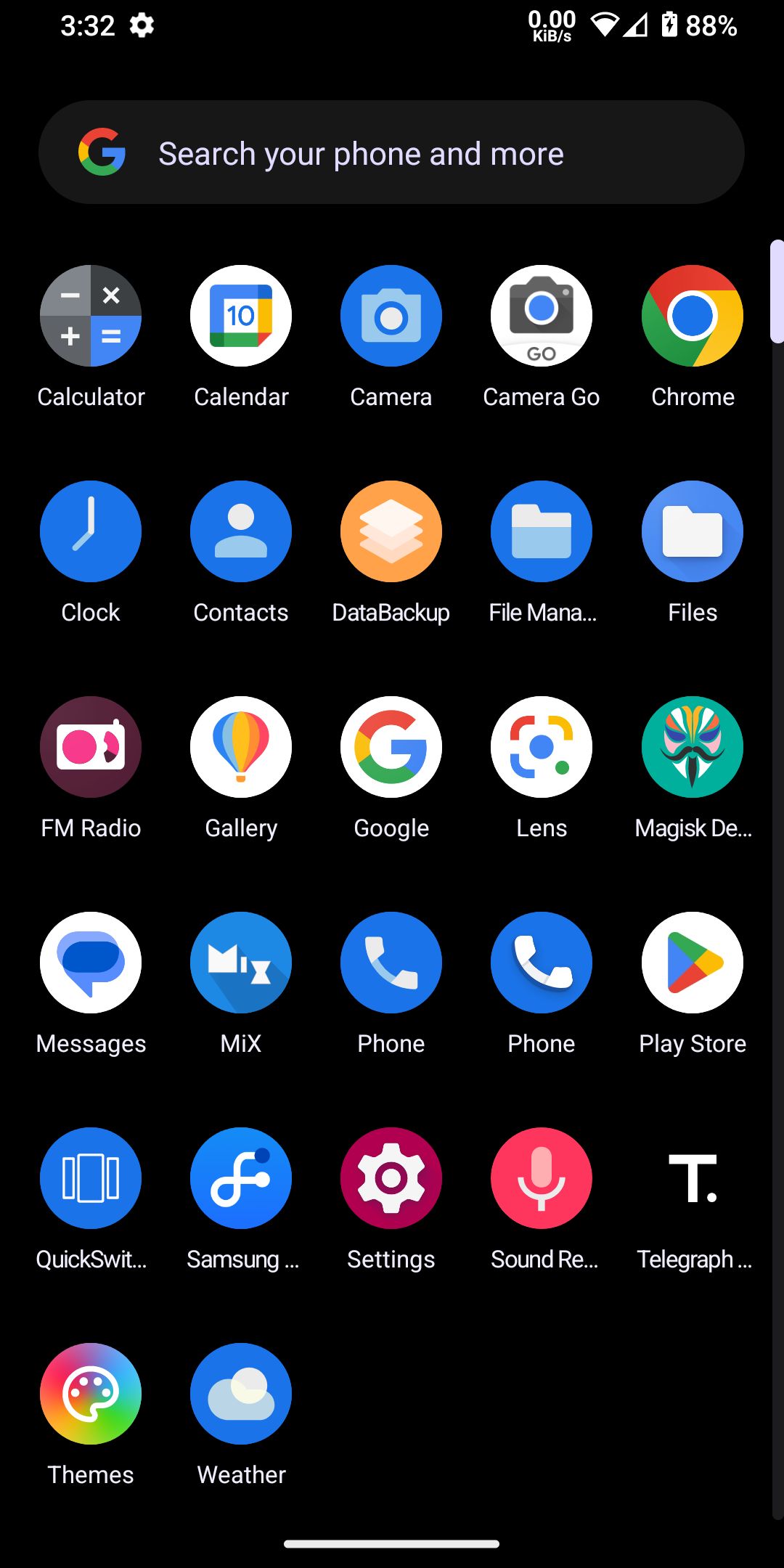
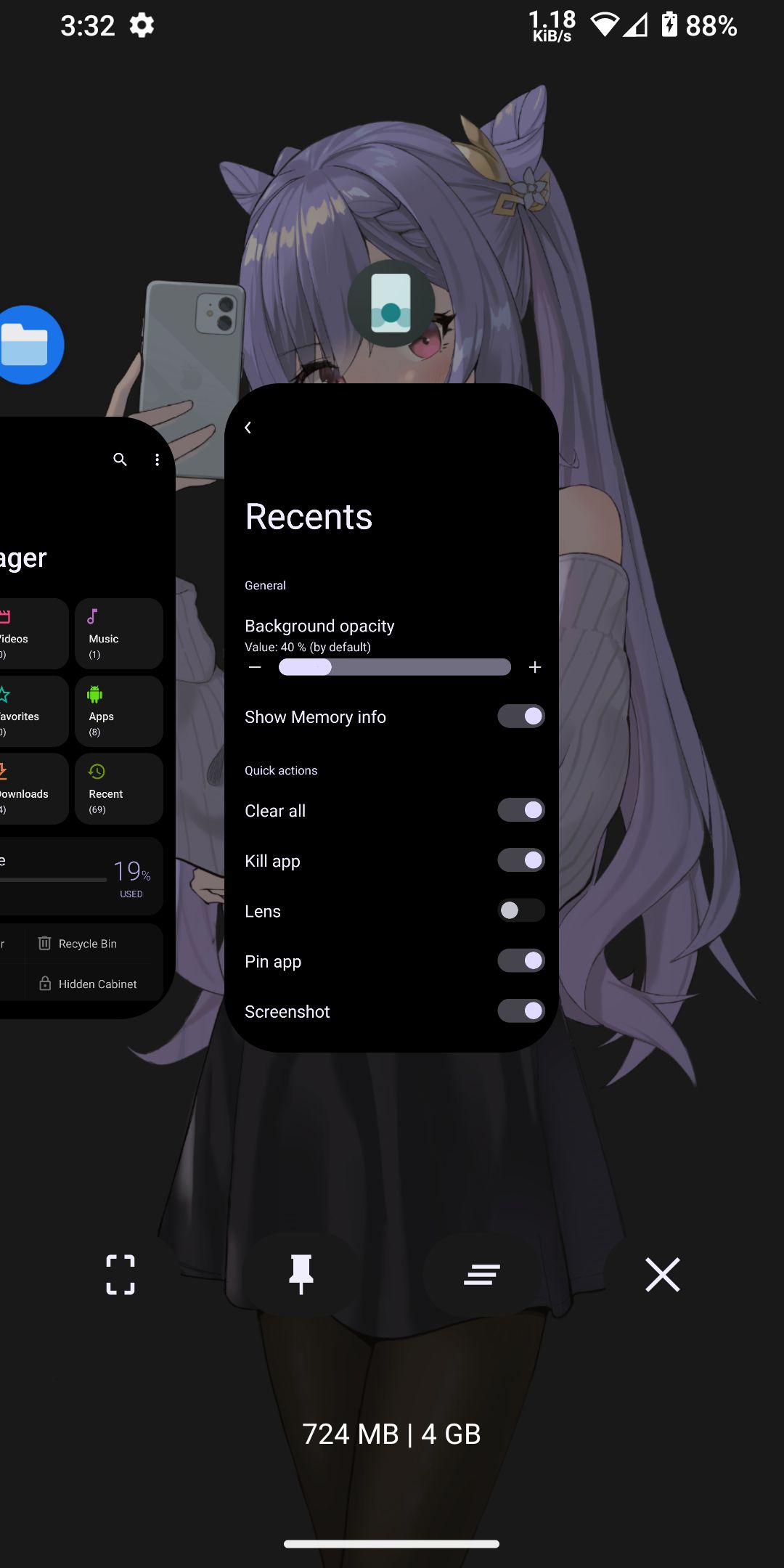
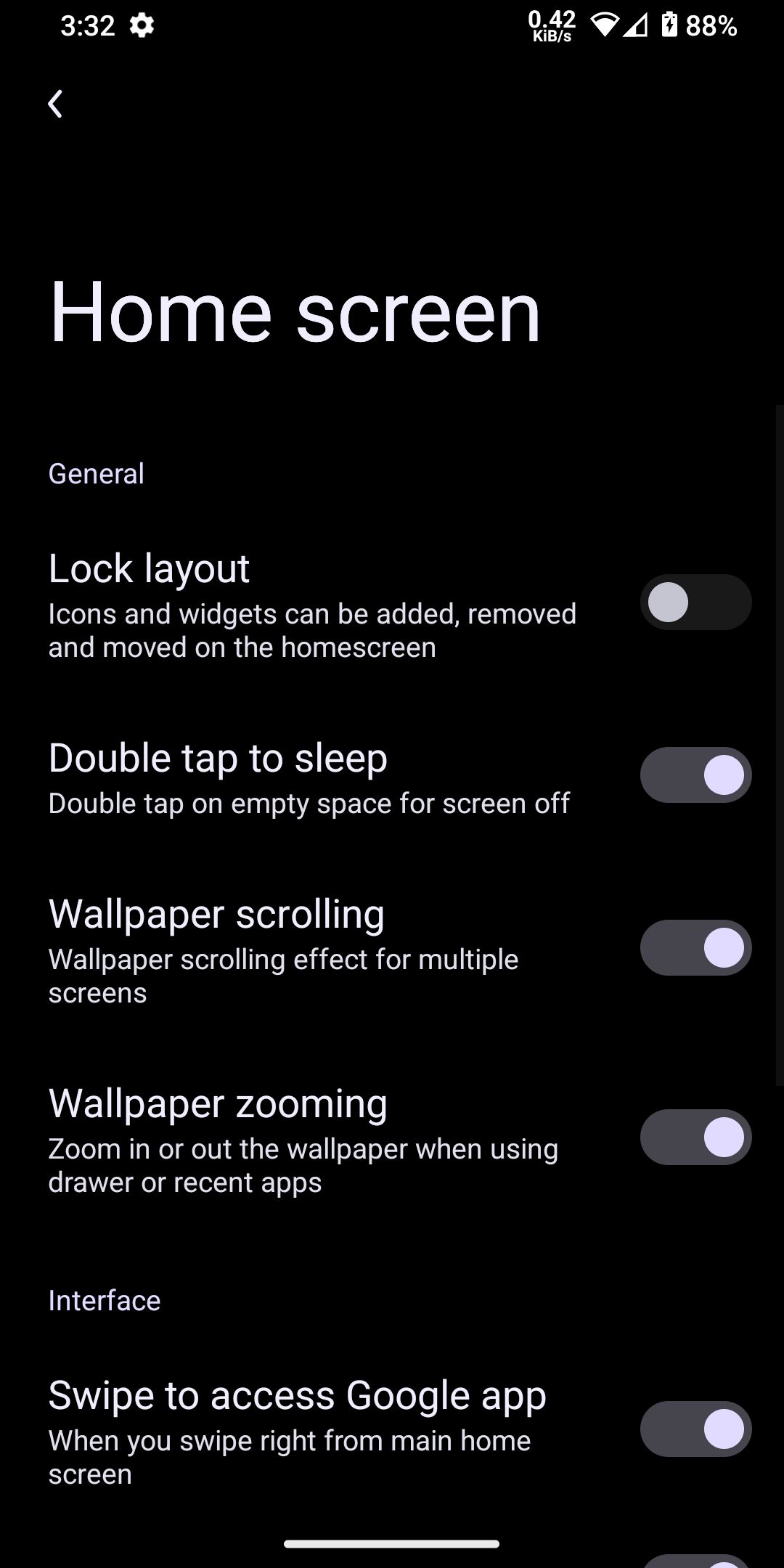
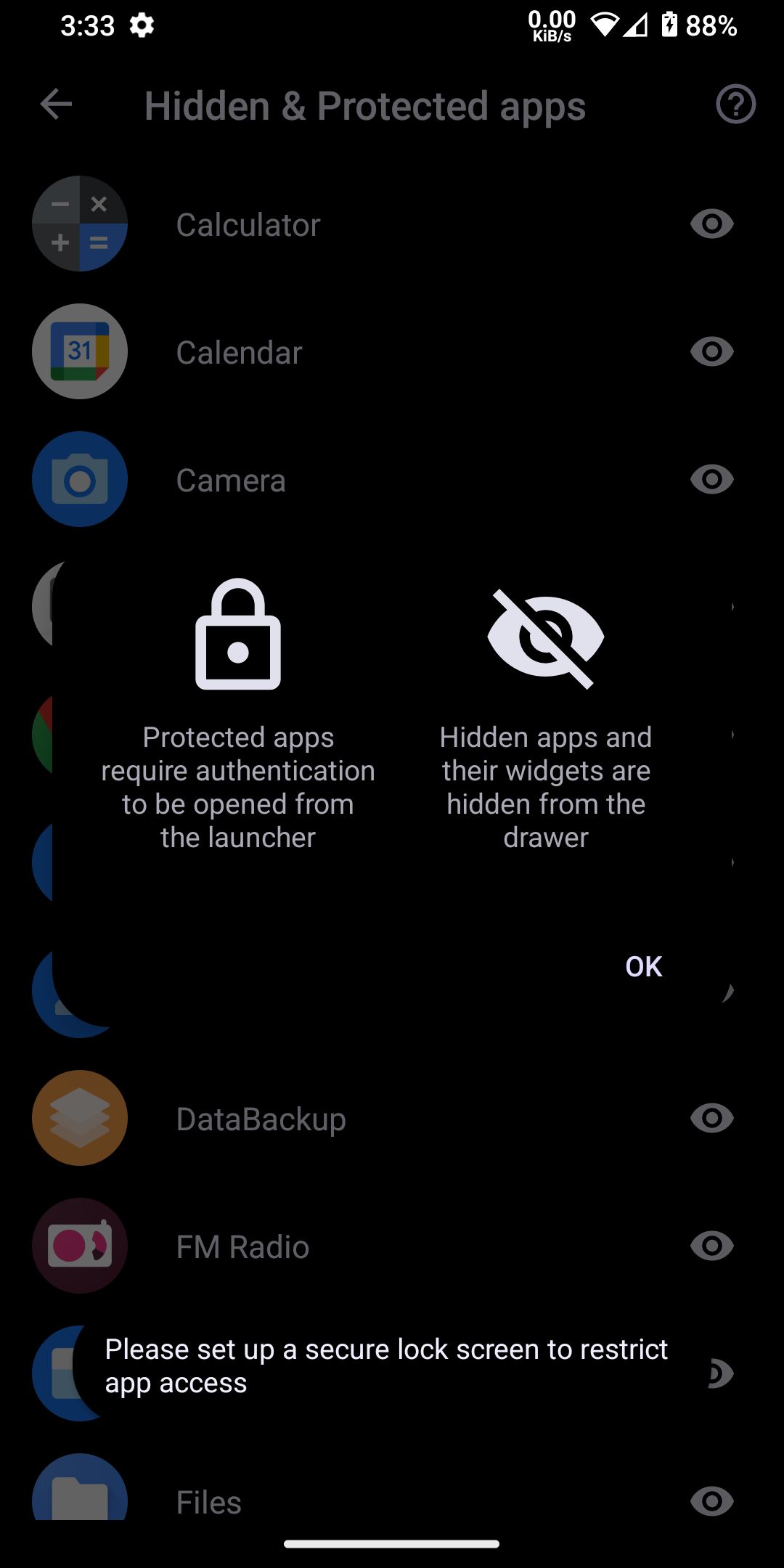
Screenshot