Stop Using localStorage for Cross-Tab Communication
firaflash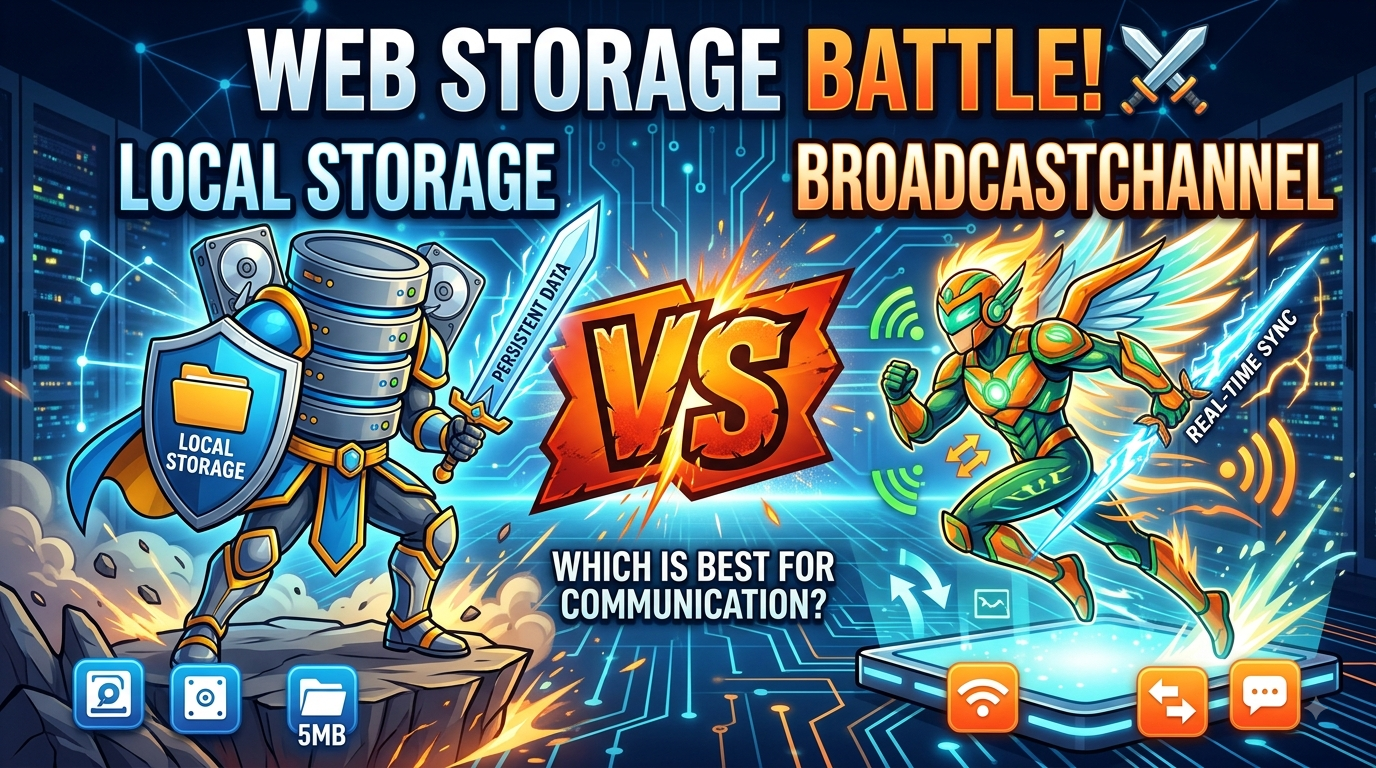
The Cross-Tab Communication Problem Every Developer Faces
Picture this: a user logs out in one tab, but their session remains active in another. Or they add an item to their cart, but the count doesn't update in other windows. Frustrating, right?
Most developers reach for the localStorage hack — writing a sentinel value, listening for storage events, parsing JSON, filtering out noise, and cleaning everything up. It works, but it's like using a screwdriver to hammer a nail. There's a better way.
The Broadcast Channel API is the direct path to cross-tab communication.
The localStorage Mess: What It Actually Looks Like
Here's the typical cross-tab sync pattern using storage events:
javascript
// Sender tab
localStorage.setItem('__broadcast', JSON.stringify({
  type: 'LOGOUT',
  t: Date.now()
}));
localStorage.removeItem('__broadcast'); // clean up immediately

// Receiver tab
window.addEventListener('storage', (event) => {
  if (event.key !== '__broadcast') return; // filter noise
  if (!event.newValue) return;             // ignore removeItem
  const message = JSON.parse(event.newValue);
  if (message.type === 'LOGOUT') {
    // handle logout
  }
});
Every line in this code is a workaround:
- Timestamp prevents deduplication if the same value is sent twice
- removeItem triggers a second event that must be filtered
- JSON.stringify/JSON.parse because storage only holds strings
- The whole pattern uses a persistence API for messaging
Enter BroadcastChannel: The Native Solution
BroadcastChannel provides a dedicated messaging channel for same-origin contexts — tabs, windows, iframes, and even workers.
The Simple Two-Step API
javascript
// Sender (any tab, worker, or iframe on the same origin)
const channel = new BroadcastChannel('app-sync');
channel.postMessage({ type: 'LOGOUT' });

// Receiver (every other context subscribed to the same name)
const channel = new BroadcastChannel('app-sync');
channel.onmessage = (event) => {
  console.log(event.data); // { type: 'LOGOUT' }
};
That's it. No cleanup hacks, no JSON parsing, no event filtering. Just pure, native messaging.
Important notes:
- The sender does not receive its own messages
- Close the channel when done: channel.close()
- Any tab that opens the same channel name receives every message
Real-World Examples You Can Use Today
1. Logout Across All Tabs
javascript
// auth.js — runs in every tab
const syncChannel = new BroadcastChannel('auth');

export function logout() {
  clearSession();
  syncChannel.postMessage({ type: 'SESSION_ENDED' });
  redirect('/login');
}

syncChannel.onmessage = (event) => {
  if (event.data.type === 'SESSION_ENDED') {
    clearSession();
    redirect('/login');
  }
};
2. Cart Sync in E-Commerce
javascript
const cartChannel = new BroadcastChannel('cart');

function addToCart(item) {
  const updated = updateLocalCart(item);
  cartChannel.postMessage({ type: 'CART_UPDATED', cart: updated });
  renderCart(updated);
}

cartChannel.onmessage = (event) => {
  if (event.data.type === 'CART_UPDATED') {
    renderCart(event.data.cart);
  }
};
3. Live Config/Feature Flags Refresh
When an admin changes a feature flag in a settings tab, broadcast the update so every other open tab picks it up instantly — no page reload required.
What Data Can You Send?
BroadcastChannel uses the structured clone algorithm — the same one used by structuredClone() and postMessage() on workers.
You can send:
- ✅ Plain objects and arrays (including nested)
- ✅ Date, Map, Set, ArrayBuffer, Blob
- ✅ Primitive values: strings, numbers, booleans, null
You cannot send:
- ❌ Functions
- ❌ DOM nodes
- ❌ Anything not serializable by structured clone
Try sending a function and you'll get a DataCloneError. For the message payloads most apps actually use — event objects with typed fields — structured clone handles everything without the JSON roundtrip.
Scope and Important Limits
AspectDetailsScopeSame-origin only (protocol, hostname, port)Isolationhttps://example.com is isolated from https://staging.example.comChannel namingUse distinct names for different features ('auth', 'cart', 'notifications')
Pro tip: Don't share a single 'app' channel and multiplex message types — separate channels are cleaner and don't require filtering.
Browser Support: It's Ready
BroadcastChannel is Baseline 2022:
BrowserVersionYearChrome54+2016Firefox38+2015Safari15.4+2022
Available in all currently-supported browser versions and works in:
- ✅ Main thread
- ✅ Web Workers
- ✅ Service Workers
The Takeaway
Search your codebase for storage event listeners paired with localStorage.setItem that immediately gets removed. That pattern is cross-tab messaging through a storage side-channel — exactly what BroadcastChannel exists to replace.
Make the swap:
- Open a channel by name: new BroadcastChannel('app-sync')
- Send messages: channel.postMessage(data)
- Listen: channel.onmessage = (event) => { ... }
What you gain:
- Structured data without JSON serialization
- No storage event noise to filter
- No cleanup sentinel to manage
- Clearer code intent
- Runtime handles delivery natively
Quick Reference: Before vs. After
localStorage HackBroadcastChannel10+ lines with workarounds3 lines of clean codeJSON serialization requiredStructured clone nativeMust filter noise eventsNo noise to filterManual cleanup neededBuilt-in managementSide-channel hackPurpose-built API
Is It Right for Your Project?
Use BroadcastChannel when:
- ✅ You need same-origin cross-tab communication
- ✅ You want simple, clean code
- ✅ Your target browsers support it (all modern ones do)
Consider alternatives when:
- ❌ You need cross-origin communication (use postMessage with iframes)
- ❌ You need to persist data across sessions (use localStorage or IndexedDB)
Final Words
The web platform has evolved. What was once a clever hack is now a native API. BroadcastChannel isn't new — it's been in Chrome and Firefox for nearly a decade. Safari joined in 2022, making it available everywhere.
Stop overcomplicating cross-tab communication. Use the right tool for the job.