Step-by-step instructions for mining on Infinity TON mining pool
Pool link- Make sure that your graphics card has 6GB RAM or more, otherwise it’s not suitable for mining.
- Install Tonhub wallet app on your smartphone, you'll need it to get the mining rewards.
- Go to Telegram bot @infiniteTON_bot and press ‘Start’.
- Click ‘Сreate account’.

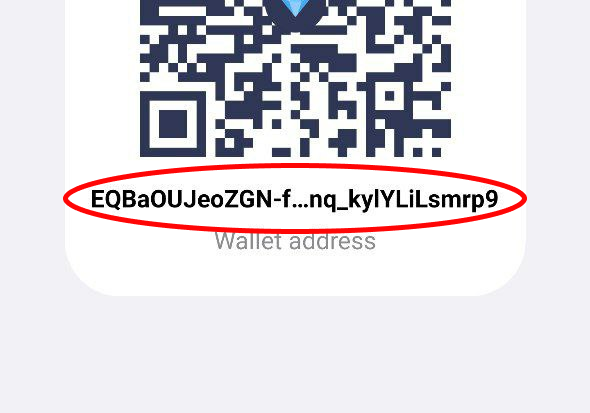
5. Copy your wallet address from Tonhub and send it to the bot. To copy the address, press the ‘Receive’ button in the wallet and hold down the address - it will be copied to the clipboard and you’ll be able to transfer it to the bot.
6. Install the miner software on the device that you are going to use for cryptocurrency mining and set it up:
- For experienced miners: you can install one of the programs listed on this page yourself, if you know how to configure it (settings can be found if you click on the miner name).
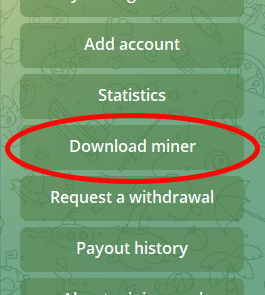
- For beginners: download the pre-configured miner directly from the @infiniteTON_bot (Menu -> Download miner). After installation unpack the archive and run the START_infinityTON_mining.bat file
VERY IMPORTANT: Anti-viruses may block mining software because they can’t know if you are running it yourself or if someone is trying to do it without your permission. You may need to disable Windows Defender (or any other antivirus) or exclude the miner folder from security check.
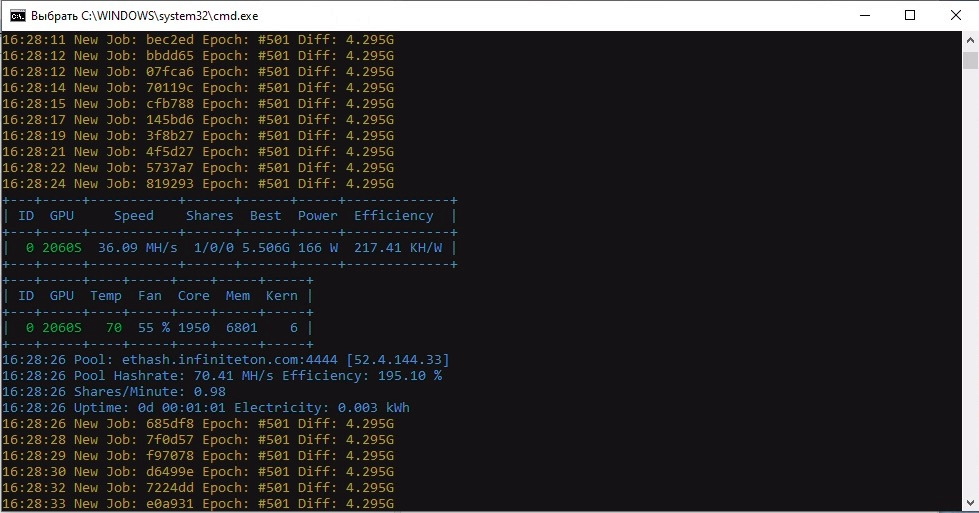
7. If everything is done correctly, you will see your video card start searching for blocks on the miner screen.
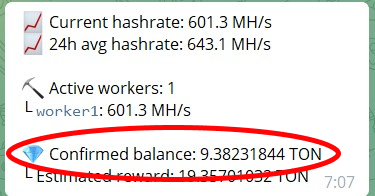
Under Statistics you will see the performance of your hardware - the ‘Current hashrate’ - and the ‘Estimated reward’ will start to increase gradually. For every 100 Mh/s of power you will get ~1.1723 TON per day. For example, with one RTX 3080 you can get ~1.07 TON per day.
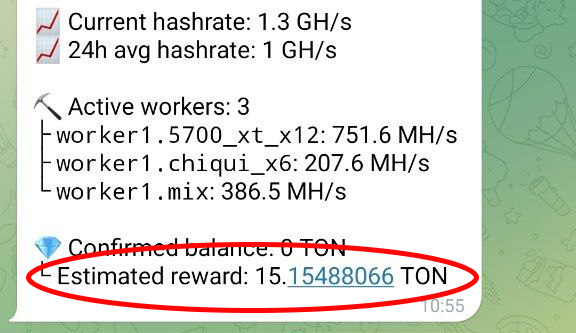
8. Every 1-3 hours 'Estimated reward' will be transferred to the 'Confirmed balance' and you will be able to withdraw funds to the wallet. The minimum withdrawal amount is 10 TON. To request the withdrawal, select the 'Request a withdrawal' comand in the bot. Your withdrawal will be credited to your wallet balance within 24 hours.
If you see a Connection time out error (the text may vary depending on the miner) and the process doesn't start, try using an alternative port (14444 instead of 4444). To change the port, open the file START_infinityTON_mining.bat (right-click on it and click "Change"), search for the value 44444, change it to 14444 and save the file.
Please note, that Infinity pool doesn't charge any commissions and you get exactly the amount you've managed to get from your video cards. You can ask any questions about the setup in our chat. Join in!