Step-by-Step: How to Buy a Coin on Binance Futures
Difficulty: EASY
Prerequisites
- Have a Binance account and complete KYC verification
- Enable Futures trading on your account
- Transfer USDT to your Futures Wallet (from Spot Wallet)
Step 1: Log in and Open the Futures Interface
- Go to binance.com (or app)
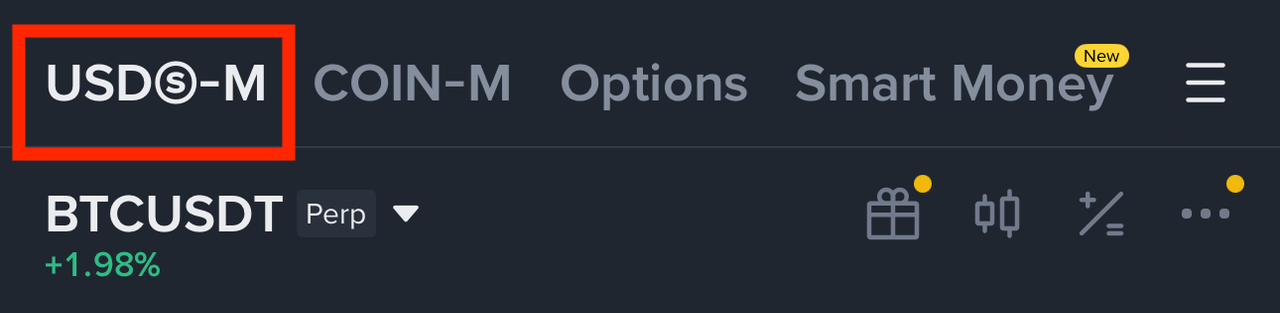
- Click “Derivatives” → “USDⓈ-M Futures”
- This opens the Binance Futures trading terminal

Step 2: Select the Coin to Buy
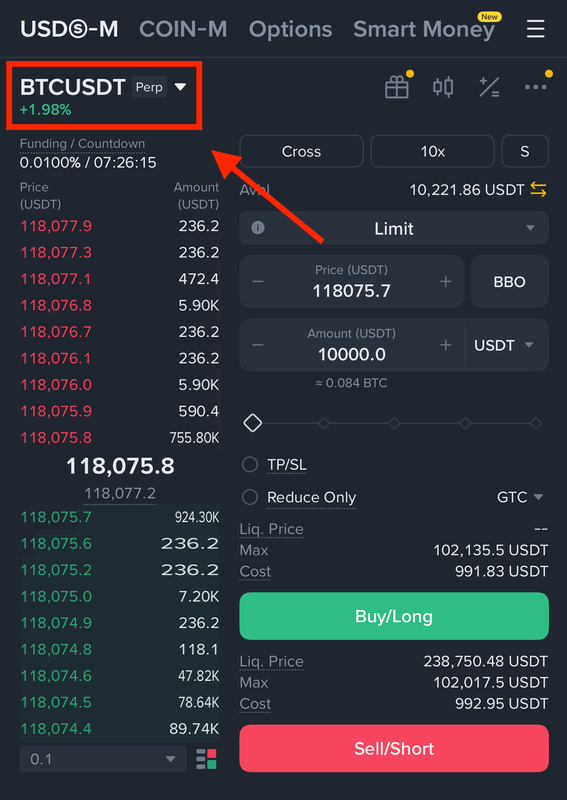
- In the top-left corner, search for the coin you want to buy (e.g.,
BTCUSDT,SOLUSDT) - Click it to load the market
Step 3: Set Your Leverage
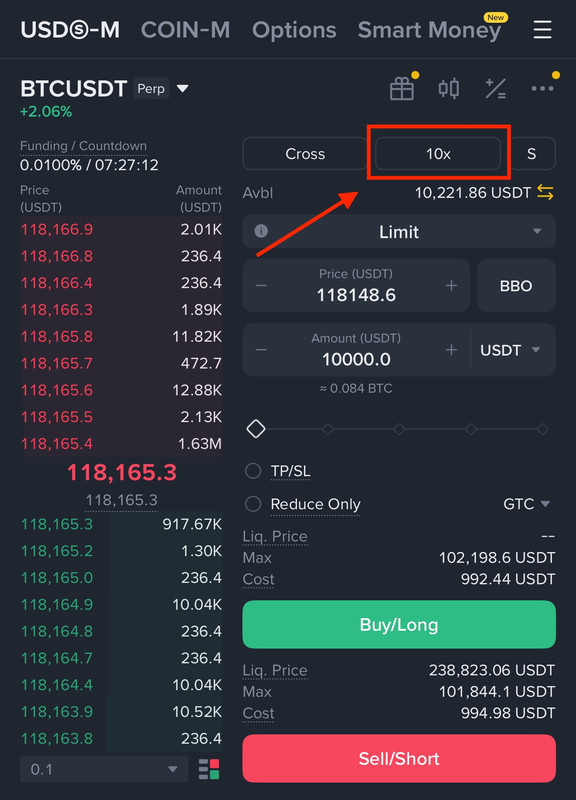
- Click the “20x” (or similar) next to the pair name
- Adjust leverage using the slider or input box (e.g., 5x, 10x)
Step 4: Choose Order Type
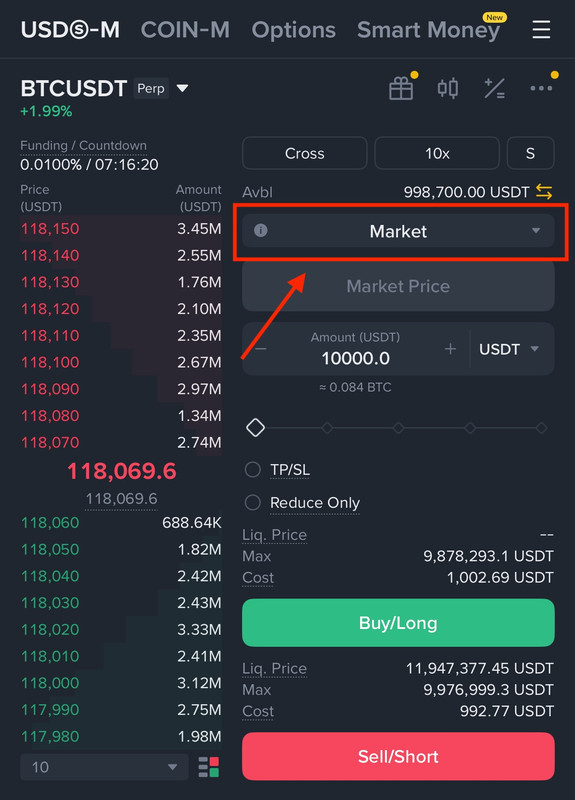
- Select Market for fastest execution when buying
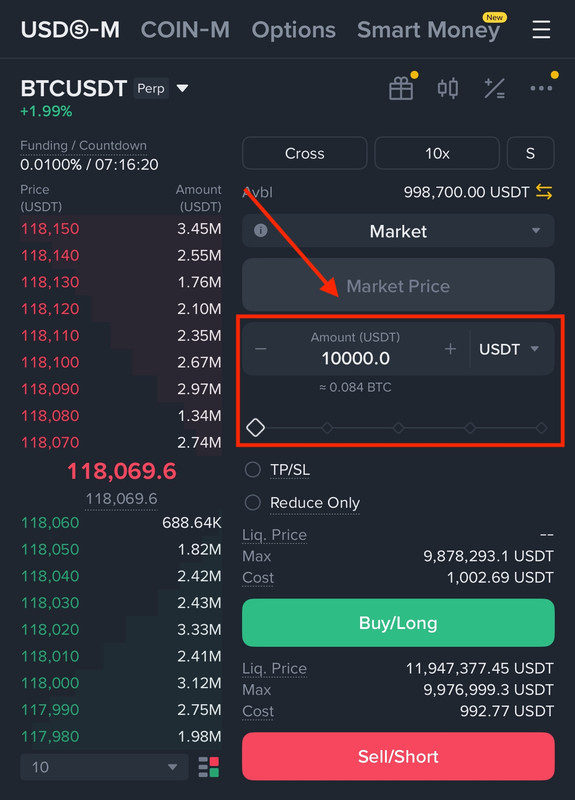
Step 5: Enter Position Size
- Under “Buy/Long” tab, enter the amount in USDT
- E.g., if you want to long with $10,000 worth of BTC, input “10,000 USDT”
- Or set percentage using the slider (50-75% of your available margin)
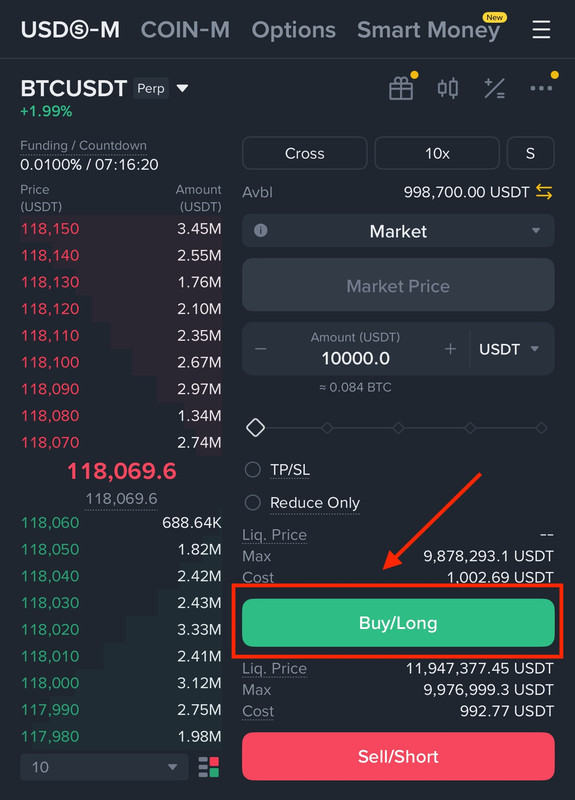
Step 6: Place the Order
- Click “Buy/Long”
- Confirm the order in the popup
✅ You are now in, enjoy the ride🚀