StarTerra Airdrop Claim Update....!!💸
Pratik Sharma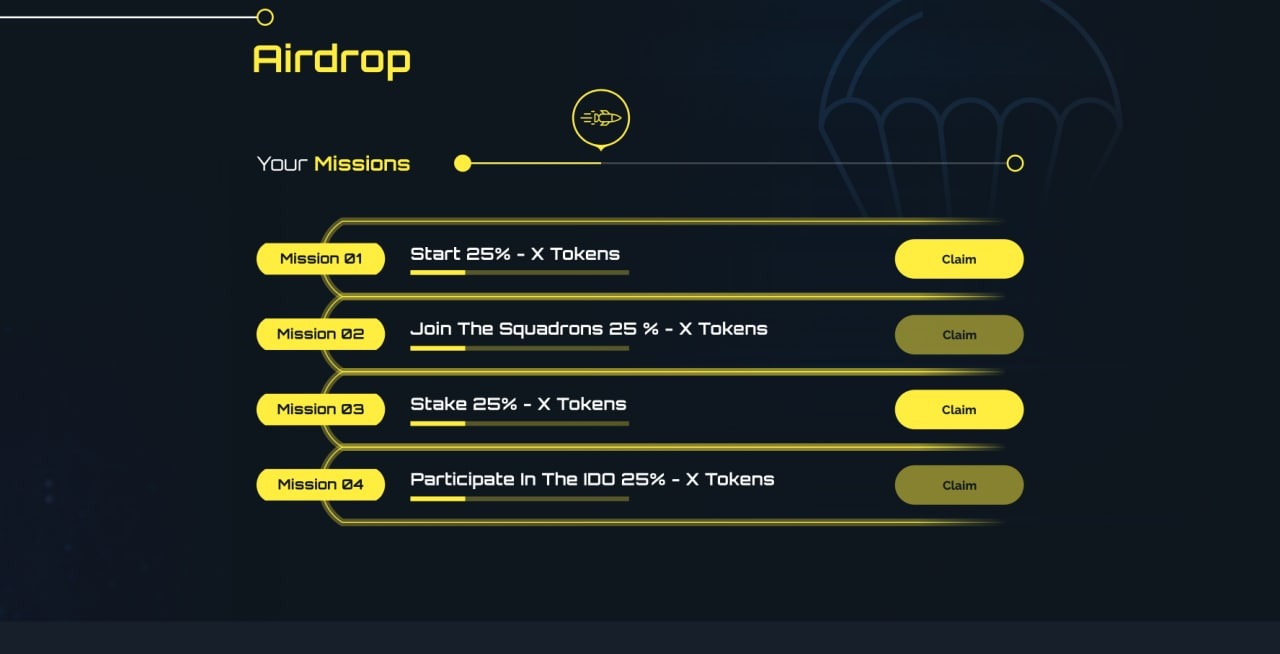
1. StarTerra Airdrop Claiming Process :
•You Can Claim Only 25% Of Your Total Airdrop Amount , For Mora Details Read Here :- https://medium.com/@StarTerra/airdrop-claiming-process-375ead0ebe56
•For Airdrop Claim You Need 15$ UST on Terra Network
2. How To Get $UST on LUNA Network
• Buy $UST On PancakeSwap https://pancakeswap.finance
👉UST Contract Address :- 0x23396cf899ca06c4472205fc903bdb4de249d6fc
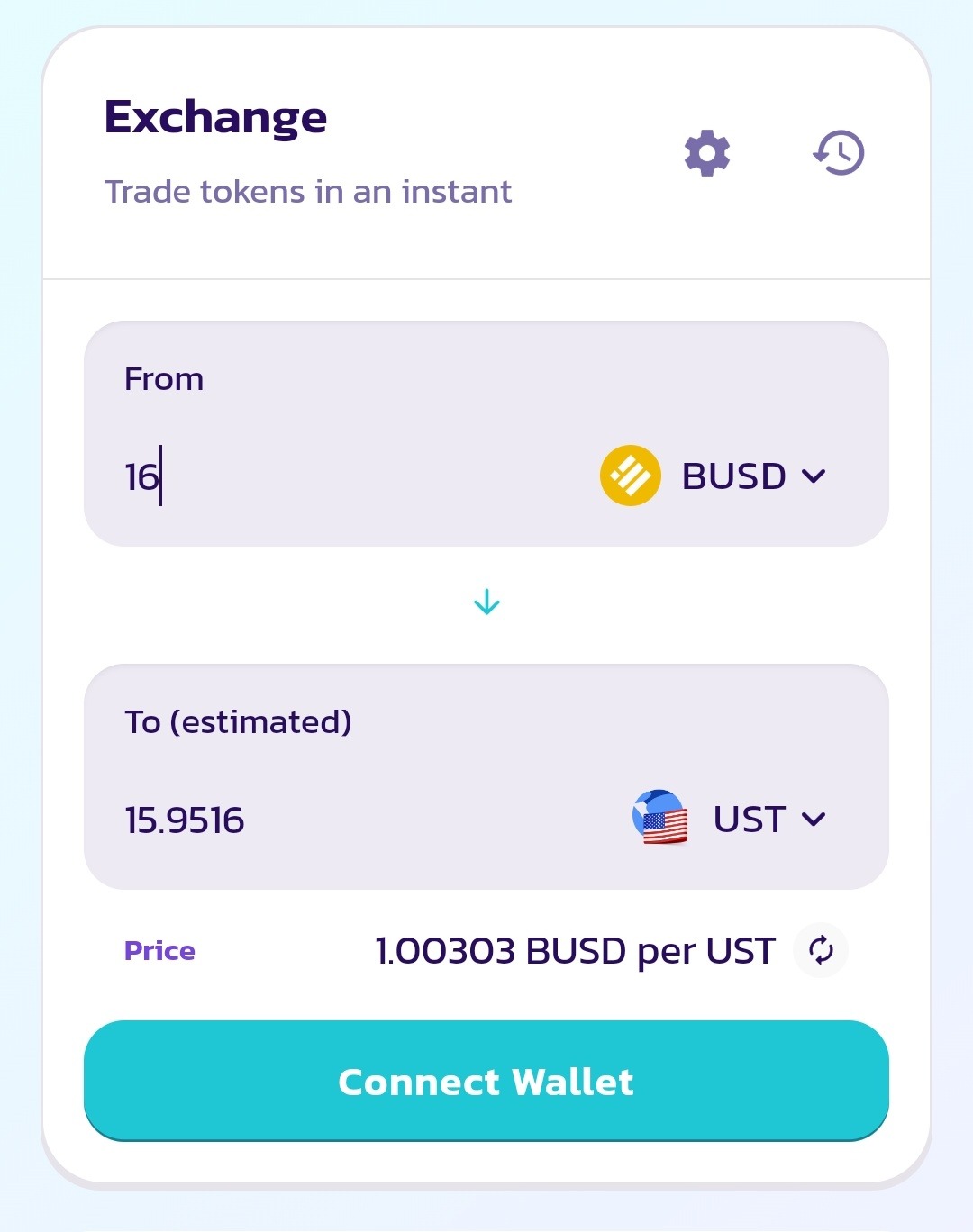
👉After Purchasing $UST From PancakeSwap , Now You Have To Bridge UST From Bep-20 Network To Terra Network
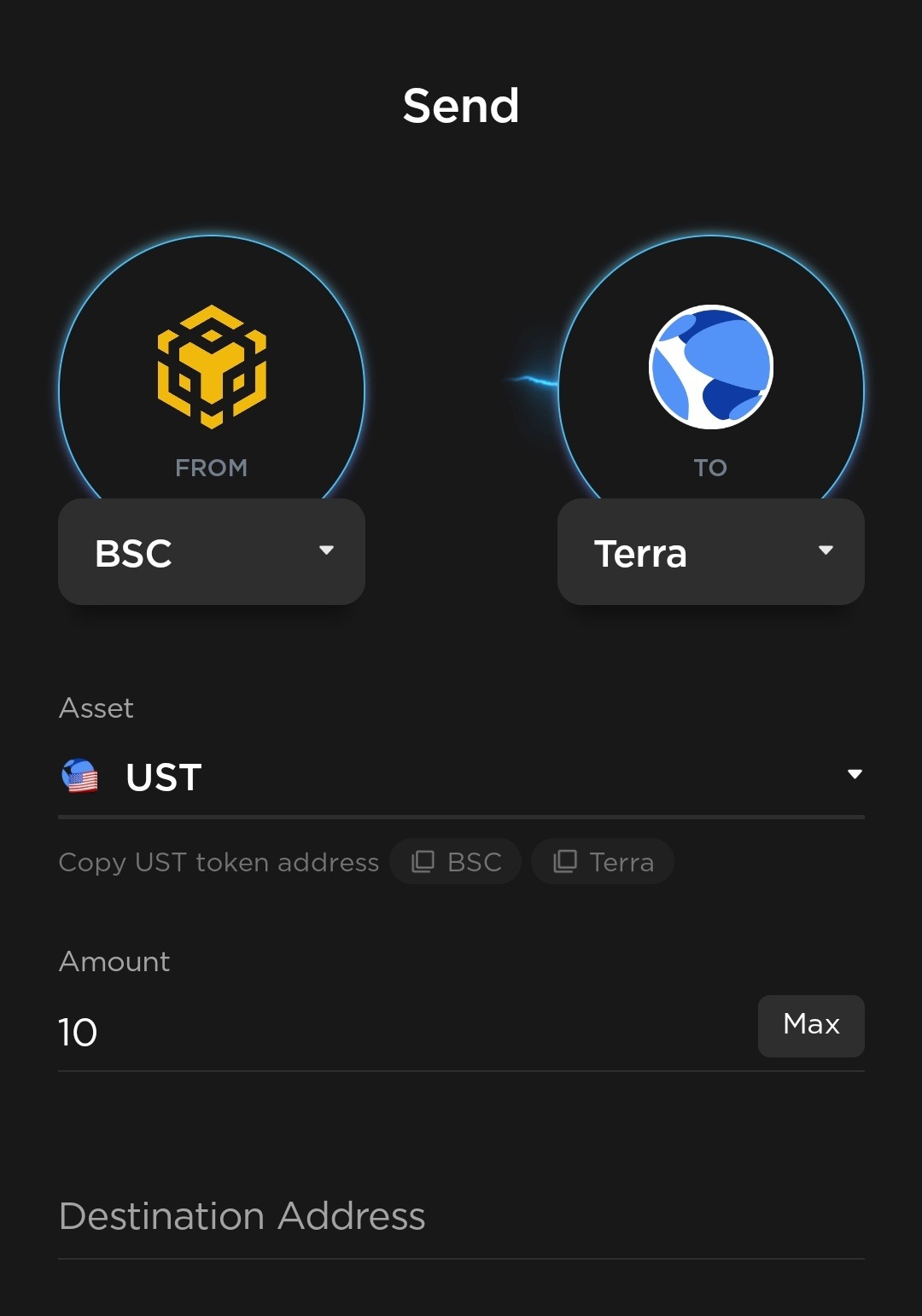
• Open This Link On Metamask Browser / Kiwi Browser (Connect The Wallet In Which You Have $UST)
👉Connect Your Wallet
👉Select BSC On First Side And Terra On Second Side
👉Now Select $UST On Asset Section
👉On Destination Address , Paste Your Terra Station Address (The Address You Used For Airdrop)
👉Click On Swap/Bridge , Pay The Fees And Check Your Luna Wallet , Your $UST Token Will Arrived In Few Minutes
🚀After Bridging $UST From Bep-20 To Terra Network , Now You Have To Claim Your 25% Airdrop Token From Here :-
[After Timer Ends , Connect Your Wallet And Claim Your $STT Token]
👉After Claiming You Can Swap Your $STT Here :
⚡Now After Swapping STT Into UST , Reverse The Above Process And Convert Your UST From Terra To BSC Network :-)
⚠️If They Asked For Luna Fees Also , Then Repeat The Same Process But Now You Have To Bridge LUNA token , Claim It Carefully And Be Safe From All Type Of Scam :-)
💫Follow Us To Receive The Latest Airdrop Updates :
⚡Telegram channel:
https://t.me/Earn_With_Crypto_Looters