Squads EA Sports FC 25 Update on PS4 with Jailbreak
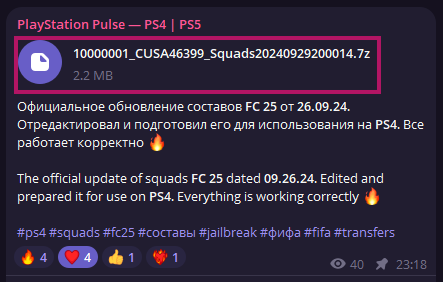
PlayStation Pulse — PS4 | PS51) Download the updated squads files from our Telegram channel (Squads will be updated regularly, the actual files will always be in the group's pinned posts)
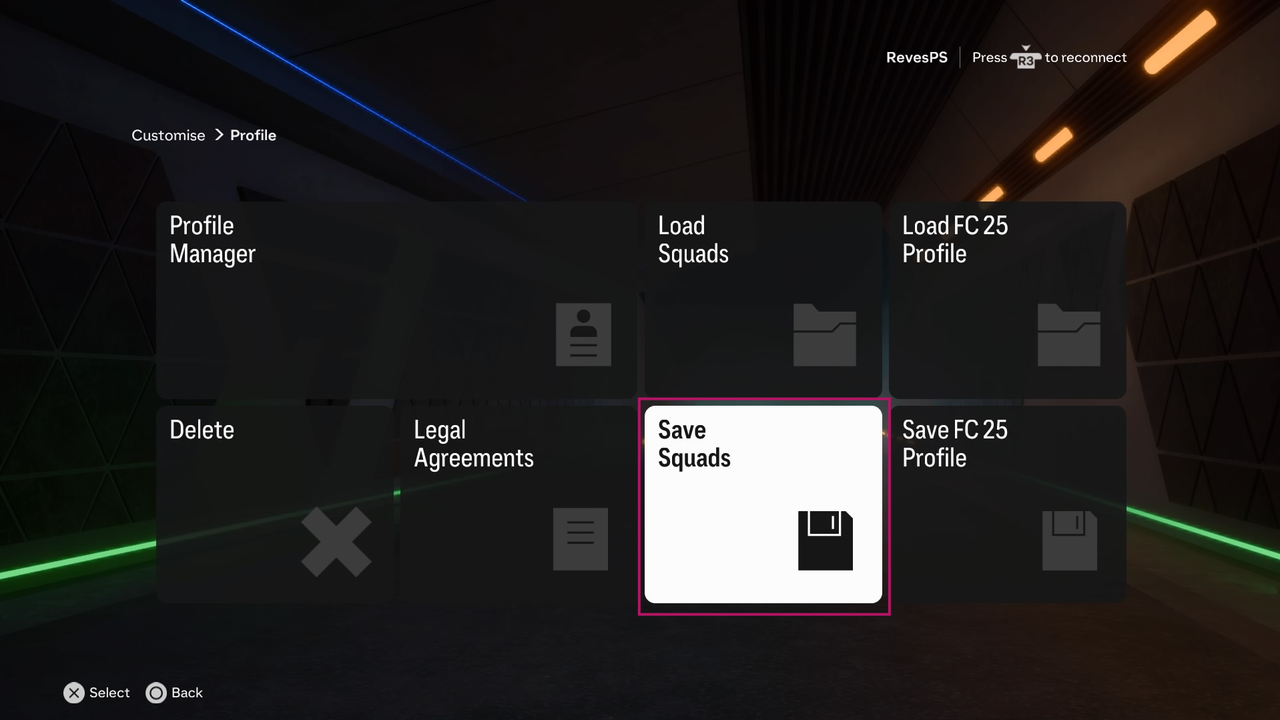
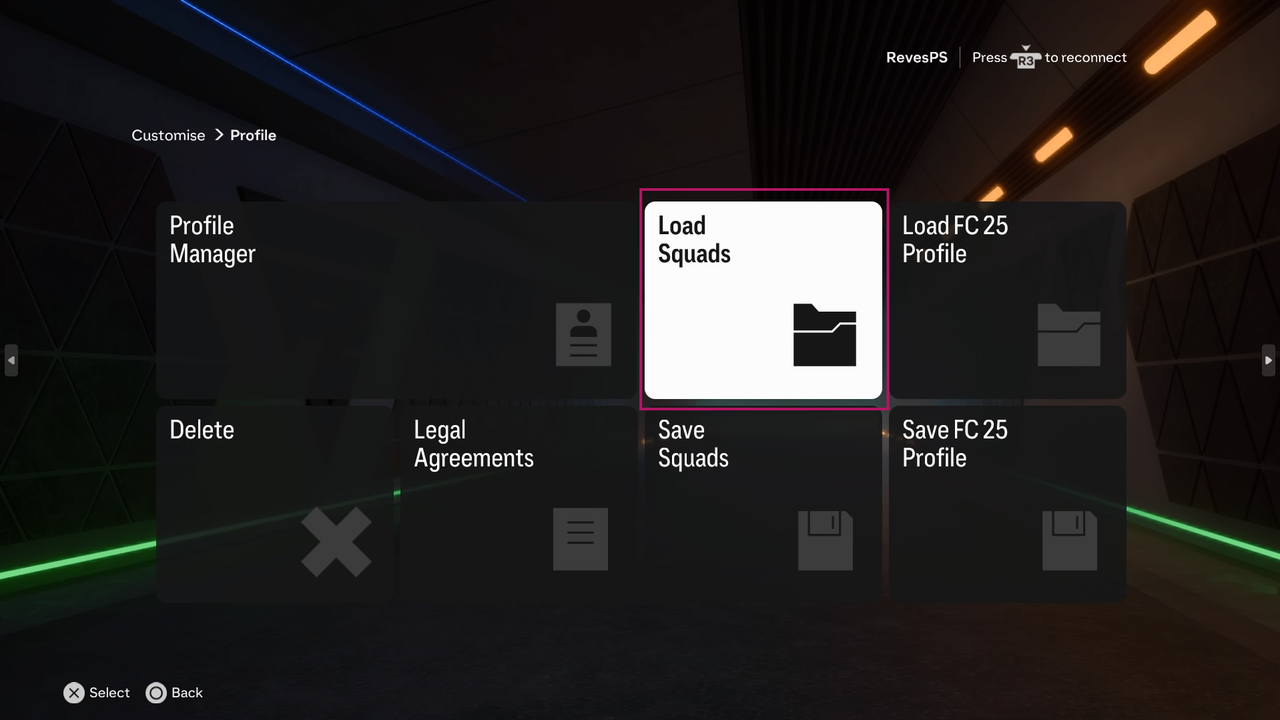
2) In EA SPORTS FC 25 itself, go to Customise —> Profile —> Save Squads (Here you create your own file to save "previous" squads, the name is better to write in English)
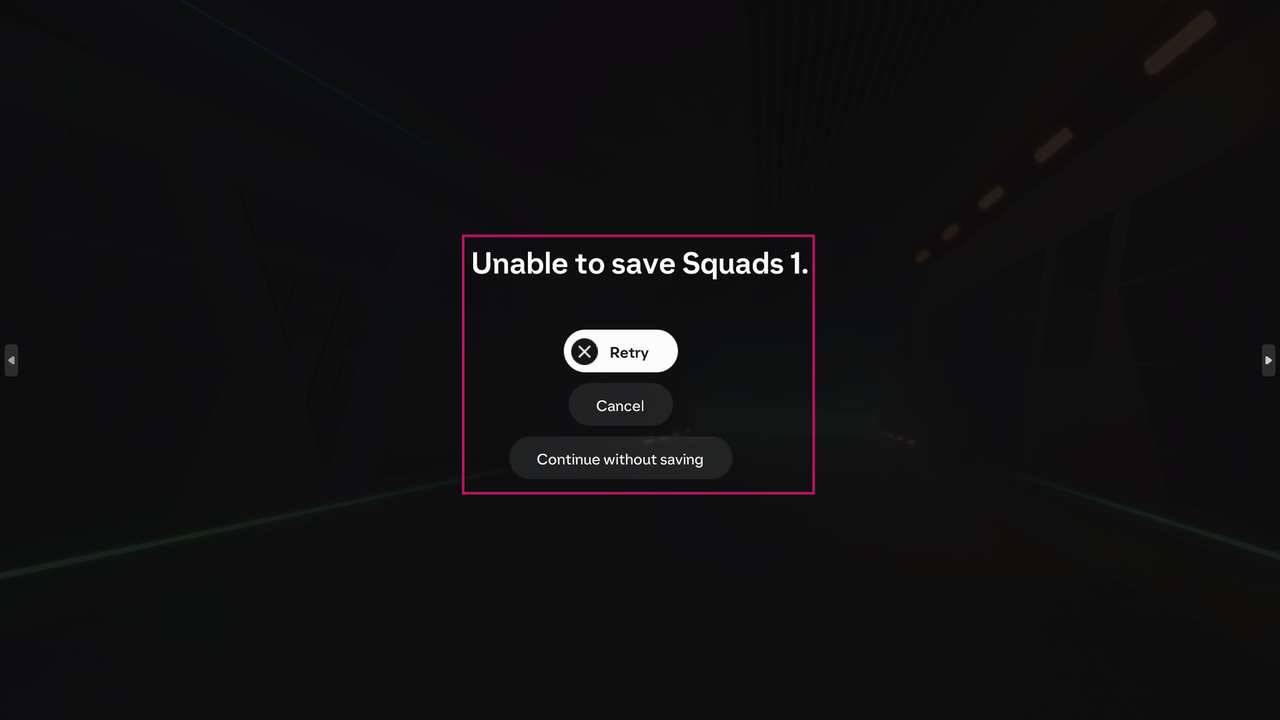
❗️Attention: If you have such a window with a save error when trying to save squads, it's okay, it happens, just completely reboot your PS4 and repeat everything from step 2), after restarting there should be no error
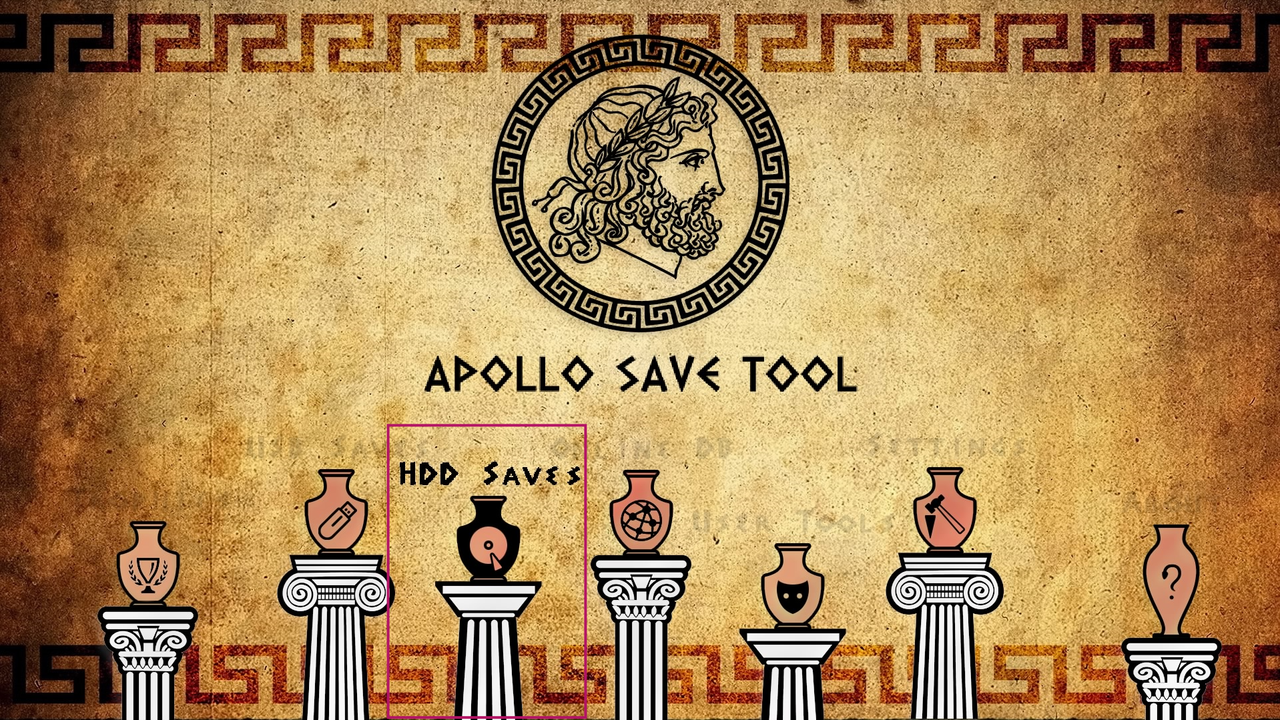
3) Download and install Apollo Save Tool link on GitHub (You can also download the current version from our Telegram channel)
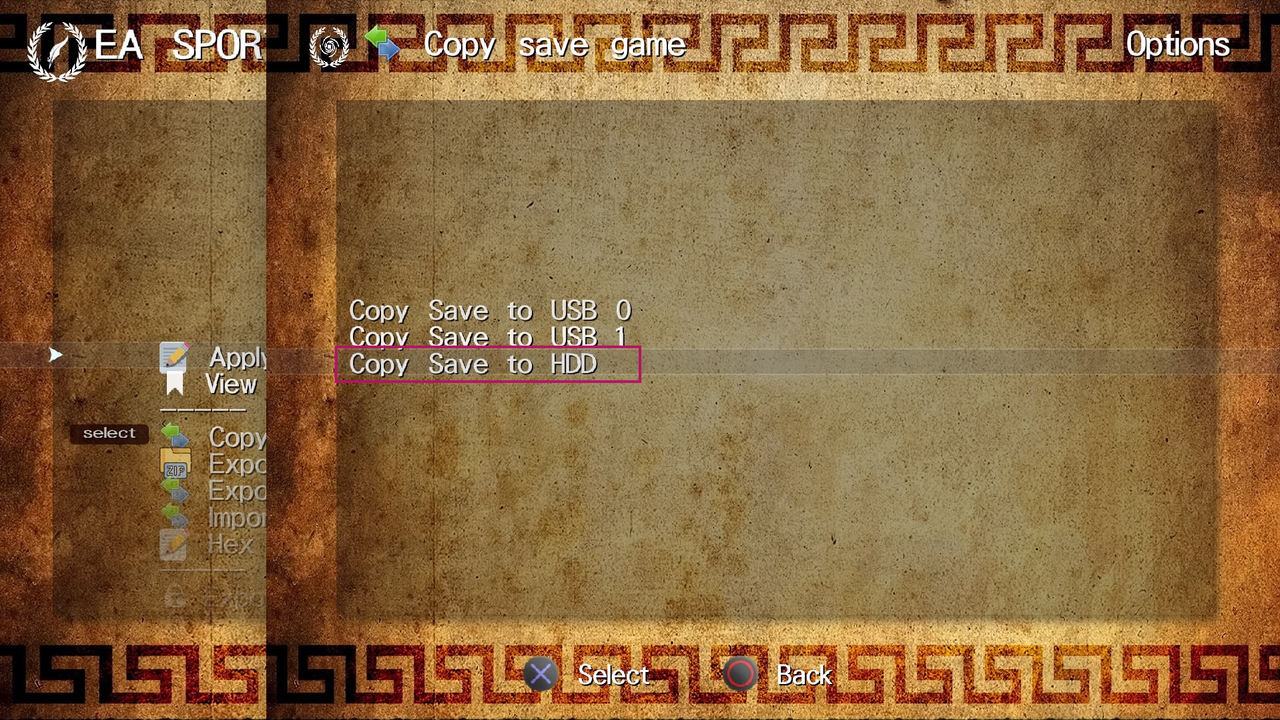
4) Next, insert USB into PS4, run Apollo Save Tool, select HDD Saves, look for EA SPORTS FC 25 - "the name of your squads from point 2" and select them, then Copy save game —> Copy Save to USB 0, or Copy Save to USB 1 (Depending on which USB port you inserted the USB drive), after a successful save exit Apollo Save Tool
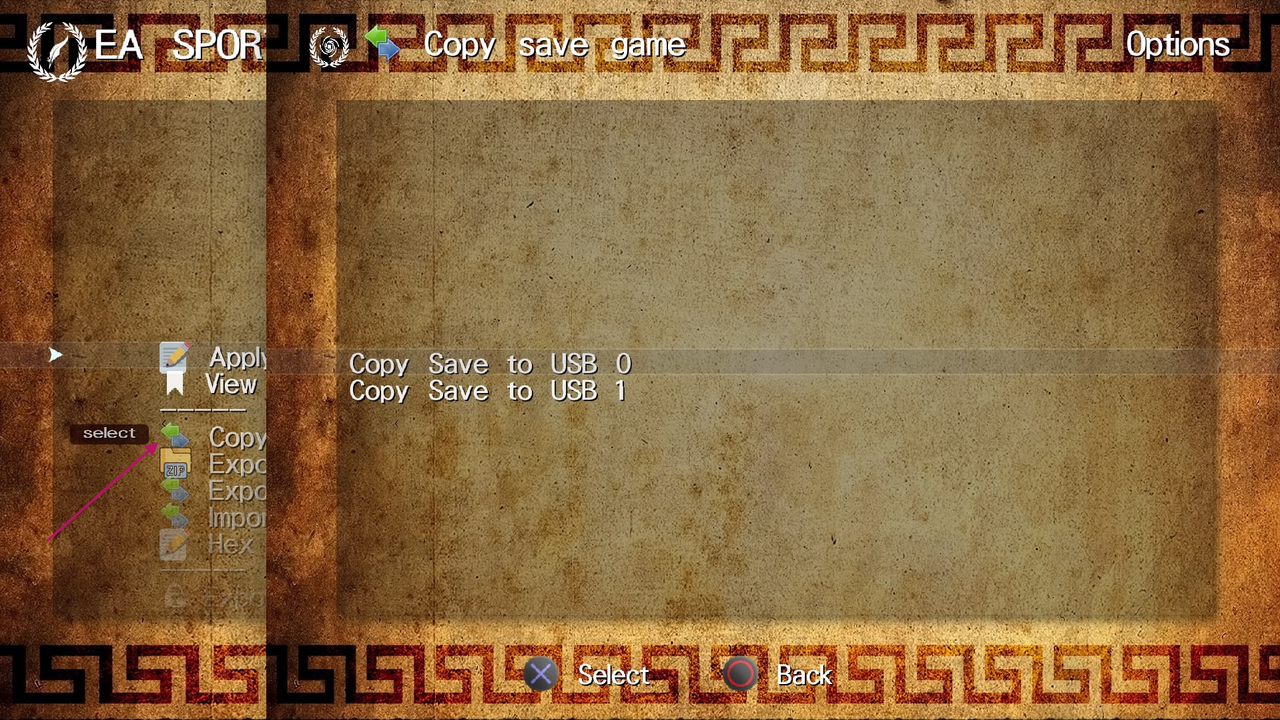
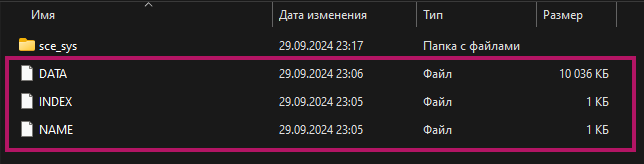
5) Connect USB to PC, see your saved squads, take 3 previously downloaded files with updated squads (DATA, INDEX, NAME) and replace them
❗️Attention: do not touch or replace the sce_sys folder
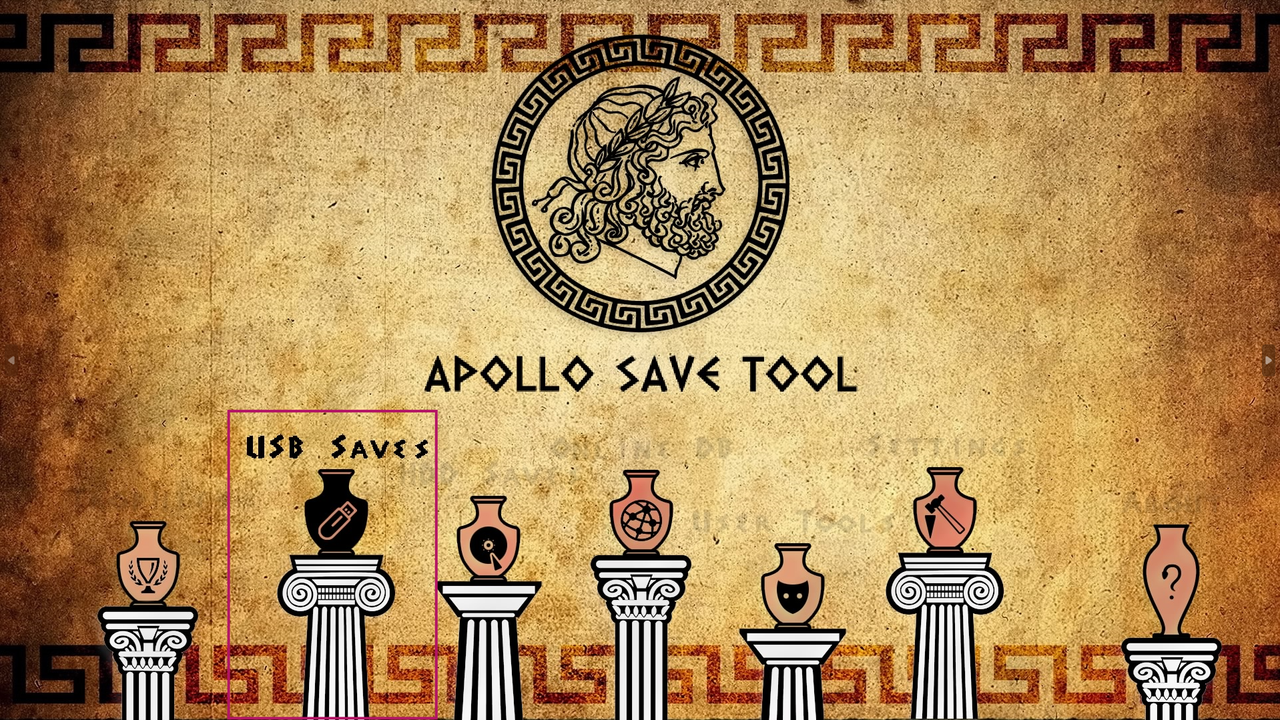
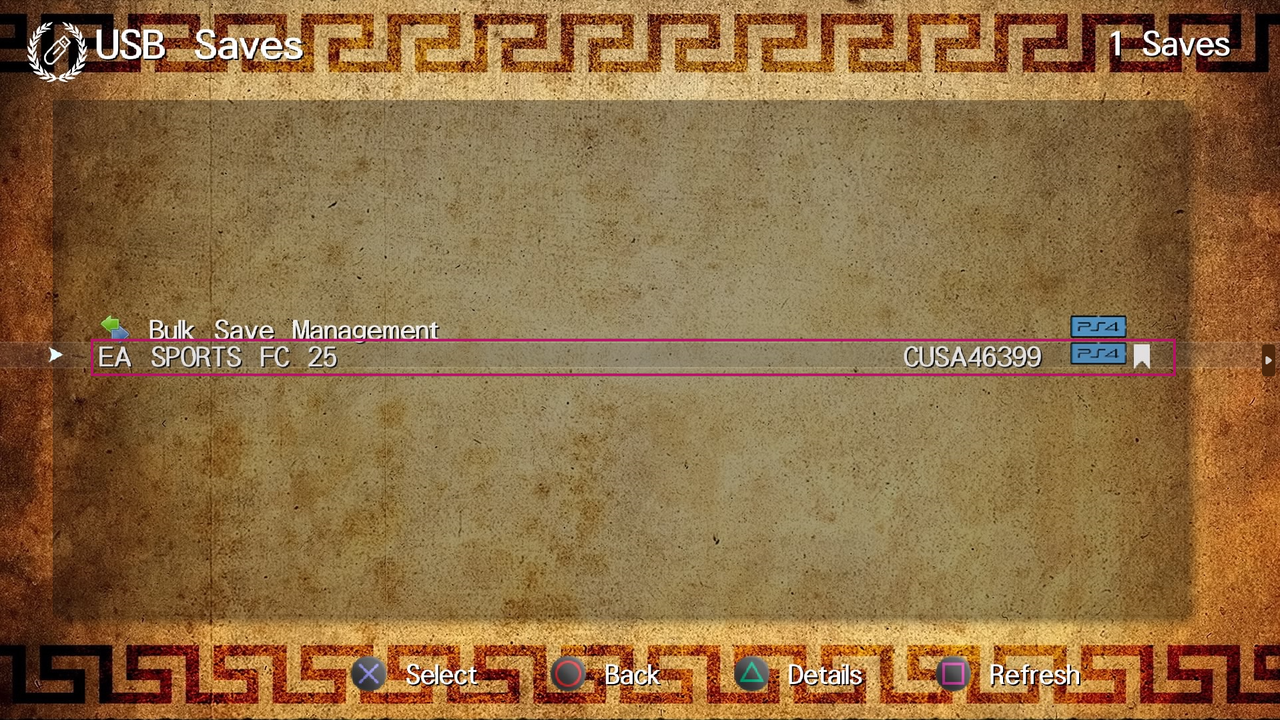
6) Insert USB into PS4, run Apollo Save Tool, select USB Saves, see your saved squads EA SPORTS FC 25, select them, then Copy save game —> Copy Save to HDD, see the window about successful data transfer
7) Open EA SPORTS FC 25 go to Customise —> Profile —> Load Squads and select the previously named squads with already updated files, wait for the update
This completes the process of updating squads. I recommend that you check your squads on some teams before updating, for example, take a screenshot, or remember that you will see the difference after the update and make sure that the squads have been updated.
This article was prepared by the PlayStation Pulse team.
Our Telegram, where you will find the latest squads update for EA SPORTS FC 25, as well as the latest news.
We also recommend trying the Telegram bot - LinkRush Bot. This is your best bot for working with a file catalog! Convenient file search, update tracking, and receiving the latest information - all in one place. Fast, convenient, and always up-to-date!