SpaceMan Platform
SpaceMan Platformodiinnn
https://github.com/odiinnn/spacemanplatform
A simple site made with React using Web3React and UseDapp libraries.
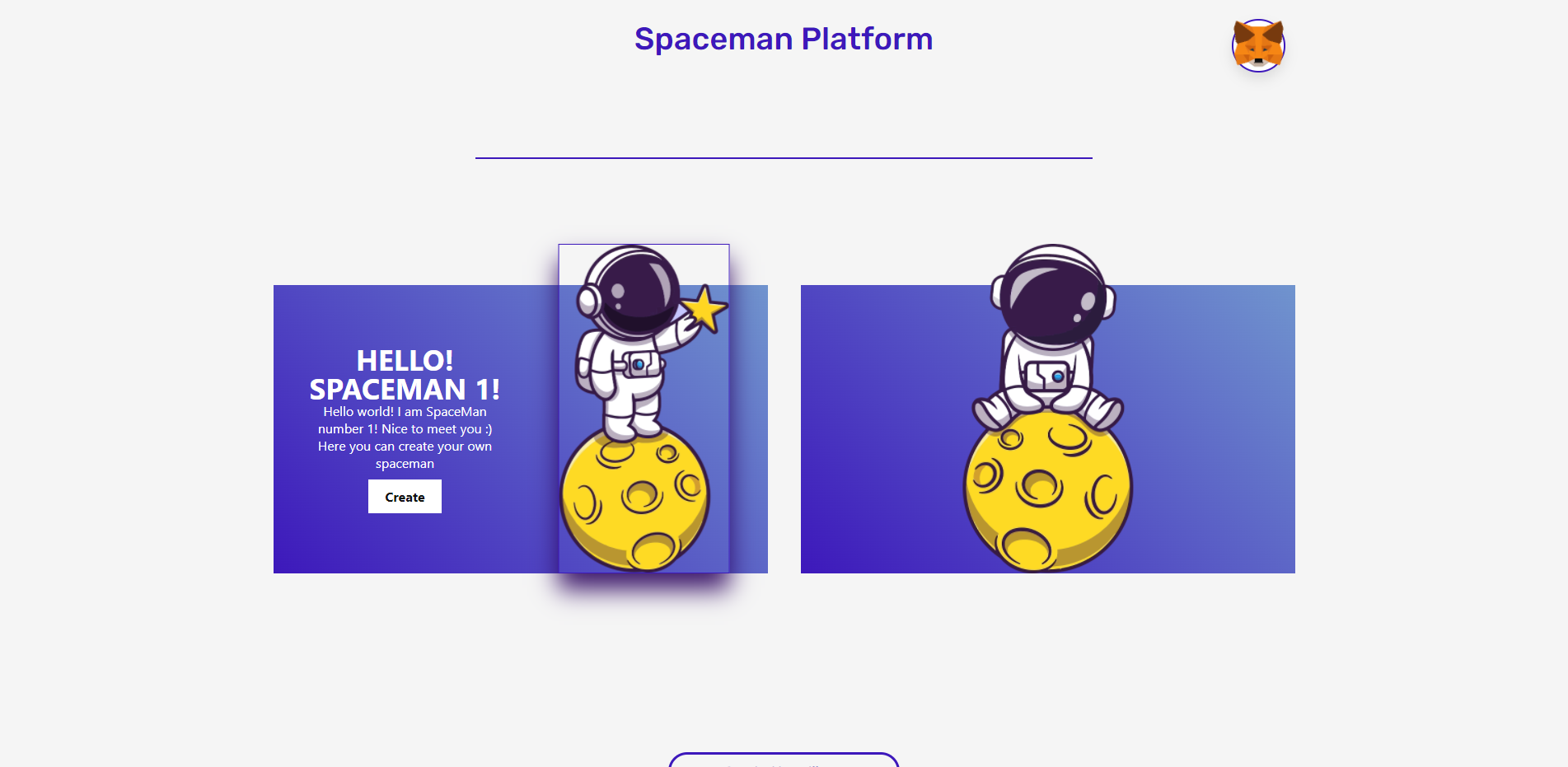
You can click on the metamask and connect your wallet. Then you have this:
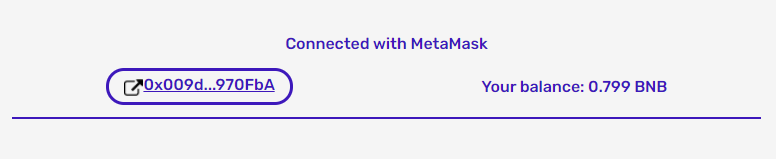
I want to remind you that the site's functionality works only with BSC Testnet, but you can connect your wallet and see your balance with any network.
Spaceman 1
If you press the button of the first Spaceman you will see this:
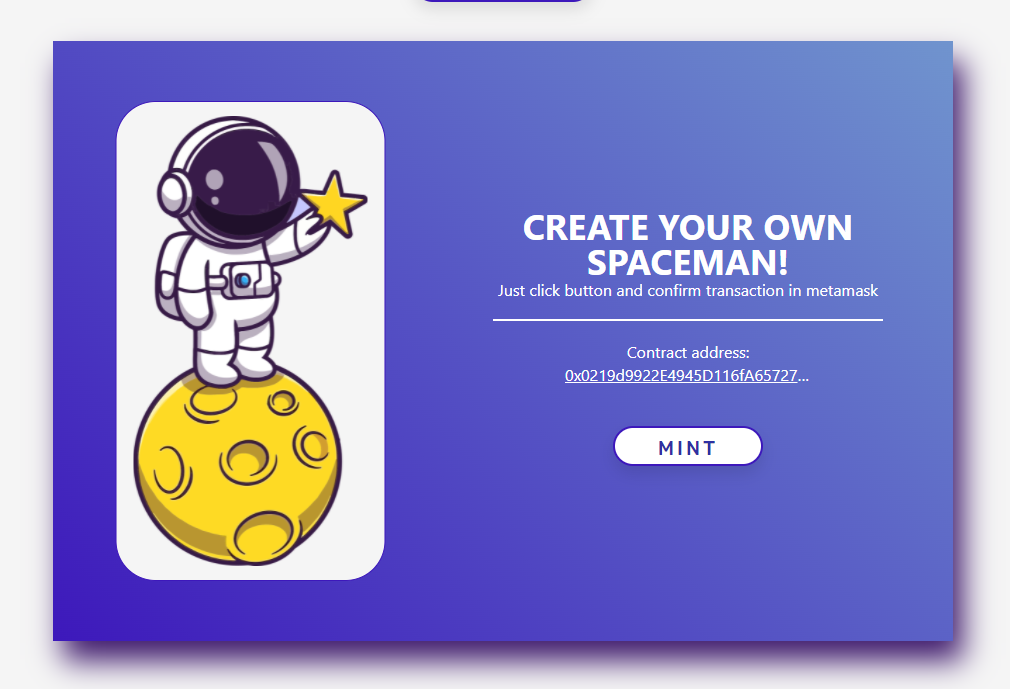
Here you can create your own NFT Spaceman simply by clicking on the mint button.
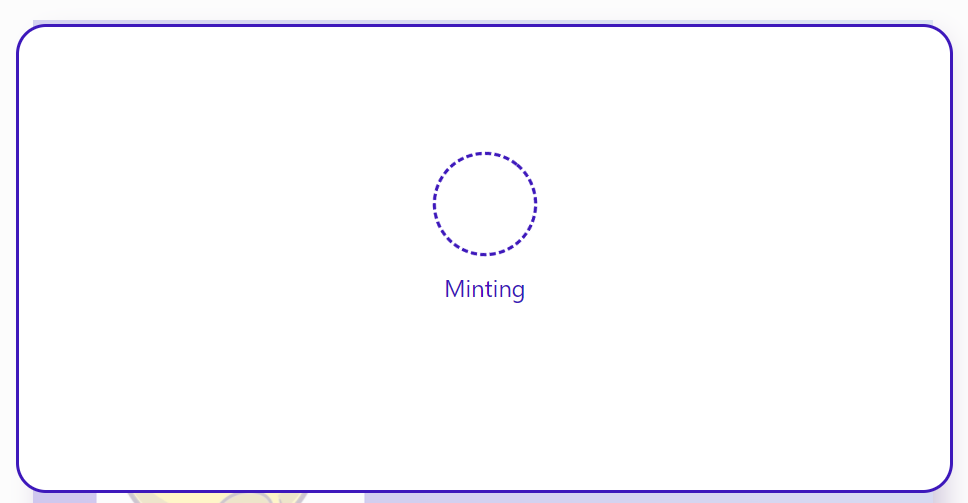
Then you will see this window while you confirm the transaction and while the minting process is in progress:
If the minting process is successful, you will see a window like this:
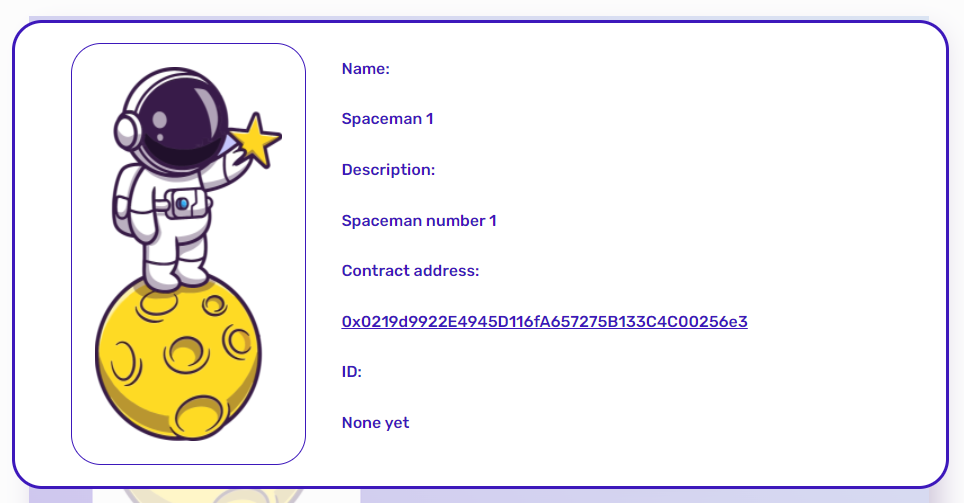
Then, after confirming the transaction, you can go to https://testnet.bscscan.com/address/0x0219d9922E4945D116fA657275B133C4C00256e3 and see your transaction.
After that, you can add this NFT Token to your Metamask wallet on your phone and see this:
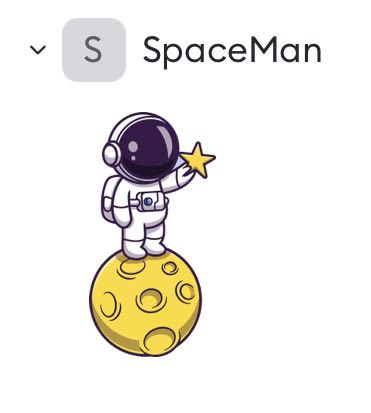
Also by clicking on this button you can open a window where you need to insert your uri:

You can make your yuri following my example from GitHub: https://github.com/odiinnn/nfttest/blob/main/0.json .
You need to make the same file on your github and then click the raw button and copy the exact link that you will be given, then paste it on the site:
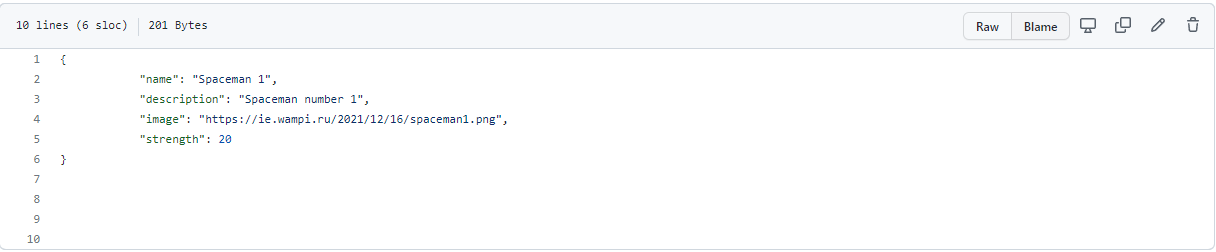
Link example: https://raw.githubusercontent.com/odiinnn/nfttest/main/0.json .
If you want to create my example, then click on the button Default uri:
Spaceman 2
If you click on the second Spaceman button you will see this:
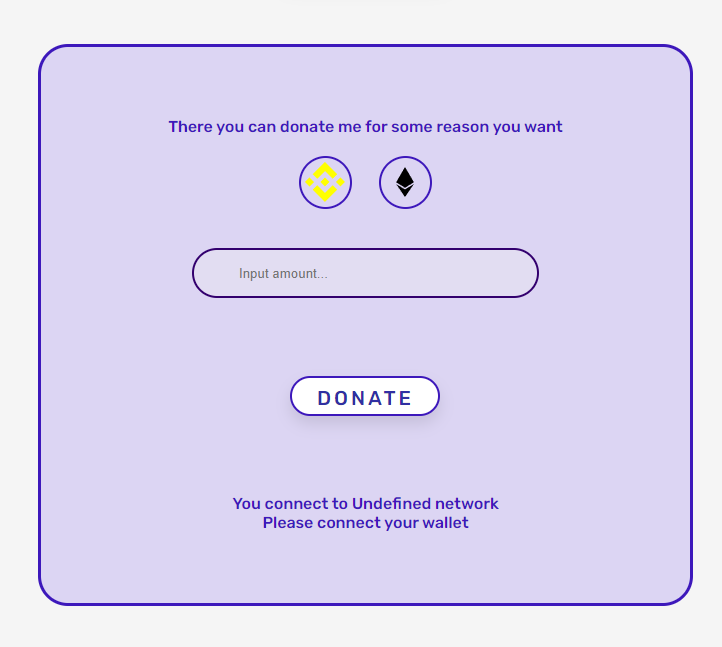
Here you can send a donation to me using Ethereum network or Binance network.
As you can see, until you connect to one of the required networks, you cannot do anything.
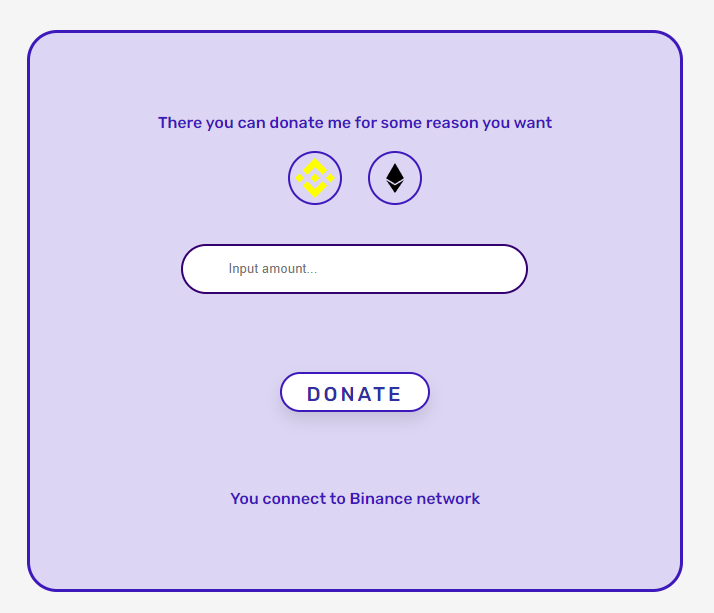
After connecting to one of these networks, you will be able to send me a donation.
Thank you for your attention!
This guide will be updated and supplemented. I hope that if someone ever sees and finds it, it will help him.
email: msinkevic103@gmail.com