Setting up Aniyomi - @Twapple
@twapple
The first thing, which is the most obvious, is to download and install Aniyomi on your device and then follow the instructions in full.
SETTINGS
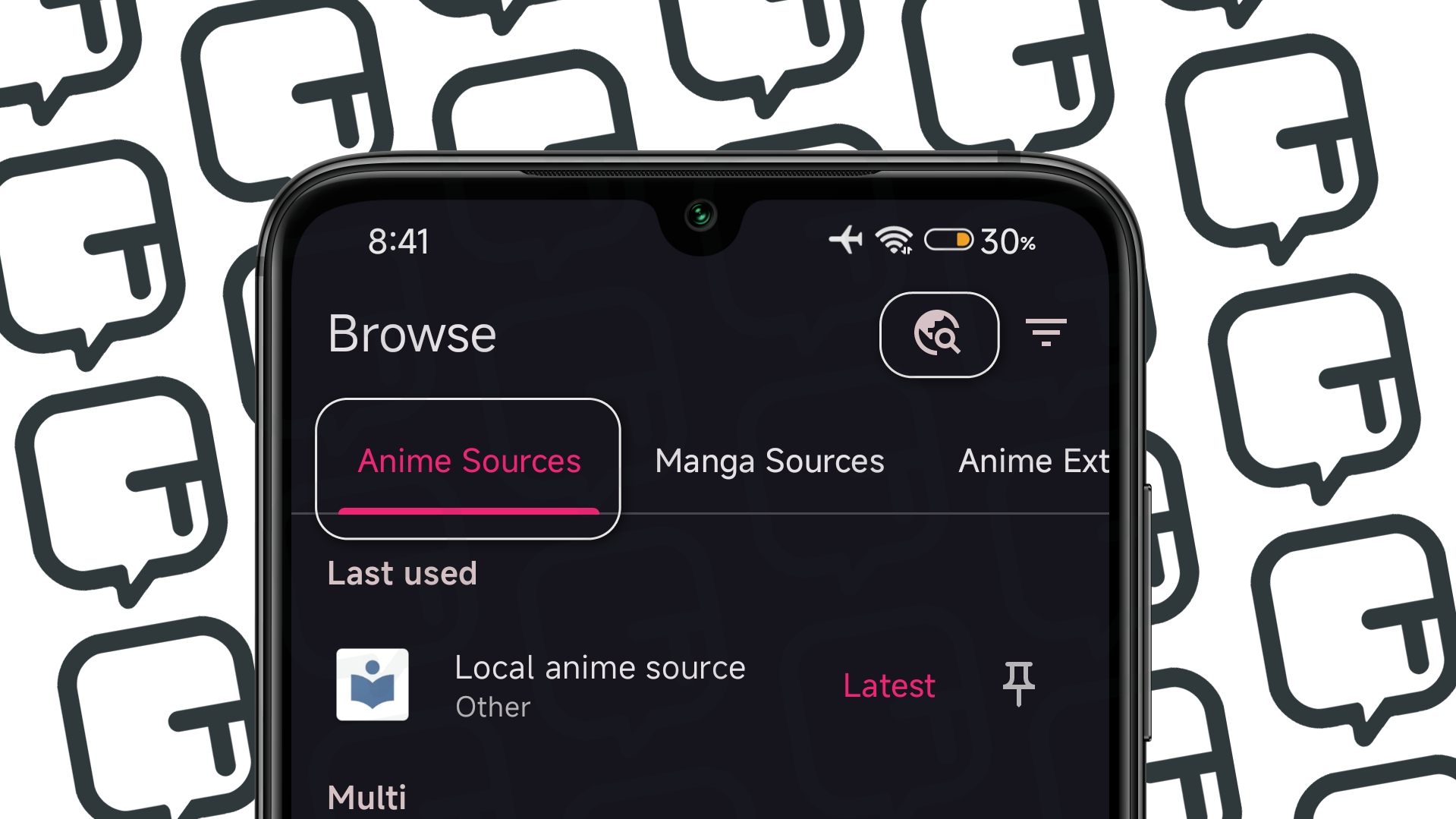
#1 - Open Aniyomi and go to the "Browser" tab;
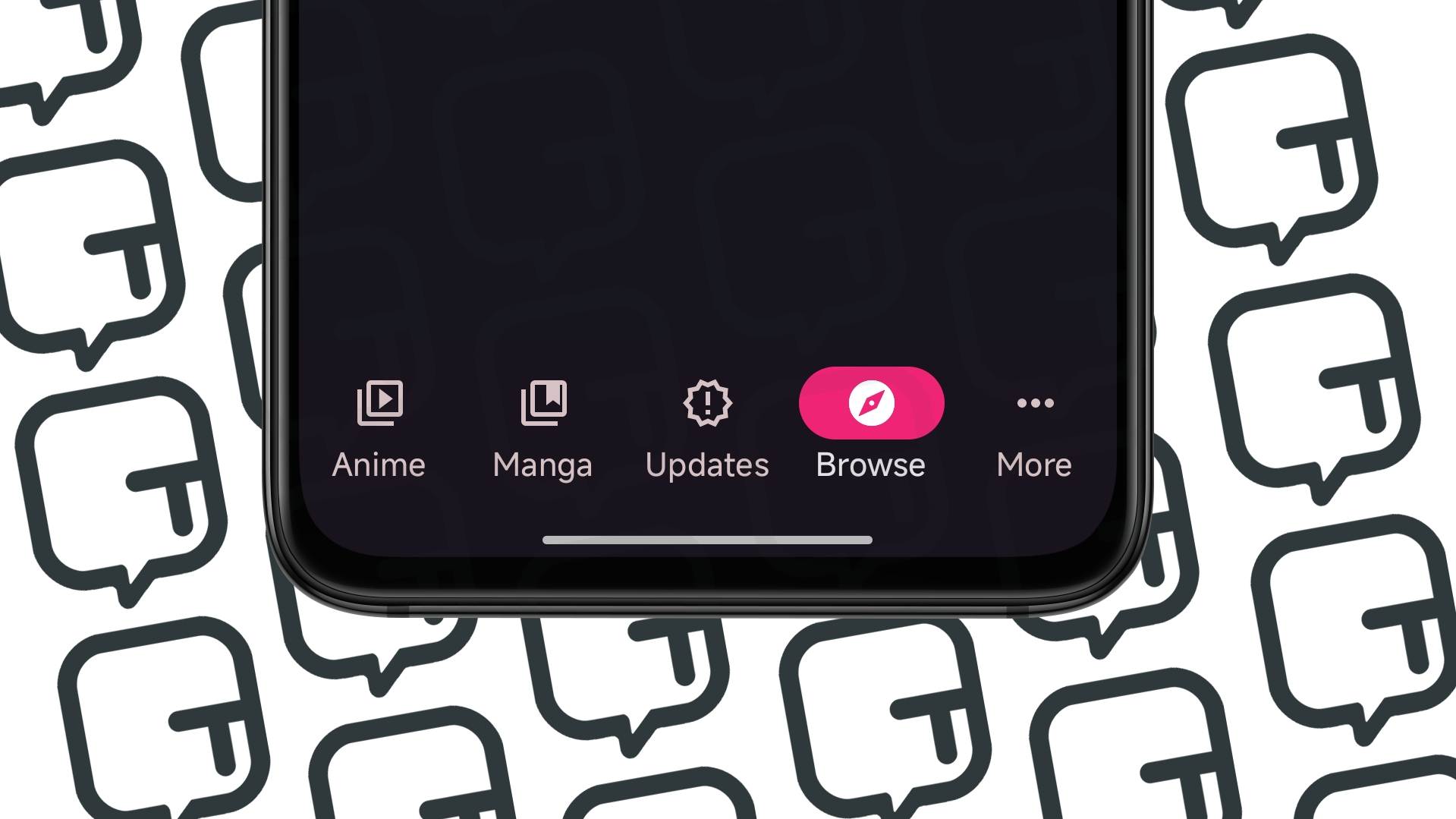
#1.1 - In the "Browser" tab, you'll see some sections like "Anime Sources", "Manga Sources" and other options. In this case, let's first go to "Anime Extensions";
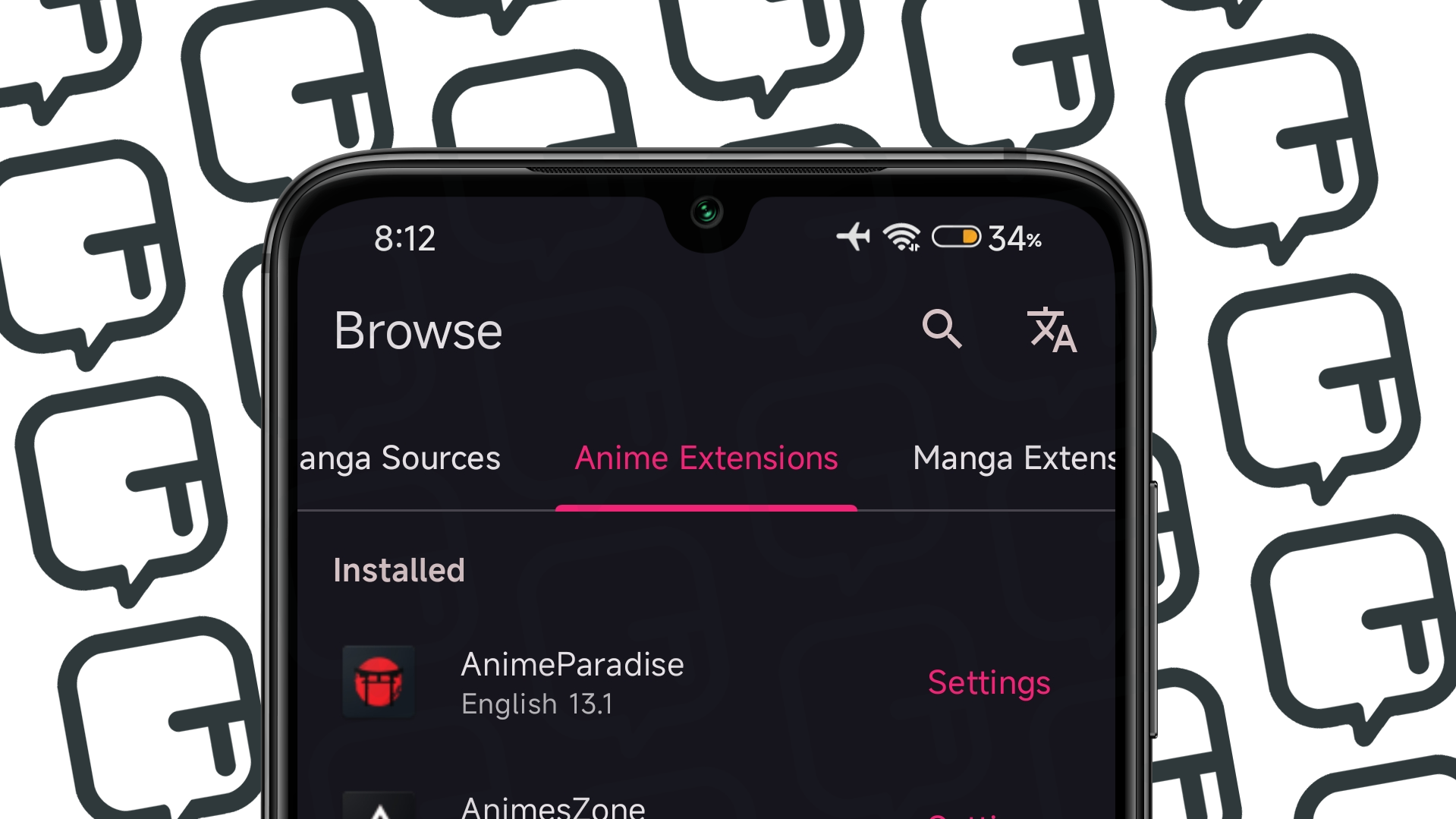
#2.0 - In the "Anime Extensions" section, you'll find a list of numerous services available and compatible with Aniyomi. Note that extensions are also separated by lang availability. Well, choose an extension and click on "Install";
So far, so good. You've installed the extensions to watch anime and the content availability depends on the catalog of the specific extension. The same process applies to manga, it's the same process: install the extensions in "Manga Extensions".
WATCHING
How to watch in the Aniyomi app?
By following the steps above, you're ready to start watching on the app, and it's quite straightforward.
#1 - Open Aniyomi;
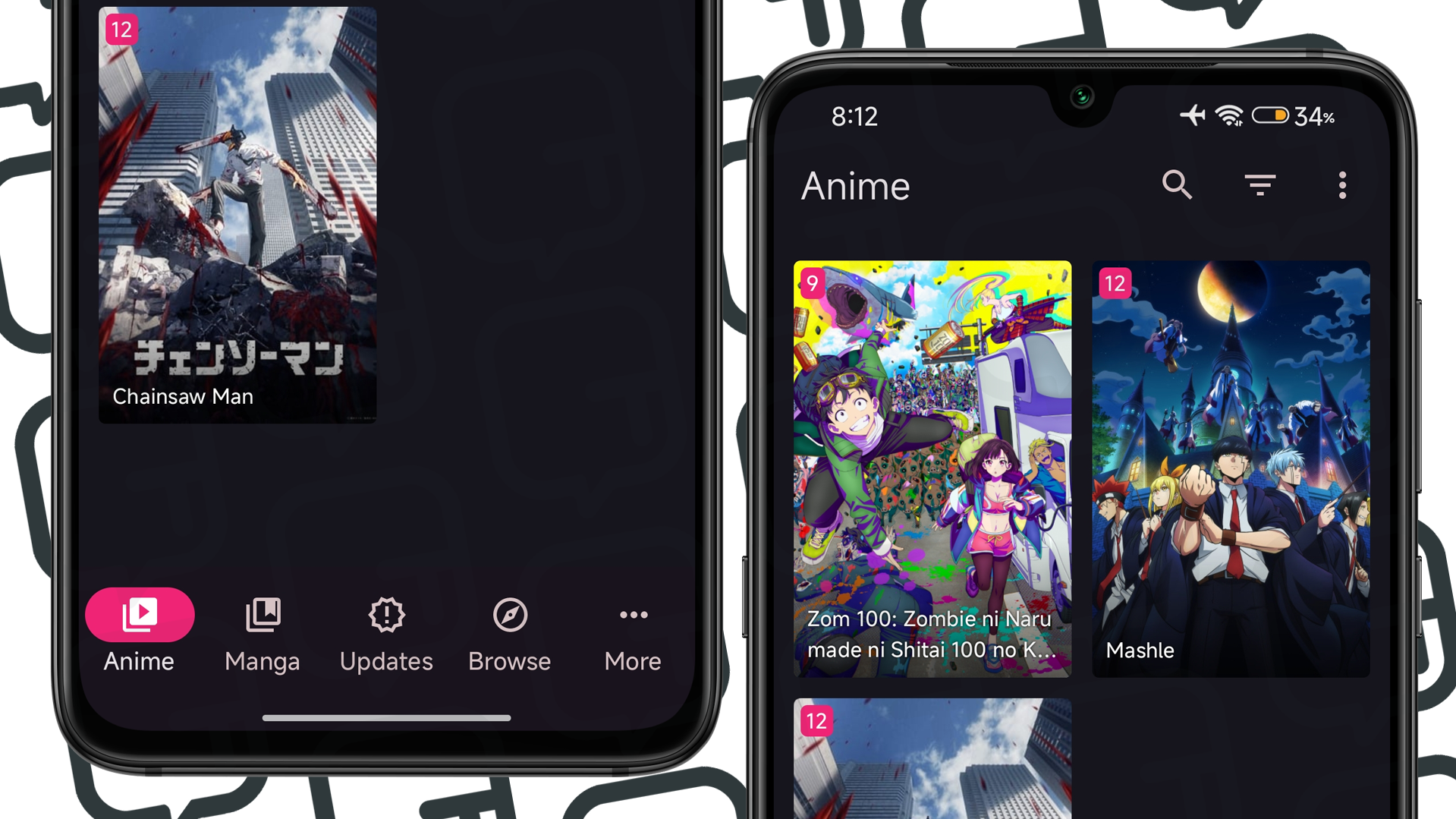
#2 - In the "Browser" tab, go to the first section "Anime Sources," where you'll see an icon of a magnifying glass and a planet. That's it. Click on the icon and search for the anime you want. Remember to mark the anime you searched for as a favorite (if you wish); this way, it will be highlighted in the "Animes" tab, making your search easier. If you want to look for manga, it's the same process, but go to the "Manga Sources" section.
Now you can start watching. ;)