Configure the downloader for YouTube ReVanced Extended
Kazi MMTTable of Content
• How to Set Downloader Package Name
How to Set Downloader Package name
• Navigate to the YouTube settings -> ReVanced Extended

• Tap: Overlay button

• Tap: Downloader settings

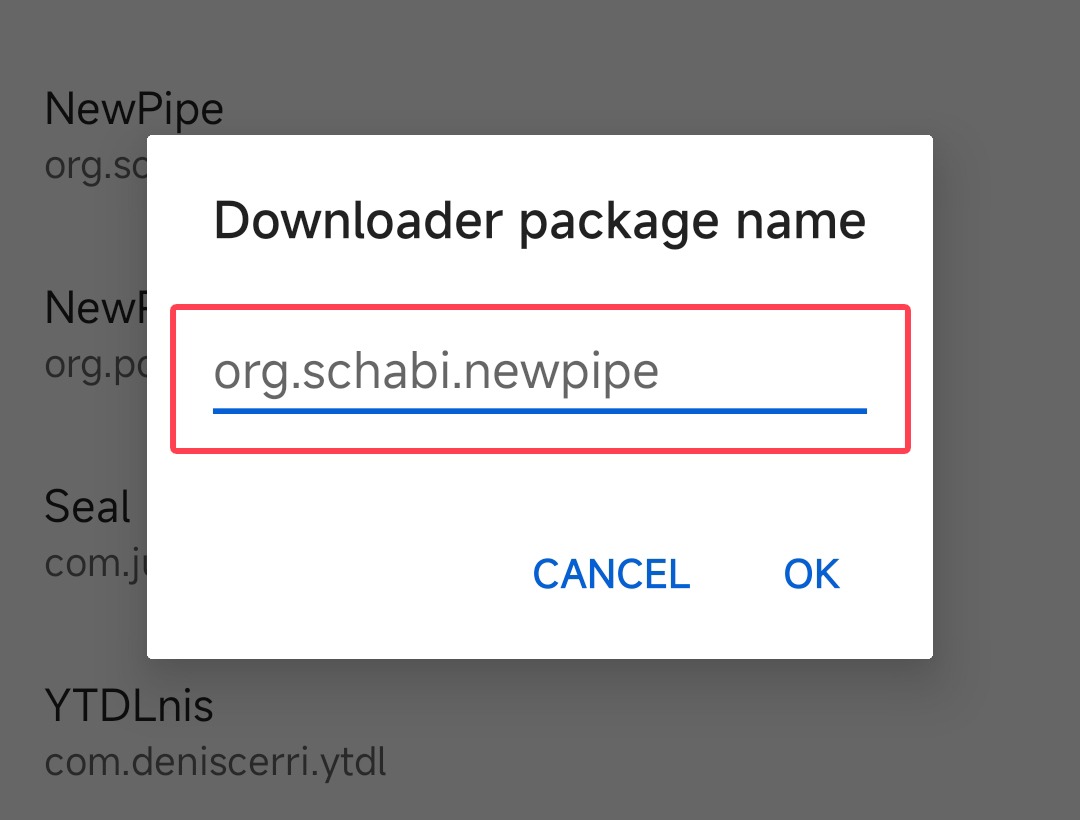
• Tap: Downloader package name

• Please input the package name for the app you wish to configure and then click the OK button.
💡 Pro tip:
On the Downloader Settings page, you will find a list of four popular downloader apps. If you wish to install any of them or set one as the default downloader, simply tap on the app name and the options to install or save it as the default downloader will be presented to you.
How Downloader Works?
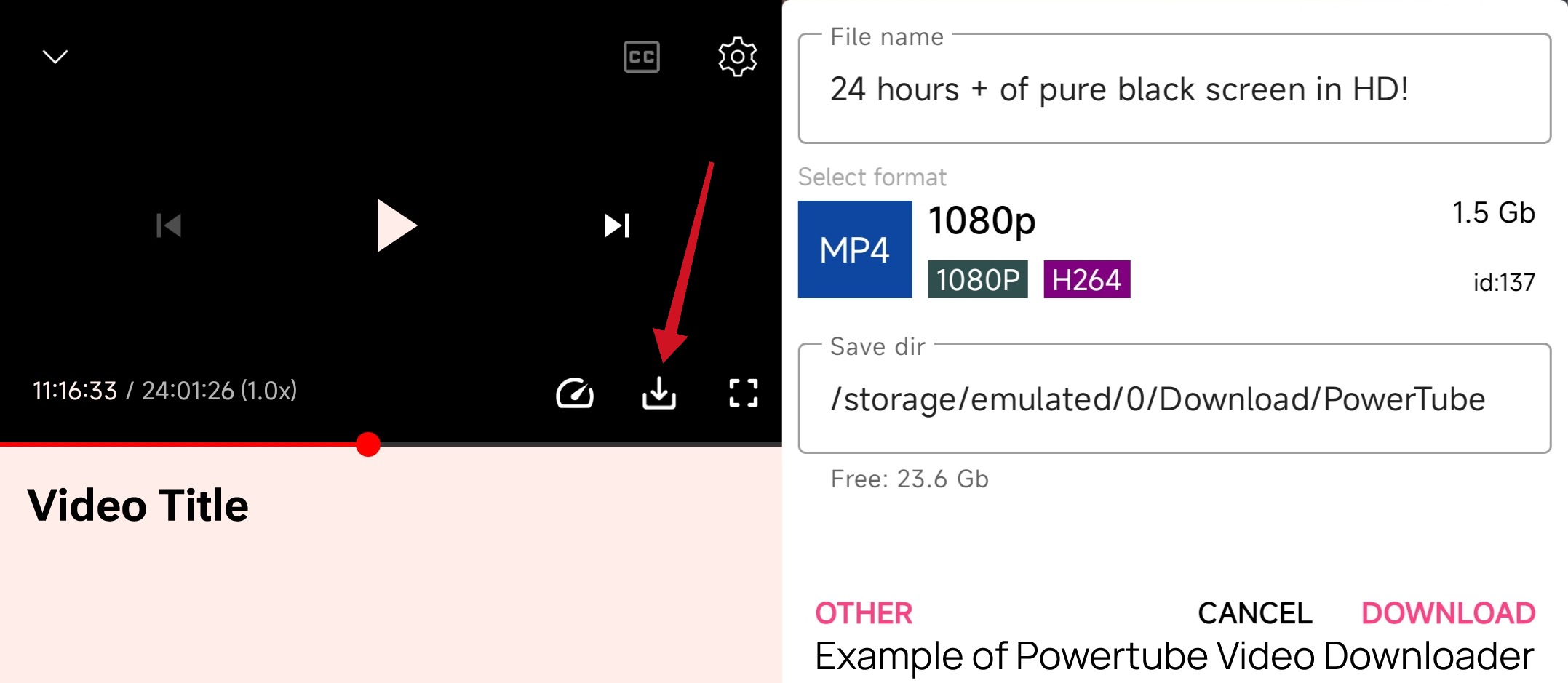
Downloaders allow you to download any video from YouTube directly. Simply set up a downloader and then click on the download icon on the video player to start downloading any videos.