Set MIUI Camera Default
DeanAre you not able to set MIUI Camera As default?
Follow this Quick Troubleshooting Guide:
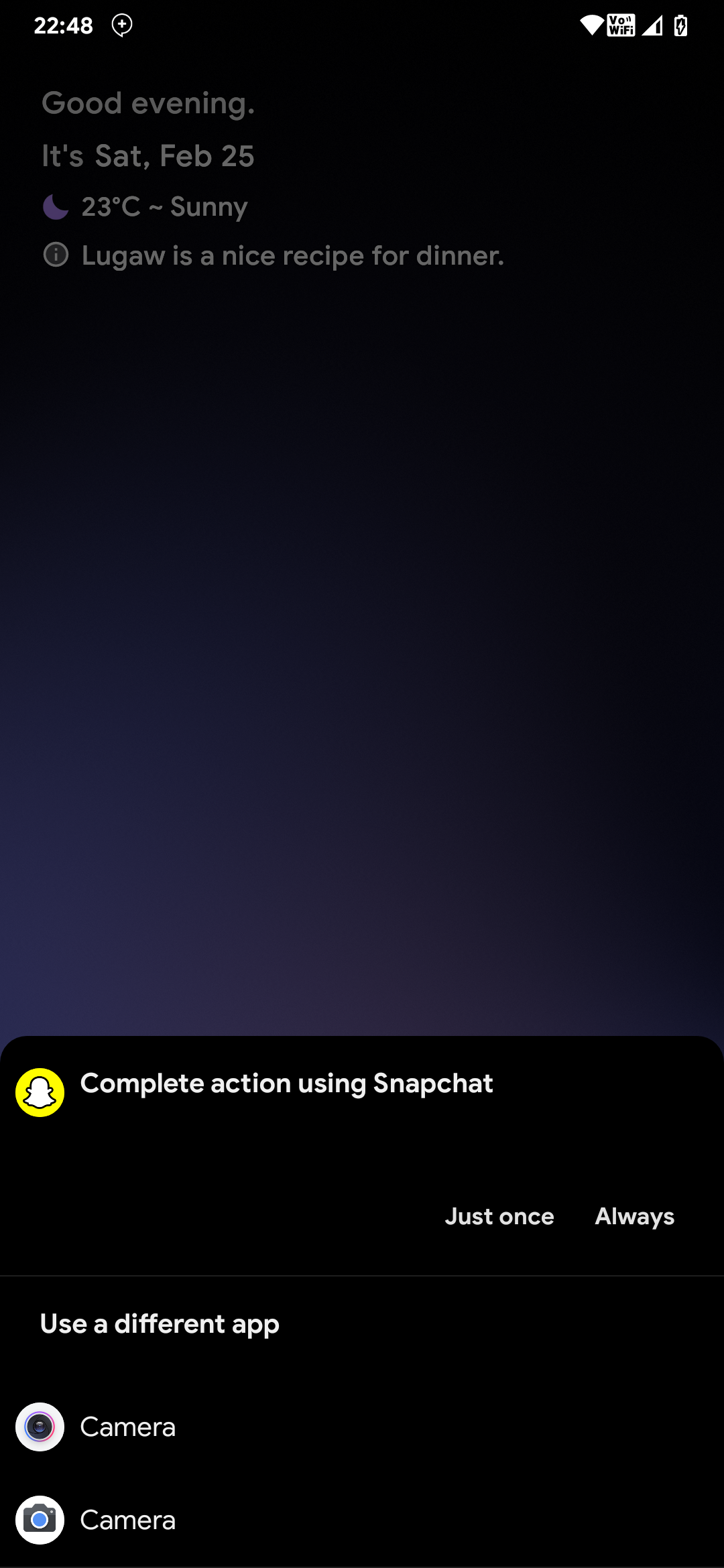
Are you facing similar issue ? Where the top option isn't MIUI camera and you are not able to set it to always? Well don't you worry, there's a quick fix !
Go ahead and select as "always" to whatever app is on top, if it's MIUI Camera on top , then your quest ends here , but for me it's Snapchat and that's a problem!
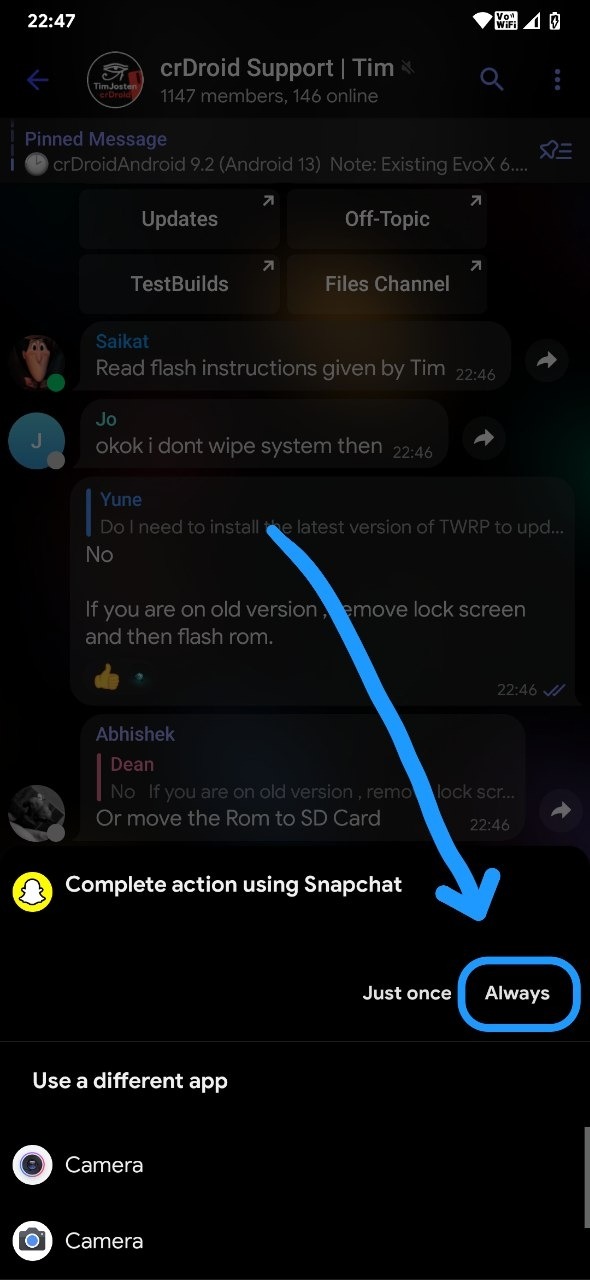
After selecting Snapchat or whatever app is in top for you, "as Always" go into App Info of that Particular App and....
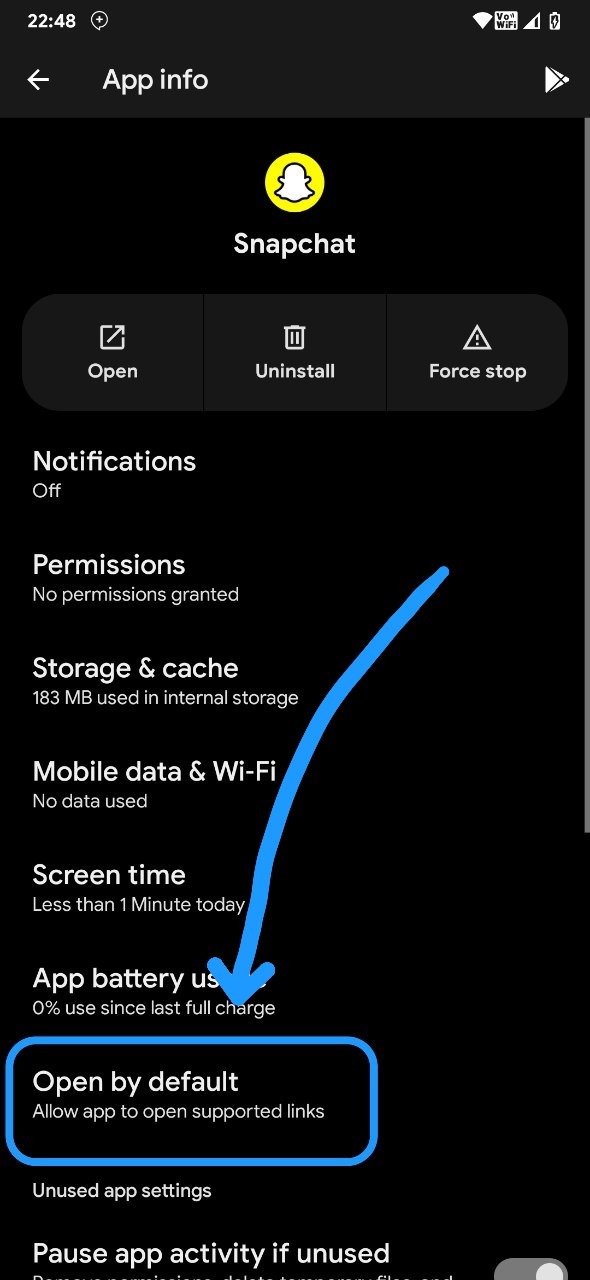
Click on Open by Defualt

And then Click on "Clear defualt preference"
After that, Go Ahead and Double tap your Power button:

You'll now see that you'll be able to select any app and click on always, go ahead, Select MIUI Camera and click on Always and you're done !