Sensitive content blocking (IOS)
💮 ωαιfυѕ 3∂ у ¢σѕρℓαу +18 💮💮 ωαιfυѕ 3∂ у ¢σѕρℓαу +18 💮
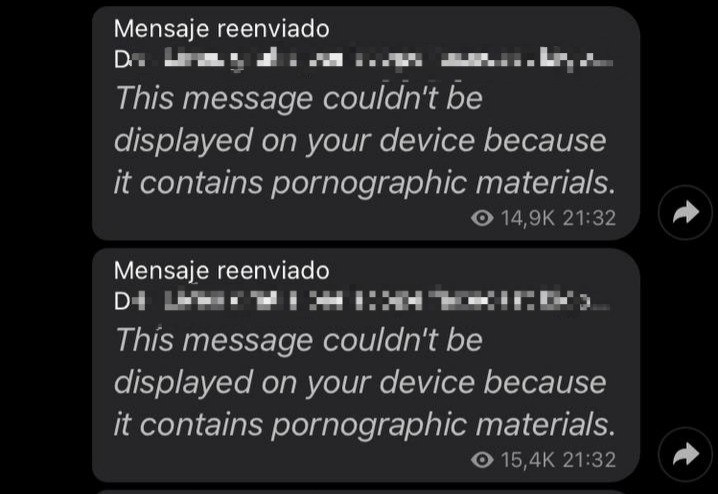
The first thing you will have to do is go to Telegram Web, after having logged in with your account, you will have to go to settings, look for the "Show sensitive content" section and activate the switch.
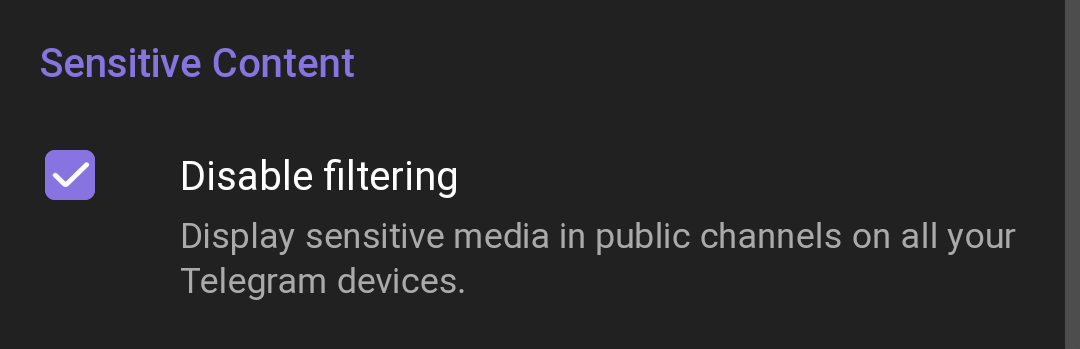
It may appear differently depending on your device
Nicegram
Another alternative that still works is to download Nicegram.
Nicegram is a messaging app that uses the Telegram API, but with many more features. I leave you the direct link to download it from the App Store:
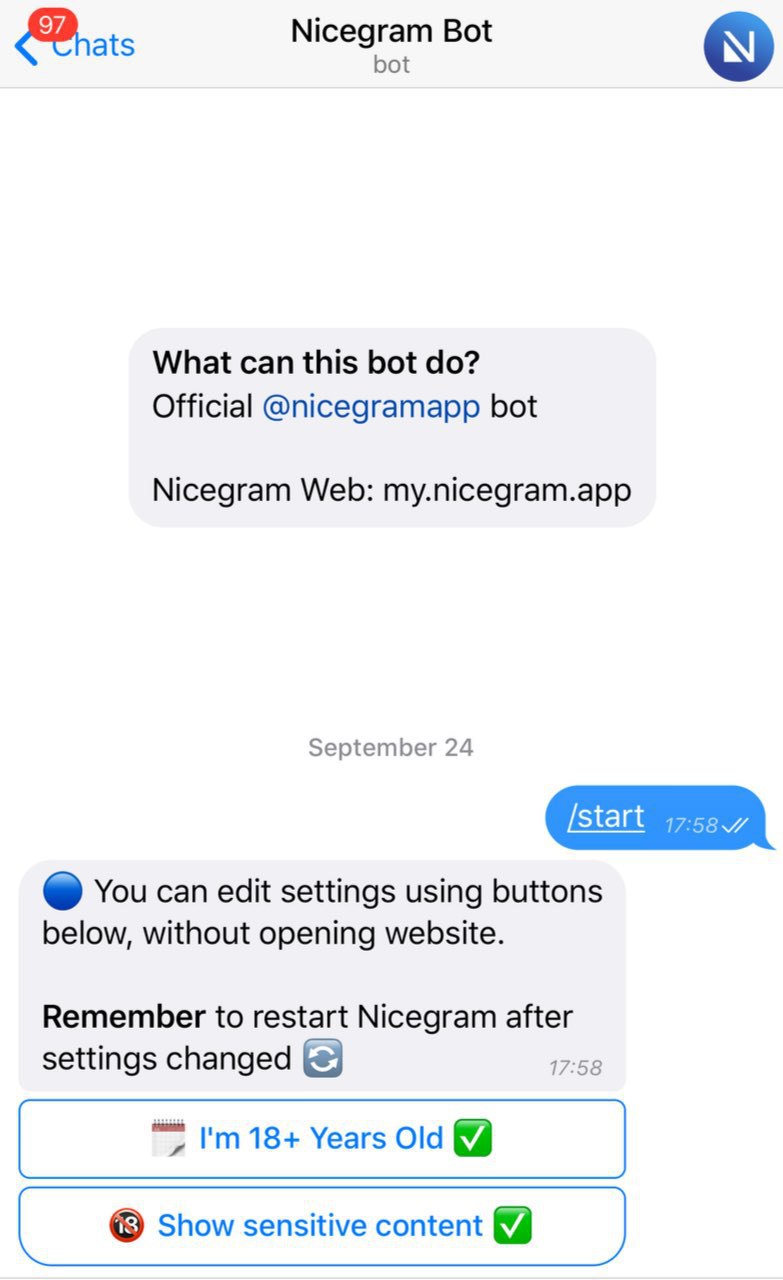
After having downloaded nicegram, here is one of the ways you can use to unlock the content:
Open Nicegram_bot using the official Telegram app or the web. (It cannot be opened in the Nicegram app!)
Change the setting with the buttons.
Restart Nicegram (close and open the application)
I hope I've helped :)