FAQ SailfishOS for Miatoll
AntonChannel with updates
Installation with Dualboot
Dualboot with this Lineage OS 18.1 build is supported only!
Dualboot Android 13 and higher breaks SailfishOS and Android too!
Maybe A12 also... So just use provided lineage 18.1, ok?)
- Use this recovery
- Make sure that your data partition is decrypted.
To verify this, recovery may ask for a password, if so, you need to format data!
Do not boot into Android! - Flash this
- Back up your boot and dtbo to SD card (because android will ease internal storage) with builtin TWRP backup.
You don't need a full system backup (sailfish does not touch android partitions) - Flash SailfishOS zip in recovery. Installation may take up to 6 mins.
- Reboot to the Sailfish, first setup.
- Update Sailfish⬇️
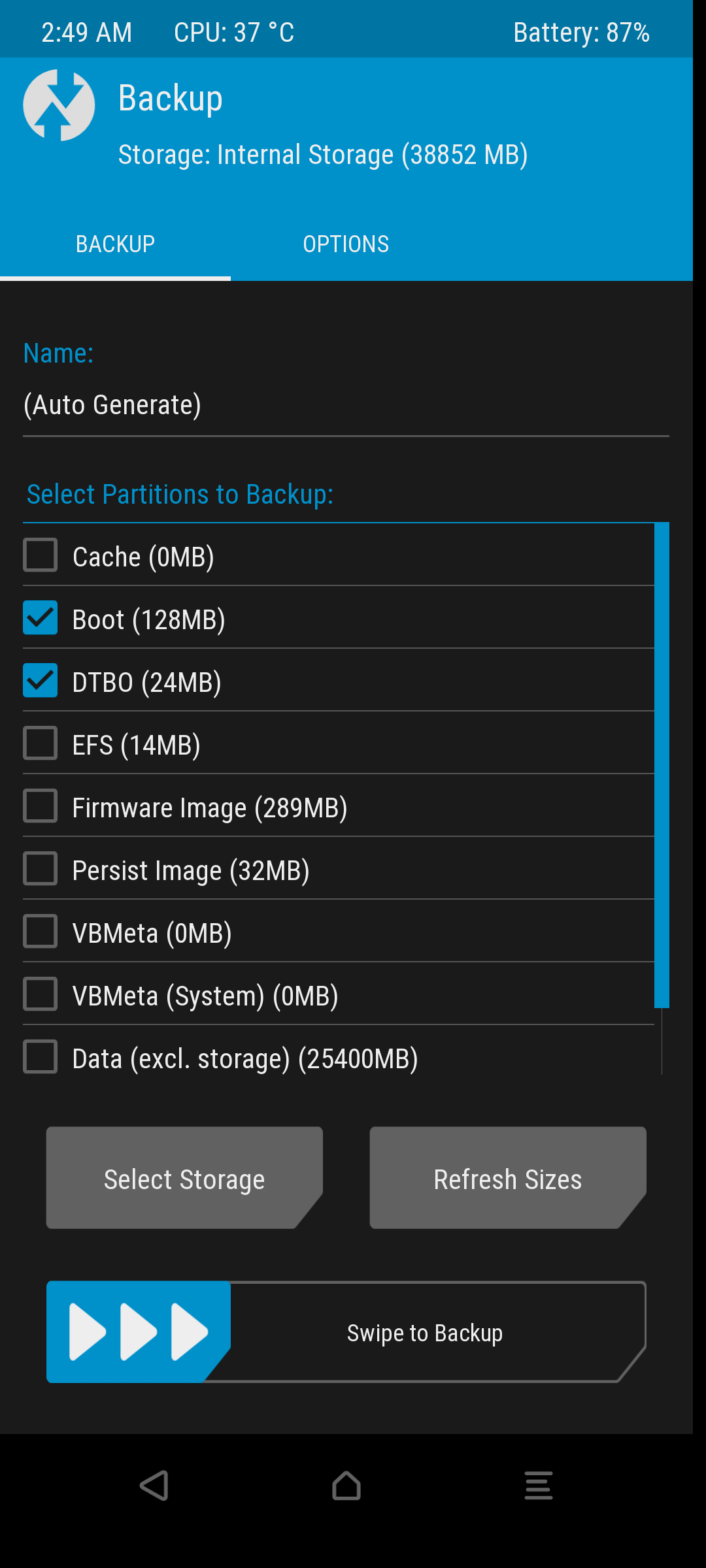
To switch Android
Restore previously made backup and reboot.
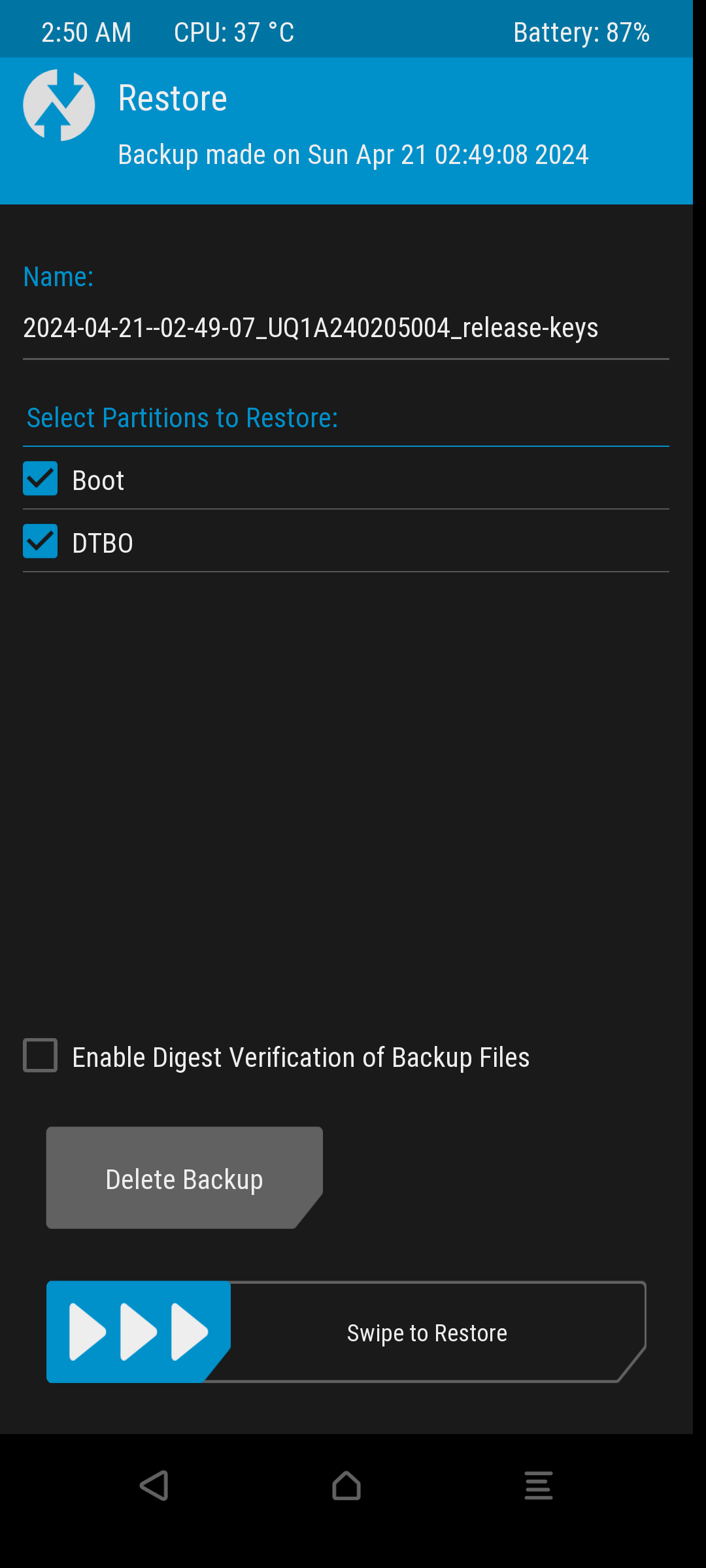
To switch sailfish
Flash hybris-boot.img to boot and dtbo.img to dtbo from /data/.stowaways/sailfish/boot/
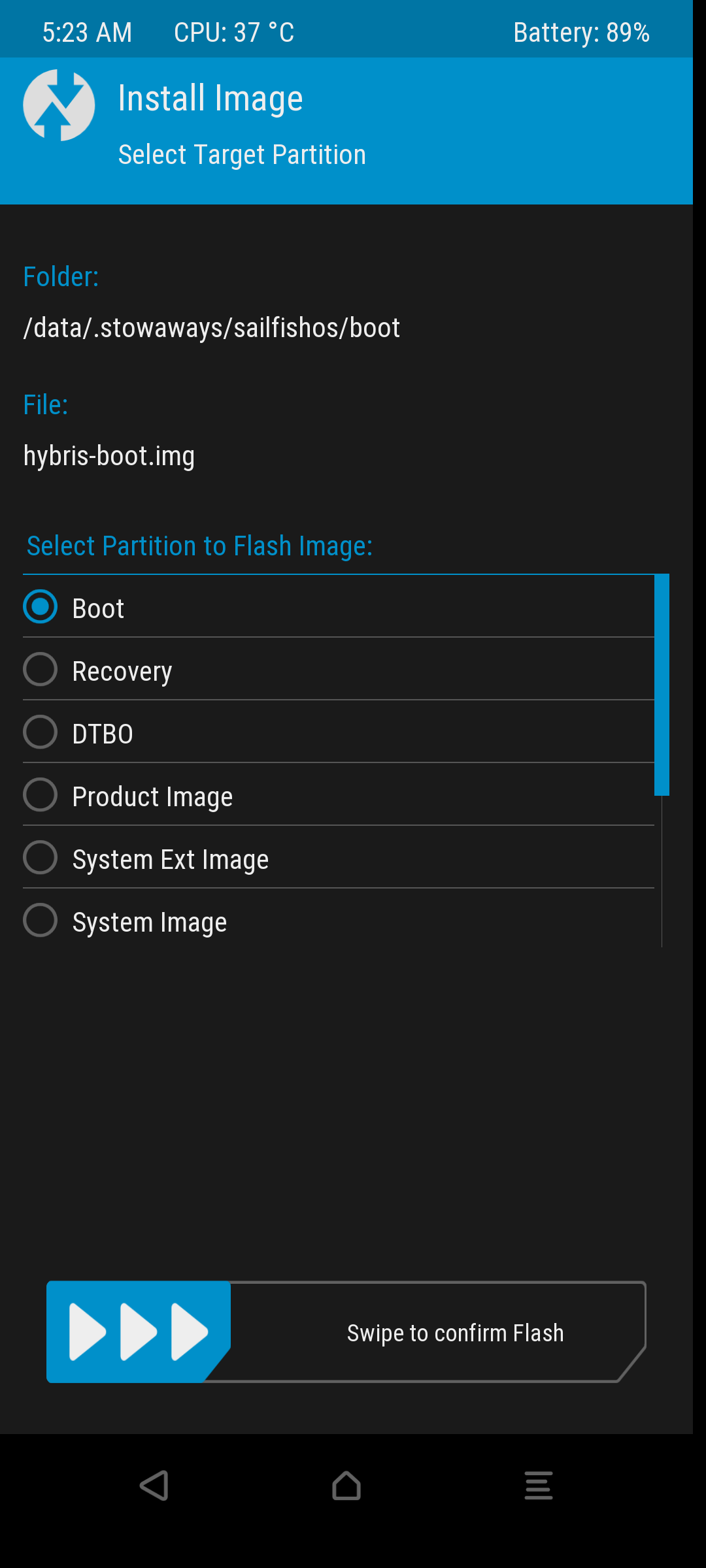
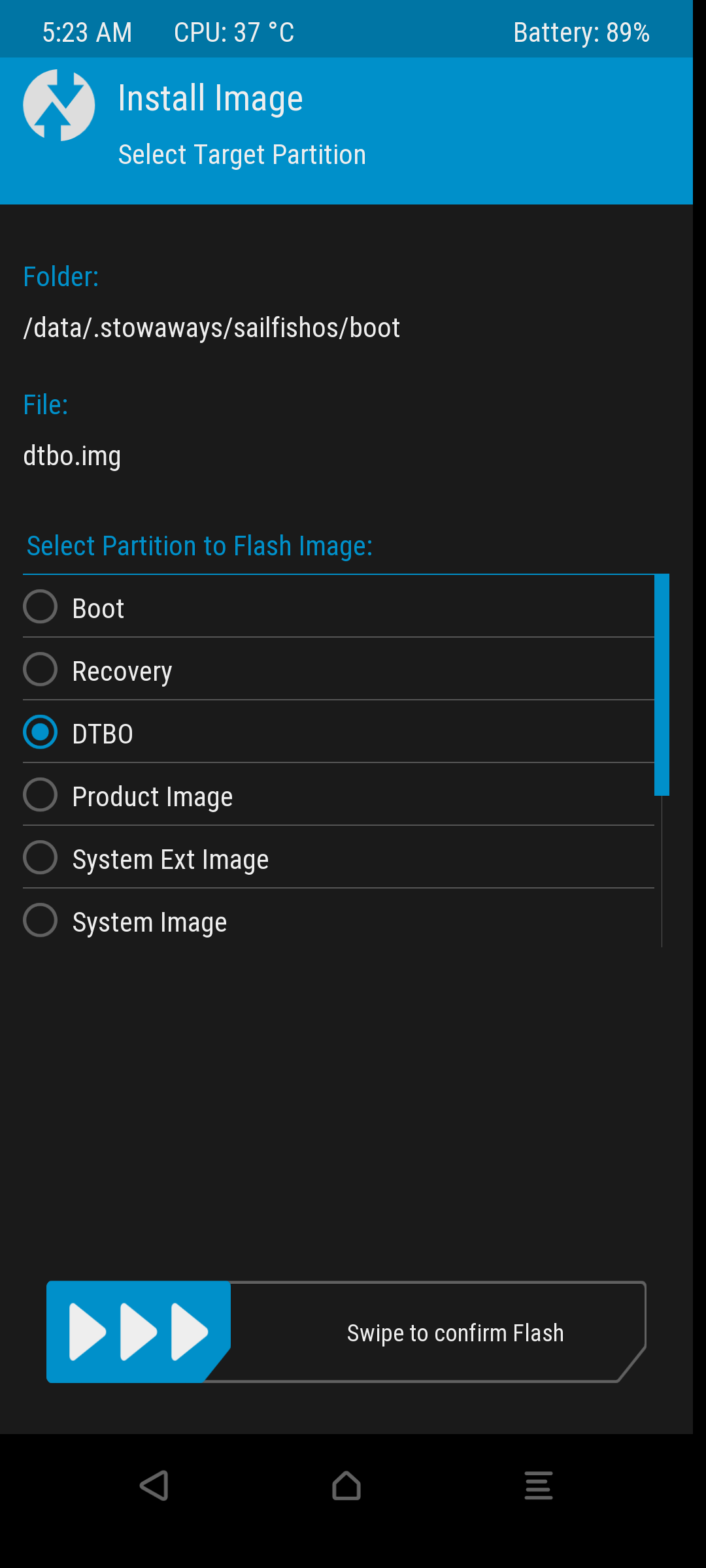
Installation without Dualboot
- Use this recovery
- Format data
- Flash SailfishOS. Installation may take up to 6 mins.
- Reboot to the system, first setup.
- Update⬇️
Remove SailfishOS
- Remove /data/.stowaways
- Restore android boot and dtbo
FAQ
First to do and install?
- Allow untrusted software and set a root password (to receive updates) -> Update
- Checkout awesome-sailfishos
- Check docs https://docs.sailfishos.org/Reference/Sailfish_OS_Tips_and_Tricks/
- Add OpenSuse repos, if you need (be careful, could cause package conflicts!):
zypper ar -f https://download.opensuse.org/distribution/leap/15.6/repo/oss/ suse-leap
Update
Enable password in developer settings
devel-su sfos-upgrade
Upgrading to next release
ssu re - to check your current release. ex: 5.0.0.67
ssu re <release to switch >
devel-su sfos-upgrade
After reboot run
post_sfos-upgrade
Waydroid (Android on SailfishOS)
- Install waydroid from ChumGUI
- run in console: devel-su waydroid init -s VANILLA/GAPPS
- Reboot
- Open Wayrdroid icon or start waydroid from settings
If Waydroid does not start, try this.
To share files between sailfish and waydroid.
To share clipboard install python3-pyclip from Storeman and wl-clipboard from Opensuse repo
Too small or big ui (Change DPI)
devel-su rm /etc/dconf/db/vendor.d/locks/silica-configs.txt
reboot
devel-su pkcon install sailfish-content-graphics-default-z1.75
dconf write /desktop/sailfish/silica/icon_size_launcher 172
dconf write /desktop/sailfish/silica/theme_icon_subdir "'z1.75'"
dconf write /desktop/sailfish/silica/theme_pixel_ratio 1.75
systemctl --user restart lipstick
I tried to enable ! len in camera. Now it does not work
Reset camera settings: dconf reset -f /apps/jolla-camera/
Sensors break after dualboot (persist corrupted)
Flash this in recovery or any other persist partition source for your device