Replacing Near Account Keys
Near.WatchThe first step is to provide full access for the bot to the account to place the contract and delete all keys.


The connection was successful (the inscription connected appeared and another FullAccess key was added)
To delete all keys, you must put your account up for sale, but the next buyer (next buyer) must specify their owner address again
(in the example below, instead of ro4.testnet - ro5.testnet).

Attention! To delete keys (placing an account for sale), you need 1.5 Near on your balance. This is a temporary deposit for the contract that will be placed on the account
Click "Place for sale" (1) and enter your second address (2), which will be the initial owner of the account being sold and where the funds from the sale will be credited.
Be careful! If you make a mistake when entering the owner, you may lose access to your account!
In the next paragraph, we re-enter the same address of the owner (3).
You can specify any price, including zero.
Next, you must make sure that the data is filled in correctly and confirm the intention to delete the keys (5)
After confirmation, the contract will be deployed on the account and all full access keys will be deleted.
A post with the text "For sale (no full access keys)" indicates the successful completion of the procedure.
Then you can proceed to regain access to your account.
To do this, you need to unlock the wallet through "Unlock (for owners)" and confirm the transaction at 0.01 Near (bot fee) from the owner's account.
Attention! Do not use old bot posts, as the unlock link will expire after seven days

After unlocking, the bot will control the account through the added key. A mode will also be set in which no one except the owner will be able to further take over the account.
The next step is to save the mnemonic phrase and it is desirable to connect the account to the web wallet, since the key will be "forgotten" by the bot in the future. To do this, go to "Show credentials", write down the phrase, connect the web wallet through the "Import key".

Now there are two full access keys in the account, the owner has a mnemonic phrase and, finally, it is necessary to delete the contract, release the blocked funds and disconnect the bot from the wallet via the "Disconnect" button
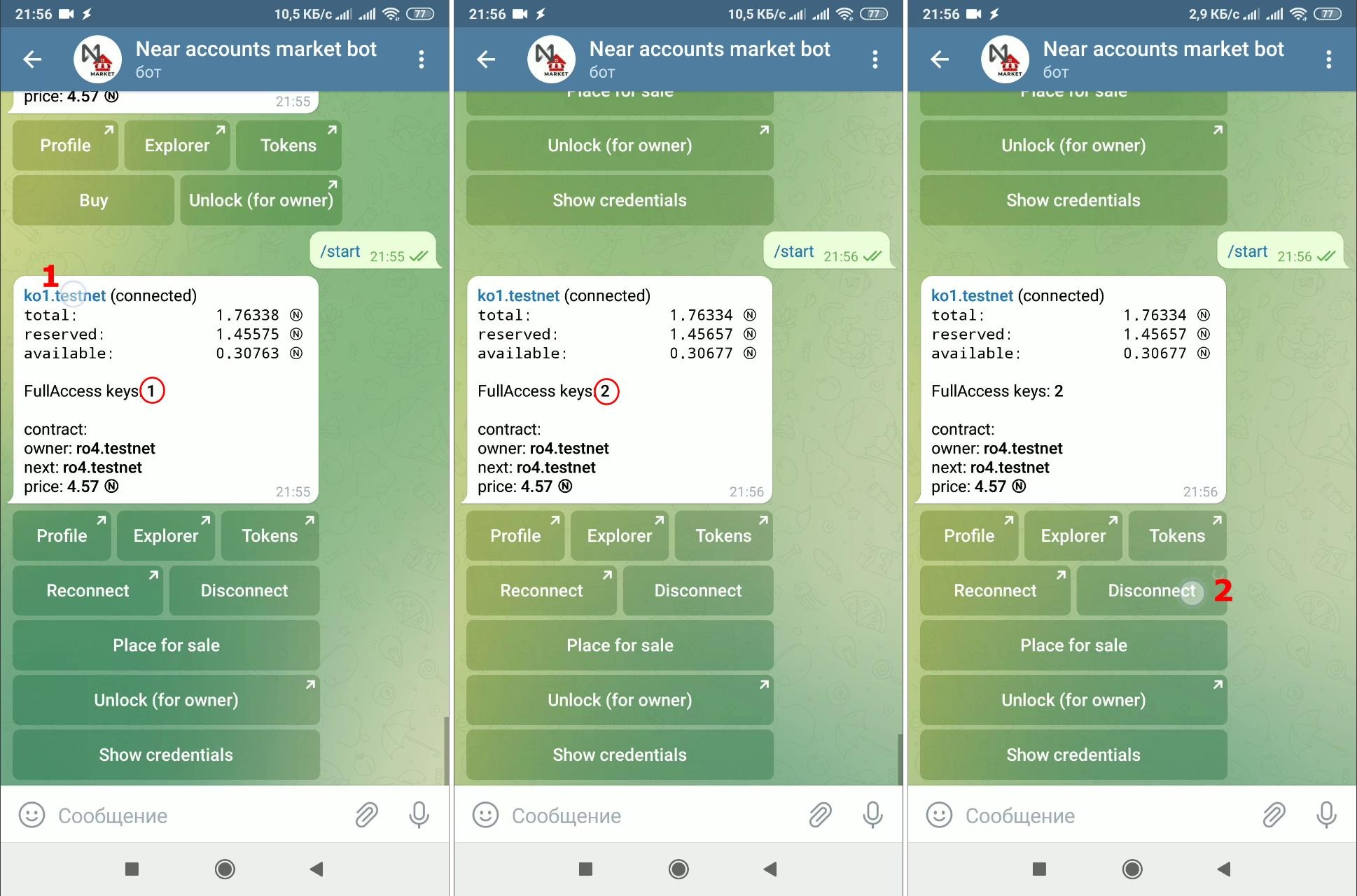
Be careful! Do not disconnect the bot from the account until you are sure that you have access to the wallet, i.e. saved a mnemonic phrase and/or connected a web wallet

After confirming the process of disabling the wallet, the bot will replace the contract on the account with an empty one and "forget" the access key. The released funds will be displayed on the balance sheet.