Repartition Guide
Guzram, Arijit & NeFeroN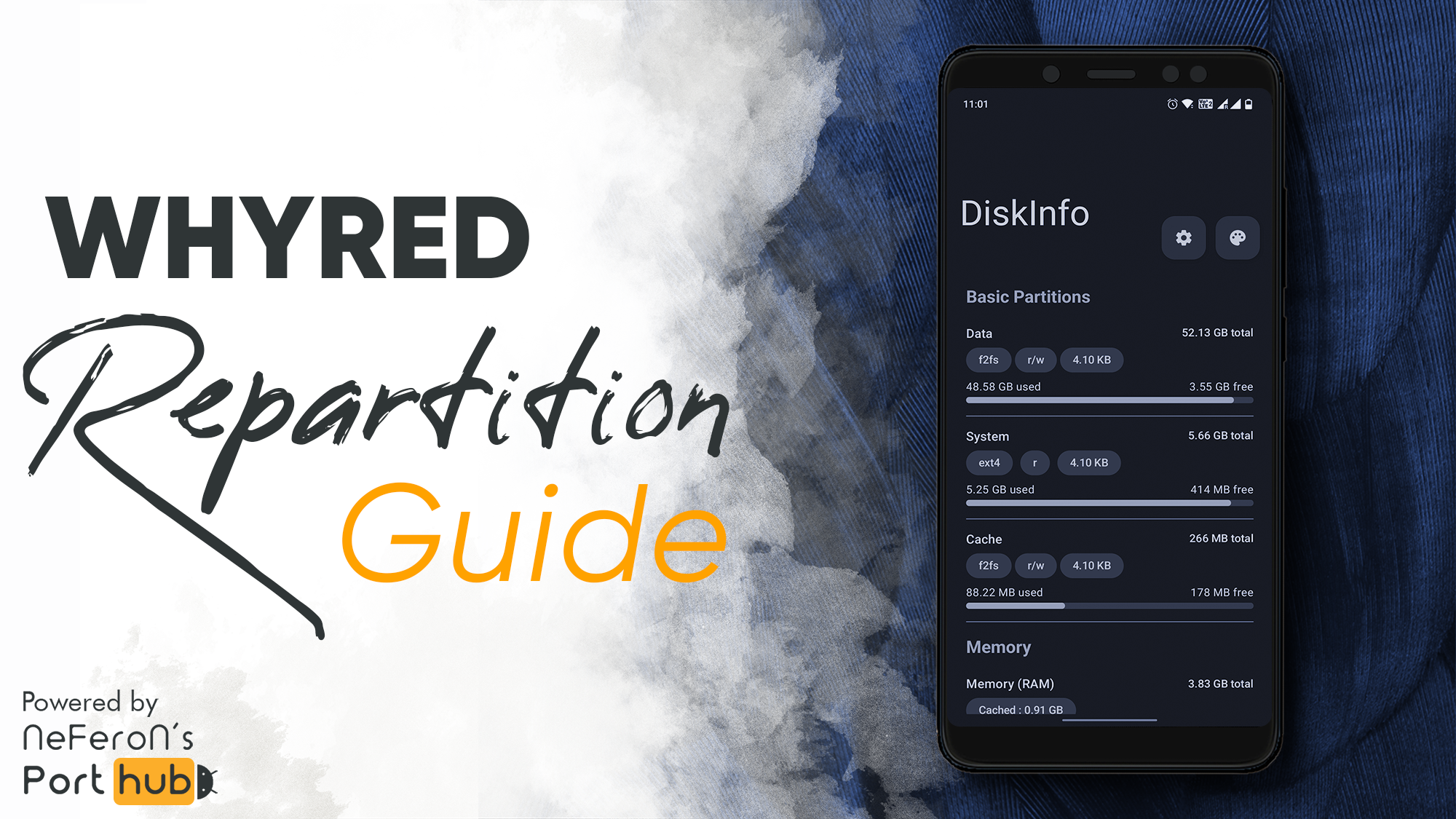
Here is the guide to do repartition for flashing larger system size roms.
Your SYSTEM partition will be increased from 3GB till 6GB.
But Data partition will be reduced by 3GB
Notes:
⚠️ Follow the instructions carefully! Else you may brick your device.
We are not responsible for your bricked device!
Instructions:
- Download latest PitchBlack Recovery
- Download repartition file according to your device:
- WRZ_64_NEW for 4/64 and 6/64 device
- WRZ_32_NEW for 3/32 device - Boot into recovery
- Backup all your personal data to PC
- Flash WRZ file
- Go to Wipe section and wipe 6 partition (You will get errors. Ignore them)
- Do Format Data
- Reboot to recovery
- Wipe all partitions again
- Do Format Data again
- Reboot to recovery
Or you can watch this video with instruction:
Congratulations! Repartition done
Now you can flash any other Recovery and ROM you want.
Credits:
Huge thanks to Guzram for sharing these scripts for repartitioning!