Redshift
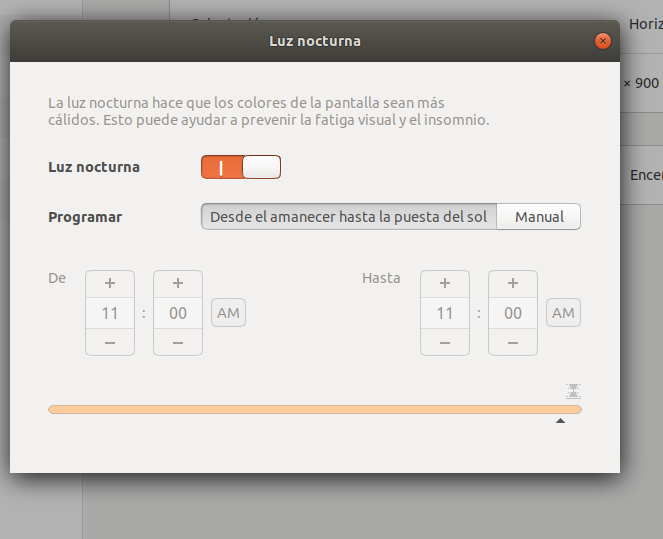
Redshift: es un software que sirve para light night
Para cuidar tu vista.
Instalación:
sudo apt-get install redshift redshift-gtk
Configuración de Latitud y Longitud.
redshift -l LAT:LON
sudo redshift -l 55.7:12.6
Crear el siguiente Archivo de Configuración:
nano ~/.config/redshift.conf
Contenido del Archivo:
; Global settings for redshift
[redshift]
; Set the day and night screen temperatures
temp-day=5700
temp-night=3500

; Enable/Disable a smooth transition between day and night
; 0 will cause a direct change from day to night screen temperature.
; 1 will gradually increase or decrease the screen temperature.
transition=1

; Set the screen brightness. Default is 1.0.
;brightness=0.9
; It is also possible to use different settings for day and night
; since version 1.8.
;brightness-day=0.7
;brightness-night=0.4
; Set the screen gamma (for all colors, or each color channel
; individually)
gamma=0.8
;gamma=0.8:0.7:0.8
; This can also be set individually for day and night since
; version 1.10.
;gamma-day=0.8:0.7:0.8
;gamma-night=0.6

; Set the location-provider: 'geoclue', 'geoclue2', 'manual'
; type 'redshift -l list' to see possible values.
; The location provider settings are in a different section.
location-provider=manual

; Set the adjustment-method: 'randr', 'vidmode'
; type 'redshift -m list' to see all possible values.
; 'randr' is the preferred method, 'vidmode' is an older API.
; but works in some cases when 'randr' does not.
; The adjustment method settings are in a different section.
adjustment-method=randr

; Configuration of the location-provider:
; type 'redshift -l PROVIDER:help' to see the settings.
; ex: 'redshift -l manual:help'
; Keep in mind that longitudes west of Greenwich (e.g. the Americas)
; are negative numbers.
[manual]
lat=48.1
lon=11.6

; Configuration of the adjustment-method
; type 'redshift -m METHOD:help' to see the settings.
; ex: 'redshift -m randr:help'
; In this example, randr is configured to adjust screen 1.
; Note that the numbering starts from 0, so this is actually the
; second screen. If this option is not specified, Redshift will try
; to adjust _all_ screens.
[randr]
screen=0
https://huezohuezo1990.wordpress.com/
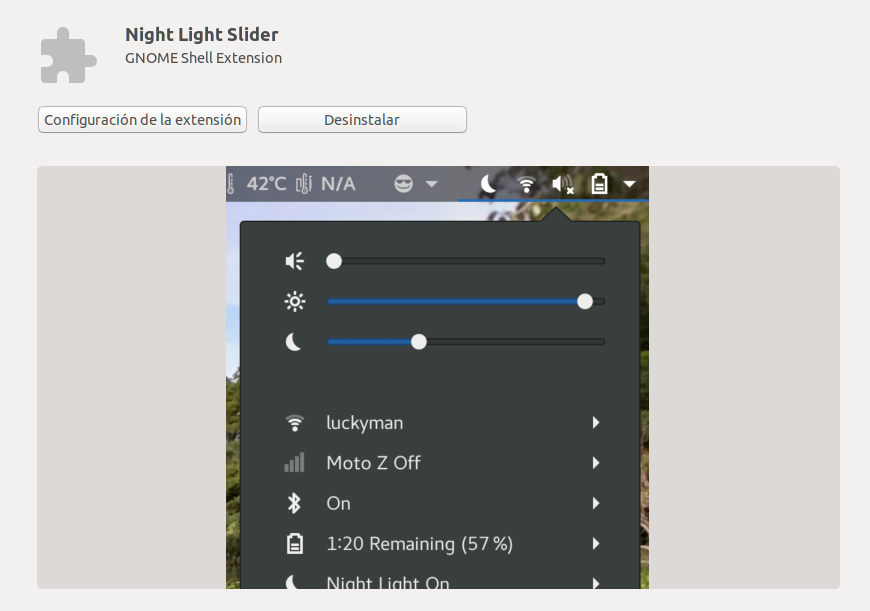
Otras Opciones:
GNOME Ubuntu 18.04 LTS >
Copyright (C)  2017-2018  @huezohuezo1990.
    Permission is granted to copy, distribute and/or modify this document
    under the terms of the GNU Free Documentation License, Version 1.3
    or any later version published by the Free Software Foundation;
    with no Invariant Sections, no Front-Cover Texts, and no Back-Cover Texts.
    A copy of the license is included in the section entitled "GNU
    Free Documentation License".
https://www.gnu.org/licenses/fdl.html
https://www.gnu.org/licenses/fdl-1.3.en.html
https://www.gnu.org/licenses/fdl-1.3-standalone.html
FDL 1.3 En Español
https://fdl-es.github.io/FDL_es/