YouTube ReVanced Extended Features
ReVanced Apps | MMT
In Progress!!!

Hide general ads
Removes general ads.
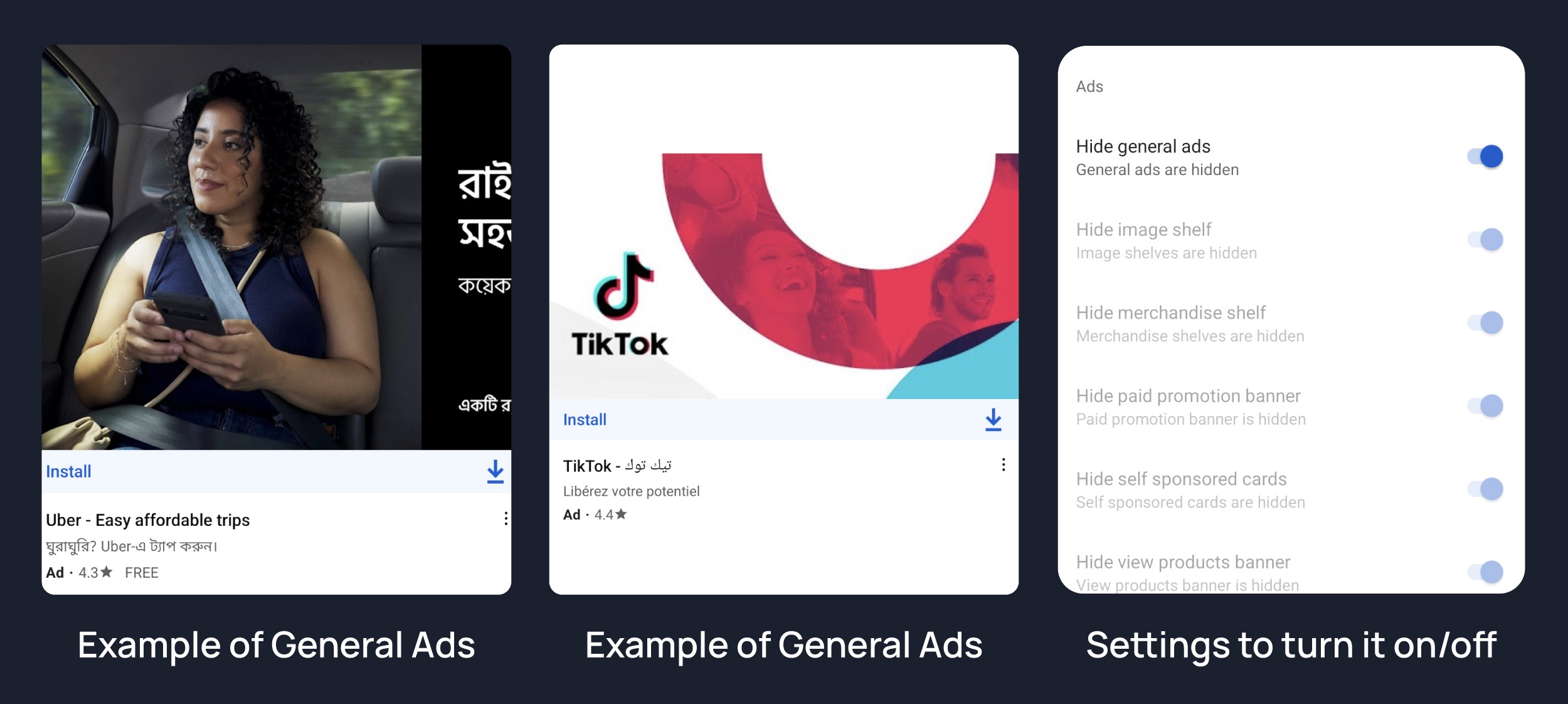
Hide image shelf
Hides image shelves from YouTube Feed

Hide merchandise shelf
Hides merchandise ads from feed.

Hide paid promotion banner
Hides paid promotion banner from video

Hide self sponsored cards
Hides self sponsored cards under video info.

View Product Banner
Hides View products Banner from Video Player

Web search result
Hides web search results from search feed.

Hide Video Ads
Removes ads in the video player.

Hide Get Premium
Hides the YouTube Premium promotion banner between the player and video description.


Hide button container
Adds the options to hide action buttons under a video.

Hide channel guidelines
Hide community guidelines from comments.

Hide comments section
Adds options to hide comment component under a video.

Hide thanks button
Hides super thanks button from shorts comments.

Hide preview comment
Hides preview from comments


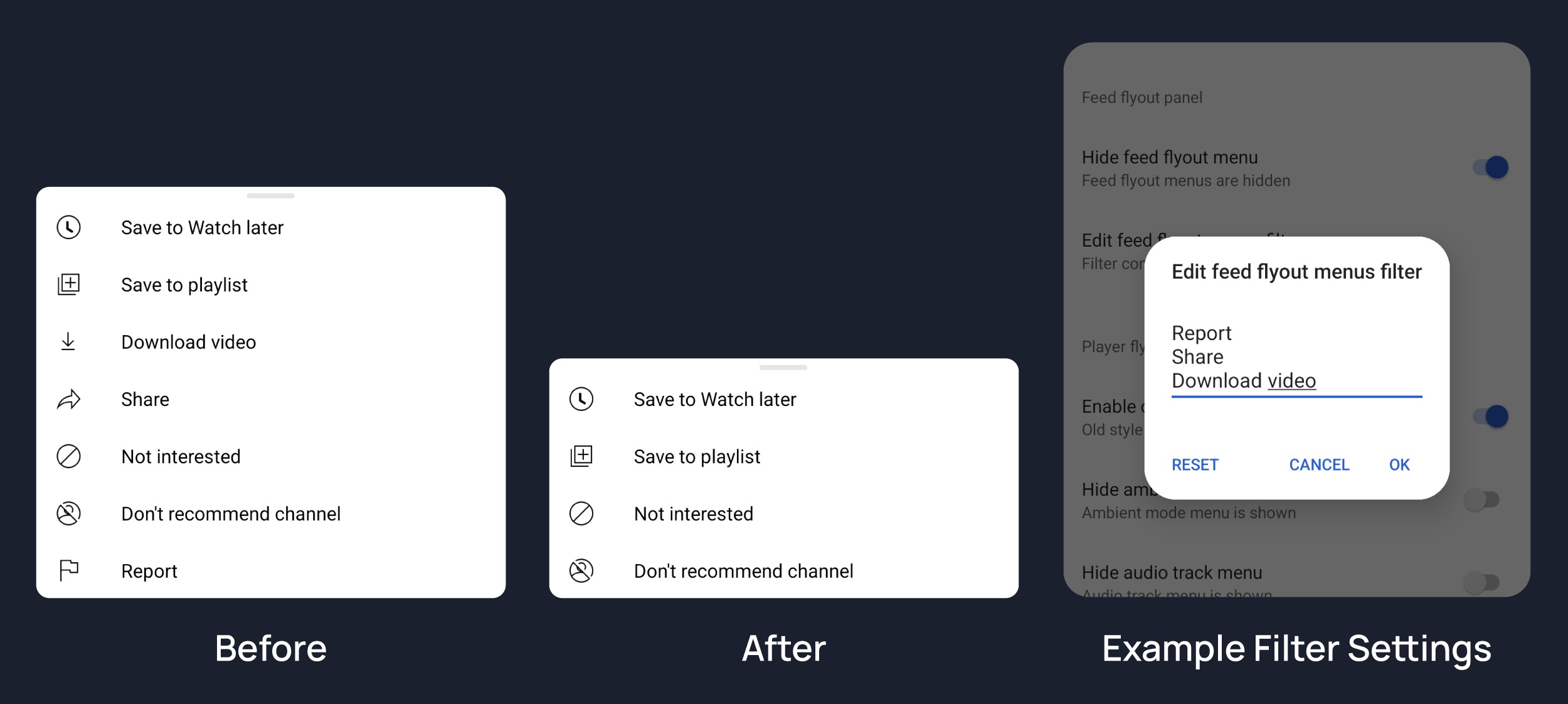
Hide feed flyout menu
Hides components from feed flyout menu.
enable-old-quality-layout
Enables the original quality flyout menu.

hide-flyout-panel
Adds options to hide player settings flyout panel.


Hide Autoplay Preview
Hides the autoplay preview container in the fullscreen.

Hide Endscreen Overlay
Hide endscreen overlay on swipe controls.

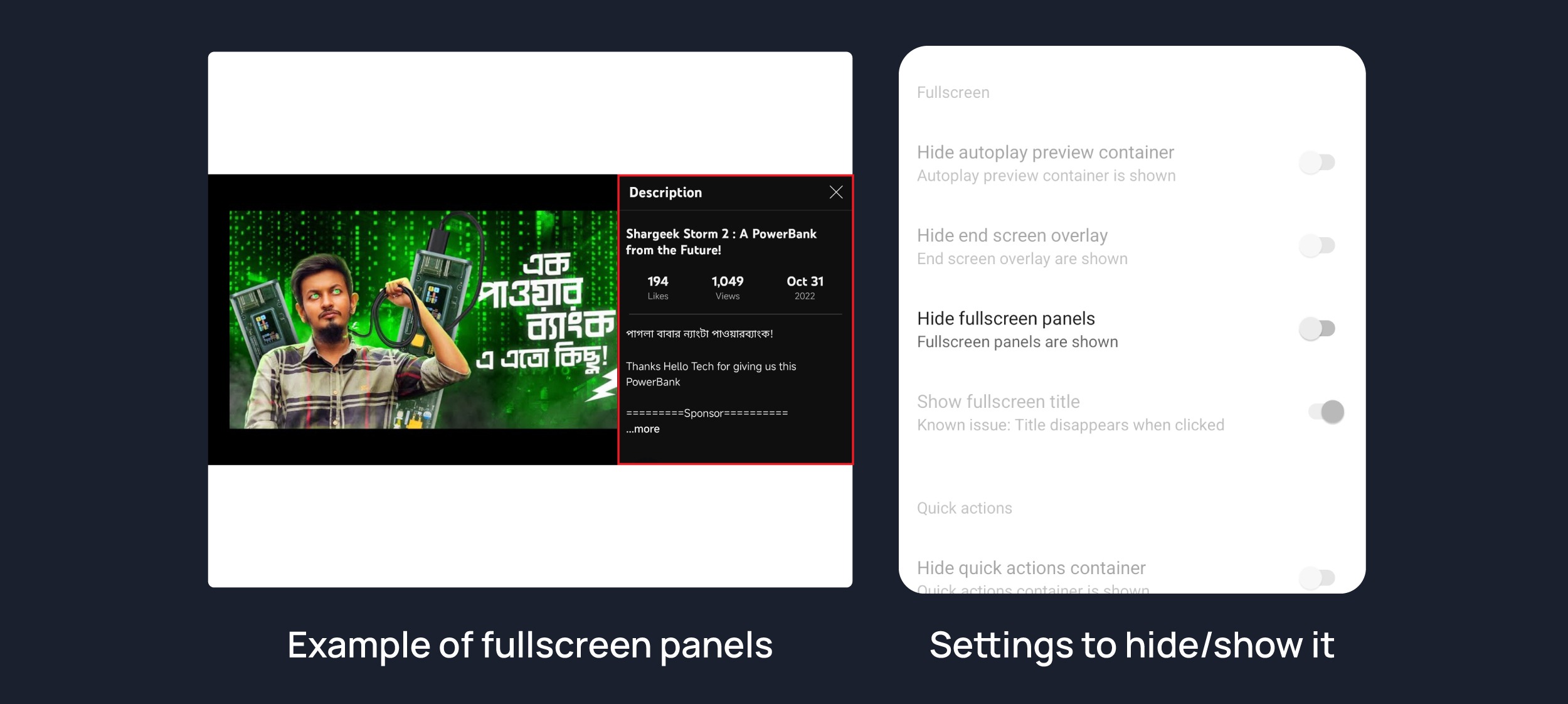
Hide Fullscreen Panels
Hides video description and comments panel in fullscreen view.
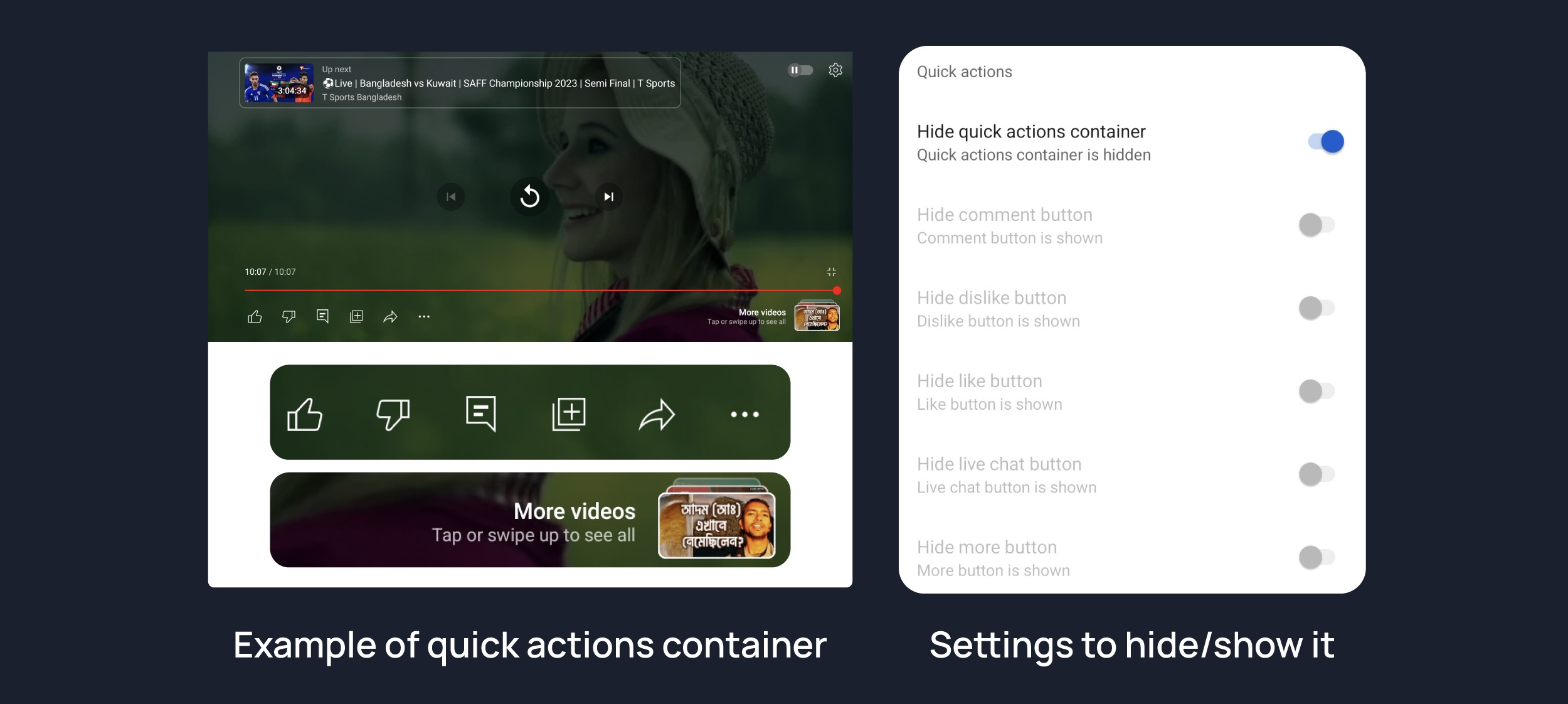
Hide Quick Actions Container
Adds the options to hide quick actions components in the fullscreen.

Disable Forced auto captions
Disable forced captions from being automatically enabled.

Enable tablet mini player
Enables the tablet mini player layout.

Enable wide search bar
Replaces the search icon with a wide search bar. This will hide the YouTube logo when active.

Hide Account Menu
Hide account menu elements.

Hide auto player popup panels
Hide automatic popup panels (playlist or live chat) on video player.

Hide category bar
Hide the category bar at the top of the feed, at the top of related videos & from search result.
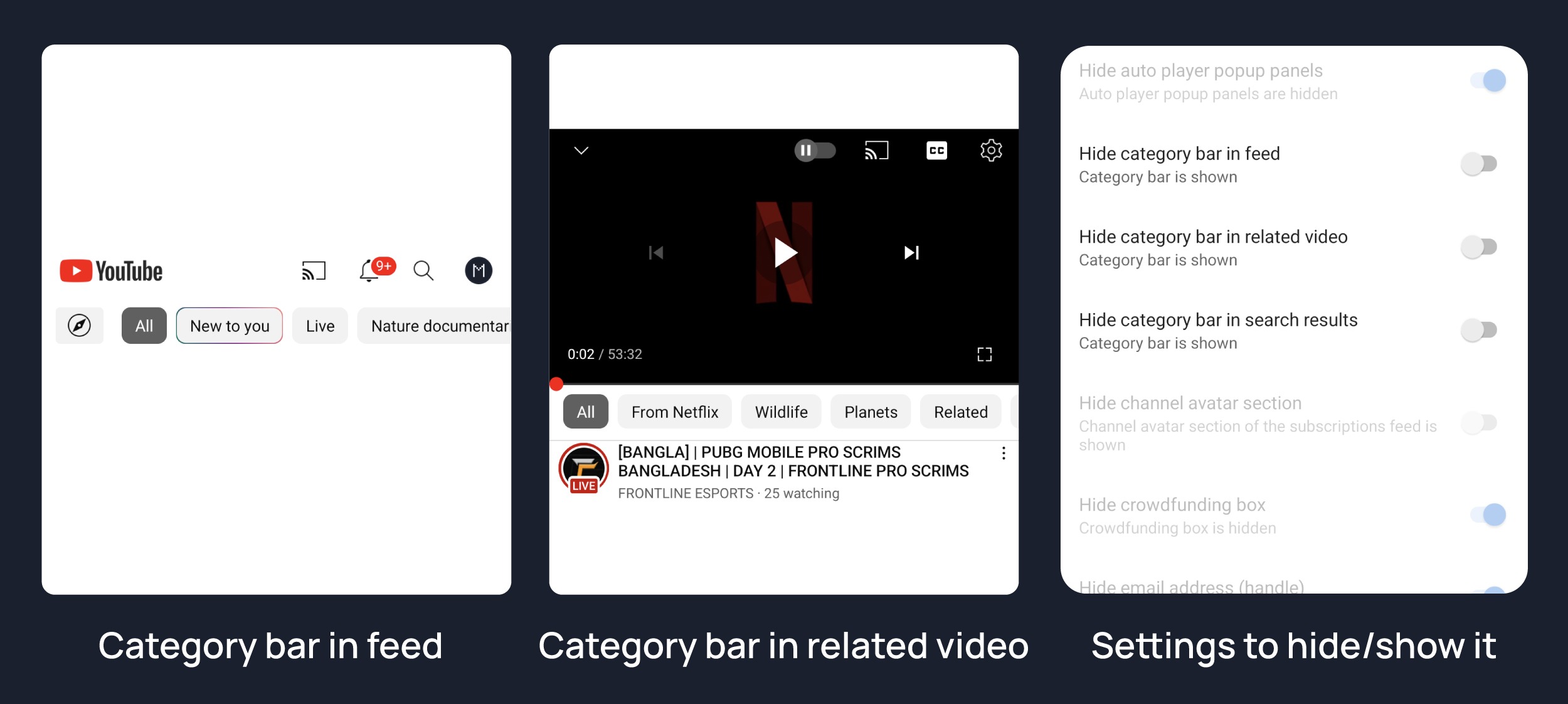
Hide Channel Avatar Section
Hides the channel avatar section of the subscription feed.

Hide Crowdfunding Box
Hides the crowdfunding box between the player and video description.

Hide Email Address
Hides the email address(handle) in the account switcher.

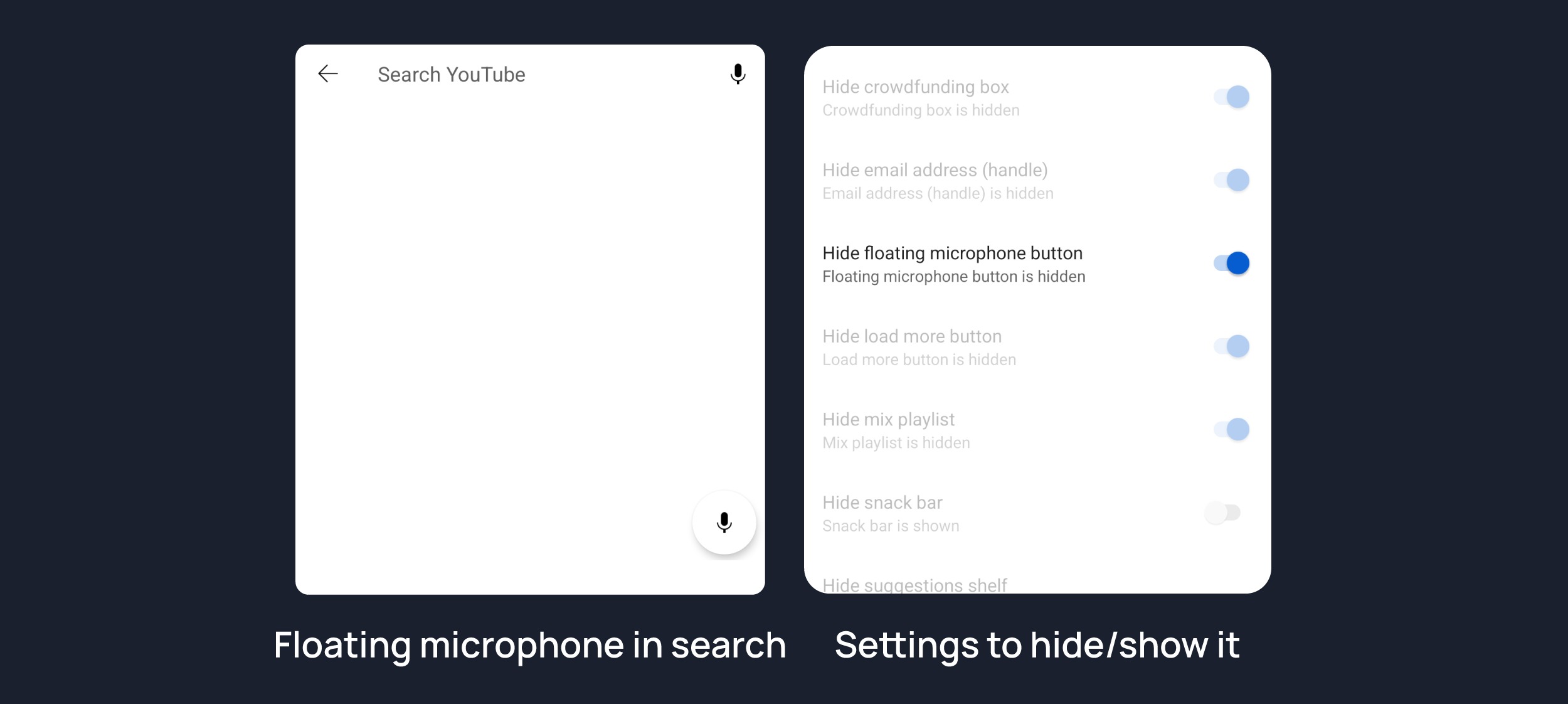
Hide Floating Microphone
Hide floating microphone button from search page.
Hide Load More Button
Hides load more ˅ / show more ˅ button on search feed.

Hide Mix Playlists
Removes mix playlists from home feed and video player.

Hide Snackbar
Hides the snackbar action popup.

Hide Suggestions Shelf
Hides the Breaking news/top news, continue watching, Explore more channels, Shopping & watch it again shelves.

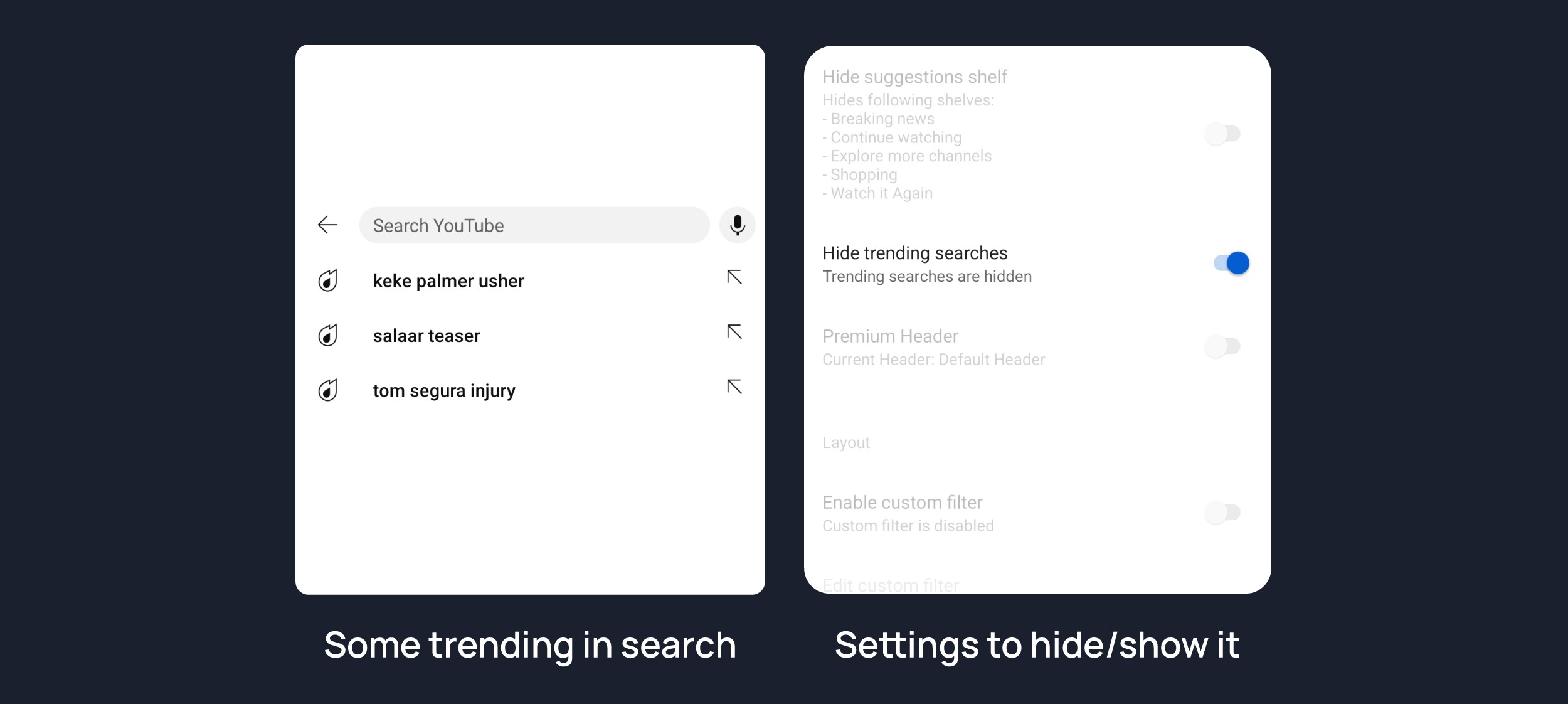
Hide Search Terms
Hide trending searches and search history in the search bar.
Header Switch
Add switch to change header. [Regular or Premium]

Hide Album Cards
Hides the album cards below the artist description.

Hide Channel Member Shelf
Hide member shelf from channel.

Hide Community Post
Hides community posts on the homepage tab & also from subscriptions feed.

Hide Expandable Chip Under Video
Hides expandable chip under video

Hide Feed Surveys
Hides survey on the homepage and subscription feed

Hide gray description
Hides 'People also watched this video' under a video

Hide Gray Seperator
hides annoying gray lines between Video & Community Post

Hide info panels
Hides important information panels from feed/search

Hide join Button
Hides join button besides subscription button as well as from shorts.

Hide latest posts
Hides latest posts panels from feed

Hide Medical Panels
Hides medical panels from feed/search

Hide Movies Shelf
Hides movies shelf from search

Hide Official header
Hides official header from any search result

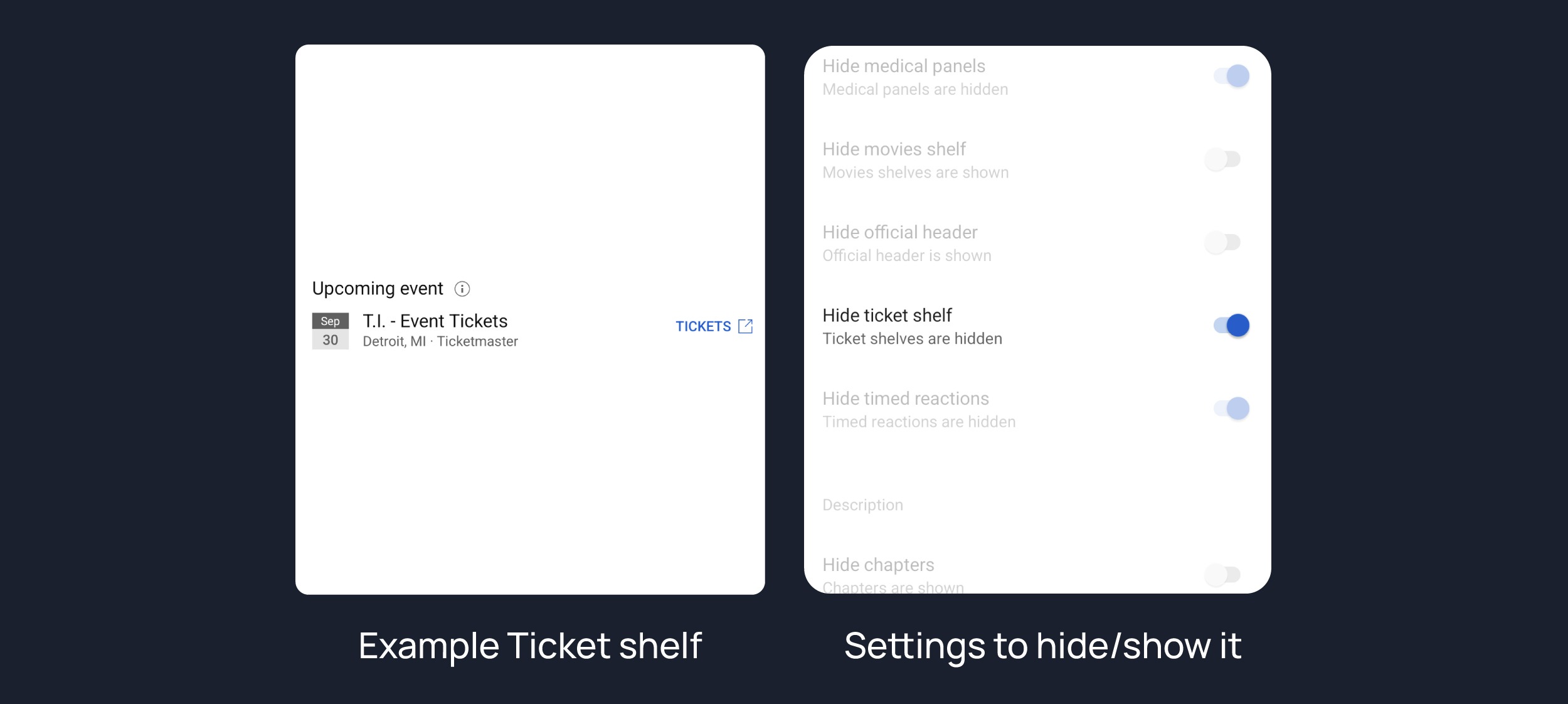
Hide Ticket shelf
Hides ticket shelf of any upcoming events from search & related videos.
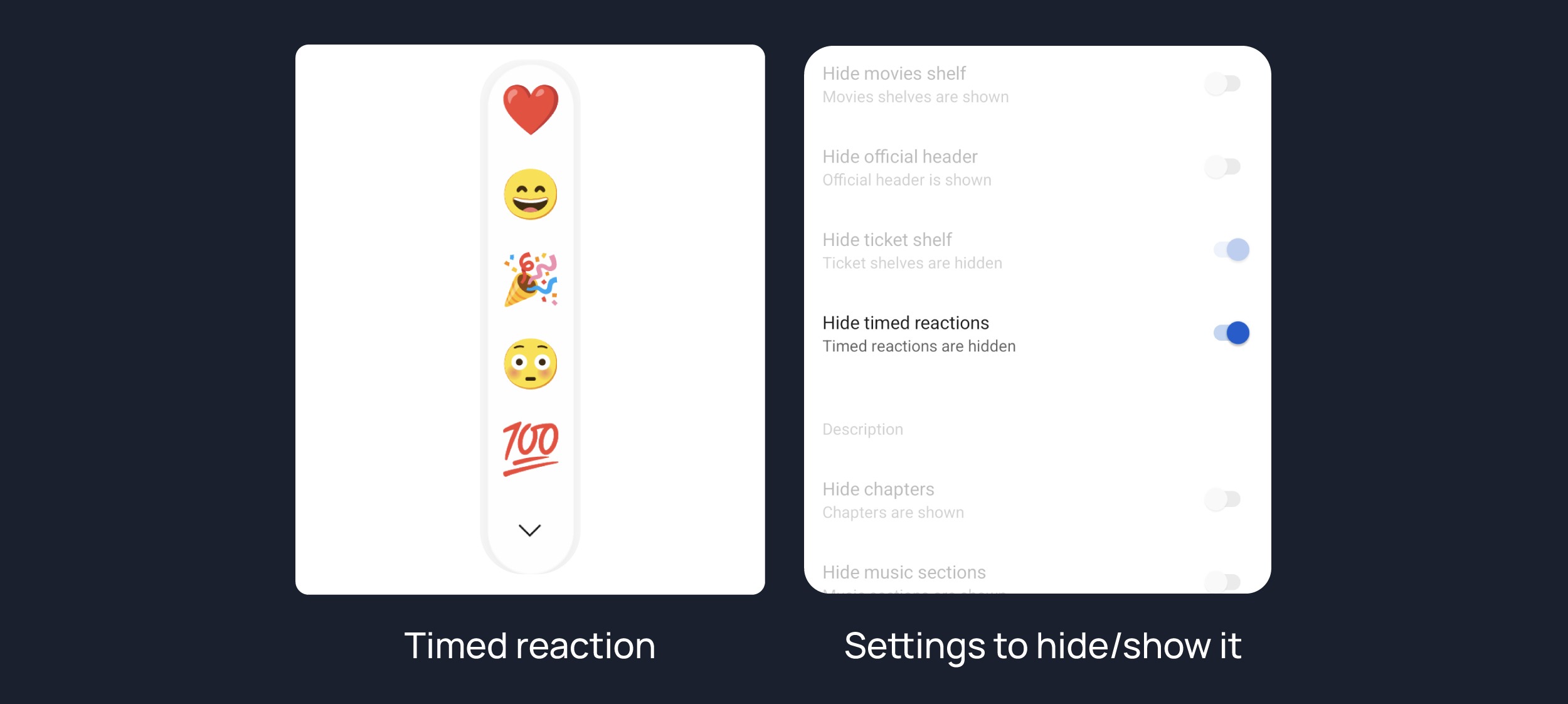
Hide Timed reaction
Hides Timed Reaction from video comments/live chat
Hide Chapers
Hides chapers from video

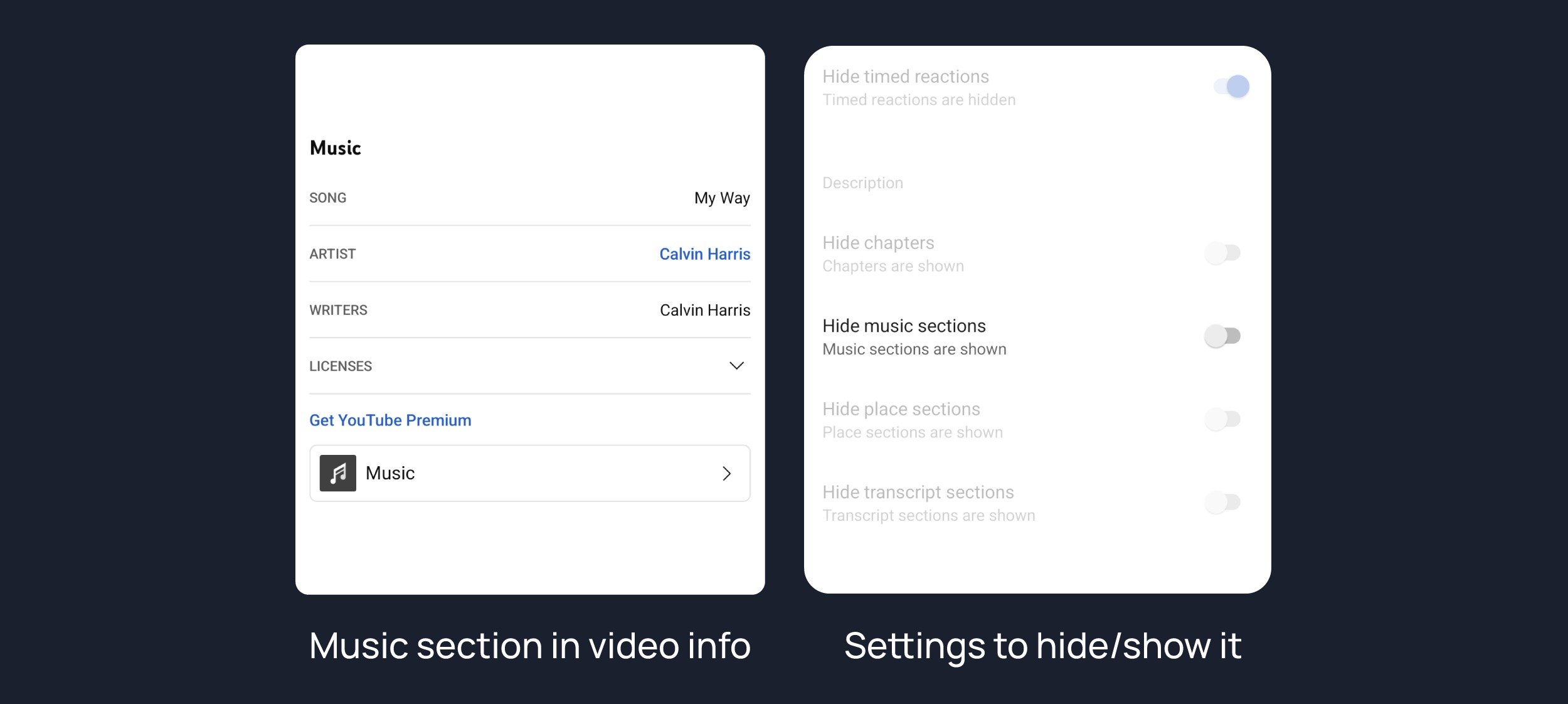
Hide music section
Hides music section from video info
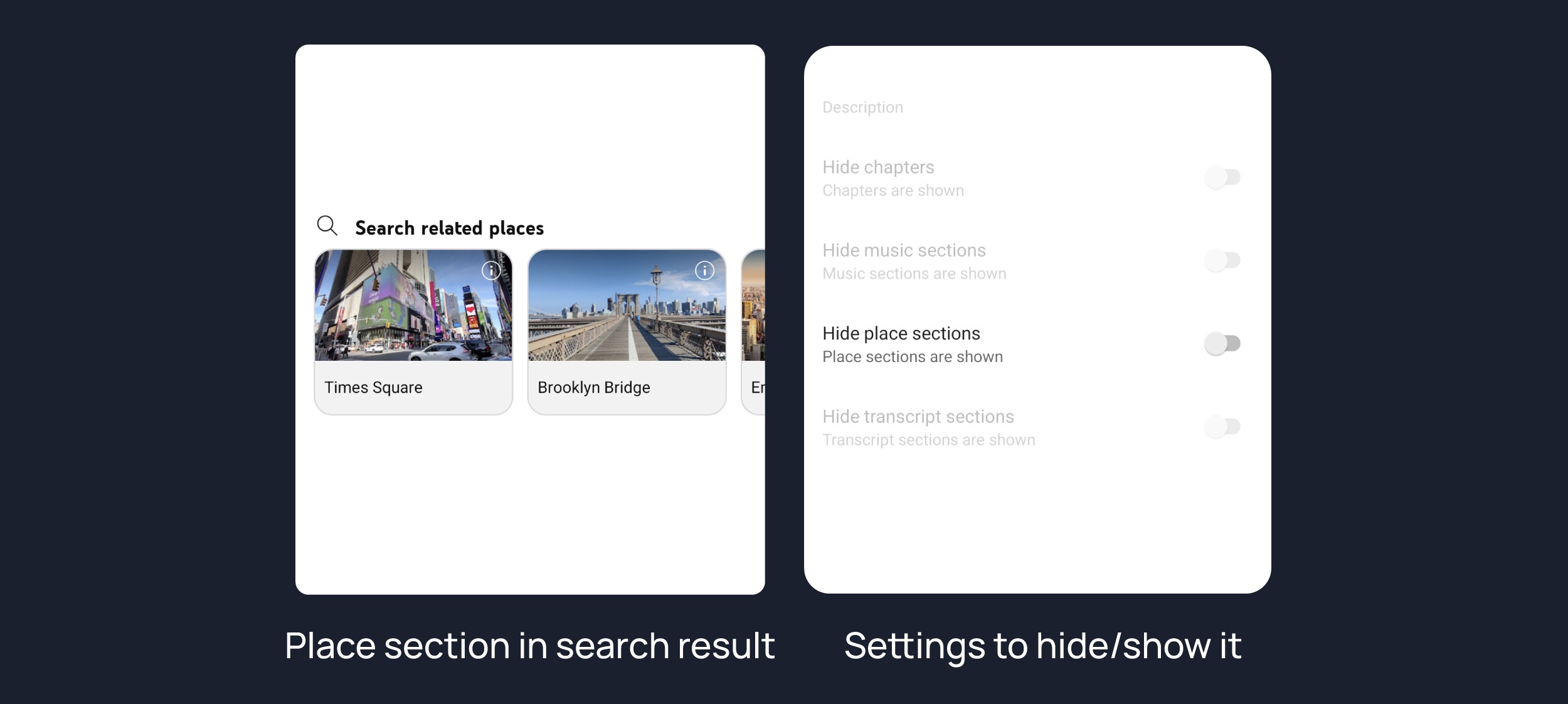
Hide place section
Hides place section from place search results
Hide transcript section
Hides transcript section from video


Bypass Ambient Mode Restrictions
Bypass ambient mode restrictions in battery saver mode.

Enable External Browser
Open URL outside the app in an external browser.

Enable New Splash Screen
Enabled the new splash screen (android 12+) tested by google.

Enable Open Links Directly
Skips over redirection URLs to external links.

Double Back Timeout
Set the number of seconds the double press back to exit.

Open Default App Settings
It allows you to set YouTube ReVanced Extended as default to open YouTube Links from anywhere.

Open MicroG
Settings to Access MicroG Settings from YT directly.

Disable Quic Protocol
Disable CronetEngine's QUIC protocol. Read More: https://t.me/ReVancedBuildMMT/56259
Force Opus Codec
Apply Opus codec instead of mp4a audio codec.

Enable phone layout
Tricks the Tablet dpi to use some phone layout. (Community posts & Hide mix playlist will be availabe on tablet)

Enable Tablet layout
Tricks your phone dpi to change some layouts to Tablet layout (Community posts will not be available)

Enable VP9 codec
Forces the VP9 codec for videos. same vp9 codec setting that existed in Vanced. If your device is old enough or if your device's hardware specification isn't good enough. This option may work for you.

Import / Export Setting
Options to Export Import ReVanced Extended Settings.

Spoof App Version
Spoof YouTube version to any old version to access some old features.

Spoof Players Parameter
Spoofs player parameters to prevent playback issues. You can also change Spoof player parameter type inside same settings. There are two types of Parameter. 1. Player parameters of shors, 2. Player parameters of incognito mode. Try another if one doesn't work for you.


Change Homepage
Change homepage to subscriptions
Changes homepage to subscription feed. [When you start the app, the main feed becomes the subscription feed instead of the home feed]
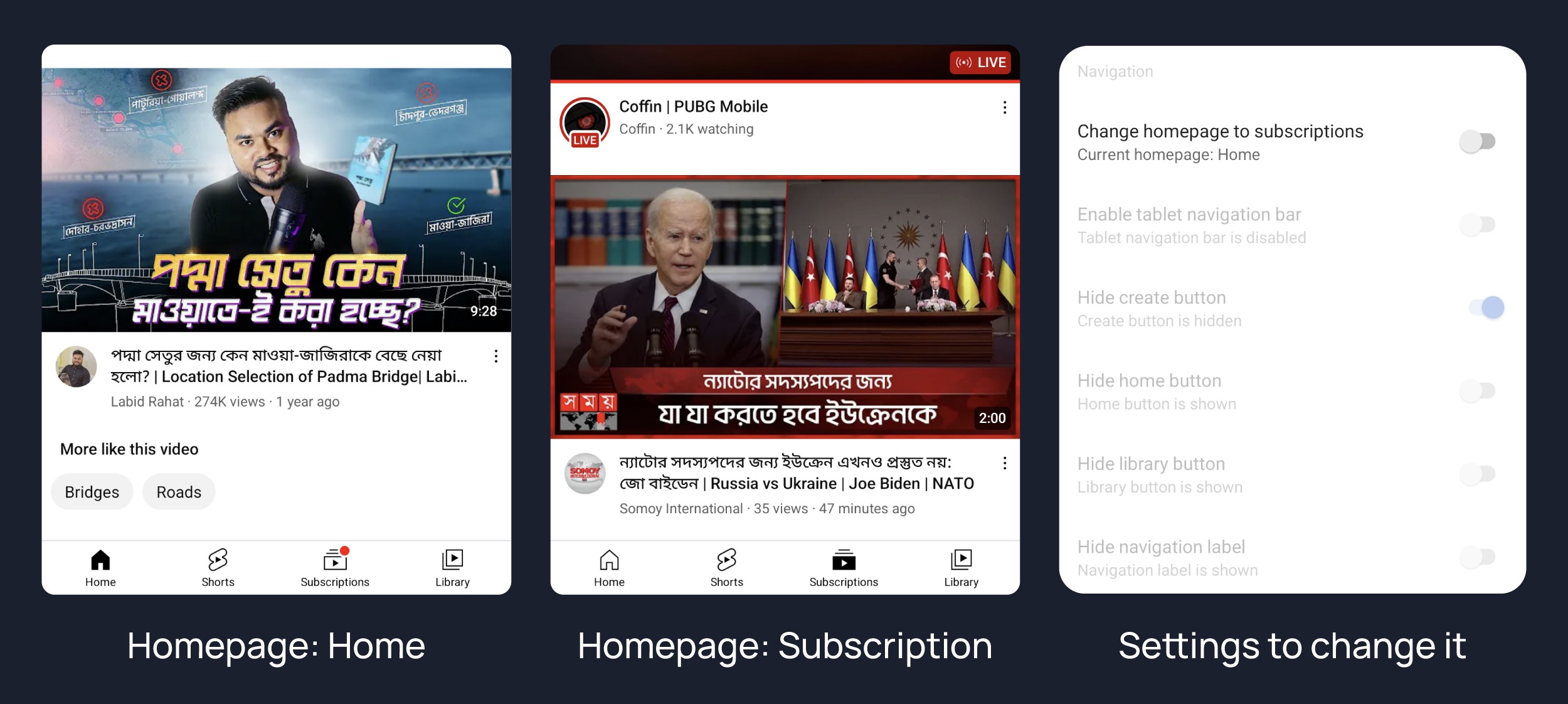
Open library on app startup
Changes homepage to library. [When you start the app, the main feed becomes the library feed instead of the home feed]

Enable Tablet Navigation Bar
Enables the tablet navigation bar.
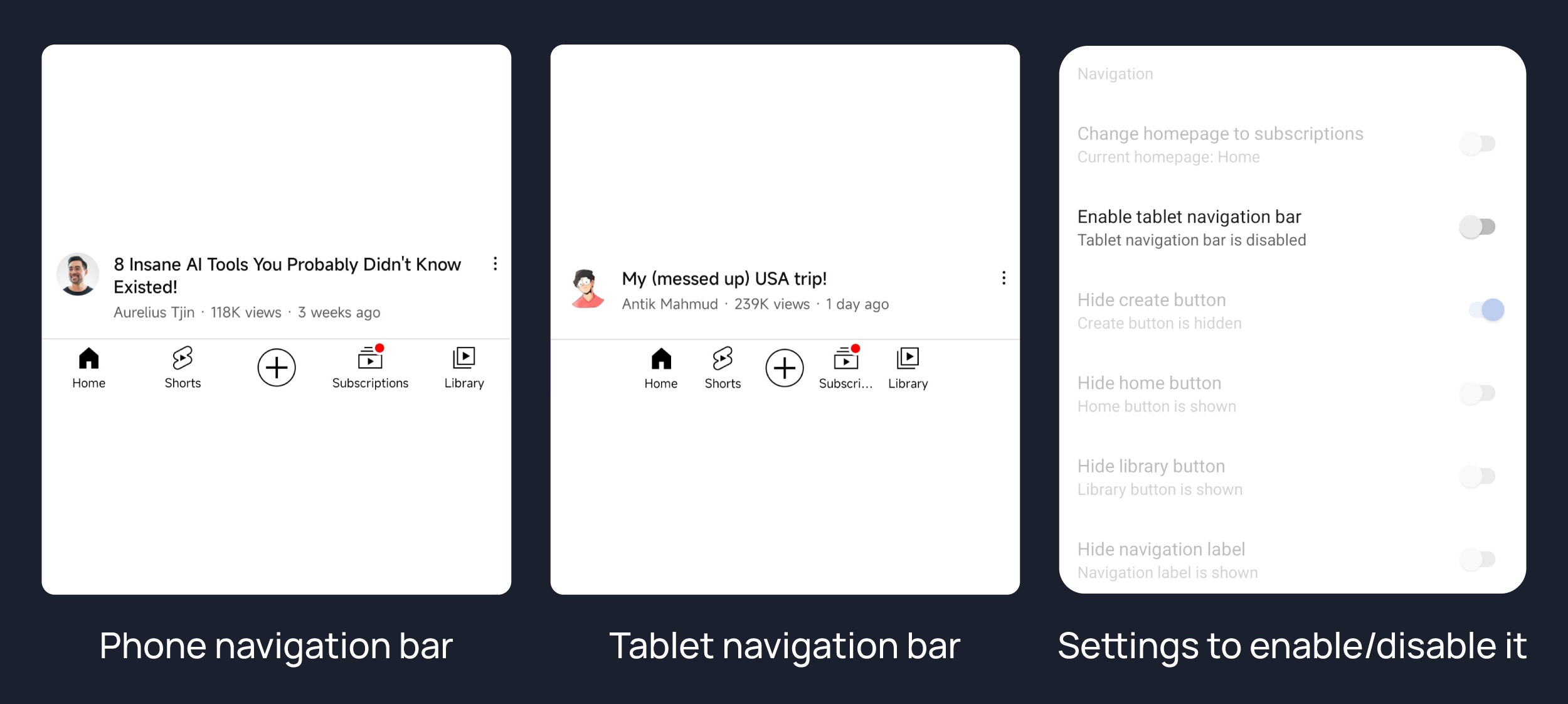
Hide Navigation Buttons
Hide Create Button
Hides create button from navigation.

Hide Home Button
Hides create button from navigation.
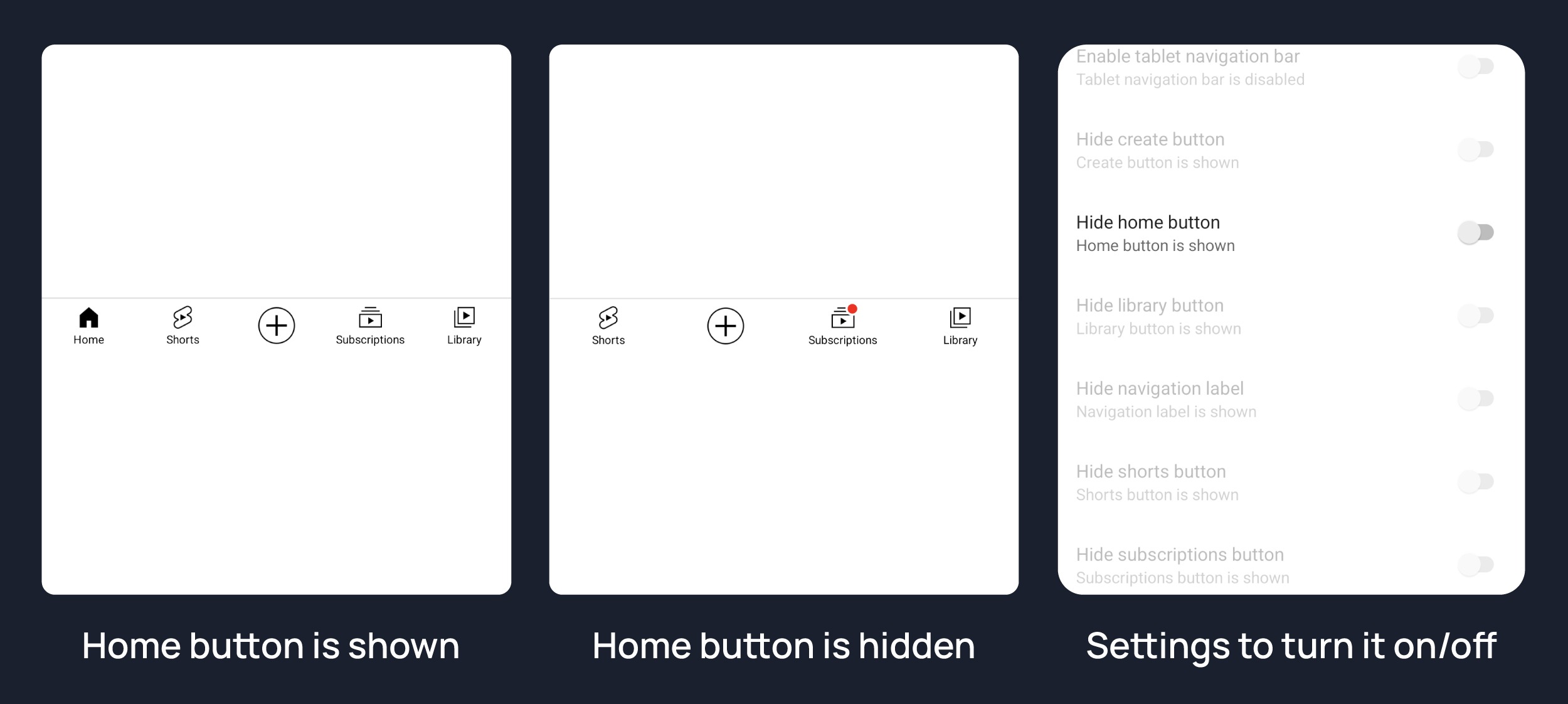
Hide Library Button
Hides library button from navigation.
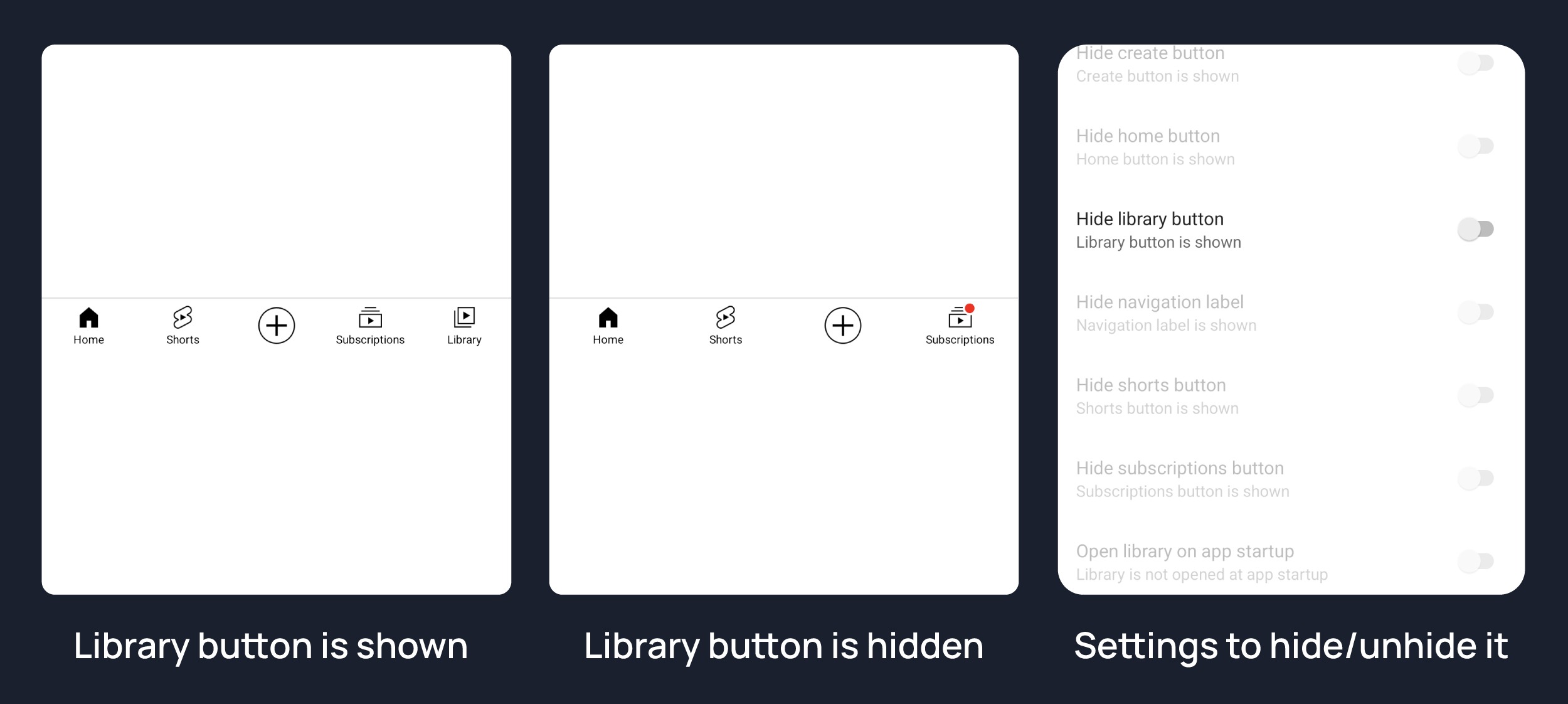
Hide navigation label
Hides navigation button's label

Hide shorts button
Hides shorts button from navigation.

Hide subscription button
Hides subscription button from navigation.

Switch create with notification button
Switching the create button and notification button.


Always autorepeat button
Shows always autorepeat button on player. You can autorepeat any video by pressing this button.

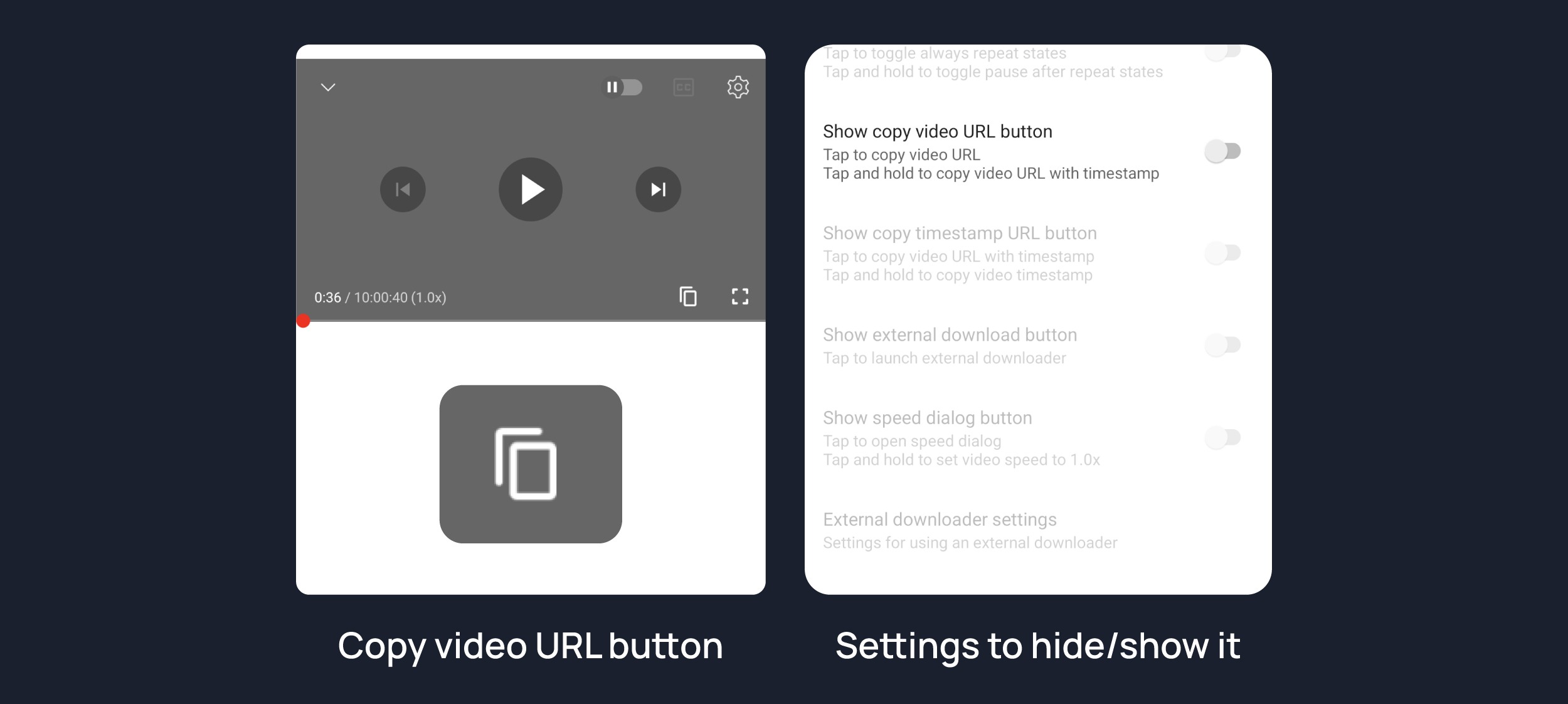
Copy Video URL button
Shows copy video url button on player. You can copy video link directly by pressing this button.
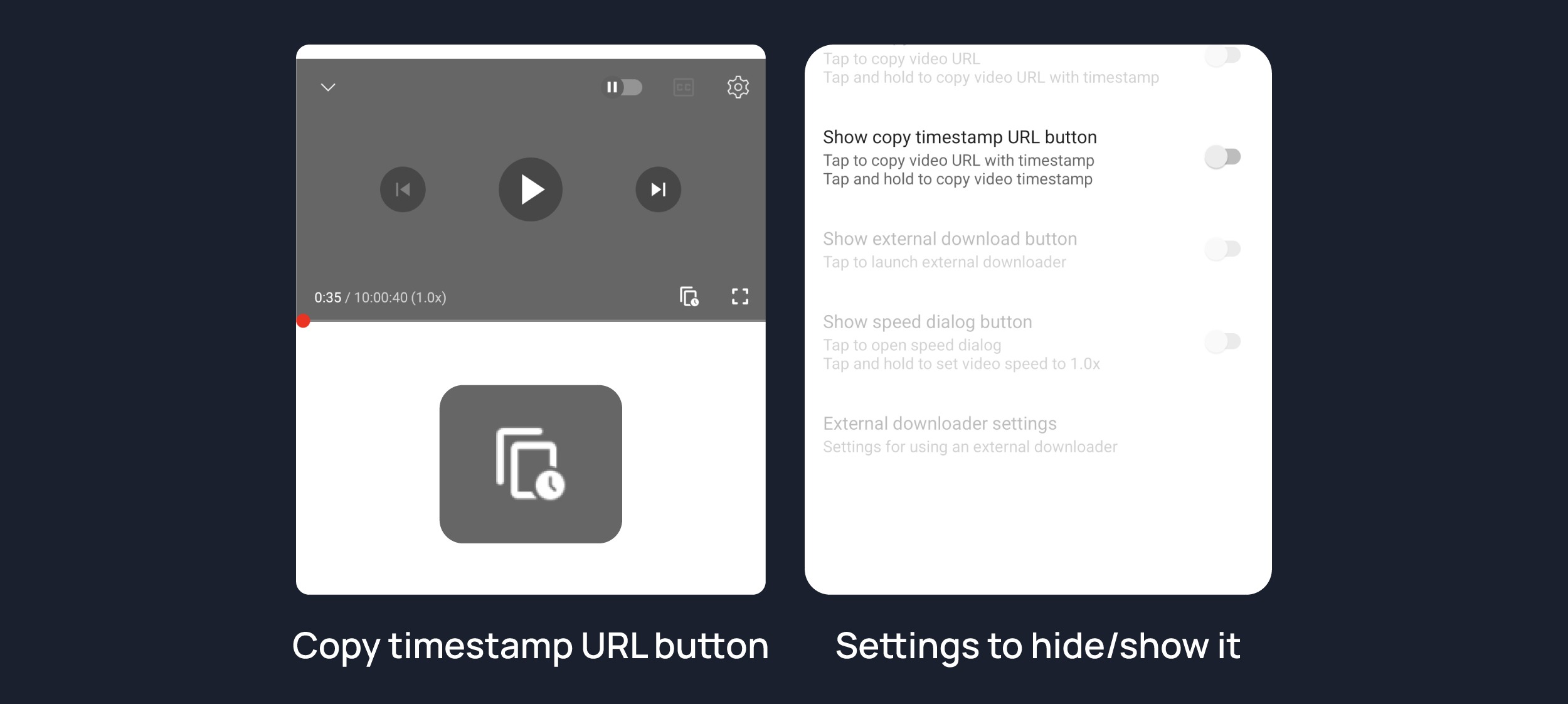
Copy timestamp URL button
Shows copy timestamp url button on player. You can copy video link with current timestamp directly by pressing this button.

• hide-info-cards
Hides info-cards in videos.
• hide-music-button
Hides the YouTube Music button in the video player.


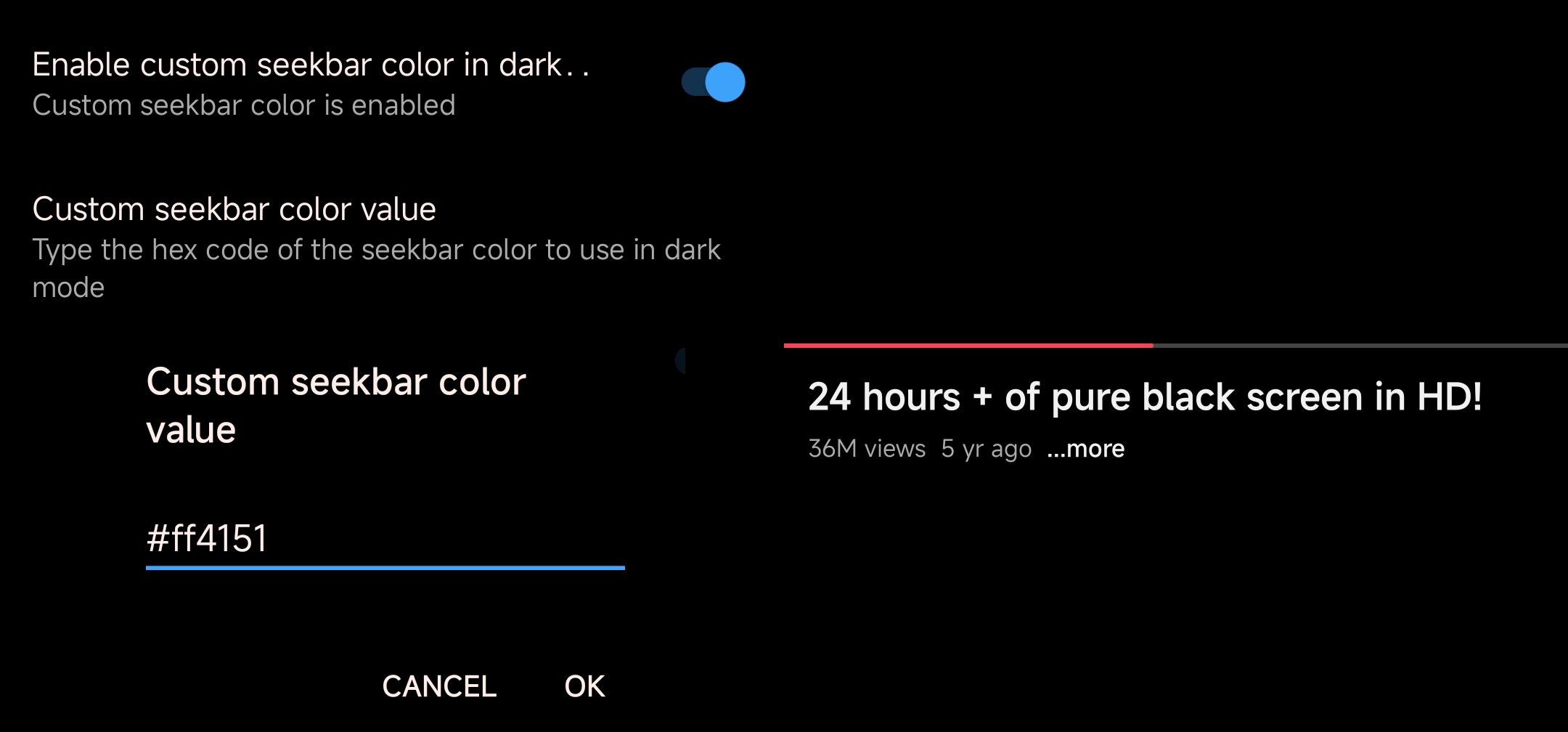
• Custom Seekbar Color
Adds an option to change dark mode gray seekbar color to any color.



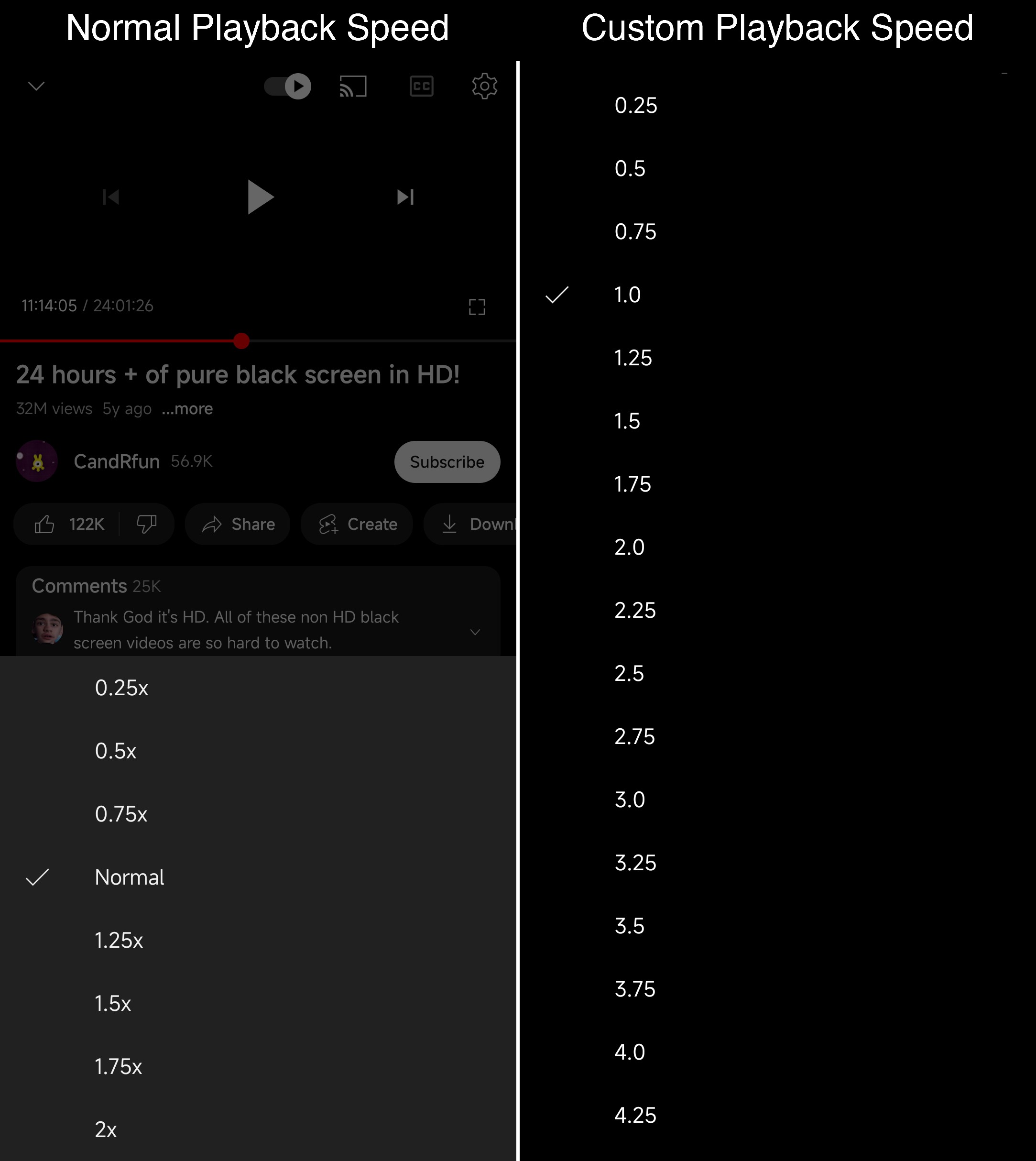
• custom-video-speed
Adds more video speed options.
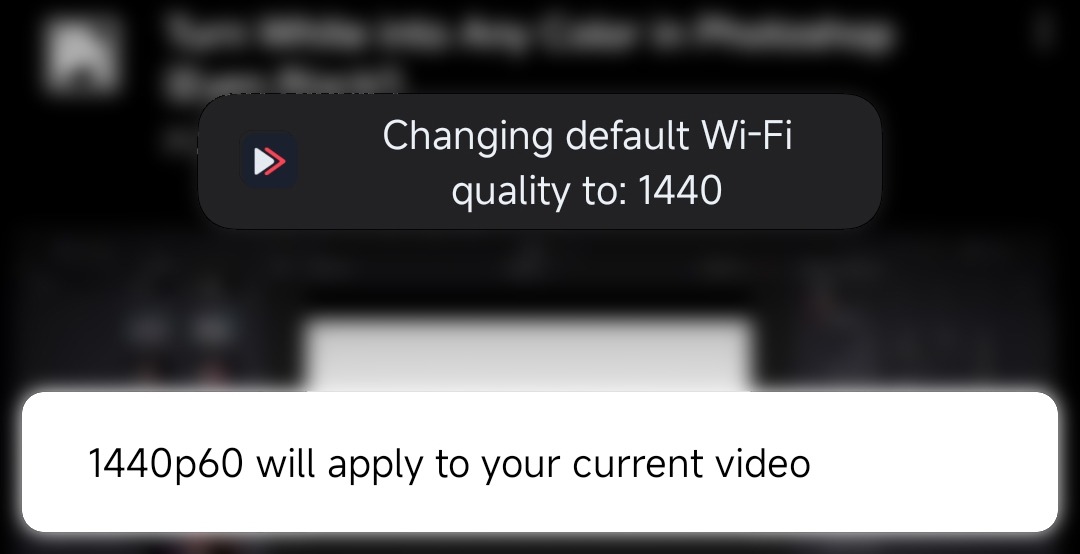
• default-video-quality
Adds ability to set default video quality settings.

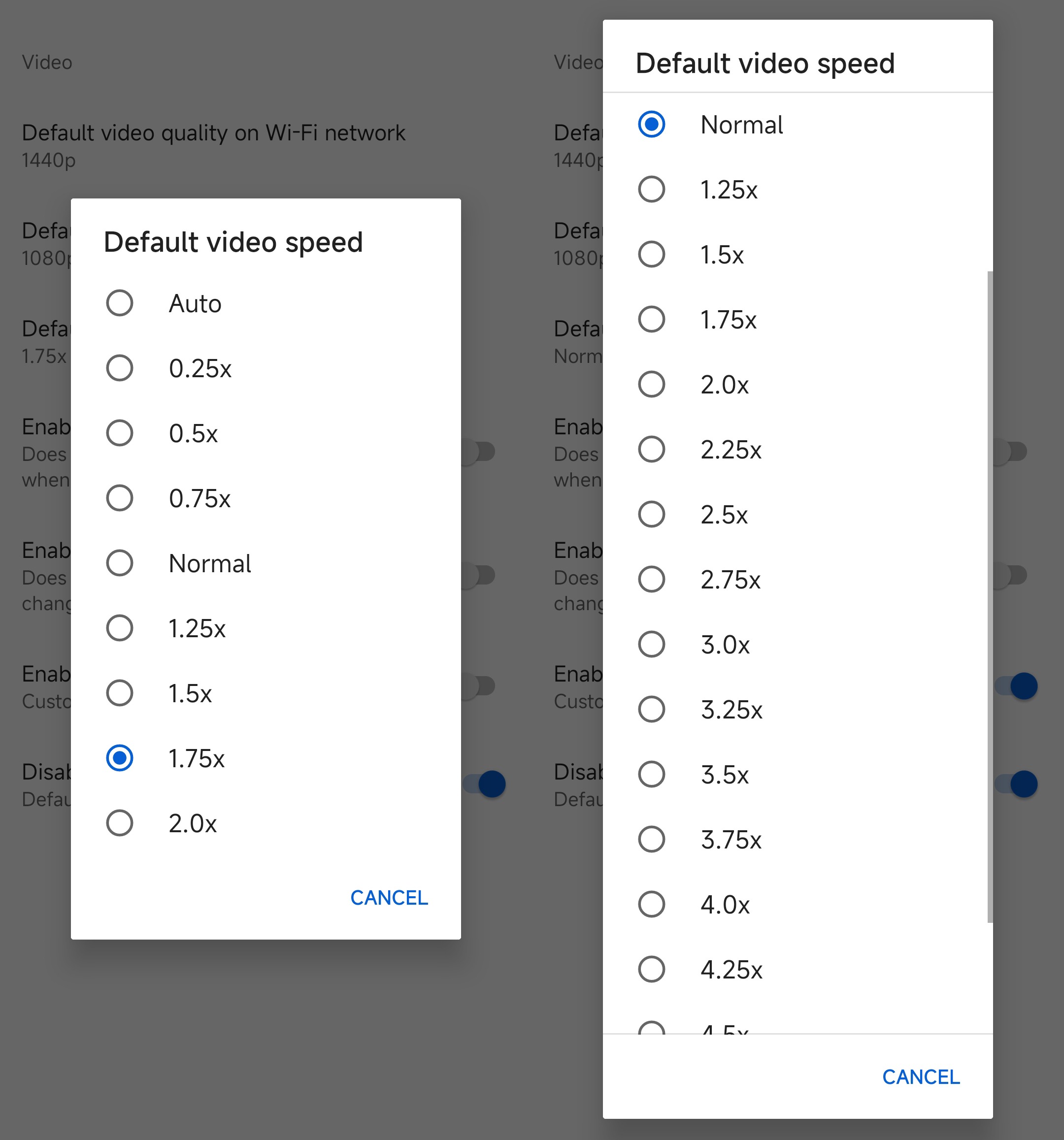
• default-video-speed
Adds ability to set default video speed settings.
• remember-video-quality
Adds the ability to remember the video quality you chose in the video quality flyout.

• add-splash-animation
Adds splash animation, which was removed in YT v18.19.36+. This patch cannot be used with 'custom-branding-icon' patch.
• custom-double-tap-length
Add 'double-tap to seek' value

• show dislike as a percentage
Shows dislike as a percentage instead of number count.

• custom-branding
Changes the YouTube launcher icon and name to your choice.
• disable-haptic-feedback
Disable haptic feedback when swiping.
• disable-hdr-video
Disable HDR video.
• disable-startup-shorts-player
Disables playing YouTube Shorts when launching YouTube.
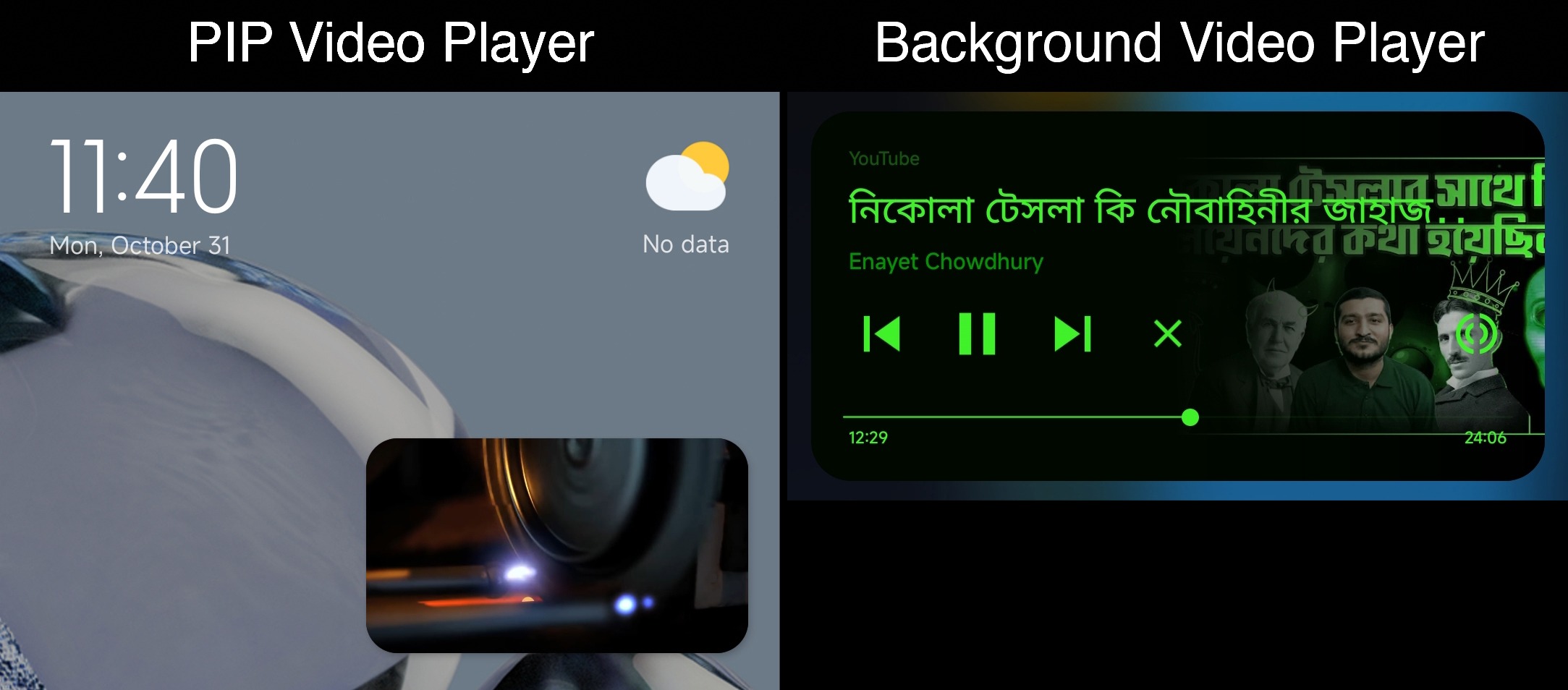
• enable-minimized-playback
Enables minimized and background playback.
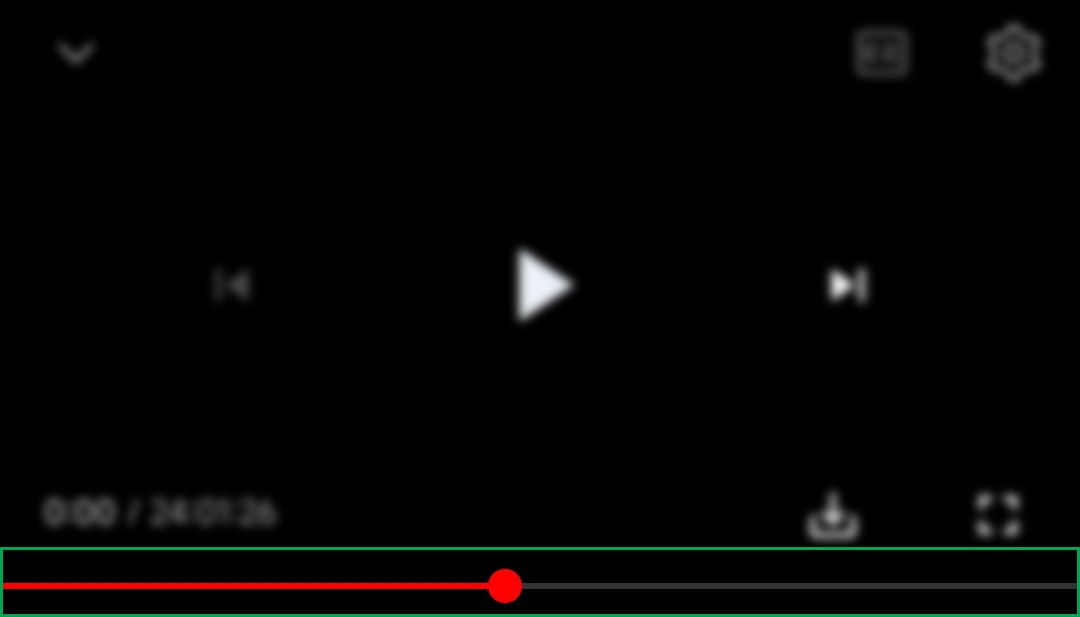
• enable-seekbar-tapping
Enables tap-to-seek on the seekbar of the video player.
• enable-timestamps-speed
Add the current video speed in brackets next to the current time.

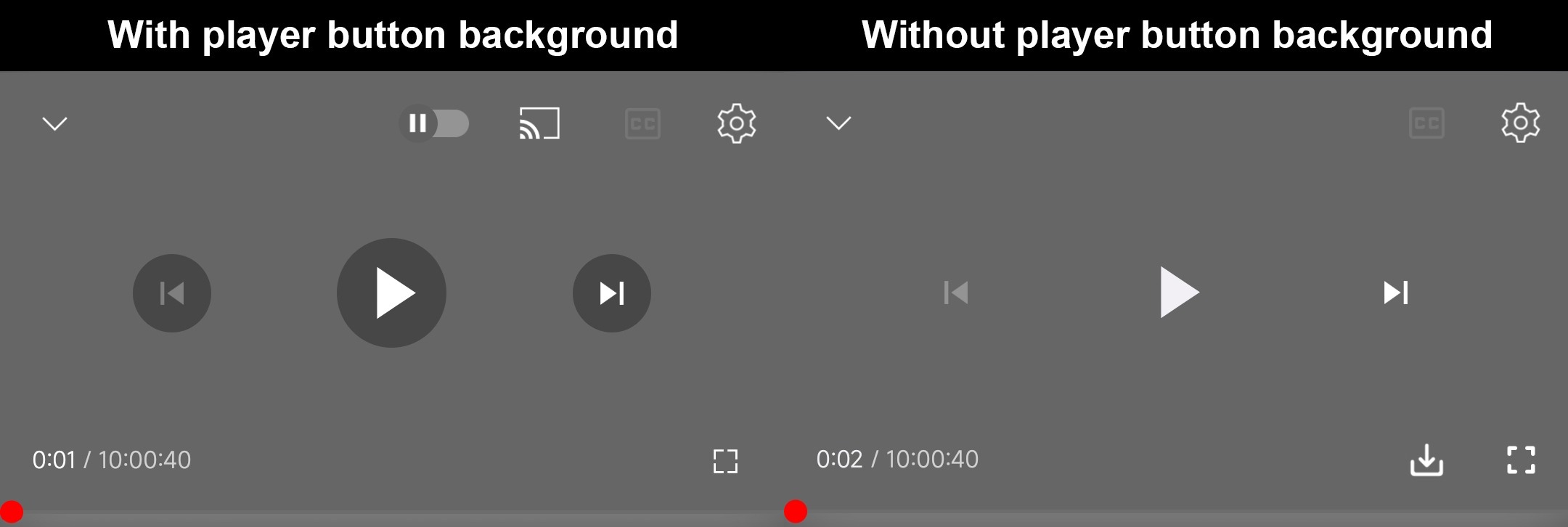
• force-hide-player-button-background
Force removes the background from the video player buttons.
• force-premium-heading
Forces premium heading on the home screen.

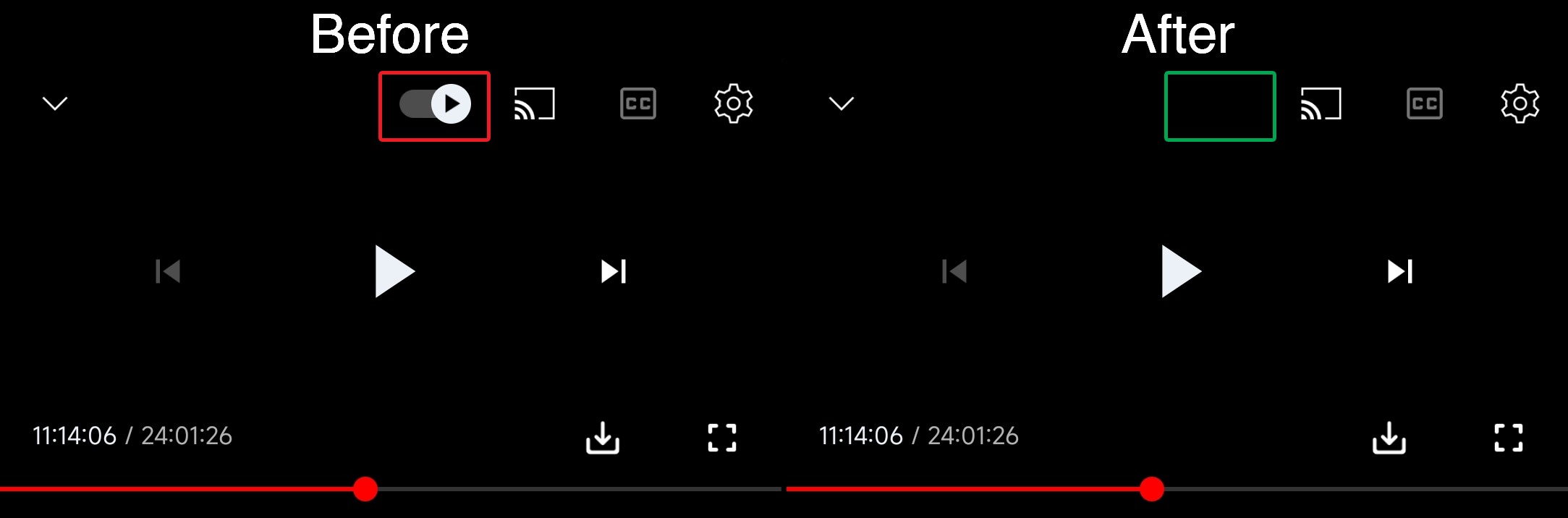
• hide-autoplay-button
Hides the autoplay button in the video player.
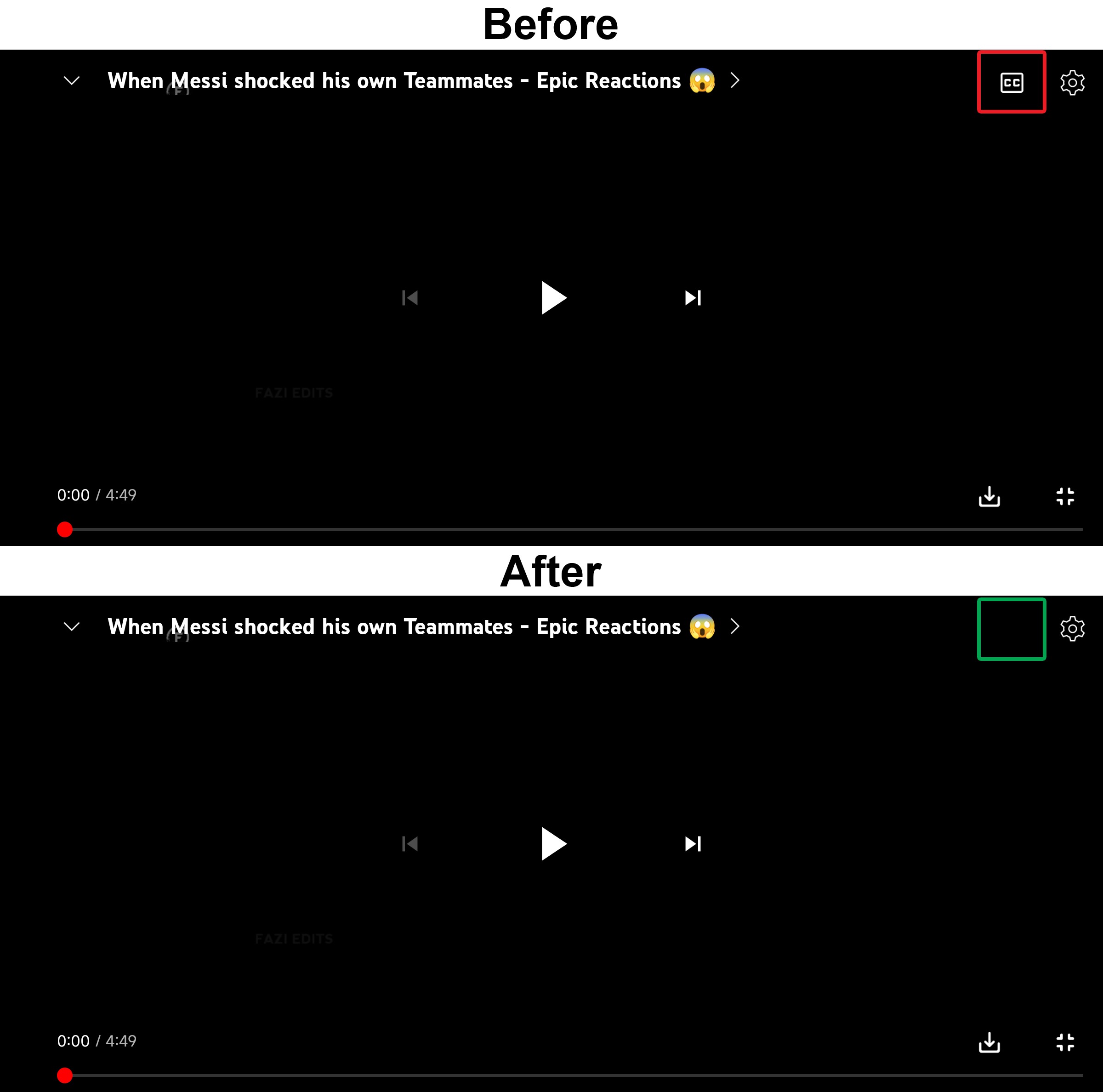
• hide-captions-button
Hides the captions button in the video player.
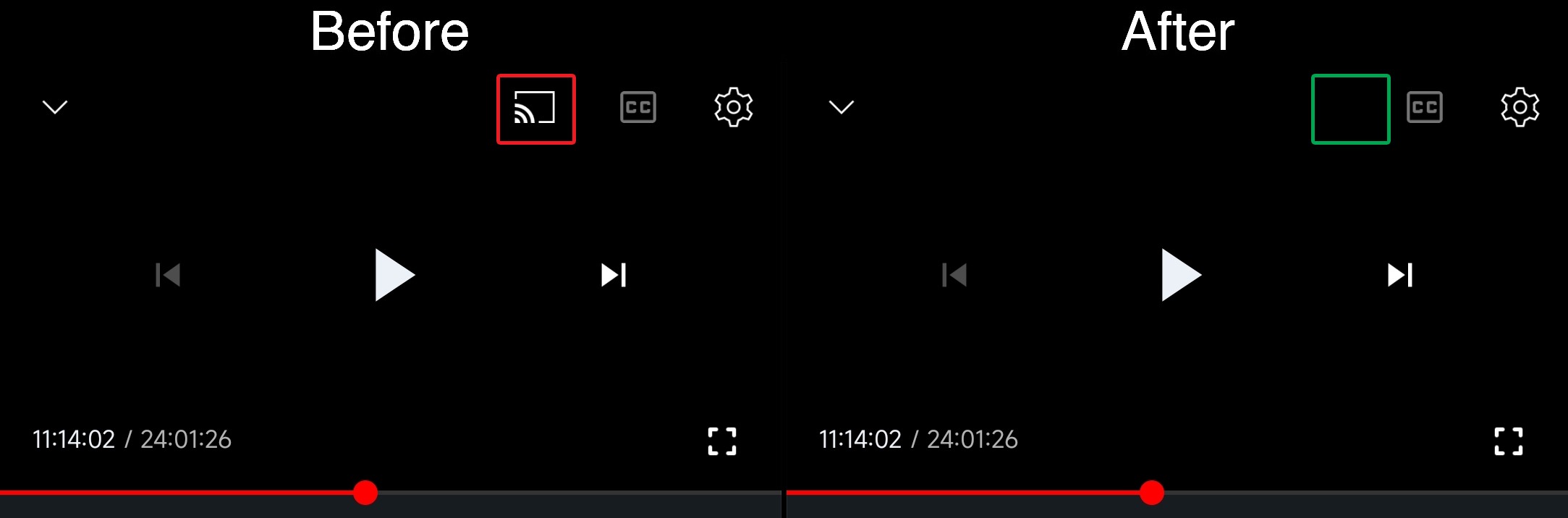
• hide-cast-button
Hides the cast button in the video player.
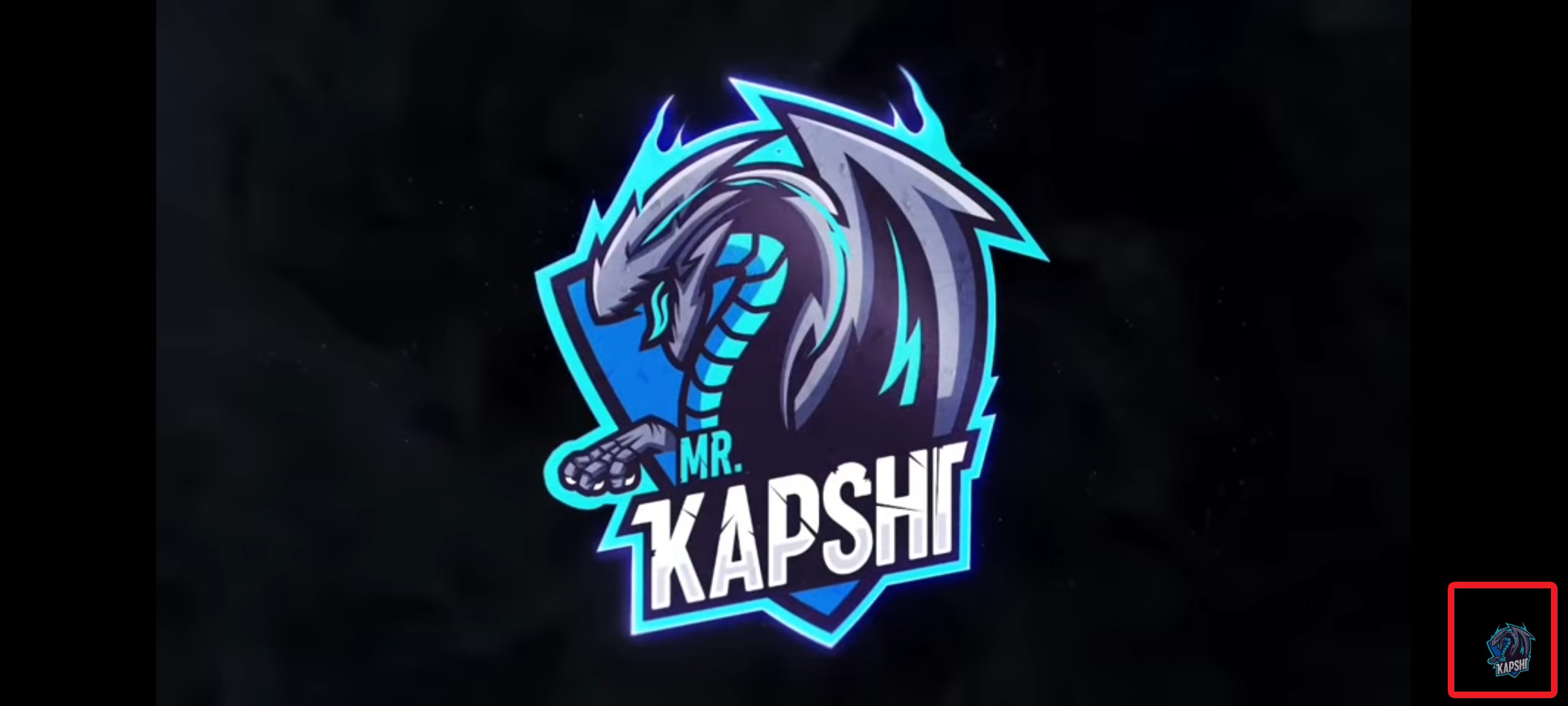
• hide-channel-watermark
Hides creator's watermarks on videos.
• hide-collapse-button
Hides the collapse button in the video player.

• hide-double-tap-overlay-filter
Remove the double tap dark filter layer.

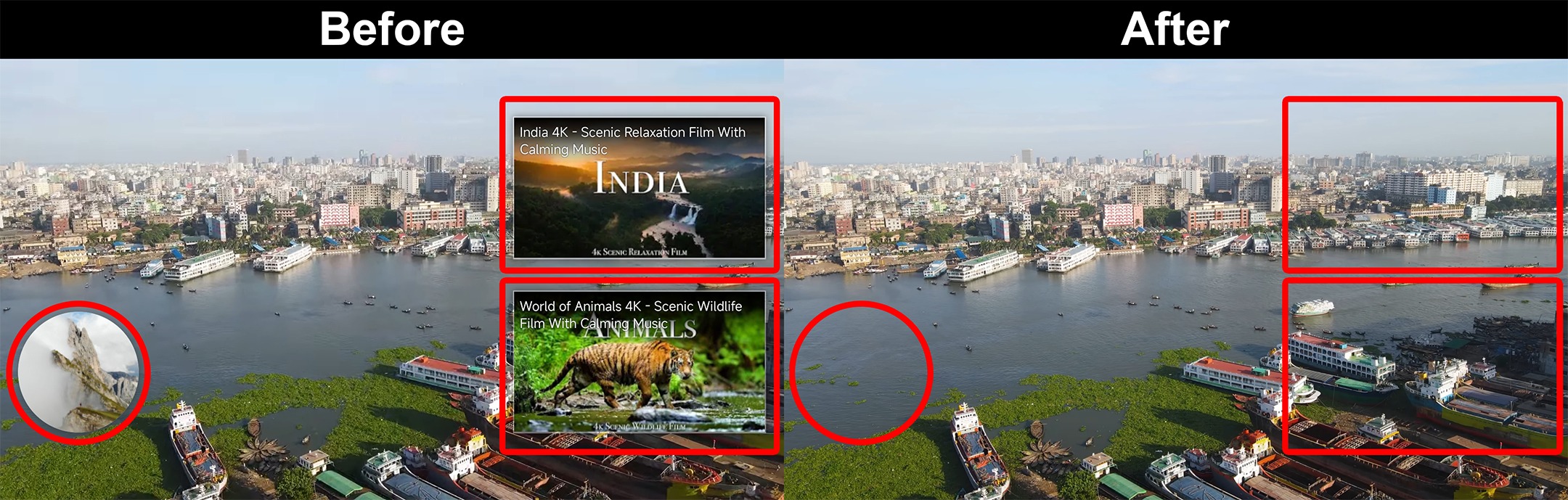
• hide-endscreen-cards
Hides the suggested video cards at the end of a video in fullscreen.
• hide-filmstrip-overlay
Hide flimstrip overlay on swipe controls.

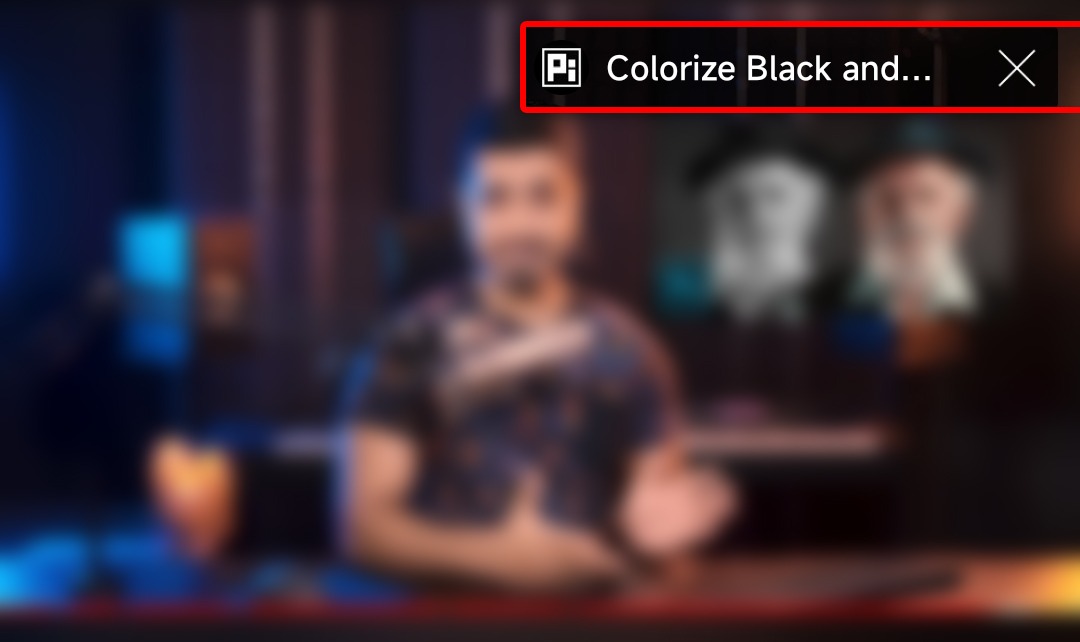
• hide-pip-notification
Disable pip notification when you first launch pip mode.

• hide-player-button-background
Hide player button background.
• hide-player-overlay-filter
Hides player overlay filter.

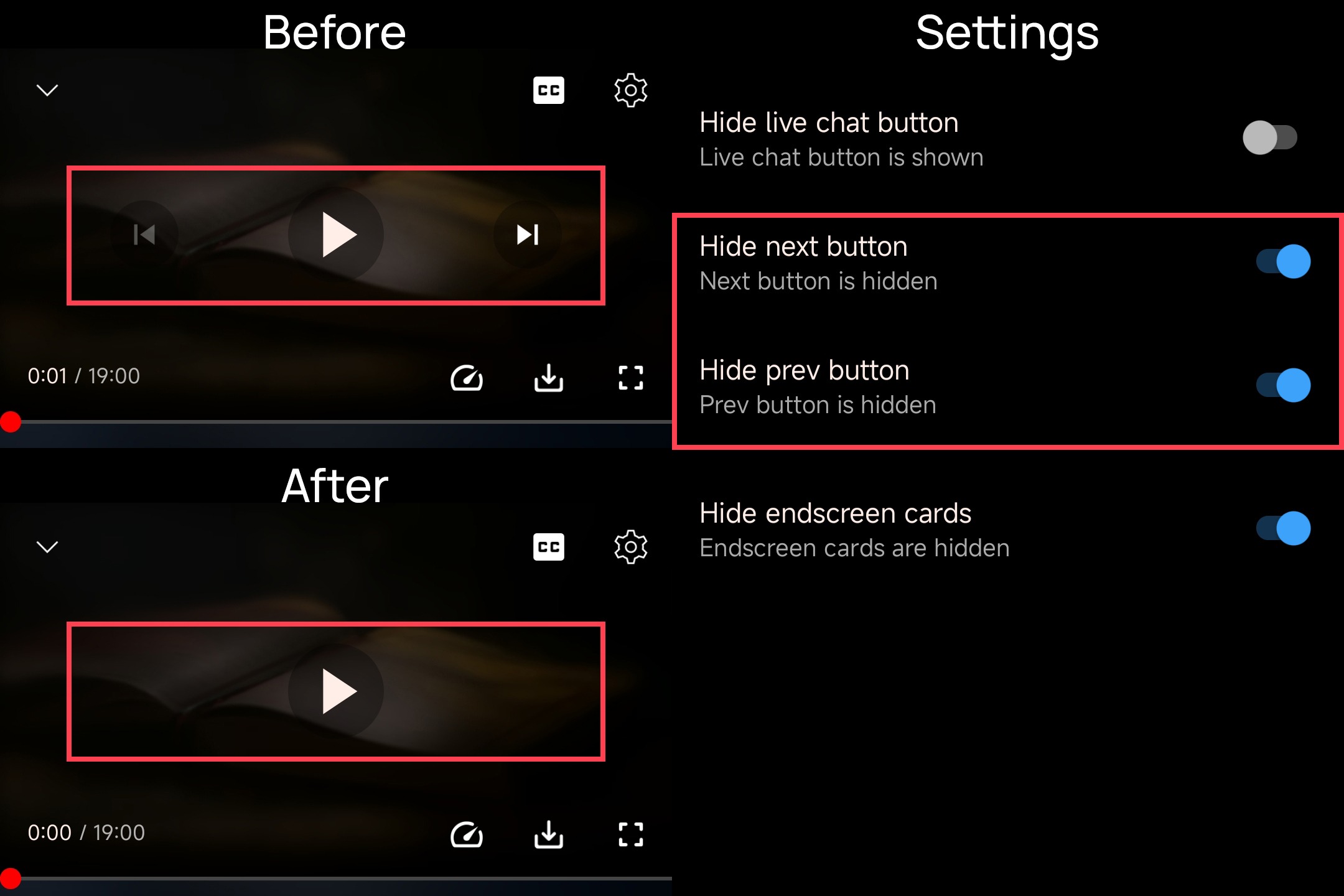
• hide-previous-next-button
Hides the previous and next button in the player controller.
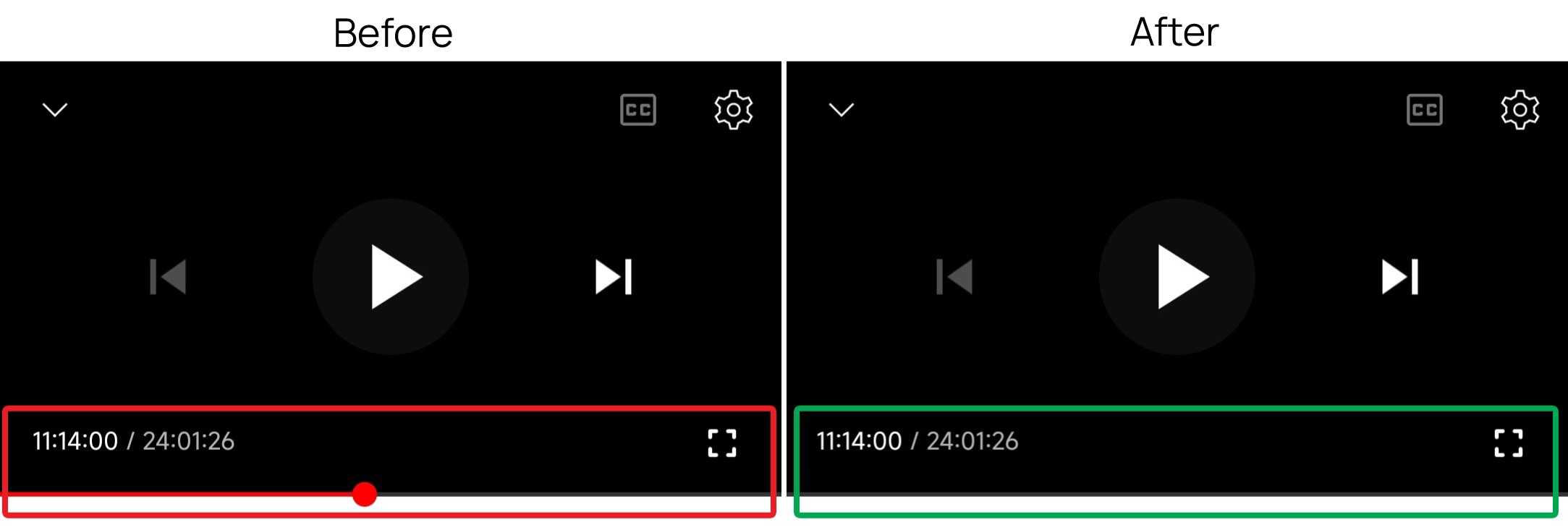
• hide-seekbar
Hides the seekbar.
• hide-shorts-component
Hides other Shorts components.

Hides shorts shelf from Feed too.

• hide-shorts-navbar
Hide navigation bar when playing shorts.

• hide-suggested-actions
Hide the suggested actions bar inside the player.

• hide-time-stamp
Hides timestamp in video player.

• hide-tooltip-content
Hides the tooltip box that appears on first install.
• materialyou
Enables MaterialYou theme for Android 12+

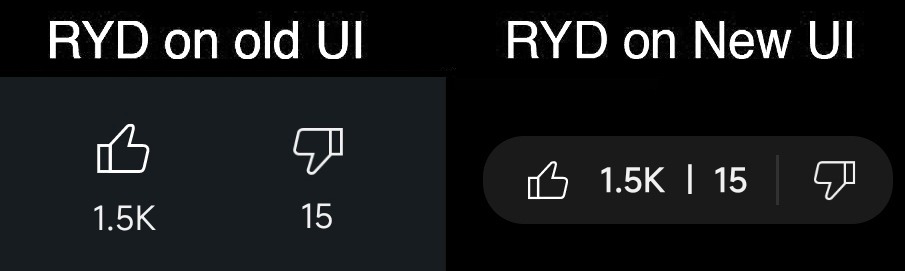
• return-youtube-dislike
Shows the dislike count of videos using the Return YouTube Dislike API.
• Return YouTube Dislike for Shorts
Return YouTube Dislike now support Shorts videos.

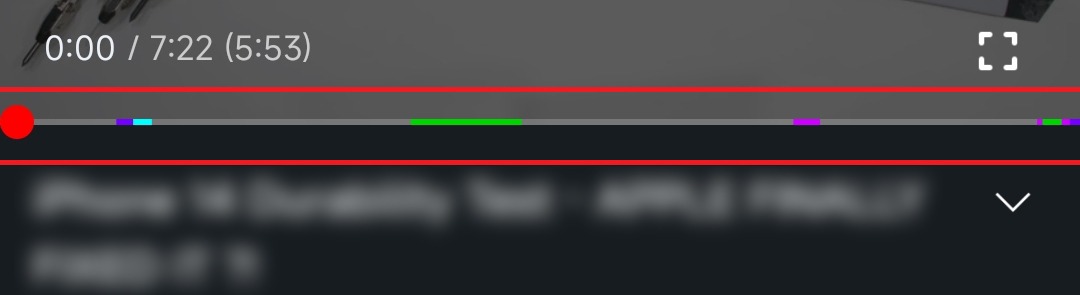
• SponsorBlock
Integrate SponsorBlock.


• swipe-controls
Adds volume and brightness swipe controls.

• theme
Applies a custom theme. (Amoled Black for Now)
& More
• hdr-auto-brightness
Makes the brightness of HDR videos follow the system default.

• Hide browse store button
Hide browse store button from any channel.

• hide-live-chat-button
Hides the live chat button in the video player (for old layout).
