ROMs & Flashing Guide :)
For Redmi 4A ( Codename: Rolex )
⭕⭕⭕⭕⭕⭕⭕⭕⭕⭕⭕⭕⭕⭕⭕⭕⭕⭕⭕
⭕⭕⭕⭕⭕⭕⭕⭕⭕⭕⭕⭕⭕⭕⭕⭕⭕⭕⭕
Flashing Procedure ( Steps to Flash )
- Reboot to TWRP
- Clean Wipe (System, Data, Cache, Dalvik)
- Flash firmware.
- Flash any of the given ROMs below in the ROMs Section.
- Flash Gapps and Magisk or SuperSU (if root required)
- Now Wipe Dalvik & Cache
- Reboot to System.
Note:- Custom ROMs built after 17th March 2018, doesn't need any firmware to be flashed. They comes with latest MIUI AM firmware by default.
**********
Solution For Rooting
Either Flash Magisk or SuperSU

***************
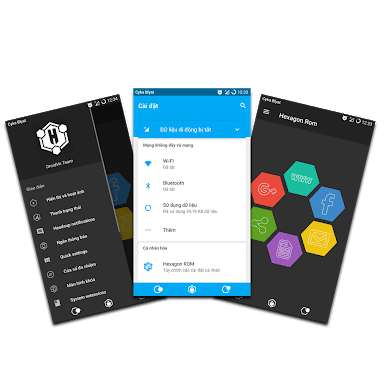
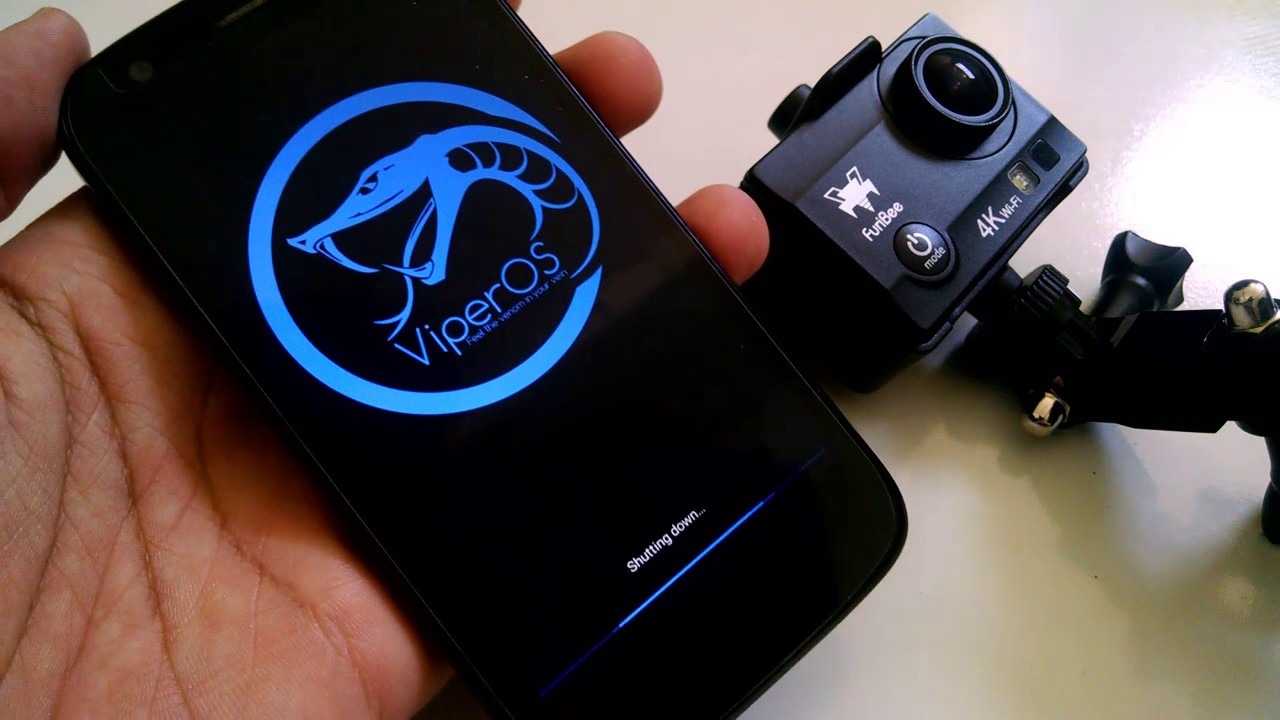
Custom ROMs Made For Rolex :-













Wi-Fi Fix : Flash only if WiFi not working.










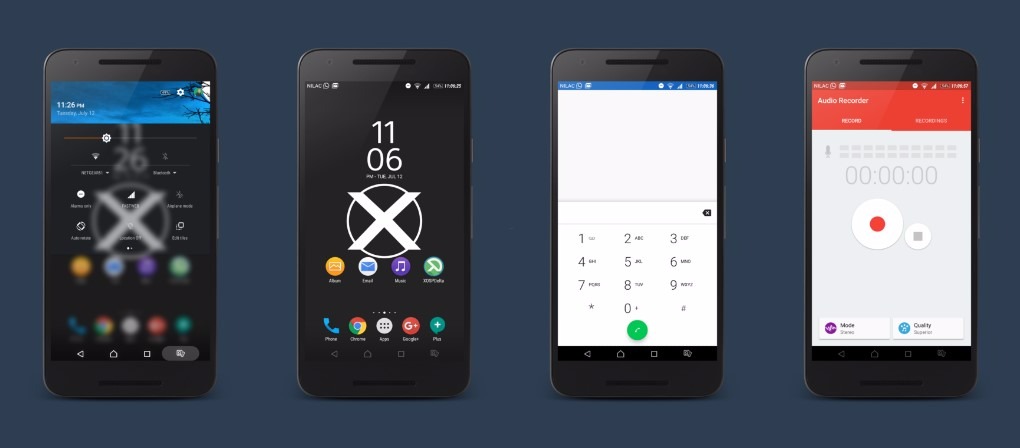
Optional:- Xperia Apps
***********
Note :- Although these ROMs are mostly bugless & has given the best performance for many users, this doesn't mean that every ROM will be perfect for your device. Images used here are for presentation purposes only. Don't mirror any links. If you're reviewing any ROM give credit to Developers & always use the links mentioned here. Donations are always welcomed.