Privacy First: How to Maximize Browser Security with VPNs and Settings
In today’s digital landscape, online privacy has become a crucial concern for users across the globe. With the increasing prevalence of data tracking by websites and advertisers, many individuals find themselves grappling with how to stop browser tracking and safeguard their personal information. As we navigate this complex environment, understanding the tools at our disposal is essential. One of the most effective ways to enhance your online security is by using a Virtual Private Network, or VPN, which can provide an additional layer of protection against unwanted surveillance.
Whether you are browsing on a computer, phone, or tablet, your internet activity is constantly being monitored, especially when connected to public Wi-Fi networks. These open connections can expose your data to potential threats, making it vital to combine VPN protection with proper browser privacy settings. In this article, we will explore how a VPN adds protection against online tracking, while offering practical tips on reducing browser tracking across multiple devices, ensuring that your online experiences remain private and secure.
Understanding Browser Tracking

Browser tracking refers to the practice of monitoring users' online activities as they navigate the web. Websites and advertisers employ various techniques, such as cookies, beacons, and scripts, to collect data about user behavior, preferences, and interactions. This information is often used to create detailed profiles of users, allowing for targeted advertisements and personalized content. As users browse different sites, their data can be shared across multiple platforms, raising significant privacy concerns.
The implications of browser tracking extend beyond targeted advertising. With the extensive data collected, third parties can infer sensitive information about individual users, including their interests, habits, and even personal details. This tracking can happen in the background without users' active consent, leading many to feel their privacy is compromised. As users become more aware of these practices, the demand for better privacy protection has grown.
To combat browser tracking, individuals can adopt several protective measures, such as using VPNs, adjusting browser settings, and employing privacy-focused browser extensions. These tools can help limit the data shared with trackers, making it more difficult for companies to profile users. Understanding how browser tracking works is the first step in reclaiming control over personal information and improving online privacy.
The Role of VPNs
VPNs, or Virtual Private Networks, play a crucial role in enhancing online privacy and security. By creating a secure tunnel between your device and the internet, a VPN encrypts your internet traffic, making it significantly more difficult for third parties to monitor or track your online activities. This is particularly important when using public WiFi networks, where the risk of data interception is higher. With a VPN, users can browse the web with greater peace of mind, knowing that their sensitive information is protected from prying eyes.
When it comes to browser tracking, a VPN adds an additional layer of protection. Many websites and online advertisers use tracking cookies and scripts to gather data about users' browsing habits. A VPN masks your IP address, which helps to prevent these trackers from linking your online activity to your identity. This is especially vital for users on shared or public devices, where leaving behind a trace of personal browsing history can lead to privacy breaches.
Furthermore, using a VPN in conjunction with secure browser settings can greatly reduce the amount of data collected by trackers. VPNs can help anonymize your traffic, while adjusting your browser settings can limit the extent of tracking that occurs. Combining these tools is essential for anyone looking to enhance their digital footprint, particularly on devices like phones, tablets, and computers. With a proactive approach to online privacy, users can significantly mitigate their exposure to tracking and surveillance.
Setting Up VPN on Devices
To maximize your online privacy, the first step is setting up a VPN on your devices. This process typically begins with selecting a trustworthy VPN provider that suits your needs. Look for features such as a no-logs policy, strong encryption, and compatibility with various devices. After choosing a provider, download the VPN application specific to your device, whether it be a phone, tablet, or computer.
Once you have installed the VPN application, open it and log in using your account credentials. Many VPNs offer straightforward setup guides and tutorials, which can be beneficial if you encounter any challenges. Ensure that you adjust the settings to enable features like kill switch and auto-connect, which provide additional layers of security against tracking.
Finally, after setting up the VPN, it’s essential to connect to a server before browsing the internet. This not only masks your IP address but also encrypts your data, making it more difficult for third parties to track your online activities. Regularly check for updates from your VPN provider to keep the app secure and functional across your devices.
Configuring Browser Privacy Settings
To enhance your online privacy, the first step is to adjust your browser settings. Most modern browsers offer privacy options that allow you to control how your data is collected and used. Start by disabling third-party cookies, which are often used by advertisers to track your behavior across different sites. You can also enable features like "Do Not Track," which sends a signal to websites indicating that you prefer not to be tracked, although compliance varies.
Next, review your browser's tracking protection options. Many browsers now include built-in tools that block tracking scripts and enhance your security while browsing. For example, activating the "Enhanced Tracking Protection" setting can prevent many trackers from loading on sites you visit. Additionally, consider using privacy-focused extensions or add-ons that can provide layered protection against invasive tracking methods such as fingerprinting.
Lastly, regularly clear your browsing data, including cookies, cache, and history. This helps remove any stored information that could be used to track your online behavior. Be sure to adjust these settings on all devices you use, including phones, tablets, and computers, as each can be susceptible to different tracking methods. By configuring your browser privacy settings, you create a significant barrier against unwanted tracking and enhance your overall online security.
Using Private Browsing Modes
Private browsing modes, available in most modern web browsers, are designed to enhance user privacy by preventing the storage of browsing history, cookies, and site data. When activated, these modes do not save any information from the session, which can be useful when using shared or public devices. While this feature helps reduce the amount of tracking performed by local devices, it does not completely eliminate the potential for online tracking by external sources like websites and advertisers.
While private browsing does limit local data storage, it is important to understand its limitations. Your internet service provider, websites you visit, and other third parties can still monitor your online activities. This is where a VPN adds substantial protection by encrypting your internet traffic and masking your IP address. By combining private browsing with a VPN, you can significantly enhance your online privacy and security, particularly on public Wi-Fi networks.
For those using phones, tablets, and computers, integrating private browsing modes with VPN use is a proactive strategy. This combination helps ensure that not only is your browsing history kept confidential from local access but also that your overall internet activity is protected from external monitoring. As a result, users can enjoy a more secure online experience, knowing they are taking significant steps to safeguard their privacy.
Managing Cookies and Web Data
Cookies are small files stored on your device that websites use to remember your preferences and activities. While they can enhance your browsing experience, they can also be a means of tracking your online behavior. To stop browser tracking, regularly review and manage your cookie settings. Many browsers allow you to view and delete cookies, or even block them entirely. Adjusting these settings can significantly increase your privacy and limit how much information websites can collect about you.
In addition to cookies, consider managing other web data such as cached files and browsing history. Clearing this data periodically can help reduce the amount of information available to websites and advertisers. Most browsers provide options to delete your browsing history, cache, and cookies with just a few clicks. By implementing these practices, you'll decrease the chances of being tracked across multiple sessions and maintain a more private browsing environment.
For mobile devices like phones and tablets, the same principles apply. Make sure to adjust your browser settings to limit cookie tracking and regularly clear stored data. Additionally, using privacy-focused browsers or extensions can further enhance your protection. Combining these strategies with a VPN adds an extra layer of security, making it even harder for trackers to follow your online activities, especially when using public Wi-Fi networks.
Securing Public Wi-Fi Connections
When connecting to public Wi-Fi, users often overlook the potential risks associated with such networks. Cybercriminals regularly monitor these connections, making it easy for them to capture sensitive information like login credentials and financial data. This common vulnerability highlights the importance of taking proactive measures to secure your online activity. Using a VPN is one of the most effective ways to safeguard your data when accessing public networks.
A VPN encrypts your internet traffic, creating a secure tunnel between your device and the VPN server. This encryption makes it significantly more difficult for malicious actors to intercept or decipher your online communications. Additionally, a trustworthy VPN service can mask your IP address, further enhancing your privacy and anonymity while browsing on public Wi-Fi. This dual-layered protection is essential for anyone who frequently connects to unsecured networks in places like coffee shops or airports.
In combination with robust browser privacy settings, using a VPN dramatically reduces the likelihood of being tracked online. While a VPN protects your data in transit, adjusting your browser settings can minimize the information shared with websites. Together, these strategies provide comprehensive protection, allowing you to enjoy the convenience of public Wi-Fi without compromising your online privacy. Always remember to stay vigilant and continuously update your security practices to keep your information safe.
Best VPN Services for Privacy
When choosing a VPN for privacy, it's important to consider factors such as encryption standards, logging policies, and server locations. Services like ExpressVPN and NordVPN are highly recommended for their strong encryption practices and commitment to user privacy. Their no-logs policies ensure that your browsing history remains private, while a wide network of servers allows for secure connections across various regions.
Another excellent option is ProtonVPN, which not only offers robust encryption but also provides a free tier with limited features, allowing users to experience the benefits of VPN protection before committing to a paid plan. ProtonVPN is developed by the team behind ProtonMail, known for its secure email service, which adds credibility to its commitment to privacy and security.
Surfshark is also worth considering, especially for users looking for a budget-friendly solution that doesn't skimp on features. With unlimited device connections and a strong focus on online privacy, Surfshark provides excellent protection against browser tracking on phones, tablets, and computers. Additionally, its Camouflage mode helps keep your VPN usage hidden, further enhancing your privacy while using public Wi-Fi networks.
Regularly Updating Software
Keeping your software up to date is crucial for maintaining your online privacy and security. Regular updates often include patches for vulnerabilities that could be exploited by malicious actors to track your online activities. This applies to your operating system, browsers, and any security software you may be using. By ensuring that your software is up to date, you minimize the chances of being tracked or compromised by outdated tools.
Additionally, many browsers have built-in privacy features that improve with newer versions. These updates can enhance anti-tracking capabilities and offer better protection against invasive scripts and cookies. By regularly checking for and installing updates, you take advantage of the latest security advancements, which collectively work to safeguard your information from prying eyes.
Finally, when using public Wi-Fi, each connected device should have the latest software to bolster security. This is particularly important as public networks can be targets for hackers looking to exploit outdated systems. A VPN adds an extra layer of protection, but it works best when supported by fully updated software that helps reduce potential vulnerabilities further.
Conclusion: Enhancing Your Online Privacy
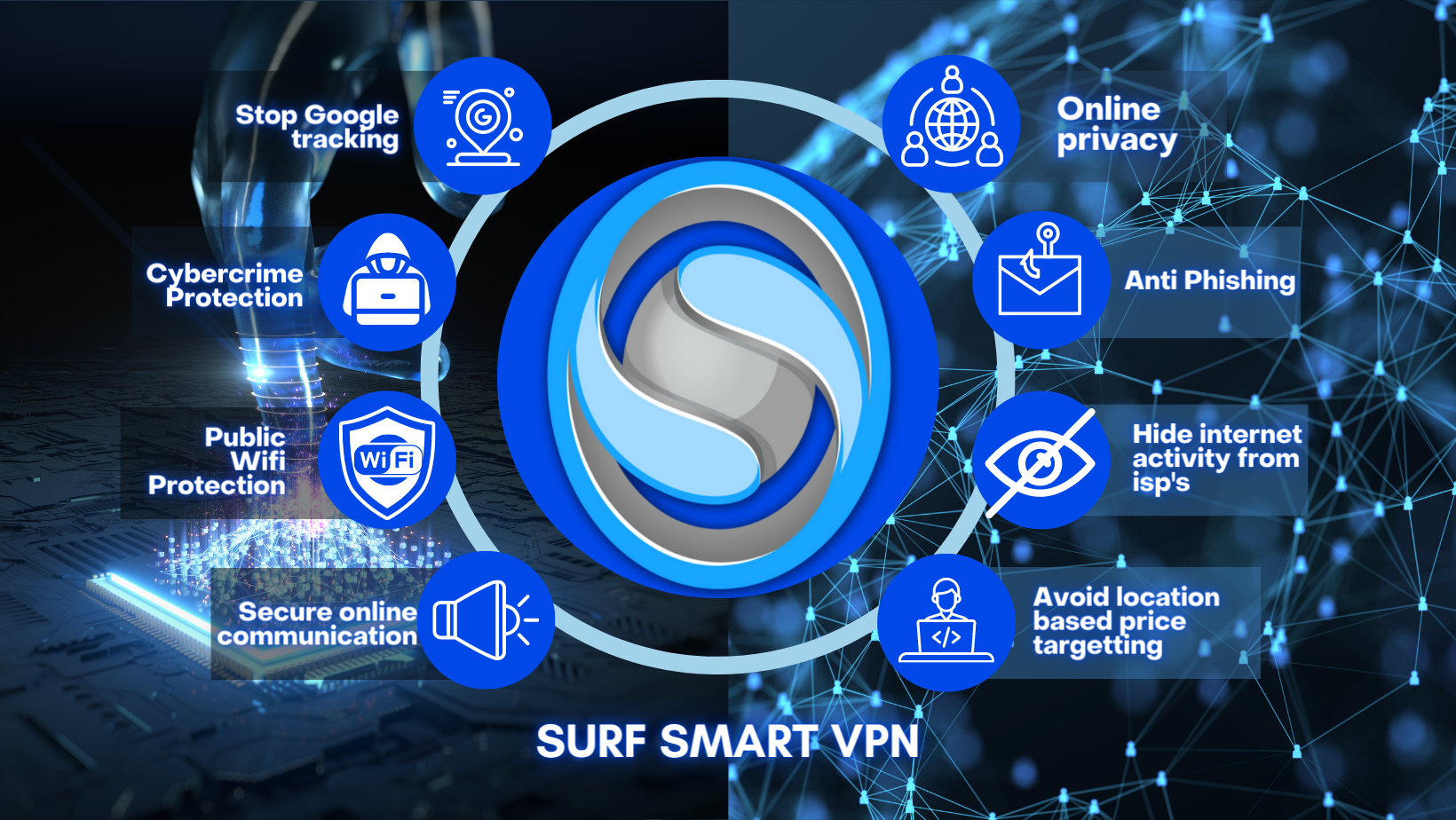
In today's digital landscape, protecting your online privacy is more important than ever. With the prevalence of browser tracking, particularly on public WiFi networks, taking proactive steps to safeguard your personal information is crucial. Utilizing https://surfsmartvpn.co.uk/how-to-stop-browser-tracking/ is one of the most effective measures you can take, as it not only encrypts your internet traffic but also helps shield your activities from prying eyes. By combining a VPN with robust browser privacy settings, you can significantly reduce your exposure to tracking.
When accessing the internet on phones, tablets, and computers, it is essential to adopt a comprehensive approach to privacy. A VPN provides an extra layer of security against network monitoring, especially on unsecured public WiFi connections, where data can be easily intercepted. Moreover, adjusting your browser settings to limit tracking and employing privacy-focused tools further enhances your defenses against unwanted surveillance.
Ultimately, attaining better online privacy requires a proactive mindset and the right tools. By understanding how a VPN adds protection and implementing various strategies to reduce tracking, you can navigate the web with greater confidence. Taking these steps not only secures your data but also empowers you to take control of your online presence in an increasingly connected world.