Pixelify Troubleshooting
Arron StoneDesclaimer:
This note is based on common mistakes made by people which cause pixelify malfunction.
∆ Guide for Pixelify installation
List of Common issues:
1)Using wrong Variant of Lsposed Module.
2)Magsik Hide or Deny list for unnecessary apps.
3) Unnecessary Magisk Modules.
4) Unnecessary Xposed/Lsposed Modules.
5) Latest Version - No Indication
Solutions:
1)Using wrong Variant of Lsposed Module:
∆ Make sure that you use a proper Variant of Lsposed based on your Magisk, Read the guide attached at top for detailed info and links.
2)Magsik Hide or Deny list for unnecessary apps:
∆ Never Enable/Add Magisk Hide or Deny list for these list of apps.
•Google Photos
•Pixelify
•Pixelify+
•Lsposed
3) Unnecessary Magisk Modules:
∆ Some magisk modules will cause conflict with Pixelify configuration, so try disabling all magisk modules except which are necessary.
Necessary Magisk Modules:
•Riru
•Lsposed
4) Unnecessary Xposed/Lsposed Modules:
∆ Some Xposed/Lsposed modules may conflict with Pixelify, so disable all modules except necessary ones.
Necessary Xposed/Lsposed Modules:
•Pixelify
•Pixelify+
5) Latest Version - No Indication
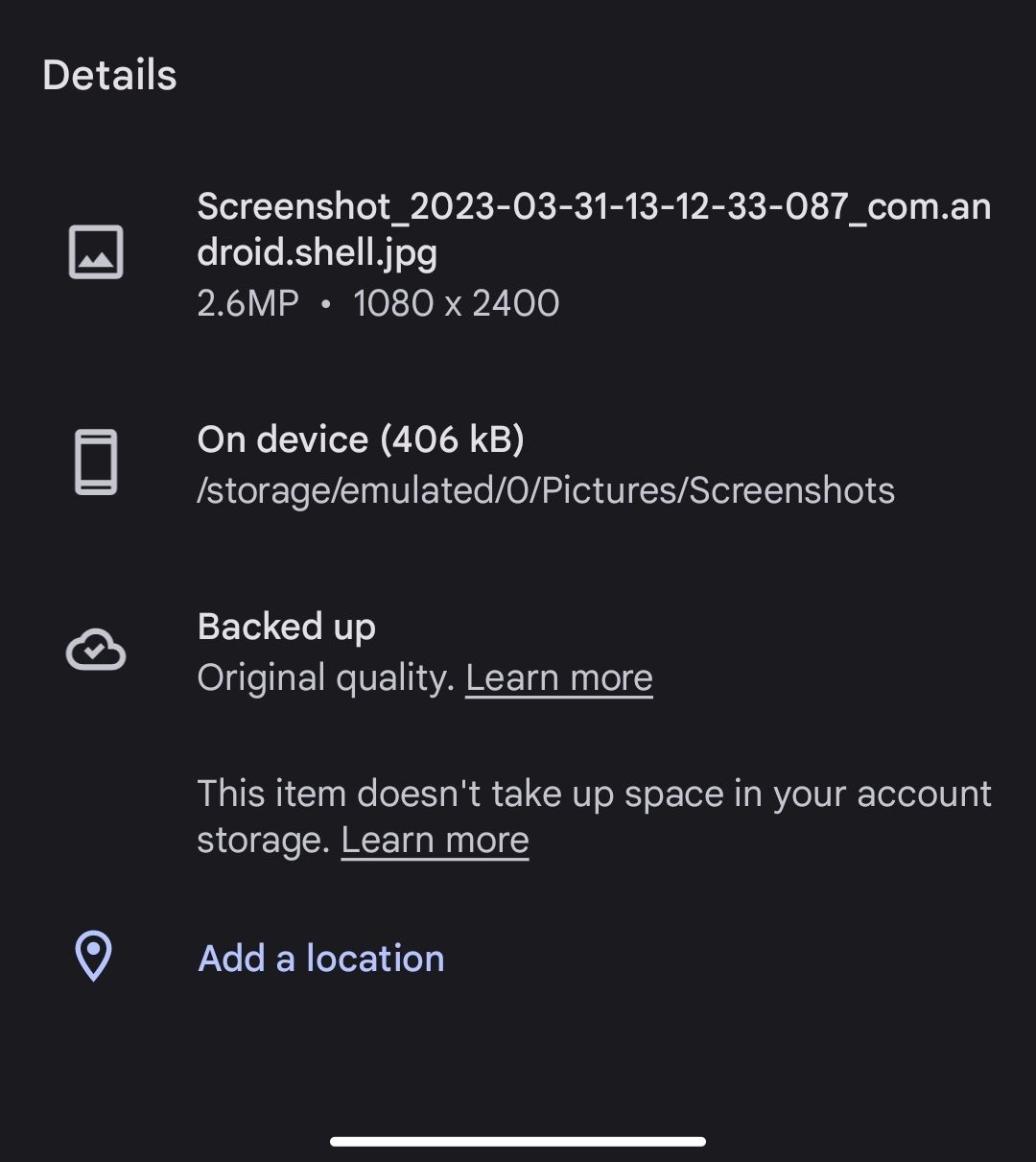
∆ Latest version of Google photos or account with Google one subscription will not show an indication as "This Pixel can bacup at unlimited storage.....". But it actually works. So after uploading media just check the file properties in Google photos, it will show as "This item doesn't take up space".
🛑After trying these solutions, you must reboot the device to apply them.