Pintopay User Guide
Pintopay is an innovative platform offering virtual and physical payment cards integrated into a mobile application.
It allows users to easily convert cryptocurrency into fiat money and use it for everyday purchases in more than 100 countries worldwide.
Our app ensures convenient and secure transactions, making it easy and accessible to pay with cryptocurrency!

App Launch
Test Access (entry by recommendation only)
- Follow your personal referral link to the PintoPay app
- Pint the app for quick access by holding it down
How to Issue a Card
- Select Card in the app menu
- Fill out the form to issue a card
- Top up your wallet with $35, of which $10 will be credited to the card
- Card issuance in progress...
- Card issued!

How to Top Up the Wallet
Currently, you can top up via a USDT transfer on the TRC-20 network to the address of your custodial wallet in the Telegram bot @mypintopaytest_bot.
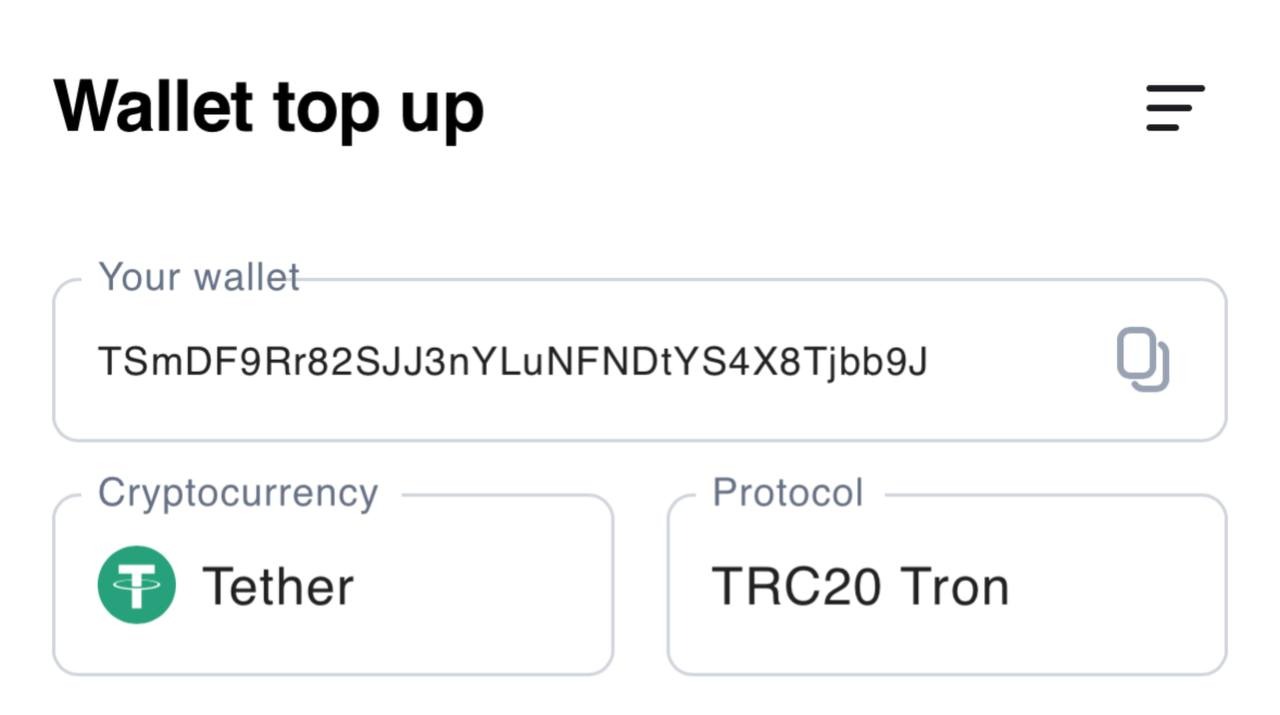
How to Top Up Your Card
You can top up your card by transferring funds from your system wallet to the card balance by pressing the "Top Up Card" button.
⚠️ Important notes:
- Be careful, as it is currently not possible to transfer funds back from the card to your wallet. Transfer only the amount you plan to spend.
- Funds do not arrive instantly; the transaction may take up to 12 hours to complete.

How to Link Your Card to Apple Pay
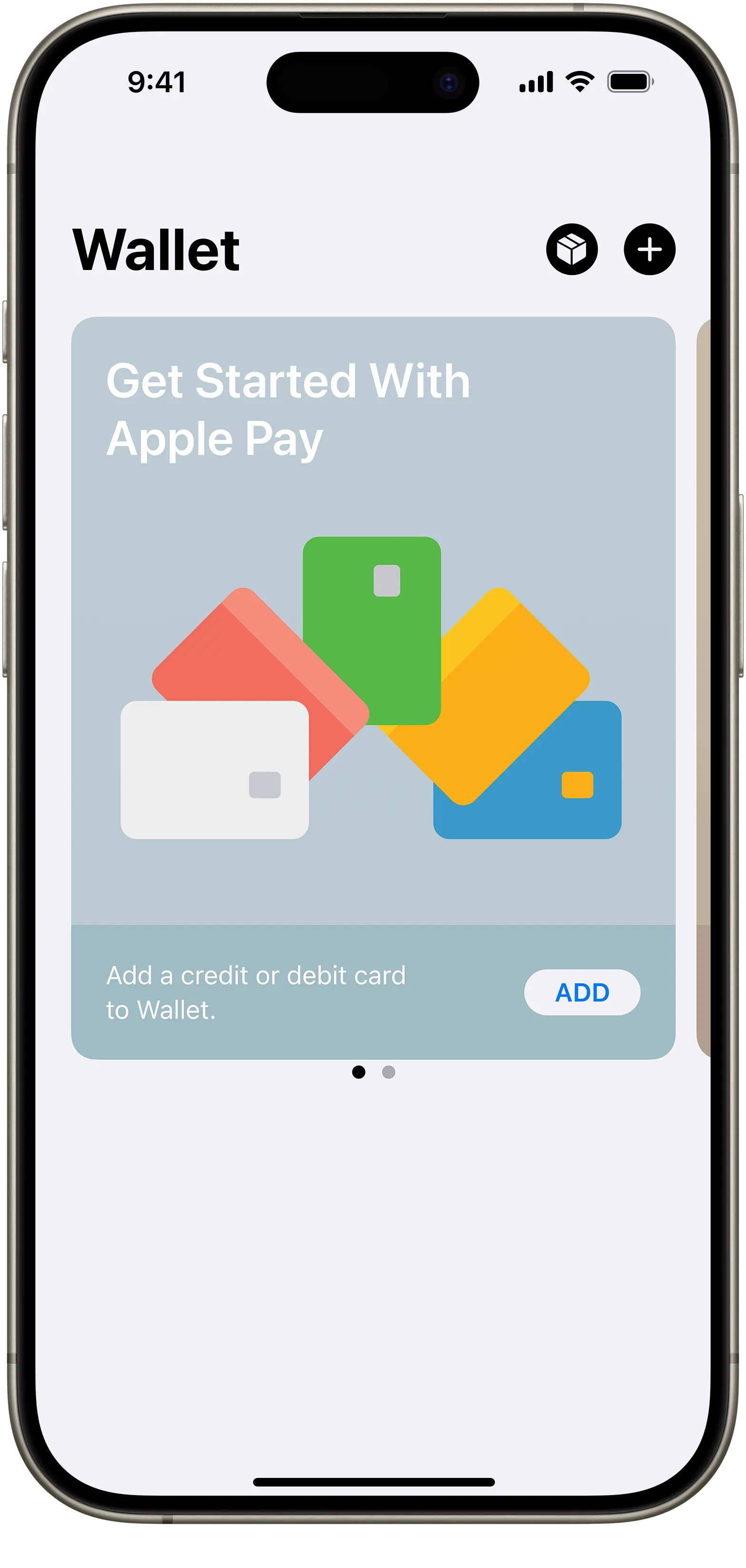
1. Open the Wallet app
2. Press the [+] button in the top right corner
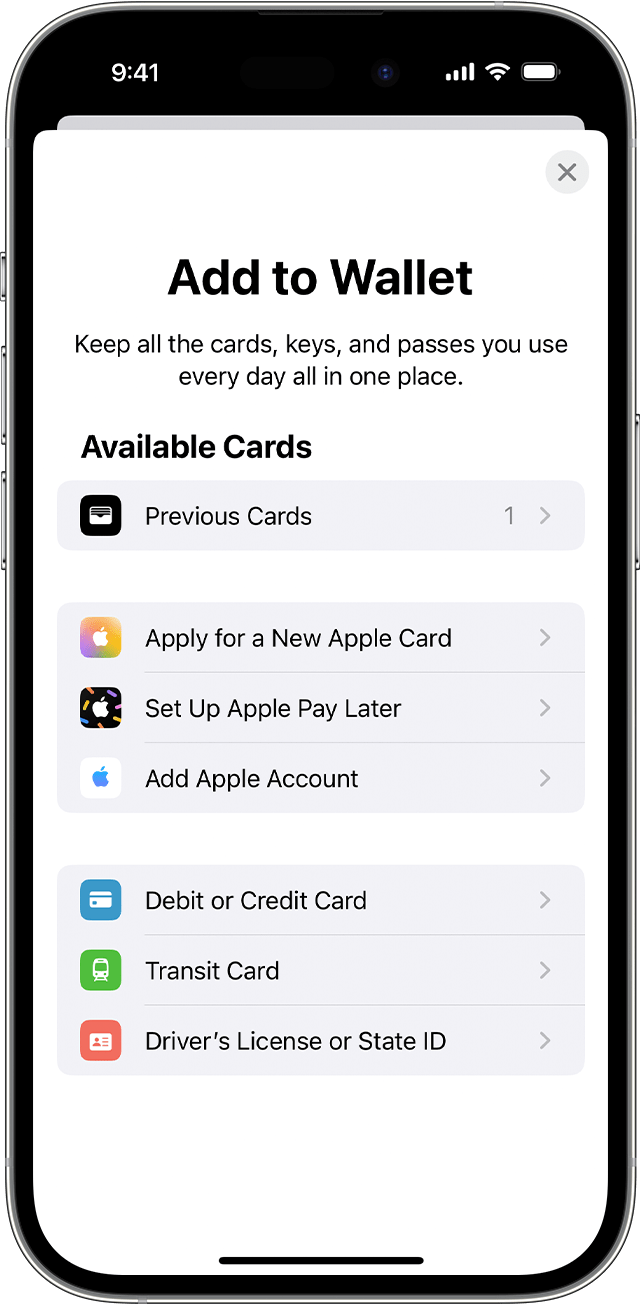
3. Select [Debit or Credit Card] to add a new card
4. Press [Continue]
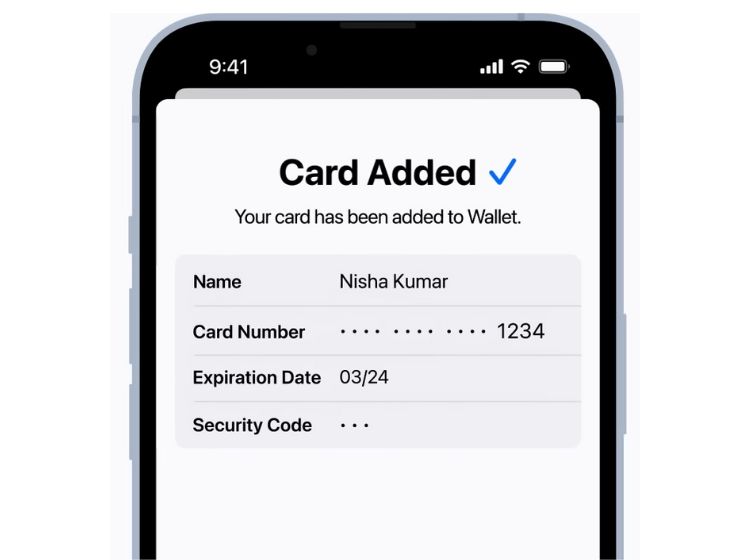
5. Enter your card details:
- Press [Enter Card Details Manually]
- Enter your name and card number, then press [Next]
- Enter the card’s expiration date and security code (CVV), then press [Next]
- Read the terms and conditions, then press [Accept]
- ⚠️ IMPORTANT: The system will offer two verification methods for the card
you must select the second method - e-mail!

- The verification code will be sent to the Telegram bot (make sure Telegram is updated to the latest version).
- The wait time for the code may be up to 1 hour.
------------------------------------------------------------------------------------------------------------------------
Fees and Service Terms
Minimum Top-Up
$14 – for the Tron (TRC-20) network
Card Top-up Fee
- The fixed fee is 2.5% for top-ups of 100 dollars or more.
- For top-ups below 100 dollars, a dynamic minimum fee applies, which is calculated based on market conditions but cannot be less than 2 dollars.
So:
- For top-ups over 100 dollars, the fee will be fixed at 2.5%.
- For top-ups below 100 dollars, the fee will be at least 2 dollars, depending on market conditions.
Card Issuance Fee
No fee
Transaction Fees
A fee of $0.25 is charged upon successful authorization
PintoPay Card PIN
0000 or 1234
For assistance, please contact our support team via Telegram.