Pepakura Viewer - opening .pdo files and assembling a figure without an instruction
t.me/animepapercraftpdoPepakura Viewer is a program for viewing paper crafts in .pdo format.
It is designed for computers, yet at the end you will find alternatives for mobile devices.
≈2 minutes for reading
In this article, we will be discussing Pepakura Designer 5, the latest version that includes both Designer and Viewer. You can download it from the following link:
https://tamasoft.co.jp/pepakura_designer/download/
For those who assemble paper crafts, downloading the free version is enough. However, if you plan on creating your own designs, you will need to purchase a license key.
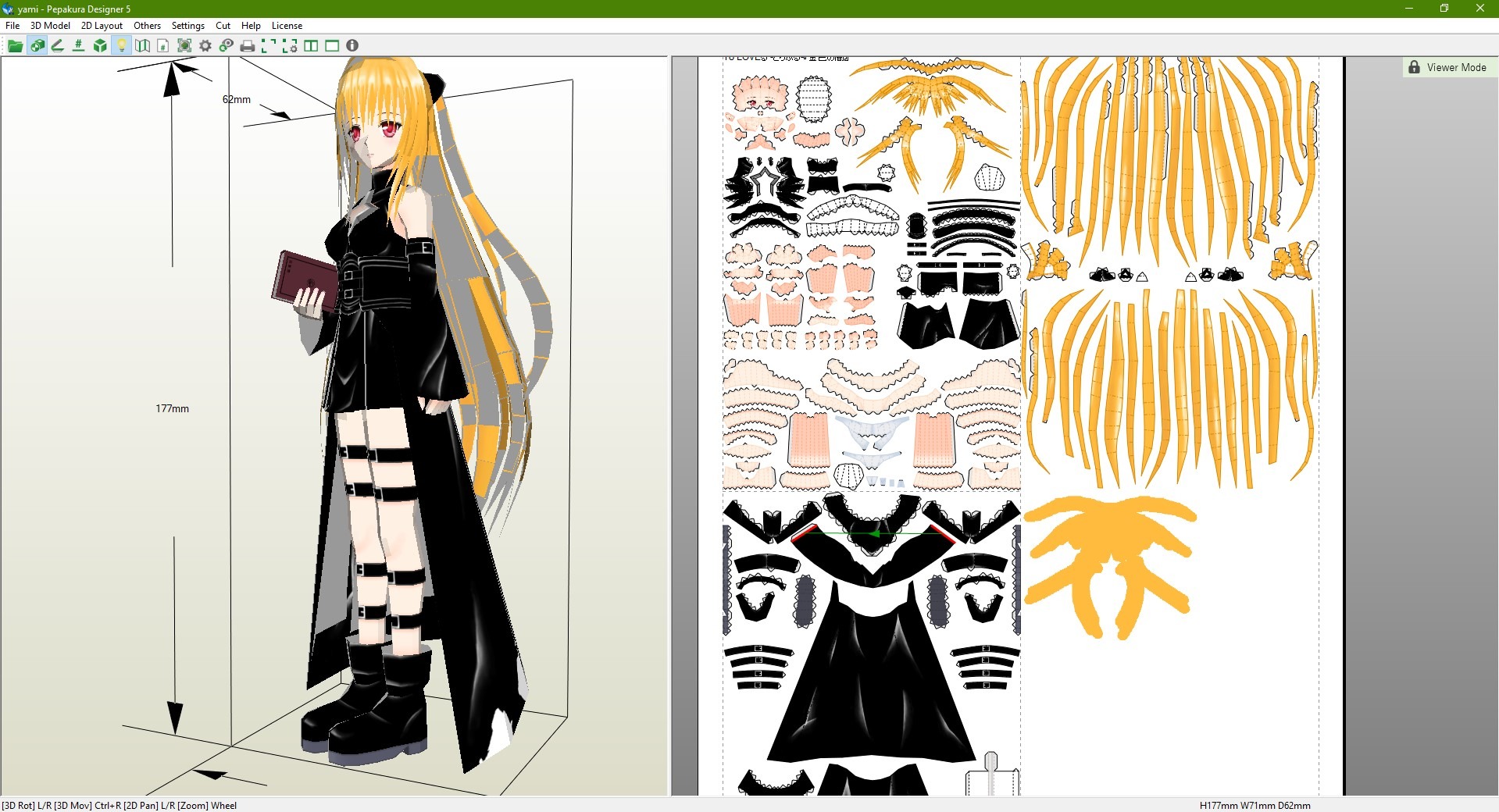
When opening any .pdo file, the scene is divided into two windows - left one, displaying the assembled model and the second, showing the details sheets:
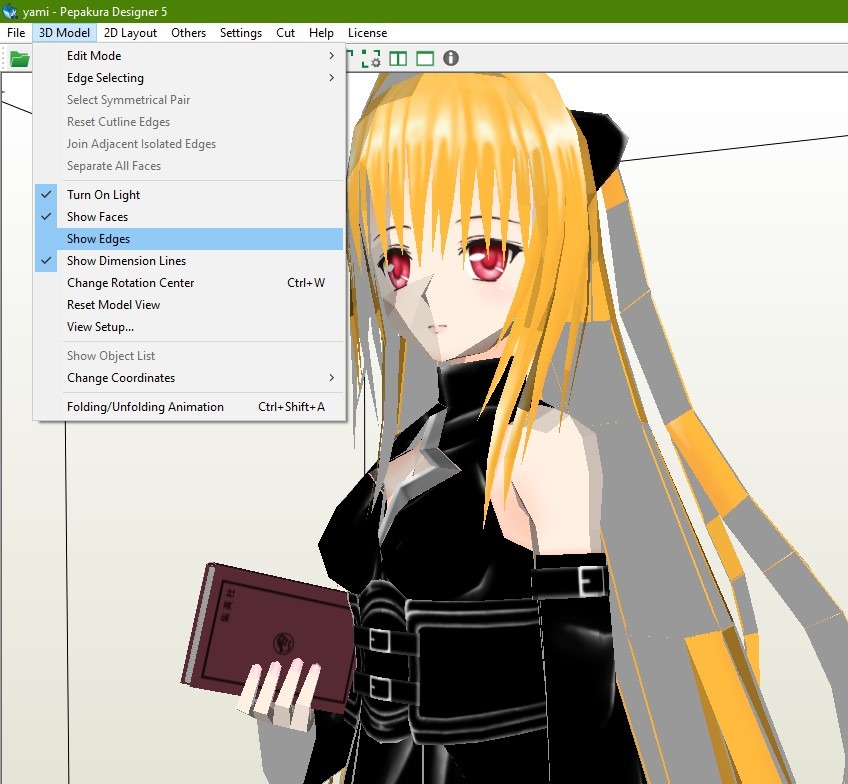
Also, if you find the red edge lines distracting when first opening a file, there is a "Show edges" button in the settings panel at the top. It is usually disabled for convenience and better-looking screenshots:
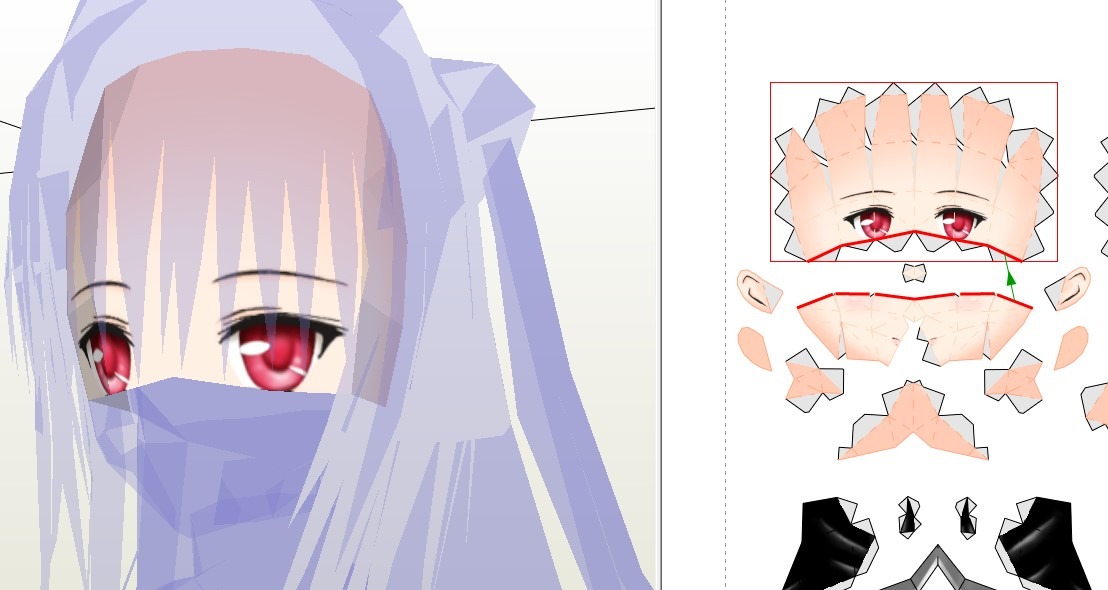
Clicking on a part, either on the model or on the sheet, makes the entire model transparent, highlighting the selected part with color in the left window and a red square on the right.
Basic navigation in the program
In the model window: use the mouse button to rotate;
click of the mouse wheel or ctrl + mouse button to move the camera;
mouse wheel or shift + mouse button to zoom in and out.
In the right details window: mouse wheel or Shift + mouse button to zoom in and out;
left mouse button to select a part (when clicked on a part) or deselect all parts (when clicked on the background);
Shift + left mouse button to add another part to the displayed selection.
If you need to generate a PDF template, simply follow these steps:
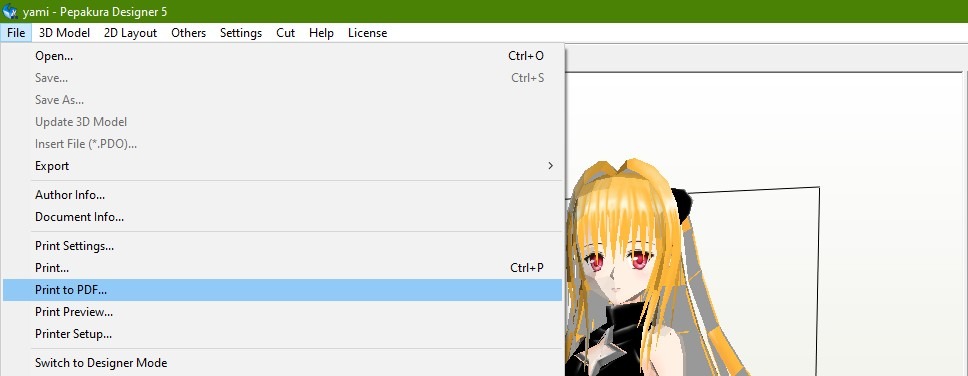
With this knowledge, you can prepare a file for printing and assemble the papercraft on your own~
There are also alternatives to Pepakura, for example, a website called PaperMaker. You can find it at the following link:
https://papercraft-maker.com/
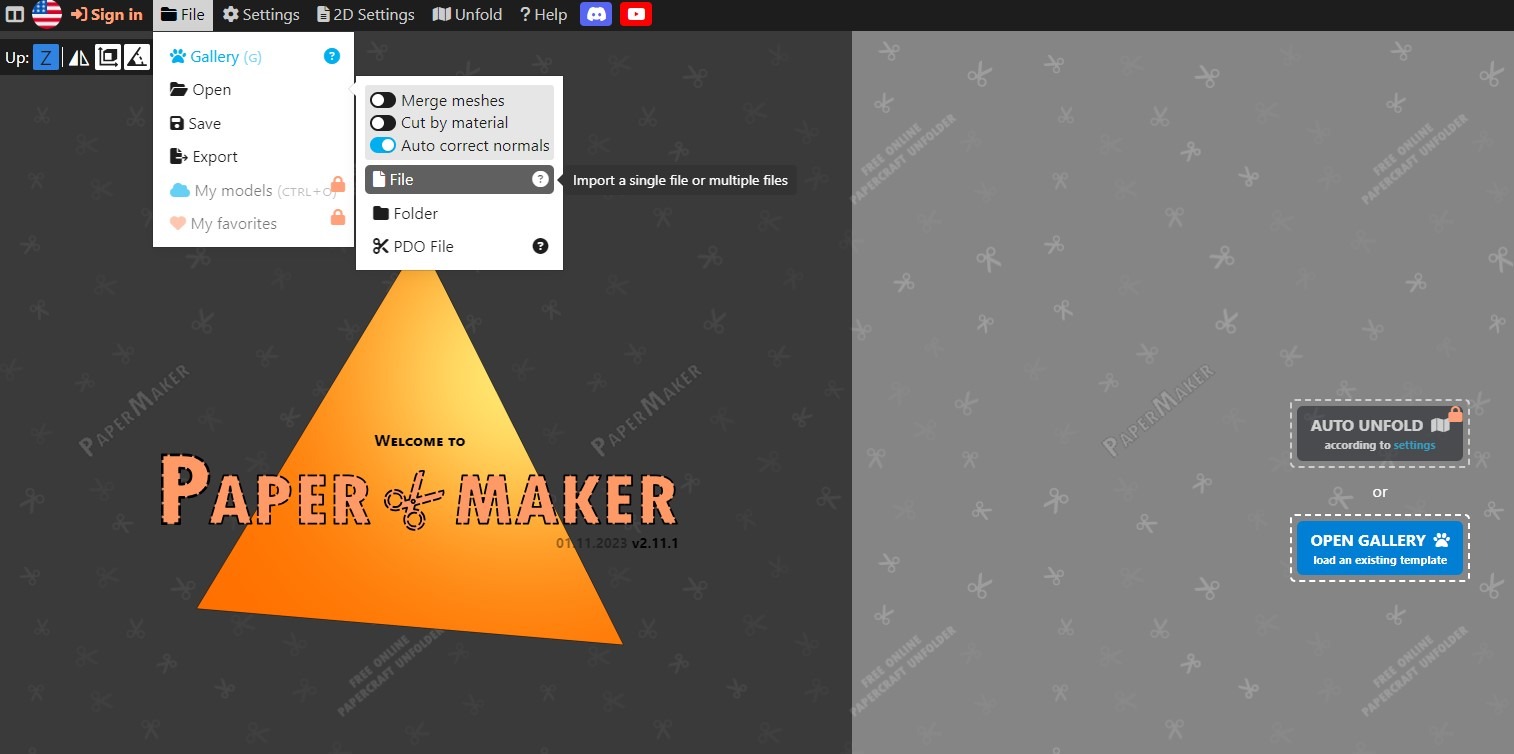
The website looks similar to Pepakura and has similar controls. To upload your file, click on the "File" button.
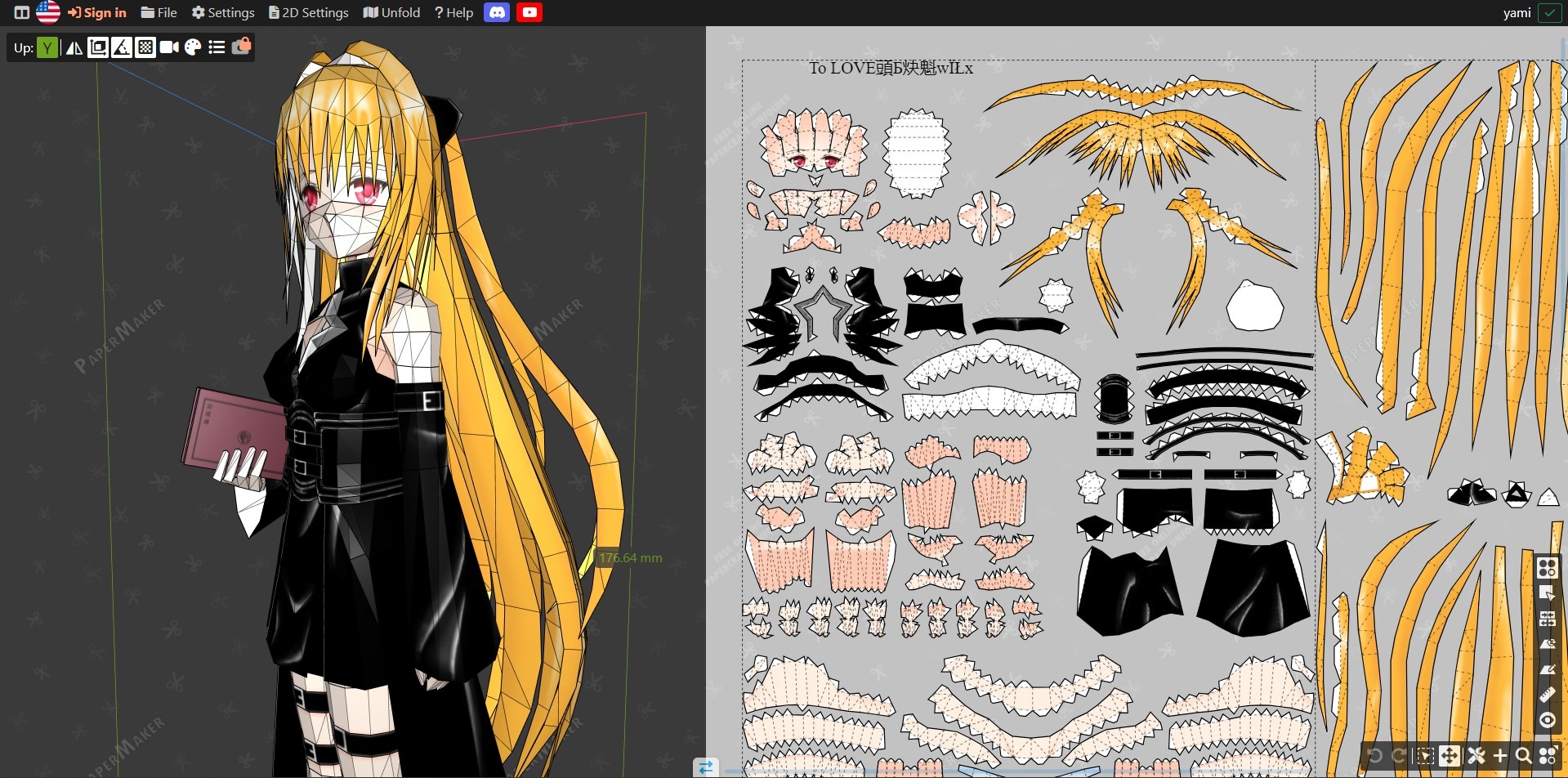
There, you can rotate the model, check where the parts are glued, etc.
There is also a viewer app for Android called Armorsmith Viewer. You can download it from the following link:
https://drive.google.com/drive/folders/10LQr7-BpLhCOtEJn-WdaEgEOVYc5mdVt?usp=sharing
If you download .pdo files from Telegram, the process of opening them should look like this:
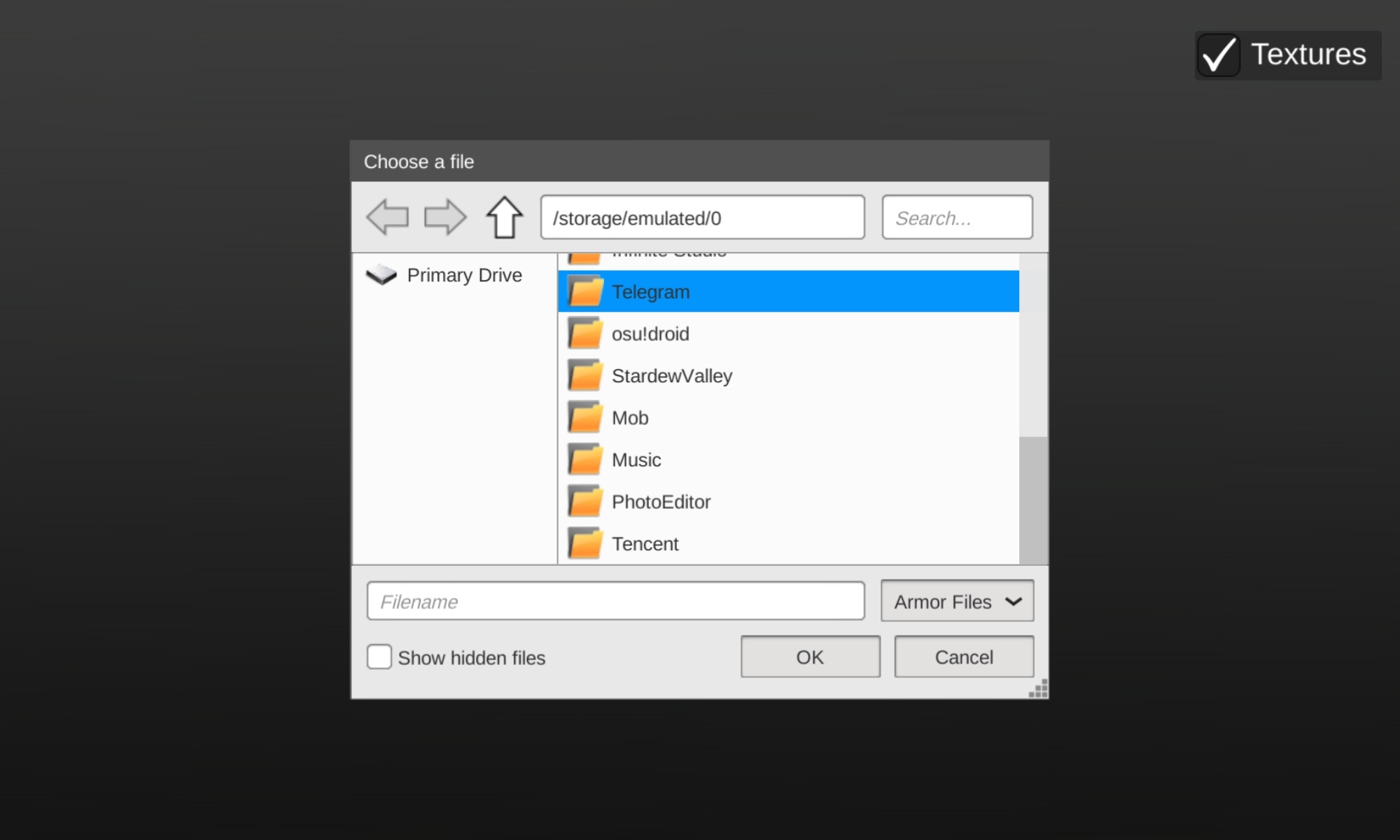
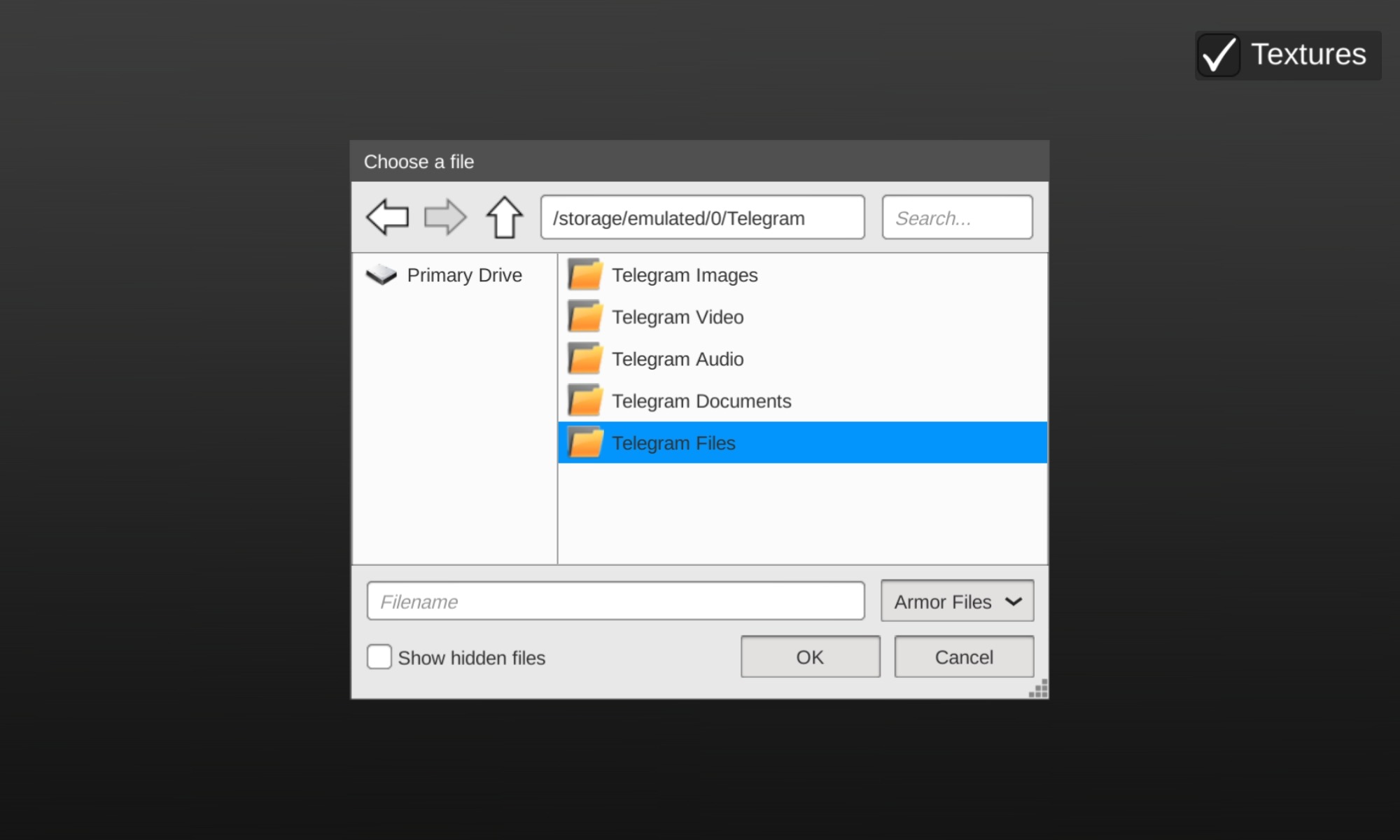
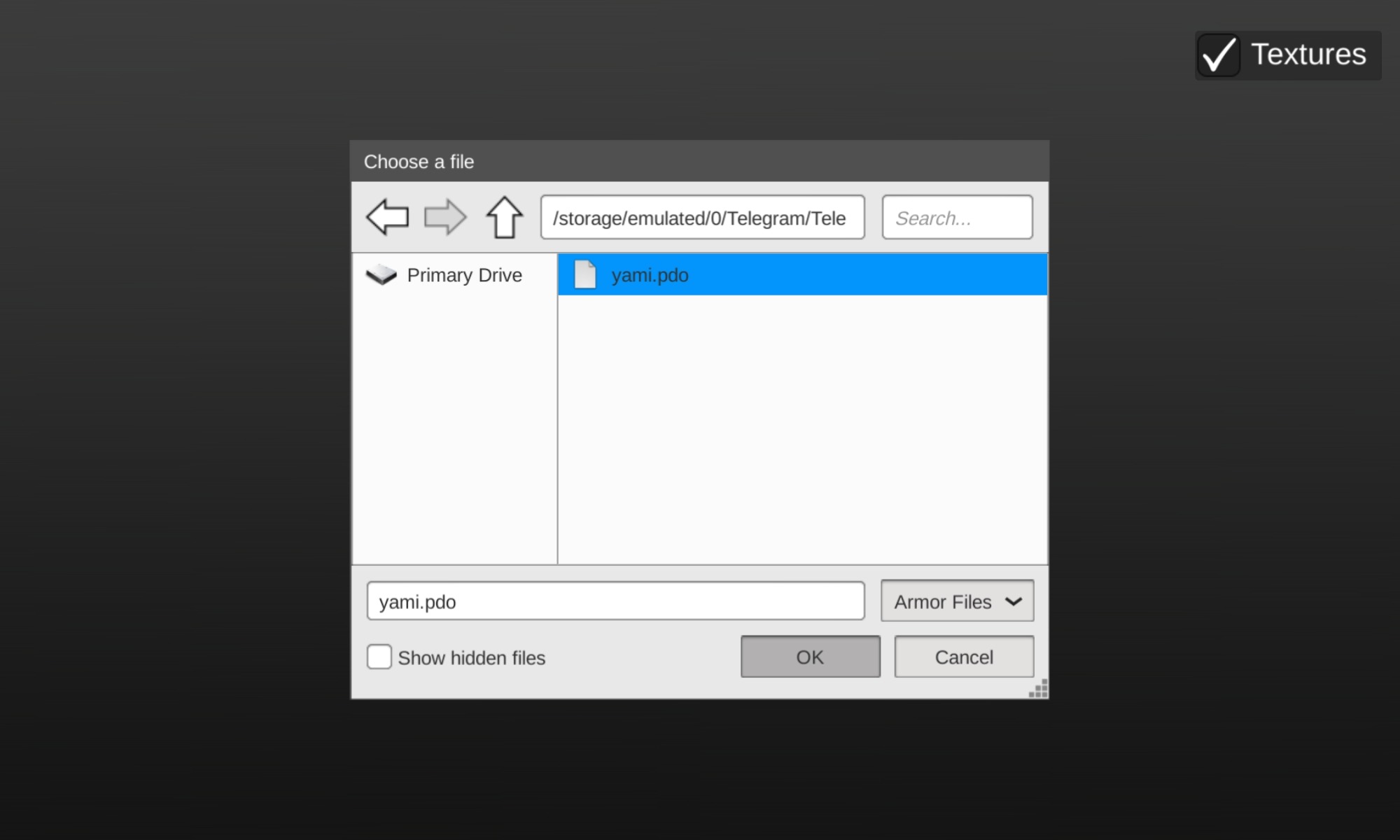
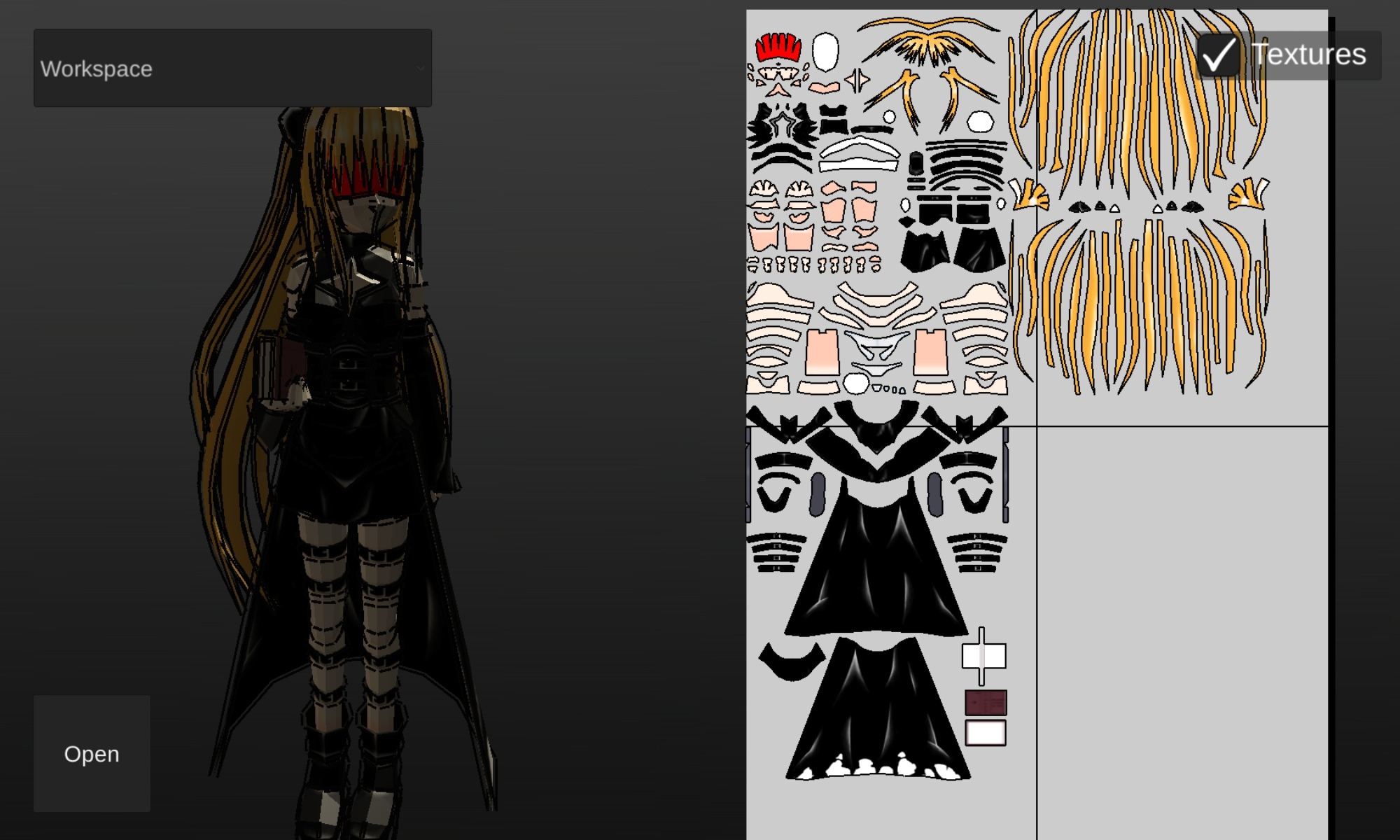
Due to the file size, the app may freeze, but it is okay for assembling. On the familiar left side, I was only able to zoom in on the model (using two fingers), yet the right part with the parts are can also be moved across the screen (with one finger).
When clicking on a part, it is highlighted with red on the model:
Also, don't forget that sometimes you can find video tutorials of assembling a papercraft you need, on YouTube.
Thank you for being there for the papercraft community <З
t.me/animepapercraftpdo