Oxygen OS Pie on Whyred
Mohammed Faisal
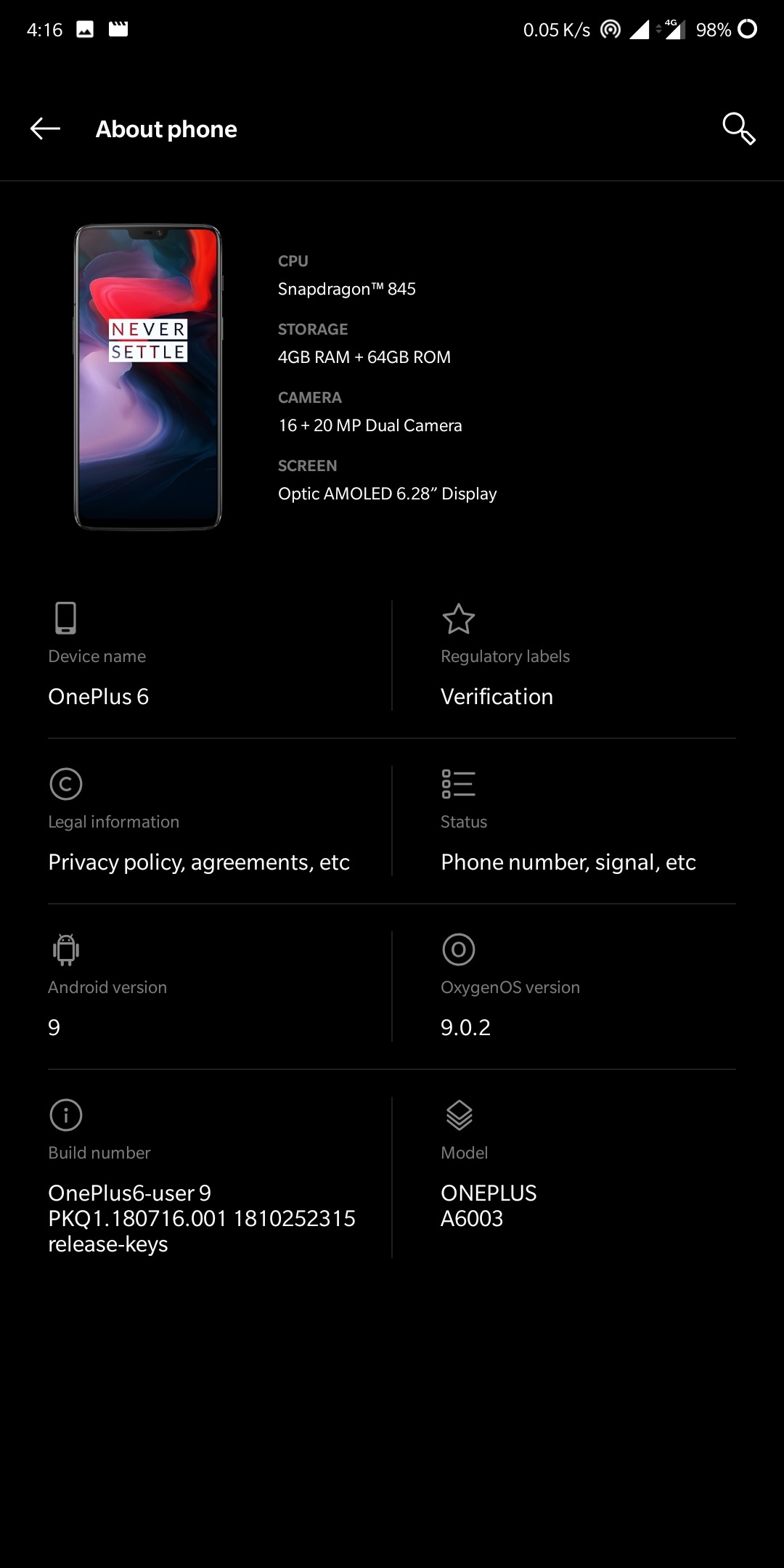
With the push of GSI's we saw Pie Port straight from Pixels and a huge load of Ported Roms (Mtk days are back). One specific ROM for Whyred is Oxygen OS DSSI (Device Specific System Image) made by guzram
Prequistes
1. Redmi Note 5 Pro/AI (Whyred) with Unlocked Bootloader and Custom Recovery
2. Download Rom: http://bit.ly/oos_20181204_whyred_guzram
Optional: If you can live without VoLTE Icon and have deep sleep, Flash this vendor: https://androidfilehost.com/?fid=11410963190603867112
3. Patience (To bear bugs and Boot time)
Steps to flash
1. Boot to Recovery and Clear Cache, Dalvik Cache, System & Data
2. Flash Oxygen OS Rom
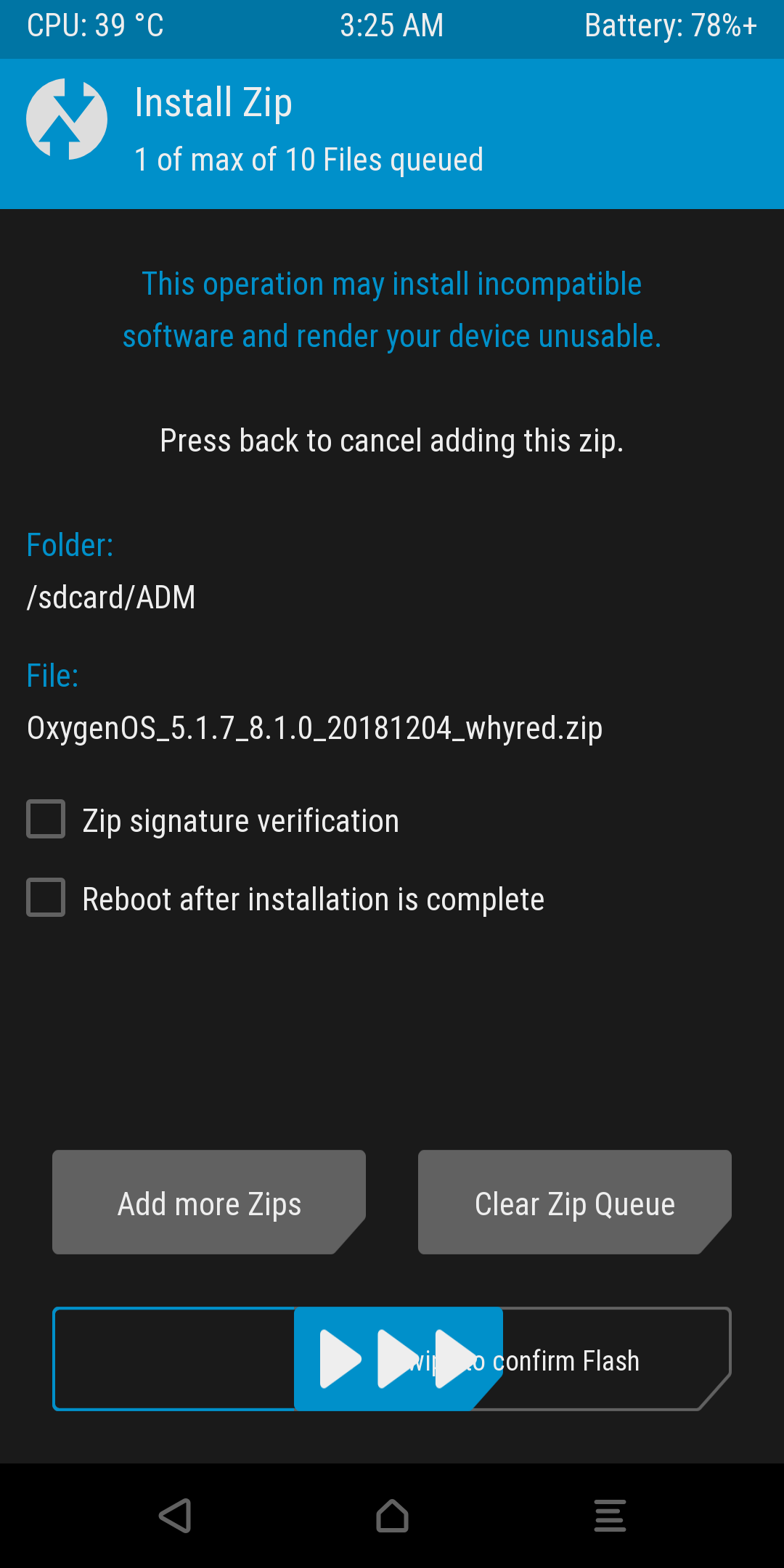
b. Flash Vendor
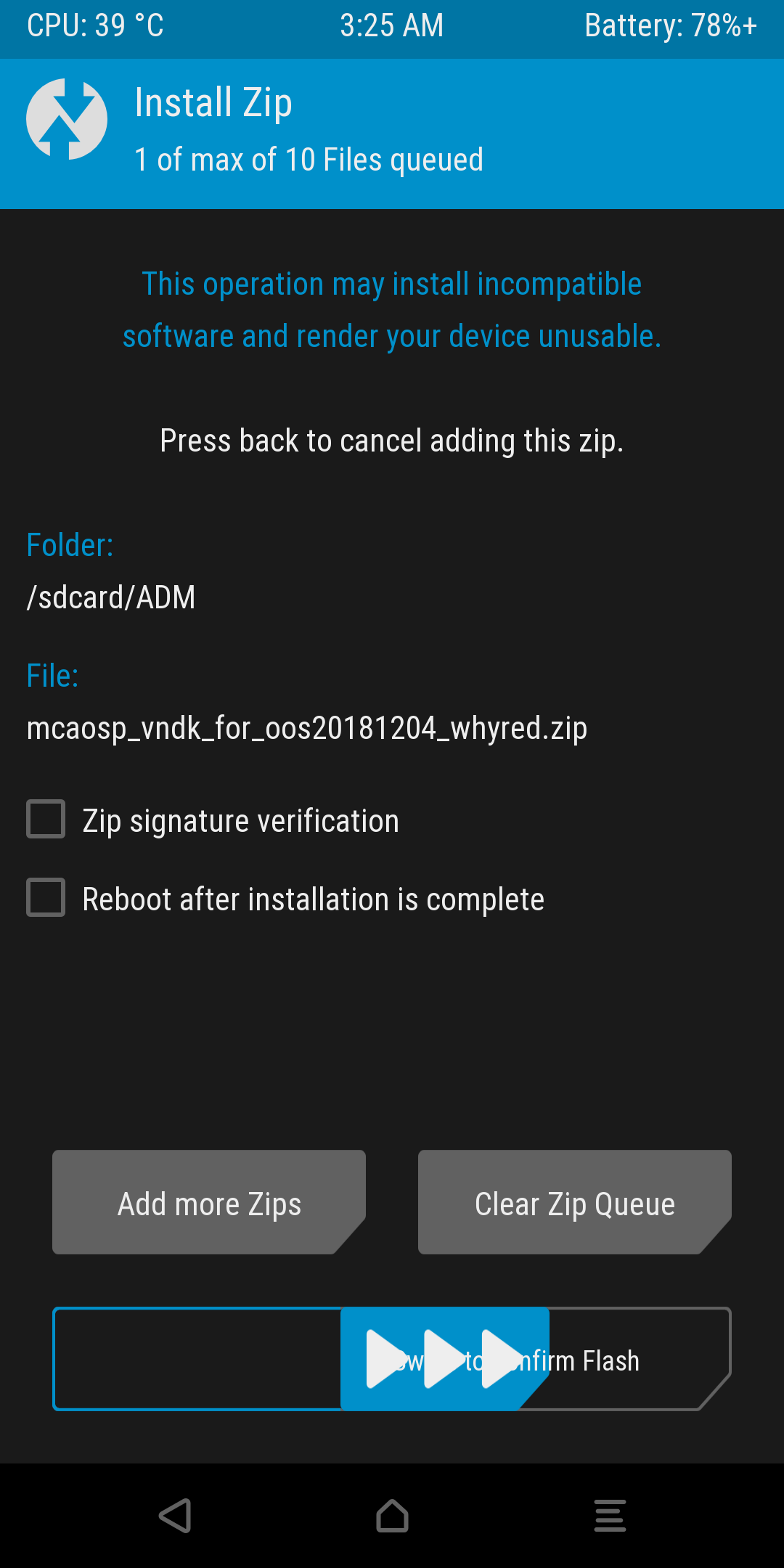
3. Flash Magisk if you need
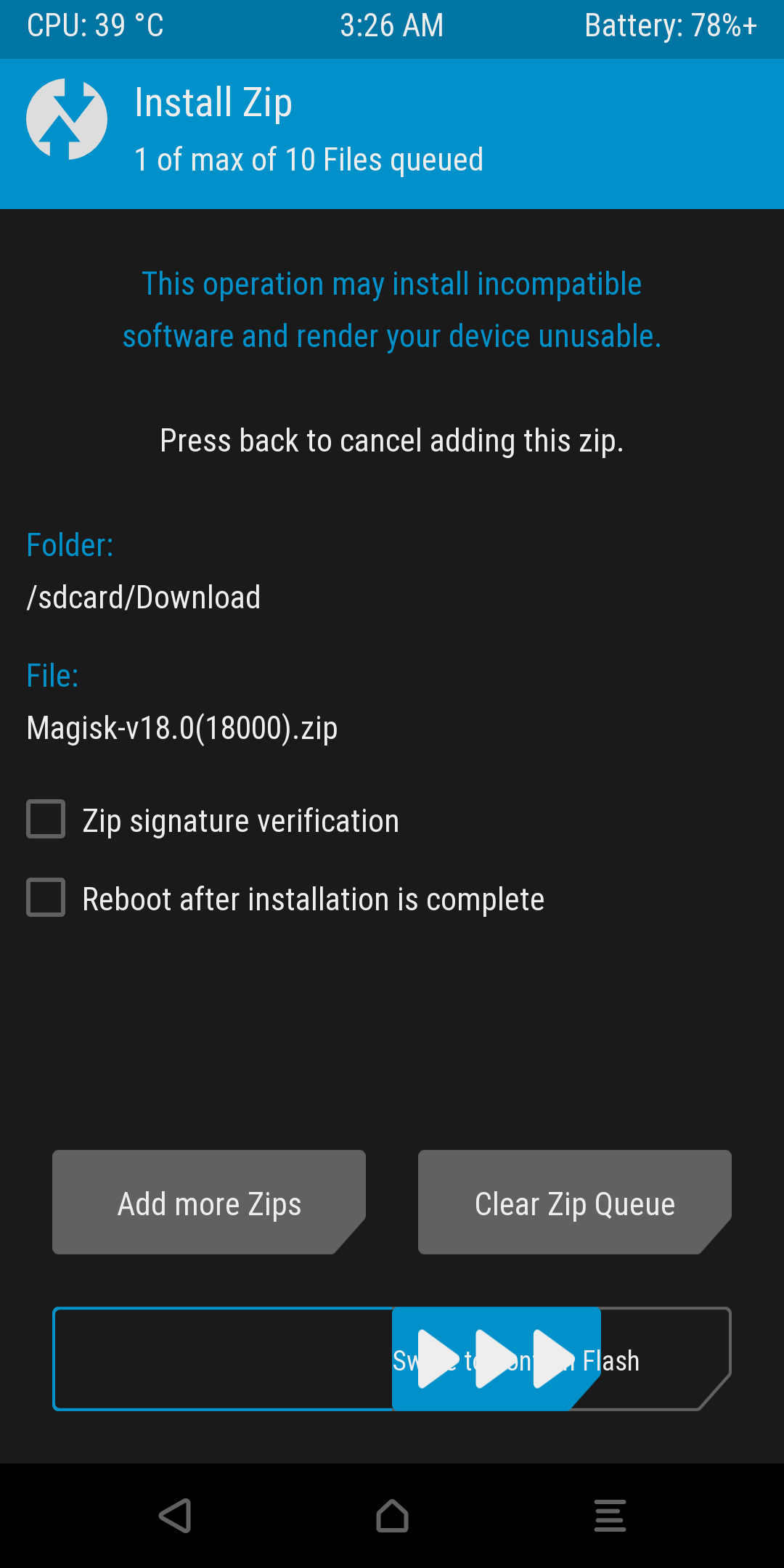
Reboot to system. First Boot may take over 5 minutes
4. Setup Rom and Restore backup (If you have)
Recommended Settings
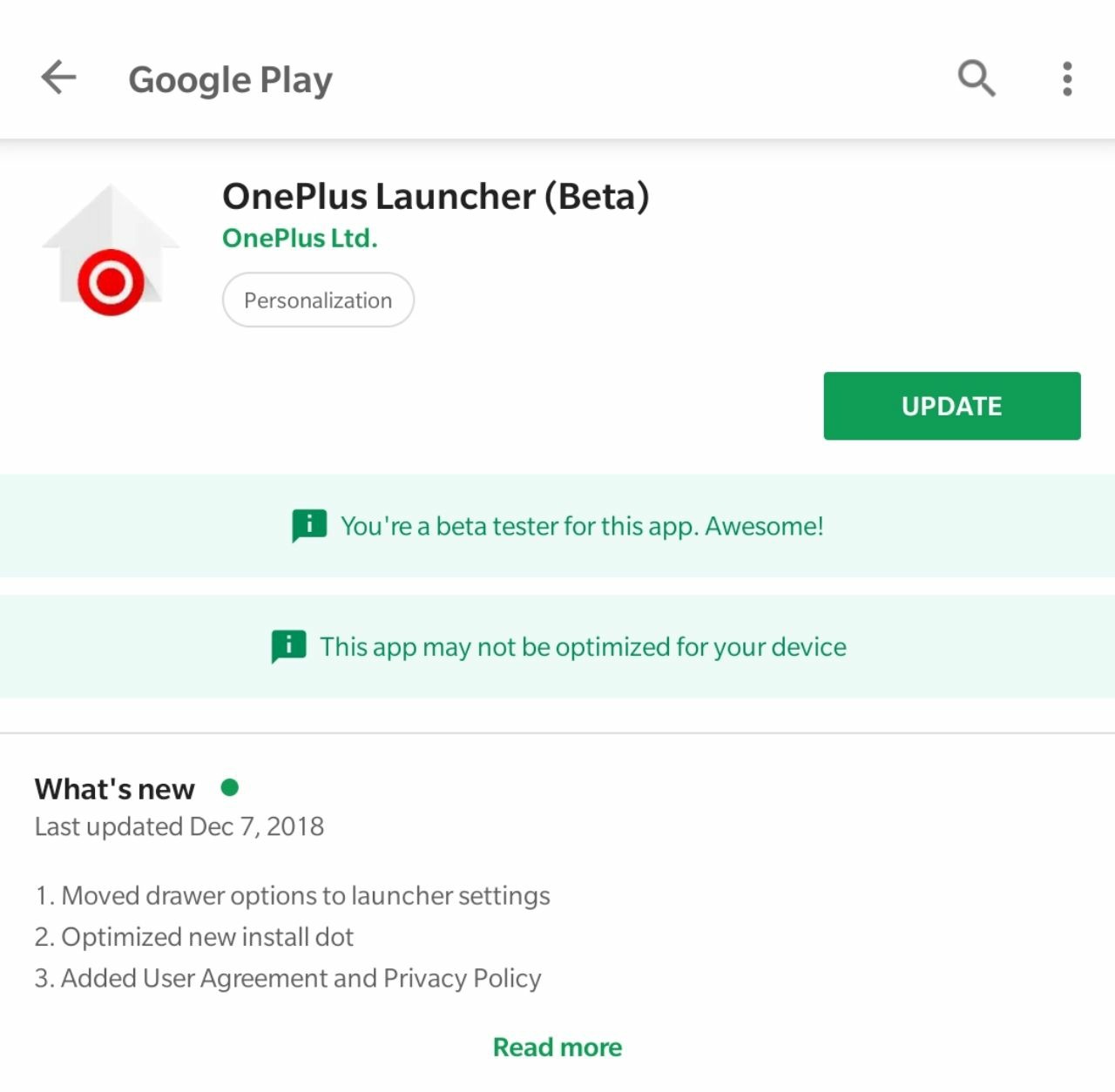
1. Go to Playstore and Update the Oneplus Launcher app
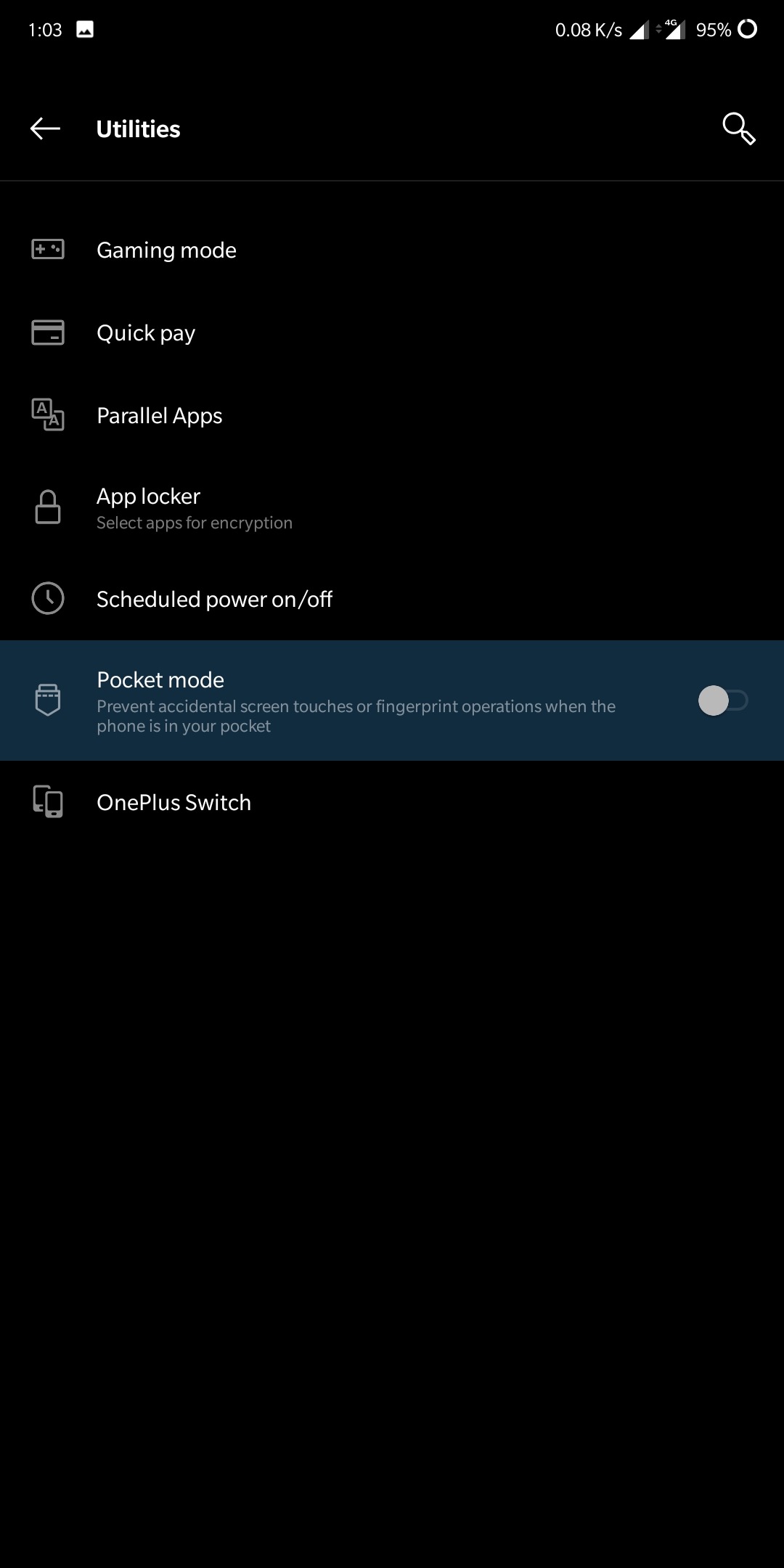
2. Go to Settings - Utilities - Turn off Pocket Mode
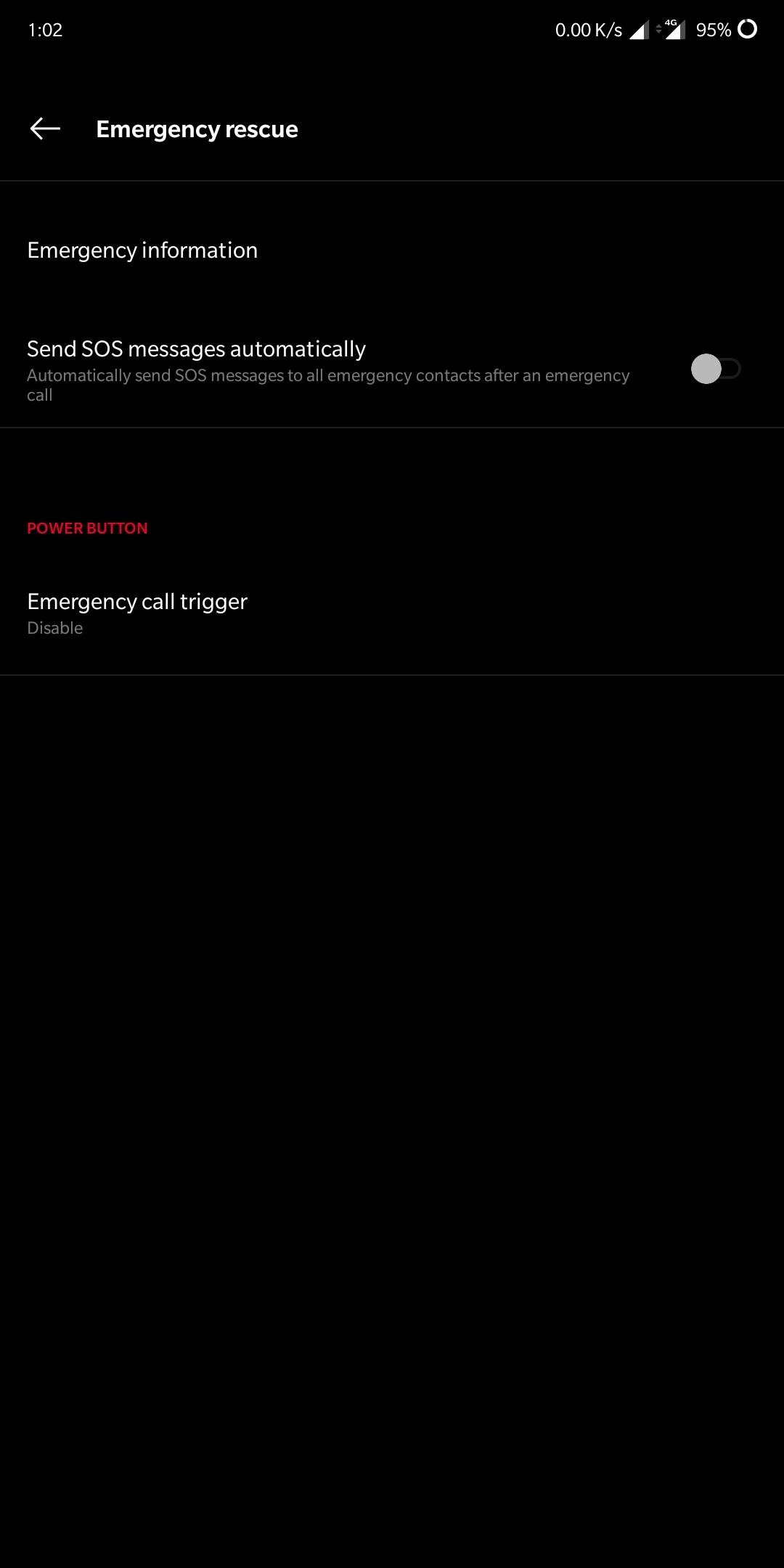
3. Go to Settings - Security & Lockscreen - Emergency Rescue - Emergency Call Trigger - Disable it
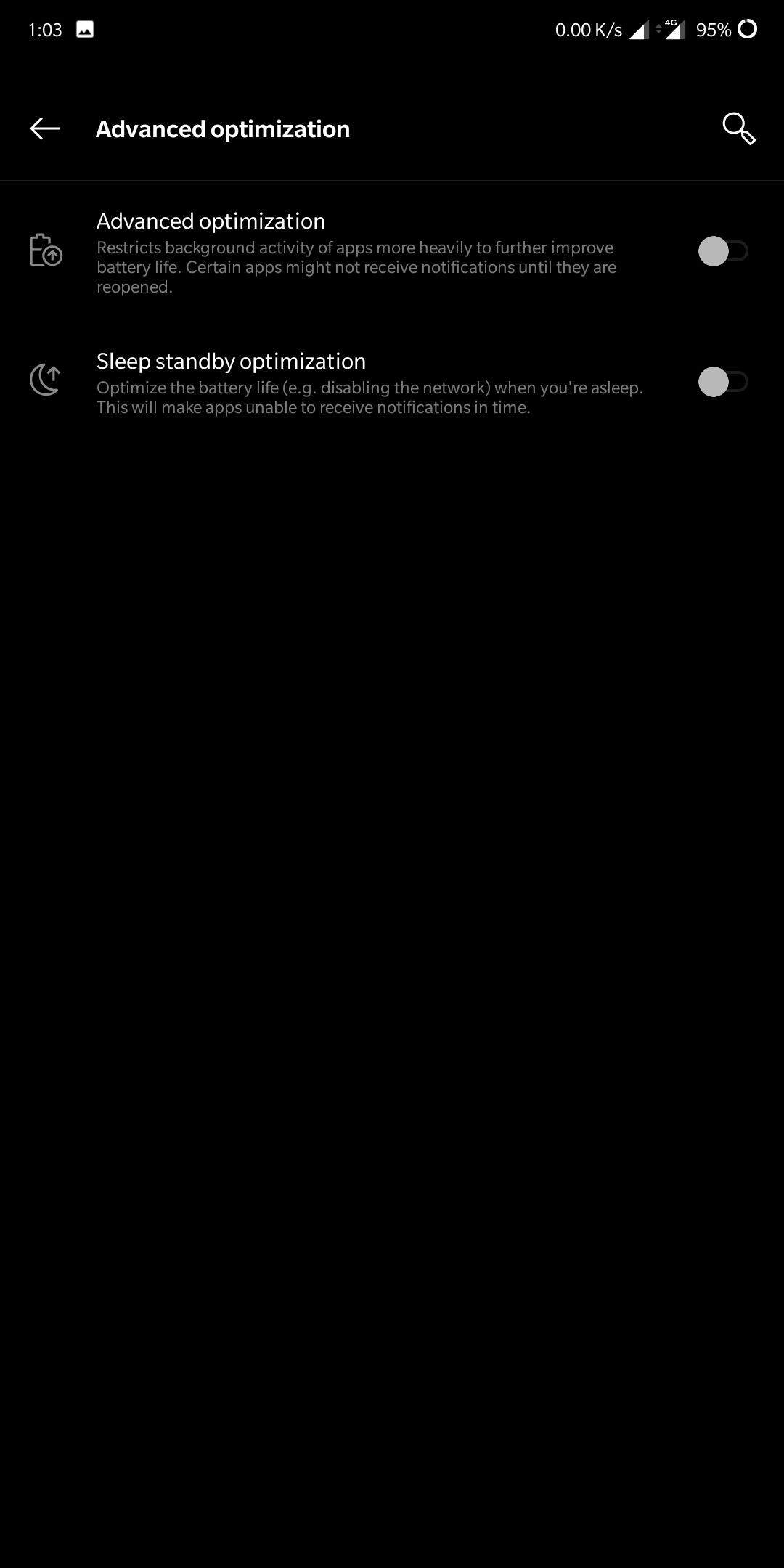
4. Go to Settings - Battery - Battery Optimization - 3 dots on right corner - Advanced Optimization - Disable both options (To Recieve Notification in other apps)
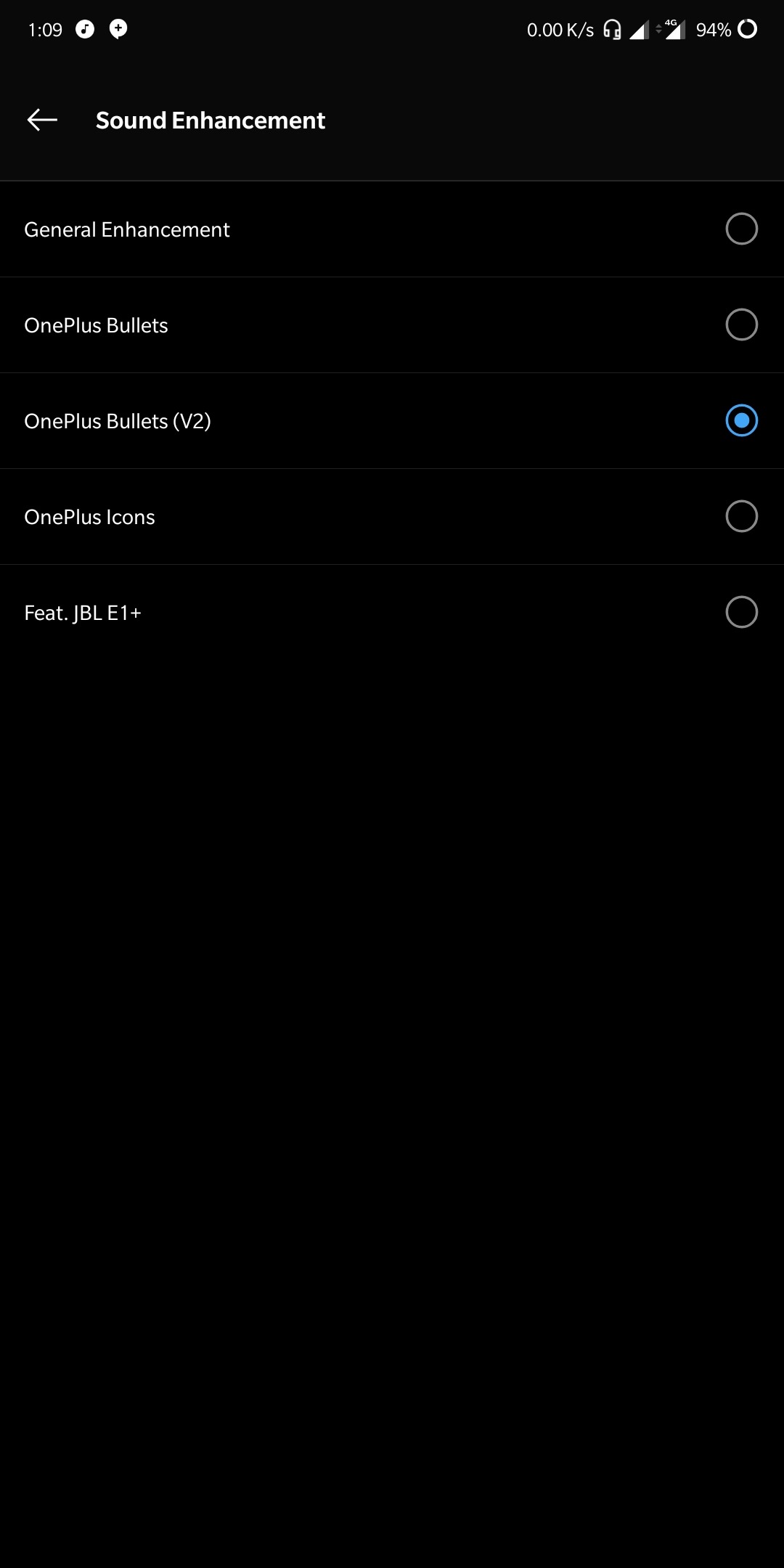
5. For Audio, Plug in earphone, Go to Settings - Sound - Audio Tuner - Sound Enhancement - Choose the preset profile which you like
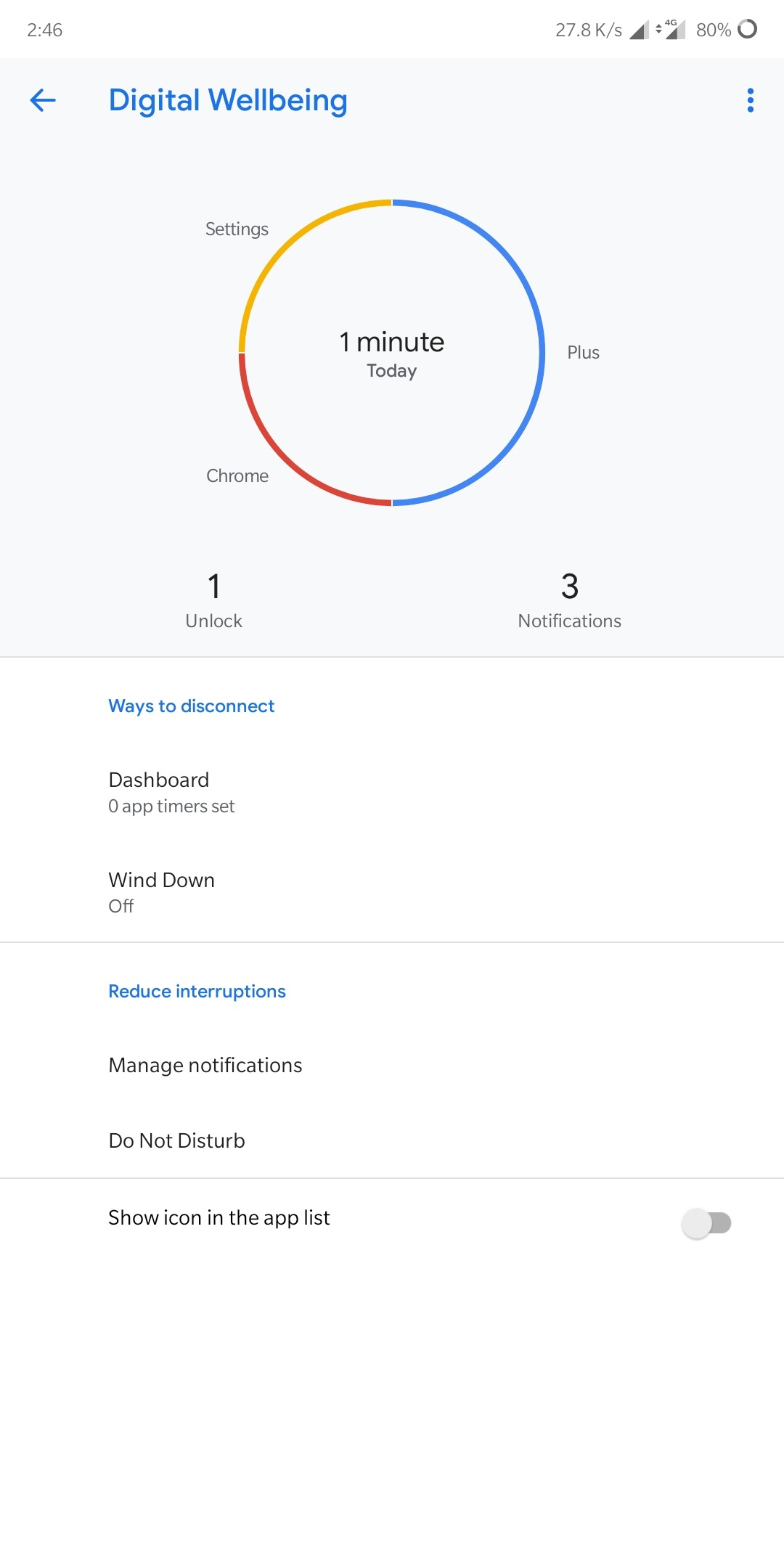
6. To Enable Digital Wellbeing, follow the steps mentioned in this guide: https://forums.oneplus.com/threads/guide-get-android-ps-digital-wellbeing-feature-on-your-oneplus-6.884237/
7. To access Google Feed in place of Oneplus shelf, flash this Modded Oneplus Launcher: https://www.xda-developers.com/oneplus-launcher-oneplus-6-google-feed/amp/
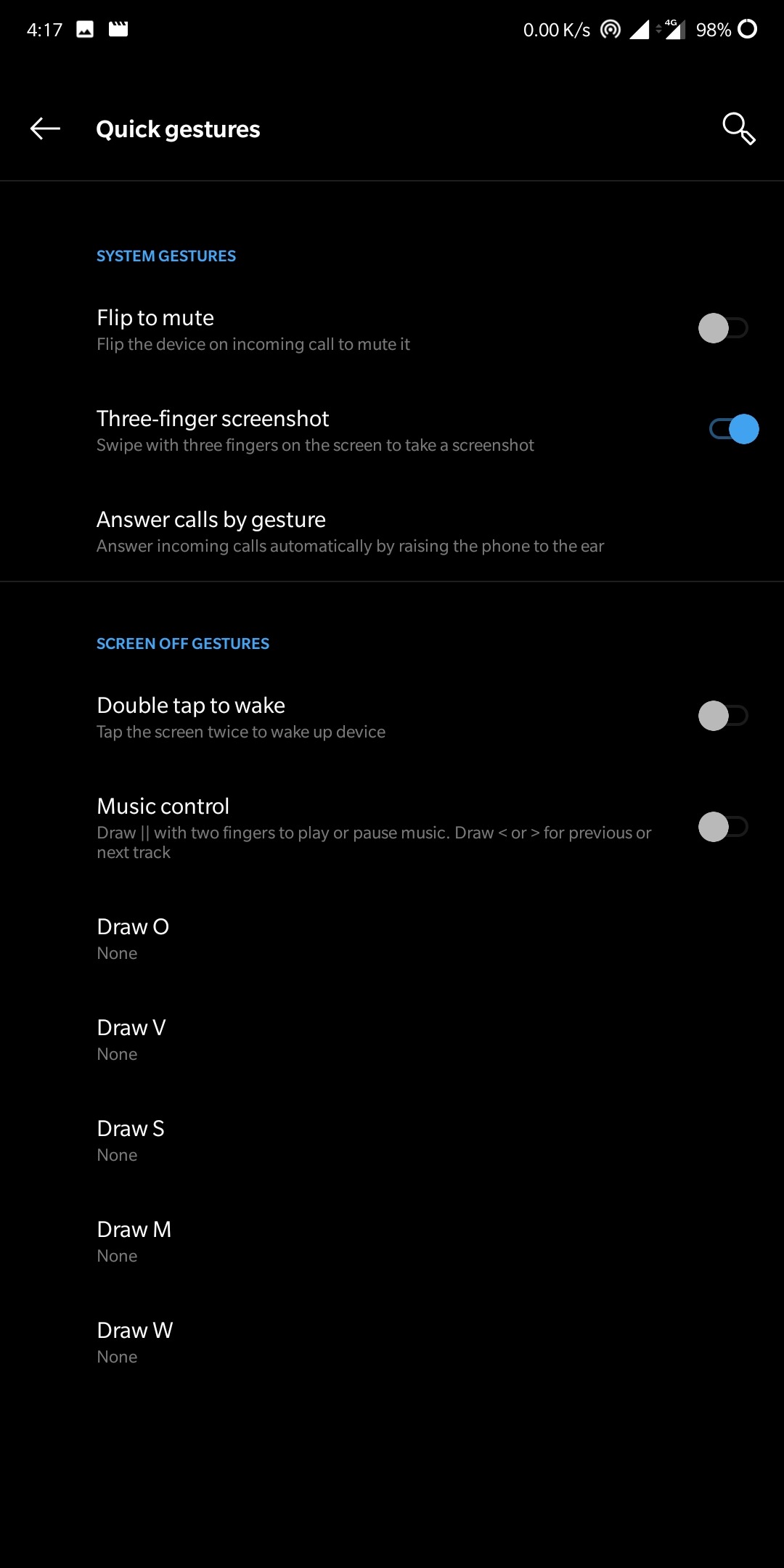
8. To get Three Finger Slide Screenshot (Like MIUI), Go to Settings - Buttons & Gestures - Quick Gestures - Enable 3 Finger screenshot
9. The Rom has api2 enabled, to get Gcam working - Download the latest Arnova
Link: https://www.celsoazevedo.com/files/android/google-camera/dev-arnova8G2/#apk601
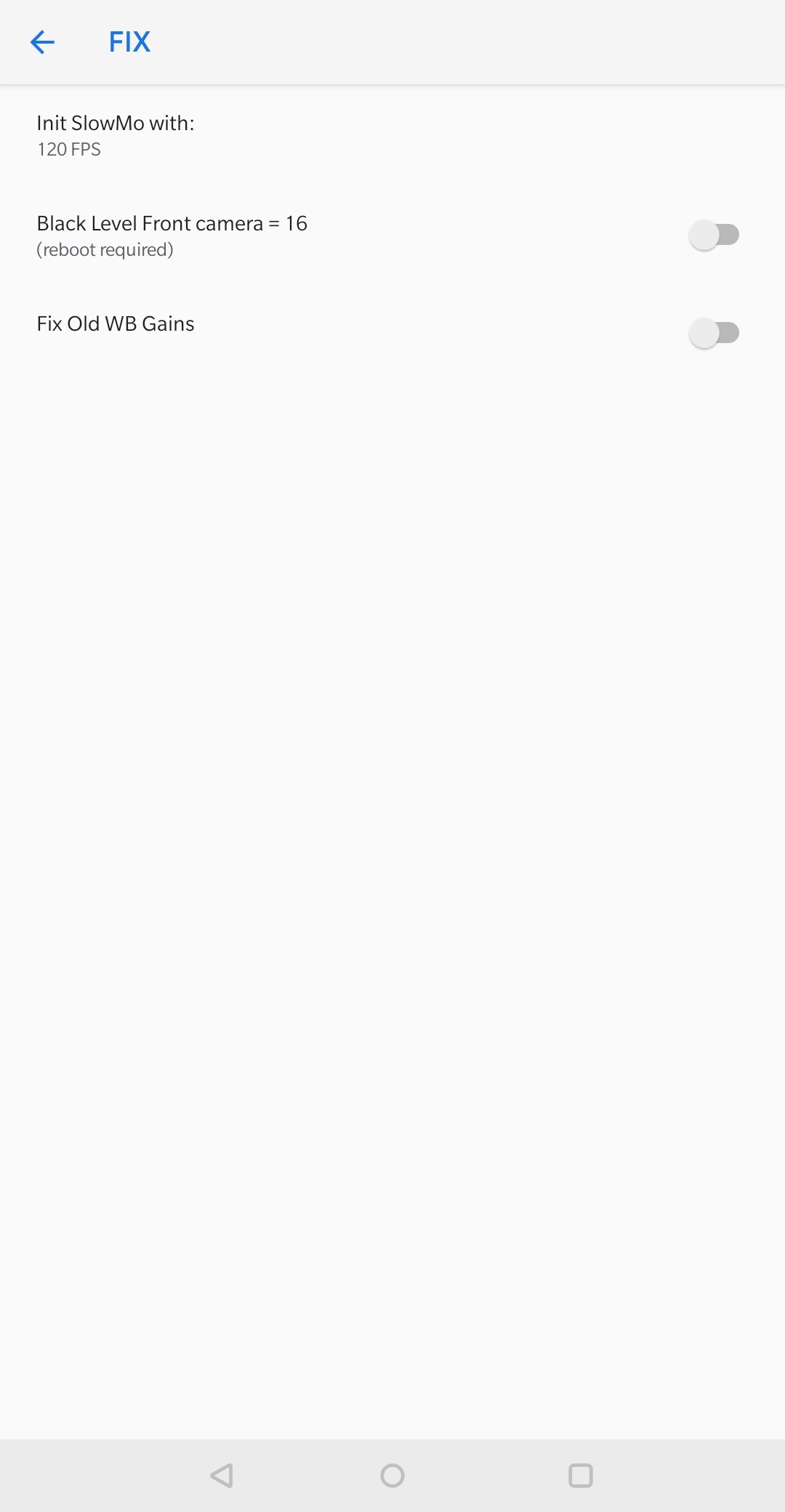
Go to Settings - BSG Settings - FIX - Change Init SlowMo with to 120fps for Slow Motion to work
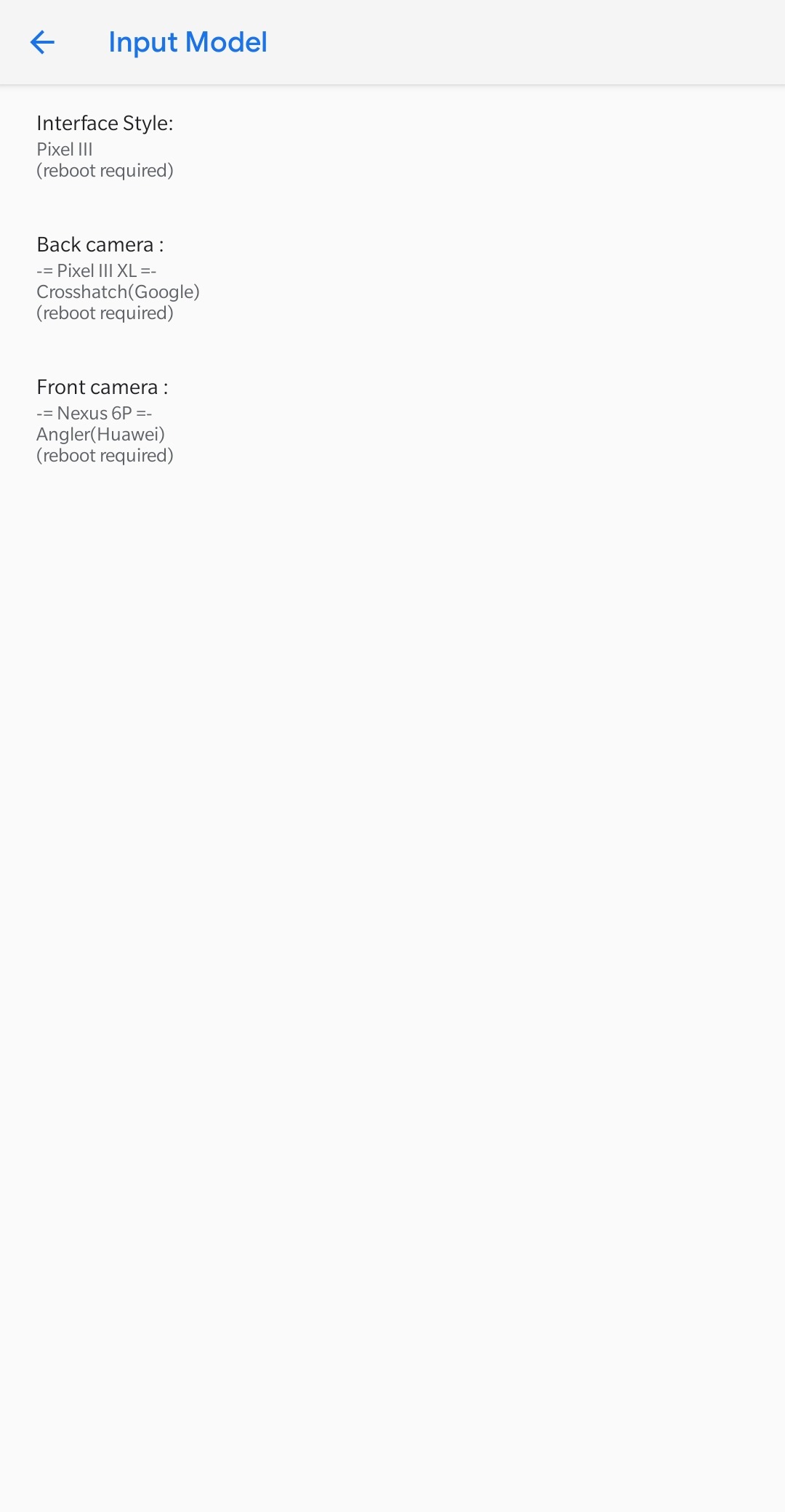
To fix Green tint in front Cam, Go to Settings- BSG Settings - Change Front Camera to Nexus 6P Model and restart camera app
Bugs
a. Camcorder no sound. Panorama, Portrait doesn't work in Stock Cam
b.Some of providers can't send SMS (jio, etc)
c. Power off and Reboot thing is broken in this build (hangs, didn't tested if waiting for long time)
d. Face Unlock/Face Data
e. Reading Mode calibration
f. Ambient Display
g. Stock system updater app
h. Deep sleep hard to achieve as per default (If not flashed vendor)
i. Bluetooth Audio doesn't work
Thanks to Guzram for port & his fixes, Akhil for Derp 3.9 and Follow Guzram's Channel for port Updates: t.me/guzramwrp